Best AI Tools for Developers in 2026: 9 Products Compared


developers staying in their current editor · Starting price: $10 per month
How we put this together: we compare official feature and pricing pages, app store listings, privacy policies and public user reviews. Prices change, so check the provider's site before you pay.
Key takeaways
- GitHub Copilot remains the safest default for developers who want AI inside an editor they already use.
- Cursor and Windsurf suit developers who want multi file edits and agent style work, and are willing to switch editors.
- Codeium and Amazon Q Developer offer strong free entry points, which makes them good first tests for a team.
- Tabnine and Sourcegraph Cody fit teams with strict privacy or large codebase needs, rather than solo speed alone.
- No tool here replaces code review, tests, or an understanding of the system being changed.
Quick comparison
| Name | Who it suits | Starting price | Free option | |
|---|---|---|---|---|
| GitHub Copilot | developers staying in their current editor | $10 per month | Yes | Visit |
 Cursor | AI first editing and multi file work | $20 per month | Yes | Visit |
 Windsurf | agent style editing at a lower price | $15 per month | Yes | Visit |
 Codeium | free unlimited style completions | Free | Yes | Visit |
 Claude Code | complex refactors in the terminal | See website | Yes | Visit |
 Tabnine | privacy sensitive teams | $12 per month | Yes | Visit |
 Amazon Q Developer | AWS focused teams | Free | Yes | Visit |
 Sourcegraph Cody | large codebase context | $9 per month | Yes | Visit |
 JetBrains AI | JetBrains IDE users | See website | Free trial | Visit |
The best AI tools for developers
AI developer tools now cover completions, chat, multi file edits, and agent runs that change code across a project. We compared tools that are live in October 2026, work in real editors or terminals, and fit daily development work. The order reflects fit for a stated workflow, not a claim that one tool wins every task.
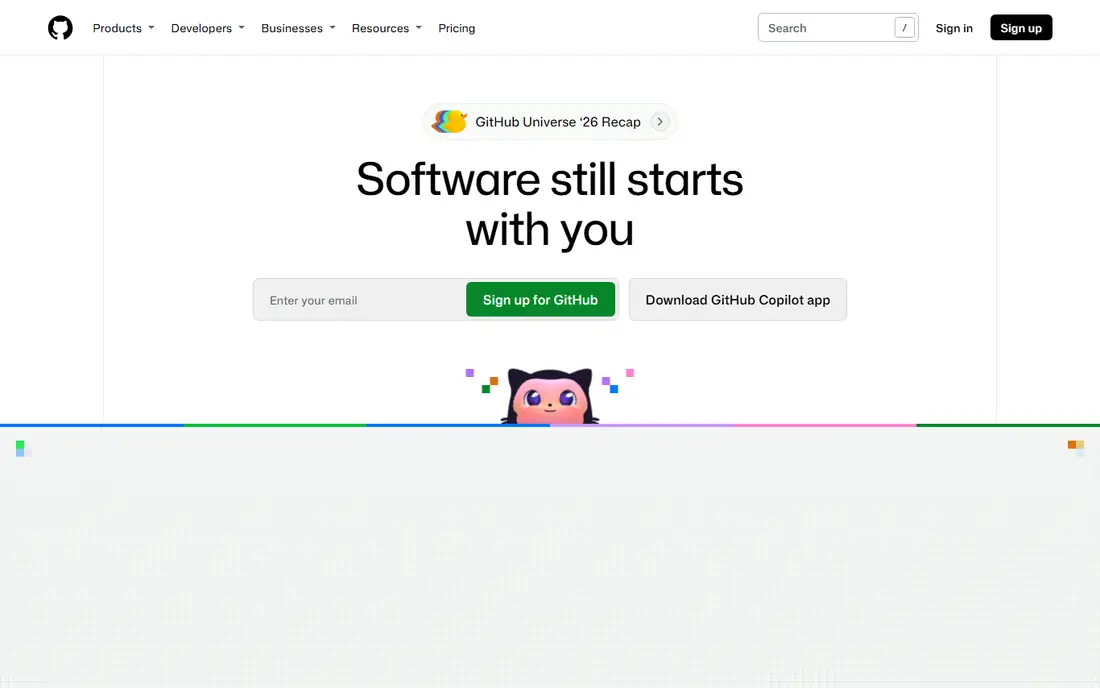
Copilot is the low risk starting point for most developers. It adds completions and chat to the editor you already use, so there is no new workflow to learn before you see value. The suggestions are strongest on common patterns, boilerplate, and well known libraries, which is where many developers spend a large share of time.
The limit is scope. Copilot is excellent at the file in front of you, and less distinctive when a task spans dozens of files and needs a plan. Review every suggestion, run tests, and keep the tool as an assistant for routine code. For teams that need a stable, widely supported tool, that balance is exactly right.
- Works in VS Code, JetBrains, Visual Studio, and Neovim
- Strong inline completions and chat
- Large community and docs
- Free tier is limited for heavy daily use
- Multi file agent work is less central than in Cursor
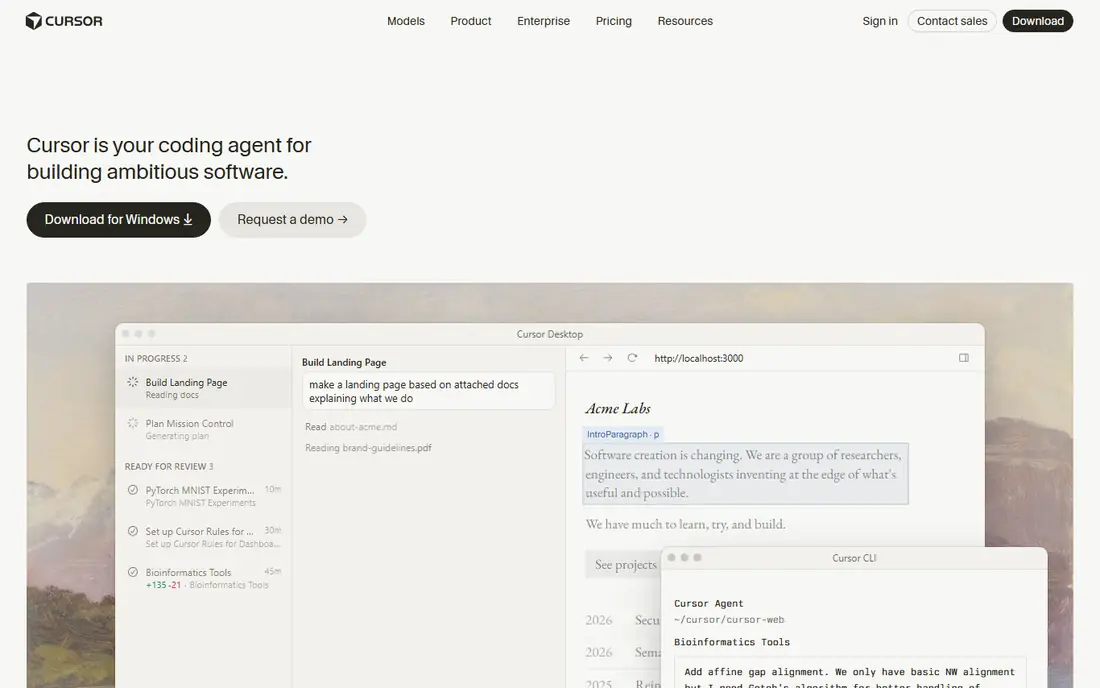
Cursor rebuilds the editor around AI, rather than adding AI to an existing editor. You can ask about the whole codebase, edit across files in one pass, and let an agent run a larger task with your review. Developers who do refactors, migrations, and feature work across many files often find that workflow faster than file by file completions.
The cost is change. You move to a new editor, learn its shortcuts, and check how it handles your extensions and settings. Peak time delays can also occur. If you write code all day and multi file work is your norm, Cursor is worth a trial. If you mainly need completions, Copilot or Codeium may give similar value for less.
- Codebase wide chat and multi file edits
- Inline editing with keyboard commands
- Agent mode for larger tasks
- $20 per month is a real cost for solo developers
- Switching editors takes adjustment time
Windsurf, formerly Codeium, offers an AI native editor with agent style Cascade flows at $15 per month. It suits developers who want Cursor style multi file work without the $20 price tag. The free tier lets a developer test the editor on a real project before paying, which is a fair way to judge agent tools.
Community size is the main gap. Fewer tutorials and fewer shared setups exist than for Copilot, so teams may need to build their own guidance. For a solo developer or a small team that wants agent editing on a budget, Windsurf is a strong middle option between free completions and a premium editor.
- Agent flows for multi file changes
- Lower price than Cursor
- Usable free tier for testing
- Smaller community than Copilot
- Some features are newer and still settling
Codeium is the best free first step on this list. Individuals can get completions and chat without paying, across a wide set of editors and languages. That makes it ideal for students, hobby developers, and teams that want to test AI assistance before buying seats.
Paid tiers add team and enterprise features, but the free plan alone covers daily completion work for many developers. The catch is depth on complex or domain specific code, where a premium model may suggest better code. Start free, measure how often you accept suggestions, and upgrade only if a paid tool clearly beats it on your own codebase.
- Free plan for individuals with completions and chat
- Supports many editors and languages
- Low risk way to start with AI coding
- Agent and team features are paid
- Completions can be less sharp on unusual code
Claude Code suits tasks that need thinking before typing. Untangling a race condition, planning an API migration, or building a feature from a vague brief are jobs where a terminal agent that reads the repo and works step by step can help. It runs commands, edits files, and shows its work, so a developer can review each change.
It is not a drop in replacement for inline completions. You drive it deliberately, give it a clear task, and review diffs carefully. Teams that already use Claude plans will find the entry easiest, while others should check current plan pricing. Use it for hard tasks, and keep a completion tool for routine typing.
- Strong reasoning on long and complex tasks
- Works in the terminal across a repo
- Reads and edits files directly
- It is an agent tool, not a passive completion plugin
- Costs depend on the Claude plan and usage
Tabnine fits organisations that must control where code goes. It offers deployment options that keep code inside company systems, which matters for firms with strict security rules or client contracts. Completions are solid for routine code, and IDE support is broad.
Teams that want the latest agent workflows may find Tabnine less ambitious than Cursor or Windsurf. That is a fair trade when privacy is the main requirement. If your company has a written rule about code leaving its network, shortlist Tabnine first and test it against your own repos before looking at cloud only tools.
- Privacy focused options including on premise style deployment
- Works in many IDEs
- Code aware completions
- Less strong on agent style multi file work
- $12 per month adds up across a large team
Amazon Q Developer is the natural pick for teams that build mainly on AWS. It can help with AWS services, explain infrastructure code, and suggest code in IDEs, with a free tier for individuals. Developers who spend their day in Lambda, EC2, or other AWS services will get more relevant help than from a general tool alone.
Outside AWS, the advantage fades, and a general tool may be a better main pick. Use Q Developer as a second tool for AWS questions, or as a main tool if AWS is your core platform. Check the current free tier limits, since heavy agent use may need a paid tier.
- Free tier for individuals
- AWS service knowledge built in
- Chat and code help inside common IDEs
- Value drops outside AWS work
- Advanced team features are paid
Cody stands out when the problem is finding and understanding code, not just writing it. Sourcegraph search across a large codebase gives Cody context that a single file tool lacks, so answers about where a function is used or how a system fits together are more reliable. That helps new joiners and teams working on monorepos.
Setup is the trade off. Teams get the most when Sourcegraph indexes their repos well, which takes some setup time. Solo developers on a small repo may not need that depth. For large teams, though, codebase context is often the missing piece, and Cody fills it well at $9 per month.
- Strong search across large repos
- Answers grounded in codebase context
- Works with major editors
- Best value needs Sourcegraph setup
- Less of an all in one editor than Cursor
JetBrains AI suits developers who already live in IntelliJ IDEA, PyCharm, WebStorm, or another JetBrains IDE. The AI works inside the tools, shortcuts, and project model they already know, so adoption is smooth. Completions, chat, and refactoring help fit the JetBrains workflow rather than forcing a new editor.
The main task before buying is pricing. JetBrains AI plans and bundles change, so check the current page for the IDE and plan you use. If you are already paying for JetBrains tools, the AI add on may be the simplest upgrade. If you use VS Code, Copilot or Cursor will be a more natural fit.
- Native AI inside IntelliJ, PyCharm, and other JetBrains IDEs
- Code aware chat and completions
- No editor switch needed
- Pricing varies by plan and needs a check
- Less of a standalone agent editor than Cursor
How we picked these
We started with AI tools that are live in October 2026 and work in a real editor, terminal, or IDE for daily development. Each tool had to offer code completions, chat, or agent edits, not just a chat window with no code context. We checked vendor pricing pages for entry prices and free tiers, and we used See website where pricing depended on a broader plan or usage.
We then ranked by workflow fit. A completion tool, an agent editor, and a codebase search tool solve different problems, so a single ranked list by feature count would mislead. We left out tools that only generate full apps from a prompt with no editor workflow, and tools we could not verify as live products.
How to choose without wasting a month
A tool trial should test your own code, not a demo repo. Use this guide to run a fair two week test on two shortlisted tools.
Test on your own repo
Pick three real tasks: a routine feature, a bug fix, and a refactor that touches several files. Run each task with each tool, and note time, accepted suggestions, and bugs found in review. A tool that shines on a demo may struggle on your legacy code, and only your repo reveals that.
Measure review cost, not just speed
Faster typing is not the same as faster delivery. Count how many suggestions you had to fix, how many tests failed, and how long review took. A tool that writes plausible but wrong code can cost more time than it saves, especially on security sensitive or payment code.
Check privacy and data rules first
Read the vendor data policy before a team trial, and ask where code is stored and whether it trains models. Tabnine and enterprise tiers of other tools offer stronger controls, but the default plan may not match your company policy. Get security approval early, not after staff have pasted code into a trial.
Set a team standard for AI code
Agree that AI code must pass tests, pass review, and follow the same style rules as human code. No AI change should merge without a human reading the diff. That rule keeps speed gains real, and it protects the codebase when a tool suggests an outdated library or an unsafe pattern.
Frequently asked questions
What is the best AI tool for developers in 2026?
GitHub Copilot is the best default for most developers, because it works in the editors they already use and covers completions and chat well. Cursor is better for multi file agent work, and Codeium is the best free starting point. The right pick depends on whether you need completions, agent edits, or codebase search most.
Is there a free AI coding tool that actually works?
Yes. Codeium offers a free plan for individuals, and Amazon Q Developer and Windsurf also offer free tiers. Free plans cover completions and chat for daily work, but agent features, higher limits, and team controls usually need a paid plan. Test a free tool on your own repo before paying for a premium one.
Is Cursor better than GitHub Copilot?
Cursor is better for multi file edits, codebase chat, and agent style tasks, while Copilot is better for staying in your current editor with stable completions. If you are willing to switch editors and do large refactors often, Cursor wins. If you want minimal change to your workflow, Copilot wins.
Can AI tools replace developers?
No. These tools speed up boilerplate, suggest code, and help with refactors, but they do not understand business rules, system design, or long term maintenance trade offs on their own. Developers still plan, review, test, and own the code that ships.
How much should a solo developer pay for AI coding tools?
Many solo developers do well on a free plan from Codeium or Amazon Q Developer. If you code daily, $10 per month for Copilot or $15 per month for Windsurf is a reasonable next step. Pay $20 per month for Cursor only if multi file agent work is a large part of your week.
Which AI tool is best for privacy sensitive teams?
Tabnine is the strongest pick here, because it offers deployment options that keep code inside company systems. Enterprise tiers of Copilot and other tools also add controls, but Tabnine makes privacy the central selling point. Check the vendor data policy and your company rules before a team rollout.
Sources we checked (9)

Online Jobs is an independent blog about careers, online work, learning new skills and the tools that help people earn. More about us.
Keep reading
All posts
Replit Alternatives
Replit alternatives for 2026 compared: browser coding, AI app builders and team workspaces, with free plans, limits and honest trade-offs for developers.

Docker Alternatives
Compare Docker alternatives for 2026, with Podman, Rancher Desktop, OrbStack, containerd, Colima, Finch, Portainer and Kubernetes on cost, fit and licensing.

Best Platform for Data Science
Compare the best platform for data science for teams and solo analysts, with notebooks, AutoML, governance and open source options for 2026 projects today.