Best AI Tools for Creating Presentations in 2026: 8 Tools Compared

How we put this together: we compare official feature and pricing pages, app store listings, privacy policies and public user reviews. Prices change, so check the provider's site before you pay.
Key takeaways
- Gamma is the fastest prompt-to-deck tool in this list, with a real free tier and web sharing built in.
- Beautiful.ai suits teams that need layout discipline and brand consistency enforced automatically.
- Canva suits people who already design in Canva and want templates plus AI help in one place.
- Plus AI and SlidesAI suit teams that must deliver editable PowerPoint or Google Slides files, while Copilot suits Microsoft 365 teams.
Quick comparison
| Name | Who it suits | Starting price | Free option | |
|---|---|---|---|---|
 Gamma | Fast prompt-to-deck | $10 per month | Yes | Visit |
 Beautiful.ai | Corporate decks with layout control | $12 per month | Free trial | Visit |
 Canva | Templates and design control | $15 per month | Yes | Visit |
 Pitch | Collaborative team decks | $10 per month | Yes | Visit |
 Plus AI | AI inside PowerPoint and Slides | $10 per month | Free trial | Visit |
 SlidesAI | Text to Google Slides | $10 per month | Yes | Visit |
 Microsoft Copilot | AI inside PowerPoint | See website | No | Visit |
 Presentations.AI | Instant decks from a prompt | See website | Yes | Visit |
The best ai tools for creating presentations
AI presentation tools differ in one key way: where the finished deck has to live. Some tools create a web-native deck you share as a link, while others create a real PowerPoint or Google Slides file you can edit and send. That export question matters more than small differences in AI quality, so this list covers both types. We compared official pricing pages, feature pages and public guides to build it.
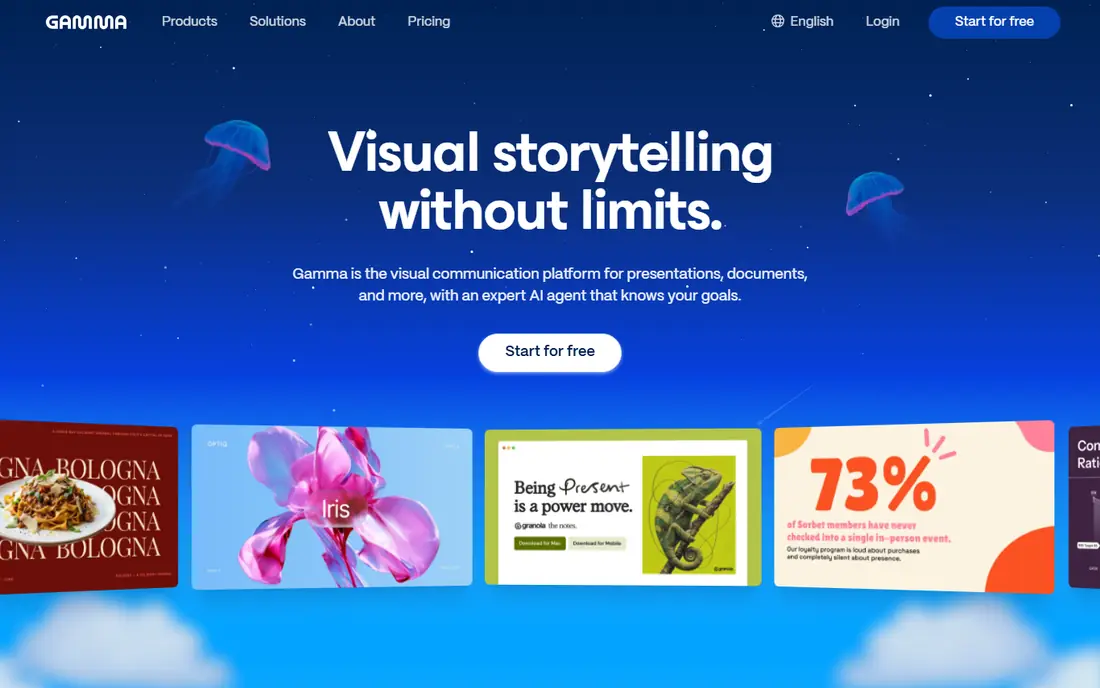
Gamma is our pick for most people who need a deck quickly. Type a topic, paste an outline or upload content, and Gamma produces slides with a consistent design that you can edit and share as a link. For pitches, updates and internal decks, that speed turns a task that took days into one that takes an hour.
The card-based design is modern and clean, but it suits narrative decks better than dense financial slides with complex tables. Free credits cover a few test decks, then paid plans add more credits and export options. If your main need is a fast, presentable first draft, Gamma is the tool to try first.
- Turns a prompt or outline into a presentable deck fast
- Web sharing built in
- PDF and PowerPoint export on paid plans
- Card-based layouts suit some decks better than others
- Free credits are one-time, not monthly
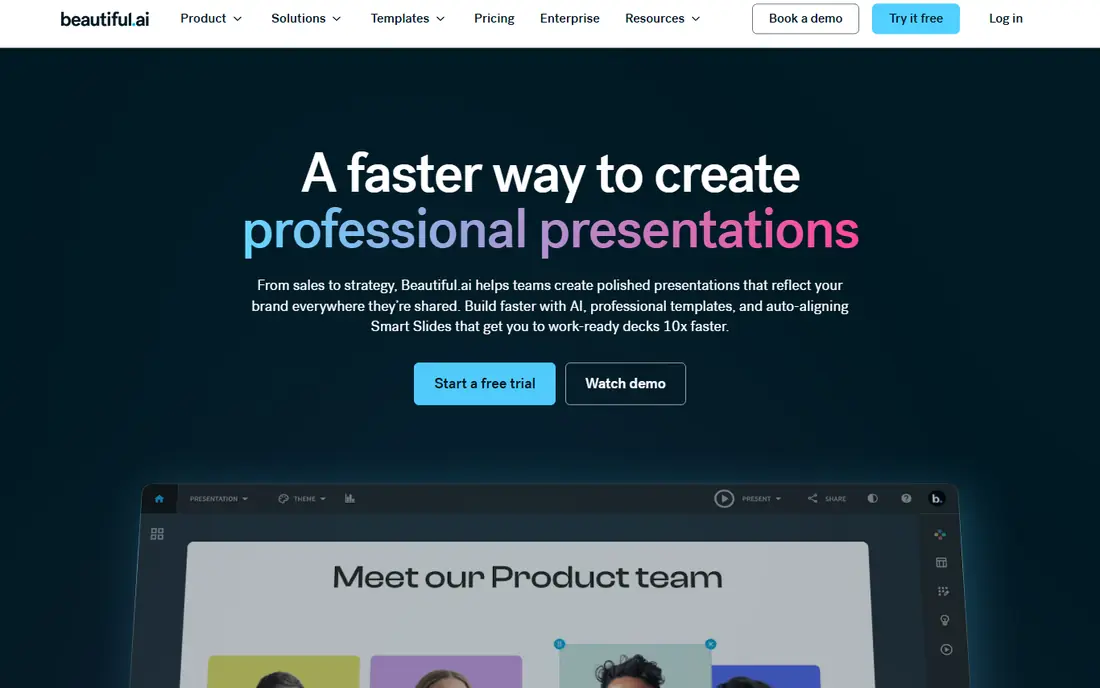
Beautiful.ai is a design engine first and an AI writer second. Smart Slides adjust automatically as you add text, images or charts, so a team deck stays balanced and on-brand even when many people edit it. That discipline is valuable for consulting firms, sales teams and corporate departments where a broken layout damages credibility.
There is no free plan, only a trial, and the entry price is higher than Gamma on some billing terms. Layout freedom is also lower by design, since the tool enforces structure. If you have the content and want layout quality enforced for everyone, Beautiful.ai is the best pick. If you want the AI to write the deck from scratch, Gamma may be faster.
- Smart Slides auto-rebalance layouts
- Strong brand controls for teams
- PowerPoint import and export
- No free plan, only a trial
- Less layout freedom than Canva or PowerPoint
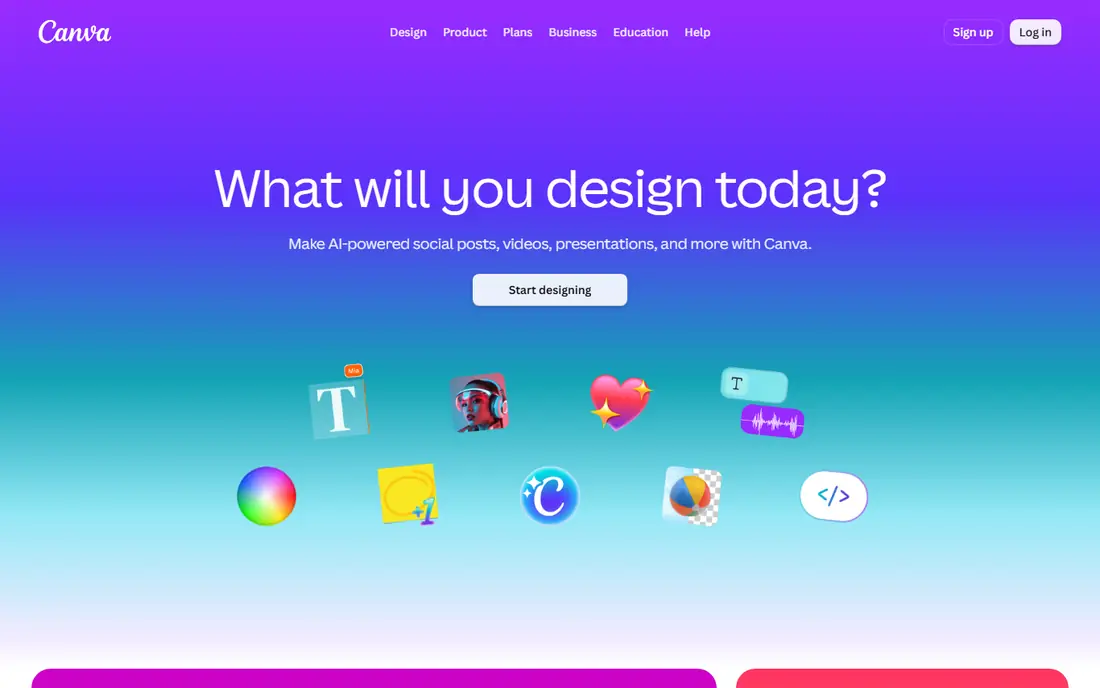
Canva suits people who already use it for social posts, documents and marketing material. Magic Design turns a prompt into presentation options, templates give you a strong starting point, and brand kits keep colours and fonts consistent. Export to PDF and PowerPoint is straightforward, including on the free plan for many uses.
The trade-off is originality. A deck built only from popular templates can look familiar, so customise layouts, images and copy for important presentations. AI uses are also metered, so heavy AI users should check current limits. For a non-designer who needs one tool for many visual jobs, Canva is excellent value.
- Huge template library
- Magic Design for presentations
- Brand kits and easy PowerPoint export
- AI uses are metered on some plans
- Template-heavy decks can look generic if not customised
Pitch is built for teams that share decks as links and track how viewers engage with them. Collaboration, comments and analytics are central, which suits sales and marketing teams that iterate on decks together. AI generation helps with first drafts, and the free plan includes a limited number of AI credits and team members.
PowerPoint export sits on paid plans, so check that detail if your client or manager needs a file rather than a link. Template range is smaller than Canva, but the collaboration workflow is stronger. For a team that lives in shared decks, Pitch is a strong alternative to Gamma and Beautiful.ai.
- Link-first sharing and analytics
- Collaborative editing for teams
- AI credits on free and paid plans
- PowerPoint export needs a paid plan
- Smaller template range than Canva
Plus AI is the pick when the deliverable must be a real PowerPoint or Google Slides file. It generates and edits slides inside the app you already use, so the result stays editable, with real text, shapes and charts rather than flat images. That matters for teams that need to revise decks after review.
There is no free plan, only a trial, so test it on a real deck before paying. If you rarely use PowerPoint or Slides, Gamma or Canva may be simpler. If your company standard is PowerPoint and every deck ends up there anyway, Plus AI saves the rebuild step that web-native tools often require.
- Works inside PowerPoint and Google Slides
- Produces editable slides, not just images
- Good for existing decks
- No free plan, only a trial
- Value depends on how much you already use PowerPoint or Slides
SlidesAI turns pasted text into a Google Slides deck, which suits teachers, students and teams that work in Google Workspace. The workflow is simple: paste text, pick a style, and get editable slides to refine. A free plan covers a limited number of presentations per year, which is enough to test the tool properly.
Design options are narrower than Gamma or Canva, and the tool is at its best inside Google Slides. If your school or company uses Google Workspace, SlidesAI is a low-cost, focused choice. If you need PowerPoint files or richer design, Plus AI or Canva may fit better.
- Turns text into Google Slides quickly
- Simple workflow for teachers and teams
- Free plan for light use
- Design range narrower than Gamma or Canva
- Best inside Google Slides, not PowerPoint
Microsoft Copilot in PowerPoint suits teams already committed to Microsoft 365. It can create a presentation from a prompt or file, revise slides, and work with content already stored in your Microsoft account. For corporate teams with strict IT rules, staying inside PowerPoint avoids the file conversion and sharing issues that web tools can create.
Pricing is the complication. Copilot pricing depends on your Microsoft 365 plan, add-on terms and any current promotion, so we list See website rather than a figure that may not match your plan. If your team already pays for Microsoft 365, check Copilot pricing in your admin portal before buying a separate deck tool.
- Native PowerPoint creation and revision
- Works with your existing Microsoft 365 files
- Strong for corporate IT
- Pricing depends on Microsoft 365 plan and add-on terms
- Best value only inside a Microsoft 365 team
Presentations.AI focuses on instant generation: describe your topic and get a deck without building slides one by one. That simplicity suits busy professionals who need a presentable draft fast and will edit the story themselves. A free tier lets you test the output before committing.
Pricing transparency is weaker than for Gamma or Beautiful.ai, so confirm the current plan and limits before subscribing. Design control is also narrower than Canva, which gives you more template and editing freedom. Use Presentations.AI for speed on routine decks, and use a stronger design tool for high-stakes presentations.
- Instant generation from a prompt
- Simple workflow for quick decks
- Free tier for testing
- Pricing is not clearly published on all pages
- Design control is narrower than Canva
How we picked these
We compared official pricing pages, feature pages and public guides for AI presentation tools that are available now, and we kept only tools with a clear current offering. We favoured a mix of prompt-to-deck tools, design engines and Office-native helpers, so readers with different deliverables can find a fit. Where pricing depended on billing term or bundle, we used the commonly published entry figure or wrote See website rather than guessing.
What to check before you choose
First, decide where the deck must end up. If the answer is a shared link, Gamma, Beautiful.ai, Pitch and Presentations.AI all work well. If the answer is an editable PowerPoint file, Plus AI or Copilot will save you a rebuild. If the answer is Google Slides, SlidesAI is the focused pick, while Canva exports to both formats.
Next, test exports early. Open the exported file on a second device, check fonts, line wraps, chart labels and image crops, and confirm that text remains editable. Finally, check AI credit limits. A cheap plan that runs out of credits after two decks can cost more in time than a pricier plan with generous allowances.
Choosing the right tool for your deck
For most people, Gamma is the best starting point, thanks to speed, free credits and web sharing. Beautiful.ai is best for corporate layout discipline, Canva is best for template control, and Plus AI is best for PowerPoint-native work. The best tool is the one that matches your deliverable, not just the one with the flashiest demo.
Editing the AI draft
AI decks are first drafts, not finished presentations. Check every fact, number and claim, rewrite the story in your own voice, and remove slides that do not advance your argument. A short, clear deck with accurate content beats a long, polished deck with weak claims every time.
Frequently asked questions
Which ai tool is best for creating presentations?
Gamma is the best overall starting point for fast, presentable decks. Beautiful.ai suits corporate teams that need layout discipline, Canva suits template users, and Plus AI suits PowerPoint teams. Pick by deliverable: link, PowerPoint file or Google Slides file.
What is the best ai tool for creating presentations for free?
Gamma offers a free tier with one-time credits, Canva offers a free plan with limited AI uses, and SlidesAI offers a free plan for light use. Pitch also includes free AI credits. Try two free options on the same topic before paying, and check export limits on the free tier.
Can AI tools create a PowerPoint file?
Yes. Gamma, Beautiful.ai, Canva and Pitch export to PowerPoint on paid plans in most cases, while Plus AI and Copilot work inside PowerPoint directly. Always test the exported file before sending it to a client, since fonts and layouts can shift between tools.
Are AI presentation decks good enough for work?
For first drafts, internal updates and routine sales decks, yes, with human editing. For investor pitches, board decks and high-stakes client work, treat the AI output as a starting point and refine the story, facts and design yourself. Accuracy and argument matter more than slide polish.
How much do AI presentation tools cost?
Entry paid plans in this list mostly run from about $10 to $15 per month on annual billing, with Microsoft Copilot pricing depending on your Microsoft 365 plan. Free tiers cover testing and light use, but check credit limits and export rules before relying on a free plan for regular work.
Do AI tools replace PowerPoint skills?
No. They speed up first drafts and layout, but you still need to structure an argument, check facts and present clearly. Teams that use AI well spend less time formatting and more time refining the message, which is where presentation quality actually comes from.
Sources we checked (8)

Online Jobs is an independent blog about careers, online work, learning new skills and the tools that help people earn. More about us.
Keep reading
All posts
Zoom Alternatives
Zoom alternatives compared for 2026: Google Meet, Microsoft Teams, Webex, Jitsi and more for free calls, large meetings and webinars for teams and classrooms.

Which Software Is Best for PDF Page Removal
Which software is best for PDF page removal? We compare free and paid tools for deleting pages quickly, safely, and without harming your file in this guide.

Which Software Is Best for Data Entry
Compare the best data entry software for forms, OCR scanning, and spreadsheets, with free plans, pricing, and honest limits for each tool before you commit.