Best AI Tools for Content Creators in 2026: 8 Tools Compared

How we put this together: we compare official feature and pricing pages, app store listings, privacy policies and public user reviews. Prices change, so check the provider's site before you pay.
Key takeaways
- Jasper and Copy.ai suit different teams: Jasper fits marketing teams needing on-brand long-form work, while Copy.ai fits go-to-market and short-form copy.
- Descript is the strongest all-round editor for creators who publish both long-form video and short clips.
- OpusClip is the fastest way to turn long videos into short clips, but it is not a full video editor.
- Canva and Grammarly cover design and editing polish, and both offer free tiers that suit beginners.
- AI output still needs human review, since factual errors, generic phrasing and brand mismatches slip through unchecked drafts.
Quick comparison
| Name | Who it suits | Starting price | Free option | |
|---|---|---|---|---|
 Jasper | On-brand marketing writing | $69 per month | Free trial | Visit |
 Copy.ai | Go-to-market and short copy | $29 per month | Yes | Visit |
 Descript | Transcript-based video editing | $24 per month | Yes | Visit |
 OpusClip | Auto short clips from long video | $15 per month | Yes | Visit |
 Canva | Fast design with AI help | See website | Yes | Visit |
 Grammarly | Writing polish and clarity | See website | Yes | Visit |
 Pictory | Text-to-video creation | $29 per month | Free trial | Visit |
 ChatGPT | Everyday drafting and ideas | $20 per month | Yes | Visit |
The best AI tools for content creators
Content creators now juggle writing, video, design and distribution, and AI tools can speed up each stage. The trick is matching the tool to the job: a writing assistant will not edit your podcast, and a clip generator will not write your newsletter. We compared official pricing pages, feature documentation and free tiers to build this list.
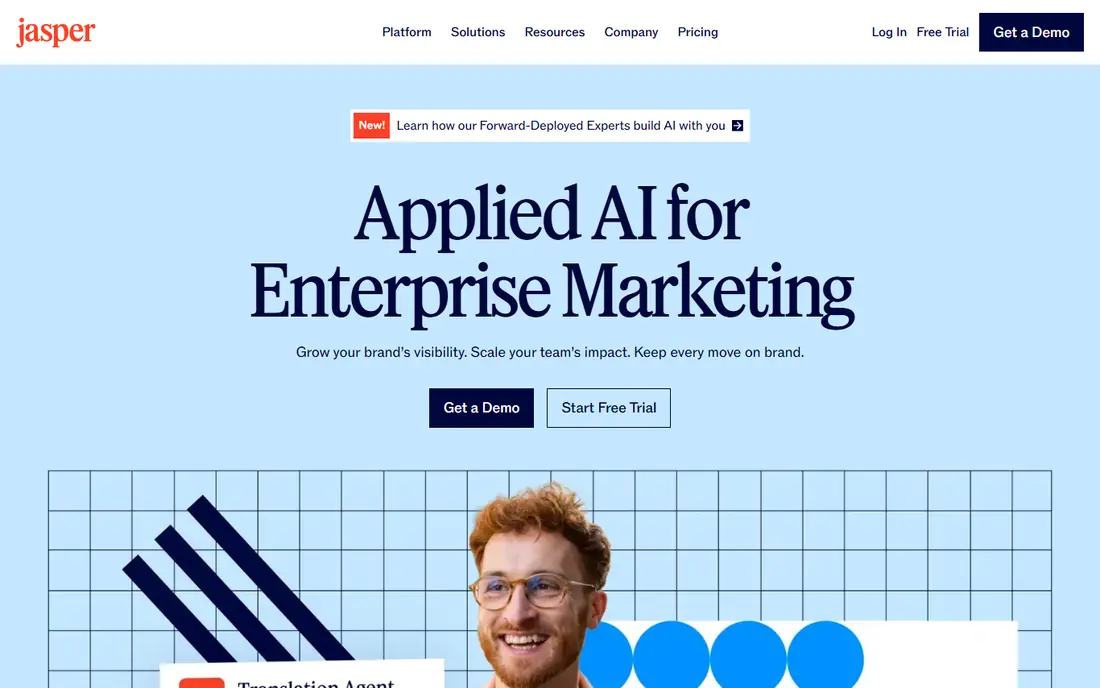
Jasper has grown from a blog writer into a marketing platform, with brand voice tools that learn from your samples and a workspace for planning campaigns. For marketing teams that publish a lot of on-brand content, that consistency is the main selling point, and long-form drafts come out closer to house style than generic chatbots produce.
The cost is the honest catch. Pro starts at $69 per month per seat with no free tier, only a trial, so a team of five pays five times over. Solo creators on a budget will likely prefer a cheaper general tool. For teams where brand consistency matters, Jasper is worth the price.
- Brand voice training from your samples
- Campaign workflows for marketing teams
- Long-form writing support
- No ongoing free plan
- Per-seat pricing adds up as teams grow
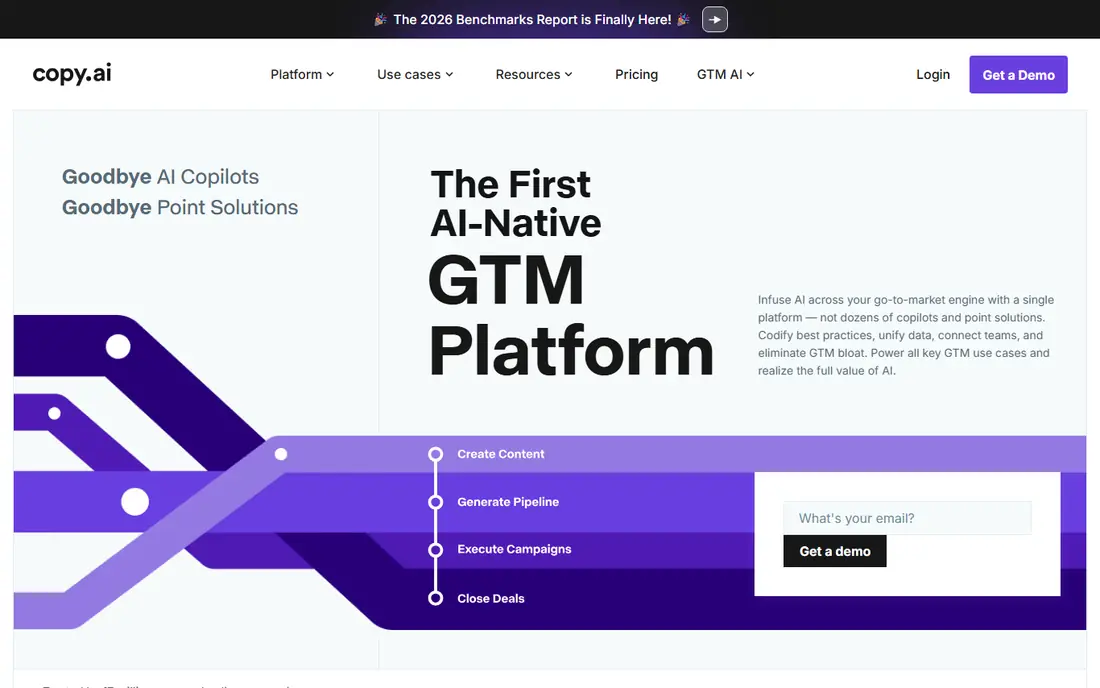
Copy.ai has shifted toward go-to-market work: outbound sequences, prospect research and sales copy, alongside a chat workspace for everyday writing. Its entry plan is far cheaper than Jasper and includes several seats, which makes it attractive for small sales and marketing teams that need volume.
The pricing cliff deserves attention. The workflow tier costs far more than the entry plan, so teams that outgrow basic chat and short copy face a big jump. Check which tier your actual workflows need before committing. For short-form and outbound work, Copy.ai is strong value.
- Free plan for basic use
- Strong for outbound sequences and short-form copy
- Chat workspace for general writing
- Higher workflow tier jumps sharply in price
- Less suited to long-form brand campaigns than Jasper
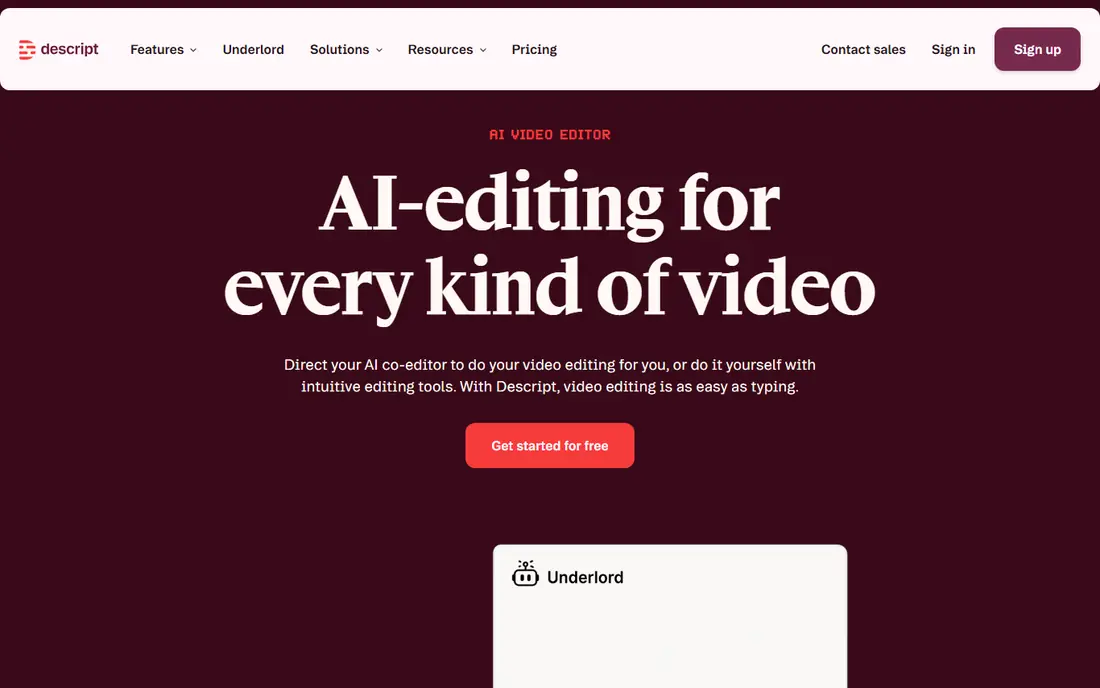
Descript changes video editing by turning footage into an editable transcript: delete a sentence from the text and the video follows. That approach makes podcast and talking-head editing much faster, and its clip tools, filler-word removal and AI co-editor extend the same idea to short-form output. A free plan covers light use.
Media hours limit how much you can process each month, so heavy publishers need a higher tier. Creators used to traditional timeline editors also need time to adjust. If you publish spoken content regularly, Descript saves more time than any other tool here.
- Edit video by editing its transcript
- Clip tools and AI co-editor included
- 4K export on higher tiers
- Media-hour limits cap heavy users
- Learning curve for creators used to timeline editors
OpusClip does one job well: it watches a long video, picks moments likely to work as shorts, and outputs captioned vertical clips with scores for each candidate. For creators sitting on a backlog of long videos, that automation turns hours of manual clipping into minutes of review.
It is not a full editor, so you will still need another tool for polished long-form work. Free clips carry a watermark and can only be exported for a short window, which makes the free tier a trial rather than a workflow. For daily short-form output, OpusClip pays for itself quickly.
- Finds highlight moments automatically
- Captions and reframing for vertical platforms
- Credits roll over on paid plans
- Not a full editor
- Free clips carry a watermark and a short export window
Canva remains the easiest way for creators to produce good-looking graphics, thumbnails, carousels and short videos without design training. Its template library covers most formats, and its AI tools help with image generation, background removal and text suggestions. The free tier is generous enough for many beginners.
Professional designers will miss the fine control of dedicated software, and some AI features sit behind paid plans. For creators who need fast, consistent visuals across platforms, Canva is the practical default.
- Huge template library
- AI tools for images, backgrounds and text
- Generous free tier for beginners
- Less control than professional design software
- AI features vary by plan
Grammarly polishes the writing that AI tools and humans produce alike. It runs across browsers, documents and apps, catching grammar slips, unclear sentences and tone mismatches before publishing. The free tier covers basic corrections, which is enough for many creators.
It is not a substitute for judgment. Suggestions sometimes miss context, and accepting every change can flatten a distinctive voice. Use it as a second pair of eyes, especially on client work and published posts, and keep final decisions with the writer.
- Works across browsers, docs and apps
- Catches grammar, clarity and tone issues
- Free tier covers basics
- Suggestions can miss context or brand voice
- Advanced features need a paid plan
Pictory turns a script, article or blog post into a video, matching scenes with stock footage, adding captions and offering AI voices. That makes it useful for creators who want video versions of written content without filming, and for teams repurposing archives into social clips.
The look can feel generic if you rely only on stock footage, so add your own clips and branding where the plan allows. There is a trial rather than an ongoing free tier. For text-to-video repurposing, Pictory is one of the simplest tools available.
- Turns scripts and articles into videos with stock footage and voices
- Captions included
- No filming needed
- Stock-based videos can feel generic
- Trial rather than an ongoing free plan
ChatGPT is the general-purpose tool most creators already use, and its flexibility is the point. It drafts posts, brainstorms angles, outlines videos, summarizes research and helps plan content calendars, with a free tier for light use and a Plus plan for heavier users who want faster access and newer models.
It is not specialized. It will not match Jasper's brand voice controls, Descript's editing or Canva's design output, and its drafts need fact-checking before publishing. Treat it as the everyday assistant that supports the specialized tools above, and it earns its place in any creator stack.
- Free tier for everyday use
- Plus adds faster access and newer models
- Flexible across writing, ideas and planning
- Output needs fact-checking
- Not specialized for brand voice, video or design
How we picked these
We compared official pricing pages, feature documentation and free tiers for each tool, and we favored products that creators actually use for published work across writing, video and design. Where pricing varies by billing period, we used the monthly figure and noted annual options in the text where relevant. We did not claim hands-on testing of these tools; our view comes from the published pricing and documentation we reviewed.
How to build an AI creator stack without overspending
Start with one job, not one suite
Pick the bottleneck that costs you the most time, such as editing, clipping or drafting, and buy the best tool for that job first. Adding tools one at a time keeps costs visible.
Use free tiers as trials
Most tools here offer a free tier or trial. Run a real project through each one before paying, and judge the output you publish, not the demo.
Keep a human in the loop
Check facts, brand voice and claims in every AI draft before publishing. AI speeds up first drafts, but errors in published work cost more than the time saved.
Watch overlapping subscriptions
Writing, clipping and design tools overlap more than vendors admit. Review your stack every few months and cancel tools whose output another subscription already covers.
Frequently asked questions
What is the best AI tool for content creators overall?
There is no single winner, because creators need different tools for writing, video and design. Jasper or Copy.ai lead for writing, Descript leads for video editing, OpusClip leads for clips, and Canva leads for design. Build a small stack around your biggest bottleneck.
What are the best AI content generator tools for writing?
Jasper suits marketing teams that need on-brand long-form work, Copy.ai suits go-to-market and short-form copy, and ChatGPT suits everyday drafting and ideas. All three need human review before publishing, especially for facts and brand voice.
Is there a free AI tool for content creators?
Yes. ChatGPT, Copy.ai, Canva, Grammarly, Descript and OpusClip all offer free tiers, though free plans carry limits such as watermarks, usage caps or fewer features. Free tiers are a good way to test a tool with a real project before paying.
Can AI tools replace a human content creator?
No. AI speeds up drafting, editing and repurposing, but strategy, judgment, original reporting and final quality control still need a person. Creators who review and shape AI output produce better work than those who publish raw drafts.
How much do AI tools for creators cost?
Entry prices here range from free to $69 per month, with annual billing often lowering the monthly rate. Total cost depends on how many tools you stack, so start with one tool for your biggest bottleneck and add others only when they prove their value.
Which AI tool is best for short-form video clips?
OpusClip is built specifically for turning long videos into captioned vertical clips, while Descript's clip tools suit creators who also edit the full episode. Choose OpusClip for volume clipping and Descript when you want one tool for both jobs.
Sources we checked (8)

Online Jobs is an independent blog about careers, online work, learning new skills and the tools that help people earn. More about us.
Keep reading
All posts
Zoom Alternatives
Zoom alternatives compared for 2026: Google Meet, Microsoft Teams, Webex, Jitsi and more for free calls, large meetings and webinars for teams and classrooms.

Which Software Is Best for PDF Page Removal
Which software is best for PDF page removal? We compare free and paid tools for deleting pages quickly, safely, and without harming your file in this guide.

Which Software Is Best for Data Entry
Compare the best data entry software for forms, OCR scanning, and spreadsheets, with free plans, pricing, and honest limits for each tool before you commit.