Best AI Tools for Content Creation in 2026: 9 Tools Compared

How we put this together: we compare official feature and pricing pages, app store listings, privacy policies and public user reviews. Prices change, so check the provider's site before you pay.
Key takeaways
- No single tool covers writing, video, design, and editing well, so build a small stack around the content you make most.
- Jasper is the strongest paid writing tool for marketing teams that need brand voice and campaign output.
- Descript is the best editor for podcasts and video, because editing text edits the media itself.
- Canva is the best visual tool for social and marketing design, with AI inside a finished layout editor.
- ChatGPT is the baseline every paid tool must beat, and for many solo creators it is enough on its own.
Quick comparison
| Name | Who it suits | Starting price | Free option | |
|---|---|---|---|---|
 Jasper Jasper | Brand consistent marketing copy | See website | Free trial | Visit |
 Copy.ai Copy.ai | Sales and marketing workflows | $49 per month | Yes | Visit |
 Writesonic Writesonic | SEO and AI search content | See website | Yes | Visit |
 Descript Descript | Transcript first video and audio editing | $16 per month | Yes | Visit |
 Synthesia Synthesia | Avatar training and explainer video | See website | Yes | Visit |
 Canva Canva | Social and marketing design | $15 per month | Yes | Visit |
 ChatGPT ChatGPT | General writing, ideas, and images | $20 per month | Yes | Visit |
 Grammarly Grammarly | Editing and writing polish | $12 per month | Yes | Visit |
 Pictory Pictory | Turning articles into short video | See website | Free trial | Visit |
The best ai tools for content creation
We compared official product pages, pricing pages, and documentation for AI content tools live in October 2026. Content creation covers writing, video, design, and editing, so we grouped tools by the job they do best and noted where a tool tries to cover more than one job. Prices change often in this market, so where vendor pages showed conflicting figures, we wrote See website and advised checking the current pricing page.
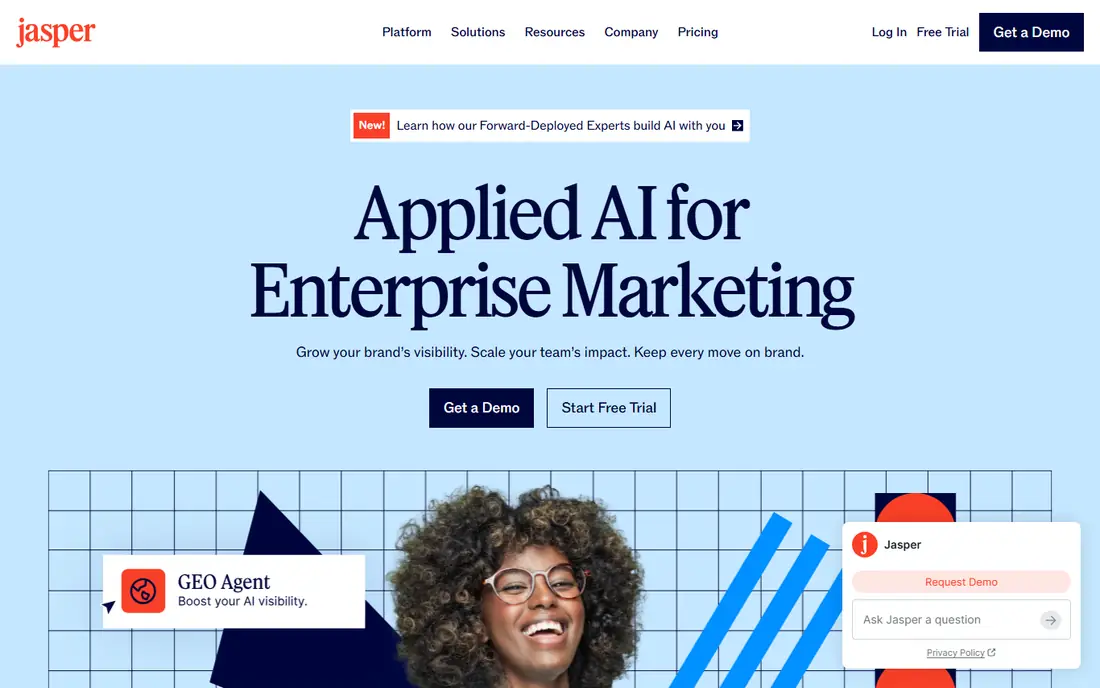
Jasper is built for marketing teams that produce a lot of copy and need it to sound like one brand. Brand Voice training, campaign workflows, and team seats help a team generate blog posts, ads, emails, and landing pages without each writer starting from scratch. For agencies and in house teams, that consistency is the main value.
Solo creators should weigh the cost carefully. Jasper is priced for teams, and its entry plans have changed over time, so check the current pricing page before budgeting. AI copy also needs human review for facts, claims, and tone, especially for regulated or sensitive topics. If branded marketing copy is your daily job, Jasper is the strongest paid writing tool here.
- Brand Voice training for consistent tone
- Campaign output across channels
- Team collaboration
- Price is high for solo creators
- Needs human editing for claims and facts
- Old lower tiers have changed
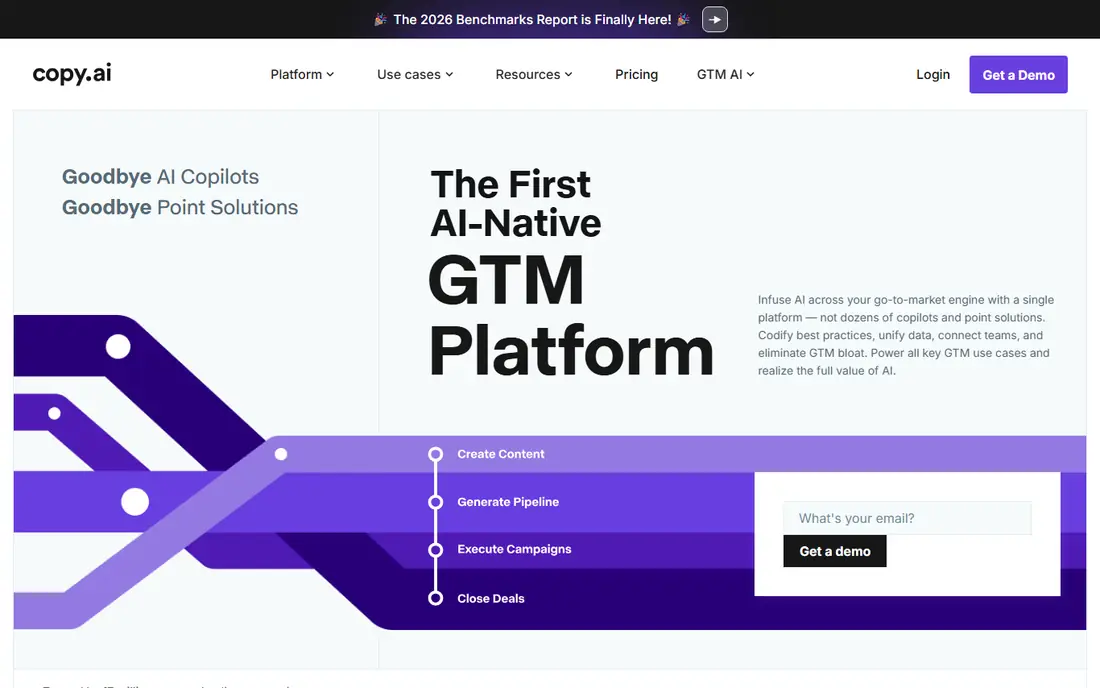
Copy.ai suits teams that repeat the same content jobs, such as prospecting emails, social variations, ad copy, and product descriptions. Workflows automate those repeatable steps, which saves more time than a single prompt box. The Pro plan is listed at $49 per month, with a free plan for basic use.
Long form, story driven writing is not its strongest area, and setting up good workflows takes time and examples. Teams that invest in that setup get the most value, while a solo blogger may prefer a general assistant. If your content work is repeatable and sales focused, Copy.ai is a practical, workflow first choice.
- Workflow automation for repeatable copy
- Good for sales and marketing teams
- Unlimited words on Pro in vendor listings
- Less suited to long form brand storytelling
- Free plan is limited
- Workflow setup takes time
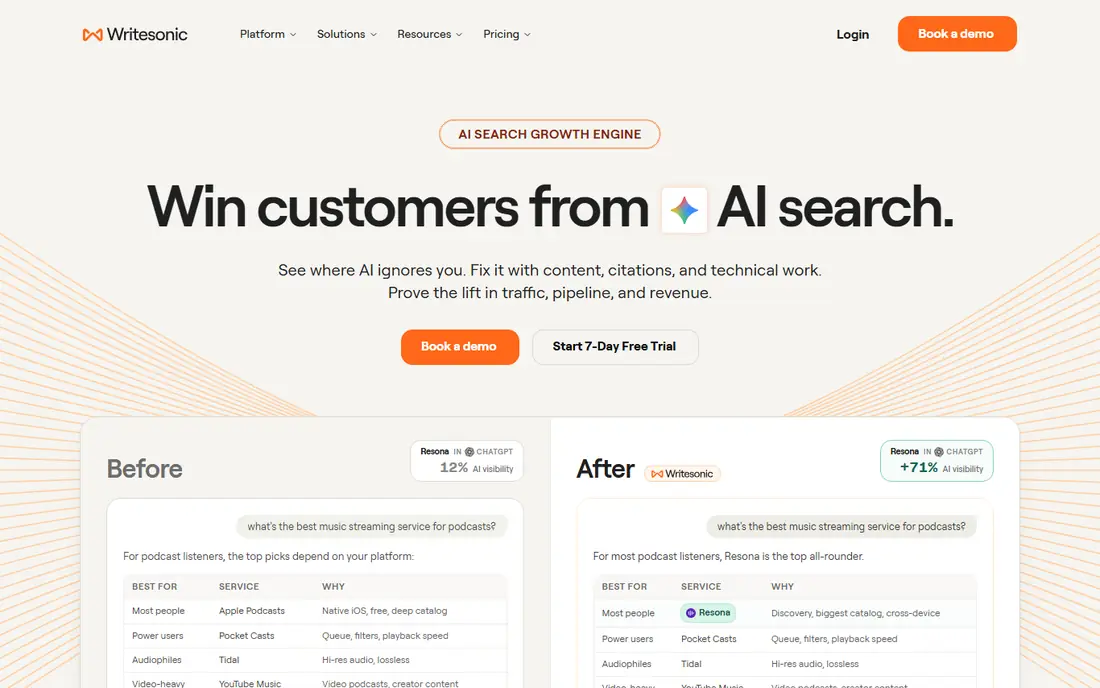
Writesonic targets teams that publish for search and for AI search answers, not just for social feeds. Article drafting sits alongside SEO checks and visibility tracking, which helps a content team see whether its pages appear in search results and AI answers. That combination suits blogs, affiliate sites, and content led businesses.
Pricing has changed several times, so check the current page rather than relying on older reviews. Drafts still need human editing for accuracy, structure, and original insight, because search engines and readers both punish thin, generic articles. For a search focused content team, Writesonic is worth a trial alongside a general writing assistant.
- Article drafting plus SEO and visibility tracking
- Good for search focused teams
- Free trial credits
- Pricing has changed several times
- Article quality still needs editing
- Visibility features need a paid plan
Descript changes how podcasters and course creators edit. You get a transcript of your recording, delete words from the text, and the audio or video follows. Filler word removal, overdub style fixes, and screen recording make it fast to turn a rough recording into a clean episode or lesson.
The free plan limits transcription time, and the Hobbyist plan at $16 per month on annual billing is the usual starting point for regular creators. Full features take time to learn, and very heavy video projects may need a higher plan. If you edit spoken content every week, Descript can save more time than any writing tool on this list.
- Edit video and audio by editing text
- Filler word removal
- Screen recording and publishing
- Free plan limits transcription time
- Learning curve for full features
- Heavy video work needs a paid plan
Synthesia lets you make presenter videos without a camera, studio, or shoot day. Type a script, pick an avatar and language, and generate a training video, product explainer, or onboarding clip. For global teams that need the same training in many languages, that speed and consistency is hard to match with traditional video.
Avatar video has limits. It can feel less warm than a real presenter, and creative control over performance, gesture, and emotion is narrower. Pricing varies by plan, so check the current page, including any free plan or trial limits. For internal training and scalable explainers, Synthesia is the most practical avatar tool here.
- Avatar presenters in many languages
- No camera or studio needed
- Good for training and onboarding
- Avatar video can feel less personal than a real presenter
- Pricing varies by plan
- Creative control is limited
Canva is the visual workhorse for most small teams. AI tools generate images and text, suggest layouts, and help resize designs, all inside an editor with templates for social posts, presentations, flyers, and videos. Brand kits on paid plans keep colors, fonts, and logos consistent across a team.
Free AI uses are limited each month, and very heavy AI use can need extra allowances beyond Pro at $15 per month. Specialist designers will want more control than Canva offers for print or complex illustration. For finished social and marketing design at speed, Canva is the best all round visual tool on this list.
- AI design plus templates and layout in one editor
- Brand kits on paid plans
- Easy for non designers
- Free AI uses are limited
- Heavy AI work may need extra allowances
- Less control than specialist design tools
ChatGPT is the baseline for AI content creation, and for many solo creators it is enough. It drafts, outlines, rewrites, brainstorms, and edits, and it also generates images for posts and mockups. The free plan covers basic use, while Plus at $20 per month adds higher limits and newer models.
The catch is the same for every general assistant. Output needs fact checking, especially for numbers, quotes, and claims, and it needs editing for voice and originality. There is no built in brand governance like Jasper, so teams must manage style themselves. Start here, and add a specialist only when a specific job, such as video editing or brand copy at scale, justifies the extra cost.
- Strong all round writing, brainstorming, and editing
- Image generation included
- Useful beyond content
- Output needs fact checking and editing
- Free limits apply
- No brand governance like Jasper
Grammarly is an editing tool, not a content generator, and that distinction matters. It checks grammar, spelling, clarity, and tone as you type, across email, docs, and browsers, and paid plans add AI writing help and team style guides. For client facing work, that final polish catches errors that a generator misses.
It will not write a full article strategy for you, and free AI prompts are limited. The Pro plan at $12 per member per month on annual billing is the usual team starting point. Pair Grammarly with a generator like ChatGPT or Jasper, and use it as the last check before publishing, not as the first draft.
- Grammar, clarity, and tone checks as you type
- Works across apps and browsers
- Team style guides on paid plans
- Not a content generator on its own
- AI prompts are limited on free plan
- Paid price is per member
Pictory suits teams that already write articles and want video without a shoot. Paste a script or article, pick visuals and a voice, and get a short video for social, YouTube, or a blog embed. That repurposing workflow turns one piece of content into several formats, which is valuable for small teams.
Free use is trial based rather than a lasting free plan, and the result depends heavily on the script and the stock footage available. Check the current pricing page before planning a regular video series. If your backlog of articles is larger than your video output, Pictory is the most direct way to close that gap.
- Turns scripts and articles into short videos
- Stock footage and voiceover options
- Good for repurposing
- Trial only for free use
- Video quality depends on stock and script
- Pricing varies by plan
How we picked these
We compared official product pages, pricing pages, and documentation for AI content tools live in October 2026. We kept tools that serve a clear content job, writing, video, design, or editing, and we noted where a tool covers more than one job. We weighed free access, starting price, brand control, output quality in practice, and whether the tool saves time or only creates more drafts to edit.
We did not claim hands-on testing that we did not do. We judged each tool on the features and limits its vendor publishes, and we used See website where pricing was not cleanly verifiable at the time of writing. AI tool pricing changes fast, so check the vendor page before budgeting for a team.
What to check before you pay
Start with the content you make most
A blogger, a podcaster, and a social team need different tools. List your top three content types for the next month, then pick the tool that serves the first one best. A general assistant covers the rest until a specialist clearly saves hours each week.
Budget for editing, not just generation
AI tools generate drafts fast, but editing, fact checking, and design finishing still take time. A tool that produces ten mediocre drafts is worse than one that produces three usable ones. Test each tool on a real brief, time the edit, and judge it on the finished piece, not on the first draft.
Check brand, licensing, and disclosure rules
Brand voice, image licensing, and disclosure rules vary by tool and plan. Read the commercial terms for the plan you will buy, and be clear with readers when AI helped create content, especially for advice, health, or financial topics. Keep a human editor in the loop for any claim that could mislead a reader.
Test the free plan on real work
Free plans differ in credits, transcription time, AI uses, and trial length. Run a real article, video, or design through the free plan, not a demo prompt, and check export quality, watermarks, and limits. A tool that looks good in a demo but watermarks your export is not ready for publishing.
Frequently asked questions
What is the best ai tool for content creation for beginners?
ChatGPT and Canva are the easiest starts, because both cover writing, ideas, images, and design in plain language. Add Grammarly for editing polish, and add Descript only when you start editing podcasts or video regularly. Start with one general tool before buying specialists.
What is the best ai content creation software for marketing teams?
Jasper is the strongest paid writing choice for brand consistent marketing copy, with Copy.ai close for workflow driven sales and marketing output. Canva covers visual design, Descript covers video and audio editing, and Grammarly covers final polish. Most marketing teams need a small stack, not one tool.
Can AI tools replace human writers and editors?
No, not for good content. AI tools draft fast and help with structure, ideas, and repurposing, but human editors still need to check facts, add original insight, and shape voice. Readers and search engines both reward content with real expertise, which comes from people, not from generation alone.
Is there a free ai tool for content creation?
Yes, with limits. ChatGPT, Canva, Grammarly, and Copy.ai offer free plans, Descript offers free transcription time, and Synthesia offers a free plan or trial depending on the current offer. Free plans suit testing and occasional use, while regular publishing usually needs a paid plan.
How do I avoid generic AI content?
Start with a specific brief, add real examples, data, and opinions, and edit heavily after generation. Use AI for structure and first drafts, then rewrite key sections in your own voice. Publish only after a human check for facts, claims, and tone, especially for advice topics.
Sources we checked (9)

Online Jobs is an independent blog about careers, online work, learning new skills and the tools that help people earn. More about us.
Keep reading
All posts
Zoom Alternatives
Zoom alternatives compared for 2026: Google Meet, Microsoft Teams, Webex, Jitsi and more for free calls, large meetings and webinars for teams and classrooms.

What Is the Best Free Tool to Rotate a PDF
What is the best free tool to rotate a PDF? We compare eight free rotation tools on per-page control, limits, privacy and saved output quality in detail.

What Is the Best AI Dubbing Tool
We compared the best AI dubbing tools in 2026, from ElevenLabs and HeyGen to Rask AI, Dubverse and Veed, for videos and creators in many languages worldwide.