Best AI Tool Stack in 2026: 9 Tools Compared

How we put this together: we compare official feature and pricing pages, app store listings, privacy policies and public user reviews. Prices change, so check the provider's site before you pay.
Key takeaways
- A good AI stack covers writing, research, images, editing, and automation, not just one chatbot.
- ChatGPT and Claude form the core, with ChatGPT for breadth and Claude for long, careful analysis.
- Perplexity handles research with sources, Midjourney handles images, and Notion AI organizes the results.
- Grammarly polishes writing, Canva designs graphics, Descript edits audio and video, and Zapier automates the rest.
- The best stack follows the job: a writer, a researcher, and a creator each weight the same tools differently.
Quick comparison
| Name | Who it suits | Starting price | Free option | |
|---|---|---|---|---|
 ChatGPT ChatGPT | Core AI assistant | $20 per month | Yes | Visit |
 Claude Claude | Long careful analysis | $20 per month | Yes | Visit |
 Perplexity Perplexity | Research with sources | See website | Yes | Visit |
 Midjourney Midjourney | AI images | $10 per month | No | Visit |
 Notion AI Notion AI | Organized AI docs | See website | Yes | Visit |
 Grammarly Grammarly | Writing polish | See website | Yes | Visit |
 Canva AI Canva AI | Quick design | Free | Yes | Visit |
 Descript Descript | Audio and video editing | See website | Yes | Visit |
 Zapier Zapier | Automation glue | $19.99 per month | Yes | Visit |
The best AI tool stack
An AI tool stack is the set of AI apps you use together for daily work, covering writing, research, images, editing, and automation. The tools below form a complete stack for most knowledge workers. We compared official pricing pages, feature lists, and documentation to sort them by role in the stack.
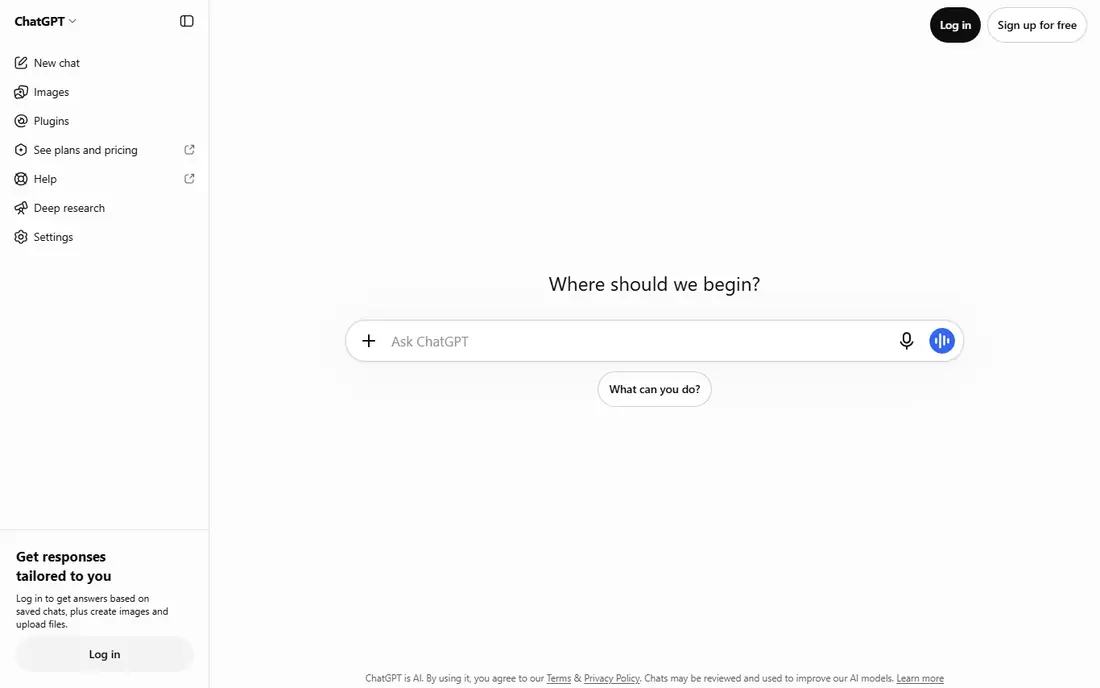
ChatGPT is the core of most AI stacks, handling drafting, brainstorming, coding help, and image generation in one assistant. Its Plus plan costs 20 dollars per month, with a free tier for lighter use, and its ecosystem of integrations and custom GPTs extends it widely. Most stacks start here and add specialists around it.
Accuracy needs checking, since ChatGPT can state wrong facts confidently. For a general assistant that covers the most jobs, ChatGPT is the default core of the stack.
- Broadest general assistant
- Writing, coding, and image tools
- Huge ecosystem
- Accuracy needs checking
- Plus costs 20 dollars per month
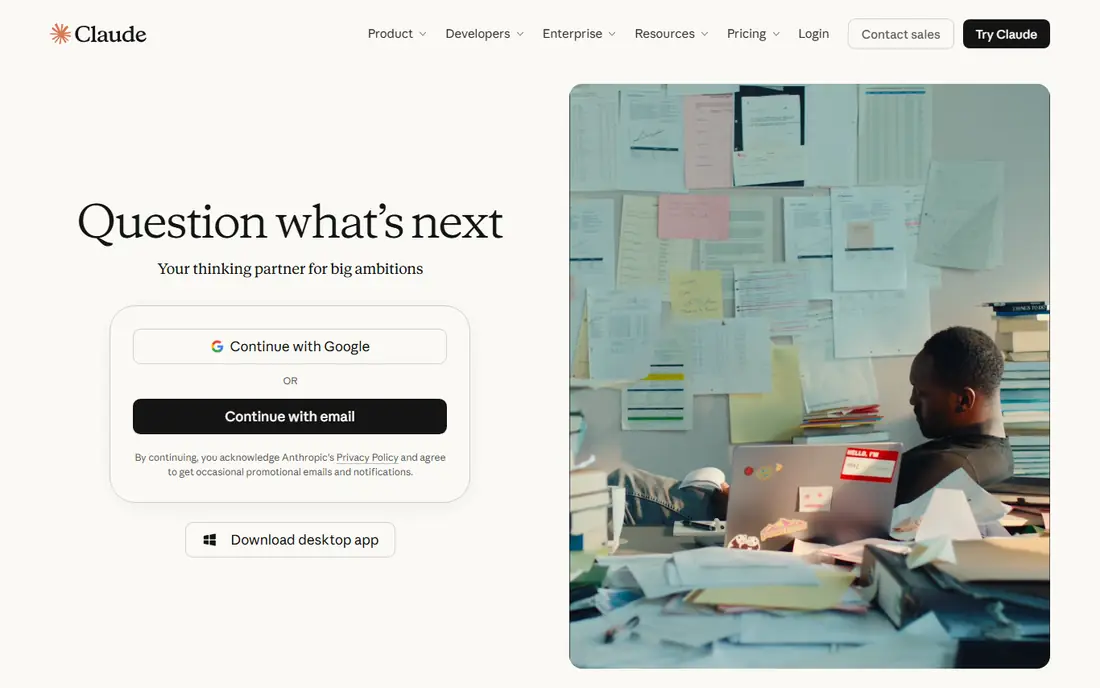
Claude is the second core of a strong stack, excelling at long documents, careful reasoning, and nuanced writing. Its Pro plan costs 20 dollars per month, with a free tier for lighter use, and its long context windows handle reports and contracts that overflow other assistants. Pairing Claude with ChatGPT covers both breadth and depth.
Integrations are fewer than ChatGPT's, and some features lag. For analysis, editing, and long-document work, Claude is the best complement to ChatGPT.
- Excellent long-document analysis
- Careful reasoning
- Clear explanations
- Fewer integrations than ChatGPT
- Pro costs 20 dollars per month
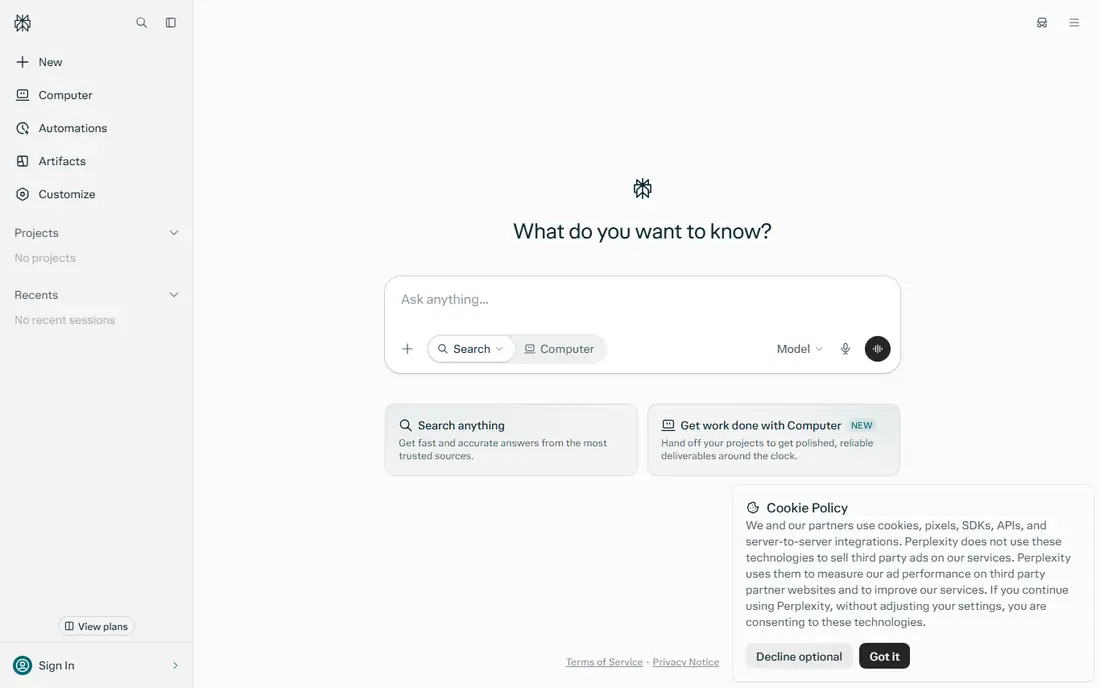
Perplexity handles the research role in the stack, answering questions with cited sources so claims can be checked. It suits current events, market research, and fact-finding better than a general chatbot, since sources are visible inline. A free tier covers basic use, with paid plans priced on Perplexity's site.
Depth trails dedicated research databases, and top models need the paid plan. For a stack that needs trustworthy, sourced answers, Perplexity is the research layer.
- Answers with cited sources
- Fast research
- Good for current events
- Depth trails dedicated research tools
- Paid plan needed for top models
Midjourney covers the image role in the stack, producing illustrations, concept art, and mood boards with the best artistic quality available. Its Basic plan costs 10 dollars per month, with higher tiers for faster generation. Prompt parameters control style, ratio, and variation.
There is no free tier. For a stack that needs images alongside text, Midjourney's quality justifies its place.
- Best artistic image quality
- Strong style control
- Active community
- No free tier
- Basic costs 10 dollars per month
Notion AI brings AI inside Notion's docs, wikis, and databases, summarizing notes, drafting pages, and organizing research where work already lives. It suits teams that keep knowledge in Notion, turning scattered notes into structured documents. A free tier covers Notion itself, with AI features priced on Notion's site.
AI features need a paid add-on, and it is not a standalone chatbot. For a stack built around organized knowledge, Notion AI is the memory layer.
- AI inside docs, wikis, and databases
- Organizes research and drafts
- Collaboration
- AI features need a paid add-on
- Not a standalone chatbot
Grammarly polishes the stack's writing, checking grammar, clarity, and tone across browsers, docs, and email. Its free tier covers basic corrections, with paid plans priced on Grammarly's site for advanced suggestions and plagiarism checks. It catches errors that chatbots introduce and humans miss.
Style suggestions divide opinion, and full checks need premium. For a stack where writing quality matters, Grammarly is the final polish layer.
- Grammar, clarity, and tone checks everywhere
- Works across apps
- Plagiarism checks on paid plans
- Style suggestions divide opinion
- Premium needed for full checks
Canva AI covers the design role in the stack, generating images and layouts inside Canva's template-driven editor for social posts, presentations, and flyers. A free tier covers basic use, with paid plans adding more AI credits and features. Its speed suits marketers and small teams.
Design depth trails professional tools, and AI image quality trails Midjourney. For a stack that needs quick, good-looking graphics without a designer, Canva AI is the design layer.
- AI design inside a full design tool
- Templates for every format
- Free tier
- Design depth trails professional tools
- AI image quality trails Midjourney
Descript covers audio and video in the stack, letting users edit recordings by editing a transcript, with AI tools for filler removal, voice cloning, and studio sound. Its approach makes podcast and video editing accessible to non-editors. A free tier covers basic use, with paid plans priced on Descript's site.
Video professionals may find its timeline tools limited, and heavy use needs paid plans. For a stack that includes podcasts, courses, or video content, Descript is the media layer.
- Edit audio and video by editing text
- AI voices and filler removal
- Screen recording
- Learning curve for video pros
- Paid plans needed for heavy use
Zapier is the glue of the stack, connecting AI tools to business apps so outputs flow into CRMs, docs, Slack, and email automatically. Its templates cover common flows, and a free tier handles light use, with paid plans from 19.99 dollars per month. Without glue, AI outputs stay trapped in chat windows.
Costs scale with task volume. For a stack that must act, not just answer, Zapier turns AI output into real workflows.
- Connects AI tools to business apps
- Largest app library
- Templates for common flows
- Costs scale with tasks
- Paid plans from 19.99 dollars per month
How we picked these
We compared official pricing pages, feature lists, and documentation for AI tools that work together as a stack today. We favored tools with distinct roles and real adoption, and we included writing, research, image, design, media, and automation layers rather than only chatbots. Prices are the standard published rates from each vendor's own site, and where pricing varies by plan we say so rather than guessing.
What to check before you choose
Start with the job you do most. Writers weight ChatGPT, Claude, and Grammarly, researchers weight Perplexity and Notion AI, and creators weight Midjourney, Canva, and Descript. One stack does not fit every job, so weight layers by your work.
Avoid paying for overlapping tools
ChatGPT Plus and Claude Pro both cost 20 dollars per month, so two cores already cost 40 dollars before other layers. Trial free tiers first and keep only the tools you use weekly. A stack of ten tools you rarely open costs more than a stack of four you use daily.
Check data and privacy terms
AI tools process your prompts and documents, so check retention, training opt-outs, and business terms before feeding them sensitive work. Enterprise tiers offer stronger protections, and free tiers sometimes train on inputs. Terms differ more than features do.
Build one workflow at a time
Add one tool, build one workflow around it, and measure time saved before adding the next. Stacks built all at once become shelfware. A stack that grows one proven workflow at a time stays useful and affordable.
Frequently asked questions
What is the best AI tool stack?
Our recommended stack pairs ChatGPT and Claude as cores, with Perplexity for research, Midjourney for images, Notion AI for organization, Grammarly for polish, Canva for design, Descript for media, and Zapier for automation. Weight layers by your job, and drop tools you do not use weekly.
What is the best AI stack for writers?
Writers should weight ChatGPT and Claude for drafting and editing, Perplexity for research, Grammarly for polish, and Notion AI for organizing notes and drafts. Midjourney and Canva add images and graphics when needed, while Zapier automates publishing workflows.
What is the best AI stack for small business?
Small businesses should start with ChatGPT for general work, Perplexity for research, Canva for marketing design, and Zapier for automation, adding Claude and Grammarly as writing volume grows. Start on free tiers and upgrade only the tools used daily.
How much does an AI tool stack cost?
A full stack can cost over 100 dollars per month across paid plans, with ChatGPT Plus and Claude Pro each at 20 dollars per month, Midjourney Basic at 10 dollars, and Zapier from 19.99 dollars. Free tiers cover much of the stack, so start free and pay only for daily-use tools.
Do I need more than one AI chatbot?
Two chatbots help when their strengths differ: ChatGPT for breadth and integrations, Claude for long careful analysis. Many users manage with one, and a second subscription only pays off if you regularly hit the first tool's limits. Trial both free tiers before paying for two.
How do I keep my AI stack organized?
Keep one home for AI outputs, like Notion, and connect tools through Zapier so results flow there automatically. Name files and prompts consistently, and review subscriptions monthly, dropping tools unused for two weeks. An organized stack beats a larger one.
Sources we checked (9)

Online Jobs is an independent blog about careers, online work, learning new skills and the tools that help people earn. More about us.
Keep reading
All posts
Zoom Alternatives
Zoom alternatives compared for 2026: Google Meet, Microsoft Teams, Webex, Jitsi and more for free calls, large meetings and webinars for teams and classrooms.

What Is the Best Free Tool to Rotate a PDF
What is the best free tool to rotate a PDF? We compare eight free rotation tools on per-page control, limits, privacy and saved output quality in detail.

What Is the Best AI Dubbing Tool
We compared the best AI dubbing tools in 2026, from ElevenLabs and HeyGen to Rask AI, Dubverse and Veed, for videos and creators in many languages worldwide.