Best AI Tool for PowerPoint Presentation in 2026: 9 Tools Compared

How we put this together: we compare official feature and pricing pages, app store listings, privacy policies and public user reviews. Prices change, so check the provider's site before you pay.
Key takeaways
- Gamma is the strongest all-round AI deck builder, with a free tier and fast prompt-to-deck creation.
- Beautiful.ai leads when a team deck must stay on-brand, since its slides reflow automatically as content changes.
- Microsoft Copilot and Plus AI win when the final file must be a native PowerPoint file inside Office or Google Slides.
- Export and watermarks decide more than generation quality, so check PowerPoint export and free-plan branding before you commit.
Quick comparison
| Name | Who it suits | Starting price | Free option | |
|---|---|---|---|---|
 Gamma | All-round AI deck creation | $10 per month | Yes | Visit |
 Beautiful.ai | Design-disciplined team decks | $12 per month billed annually | Free trial (14 days) | Visit |
 Canva | AI-assisted design in one workspace | $15 per month | Yes | Visit |
 Microsoft Copilot in PowerPoint | Native PowerPoint inside Office | See website | No | Visit |
 Plus AI | AI generation inside Slides and PowerPoint | $15 per month | Free trial (7 days) | Visit |
 Pitch | Team pitch decks with analytics | $10 per month billed annually | Yes | Visit |
 SlidesAI | Fast Google Slides generation | $10 per month billed annually | Yes | Visit |
 Presentations.ai | Brand-synced business decks | $20 per month billed annually | Yes | Visit |
 Slidesgo | Template library plus AI generation | $3 per month billed annually | Yes | Visit |
The best ai tool for powerpoint presentation
An AI presentation tool should do more than generate slides. It should produce a deck you can edit, brand and export as a real PowerPoint file when your audience needs one. These nine cover prompt-to-deck creation, template design and Office-native work, so you can pick by export needs first.
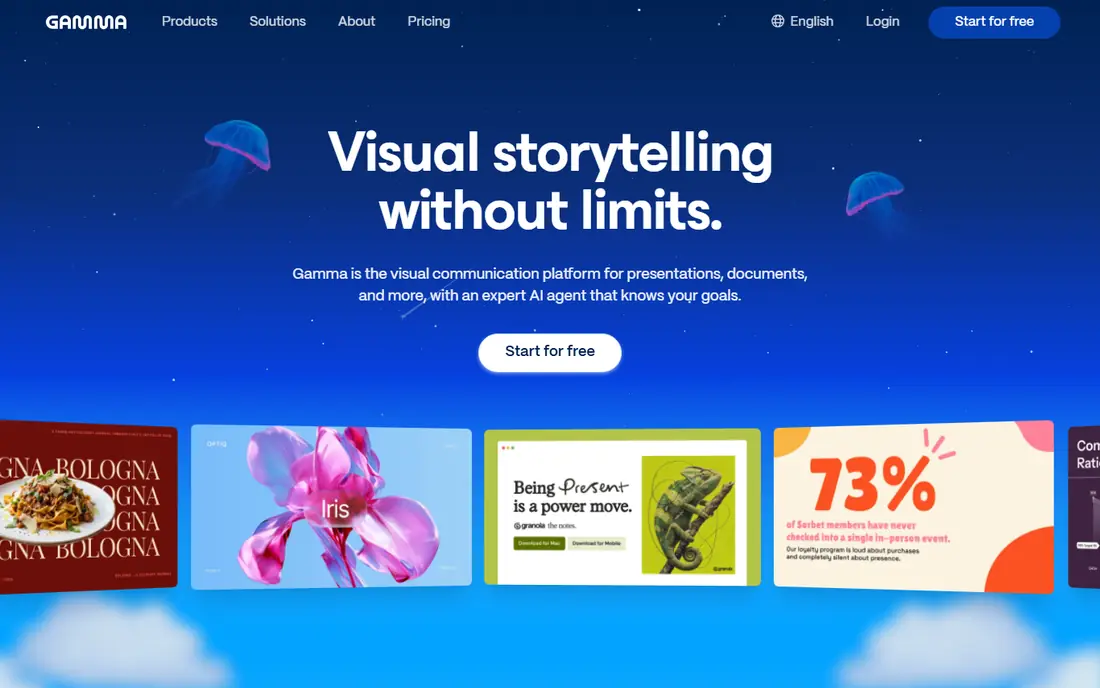
Gamma is our pick for most people who need a deck quickly. Type a prompt or paste content, edit the outline, and get a polished deck with cards, visuals and web sharing in minutes. The free tier includes one-time credits, which is enough to test the workflow, while paid plans add export and higher credit limits. Design quality out of the box is higher than most rivals.
The format is web-first, so a team that must deliver a native PowerPoint file should check export on the chosen plan before building a large deck. For web sharing, pitches and internal decks, Gamma is the fastest route from idea to presentable slides.
- Fast prompt-to-deck creation
- Polished default design
- Free tier with credits
- Web-first format
- PowerPoint export needs a paid plan on some tiers
Beautiful.ai suits teams whose decks must look consistent no matter who edits them. Its Smart Slides rebalance layout, type and spacing automatically when you add a bullet or a team member, so a deck never ends up with overlapping text. Brand controls keep colours, fonts and logos in line, and PowerPoint export produces editable files.
There is no free plan, only a trial, so budget from the start. Builders who want total free-form design freedom may prefer Canva, but teams that need discipline across many authors will value Beautiful.ai control.
- Smart Slides reflow automatically
- Strong brand controls
- PowerPoint export
- No permanent free plan
- Less free-form than Canva
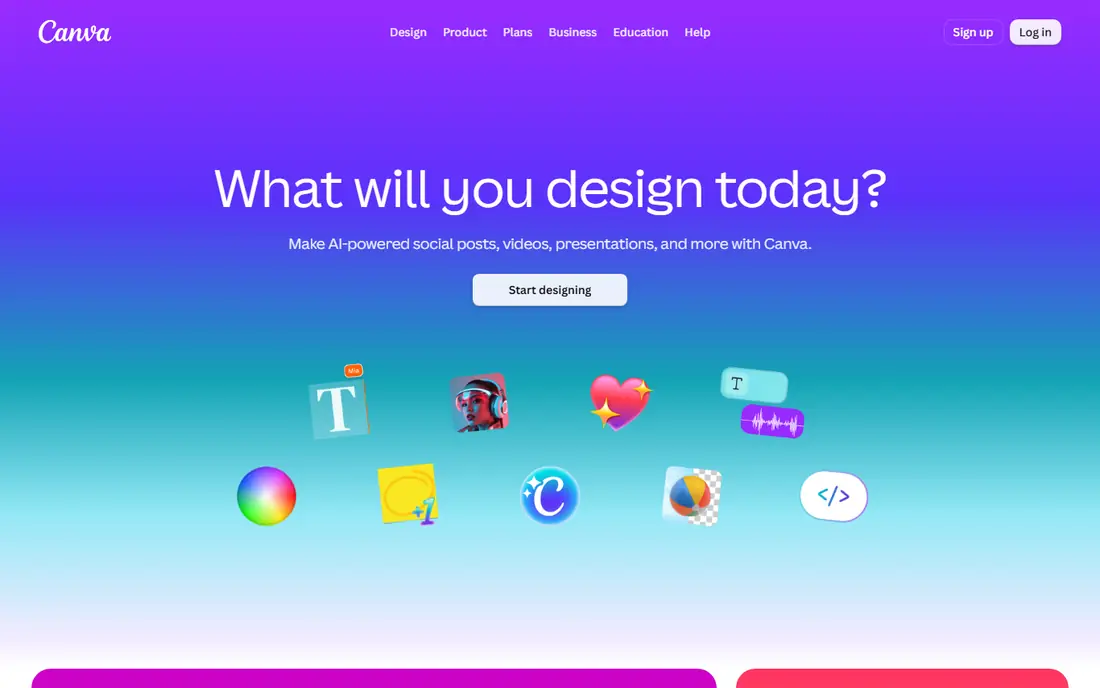
Canva is the best AI tool for PowerPoint presentation work when you already design in Canva or need one workspace for slides, social graphics and documents. Magic Design and AI writing tools help start a deck, templates cover almost every topic, and brand kits keep team assets consistent. PowerPoint export works, including on the free plan for many designs.
AI use is limited on the free plan, and Canva gives less outline guidance than Gamma, so a blank-page start takes more decisions. For users who value templates, stock assets and brand tools in one place, Canva is hard to beat.
- Huge template and stock library
- Magic Design AI help
- PowerPoint export
- AI uses limited on free plan
- Deck structure less guided than Gamma
Microsoft Copilot in PowerPoint
Who it suits: Native PowerPoint inside Office
Microsoft Copilot in PowerPoint is the right pick when the deliverable must be a real PowerPoint file inside Office, with no export step. It can draft a deck from a prompt or a Word document, suggest layouts and speaker notes, and keep everything inside the Microsoft 365 trust boundary. For companies that standardise on Office, that native fit matters more than any web tool feature.
Pricing sits inside Microsoft 365 bundles or add-ons, so check the current Microsoft page for your plan. AI drafts still need human editing, especially for data accuracy, but for Office-native work, Copilot removes the export friction entirely.
- Native PowerPoint files
- Works from Word docs and prompts
- Enterprise controls
- Needs a Microsoft 365 plan
- AI quality varies by prompt and source material
Plus AI generates and edits slides directly inside Google Slides and PowerPoint, which suits users who already live in those apps and do not want a separate deck tool. Outlines turn into editable slides with layouts that stay native, so a team can keep working in the file format it already uses. The trial lets you test the workflow before paying.
Design range is narrower than Gamma or Canva, and there is no free plan beyond the trial. For a team that must stay in Slides or PowerPoint and wants AI drafting without switching tools, Plus AI is the most direct option.
- Works inside Google Slides and PowerPoint
- Editable native output
- Fast outlines
- No permanent free plan
- Design range narrower than Gamma or Canva
Pitch suits sales and startup teams that share decks by link and want to know how viewers engage with them. Collaboration, templates and analytics cover the pitch workflow, from draft to follow-up, and AI tools help start a deck from a prompt. The free plan includes AI credits, so small teams can test it.
PowerPoint export sits on paid plans, so teams that must deliver native files should budget for Plus. For link-first pitches where analytics matter, Pitch offers a workflow that Gamma and Beautiful.ai handle less directly.
- Collaborative team decks
- Viewer analytics
- Link sharing and templates
- PowerPoint export needs a paid plan
- AI credits limited on free tier
SlidesAI turns pasted text into a Google Slides deck in minutes, which suits teachers, students and professionals who need a clean deck from notes or a document. The workflow is simple: paste text, pick a style, generate, then edit in Slides. The free plan lets you try it, with paid plans raising limits.
Design depth is basic next to Beautiful.ai or Canva, and PowerPoint users must export from Slides. For speed inside Google Slides, SlidesAI is one of the simplest tools here, and that simplicity is its appeal.
- Fast text-to-Slides generation
- Simple workflow
- Google Slides native
- Design options are basic
- PowerPoint use needs export from Slides
Presentations.ai targets business teams that need decks synced to brand guidelines and data. Brand colours, fonts and logos apply automatically, layouts handle charts and data slides well, and PowerPoint export keeps files editable for wider sharing. That brand focus suits consulting, sales and corporate teams with strict templates.
Entry pricing is higher than Gamma or SlidesAI, and the free plan is limited, so small users may find better value elsewhere. For a business team that produces many on-brand decks, the brand sync saves design time on every deck.
- Brand sync for business decks
- Data-friendly layouts
- PowerPoint export
- Higher entry price
- Free plan is limited
Slidesgo is the cheapest route to a large template library with AI generation on top. Thousands of Google Slides and PowerPoint templates cover education, business and creative topics, and the AI tool can generate a deck from a prompt for users who want a faster start. The entry price is low, and the free plan is usable.
AI quality and design automation sit below Gamma and Beautiful.ai, and template quality varies, so expect more manual editing. For a student, teacher or small business user on a tight budget, Slidesgo offers the most templates per dollar here.
- Thousands of templates
- Very low entry price
- AI generation add-on
- AI depth below Gamma
- Template quality varies
How we picked these
We compared official pricing pages, product documentation and export information for each tool, focusing on tools that generate PowerPoint-compatible decks or work inside PowerPoint and Google Slides. We kept tools that exist today, offer a free or trial route, and serve a distinct need, from native Office work to template libraries. Where pricing varies by billing period, we noted the annual figure the vendor publishes.
What to check before you choose
Start with the file your audience needs. If a client or employer requires a native PowerPoint file, shortlist Copilot, Plus AI, Beautiful.ai and Canva first, and confirm export on your exact plan. If web sharing is fine, Gamma and Pitch become stronger options, with better analytics and sharing.
Editability after generation
Check whether generated text, charts and images stay editable after export. A deck that exports as flat images will frustrate any team that needs to update numbers or branding later.
Brand and template needs
Teams with strict branding should test brand controls with their own colours, fonts and logos before buying. Solo users should test template range, since a large library saves more time than a slightly better AI draft.
Fact-check AI content
AI decks can invent statistics, quotes and citations. Verify every number and claim against a primary source before presenting, and treat AI outlines as drafts, not finished research.
Frequently asked questions
Which AI tool is best for PowerPoint presentation creation?
Gamma is the best all-round pick, Beautiful.ai leads for team brand discipline, and Microsoft Copilot leads for native PowerPoint files. The best AI tool for PowerPoint presentation work depends on whether you need web sharing or a native file.
What are the best AI tools for PowerPoint presentations for free?
Gamma, Canva, SlidesAI, Pitch, Presentations.ai and Slidesgo all offer free tiers, with limits on AI uses, credits or export. Gamma free credits and Canva free plan are the most usable free starts in this list.
Can AI tools export to PowerPoint?
Yes, most tools here export to PowerPoint, though some need a paid plan for full export. Beautiful.ai, Canva, Plus AI and Presentations.ai export editable PowerPoint files, while Gamma export varies by plan, so check before building a large deck.
Is Microsoft Copilot the best AI app for PowerPoint presentation work in Office?
For native Office work, yes. Copilot drafts inside PowerPoint from prompts or Word documents, with no export step, and it respects Microsoft 365 controls. Web tools may generate faster, but they add an export step Copilot avoids.
How do I make a good AI presentation?
Start with a clear outline and accurate source material, let the AI draft the structure, then edit every slide for accuracy, brevity and branding. Short bullets, one idea per slide and a clean visual hierarchy beat a dense AI draft every time.
Do AI presentation tools replace a designer?
No. They speed up first drafts and routine decks, but a designer still adds judgement on story, visuals and brand. Use AI for speed on standard decks, and bring in design help for high-stakes pitches and keynote talks.
Sources we checked (9)

Online Jobs is an independent blog about careers, online work, learning new skills and the tools that help people earn. More about us.
Keep reading
All posts
Zoom Alternatives
Zoom alternatives compared for 2026: Google Meet, Microsoft Teams, Webex, Jitsi and more for free calls, large meetings and webinars for teams and classrooms.

Which Software Is Best for Data Entry
Compare the best data entry software for forms, OCR scanning, and spreadsheets, with free plans, pricing, and honest limits for each tool before you commit.

What Is the Best Free Tool to Rotate a PDF
What is the best free tool to rotate a PDF? We compare eight free rotation tools on per-page control, limits, privacy and saved output quality in detail.