Best AI Text to Speech Tools in 2026: 8 Tools Compared

How we put this together: we compare official feature and pricing pages, app store listings, privacy policies and public user reviews. Prices change, so check the provider's site before you pay.
Key takeaways
- ElevenLabs is our pick for the most natural sounding voices, with a free plan for short tests.
- Murf AI suits teams that need a structured voiceover studio for video and training material.
- Speechify and NaturalReader are the better choices when the main job is listening to documents rather than publishing narration.
- Free plans are useful for testing voices, but most of them limit downloads or commercial use.
- Check the licence before you publish, since a voice that sounds good in a preview may not be cleared for client work.
Quick comparison
| Name | Who it suits | Starting price | Free option | |
|---|---|---|---|---|
 ElevenLabs | Most natural sounding AI voices | See website | Yes | Visit |
 Murf AI | Video and training voiceovers | $19 per month | Yes | Visit |
 Speechify | Listening to articles, books, and documents | See website | Yes | Visit |
 NaturalReader | Reading support and study | $9.99 per month | Yes | Visit |
 WellSaid Labs | Consistent professional narration | $10 per month | Free trial (see website) | Visit |
 Play.ht | Large voice library and multilingual narration | See website | Yes | Visit |
 LOVO AI | Voice plus video projects | See website | Yes | Visit |
 Descript | Editing voiceover as text | See website | Yes | Visit |
The best ai text to speech tools
We compared tools for voice quality, free allowances, pricing clarity, and the rules around commercial use. The eight below cover listening, narration, and video voiceovers without forcing you into one workflow.
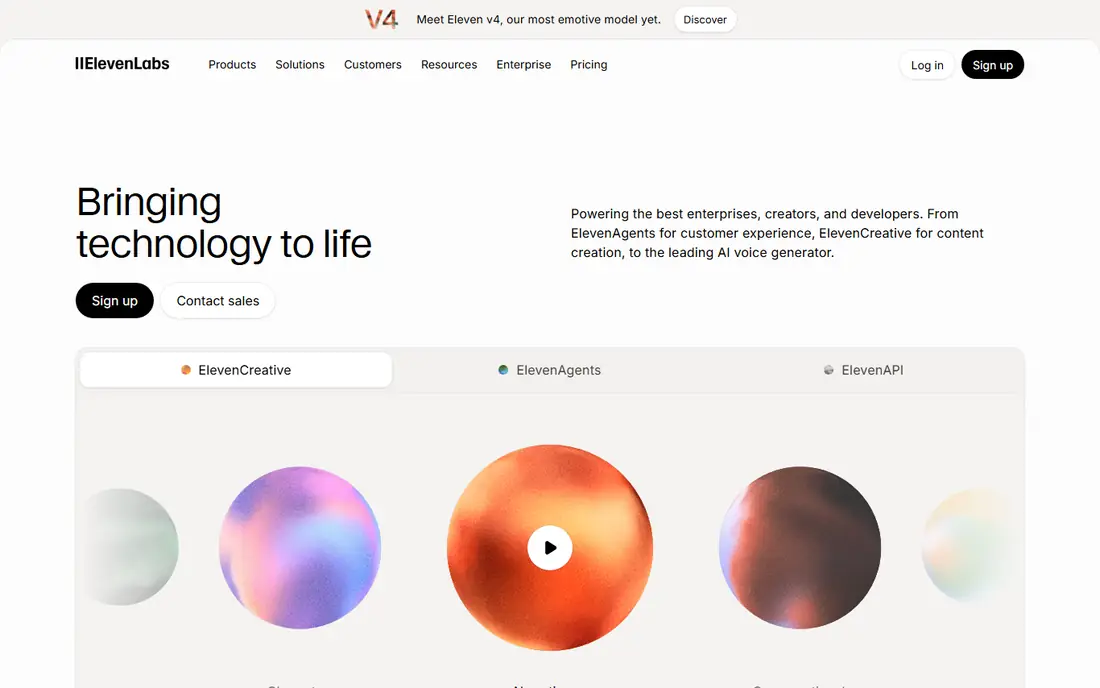
ElevenLabs is the first tool we suggest when voice quality matters more than anything else. Its voices handle pauses, emphasis, and sentence flow in a way that sounds closer to a human reader than most rivals. That makes it a strong choice for narration, audiobooks, and short video voiceovers where listeners will notice flat delivery.
The trade off is that generous quality comes with a credit system that needs care. A long script with several revisions can use more credits than a first draft suggests. Test with a short, real passage that includes names and numbers, then check how many credits it used before you commit to a plan.
- Very natural pacing and tone
- Wide language coverage
- Voice cloning and dubbing options
- Free credits run out quickly on longer scripts
- Pricing and credit use can be hard to compare at a glance
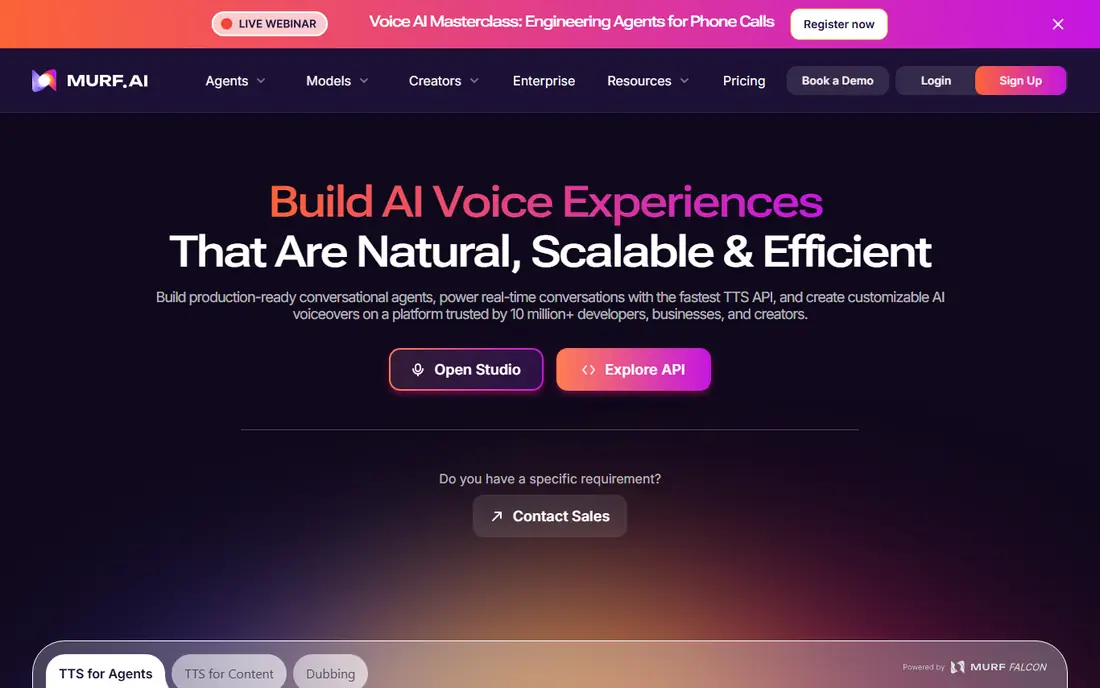
For course creators and video teams, Murf AI feels more like an editing desk than a simple converter. You can split a script into blocks, adjust timing for slides, and keep the voice consistent across lessons. That structure saves time when a project has many scenes or speakers.
Murf AI is less suited to casual listening, since its strength is production rather than reading a document aloud. If you only need to hear an article on a walk, a reader app will be simpler and cheaper. For published training or marketing narration, the studio controls are worth the extra steps.
- Clear studio layout for scripts and timing
- Good control over pitch, speed, and pauses
- Team and dubbing features
- Free plan does not allow downloads for published work
- Some voices sound better in short clips than in long narration
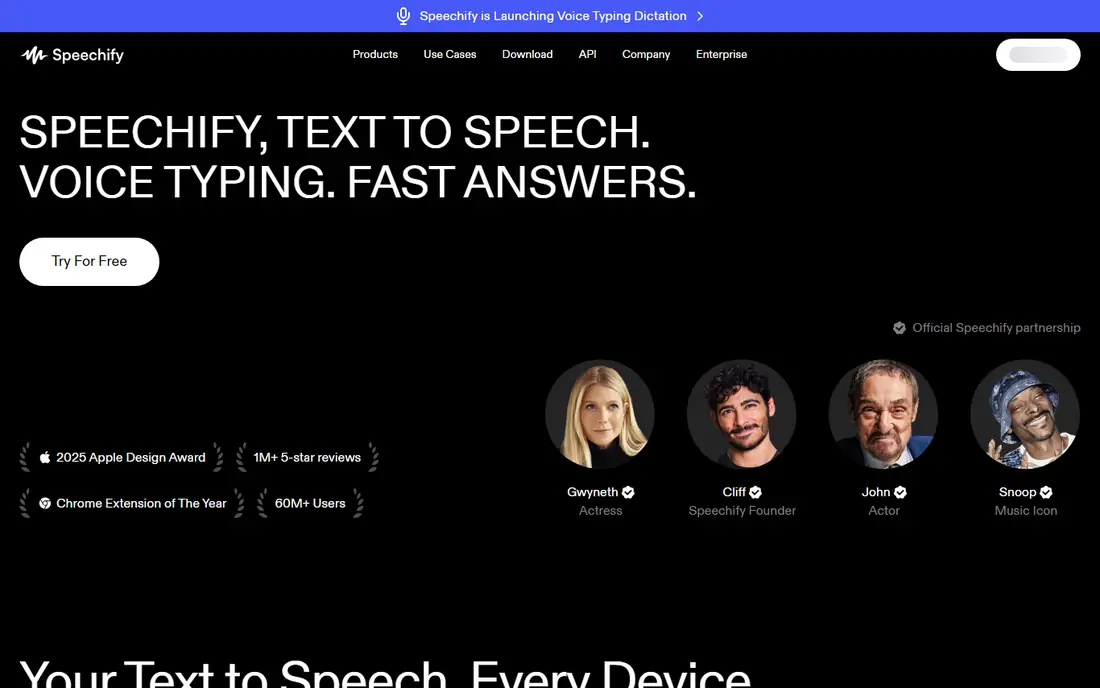
Speechify starts from a different job: turning text you already have into something you can listen to. It works well for articles, PDFs, and study notes, and the speed controls help when you want to skim or slow down for detail. Many people use it as a reading aid rather than a production tool.
That focus is also its limit for creators. If you need a clean audio file to place in a video, check whether your plan allows exports and commercial use before you record a whole series. For personal listening, though, it is one of the easiest tools on this list to start using.
- Easy listening across web, mobile, and documents
- Useful speed controls
- Good for study and accessibility
- Free listening is mainly in the app rather than as exported audio
- Paid pricing varies by platform and plan
NaturalReader keeps the experience calm and practical. You open a document, pick a voice, and listen while following the text on screen. That pairing of sight and sound helps with proofreading, study, and accessibility, and the controls do not get in the way.
Creators who need fine control over pauses or multiple voices will find it limited. NaturalReader is best judged as a reader first and a narration tool second. If your main need is to get through reading material faster, it does that job with little fuss.
- Simple reader layout
- Dyslexia friendly options
- Works with documents and web text
- Fewer production features than studio tools
- Premium voices sit behind paid plans
WellSaid Labs aims at teams that need the same voice to sound the same every week. That consistency matters for training libraries, product guides, and internal updates, where a change in voice can distract listeners. The voices lean professional rather than dramatic, which suits instructional content.
The catalogue will not suit every creative project, especially if you need many character voices. Check the available voices against your actual scripts, not just demo clips. For steady, business narration, it is a dependable choice.
- Clear, steady voices suited to training and product narration
- Team collaboration features
- Clear licensing for business use
- Voice range feels narrower than larger libraries
- Free trial is time limited rather than a lasting free plan
Play.ht is useful when you need choice. With hundreds of voices and many languages, you can test several tones for the same script and pick the one that fits the audience. That breadth helps teams that publish in more than one language or for different brands.
Breadth also means you should budget time for testing. Two voices in the same library can sound quite different in a full paragraph, even if their short demos sound alike. Shortlist three voices, run the same passage through each, and listen on headphones before you settle.
- Very large voice and language library
- Voice cloning options
- API for developers
- Pricing and word allowances vary by plan
- Quality varies more between voices than in smaller libraries
LOVO AI, also known as Genny in its studio, suits creators who want voice and visuals in one place. You can generate narration, pair it with images or video, and adjust delivery without moving files between several apps. That helps for short explainers and social clips.
The platform covers a lot, so the first session can feel busy. Start with one short project and learn the voice controls before you build a full series. For creators who already edit video elsewhere, a voice only tool may be simpler.
- Combines voice generation with video and image tools
- Expressive voice styles
- Useful for social and explainer content
- Free access is limited and some exports carry limits
- Advanced features take time to learn
Descript earns its place here for a different reason: it treats speech as text you can edit. You can cut a sentence by deleting words, remove filler words, and tidy a recording without learning audio editing. That makes it strong for podcasts, interviews, and videos where the script keeps changing.
If you only need a standalone voice file, Descript may be more tool than you need. Its value shows when editing and narration live in the same project. Try the free plan with a real recording, since the text editing workflow either clicks for you or it does not.
- Edit audio by editing a transcript
- Useful for podcasts and video
- Includes transcription and filler word removal
- Text to speech is one part of a larger editor
- Voice quality depends on the voice you choose
How we picked these
We started with the official feature pages, pricing pages, and app store listings for each tool, then checked privacy policies and public reviews for limits that pricing pages do not always spell out. We compared free allowances, download rules, commercial use terms, language coverage, and voice controls, and we favoured tools with clear published pricing or a free plan you can test without a card where one is offered.
We did not claim hands-on testing for every voice and plan, and we did not rank tools on demo clips alone. Where pricing differed between sources or changed by billing period, we wrote See website rather than pick a figure that could mislead. Prices change often, so confirm the current plan on the vendor site before you buy.
What to check before you choose
Match the tool to the job
Listening, narration, and video voiceover are three different jobs. A reader app is best for getting through documents, a studio tool is best for timed voiceovers, and an editor like Descript is best when the script and the recording change together. Pick the job first, then shortlist two tools for that job.
Test with your own script
Demo voices are chosen to sound good. Use a passage from your real work, with names, numbers, and punctuation that your audience will hear. Listen for mispronounced names, rushed lists, and flat endings, since those flaws show up in long narration even when a short demo sounds fine.
Read the licence and the limits
Check whether the free plan allows downloads, whether paid plans allow commercial use, and whether voice cloning needs consent from the person whose voice is used. Also check word or credit limits, export formats, and what happens to unused credits. A low monthly price can cost more if revisions eat credits quickly.
Frequently asked questions
What is the best free text to speech AI tool?
There is no single winner, because free plans serve different jobs. ElevenLabs gives a useful free allowance for testing natural voices, while NaturalReader and Speechify are better for free listening. TTSMaker and other free web tools can also work for short, personal use, but check their licence before you publish anything made on a free plan.
What is the best free AI text to speech app for listening?
Speechify and NaturalReader are the strongest free starting points for listening, since both are built around documents and reading rather than studio production. Try both with the same article, since voice taste and speed controls matter more than a feature list. If you only need occasional listening, a free plan may be enough without paying.
What is the best AI text to speech software free for creators?
For creators, a free plan is best treated as a trial, not a production plan. ElevenLabs and Murf AI let you test voices and timing, but downloads and commercial rights usually need a paid plan. Budget for at least the entry paid tier if you plan to publish regularly, and keep a copy of the licence terms for each project.
Which is the best AI text to speech app for video voiceovers?
Murf AI is a strong choice for timed video voiceovers, and LOVO AI helps when voice and video sit in one project. Descript suits videos where you edit narration by editing text. Choose based on whether timing, visuals, or editing matters most, then test one full scene before you commit.
What is the best AI voice over software for training courses?
WellSaid Labs and Murf AI both suit training, for different reasons. WellSaid Labs offers steady, professional voices that stay consistent across modules. Murf AI offers more timing control for slides and scenes. If your course has many updates, pick the tool whose revision workflow and credit system fit how often you re-record.
Do I need to pay for commercial use?
In most cases, yes. Free plans on this list are generally for personal testing or listening, and commercial use usually requires a paid plan. Read the vendor terms for your exact use, such as ads, client work, or audiobooks, since rules differ by plan and by tool. When in doubt, ask the vendor in writing before you publish.
Sources we checked (8)

Online Jobs is an independent blog about careers, online work, learning new skills and the tools that help people earn. More about us.
Keep reading
All posts
Zoom Alternatives
Zoom alternatives compared for 2026: Google Meet, Microsoft Teams, Webex, Jitsi and more for free calls, large meetings and webinars for teams and classrooms.

Which Software Is Best for Data Entry
Compare the best data entry software for forms, OCR scanning, and spreadsheets, with free plans, pricing, and honest limits for each tool before you commit.
What's the Best App to Read PDFs
Find what's the best app to read PDFs in 2026, from Adobe Acrobat Reader and Foxit to PDF Expert and Xodo, with free options and honest limits for every device.