Best AI Text to Image Tool in 2026: 8 Tools Compared

How we put this together: we compare official feature and pricing pages, app store listings, privacy policies and public user reviews. Prices change, so check the provider's site before you pay.
Key takeaways
- The best ai text to image tool depends on the job: Midjourney for artistic quality, GPT image in ChatGPT for prompt accuracy and text, and Imagen for photorealism in Google apps.
- Text inside images is still the clearest dividing line, with Ideogram and GPT image handling words far better than artistic models.
- Start with a free tier and test the same prompt in two tools, because style and prompt following differ more than any ranking suggests.
- Check commercial use terms before you publish client work, because free tiers and paid tiers often have different rights.
Quick comparison
| Name | Who it suits | Starting price | Free option | |
|---|---|---|---|---|
 Midjourney | Artistic and cinematic images | $10 per month | No | Visit |
 GPT Image in ChatGPT | Prompt accuracy and text in images | $20 per month | Yes | Visit |
 Imagen in Gemini | Photorealism and Google apps | $19.99 per month | Yes | Visit |
 Adobe Firefly | Commercially safer creative work | See website | Yes | Visit |
 Ideogram | Text inside images | See website | Yes | Visit |
 Leonardo AI | Game and design assets | See website | Yes | Visit |
 Flux | Photorealism and product images | See website | Yes | Visit |
 Stable Diffusion | Free self hosted control | Free | Yes | Visit |
The best ai text to image tools
Text to image tools turn a written prompt into an image, and by 2026 they have split into specializations: artistic quality, prompt accuracy, photorealism, text rendering, and commercial safety. No single tool leads on every dimension, so the right pick depends on whether you need a hero image, a social graphic with words, a product photo, or a brand safe asset for a client. The eight tools below cover those jobs, and each one has a clear strength and a clear limit.
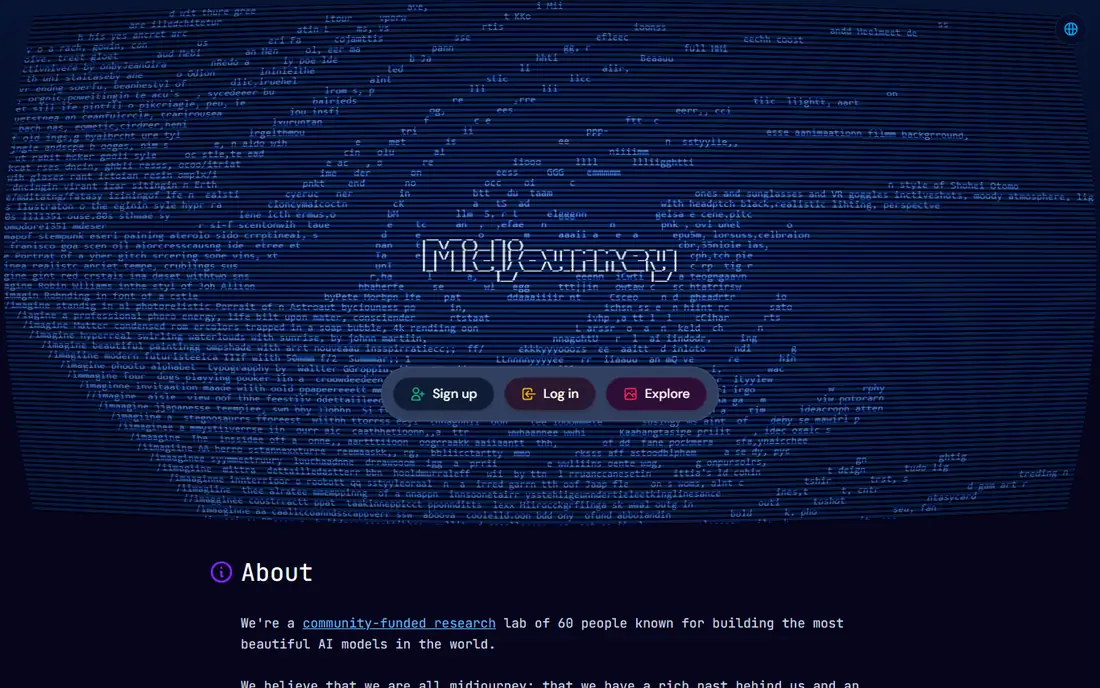
Midjourney remains the benchmark for how good an AI image can look with a short prompt, because its default style is polished, cinematic, and coherent in a way that other tools often need extra prompting to reach. Style references let you lock in a look across a series, which helps for a brand campaign, a book cover series, or a set of social images that should feel related. The web app now works without Discord, which makes it far easier for a new user than in earlier years.
The limits are price and text. Midjourney has no sustained free tier, starting at $10 per month for a Basic plan, and it is weaker than GPT image or Ideogram at rendering accurate words inside an image. It is also less literal in prompt following, so a prompt with many specific details may be interpreted artistically rather than exactly. If your top priority is how good the image looks, Midjourney is the pick. If you need exact text, pair it with a text specialist.
- Best artistic quality out of the box
- Strong style control
- Community gallery for inspiration
- No sustained free tier
- Weaker at accurate text in images
- Prompt following is less literal
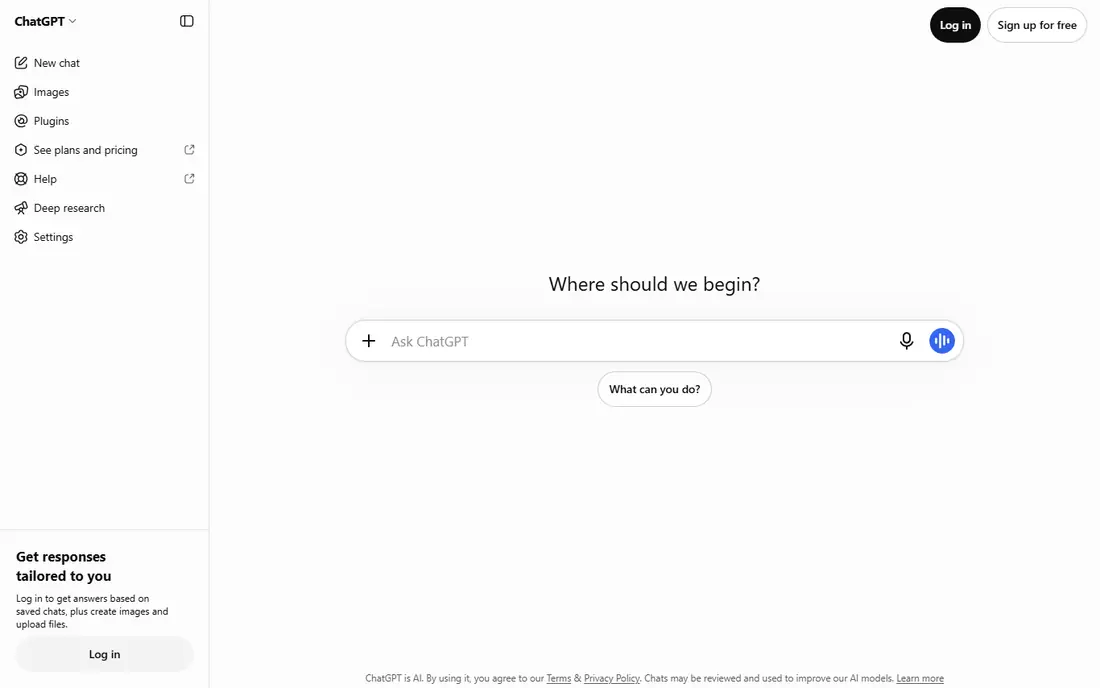
GPT image, the image model inside ChatGPT, is the easiest text to image tool for most people, because you can describe an image, see it, and then ask for changes in plain conversation. That conversational loop is powerful: change the background, fix a detail, or try a different style without writing a new prompt from scratch. It also handles text inside images far better than artistic models, which makes it useful for posters, social graphics, and product mockups with words.
The trade off is artistic ceiling. GPT image results are versatile and accurate, but they often lack the distinctive polish that Midjourney gives with little effort, and style customization is less deep. The free tier in ChatGPT gives a small number of images per day, while Plus at $20 per month lifts limits. For a general user who wants one tool for images plus writing and research, GPT image in ChatGPT is the most practical choice.
- Strong prompt following
- Good text rendering
- Conversational editing in chat
- Less artistic style control than Midjourney
- Paid plan is $20 per month for full access
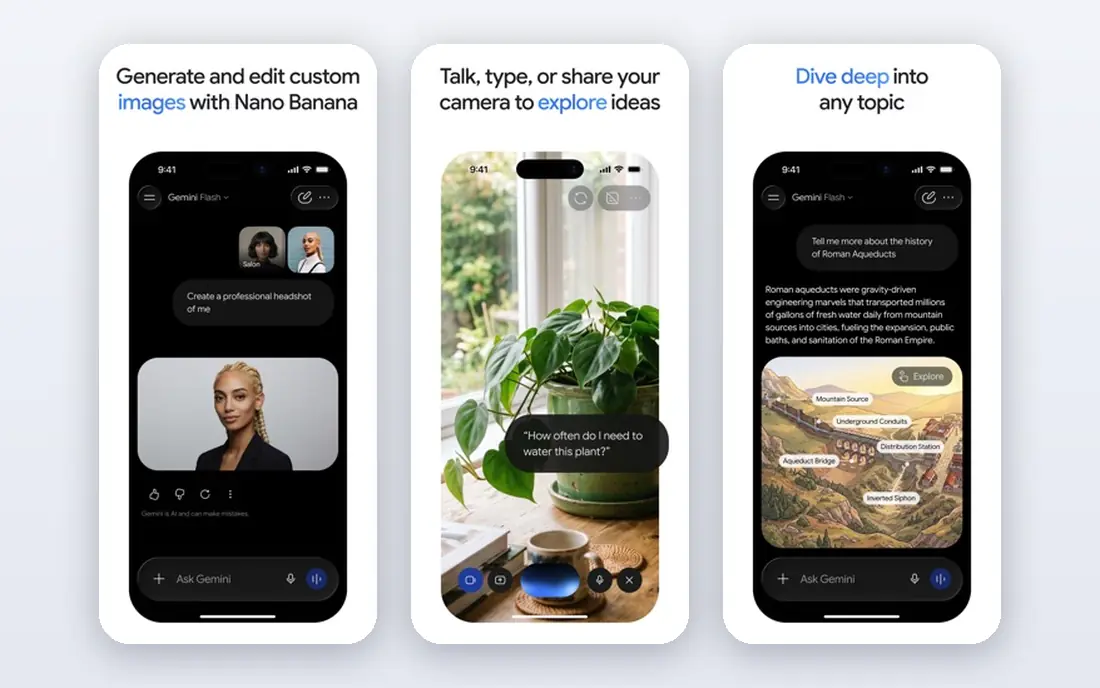
Imagen, Google image model available through Gemini, is a strong pick for photorealistic images and for users who already work in Google Docs, Slides, and Drive. Images can be generated in chat and then used directly in a document or presentation, which saves the export and upload steps that other tools require. The free tier in Gemini lets you test photorealism before paying, and Google AI Pro at $19.99 per month adds more capacity and other Google AI features.
The limit is artistic range. Imagen is excellent at realistic people, products, and scenes, but it is less distinctive for painterly or highly stylized art than Midjourney. It is also tied to the Google ecosystem, so a user who does not use Google apps gets less of its value. If you live in Google Workspace and need realistic images fast, Imagen is the natural choice.
- Strong photorealism
- Built into Gemini and Google apps
- Free tier for testing
- Style range is narrower than Midjourney
- Best value sits behind Google AI Pro
Adobe Firefly is the pick for client and brand work where commercial safety matters, because Adobe designed it to be trained on licensed content and to fit inside Photoshop, Illustrator, and other Creative Cloud apps. That integration matters for a designer who needs to generate, extend, or edit an image and then finish it in Photoshop without leaving the workflow. Firefly also offers features for vectors, text effects, and image extension that suit professional design tasks.
The honest limit is creative range. Firefly images are clean and usable, but they rarely match Midjourney for striking artistic quality, and the full value depends on a Creative Cloud subscription. A casual user who only needs a few images will find the free tier enough to test, but a professional who already pays for Creative Cloud gets the most from Firefly. For client work where rights matter, that safety is worth the trade.
- Designed for commercial use
- Integrates with Photoshop and Creative Cloud
- Good for brand work
- Creative ceiling is lower than Midjourney
- Full value needs a Creative Cloud plan
Ideogram is the specialist pick when your image must contain readable words, such as a poster, a logo concept, a social graphic, or a book cover with a title. It renders text more accurately than most rivals, including longer phrases and stylized lettering, which is the hardest problem in text to image generation. The free tier lets you test that strength on your own phrases before paying, and paid plans add more generations and features.
The trade off is breadth. Ideogram style range is narrower than Midjourney, and it is less strong for photorealistic people and complex scenes. That makes it a specialist, not a general replacement: use Ideogram when words matter, and use Midjourney or Imagen when the image itself matters most. For a social media manager who makes graphics with headlines daily, Ideogram can save more editing time than any other tool here.
- Best text rendering in images
- Good for posters, logos, and social graphics
- Free tier available
- Narrower style range
- Less strong for photorealistic people
Leonardo AI is a strong pick for game developers, illustrators, and designers who need characters, environments, and assets in a consistent style. Style presets, fine tuning, and asset tools help a small team create a coherent visual world without a large art department, and the free tier gives enough generations to test a style. It also suits creators who make stickers, avatars, and concept art for a project.
The limit is photorealism and simplicity. Leonardo is less strong than Imagen or Flux for realistic product photography, and its interface has many options that can overwhelm a first time user. If your job is game or design assets, that depth is a plus. If your job is a single realistic image for a blog post, a simpler tool such as GPT image or Imagen will be faster.
- Strong for game art, characters, and design assets
- Style presets help beginners
- Free tier available
- Less suited to photorealistic product work
- Interface has many options for a beginner
Flux is a strong choice for photorealistic images, especially product photography and realistic scenes where accuracy matters more than artistic flair. It follows prompts well, handles lighting and detail convincingly, and is used by many platforms as the underlying model for realistic generation. That makes it a good pick for an ecommerce seller, a marketer, or a designer who needs a product shot that looks real.
The catch is pricing clarity. Flux is available through several platforms and APIs, and pricing varies by image, resolution, and provider, so the cost per image is not as simple as a monthly plan. A beginner should start with a platform that offers Flux with a free tier or a simple monthly plan, rather than going straight to API pricing. For realistic product work, the extra effort is worth it, because the results often need less retouching.
- Excellent photorealism
- Strong for product photography
- Good prompt adherence
- Pricing varies by platform and API use
- Best results need careful prompting
Stable Diffusion is the free and open source option for users who want full control, privacy, and no subscription. It can run locally on a capable computer, which means images do not leave your machine, and the community offers many models, styles, and control tools for specific looks. That flexibility is unmatched by any closed tool, and it costs nothing beyond hardware and time.
The limit is setup. Stable Diffusion needs technical installation, model downloads, and a capable graphics card for good speed, and quality depends heavily on the model and settings you choose. A beginner who wants a quick image should start with a hosted tool, not with self hosting. For a technical user, a privacy conscious studio, or a developer building a custom pipeline, Stable Diffusion is the most flexible tool on this list.
- Free and open source
- Runs locally for privacy
- Huge community models and controls
- Needs technical setup and a capable computer
- Quality depends on model and settings
How we picked these
We compared official vendor pages, pricing pages, and recent image generator comparisons for tools that are available today, offer a real text to image workflow, and have a distinct strength. We favored tools with a free tier or a low entry price where possible, and we note where pricing is quote based or API based rather than a simple monthly plan. Prices change often, so check the vendor pricing page before you commit to a paid plan for client work.
How to get better images from any tool
Write prompts like a brief, not like a keyword list. Name the subject, the setting, the lighting, the style, and the composition in plain sentences, and add what you do not want only if the tool supports negative prompts. Generate several versions of the same prompt, pick the best one, and then edit it conversationally or in an image editor, rather than expecting a perfect first result. That workflow beats prompt tricks every time.
Test text, style, and rights together
Before you choose a tool for a project, test the same three prompts in two tools: one with text in the image, one with a specific style, and one with a realistic person or product. Compare text accuracy, style consistency, and how much editing each result needs. Also check commercial use terms for the tier you will actually pay for, because a free tier may not grant the same rights as a paid tier, and that difference matters for client work.
Build a simple workflow
Keep a prompt library for styles you reuse, save successful prompts with the images they produced, and use a consistent naming system for files. If you work with a team, agree on one tool for final images and one tool for quick drafts, so files do not scatter across platforms. A simple workflow saves more time than a new tool, because it lets you reuse what already worked.
Frequently asked questions
What is the best text to image ai tool for most people?
For most people, GPT image in ChatGPT is the best text to image ai tool to start with, because it is easy, conversational, and handles text in images well, all inside an app many people already use. Midjourney is the better pick if artistic quality is your top priority, and Imagen is the better pick if you live in Google apps. Try GPT image free first, then add Midjourney only if you need its style.
What are the best ai text to image tools for posters and social graphics?
For posters and social graphics with words, Ideogram and GPT image are the best ai text to image tools, because both render text far more accurately than artistic models. Firefly is also strong for brand graphics inside Creative Cloud, especially when you need to finish a design in Photoshop. Test the exact headline you plan to use, because text accuracy varies by phrase length and font style.
What is the best text to image ai app for photorealism?
For photorealism, Imagen and Flux are the strongest choices on this list, with GPT image close behind for realistic scenes. Imagen suits Google users who need images inside Docs and Slides, while Flux suits product photography and realistic scenes through several platforms. Compare the same product prompt in both, because lighting and detail differ by model.
Can I use AI images commercially?
In many cases yes on a paid tier, but terms vary by tool and by tier, so check the commercial use terms for the exact plan you pay for before publishing client work. Firefly is designed with commercial safety in mind, while other tools grant commercial rights on paid plans with different limits. Keep a record of the tool, the plan, and the date for any image used commercially, in case a client asks later.
Is there a free ai text to image tool worth using?
Yes. GPT image in ChatGPT, Imagen in Gemini, Firefly, Ideogram, Leonardo AI, and Stable Diffusion all offer free tiers or free self hosting, although free tiers limit the number of images per day. Stable Diffusion is the only fully free option without a daily cap, but it needs technical setup. For a casual user, start with Gemini or ChatGPT free tiers and pay only when you hit a limit you actually feel.
Sources we checked (8)

Online Jobs is an independent blog about careers, online work, learning new skills and the tools that help people earn. More about us.
Keep reading
All posts
iPhone Alternatives
Looking for iPhone alternatives in 2026? Compare 9 Android phones from Samsung, Google, OnePlus, and more, with cameras, battery life, and honest trade-offs.

Who Has the Best Home Internet Service
Find who has the best home internet service for your address, with fiber, cable, 5G, and satellite providers compared on price, speed, and coverage here.
Best Robotics Companies
Compare the best robotics companies in 2026, from humanoids to factory robots, with focus areas, deployments, and honest limits for buyers and pilots.