Best AI Software for Responding to RFPs and RFQs in 2026: 9 Tools Compared

How we put this together: we compare official feature and pricing pages, app store listings, privacy policies and public user reviews. Prices change, so check the provider's site before you pay.
Key takeaways
- A governed content library matters more than drafting speed, because unchecked AI answers create risk.
- Most established tools price by quote, while newer AI-first tools publish clearer monthly starting points.
- Human review stays essential, even when a tool drafts a strong first answer from approved content.
- Import and portal support can save more time than drafting alone, especially for long questionnaires.
Quick comparison
| Name | Who it suits | Starting price | Free option | |
|---|---|---|---|---|
 Loopio | enterprise RFP content management | See website | No | Visit |
 Responsive | large proposal programs | See website | No | Visit |
 Qvidian | Word and Excel heavy proposals | See website | No | Visit |
 AutoRFP.ai | fast AI first drafts | See website | No | Visit |
 Inventive AI | AI agents for RFP workflows | See website | No | Visit |
 1up | AI answers from internal knowledge | See website | No | Visit |
 Tribble | AI drafting inside sales workflows | See website | No | Visit |
 PandaDoc | proposals plus e-signatures for small teams | See website | Yes | Visit |
 Proposify | controlled trackable proposals | See website | Free trial | Visit |
The best AI software for responding to RFPs and RFQs
We compared tools that help teams answer RFPs, RFQs, and security questionnaires with less manual drafting. This guide focuses on content libraries, AI drafting, review workflows, and how each tool handles accuracy before submission.

For teams, Loopio offers a clear starting point. Loopio provides a structured content library with AI-assisted drafting and review workflows. It is designed for teams who need enterprise RFP content management, and it can be arranged around your existing routines rather than forcing one fixed process. What stands out is content reuse with review controls. That strength is most useful when teams answer many RFPs with shared ownership. It also helps keep records in one place, so follow-up work is easier to trace than it would be in separate files and messages. The honest catch is value depends on keeping the library current. Before you commit, check pricing, user limits, and library import options on the vendor site and confirm it covers your main use case. A short trial or demo, where one is offered, is the simplest way to test that fit before you move a full workflow across.
- Structured content library
- AI-assisted drafting
- Review and confidence checks
- Quote pricing
- Best fit needs a dedicated content owner
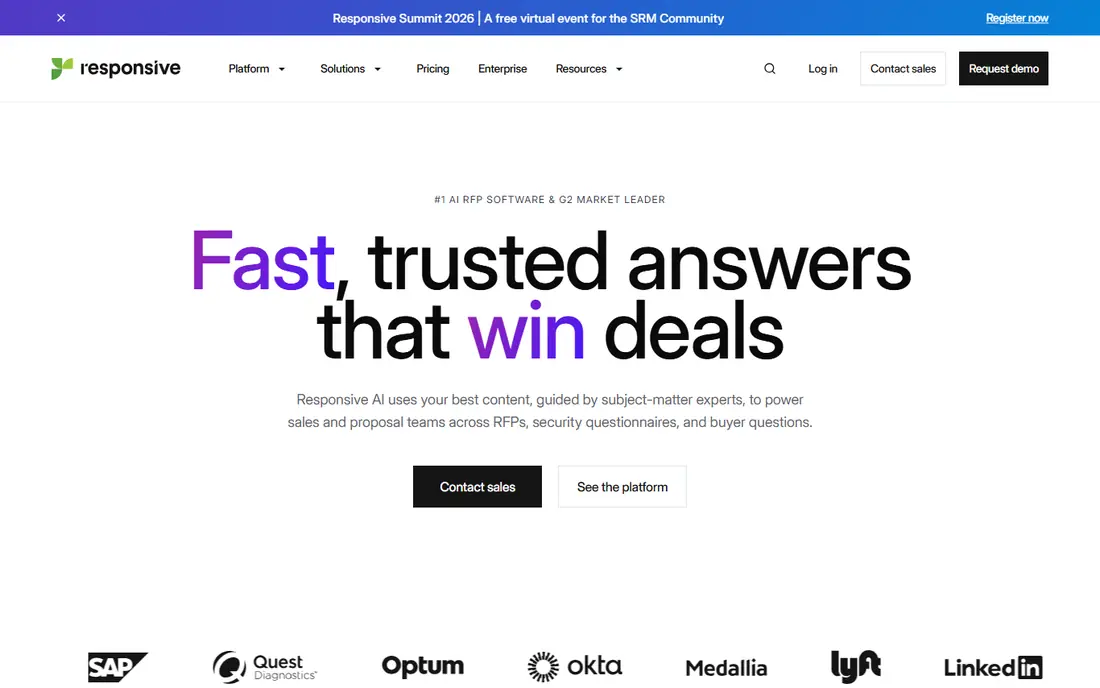
If large proposal programs matters most, Responsive deserves a close look. Responsive provides a governed content library with project management and AI-assisted drafting. It is designed for buyers who need large proposal programs, and it can be arranged around your existing routines rather than forcing one fixed process. What stands out is governance for large proposal programs. That strength is most useful when proposals span many departments. It also helps keep records in one place, so follow-up work is easier to trace than it would be in separate files and messages. The honest catch is smaller teams may find the setup large. Before you commit, check pricing, implementation time, and integrations on the vendor site and confirm it covers your main use case. A short trial or demo, where one is offered, is the simplest way to test that fit before you move a full workflow across.
- Governed content library
- Project management
- Trust centre features
- Quote pricing
- Enterprise setup can take time
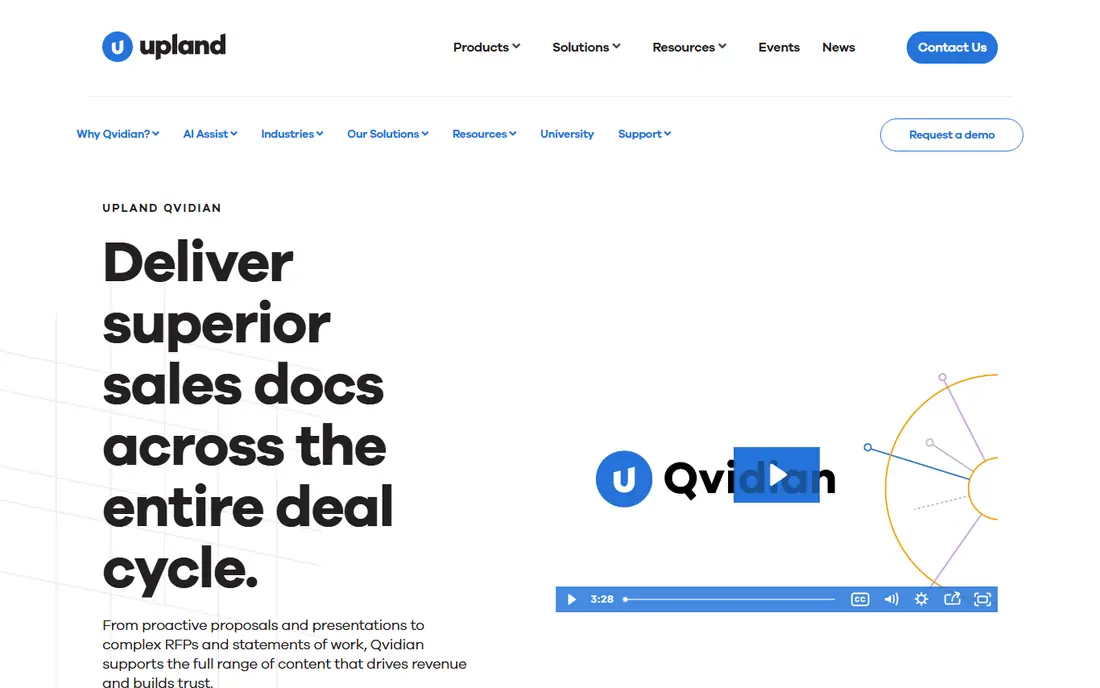
Qvidian suits teams who want a defined way to handle Word and Excel heavy proposals. Qvidian provides document automation and content governance for proposal teams. It is designed for teams who need Word and Excel heavy proposals, and it can be arranged around your existing routines rather than forcing one fixed process. What stands out is working inside Word and Excel workflows. That strength is most useful when proposals live mainly in documents. It also helps keep records in one place, so follow-up work is easier to trace than it would be in separate files and messages. The honest catch is web-first teams may prefer a different interface. Before you commit, check pricing, document support, and reporting on the vendor site and confirm it covers your main use case. A short trial or demo, where one is offered, is the simplest way to test that fit before you move a full workflow across.
- Document automation
- Content governance
- Reporting for proposal teams
- Quote pricing
- Document focus may suit some teams more than others
Teams that need fast AI first drafts often shortlist AutoRFP.ai early. AutoRFP.ai provides AI drafting grounded in approved content with project tracking. It is designed for buyers who need fast AI first drafts, and it can be arranged around your existing routines rather than forcing one fixed process. What stands out is speed for first drafts with source checks. That strength is most useful when teams need drafts quickly from past answers. It also helps keep records in one place, so follow-up work is easier to trace than it would be in separate files and messages. The honest catch is accuracy still needs human review on every answer. Before you commit, check plan limits, project counts, and pricing terms on the vendor site and confirm it covers your main use case. A short trial or demo, where one is offered, is the simplest way to test that fit before you move a full workflow across.
- AI drafting from approved content
- Source grounding
- Project tracking
- Monthly pricing can add up with volume
- Review still required
When AI agents for RFP workflows is the main job, Inventive AI keeps the focus narrow. Inventive AI provides AI agents that handle intake, drafting, and validation for RFPs and questionnaires. It is designed for teams who need AI agents for RFP workflows, and it can be arranged around your existing routines rather than forcing one fixed process. What stands out is agent-led workflows from live sources. That strength is most useful when teams want less manual library upkeep. It also helps keep records in one place, so follow-up work is easier to trace than it would be in separate files and messages. The honest catch is live-source accuracy needs careful testing. Before you commit, check pricing, source connections, and review controls on the vendor site and confirm it covers your main use case. A short trial or demo, where one is offered, is the simplest way to test that fit before you move a full workflow across.
- AI agents for intake and drafting
- Live knowledge connections
- Validation steps
- Pricing needs a quote or published plan check
- Newer approach needs testing
A practical pick for buyers, 1up covers the basics well. 1up provides AI answers drawn from internal knowledge bases and connected tools. It is designed for buyers who need AI answers from internal knowledge, and it can be arranged around your existing routines rather than forcing one fixed process. What stands out is quick answers inside tools teams already use. That strength is most useful when teams work mainly in Slack and shared docs. It also helps keep records in one place, so follow-up work is easier to trace than it would be in separate files and messages. The honest catch is governance depth may be limited for regulated work. Before you commit, check pricing, source connections, and security terms on the vendor site and confirm it covers your main use case. A short trial or demo, where one is offered, is the simplest way to test that fit before you move a full workflow across.
- AI drafting from internal sources
- Slack and workspace connections
- Quick setup
- Depth of governance may be less than enterprise suites
- Pricing needs checking
Tribble is a good match for teams with a defined workflow. Tribble provides AI drafting connected to CRM, Slack, and sales workflows. It is designed for teams who need AI drafting inside sales workflows, and it can be arranged around your existing routines rather than forcing one fixed process. What stands out is drafting inside daily sales tools. That strength is most useful when sales teams answer questionnaires in Slack or CRM. It also helps keep records in one place, so follow-up work is easier to trace than it would be in separate files and messages. The honest catch is maturity and governance need a close check. Before you commit, check pricing, integrations, and review workflows on the vendor site and confirm it covers your main use case. A short trial or demo, where one is offered, is the simplest way to test that fit before you move a full workflow across.
- AI drafting connected to CRM and Slack
- Contextual answers
- Workflow support
- Newer platform
- Enterprise governance needs checking
For buyers who value clarity and control, PandaDoc is worth comparing. PandaDoc provides proposal documents with templates, tracking, and e-signatures. It is designed for buyers who need proposals plus e-signatures for small teams, and it can be arranged around your existing routines rather than forcing one fixed process. What stands out is combining proposals and signatures in one flow. That strength is most useful when small teams need proposals plus signatures. It also helps keep records in one place, so follow-up work is easier to trace than it would be in separate files and messages. The honest catch is questionnaire automation is not its main strength. Before you commit, check plan pricing, template limits, and signature terms on the vendor site and confirm it covers your main use case. A short trial or demo, where one is offered, is the simplest way to test that fit before you move a full workflow across.
- Proposal templates
- E-signatures
- Document tracking
- Less RFP questionnaire depth than dedicated RFP tools
- Paid tiers vary
If you are moving from spreadsheets or manual work, Proposify gives teams a structured step up. Proposify provides controlled proposal creation with approvals and tracking. It is designed for teams who need controlled trackable proposals, and it can be arranged around your existing routines rather than forcing one fixed process. What stands out is trackable proposals with approval control. That strength is most useful when sales teams want control over proposal versions. It also helps keep records in one place, so follow-up work is easier to trace than it would be in separate files and messages. The honest catch is RFP questionnaire handling may need another tool. Before you commit, check plan pricing, user limits, and template options on the vendor site and confirm it covers your main use case. A short trial or demo, where one is offered, is the simplest way to test that fit before you move a full workflow across.
- Proposal templates
- Approvals
- Tracking and analytics
- Less RFP library depth than dedicated tools
- Pricing varies by plan
How we picked these
We compared official feature pages, pricing pages, app store listings, privacy policies, and public reviews for each option. We focused on features that affect daily use, including setup, core workflows, limits, and support, rather than marketing claims alone. We did not claim hands-on testing, and we used vendor pages as the source for prices and plan details. Where a vendor did not publish a clear price, we wrote See website rather than guessing a figure. Readers should confirm current terms on the vendor site before they buy, because plans change.
How to choose RFP software that stays accurate
Start with your questionnaire volume and your approval process, not with a feature list. A tool should make it easy to reuse approved answers, route drafts to the right reviewer, and track what changed before submission.
Check the content library first
Ask how answers are stored, reviewed, and retired when they go out of date. A library with owners, review dates, and version history will age better than a pile of past documents. Test search with a real question from a recent RFP.
Test AI drafting on your own content
Run a sample questionnaire through the tool using your approved answers. Check whether drafts cite sources, flag low-confidence answers, and stay close to approved wording. A tool that invents details is a risk, even if its first draft reads well.
Map approvals and deadlines
Map who reviews legal, security, and product answers, and how deadlines are tracked. Check whether the tool supports assignments, reminders, and portal exports. A clear workflow prevents last-minute scrambling when a deadline moves.
Frequently asked questions
What is AI software for responding to RFPs and RFQs?
It is software that stores approved answers, drafts responses to new questionnaires, and routes drafts for review. It can import questions from documents and portals, then match them to past answers. Human review remains part of the process before anything is submitted.
Can AI write a full RFP response on its own?
It can draft a strong first version, but it should not submit without human review. Answers need checking for accuracy, tone, and compliance, especially for security and legal questions. The safest setup pairs AI drafting with approved content and named reviewers.
How much does RFP software cost?
Established platforms often price by quote, based on users, volume, and features. Some newer tools publish monthly prices, while others require an annual contract. Request a written quote that covers users, projects, and support.
Do I need RFP software for a few RFPs a year?
Probably not, if volume is low and questions repeat rarely. Templates and a shared drive may be enough for a handful of responses each year. RFP software pays off when volume, question counts, or team size make manual work slow and error prone.
What is the difference between RFP and proposal software?
RFP software focuses on answering questionnaires and managing the response process. Proposal software focuses on creating the polished document a buyer receives. Many teams use one of each, with RFP tools feeding approved content into proposal documents.
Sources we checked (9)

Online Jobs is an independent blog about careers, online work, learning new skills and the tools that help people earn. More about us.
Keep reading
All posts
ZoomInfo Alternatives
The best ZoomInfo alternatives in 2026, compared on price, free plans, data coverage, and which tool fits small teams or large sales teams best in detail.

Workday Alternatives
We compared the best workday alternatives for HR, payroll, and global hiring, from BambooHR and Gusto to Rippling, Deel, and HiBob for growing teams in 2026.

Which SaaS Tools Have the Best Customer Support
Which SaaS tools have the best customer support? Compare eight popular tools on help centres, live help, response options and overall support quality.