Best AI Search Optimization Platform for Beginners in 2026: 9 Platforms Compared

How we put this together: we compare official feature and pricing pages, app store listings, privacy policies and public user reviews. Prices change, so check the provider's site before you pay.
Key takeaways
- Beginners should start with a simple tracker and a small prompt set, not an enterprise platform that needs an analyst to read it.
- Otterly and HubSpot AI Search Grader give the gentlest starts, while Contentpen and Writesonic pair tracking with content help for small teams.
- A platform that also helps you fix pages is more useful at first than a platform that only reports a score.
- Track the same prompts for a month, fix one content gap at a time, and only move to a deeper tool when prompt limits or reporting needs force it.
Quick comparison
| Name | Who it suits | Starting price | Free option | |
|---|---|---|---|---|
 Otterly | Simple first AI visibility tracker | $29 per month | No | Visit |
 HubSpot AI Search Grader | Free first AI search check | Free | Yes | Visit |
 Contentpen | All-in-one SEO plus AI visibility | $49 per month | No | Visit |
 Writesonic | Content plus AI tracking in one place | $79 per month | No | Visit |
 Frase | Content briefs and question research | See website | No | Visit |
 Peec AI | Readable multi-engine reports | $95 per month | No | Visit |
 Profound | Deeper AI search analytics | $99 per month | No | Visit |
 SE Ranking | SEO suite with AI tracking | See website | No | Visit |
 Surfer SEO | Content scoring before publishing | $79 per month | No | Visit |
The best AI search optimization platform for beginners
AI search optimization can feel technical, but the beginner job is simple, which is to learn how AI answers talk about your brand, then make your pages clearer. The platforms below explain that job in plain terms, with pricing and limits a first-time user can understand.
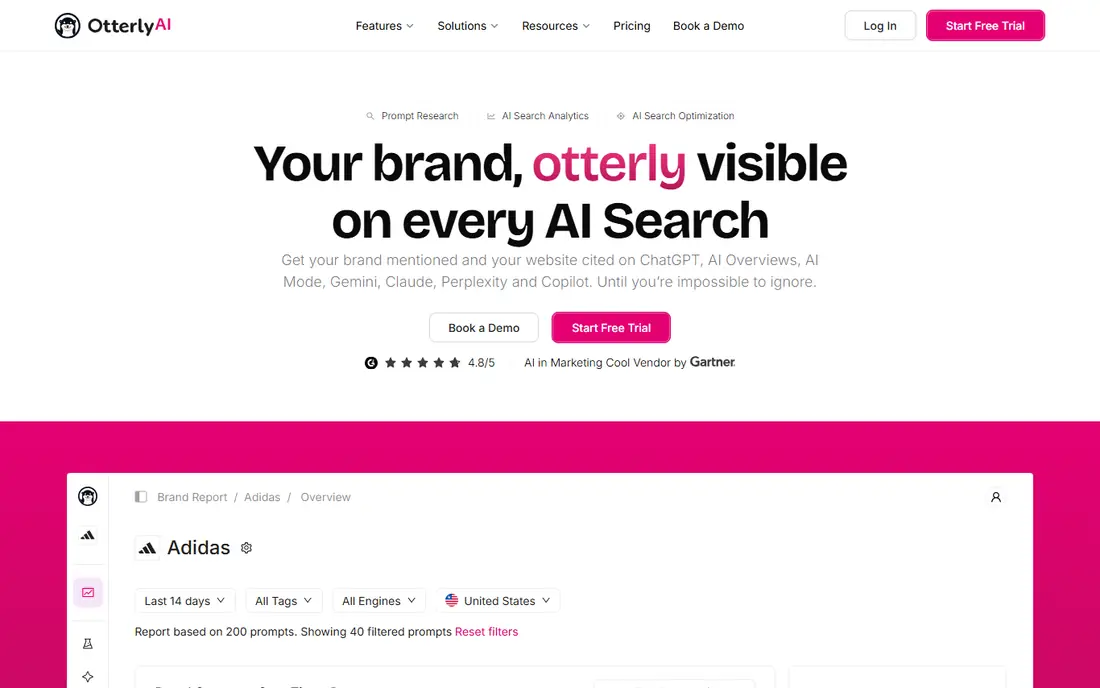
Otterly is the best first tracker for a beginner because it answers the main question without a wall of charts. You set up prompts, you get snapshots of brand mentions and citations, and you can see whether the trend is moving. That simplicity helps a small business owner who also writes content, answers customers, and runs the site.
The limit is depth, and that is acceptable at first. Otterly will not diagnose every content gap in detail, but it will show you where to look. Start here, learn your prompt set, and move to a deeper tool only when you can name the report you are missing.
- Lowest entry price in this list
- Simple reports and weekly snapshots
- Quick setup for a small site
- Fewer prompts on the entry plan
- Some engines cost extra
- Diagnostic depth is limited
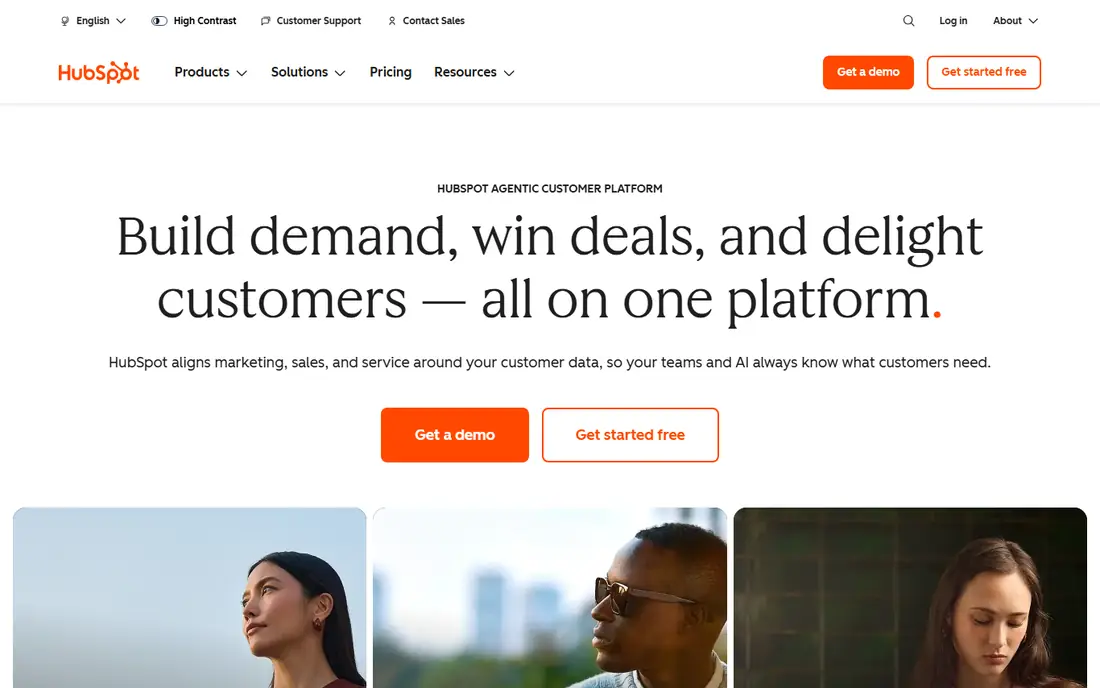
HubSpot AI Search Grader is the right zero cost first step. It checks how AI search systems present a brand and gives a readable summary that a beginner can act on, without a subscription or a long setup. For a business that has never checked AI visibility, that first report often reveals the biggest gaps, such as missing category pages or unclear service descriptions.
Treat the grader as a starting point, not a tracking system. It does not watch prompts week after week, so pair it with Otterly or another tracker once you want trends. Used in that order, free grader first and paid tracker second, it saves money and avoids buying depth you do not yet need.
- Free to run
- Gives a plain first read on AI search presence
- No new platform to learn for HubSpot users
- A grader, not a full tracker
- No steady prompt tracking
- Limited depth compared with paid platforms
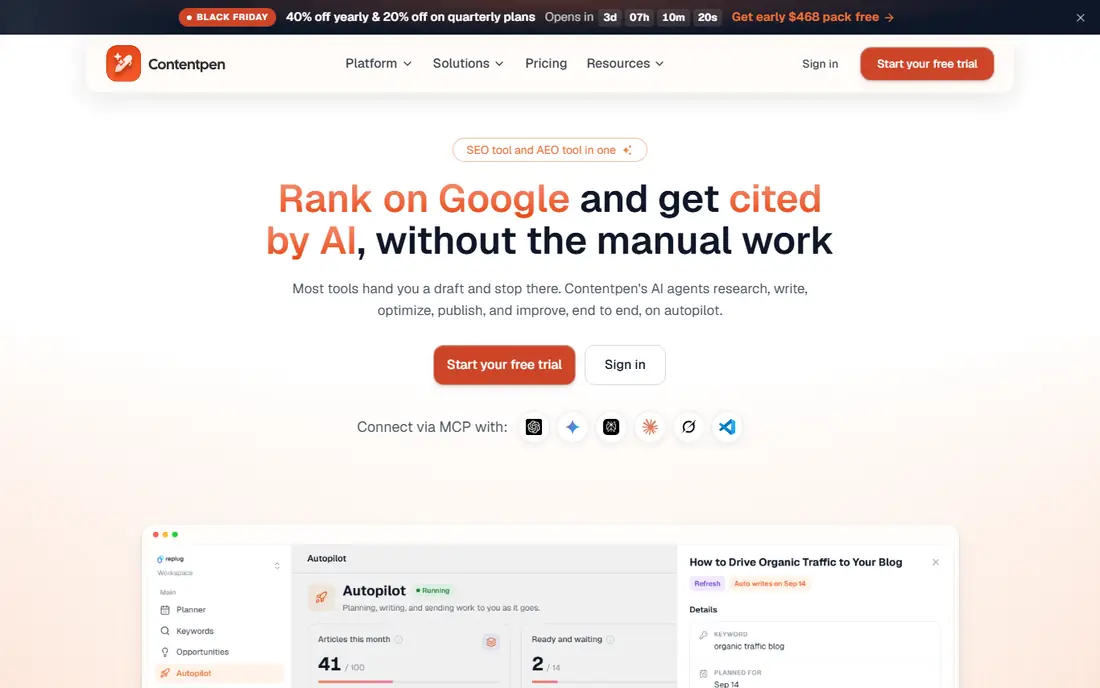
Contentpen suits a beginner who wants one workspace for research, writing, and AI visibility, rather than three separate tools. AI visibility tracking sits in every plan, and the platform also helps draft, score, and publish content, so a small team can move from a tracking insight to a published fix without switching tools. That closed loop is genuinely helpful at first.
The trade-off is depth in classic SEO areas such as backlink analysis, where larger suites still lead. For a beginner focused on AI search and content, that gap matters less than the simplicity of one workspace. Trial it with one content topic and check that the publishing flow fits your site.
- AI visibility tracking in every plan
- Keyword research, writing, and publishing in one workspace
- Beginner friendly interface
- Newer platform with less history than large suites
- Backlink depth is thinner than specialist SEO tools
Writesonic fits beginners whose main problem is producing enough clear content, not just measuring visibility. The platform pairs AI search tracking with writing tools, so a team can find a content gap and draft a page to fill it in the same account. That pairing helps small teams that publish weekly and need both speed and direction.
The price is higher than a simple tracker, so a team that already writes well may prefer Otterly and a separate editor. Choose Writesonic when content volume is the real bottleneck, and check plan limits for tracking and generation before committing.
- Content creation plus GEO tracking
- Question based content help
- Suits teams where writing is the bottleneck
- Entry price is higher than Otterly
- Content features may distract from tracking
- Plan limits need checking
Frase is a research tool first, and beginners benefit from it before they write. It clusters the questions people ask around a topic, which helps a writer cover the subtopics AI answers tend to cite. A brief built from real questions is far stronger than a brief built from a single keyword, and that strength shows in AI visibility over time.
Frase does not replace a tracker, since it does not watch brand mentions week after week. Use it to plan content, use Otterly or Peec AI to track results, and treat the pair as a beginner stack that covers both research and measurement.
- Builds content briefs from real questions
- Question clustering helps AI answer coverage
- Useful before writing a page
- Research focused, not a full AI visibility tracker
- Pricing needs a live check
- Needs a tracking tool alongside it for trends
Peec AI is the step up when a beginner is ready for multi-engine reporting but still wants readable charts. The platform shows brand visibility, competitor mentions, and citation sources without requiring analyst training, and engine choice lets a team focus on the systems its customers use. That balance makes it a good second tool after Otterly.
The price is the main reason to wait. A beginner should prove the value of tracking on a cheaper plan first, then move to Peec AI when prompt volume, engine count, or client reporting demands it. At that point, the clearer reports justify the cost.
- Clear share of voice reports
- Choice of engines to track
- Language coverage for non-English markets
- Higher price than beginner trackers
- Extra engines add cost
- Reporting depth may exceed beginner needs
Profound appears here as a goalpost, not a first buy. It gives deeper AI search analytics than beginner trackers, with citation detail and brand perception views that larger teams use for reporting. A beginner who grows into regular AI search work will recognize when that depth becomes useful, such as when leadership asks for trend reports across products.
At first, Profound is more tool than most beginners need, and the entry limits can confuse a new user. Start simpler, build a prompt habit, and consider Profound when your tracking questions outgrow a simple snapshot report.
- Dedicated AI search analytics
- Citation and brand perception reporting
- Suits teams ready for deeper data
- Entry plan covers limited engines
- Enterprise features sit higher
- More than most beginners need at first
SE Ranking suits a beginner who also needs classic SEO, since it covers rankings, audits, and AI search in one subscription. That breadth helps a small agency or a business owner who wants one login for search work, rather than a tracker plus a separate SEO tool. The reports are also structured in a way that suits client updates.
Setup takes longer than Otterly, since a full SEO suite has more settings to learn. Beginners should focus on one project and one prompt set first, and ignore advanced modules until the basics are routine. Used that way, SE Ranking is a solid long term home for search work.
- Classic SEO plus AI search in one account
- Site audits and rank tracking included
- Plan structure suits small agencies
- AI features may need a higher plan or add-on
- Setup takes more time than a single purpose tracker
Surfer SEO helps beginners at the writing stage, which is where many AI visibility gaps start. Its editor scores a draft against top ranking pages and suggests structure, terms, and coverage, so a page goes live in better shape for both classic search and AI answers. That guidance is useful for a writer who is unsure what a complete page should cover.
Surfer is not a brand tracker on its own, so pair it with Otterly or Peec AI for mention trends. The combination covers the two beginner jobs well, which are writing clearer pages and checking whether AI answers notice them.
- Real-time content scoring against top pages
- Helps structure pages for search and AI answers
- Clear writing guidance
- Main job is content scoring, not brand tracking
- AI tracker is an add-on in some plans
- Needs a tracker alongside it
How we picked these
We compared official feature pages, pricing pages, and beginner guidance for AI search and GEO tools, and we kept platforms with a clear entry path for a first-time user, such as a free grader, a low entry price, or a guided interface. We left out enterprise only platforms with no self-serve start, pure content writers with no tracking, and tools with no current AI search function. Where pricing varied by plan, we wrote See website.
A simple beginner plan for the first month
Week one, run a free grader check and list your top five categories, plus the questions buyers ask about each one. Week two, set up a tracker with 25 to 50 prompts from those questions, and record the starting mention rate for your brand and three competitors. Do not change the prompts during the month, or the trend will be hard to read.
Week three, fix the clearest gap. That may be a missing comparison page, a thin product description, or a category page with no specs or FAQs. Publish one fix, not ten, so you can link any later movement to a real change. Week four, review the tracker, note which prompts moved, and plan the next fix.
Repeat that cycle monthly. AI visibility improves through steady content fixes and steady measurement, not through a single tool purchase or a single week of effort.
Frequently asked questions
What is the best AI search optimization tool for beginners?
Otterly is the simplest paid start, and HubSpot AI Search Grader is the best free first check. Contentpen suits beginners who want tracking plus content help in one workspace, while Peec AI suits those ready for clearer multi-engine reports.
Do beginners need to pay for AI search optimization?
Not at first. A free grader, manual checks, and clearer product pages can reveal the main gaps. Pay for a tracker when you want weekly trends across prompts and engines, which manual checks cannot sustain.
How do I know if AI search optimization is working?
Watch mention rates, citation counts, and competitor share of voice over a month on a fixed prompt set, and pair that with traffic and enquiry data. Single AI answers change each run, so trends matter more than one result.
What is GEO, and is it different from SEO?
GEO, or generative engine optimization, focuses on visibility inside AI generated answers, while SEO focuses on rankings in classic search results. The two overlap, since clear, well linked, and authoritative pages help both, but GEO adds prompt tracking and citation work.
Should a beginner hire an agency for AI search?
Usually not at first. Learn the basics with a tracker and a small prompt set, fix obvious content gaps, and hire help only when volume, technical issues, or reporting needs exceed your time. An agency works best when you can already judge its reports.
Sources we checked (9)

Online Jobs is an independent blog about careers, online work, learning new skills and the tools that help people earn. More about us.
Keep reading
All posts
n8n Alternatives
n8n alternatives compared for 2026, with Zapier, Make, Activepieces, and more, covering visual builders, code steps, self-hosting, and pricing models.

ZoomInfo Alternatives
The best ZoomInfo alternatives in 2026, compared on price, free plans, data coverage, and which tool fits small teams or large sales teams best in detail.

Zoom Alternatives for Webinars
Compare Zoom alternatives for webinars in 2026, from browser-based rooms to enterprise events, with prices, attendee limits, features and honest trade-offs.