Best AI Project Management Tools in 2026: 9 Tools Compared


Structured projects with AI assistance · Starting price: $10.99 per month
How we put this together: we compare official feature and pricing pages, app store listings, privacy policies and public user reviews. Prices change, so check the provider's site before you pay.
Key takeaways
- Asana and ClickUp offer the broadest mix of project tracking and AI help for most teams, with different strengths on structure versus flexibility.
- monday.com suits visual teams that want boards, dashboards, and automation without a steep learning curve.
- Notion is the best fit when docs, wikis, and light project work must live in one workspace.
- AI features vary widely by plan, so check if AI is included, limited by credits, or sold as an add-on before you buy.
- The best AI project management tool is the one your team actually opens daily, not the one with the longest AI feature list.
Quick comparison
| Name | Who it suits | Starting price | Free option | |
|---|---|---|---|---|
| Asana | Structured projects with AI assistance | $10.99 per month | Yes | Visit |
 ClickUp | All-in-one work with AI search and writing | $7 per month | Yes | Visit |
 monday.com | Visual boards and automated workflows | $9 per month | Yes | Visit |
 Notion | Docs plus tasks with AI drafting | $10 per month | Yes | Visit |
 Wrike | High-volume and enterprise project work | $10 per month | Yes | Visit |
 Smartsheet | Spreadsheet-style planning with AI help | $9 per month | Free trial | Visit |
 Linear | Software teams that want fast, focused tracking | See website | Yes | Visit |
 Zoho Projects | Budget-friendly project tracking | See website | Yes | Visit |
 Trello | Simple kanban with light AI features | $5 per month | Yes | Visit |
The best ai project management tools
AI in project tools should save time on drafting, summarising, and spotting risks, not add another dashboard to check. The tools below use AI in different ways, from writing task descriptions to flagging at-risk work and automating routine steps.
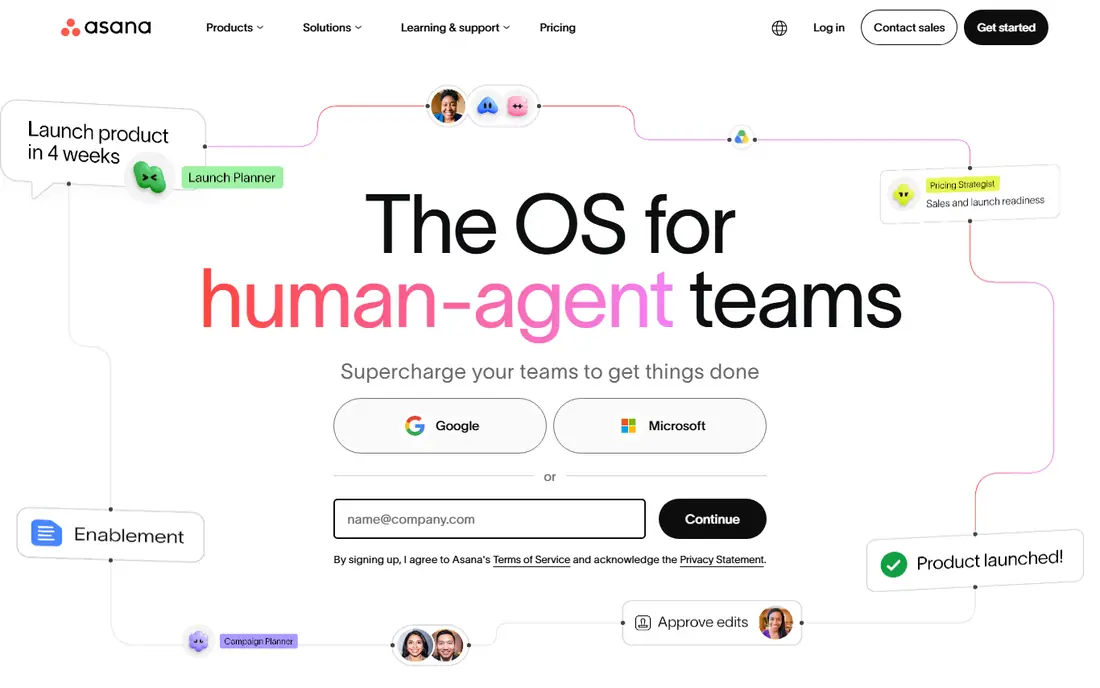
Asana is our pick for teams that want structure first and AI as a helper, not a replacement for planning. Tasks, projects, portfolios, and goals stay organised, while AI features can draft work, summarise progress, and help build workflows. That mix suits marketing, operations, and cross-functional teams that run repeatable projects.
Check the plan before you expect full AI access. Some AI features sit on higher tiers or use limits, so a team that buys the entry plan for AI alone may be disappointed. If your team already uses Asana for tracking, adding its AI features is a natural next step.
- Clear lists, boards, timelines and portfolios
- AI help with status updates and task drafting
- Strong integrations
- AI depth varies by plan
- Free plan limits features for larger teams
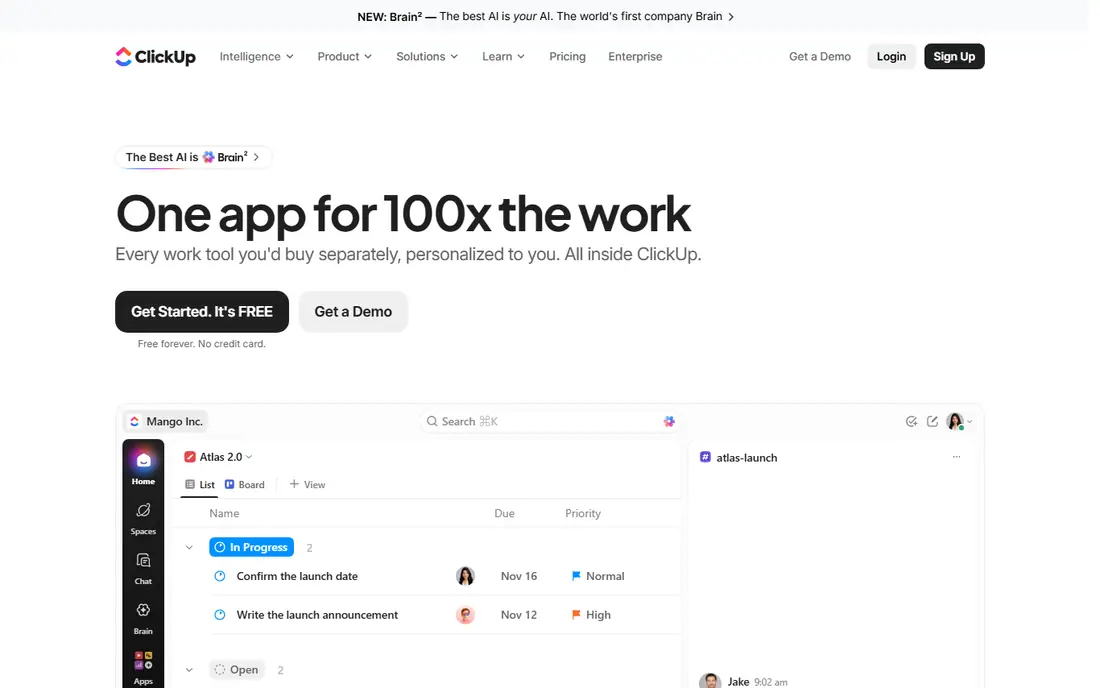
ClickUp appeals to teams that want to replace several tools at once. Tasks, docs, whiteboards, time tracking, and goals live in one workspace, and AI can help draft content, summarise threads, and find answers across that workspace. For the price, few tools offer as much in a single subscription.
The catch is focus. ClickUp can feel busy if every feature is switched on at once. Start with one project type, set a simple structure, and add views and automations only when the team asks for them. Used that way, it is a strong value pick.
- Tasks, docs, time tracking and goals in one place
- AI search and writing tools
- Strong value for the price
- Depth can feel busy
- Setup takes time to get right
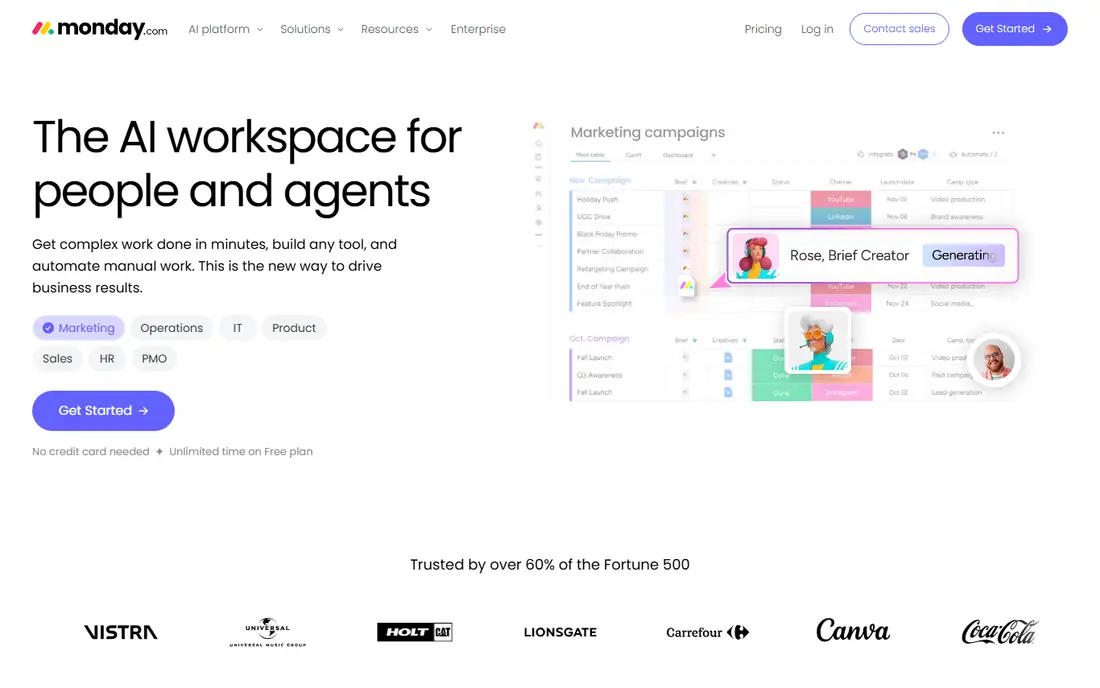
monday.com suits teams that think in boards and colour. Projects, tasks, owners, and deadlines are easy to scan, and automations can move work forward when a status changes. AI features can help draft content, summarise updates, and build formulas or workflows, depending on plan.
Pricing needs a close look. Paid plans have seat minimums, so a very small team may pay for more seats than it uses. For a visual team of three or more, though, monday.com is often the easiest tool to adopt and the hardest to ignore in a weekly review.
- Colourful, visual boards
- Easy automations
- Dashboards that show progress at a glance
- Seat minimums on paid plans
- AI features vary by plan
Notion is best when work starts in documents, not tickets. Teams can keep specs, meeting notes, wikis, and task databases in one place, and AI can draft, summarise, and rewrite content inside those pages. That makes it a good fit for product, content, and operations teams that live in written work.
It is less ready-made as a project tracker. You will need to build databases, views, and workflows to match a tool like Asana. If your team already uses Notion for docs, adding tasks there keeps everything together. If you need strict timelines and resource planning out of the box, look at Asana or Wrike first.
- Flexible docs, wikis and databases
- AI drafting and summarising
- Good for knowledge-heavy teams
- Project tracking needs setup
- AI may be an add-on or higher-tier feature
Wrike fits teams that manage many projects at once and need clear control over workloads, approvals, and reporting. Its AI features can help draft tasks, summarise work, and surface risks, while the core system handles the volume that overwhelms simpler tools. Marketing and creative operations teams often use it for this reason.
Small teams should be cautious. Wrike can feel like more system than a five-person team needs, and the best features sit on higher plans. For a larger team with complex intake and approval steps, that depth becomes a real advantage.
- Strong for large project volumes
- Resource management and reporting
- Useful AI drafting and summarising
- Can feel heavy for small teams
- Higher plans needed for advanced features
Smartsheet is the natural pick for teams that already run work in spreadsheets. Rows, columns, Gantt views, and reports feel familiar, while automations and AI help reduce manual formula work and summarise project status. Operations and project managers who live in sheets often adopt it faster than a board-first tool.
The trade-off is style. Teams that prefer visual boards or chat-like collaboration may find Smartsheet more formal. It also has no permanent free plan, so budget for a trial and a paid plan if it fits. For spreadsheet-led planning, it remains a strong choice.
- Familiar grid view
- Strong for plans, reports and dashboards
- AI help with formulas and summaries
- No free plan, only a trial
- Less intuitive for teams that prefer boards
Linear is built for software teams, and it shows in its speed and focus. Issues, cycles, and roadmaps stay clean, and the interface avoids the clutter that slows down engineering work. AI features can help with triage and drafting, but the core value is fast, opinionated tracking for product and engineering teams.
Non-software teams may find it too narrow. It does not try to be a docs system, a CRM, or a general work hub. For a software team that wants issues tracked well and little else, that focus is exactly the point.
- Fast, focused issue tracking
- Good for sprints and cycles
- Clean interface that engineers like
- Less suited to non-software projects
- AI features are narrower than all-in-one tools
Zoho Projects suits teams that need solid project tracking without paying for a premium all-in-one suite. Tasks, milestones, Gantt charts, and time tracking cover the basics, and it integrates well if you already use other Zoho apps. AI assistance is present in places, but it is not the main reason to choose Zoho.
Teams that want deep AI automation or a highly visual workspace may prefer ClickUp or monday.com. For a budget-conscious team that wants reliable tracking and a free plan to start, Zoho Projects is a practical option.
- Low cost for core project features
- Good for Zoho users
- Tasks, Gantt charts and time tracking
- AI features are more limited than leaders
- Interface feels less polished to some teams
Trello remains the easiest way to start tracking work. A board, lists, and cards are enough for many small projects, and new users need almost no training. Light AI features and automation can help with routine card work, but Trello does not try to match the depth of Asana or ClickUp.
Complex projects will outgrow it. Dependencies, portfolios, and detailed reporting need a stronger tool. For a small team, a side project, or a simple workflow, Trello is still a smart, low-cost choice.
- Simplest board setup
- Easy for new users
- Useful for small projects and personal work
- Limited for complex projects
- AI and reporting features are lighter than rivals
How we picked these
We compared official feature pages, pricing pages, and app listings, and we checked public reviews for AI limits, setup effort, and daily usability. We kept only tools that are still offered in 2026, that include project tracking plus some AI assistance, and that suit a clear team type. We left out tools where AI is only a marketing label with no usable feature on a paid plan.
What to look for in AI project management software
Start with the AI job you actually need. Drafting tasks and summaries helps most teams, while risk prediction and resource forecasting matter more for larger programmes. Check if AI is included in your plan, limited by credits, or sold separately, and test it on your own project language, not a vendor demo.
Test AI on real work
Run a two-week pilot on one live project. Use AI to draft tasks, summarise a status update, and find an answer across your workspace. If the output needs heavy editing every time, the time saving is small. Also check permissions, since AI search across a workspace can surface work that should stay private to a team.
Frequently asked questions
What is the best AI project management software?
For most teams, Asana or ClickUp are the strongest overall picks, with Asana favouring structure and ClickUp favouring flexibility and value. monday.com suits visual teams, while Notion suits docs-led teams. The best choice depends on team size, project style, and which AI features are included in the plan you will actually buy.
What are the best AI tools for project management on a budget?
ClickUp, Trello, and Zoho Projects offer the best value for small teams, with free plans and low entry prices. ClickUp gives the most features per dollar, Trello gives the simplest start, and Zoho Projects gives solid tracking at a low cost. Check AI limits on free and entry plans before you rely on them.
Which project management software has the best AI?
That depends on the AI job. Asana and ClickUp offer broad AI drafting, summarising, and search, while monday.com offers AI help with workflows and content. Notion AI is strong for writing and summarising inside docs. Test each tool on your own tasks, since demo quality does not always match real project language.
Is AI project management software worth it?
AI helps most with drafting, summarising, and finding information, which can save time each week. It helps less with planning judgement, stakeholder decisions, and messy projects where data is incomplete. Treat AI as an assistant that speeds routine work, not as a replacement for a project manager.
What is the best AI project management tool for software teams?
Linear is the strongest focused pick for software teams, with fast issue tracking and cycles built for engineering work. Jira is another option for agile teams that need deeper configuration. All-in-one tools like ClickUp and Asana work too, but they add features a software-only team may not need.
Do free plans include AI features?
Some free plans include limited AI trials or basic features, but most useful AI features sit on paid plans or use credit limits. Check the vendor pricing page for your exact plan, and test AI during a trial before you commit a whole team to a paid tier.
Sources we checked (9)

Online Jobs is an independent blog about careers, online work, learning new skills and the tools that help people earn. More about us.
Keep reading
All posts
Zoom Alternatives
Zoom alternatives compared for 2026: Google Meet, Microsoft Teams, Webex, Jitsi and more for free calls, large meetings and webinars for teams and classrooms.

What Is the Best Free Tool to Rotate a PDF
What is the best free tool to rotate a PDF? We compare eight free rotation tools on per-page control, limits, privacy and saved output quality in detail.

What Is the Best AI Dubbing Tool
We compared the best AI dubbing tools in 2026, from ElevenLabs and HeyGen to Rask AI, Dubverse and Veed, for videos and creators in many languages worldwide.