Best AI Presentation Design Tools in 2026: 8 Apps Compared

How we put this together: we compare official feature and pricing pages, app store listings, privacy policies and public user reviews. Prices change, so check the provider's site before you pay.
Key takeaways
- Gamma is our pick for the fastest prompt-to-deck workflow, with web-native decks that share well by link and include viewer analytics.
- Beautiful.ai suits business teams that need consistent, on-brand layouts, since its Smart Slides reformat automatically as content changes.
- Plus AI and SlidesAI suit people who must stay inside PowerPoint or Google Slides, rather than learning a new presentation format.
- Pitch suits startups and teams that share decks externally and want to see how viewers move through them.
- Export fidelity is the main risk with AI decks, so test PowerPoint export on a real deck before committing to any tool for client work.
Quick comparison
| Name | Who it suits | Starting price | Free option | |
|---|---|---|---|---|
 Gamma Gamma | Fast prompt-to-deck | See website | Yes | Visit |
 Beautiful.ai Beautiful.ai | Consistent business decks | $12 per month | Free trial | Visit |
 Pitch Pitch | Team and investor decks | See website | Yes | Visit |
 Canva Canva | Visual AI design | See website | Yes | Visit |
 Plus AI Plus AI | AI inside PowerPoint and Slides | See website | Free trial | Visit |
 SlidesAI SlidesAI | Text-to-slides in Google Slides | See website | Yes | Visit |
 Presentations.AI Presentations.AI | Instant AI decks for teams | See website | Yes | Visit |
 Visme Visme | Data-led AI decks | See website | Yes | Visit |
The best AI presentation design tools
We compared these tools on generation quality, design control, editing after generation, sharing, export and pricing, with a focus on decks you would actually send to a client or present to a room.
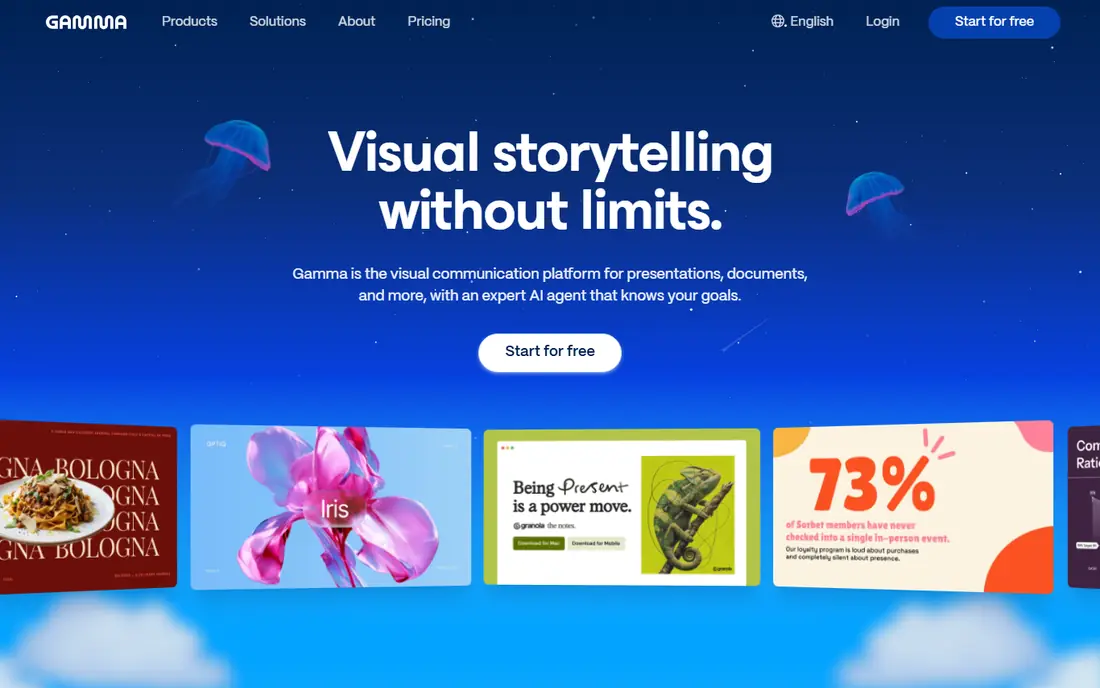
Gamma turns a prompt, outline or pasted document into a polished deck in under a minute in many cases, arranged as cards that read well on the web and on mobile. You can edit text, restyle the deck, add images and share by link, with analytics showing how viewers engage with the shared deck. That speed and sharing model suit consultants, founders and teams that publish decks online rather than emailing files.
The format is the trade-off. Gamma decks are web-native first, so a team that must deliver a traditional PowerPoint file should export an early draft and check layout, fonts and charts before building a full deck. Credit limits on free and lower plans also affect long or heavily revised decks. For fast, link-shared AI decks, Gamma is our pick.
- Very fast prompt-to-deck generation
- Modern card-based design
- Web sharing with viewer analytics
- Web-native format differs from classic slides
- PowerPoint export needs checking
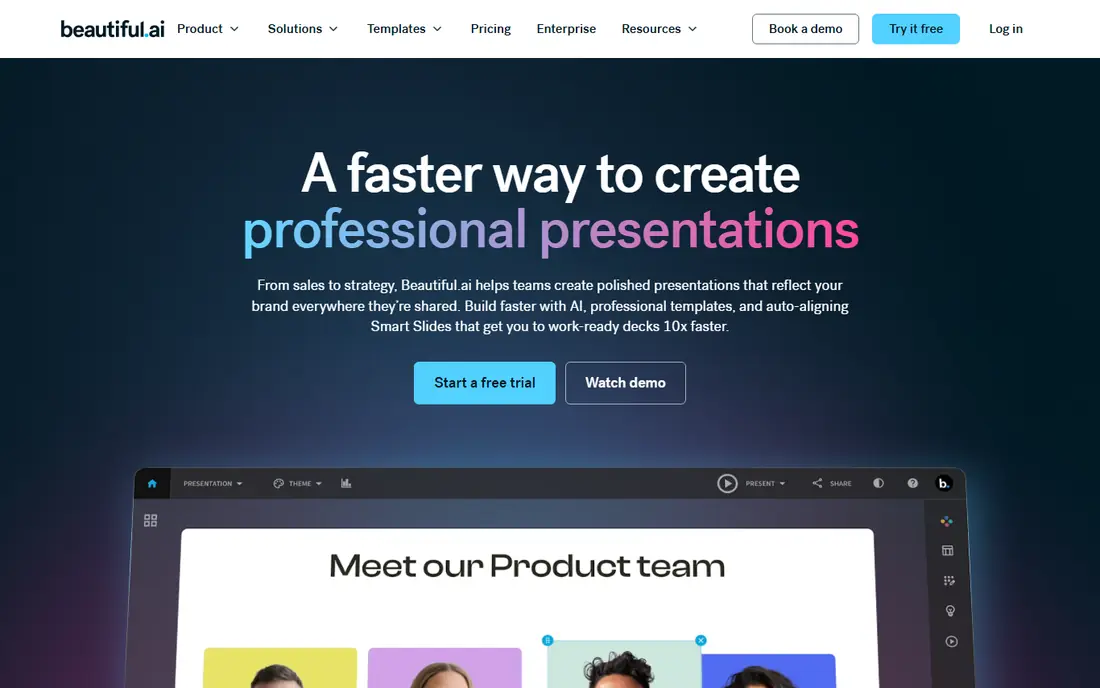
Beautiful.ai uses Smart Slides, templates that adjust layout automatically when you add or remove content, so decks stay balanced without manual resizing. That guardrail helps business teams, consultants and managers produce decks that look designed even when the author is not a designer, and team plans add brand controls for colours, fonts and logos. PowerPoint export keeps the output compatible with corporate workflows.
Creative users will feel constrained, since the same guardrails that keep layouts tidy also limit freeform design. The free option is a trial, not a permanent plan, so testing needs to happen within that window. For business decks where consistency matters more than artistic freedom, Beautiful.ai is a strong choice.
- Smart Slides that stay balanced as you edit
- Professional, consistent design
- PowerPoint export for corporate work
- Less creative freedom than Canva
- No permanent free plan, only a trial
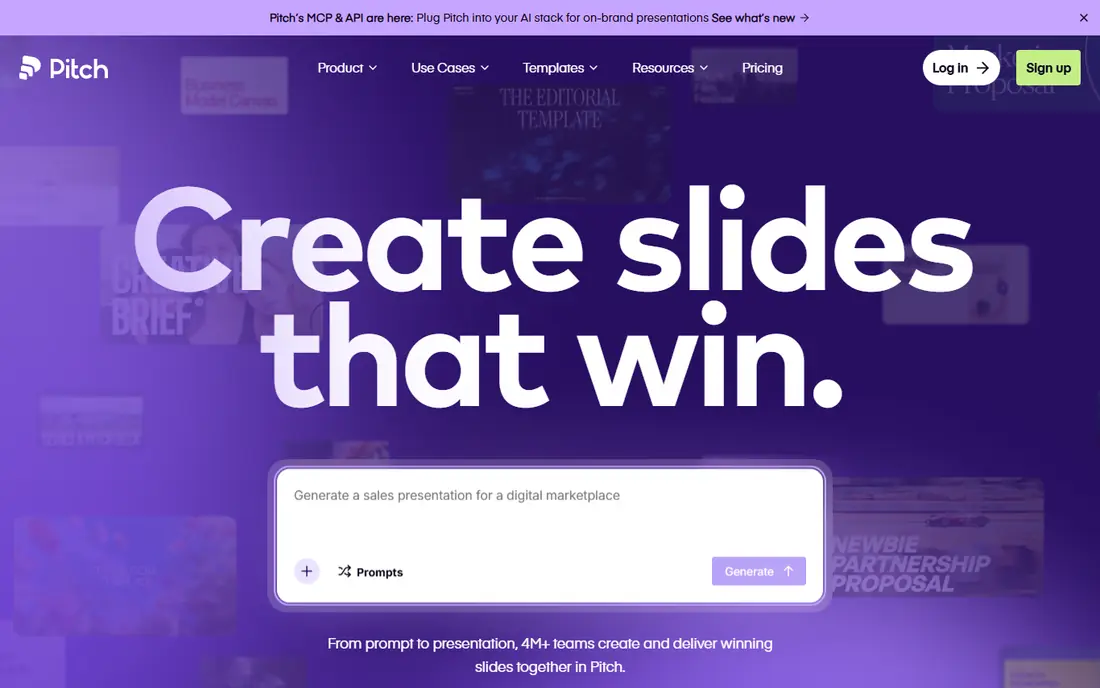
Pitch combines AI content suggestions with a modern team presentation workflow, including shared libraries, templates and real-time collaboration. For startups and sales teams, the strongest feature is often not generation but what happens after sharing: analytics show which slides viewers spend time on, which helps founders revise pitch decks based on real engagement rather than guesswork.
Pitch is less of a one-prompt deck generator than Gamma, so users who want a complete deck from a single sentence may find it slower at first draft stage. Its value grows with team use, where shared content and analytics compound over many decks. For investor and sales decks handled by a team, Pitch is a practical AI-assisted choice.
- AI-assisted deck creation
- Team libraries and workflows
- Viewer analytics on shared decks
- AI features are assistive rather than full prompt-to-deck
- Best value sits on team plans
Canva brings AI design help into an editor many teams already use for social graphics, documents and decks. Magic Design suggests layouts from a prompt or an uploaded document, while the template and asset library lets non-designers produce visual decks quickly. Brand kits on paid plans keep colours, fonts and logos consistent across decks and other marketing materials.
Generation here is more template-led than in Gamma or Beautiful.ai, so users who want a fully original deck structure may need more manual editing. Premium assets and brand features also sit behind paid plans. For teams already using Canva, its AI presentation tools are a natural extension, and for visual decks they are often enough without buying a second tool.
- Magic Design and AI tools inside a huge template library
- Brand kits
- Easy editing for non-designers
- AI generation is template-led rather than fully freeform
- Best features need a paid plan
Plus AI is an add-in that generates presentations and edits slides inside Microsoft PowerPoint and Google Slides, rather than asking users to learn a new platform. That matters in companies with strict templates, file-based approval or PowerPoint-only sharing, since the output stays a normal .pptx or Google Slides deck from the start. Users can generate a deck from a prompt or document, then refine it with the host app full editing tools.
The host app also sets the ceiling. Plus AI cannot add design capabilities that PowerPoint or Slides lack, and generated decks still need a human pass for brand, data accuracy and layout. Trial credits limit testing, so plan a real deck test during the trial. For corporate teams tied to PowerPoint or Slides, Plus AI is the most practical AI design route.
- Works inside PowerPoint and Google Slides
- Generates and edits decks in tools teams already use
- Keeps file workflows intact
- Design quality depends on the host app
- Trial credits are limited
SlidesAI converts pasted text or an outline into a Google Slides deck, choosing layouts, colours and images for each slide. That simplicity suits teachers, students and teams who already live in Google Workspace and who need a quick deck from notes, a lesson plan or a report. The free tier covers a limited number of presentations per year, which is enough to test the workflow.
Design depth is narrower than larger AI tools, and long documents often need splitting into sections and manual editing to avoid crowded slides. SlidesAI is best viewed as a fast first-draft tool inside Google Slides, not as a complete design system. For Google Workspace users who want text-to-slides without a new platform, it is a useful, low-friction choice.
- Turns text into Google Slides quickly
- Simple workflow for teachers and teams
- Free tier for limited use
- Design options are narrower than Gamma or Canva
- Longer decks need editing and splitting
Presentations.AI generates decks from a prompt, outline or document, with team features such as brand sync that aim to keep decks consistent across an organisation. The workflow suits business teams that produce many decks and want a quick, on-brand first draft without starting from a blank slide each time. Collaboration and sharing tools support review cycles before a deck goes out.
Pricing transparency is a caution, since larger team pricing is often quoted rather than published, and design control after generation needs a hands-on test. Users should build a real deck, check brand application, and export it in the format their audience needs before committing. For teams that generate decks at volume, Presentations.AI deserves a trial alongside Gamma and Beautiful.ai.
- Fast deck generation from prompts and documents
- Brand sync features for teams
- Collaboration and sharing
- Pricing is less transparent for larger teams
- Export and design control need testing
Visme combines AI slide generation with its strength in data presentation, including charts, maps, diagrams and data widgets that go beyond standard slide tools. That combination suits reports, quarterly reviews and marketing decks where numbers and visuals must work together, rather than decks that are mostly text. Brand tools and templates help teams keep data decks consistent.
AI generation limits on free and lower plans mean users should check how many AI slides a plan actually includes before relying on it for regular work. The interface also packs in more than a simple deck needs, so first-time users may need time to find the AI workflow. For data-led presentations, Visme offers AI help plus data depth that purer AI deck tools do not match.
- AI slide generation plus strong charts, maps and data widgets
- Infographic formats
- Brand tools
- AI generation is limited on lower plans
- Interface can feel busy for simple decks
How we picked these
We compared vendor feature pages, pricing pages and public reviews, and we required each product to use AI for deck generation or design, not just to offer templates. We weighted generation quality, editing control, brand handling, sharing, export fidelity and pricing transparency, and we kept tools that work inside PowerPoint and Slides alongside standalone AI platforms. We excluded tools that have shut down, since a discontinued product cannot be a current recommendation however good it once was. Where a vendor did not publish a clear starting price, we wrote See website rather than repeating a third-party estimate.
How to choose an AI presentation design tool
Start with the delivery format, since that choice rules tools in or out faster than any feature list. If the audience must receive a PowerPoint file, Plus AI or Beautiful.ai with export testing will serve you better than a web-native tool. If the audience will open a link, Gamma and Pitch offer sharing and analytics that file-based tools do not.
Write a better prompt, then edit hard
AI decks improve sharply with specific prompts: audience, purpose, slide count, key points and tone, rather than a vague topic alone. Even with a good prompt, cut about half the generated text on a first pass, replace generic claims with your own data and examples, and check every number and quote. AI tools are fast at structure and layout, but they cannot know your business, your customer or your evidence.
Test export, brand and credits before you rely on a tool
Build one real deck end to end: generate it, apply your brand, edit it, share it, and export it in the format your audience will receive. Count the credits or AI generations that process uses, and check what happens when you run out mid-project. That single test reveals export shifts, brand gaps and metering surprises that marketing pages rarely mention.
Frequently asked questions
What is the best AI tool for presentation design?
Gamma is our pick for most users, thanks to fast prompt-to-deck generation and link sharing. Beautiful.ai suits business teams that need consistent layouts, while Plus AI suits teams that must stay inside PowerPoint or Google Slides. The best tool depends on delivery format and brand rules, not just generation speed.
What are the best AI design tools for presentations for business teams?
Beautiful.ai and Presentations.AI suit business teams with brand controls and team workflows, while Pitch suits teams that share decks externally and want viewer analytics. Test brand application and export on a real deck before rolling any tool out team-wide.
Can AI presentation tools export to PowerPoint?
Most tools on this list offer PowerPoint export, but fidelity varies. Web-native decks may lose layout details, fonts or animations in conversion, so always export a test deck and check it slide by slide before using a tool for client-facing PowerPoint work.
Are AI presentation tools free?
Several offer free tiers, including Gamma, Canva, SlidesAI, Visme and Pitch, but free tiers limit credits, slides or features. Beautiful.ai and Plus AI offer trials rather than permanent free plans. For regular use, budget for a paid plan and check credit limits first.
Do AI tools replace presentation designers?
No, not for high-stakes decks. AI tools speed up first drafts, layout and structure, and they help non-designers produce clean decks. Designers still add judgement about story, hierarchy, brand, data accuracy and audience, and the best results usually come from AI drafts refined by a human.
How do I get good results from an AI presentation app?
Write a specific prompt with audience, purpose, slide count and key points, feed it your best written content rather than a vague topic, and edit the result hard. Check every fact and number, cut excess text, apply your brand, and test export before sharing the deck.
Sources we checked (8)

Online Jobs is an independent blog about careers, online work, learning new skills and the tools that help people earn. More about us.
Keep reading
All posts
Zoom Alternatives
Zoom alternatives compared for 2026: Google Meet, Microsoft Teams, Webex, Jitsi and more for free calls, large meetings and webinars for teams and classrooms.
PowerPoint Alternatives
Compare the best PowerPoint alternatives, from free Google Slides and Canva to Prezi and Gamma, with prices, collaboration and export options covered.
Gmail Alternatives
Gmail alternatives compared for 2026: Proton Mail, Outlook, Tuta, Fastmail, Zoho Mail and more for privacy, business and cross-platform use for US readers.