Best AI Powered Collaboration Tool in 2026: 8 Tools Compared

How we put this together: we compare official feature and pricing pages, app store listings, privacy policies and public user reviews. Prices change, so check the provider's site before you pay.
Key takeaways
- Notion and ClickUp give the fullest AI experience inside docs and tasks, but their best AI tiers cost more than their basic paid plans.
- Slack and Asana suit teams that already live in chat or project boards, since their AI works on conversations and work already in the system.
- Miro is the strongest pick here for visual work, such as brainstorms, diagrams, and workshops, rather than for task tracking alone.
- AI pricing is often credit-based or capped, so check monthly request limits and add-on prices before you roll a tool out to a whole team.
- The best AI collaboration tool is the one your team already opens daily, because AI features only help when the underlying work lives in that tool.
Quick comparison
| Name | Who it suits | Starting price | Free option | |
|---|---|---|---|---|
 Notion Notion | Docs, wikis, and AI writing | $10 per user per month | Yes | Visit |
 ClickUp ClickUp | All-in-one tasks, docs, and chat | $7 per user per month | Yes | Visit |
 Slack Slack | Team chat with AI search and summaries | Free | Yes | Visit |
 Asana Asana | Project work with AI teammates | Free | Yes | Visit |
 Miro Miro | Visual boards and workshops | Free | Yes | Visit |
 monday.com monday.com | Boards, dashboards, and AI credits | See website | Yes | Visit |
 Taskade Taskade | AI agents and flat pricing | $10 per month | Yes | Visit |
 Trello Trello | Simple kanban with AI help | $5 per user per month | Yes | Visit |
The best ai powered collaboration tools
AI collaboration tools promise to write first drafts, summarize long threads, assign work, and answer questions from company knowledge. We compared official feature pages, pricing pages, and public documentation, and we focused on what the AI actually does, where it lives, and what it costs beyond the base plan.
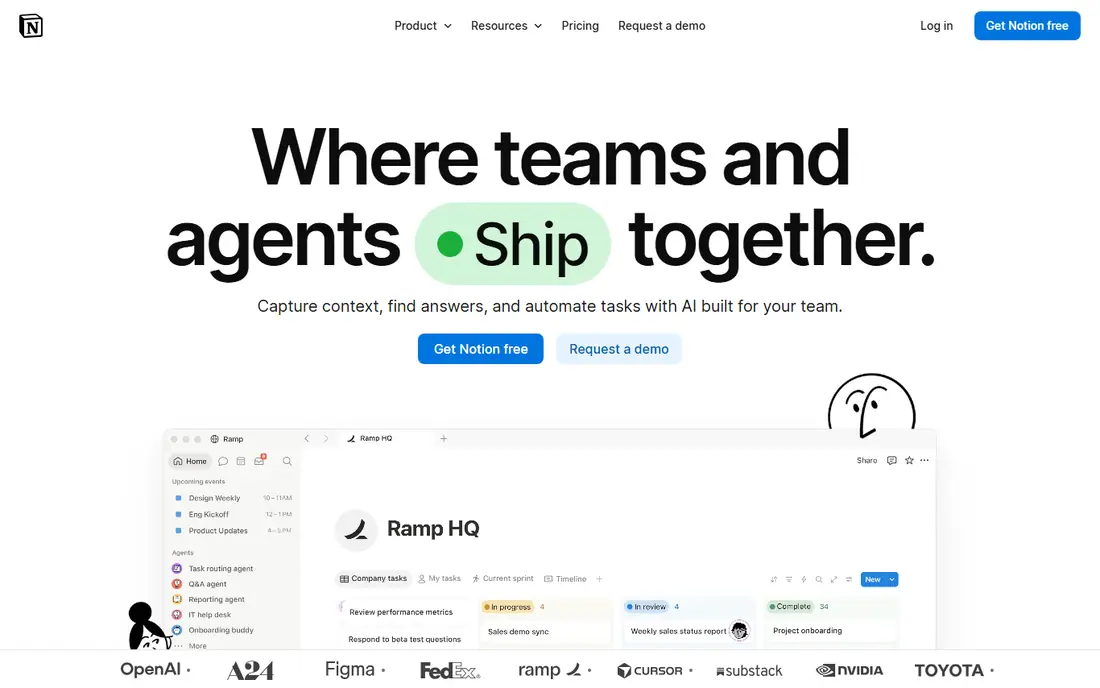
Notion pairs a flexible workspace with AI that reads your pages and, on Business plans, connected apps as well. Ask a question and Notion AI can pull an answer from docs, wikis, and project pages, with citations back to the source pages. It can also draft, rewrite, shorten, and translate text, turn meeting notes into tasks, and build tables from a prompt.
The catch is the tier ladder. Plus starts at $10 per user per month billed annually and includes only a trial of AI, while Business at $20 per user per month billed annually is the plan that includes full AI, with credits for agent work. For a small team that mainly needs docs and a wiki, that jump matters. Notion is still our pick for knowledge-heavy teams, because its AI is most useful where the knowledge already lives.
- AI search across connected apps
- Writing, editing, and summarising in docs
- Agents can run routine workflows
- Full AI sits on the Business plan at $20 per user per month
- Credit limits apply on higher tiers
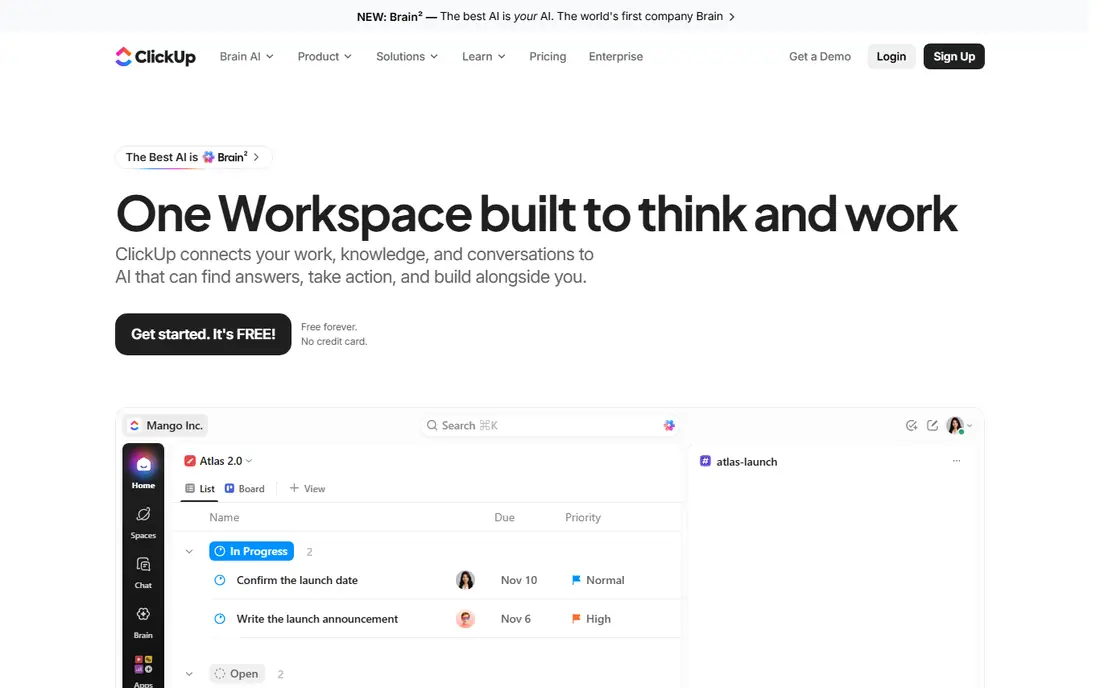
ClickUp tries to replace several tools at once, with projects, docs, chat, goals, and dashboards in one workspace. Its Brain AI can answer questions from tasks, docs, and conversations, draft content, summarize threads, and help break work into steps. That breadth is the appeal for teams tired of paying for a task tool, a docs tool, and a chat tool separately.
Pricing needs care. Unlimited starts at $7 per user per month billed annually, and Brain AI costs extra on many plans, with credits per user each month. Teams that use AI lightly may stay inside the allowance, while heavy users will pay more. ClickUp suits teams that want one home for work and are willing to spend a week setting up spaces, templates, and permissions properly.
- Tasks, docs, chat, and goals in one workspace
- Brain AI searches across work
- Free plan for trying the core product
- Brain AI is a paid add-on on many plans
- Setup takes time because the product covers so much
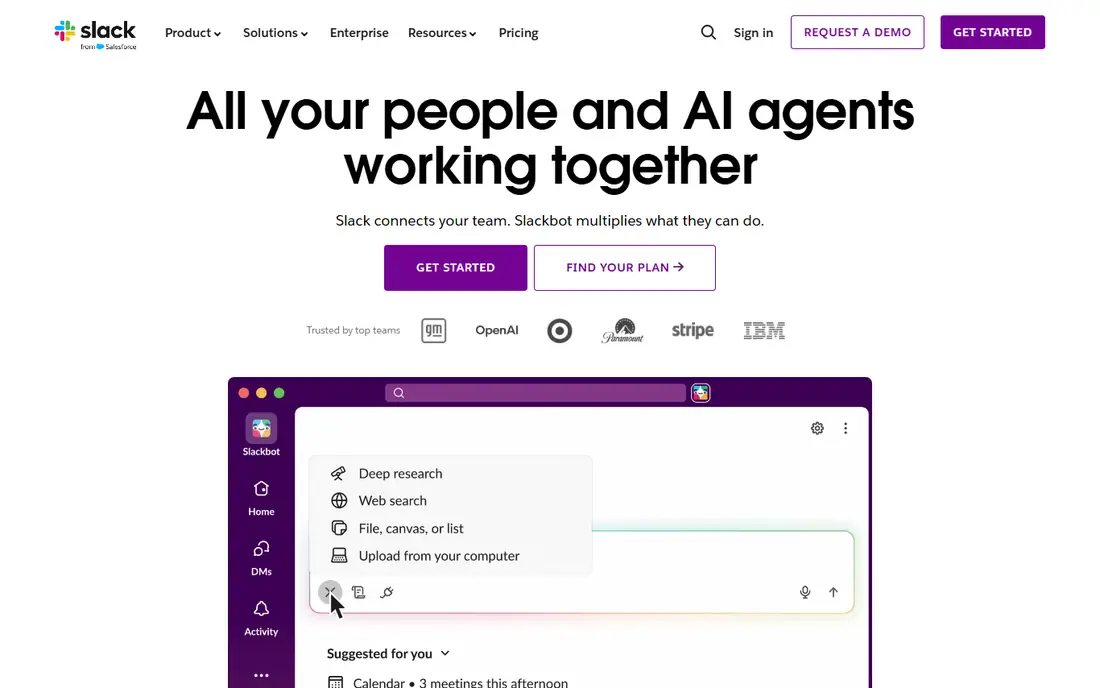
Slack is where many teams already talk, and its AI now works inside that flow. Slackbot can summarize a channel or thread, catch a returning teammate up on what they missed, search across messages and connected apps, and help draft replies. Huddles add AI meeting notes, so a quick call can turn into a written record without extra admin.
The honest limit is scope. Slack AI answers questions well, but it does not turn chat into a project plan on its own, and teams still need a task tool for deadlines and ownership. AI availability also varies by plan, so check the current plan details before assuming every teammate gets the same features. Pick Slack AI when conversation is the bottleneck, and pair it with a task tool rather than asking chat to do both jobs.
- AI summaries for channels and threads
- AI search across conversations and connected apps
- Huge integration library
- AI features vary by plan
- Chat is a poor home for long-term project tracking
Asana organizes work as projects, tasks, portfolios, and goals, and its AI builds on that structure. AI teammates can triage intake, draft status updates, surface blocked work, and answer questions from the work graph. AI Studio lets teams build no-code agents for routine steps, such as routing a request or summarizing a project for a weekly report.
The Starter plan starts at $10.99 per user per month billed annually and includes a limited number of AI requests per user each month, with extra requests billed separately. That cap is fine for occasional summaries, but a team that wants AI in every workflow should price the higher tiers. Asana is a strong pick for teams that run structured projects and want AI to reduce status chasing, rather than teams that mainly need free-form docs.
- AI teammates and AI Studio for routine workflows
- Strong portfolios and goals on paid plans
- Clear task ownership
- Starter AI requests are capped per user
- Advanced AI work needs higher tiers
Miro gives teams an open canvas for brainstorms, journey maps, diagrams, and planning sessions. Its AI can group sticky notes by theme, summarize a board into next steps, generate diagrams from a description, and help turn a messy workshop into a structured plan. For remote workshops and product discovery, that saves the usual hour of sorting notes after the call ends.
Miro is not trying to replace Notion or Asana, and teams that buy it expecting task management will be disappointed. It works best as the visual layer on top of a task tool, with decisions and owners moved into the system of record after the session. The free plan is enough to test boards and templates, while paid plans add more AI capacity and admin controls for larger teams.
- AI can cluster sticky notes, summarise boards, and generate diagrams
- Strong templates for workshops
- AI features vary by plan
- Not a full task or docs replacement
monday.com builds work around colorful boards, timelines, and dashboards that managers can read at a glance. Its AI can summarize updates, categorize items, draft text, and help build formulas and automations. Teams that track sales pipelines, marketing campaigns, or operations work often like how quickly a board turns into a dashboard for a weekly review.
The pricing detail to watch is credits. AI actions draw from a monthly credit allowance that varies by plan, and heavy use can mean buying more. Some plans also carry a seat minimum, which changes the real bill for a very small team. monday.com suits visual planners who want AI help with routine board work, provided they check the credit allowance against their actual usage.
- Visual boards and dashboards
- AI credits for summaries and categorisation
- Many templates
- AI runs on credits that can run out
- Pricing has a seat minimum on some plans
Taskade takes a different pricing approach from most tools here. Pro costs $10 per month flat for up to 10 users, which makes it unusually cheap for a small team that wants AI included in the plan price rather than as a per-seat add-on. Its AI agents can outline projects, draft documents, answer questions from the workspace, and run routine multi-step tasks, and the workspace includes tasks, notes, mind maps, chat, and video calls.
The trade-off is scale and ecosystem. Taskade has fewer third-party integrations and fewer enterprise admin features than the larger platforms, and teams already deep in Google Workspace or Microsoft tools may miss native connections. For startups, small agencies, and remote teams that want AI agents without a per-seat AI surcharge, Taskade is worth a serious trial.
- Flat Pro price for up to 10 users
- AI agents can run multi-step tasks
- Built-in video calls and chat
- Smaller ecosystem than Notion or Slack
- Fewer enterprise admin controls
Trello keeps collaboration simple. Boards, lists, and cards show who is doing what, and teams can move work from to-do to done with a drag. AI features on paid plans help with tasks such as drafting card descriptions, summarizing activity, and organizing boards, but the AI here is a helper, not a full agent platform.
That simplicity is both the strength and the limit. A team of five tracking a content calendar or a hiring pipeline will move fast in Trello, while a team running cross-functional programs with dependencies and portfolios will soon want Asana or monday.com. Standard starts at $5 per user per month billed annually, and the free plan covers up to 10 collaborators per workspace. Pick Trello when the team needs clarity this week, not a platform to configure for a month.
- Fast to learn
- AI features on paid plans
- Generous free tier for small boards
- AI is lighter than in Notion or ClickUp
- Large projects outgrow simple boards
How we picked these
We compared official pricing pages, AI feature pages, and public documentation, and we checked that each vendor homepage loads and belongs to the product named. We required a real AI feature, not just a marketing label, such as writing assistance, summaries, search across workspace content, or agents that act on tasks. We favored tools that cover different ways teams work, from docs and chat to boards and visual canvases, so readers can match a tool to their workflow rather than to a single use case.
How to choose without overpaying for AI
Start by naming the job AI should do for your team. If the pain is long threads nobody reads, Slack AI or a summary tool helps. If the pain is blank docs and slow first drafts, Notion or ClickUp AI helps. If the pain is status updates, Asana AI helps. Buying a broad AI bundle for a narrow pain usually wastes money, because the team uses one feature and pays for ten.
Then check the unit that AI is sold in. Some vendors sell AI as part of a plan, some sell it as a per-user add-on, and some sell it as credits that run out. Ask how many requests, summaries, or credits a typical teammate uses in a month, and run a two-week trial with real work, not sample projects. Track how often the AI output needs heavy editing, since a draft that needs a full rewrite saves no time.
Keep AI output checked by a person
AI summaries can miss context, invent a detail, or flatten a disagreement into a false consensus. Treat AI drafts as first drafts, and keep a human owner for decisions, deadlines, and anything sent to a client. Set a simple rule for the team, such as AI may draft and summarize, but people approve tasks, dates, and external messages. That rule protects quality without slowing the team down.
Privacy and permissions matter here
AI search is only as safe as the permissions behind it. A tool that can search across docs and chat should respect who can see what, and admins should check guest access, sharing defaults, and data retention before a wide rollout. If your work includes client data or health information, confirm the vendor data policy and whether AI training uses your workspace content, and turn off any setting you are not comfortable with.
Frequently asked questions
What is the best ai powered collaboration tool for a small team?
Notion is a strong default for small teams that need docs and a wiki, while ClickUp suits teams that want tasks and docs in one place. Taskade is worth testing for very small teams because its flat Pro price keeps AI costs low. The best choice still depends on whether your team works mostly in docs, chat, or boards.
Do I have to pay extra for AI in these tools?
Often, yes. Notion includes full AI on Business, ClickUp sells Brain AI as an add-on on many plans, and monday.com uses AI credits. Slack and Asana include some AI by plan, with limits that vary. Check the AI tier, not just the base plan price, before you budget.
Is AI collaboration safe for company documents?
It can be, if permissions are set well and the vendor policy fits your needs. Check who can access each workspace, whether guests can see AI answers, and how long data is kept. Keep sensitive decisions and client messages under human review, and do not paste passwords or private personal data into any AI tool.
Can AI replace project managers or team leads?
No, not in the tools here. AI can draft updates, summarize threads, and route routine requests, but ownership, priorities, and judgment still sit with people. Teams get the most value when AI removes admin work so leads can spend more time on decisions and coaching.
Which AI collaboration tool is best for remote teams?
Slack plus a task tool such as Asana or ClickUp covers most remote needs, since chat, summaries, and task ownership sit together. Miro adds value for workshops and brainstorms that are hard to run in chat alone. Test the combination with a real project before standardizing on one vendor.
How much should a small team budget for AI collaboration?
A small team can start free on most tools here, then expect roughly $5 to $20 per user per month for paid plans, plus any AI add-on or credit top-ups. Taskade is an exception with flat pricing for up to 10 users. Run a trial first, then budget from actual AI usage rather than from the marketing price.
Sources we checked (8)

Online Jobs is an independent blog about careers, online work, learning new skills and the tools that help people earn. More about us.
Keep reading
All posts
Zoom Alternatives
Zoom alternatives compared for 2026: Google Meet, Microsoft Teams, Webex, Jitsi and more for free calls, large meetings and webinars for teams and classrooms.

What Is the Best Free Tool to Rotate a PDF
What is the best free tool to rotate a PDF? We compare eight free rotation tools on per-page control, limits, privacy and saved output quality in detail.

What Is the Best AI Dubbing Tool
We compared the best AI dubbing tools in 2026, from ElevenLabs and HeyGen to Rask AI, Dubverse and Veed, for videos and creators in many languages worldwide.