Best AI Photo Generator Apps in 2026: 9 Apps Compared

How we put this together: we compare official feature and pricing pages, app store listings, privacy policies and public user reviews. Prices change, so check the provider's site before you pay.
Key takeaways
- Midjourney still leads on pure visual style, but it has no free plan, so casual users should start elsewhere.
- Adobe Firefly is the safer choice for client and commercial work because its training and licensing terms are clearer.
- Ideogram is the strongest pick when the image must contain readable words, such as a poster, logo, or sign.
- Leonardo AI gives the most generous free starting point for people who want to make images every day.
- A chat based generator is often enough for quick social posts, while a dedicated image tool pays off for repeated design work.
Quick comparison
| Name | Who it suits | Starting price | Free option | |
|---|---|---|---|---|
 Midjourney Midjourney | Artistic and cinematic images | $10 per month | No | Visit |
 Adobe Firefly Adobe Firefly | Commercial and brand work | $9.99 per month | Yes | Visit |
 ChatGPT ChatGPT | Conversational image creation and editing | $20 per month | Yes | Visit |
 Leonardo AI Leonardo AI | Daily creation and game style art | $12 per month | Yes | Visit |
 Ideogram Ideogram | Posters, logos, and readable text | $20 per month | Yes | Visit |
 Canva Canva | Finished designs and social posts | $15 per month | Yes | Visit |
 NightCafe NightCafe | Casual creators and community challenges | See website | Yes | Visit |
 FLUX FLUX | Developers and high control workflows | See website | Yes | Visit |
 Recraft Recraft | Vectors, icons, and brand graphics | See website | Yes | Visit |
The best ai photo generator apps
We compared official feature pages, pricing pages, and app store listings, and we focused on what each tool does well, what it limits, and who should pay for it. The best choice depends less on a single quality score and more on whether you need art, readable text, a finished layout, or a file you can edit later.
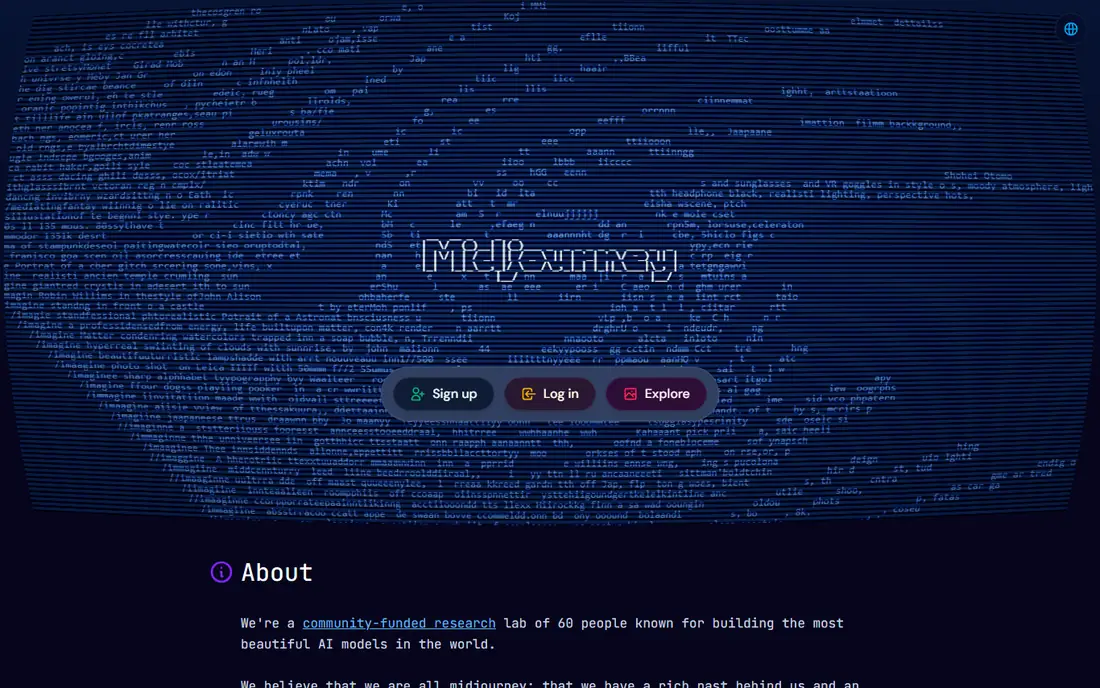
Midjourney earns the top spot for people who care most about how an image looks. Its images often have a polished, film like quality, with lighting and composition that hold up at a larger size. The web app makes it much easier to start than in the days when Discord was the only route in, and style controls help you keep a consistent look across a set.
The trade offs are plain. There is no free tier, so you pay before you know whether the style fits your work. Lower plans meter fast generation time, which can run out during a busy project, and larger companies need a higher plan for commercial use. If you make images for clients every week, those limits matter less than the quality. If you only need a few images a month, start with a free tool first.
- Distinctive visual style
- Strong control over style and composition
- Web app in addition to Discord
- No free plan
- Image time is metered on lower plans
- Less literal than some rivals for exact layouts
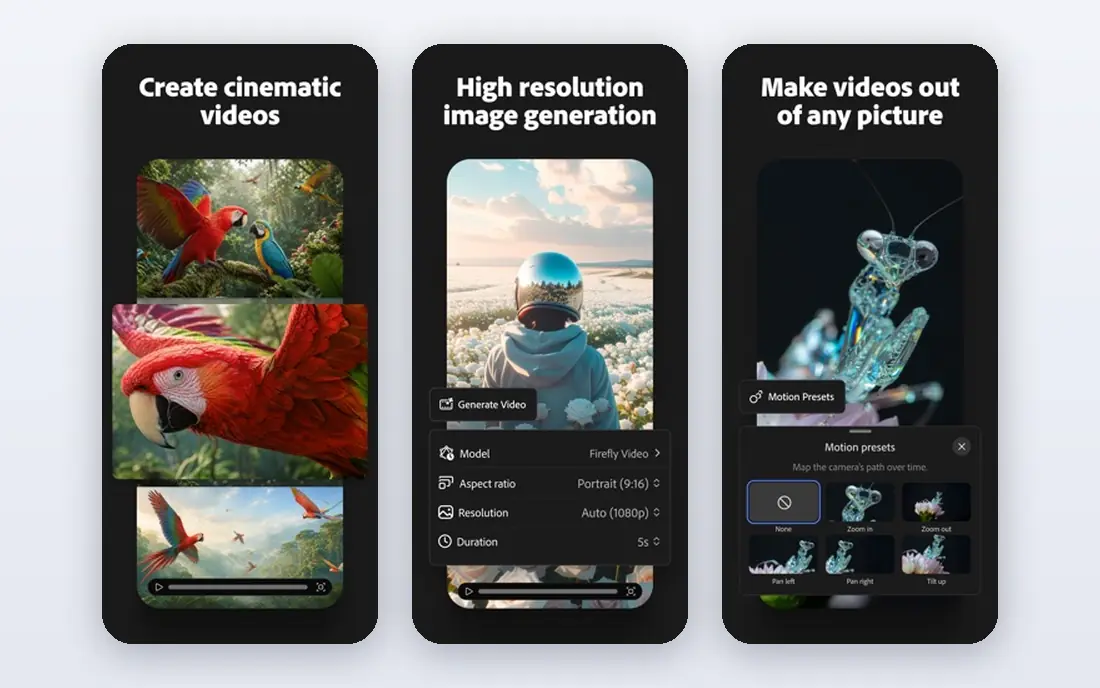
Firefly is the pick we would hand to a designer who has to show work to a client. Adobe positions its models for commercial use, which reduces the licensing worry that hangs over many generators. The connection to Photoshop and Adobe Express also matters, because you can generate an element, extend a background, or drop it into a layout without exporting and reimporting files all day.
What you give up is a little drama. Firefly images are clean and usable, but they do not always have the same striking, painterly pull as Midjourney. The free plan is useful for testing, yet the daily generation limit means it is not a long term free tool for heavy use. For agencies and small businesses, the Standard plan at $9.99 per month is a reasonable starting point.
- Trained with commercial use in mind
- Fits Photoshop and Express workflows
- Clear paid plan ladder
- Free generations are limited
- Some styles feel less dramatic than Midjourney
- Best value needs an Adobe plan
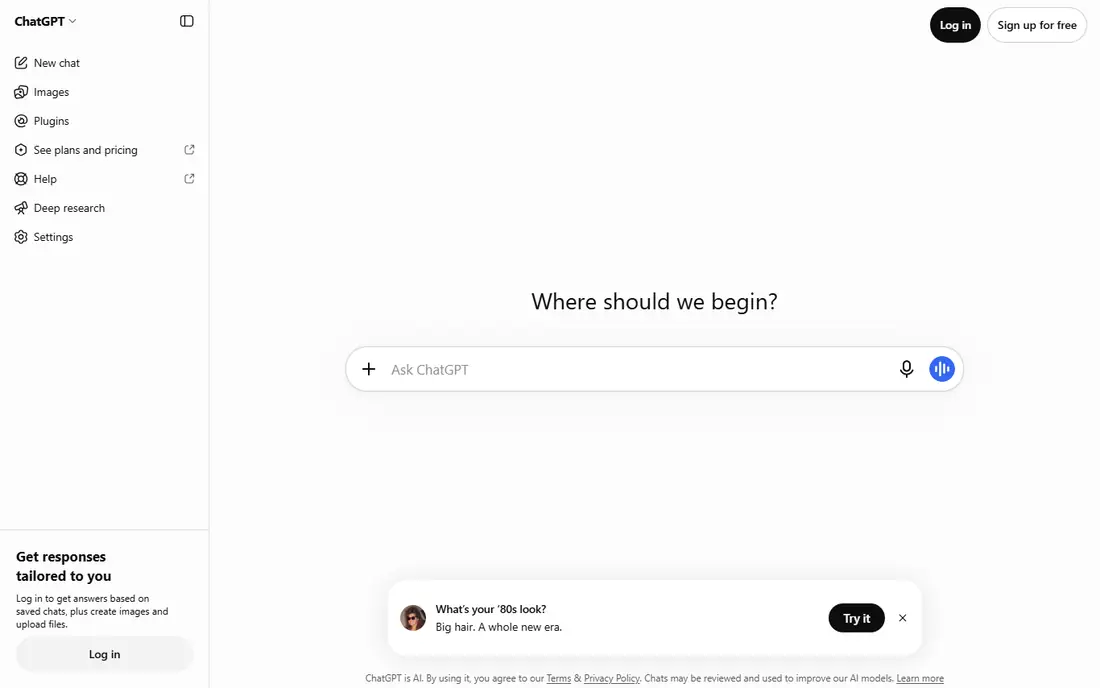
ChatGPT is the easiest image generator to explain to a friend. You describe a picture, look at the result, and then ask for a change in normal language, such as a different background, a warmer light, or a simpler composition. That back and forth suits blog images, social posts, and mockups, where the idea matters more than pixel perfect control.
The catch is that you are working inside a general assistant, not a specialist design tool. Free users get a limited number of images, and heavy users can hit caps that change with demand. The Plus plan at $20 per month also buys the wider ChatGPT service, so the value depends on whether you use the writing and research help too. For many readers, that combination is the reason to choose it.
- Edit images by describing changes in plain words
- Good for quick iterations
- Useful beyond images
- Free image allowance is limited
- Output caps can vary with demand
- Less fine control than dedicated tools
Leonardo AI is built for people who want to make a lot of images and learn the craft as they go. The free plan gives daily tokens, which is enough to test styles, build a small set of images, or make game assets and character art. Model choice is a real strength here, because different models suit realism, illustration, and product style work.
Tokens are also the main frustration. You have to learn what each generation costs, and a careless prompt can burn through a day's allowance. Free images are public by default, so anything private or client sensitive belongs on a paid plan. Even so, for a creator who wants volume without a large monthly bill, Leonardo AI is hard to beat as a starting point.
- Free daily tokens
- Wide model choice
- Training options for a consistent style
- Token system takes time to learn
- Free images are public
- Higher plans are needed for private work at scale
If your image needs words in it, Ideogram should be near the top of your shortlist. Many generators still garble short phrases on posters, book covers, and product labels. Ideogram handles readable text far more reliably, which makes it useful for event posters, social graphics, and simple logo concepts. You can iterate on wording without rebuilding the whole design each time.
The paid plan starts at $20 per month on monthly billing, which is more than Midjourney or Firefly at entry level, so it is best bought for a clear job rather than general play. The free plan gives a weekly credit allowance for testing, but it will not carry a full campaign. For text heavy graphics, though, the time saved on failed generations can justify the cost quickly.
- Strong text rendering in images
- Good for posters and logos
- Free plan for testing
- Monthly paid price is higher than some rivals
- Free credits are limited
- Less suited to pure photorealism
Canva answers a different question from the tools above. Most people do not just need an image, they need a finished post, slide, flyer, or thumbnail. Canva lets you generate an image and then place it in a template, add text, adjust colors, and export for each platform without leaving the editor. That single workflow is why so many small businesses stay with it.
The limits are about volume and control. Free users get a limited number of AI uses per month, and very heavy AI use can require additional allowances on top of a Pro plan. You also have less control over fine image detail than in Midjourney or Leonardo AI. If the finished design matters more than the raw image, Canva is the practical pick.
- Generation plus templates, text, and layout in one place
- Easy for non designers
- Brand kits on paid plans
- Free AI uses are limited each month
- Heavy AI work may need extra allowances
- Less control than specialist tools
NightCafe is a gentle way into AI image creation. The interface is clear, the community challenges give you prompts to try, and you can compare different models without signing up for several services at once. For a hobbyist, a teacher, or someone making images for personal projects, that low pressure start is a real advantage.
Credits are the limit to watch. Free credits let you test the service, but regular creation will push you toward a paid plan or a daily credit routine. NightCafe is also less focused on brand control, private workflows, and commercial licensing than Adobe Firefly. Use it to learn what you like, then move to a specialist tool if your work becomes commercial.
- Friendly starting point for beginners
- Community challenges for ideas
- Multiple models in one place
- Credit system can feel restrictive
- Free credits run out with regular use
- Less suited to strict brand work
FLUX, from Black Forest Labs, suits people who want control and are comfortable with a technical setup. Its models are known for following prompts closely and for rendering detail well, and open weights mean skilled users can run models locally. Developers can also pay per image through hosted APIs instead of committing to a monthly subscription they may not use.
That flexibility is also the barrier. There is no single, simple FLUX app with one flat price for every casual user, and pricing through different hosts varies. If you just want a few social images, a tool like Canva or ChatGPT will be faster. If you build products, automate image work, or need a model you can tune, FLUX deserves a serious look.
- Strong prompt fidelity and detail
- Open weights for local use
- Pay per use through hosted APIs
- No simple flat monthly plan for everyone
- Setup is technical for local use
- Hosted pricing varies by provider
Recraft stands out because it thinks in vectors, not just pixels. Icons, illustrations, and logo style graphics come out as editable shapes, which means you can resize them, change colors, and adjust details in a design tool later. For brand work, product icons, and user interface graphics, that editability is worth more than a slightly prettier raster image.
It is not the best choice for photorealistic portraits or outdoor scenes, and free plan users should check the commercial terms before using output in paid work. Paid plans change, so check the current pricing page before budgeting. If your work lives in logos, icons, and illustration systems, Recraft fills a gap the other tools on this list leave open.
- Editable vector output
- Good for icons and illustrations
- Brand style controls
- Free plan limits commercial use
- Raster photo realism is not its strength
- Pricing varies by plan
How we picked these
We compared official product pages, pricing pages, and app store listings for tools that are live and usable in October 2026. We kept only tools that fit the topic, namely apps and services that generate images from a prompt or edit an image with AI, and we left out tools that only edit photos without generation. We weighed free access, starting price, text handling, commercial terms, and how easy each tool is to use for a normal reader rather than a specialist.
We did not claim hands-on testing that we did not do. Instead, we judged each tool on the facts its vendor publishes, the limits of its free plan, and the job it does best. Where pricing varied by billing period or region, we used the monthly figure shown on the vendor page or wrote See website when we could not verify a single starting price cleanly.
What to check before you pay
Start with the job, not the tool
Write down the image you need most often. A poster needs readable text, a blog hero needs a strong composition, and an icon set needs editable vectors. That one sentence will narrow this list to two or three options fast, and it stops you paying for a general tool when a specialist would do the job better.
Read the free plan limits first
Free plans differ in ways that matter. Some give daily credits, some give a weekly allowance, and some limit how many AI uses you get in a month. Try your real prompts on the free plan, not just a demo prompt, and check whether free images are public or private. If you need privacy for client work, budget for a paid plan from the start.
Check commercial use before client work
Commercial terms are not the same across tools. Some free plans allow personal use only, some paid plans are required for client projects, and some vendors set a higher plan for larger companies. Read the licensing page for the plan you will actually buy, and keep a copy of the terms with the project file if the work will be published widely.
Test text, faces, and hands on your own prompts
AI images still fail in predictable places. Text can misspell, faces can look flat, and hands can look wrong, especially in complex scenes. Run the same prompt three times and look at the results at full size before you commit to a tool. A tool that nails your hardest prompt is worth more than one that looks good on easy examples.
Frequently asked questions
What is the best ai photo generator app for beginners?
Canva and ChatGPT are the easiest starts, because both let you describe what you want in plain words and finish the job in the same place. NightCafe is also friendly if you want to try different models and join community challenges. Pick the one that matches the finished result you need, not just the prettiest single image.
Which app is best for ai photo generator apps with text?
Ideogram is the strongest choice in this list for posters, signs, and logos that need readable words. Canva is a good second choice when the text sits in a layout you control, because you can add and edit the wording yourself after generation. Always proofread the image at full size, since even good tools can misspell a word.
Is there a good free ai photo generator app?
Leonardo AI, Canva, ChatGPT, and Ideogram all offer free plans, but each limits credits or uses per day, week, or month. For occasional images, those free plans are enough. For daily work, expect to pay, and compare the cost per image rather than the headline monthly price alone.
Can I use AI generated images for commercial work?
It depends on the tool and the plan. Adobe Firefly is designed with commercial use in mind, and most paid plans allow commercial use, but free plans often do not. Read the licensing terms for the exact plan you buy, and be careful with images that include recognizable people, logos, or trademarks.
Do AI photo generators replace a photographer or designer?
No, not for most professional work. They are strong for drafts, mockups, social posts, and illustrations where speed matters more than a real scene. A photographer still matters for real people, real products, and real places, and a designer still matters for brand systems, print files, and work that must be exact.
Sources we checked (9)

Online Jobs is an independent blog about careers, online work, learning new skills and the tools that help people earn. More about us.
Keep reading
All posts
What's the Best AI App for Creating Images
Find what's the best AI app for creating images, from Midjourney and Adobe Firefly to Ideogram and Leonardo AI, with free plans and honest limits for beginners.
Best AI Image Generation Tools
Looking for the best ai image generation tools in 2026? We compare 8 leading options on price, text handling, commercial use, ease of use and free plans.

Zoom Alternatives
Zoom alternatives compared for 2026: Google Meet, Microsoft Teams, Webex, Jitsi and more for free calls, large meetings and webinars for teams and classrooms.