Best AI Photo Enhancer Tools in 2026: 9 Tools Compared

How we put this together: we compare official feature and pricing pages, app store listings, privacy policies and public user reviews. Prices change, so check the provider's site before you pay.
Key takeaways
- Topaz Photo AI suits serious photographers, while Remini suits quick face and old-photo fixes on a phone.
- Free tools such as Upscale.media and Fotor handle occasional jobs well, but paid plans matter for batch work and high resolution.
- Credit and subscription models differ sharply, so check how many images a plan actually covers before you pay.
- No enhancer can recover detail that was never captured, so test each tool on your own worst photos, not on sample images.
Quick comparison
| Name | Who it suits | Starting price | Free option | |
|---|---|---|---|---|
 Topaz Photo AI | Serious photographers | $39 per month | Free trial | Visit |
 Remini | Old and blurry portraits | $6.99 per week | Yes | Visit |
 LetsEnhance | Batch and print work | $9 per month | Free trial | Visit |
 VanceAI | Broad web and desktop tools | $9 per month | Free trial | Visit |
 Fotor | Beginners and quick fixes | $9 per month | Yes | Visit |
 Upscale.media | Occasional free upscaling | $9.99 per month | Yes | Visit |
 HitPaw Photo Enhancer | Simple desktop enhancement | See website | Free trial | Visit |
 PicWish | Quick browser enhancement | See website | Yes | Visit |
 PhotoRoom | Product photos | $7.50 per month | Yes | Visit |
The best ai photo enhancer tools
AI photo enhancers reduce noise, sharpen soft detail, fix lighting, and enlarge images for print or screens. We compared official pricing pages, free tiers, batch options, and the kinds of photos each tool handles best.
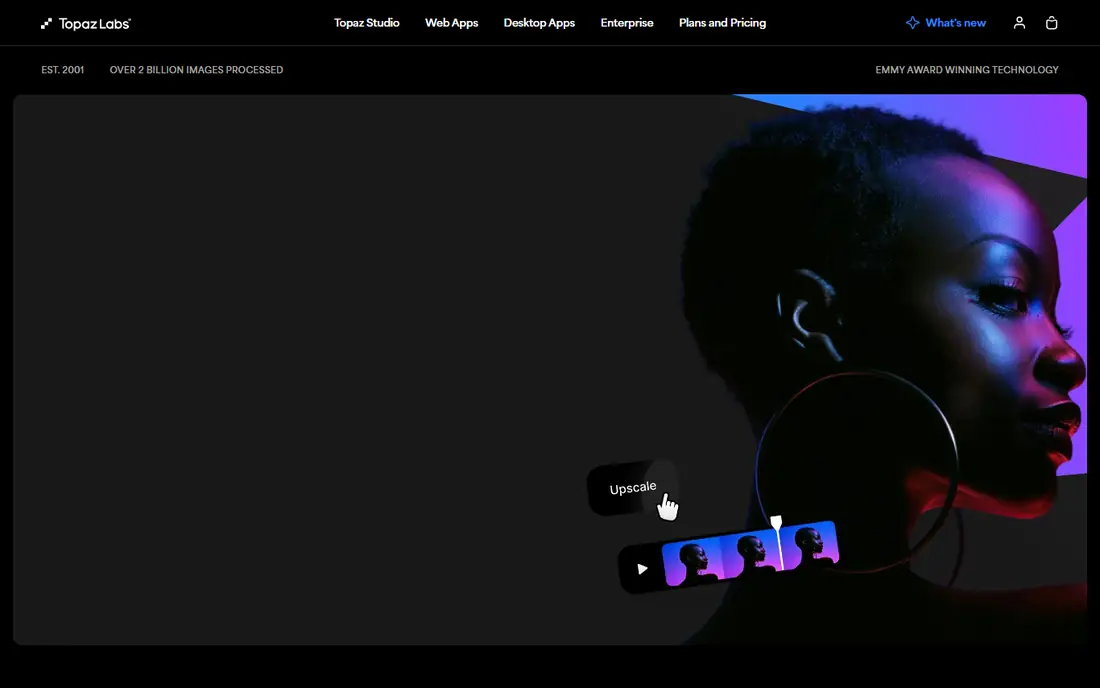
Topaz Photo AI is the pick for photographers who shoot in RAW and need to rescue noisy night shots or slightly soft images. It combines denoise, sharpening, and upscaling, and it can apply those fixes selectively rather than forcing one look on every photo. Desktop processing also keeps large files local, which matters for client work.
The price is the main barrier. Monthly pricing starts at $39 per month, with lower monthly rates on annual plans, so casual users may prefer a cheaper browser tool. It also demands more computing power than a web enhancer, so check system requirements before you buy.
- Strong denoise, sharpen, and upscale in one app
- Good RAW workflow
- Local processing on desktop
- Monthly price is high
- Needs a capable computer for large files
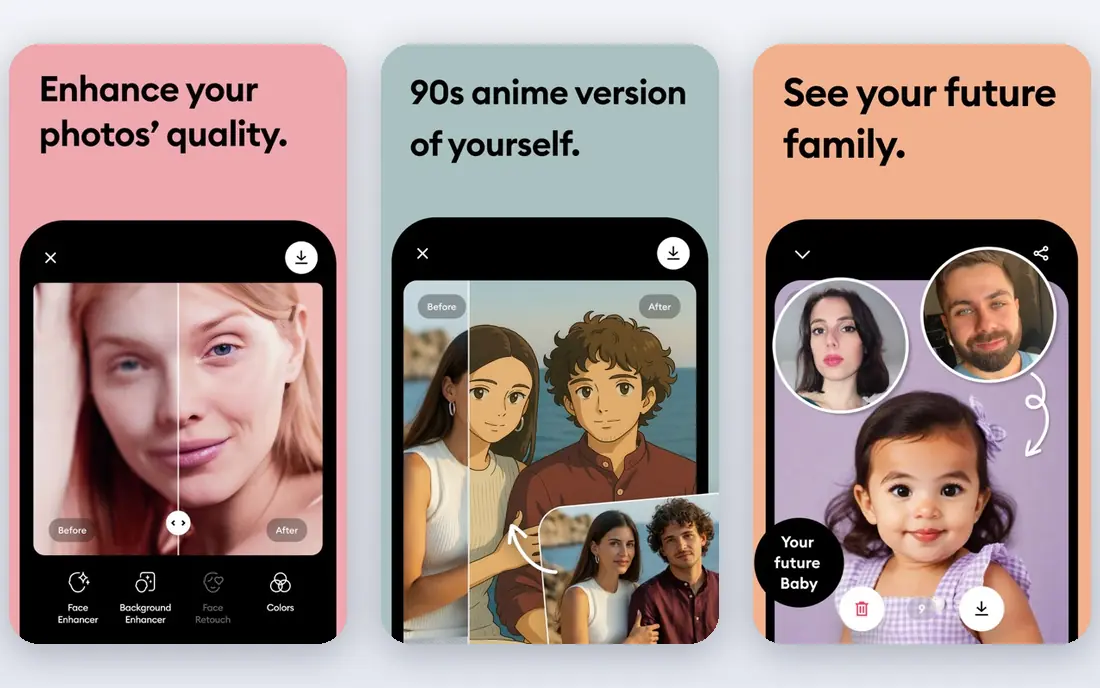
Remini made its name on face photos, and it still shines when an old portrait or a blurry phone shot needs clearer eyes, skin texture, and detail. The mobile app keeps the process simple: upload, enhance, and save, without sliders or complex settings. That ease makes it popular for family archives.
Pricing needs care. The headline rate is $6.99 per week, which costs far more over a year than a monthly plan at a similar level. The free tier also caps daily use and shows ads. Use Remini for face-heavy jobs, and check whether a monthly or annual option fits your volume better.
- Very strong face restoration
- Simple mobile workflow
- Good for old family photos
- Weekly billing adds up
- Free tier has daily limits and ads
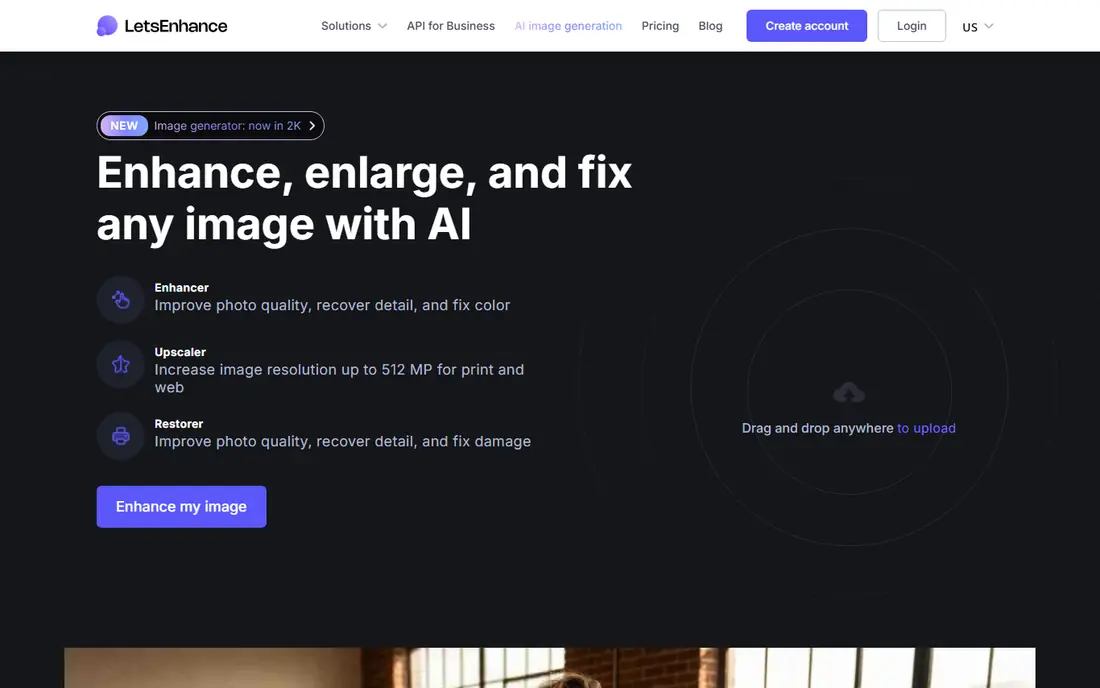
LetsEnhance suits people who need to process many images for a store, a catalog, or print. It upscales and enhances in batches, and its models aim for natural texture rather than an over-smoothed look. Plans start at $9 per month, and credits on some plans roll over, which helps irregular workloads.
Because pricing is credit based, a plan that looks cheap can run out quickly on large batches. Count your images and their sizes before you choose, and run a small batch first to check how the model handles your specific photos.
- Batch processing
- Credit rollover on some plans
- Good for print and web output
- Credit-based pricing needs planning
- Results vary by image type
VanceAI covers more than enhancement alone, with upscaling, denoising, sharpening, background removal, and portrait tools under one account. That breadth helps if you need several small fixes across different photo sets, and the web version avoids installing software. Annual pricing starts at $9 per month for the Starter web plan.
The credit model is the catch. Different tools consume credits at different rates, so the monthly allowance does not translate simply into a fixed image count. Start with a trial batch and track credit use across the tools you actually need.
- Wide range of tools in one account
- Web and desktop options
- Upscaling to 8x on the web
- Credit system can confuse
- Individual tools vary in quality
Fotor is a friendly first stop for anyone who wants a better photo without learning a pro editor. Its AI enhancer fixes light, color, and sharpness in one step, and the wider editor adds cropping, filters, and batch tools. The free tier lets you try basic enhancement before paying, and Pro starts at about $9 per month.
It will not match Topaz on difficult RAW files or heavy noise, and free exports carry limits. For social posts, listings, and everyday photos, though, Fotor offers a fast path from upload to a cleaner image.
- Easy browser editor
- Free tier for basic work
- Batch editing and headshot tools
- Free exports have limits
- Enhancement depth is less than Topaz
Upscale.media, from PixelBin, focuses on one job: making an image larger and cleaner. The free tier covers a small number of images, which suits someone who only needs an occasional upscale for a post or a listing. Paid plans start at $9.99 per month for larger allowances.
It is not a full editor, so you will still need another tool for color, cropping, or retouching. If upscaling is your only need, that focus keeps the workflow simple and the price low for light use.
- Free tier for occasional use
- Simple upload and download
- No install needed
- Free tier is limited to a few images
- Paid plans are credit based
HitPaw Photo Enhancer gives desktop users a straightforward way to denoise, sharpen, and upscale without a browser upload for every file. It offers different AI models for faces, animals, and general photos, and batch processing helps with larger folders. That setup suits photographers who prefer local files.
Pricing depends on whether you choose a monthly, annual, or lifetime license, so check the current page for the option that fits your use. It is less suited to phone-only users, who may prefer Remini or Fotor instead.
- Simple desktop workflow
- Batch enhancement
- Models for faces, animals, and scenery
- Pricing varies by license type
- Desktop only for full features
PicWish works in the browser and covers enhancement alongside background removal, unblurring, and photo retouching. That mix helps sellers and social creators who need several quick fixes in one place, without installing desktop software. A free tier covers basic use, with credits for heavier work.
As with other credit tools, the free allowance runs out fast on batches, and output limits apply. Test it on your hardest images first, since browser enhancers vary more on faces and fine detail than on simple product shots.
- Free tier for basic tasks
- Browser based
- Combines enhancement with background and retouch tools
- Credit-based pricing
- Free outputs have limits
PhotoRoom is built for sellers who need clean, consistent product images. Its AI tools remove backgrounds, generate studio-style backdrops, and enhance product shots for listings, all inside templates sized for marketplaces. The free tier is watermarked and limited, while paid plans start at $7.50 per month on annual billing.
It is not the right tool for restoring a damaged family portrait or processing RAW files at a professional level. For catalog work, though, the combination of enhancement, backgrounds, and batch templates saves more time than a general enhancer alone.
- Strong product-photo workflow
- Background removal and templates
- Mobile and web apps
- Enhancement is part of a product-photo suite, not a pro RAW editor
- Annual billing for the lowest rate
How we picked these
We compared official pricing pages, free tiers, and feature pages for tools that actively offer AI enhancement in October 2026. We favored tools with a clear enhancement or upscaling function, a usable free tier or trial, and current availability on web, desktop, or mobile. We did not claim hands-on testing, and where pricing varied by billing period, we wrote See website or the most clearly published starting rate.
Choosing the right enhancer for your photos
Start with the photo type, not the brand. Face restoration, product shots, and noisy night photos need different models, and a tool that excels at one can look average at another.
Test on your own images
Run the same three photos through two or three tools: a portrait, a product shot, and a low-light image. Look closely at eyes, hair, text, and edges, since those areas reveal over-smoothing and artifacts fastest. A tool that looks great on a sample image may struggle with your files.
Count the real cost
Weekly billing, credits, and annual plans make headline prices misleading. Work out the cost per finished image at your monthly volume, and check whether credits expire, roll over, or cover batch jobs. For occasional use, a free tier may beat a paid plan entirely.
Check output limits
Free and entry plans often limit resolution, add watermarks, or cap batch size. If you need print resolution or commercial use, confirm those rights on the plan you will buy, not just on the top tier.
Frequently asked questions
What is the best ai photo enhancer app?
For mobile face and old-photo work, Remini is the strongest pick. For desktop photography, Topaz Photo AI leads, while Fotor and PhotoRoom suit beginners and sellers who want a simpler workflow.
What is the best free ai photo enhancer tool?
Upscale.media and Fotor both offer free tiers that handle occasional jobs well. PicWish also offers free basic enhancement, though credits limit heavier use. For regular work, a paid plan usually pays for itself in output quality and batch size.
Can AI enhancers fix very blurry photos?
They can improve soft and noisy photos, but they cannot recover detail that was never captured. Faces and simple backgrounds improve most, while small text, distant faces, and heavy motion blur often stay imperfect.
Is Topaz Photo AI worth the price?
It is worth it for photographers who regularly rescue RAW files, noisy shots, or print work. Casual users who enhance a few phone photos a month will get better value from Remini, Fotor, or a free browser tool.
Do AI photo enhancers work on old photos?
Yes, especially for portraits. Remini is built for that job, and Topaz and LetsEnhance can also help with scanned prints. Scan at the highest resolution you can, since a better scan gives the AI more detail to work with.
Sources we checked (9)

Online Jobs is an independent blog about careers, online work, learning new skills and the tools that help people earn. More about us.
Keep reading
All posts
Zoom Alternatives
Zoom alternatives compared for 2026: Google Meet, Microsoft Teams, Webex, Jitsi and more for free calls, large meetings and webinars for teams and classrooms.

Which Software Is Best for Data Entry
Compare the best data entry software for forms, OCR scanning, and spreadsheets, with free plans, pricing, and honest limits for each tool before you commit.

What's the Best App to Read PDFs
Find what's the best app to read PDFs in 2026, from Adobe Acrobat Reader and Foxit to PDF Expert and Xodo, with free options and honest limits for every device.