Best AI Photo Enhancement Tools in 2026: 9 Tools Compared


Denoise, sharpen, and upscale in one app · Starting price: $199 per year
How we put this together: we compare official feature and pricing pages, app store listings, privacy policies and public user reviews. Prices change, so check the provider's site before you pay.
Key takeaways
- Topaz Photo AI is the strongest specialist for denoise, sharpening, and upscaling.
- Lightroom stays the best hub for large libraries and synced editing.
- Luminar Neo gives the fastest creative results, but its AI sliders need restraint.
- ON1 Photo RAW offers a one-time purchase for buyers who dislike subscriptions.
- Pixlr and Fotor cover quick browser edits at little or no cost.
Quick comparison
| Name | Who it suits | Starting price | Free option | |
|---|---|---|---|---|
| Topaz Photo AI | Denoise, sharpen, and upscale in one app | $199 per year | No | Visit |
 Adobe Lightroom | Organizing and editing large photo libraries | See website | Free trial | Visit |
 Luminar Neo | One-click AI portrait and scene edits | See website | Free trial | Visit |
 DxO PhotoLab | High-quality raw conversion | See website | Free trial (30 days) | Visit |
 ON1 Photo RAW | All-in-one editing without a subscription | $99.99 one-time purchase | Free trial | Visit |
 Capture One Pro | Studio, tethered, and color-critical work | See website | Free trial | Visit |
 Evoto | High-volume AI portrait retouching | See website | Free trial | Visit |
 Fotor | Quick browser edits and AI tools | See website | Yes | Visit |
 Pixlr | Free browser editing with AI tools | $1.99 per month | Yes | Visit |
The best AI photo enhancement tools
Photo enhancement covers several different jobs, from removing noise to sharpening a soft portrait to enlarging a small file for print. The tools below are grouped by what they do best, so you can pick a specialist for one problem or a full editor for everything.
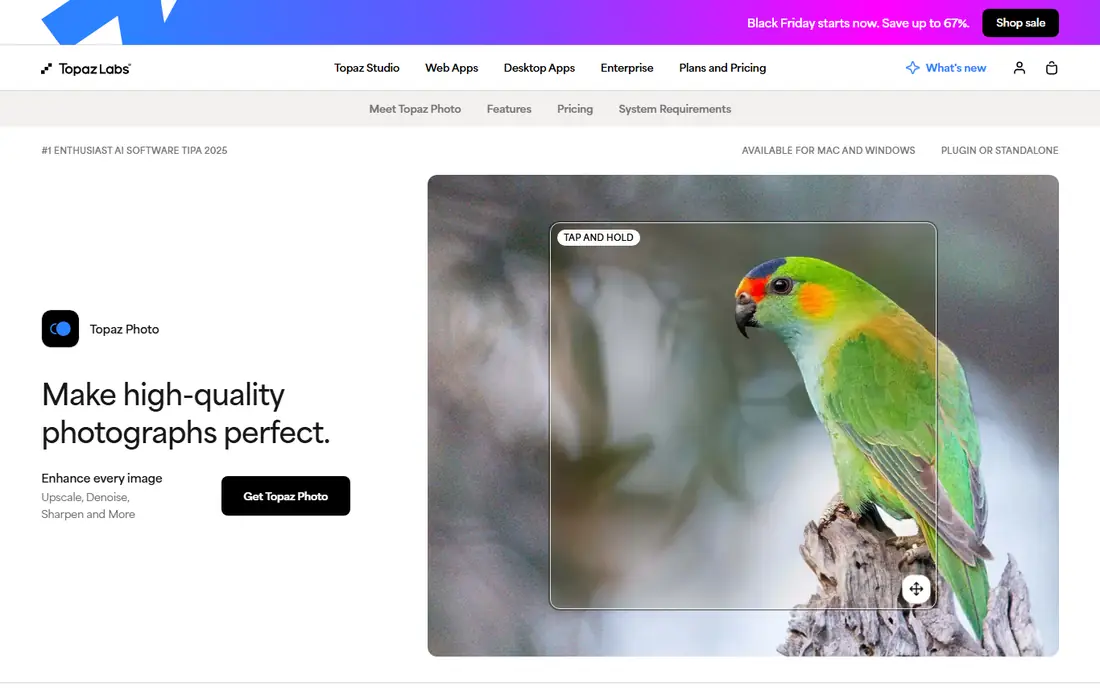
Topaz Photo AI is the specialist that fixes noisy, soft, or low-resolution photos. Its models target denoise, sharpening, and upscaling together, so one pass can rescue a shot that would take several manual steps elsewhere. It also works as a plugin, which keeps it inside a Lightroom or Photoshop workflow.
The catch is price and hardware. It costs more than a simple web upscaler, and large batches run best on a modern machine. For photographers with many problem files, that cost is easy to justify.
- Strong denoise and sharpening
- Works as a plugin for Lightroom and Photoshop
- Batch processing
- Subscription-style pricing
- Needs a capable computer for large batches
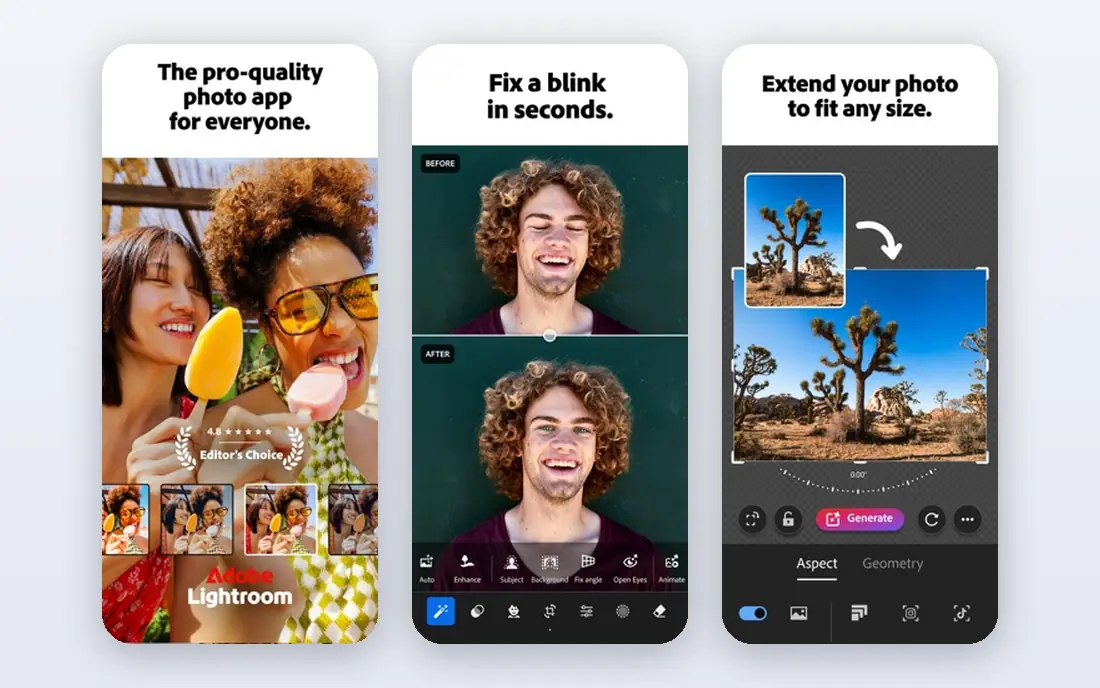
Lightroom remains the hub for photographers with thousands of images. Its library tools, AI masking, and denoise cover most editing jobs without leaving the app, and edits sync to phone and tablet. That combination matters when you shoot often and need to find any image fast.
The catch is the subscription and the catalog. You pay every month, and you need to understand how catalogs store edits. If you only edit a few photos a month, a simpler tool may be cheaper.
- AI masking and denoise
- Cloud sync across devices
- Strong library tools
- Subscription only
- Catalog learning curve for new users
Luminar Neo is for photographers who want strong results fast. Sky replacement, portrait tools, and relighting can change a flat image in minutes, and extensions add more tools without changing apps. It is a good second editor for people who find Lightroom slow for creative edits.
The catch is taste. AI tools can push an image too far, so you need to pull back the sliders. Its catalog also lags behind Lightroom for very large libraries.
- Fast sky, portrait, and relight tools
- Extension system
- No subscription option on some plans
- Some AI tools can look overdone
- Catalog is weaker than Lightroom
DxO PhotoLab suits photographers who put raw quality above all else. Its lens corrections and DeepPRIME denoise are widely praised for squeezing detail from raw files, especially at high ISO. Local adjustments and color tools are deep enough for serious editing.
The catch is workflow. There is no cloud library like Lightroom, and the interface packs in many controls. If you shoot raw and print your work, the quality is worth the learning curve.
- Excellent lens corrections and DeepPRIME denoise
- Strong raw detail
- No cloud sync
- Interface is dense for beginners
ON1 Photo RAW is the all-in-one choice for buyers who dislike subscriptions. It combines browsing, editing, effects, and resizing in one app, and a one-time purchase avoids a monthly bill. That makes it attractive for hobbyists who edit in bursts rather than every week.
The catch is ecosystem. It has fewer third-party plugins than Adobe tools, and performance can dip on older hardware. For most solo photographers, the included tools are enough.
- Full editor plus effects and resizing
- One-time purchase option
- Works offline
- Smaller plugin ecosystem
- Performance varies on older machines
Capture One Pro is the studio pick in this list. Color editing is precise, tethered shooting is reliable, and sessions suit studio shoots where files must stay organized by job. Fashion and product photographers often cite its color tools as the reason they stay.
The catch is price and complexity. It costs more than most rivals, and new users face a dense interface. If you do not shoot tethered or grade color for clients, you may not need its depth.
- Superb color editing
- Tethered shooting
- Session workflow for studios
- Higher price
- Steeper learning curve
Evoto fits portrait photographers with many images to deliver. It retouches skin, color, and light across batches, which saves hours on weddings and headshot sessions. Presets keep a consistent look, and you can adjust strength per image.
The catch is scope. Evoto is not a general photo editor, so you will still need another app for outdoor scenes, products, or catalog work. Budget for credits if you shoot at high volume.
- Fast batch portrait retouching
- Skin and color presets
- Credit packs
- Portrait focus limits general editing
- Credit costs add up at volume
Fotor is the fast browser option for social and marketing images. You can enhance, crop, remove backgrounds, and add text without installing software, which suits small business owners and social managers. Templates speed up posts, ads, and thumbnails.
The catch is depth. Fotor will not replace Lightroom for raw work, and free exports carry limits. Use it for quick, good-looking images, not for a full photography workflow.
- Browser-based editing
- AI background and enhancement tools
- Templates
- Free exports have limits
- Advanced tools need a paid plan
Pixlr is the best free starting point for casual editing. It runs in a browser, offers layers, and includes AI tools for removing backgrounds and improving images. That makes it useful on shared computers, Chromebooks, and school machines.
The catch is the free plan, which includes ads and limits. Paid plans remove those limits at a low price, but raw photographers will still want a desktop editor for serious work.
- Free browser editor
- Layers and AI tools
- Works on any computer
- Ads and limits on the free plan
- Less suited to raw workflows
How we picked these
We compared official feature pages, pricing pages, and app store listings, and we checked that each vendor homepage loads and matches the product named. We favored tools that are still offered in October 2026, that fit the topic without stretching the definition, and that publish clear pricing or a clear route to a quote. Where a price was not published on the vendor site, we wrote See website instead of guessing. We did not claim hands-on testing we did not do, and we treated public reviews as background only, not as proof of a feature.
How to pick a photo enhancement tool
First, name the problem. Noise, blur, low resolution, and dull color each need different tools, and a general editor may not fix a badly noisy file as well as Topaz or DxO.
Second, check your file types. Raw shooters need a raw editor, while phone photographers can often use a browser tool. If you print, check maximum export size and color handling before you buy.
Third, try before you pay. Most tools here offer a trial, and a trial with your own worst photos tells you more than any demo image. Test noise, skin, and text in the same image, since AI tools handle each differently.
One more check helps: save a copy of every original before you enhance it, and keep the enhanced file under a new name. AI edits can look good on a small screen and disappointing in print, so a saved original lets you start again with different settings. That habit also protects client work, since you can show what changed and why.
Frequently asked questions
What is the best AI tool for photo enhancement overall?
For a full workflow, Lightroom covers organizing, masking, and denoise in one app. For fixing problem files, Topaz Photo AI is stronger on denoise and sharpening.
What is the best AI photo enhancement software for beginners?
Fotor and Pixlr are easiest for beginners, because they run in a browser and need no install. Luminar Neo is a good next step when you want more creative control.
Are there free AI photo enhancement apps?
Yes. Pixlr and Fotor both offer free plans, with limits on exports and advanced tools. They are fine for social images, but paid tools give better raw and print results.
Can AI really fix a blurry photo?
AI can improve mild blur and noise, but it cannot recover detail that was never recorded. Expect cleaner, sharper results, not a perfect reconstruction of a missed shot.
Do I need a powerful computer for AI photo tools?
Desktop AI tools run faster on a modern machine, especially for batches. Browser tools shift the work to the cloud, so they suit older computers better.
Sources we checked (9)

Online Jobs is an independent blog about careers, online work, learning new skills and the tools that help people earn. More about us.
Keep reading
All posts
Best Tools to Unblur Photos for Free
We compared the best tool to unblur photos for free, covering face repair, web tools, desktop apps, free limits, watermarks, and what blur cannot fix.

Best Photo Storage App
Looking for the best photo storage app? We compared 9 photo storage and backup apps on free space, price, search, sharing and privacy, to help you choose.

Best Photo Editor App
Best photo editor app guide: we compare 8 photo editors on editing control, presets, free plans, and pricing so you can pick the right app for photos.