Best AI Photo Culling Software in 2026: 8 Tools Compared


High-volume wedding and portrait work · Starting price: $10 per month
How we put this together: we compare official feature and pricing pages, app store listings, privacy policies and public user reviews. Prices change, so check the provider's site before you pay.
Key takeaways
- Aftershoot is our pick for most high-volume photographers, because it culls locally at a low monthly price with a generous trial.
- Imagen suits photographers who want culling that learns their personal taste and pairs with AI editing.
- Narrative Select fits photographers who want AI assistance, not automatic decisions, with scene and close-up views.
- FilterPixel is the strongest choice for deadline sports, concert and conference work with genre-specific culling.
- Check where processing happens, local or cloud, because it affects speed, privacy and whether you need an internet connection.
Quick comparison
| Name | Who it suits | Starting price | Free option | |
|---|---|---|---|---|
| Aftershoot | High-volume wedding and portrait work | $10 per month | Free trial | Visit |
 Imagen | Culling that learns your taste | $12 per month | Free trial | Visit |
 FilterPixel | Deadline sports and event work | $14.99 per month | Yes | Visit |
 Narrative Select | AI-assisted selection with control | $10 per month | Free trial | Visit |
 Optyx | Budget AI culling for part-time shooters | $6.99 per month | Yes | Visit |
 Excire Foto 2027 | Local AI culling with no subscription | $249 one-time | Free trial | Visit |
 Photo Mechanic | Fast manual culling for press deadlines | See website | Free trial | Visit |
 Adobe Lightroom Classic | Culling inside your existing editor | See website | Free trial | Visit |
The best AI photo culling software
Culling is the unglamorous half of photography: sorting thousands of frames into keepers, duplicates and rejects before editing starts. AI culling software speeds that first pass by scoring sharpness, eyes, expressions and duplicates, but tools differ in how much control they leave you and where they process your photos. The right pick depends on your volume, genre and editor.
The list below starts with the strongest value AI culler and moves through taste-learning, genre-specific, budget and manual options.
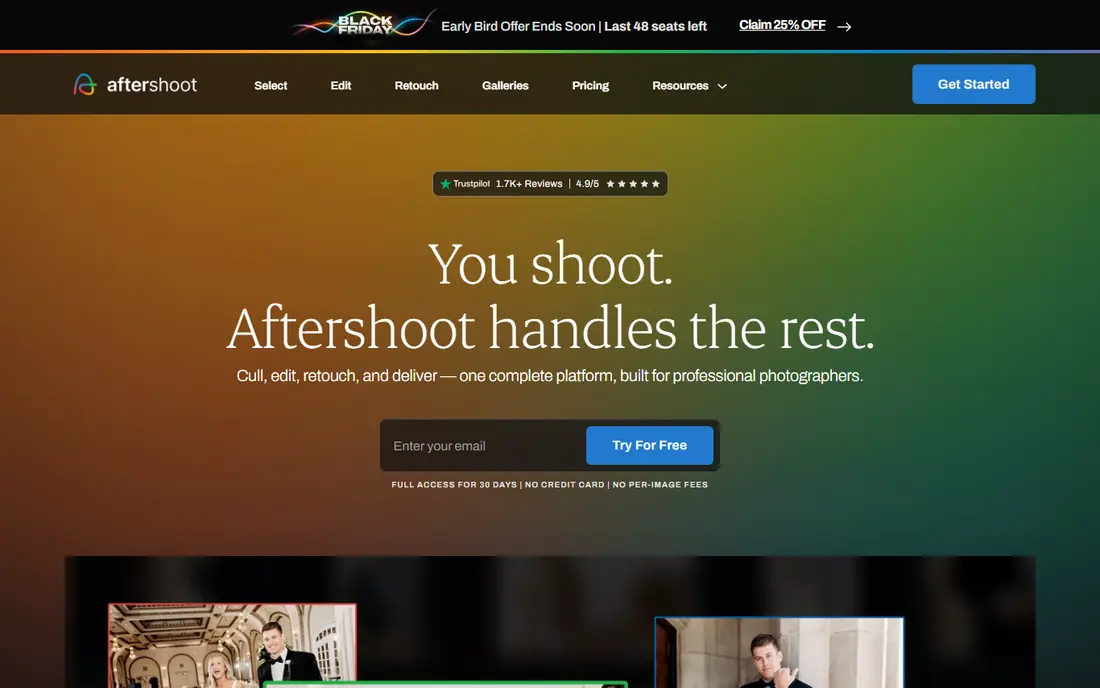
Aftershoot is the tool most wedding and portrait photographers should trial first. It runs locally on your computer, so your photos stay on your machine and culling works without an internet connection, and it offers both an automated first pass and an assisted mode where you stay in control. The culling plan starts at $10 per month billed annually in recent listings, with a 30-day full trial and no card required.
That local processing is a practical advantage on a laptop in a venue or on a plane, and exports send picks to Lightroom Classic, Lightroom, Capture One and other editors. The catch is volume: a photographer who shoots a few hundred frames a month may not save enough time to justify any subscription. A wedding shooter facing thousands of frames per job will feel the saving on the first gallery.
- Local processing that works offline
- AI-automated or AI-assisted culling
- 30-day full trial with no card
- Editing features need higher plans
- Culling-only value depends on your volume
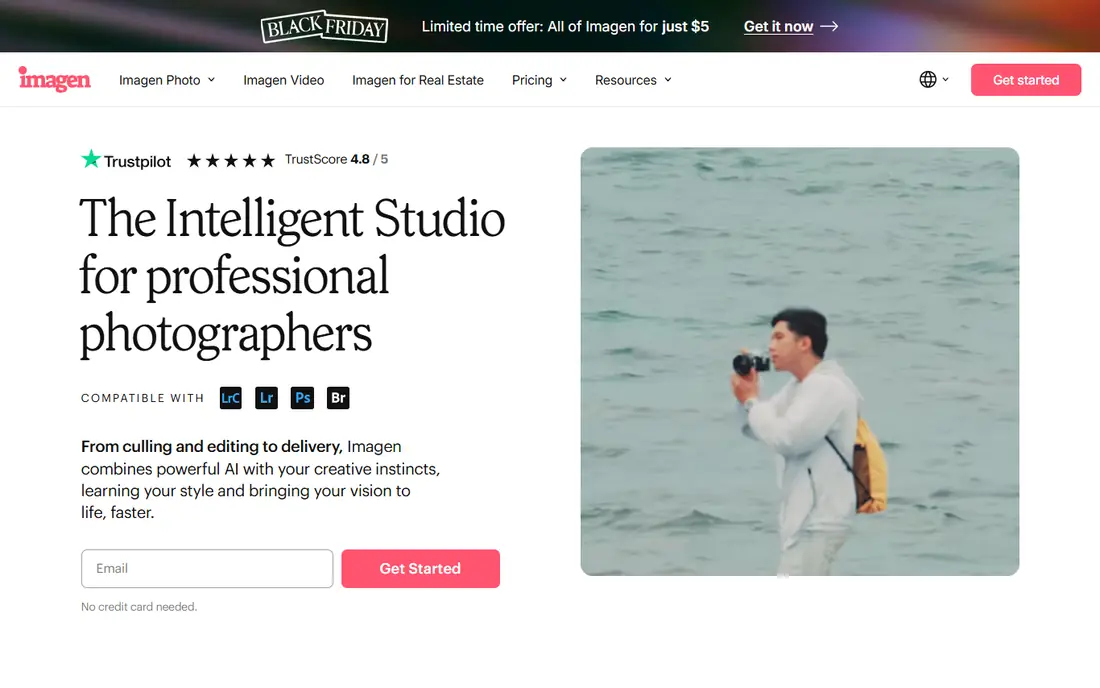
Imagen stands out because it learns. As you accept or reject its picks, it builds a profile of your taste, so later culls match your style more closely than a generic sharpness score. It can also cull to an exact number, which helps when a client contract promises a set gallery size. Culling is listed from $12 per month billed annually in recent comparisons, with free trial projects available.
Processing happens in the cloud, so you upload before culling starts, and editing is priced separately from culling on some plans. That total matters: compare culling plus editing together, not culling alone. For photographers who already edit with Imagen or want a system that gets better with every job, it is a compelling choice.
- Culling learns from your past selections
- Pairs culling with AI editing profiles
- Can cull to an exact number
- Cloud processing requires uploads
- Editing is billed separately from culling on some plans
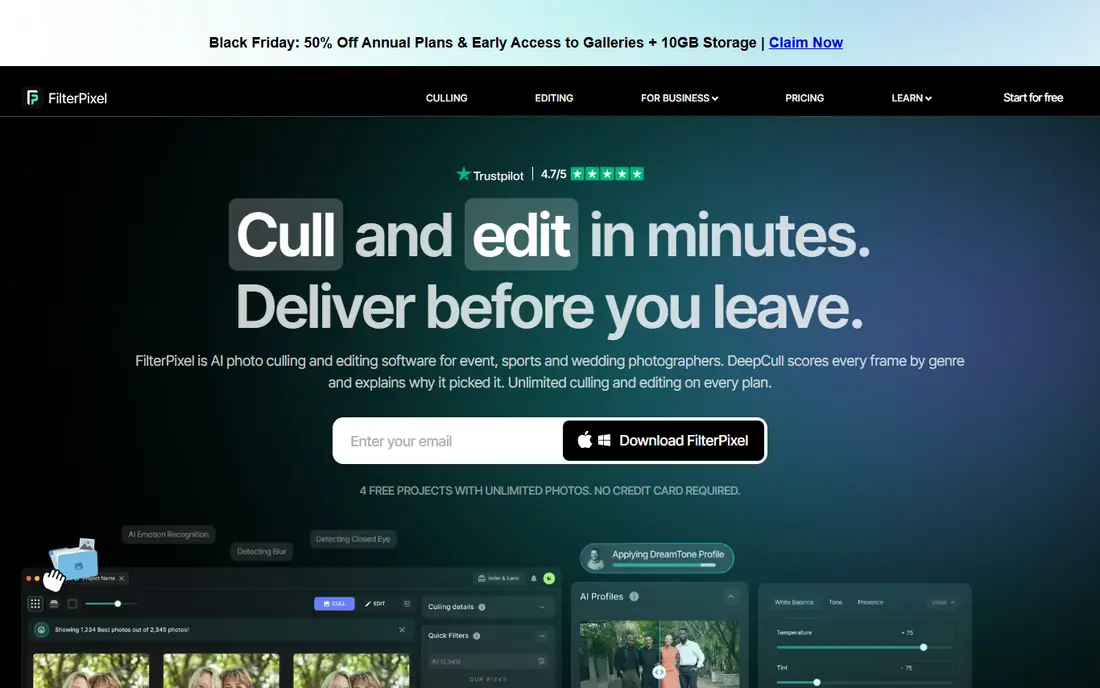
FilterPixel is built for deadline pressure. Its DeepCull engine offers genre-specific modes for sports, concerts, conferences and weddings, and it attaches a score and a written reason to each photo, so you can see why a frame was picked or rejected. That transparency builds trust at 2 am with a morning deadline, when an unexplained shortlist feels risky.
Standard pricing is listed at $14.99 per month billed annually, with a free tier covering a small number of projects in recent listings. Cloud processing means speed does not depend on your laptop, but you do need a connection to cull. For sports and event shooters who deliver fast and shoot in bursts, FilterPixel genre focus is its edge.
- Genre-specific DeepCull with a score and reason per photo
- Cloud speed for large batches
- Free tier to test
- Cloud processing needs an internet connection
- Higher entry price than Aftershoot or Narrative
Narrative Select takes the opposite philosophy from full automation: AI assists, you decide. It scores photos, groups similar frames into scenes, and lets you check eyes and focus in close-up views before you pick. That control appeals to photographers who do not trust an algorithm to make final choices, but still want help finding the best frame in a burst.
Pricing starts at $10 per month billed annually for the Lite tier in recent listings, with higher tiers adding Scenes view and close-ups, and a free trial with no card. The assisted approach takes longer than a fully automated pass, so a shooter with extreme volume may prefer Aftershoot. A portrait or wedding photographer who wants every pick to feel deliberate will like Narrative.
- AI scores and groups photos while you choose
- Scenes view and close-up checks
- Exports to Lightroom and Capture One
- Assisted approach is slower than full automation
- Higher tiers needed for Scenes and close-up views
Optyx is the budget entry point for photographers who want AI culling without a $15 monthly bill. Starting at $6.99 per month billed annually in recent comparisons, with a free tier, it covers the core job: scoring and sorting photos so you spend less time on the first pass. For a hobbyist or part-time shooter, that price makes culling software an easy experiment.
Depth is the trade-off. Genre-specific models, taste learning and advanced editing links are thinner here than in Aftershoot, Imagen or FilterPixel. If you shoot occasionally and want a cheap first AI culler, Optyx is a sensible start. If you shoot weddings every weekend, a leader above will save more time per job.
- Lowest entry price in this list
- Simple AI culling for part-time work
- Free tier to test
- Smaller feature set than the leaders
- Less genre depth than FilterPixel
Excire Foto 2027 is for photographers who dislike subscriptions. You pay $249 once in recent listings, install it locally, and use AI grouping, sorting and search with custom profiles to organize and cull photos. Because processing is local, your files stay on your machine, and there is no monthly bill to justify during a quiet season.
The upfront price is the barrier, and the culling workflow is more assisted grouping than a fully automated keep-or-reject pass. A photographer who shoots steadily and hates subscriptions will recoup the cost over time. A photographer who wants the fastest automated pass should compare it carefully with Aftershoot before paying upfront.
- One-time purchase with no subscription
- Local AI grouping and search
- Works with Lightroom Classic and Capture One via metadata
- High upfront cost
- AI grouping is less automated than dedicated cullers
- Updates may cost extra over time
Photo Mechanic is the manual standard for sports and news photographers, and it earns its place even in an AI list because speed still matters. Ingest is fast, raw viewing is instant, and tagging, captioning and metadata tools are built for deadline workflows. Picks export to most editors through XMP metadata, so it slots into any existing setup.
It has no AI culling, so every decision is yours, which is slower than an automated pass for a wedding gallery. Pricing has been listed as $14.99 per month, $149 per year or $299 perpetual in recent comparisons, so we list See website to avoid quoting a plan that may have changed. For press deadlines where control and speed beat automation, Photo Mechanic remains the benchmark.
- Extremely fast ingest and viewing
- Metadata and tagging built for press workflows
- Works with most editors via XMP
- Manual culling with no AI
- Subscription or perpetual pricing needs checking on the vendor site
Adobe Lightroom Classic
Who it suits: Culling inside your existing editor
Lightroom Classic is the default answer for photographers already inside Adobe. Recent versions add AI-assisted culling flags alongside manual tools, so you can sort inside your catalog without exporting picks to another app. For a photographer with lighter volume, that built-in help may be enough, and it avoids learning a new tool.
Dedicated cullers go further on automation, genre models and taste learning, so a high-volume shooter will still benefit from Aftershoot or Imagen before editing in Lightroom. Pricing is subscription-based through Adobe plans and varies, so we list See website. If you already pay for Adobe and cull a modest volume, start here before adding another subscription.
- Culling inside the editor you already use
- AI-assisted culling flags plus manual tools
- No export step for picks
- Lighter AI culling than dedicated tools
- Subscription cost covers the whole Adobe plan, not just culling
How we picked these
We compared official pricing pages, feature pages and recent independent comparisons for AI photo culling software, and kept only tools that cull real photo sets today and export picks to a major editor. We favored tools with a trial or free tier, clear local or cloud processing, and honest limits on automation. Where pricing varies by plan or has changed recently, we wrote See website, and prices shown are starting prices from recent vendor listings.
How to choose AI culling software
Start with your volume and genre. A wedding shooter with 5,000 frames needs automation and speed. A portrait shooter with 300 frames needs control and close-up checks. A sports shooter on deadline needs genre models and cloud speed. Trial each finalist on a real past shoot, not a demo set, and time the full workflow including export to your editor.
Check the handoff before the accuracy
A tool that grades beautifully but breaks your editor sync creates new work. Confirm that star ratings, colors or picks transfer to Lightroom Classic or Capture One exactly as you expect, and that rejected photos are handled safely rather than deleted. Also check whether processing is local or cloud, because that decides privacy, offline use and upload time for large shoots.
Frequently asked questions
What is the best AI photo culling software?
Aftershoot is our pick for most high-volume photographers, thanks to local processing, automated or assisted culling, and a starting price of $10 per month billed annually. Imagen suits photographers who want culling that learns their taste, while FilterPixel suits deadline sports and event work.
What are the best AI photo culling tools for wedding photographers?
Aftershoot, Imagen and Narrative Select are the strongest AI photo culling tools for wedding photographers. Aftershoot offers the best value automated pass, Imagen learns your taste over time, and Narrative Select gives assisted control with scene grouping. Trial all three on a real wedding gallery before you commit.
Can AI culling replace manual photo selection?
AI culling can replace the first pass for most high-volume work, but most photographers still review picks before delivery, especially for client-facing galleries. Use AI to remove duplicates, blinks and soft frames, then make final artistic choices yourself. That hybrid workflow saves hours without giving up control.
Is local or cloud AI culling better?
Local culling, as in Aftershoot and Excire Foto, keeps files on your machine and works offline, which suits privacy and travel. Cloud culling, as in FilterPixel and Imagen, offers faster processing for large batches and does not depend on your computer, but needs an internet connection and uploads. Choose by your privacy needs and connection quality.
How much does AI photo culling software cost?
Starting prices in this list range from $6.99 per month for Optyx to $14.99 per month for FilterPixel, with Aftershoot and Narrative Select at $10 per month billed annually. Excire Foto costs $249 as a one-time purchase. Always check whether editing, extra projects or higher tiers add to the total.
Does AI culling work with Lightroom and Capture One?
Yes, most tools in this list export picks to Lightroom Classic, Lightroom or Capture One, usually through ratings or metadata. Aftershoot, Narrative Select, FilterPixel and Excire Foto all support at least one major editor. Test the export on a real shoot before you buy, because a broken handoff wastes the time culling saved.
Sources we checked (8)

Online Jobs is an independent blog about careers, online work, learning new skills and the tools that help people earn. More about us.
Keep reading
All posts
Best Tools to Unblur Photos for Free
We compared the best tool to unblur photos for free, covering face repair, web tools, desktop apps, free limits, watermarks, and what blur cannot fix.

Best Photo Storage App
Looking for the best photo storage app? We compared 9 photo storage and backup apps on free space, price, search, sharing and privacy, to help you choose.

Best Photo Editor App
Best photo editor app guide: we compare 8 photo editors on editing control, presets, free plans, and pricing so you can pick the right app for photos.