Best AI Photo Animation Tools in 2026: 9 Tools Compared

How we put this together: we compare official feature and pricing pages, app store listings, privacy policies and public user reviews. Prices change, so check the provider's site before you pay.
Key takeaways
- Runway is our pick for creators who want control, editing, and several video models in one workspace.
- Kling AI suits realistic motion from a single photo, especially natural camera moves and clear start and end frames.
- Hedra and D-ID suit talking photos, where lip sync and expression matter more than general motion.
- LeiaPix suits depth and camera motion from a still, without turning the photo into a full video scene.
- Free plans are best for testing motion style and face stability, since watermarks and short limits usually apply.
Quick comparison
| Name | Who it suits | Starting price | Free option | |
|---|---|---|---|---|
 Runway | Control plus editing | $12 per month | Yes | Visit |
 Kling AI | Realistic photo motion | $10 per month | Yes | Visit |
 Pika | Quick social clips | $8 per month | Yes | Visit |
 Hailuo | Budget motion with audio | $14.99 per month | Yes | Visit |
 Hedra | Talking characters | See website | Yes | Visit |
 D-ID | Talking photos for training | $5.90 per month | No | Visit |
 LeiaPix | Depth and camera motion | $4.99 per month | Yes | Visit |
 Luma Dream Machine | Smooth camera movement | See website | Yes | Visit |
 PixVerse | Fast effects and transitions | See website | Yes | Visit |
The best AI photo animation tools
We compared motion quality, face stability, lip sync, camera control, clip length, resolution, credit use, and free-plan limits. A tool that makes a face wobble or a hand melt is not useful, even if its price looks low.
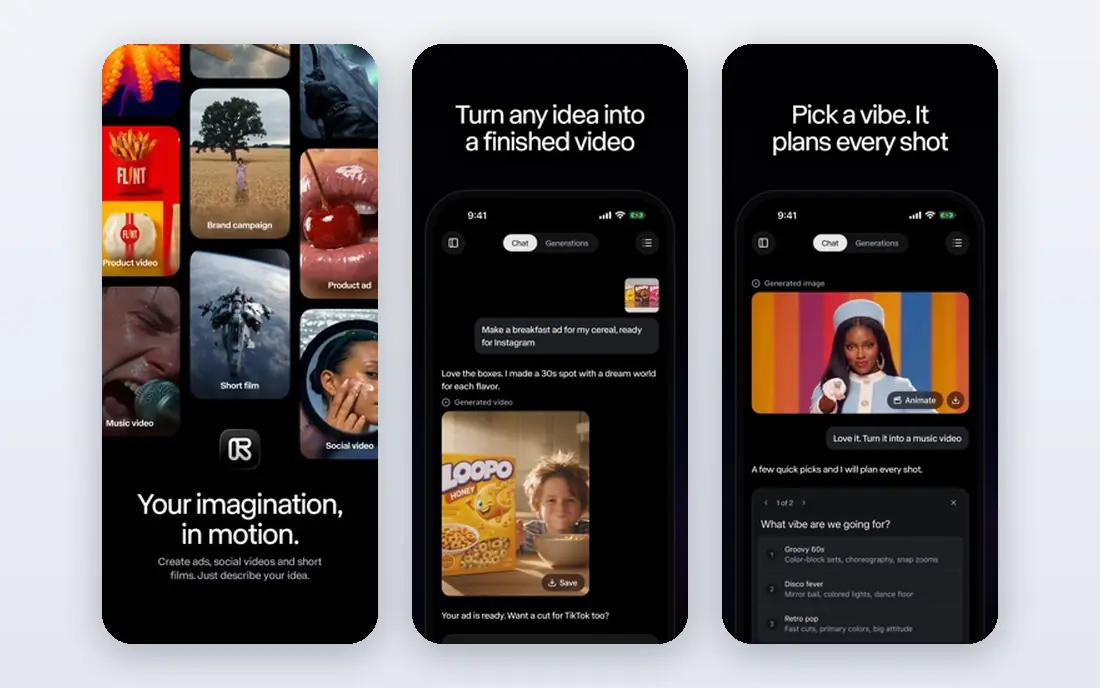
Runway fits creators who want to animate a photo and then edit the result without leaving the workspace. Image-to-video generation sits beside trimming, effects, and other editing tools, which speeds up a short social video. Camera controls and prompt guidance help shape motion rather than leaving it to chance.
The honest catch is credits. A low monthly price means little if a longer clip uses a large share of the monthly allowance, so check credit cost per second before a project. For testing styles and short clips, the free plan is enough. For regular client work, a paid plan is needed.
- Several video models in one workspace
- Image-to-video plus editing tools
- Strong camera and motion controls
- Credit use varies by model and length
- Free plan is limited for client work
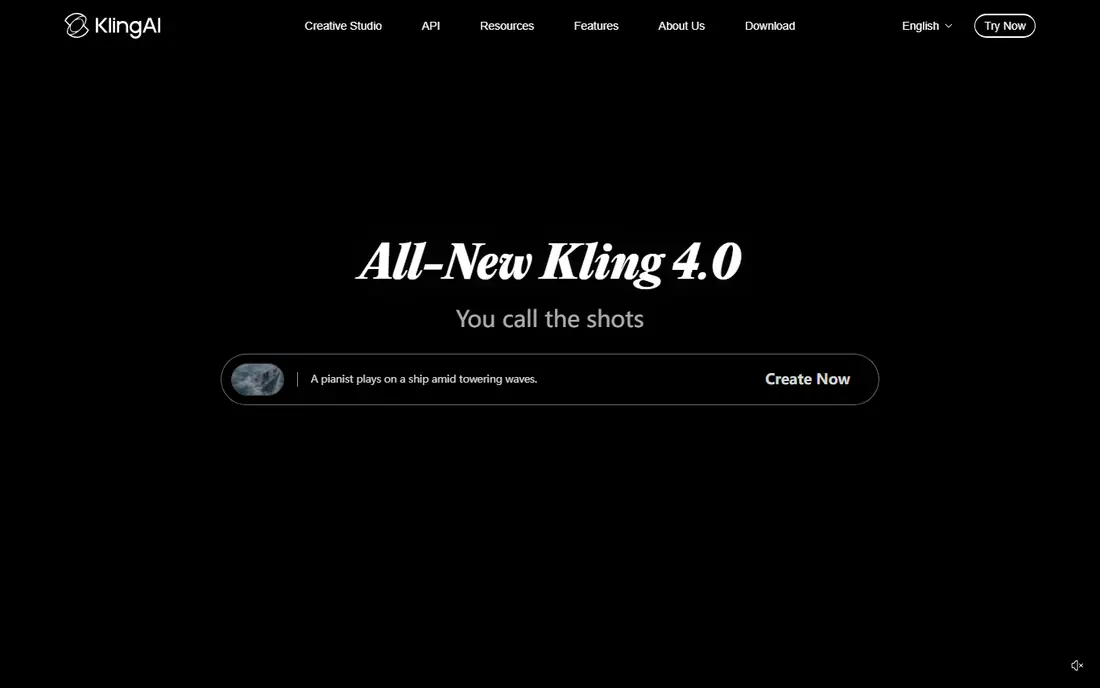
Kling AI suits a still that needs to feel like a real camera shot, not a cartoon effect. A portrait can gain a slow push-in, a product photo can gain a smooth orbit, and a wide outdoor scene can gain drifting clouds or water motion. Start and end frame control helps when a clip must land on a specific final image.
The trade-off is control versus cost. Strong realism often needs a higher-quality generation, which uses more credits, and free-plan queues can be slow at busy times. Test a face at low cost first, then spend credits on the version that holds up on a full screen.
- Realistic motion and camera moves
- Start and end frame control
- High-resolution output options
- Credit and queue limits vary by plan
- Face detail needs careful prompts
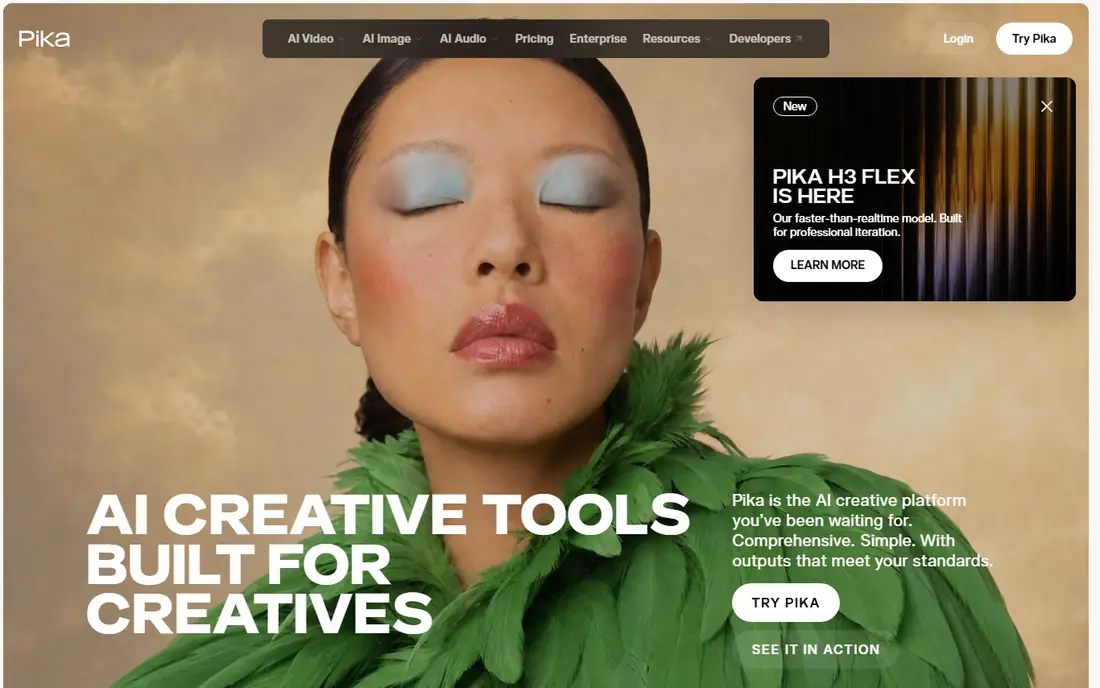
Pika fits social creators who need a quick animated clip the same day, often with an effect or transition. A photo can squash, stretch, melt, or morph into a new scene, which suits short-form feeds where a striking first second matters. The workflow is fast, with less setup than a full video editor.
The honest catch is realism. Pika excels at playful effects, but a long, natural scene with stable faces is harder to hold. Use it for social hooks and transitions, and use Runway or Kling when a clip must look like real footage.
- Fast social clips and effects
- Transitions and creative prompts
- Easy sharing for short video
- Less suited to long, realistic scenes
- Free output limits apply
Hailuo suits creators who want a low-cost route into image-to-video with sound options. A still can gain motion and, on supported generations, audio that fits the scene, which helps a social clip feel complete without a separate sound step. The free plan allows testing before paying.
The trade-off is consistency. Motion quality can vary with the subject, especially for faces and hands, so a prompt may need several tries. Budget for extra generations when a clip must be clean, and check the credit cost for the length and resolution you need.
- Budget-friendly motion options
- Audio options on some generations
- Social-ready clip lengths
- Quality varies by prompt and subject
- Credit limits need checking per plan
Hedra fits a photo that needs to talk, whether for a social host, a story character, or a short explainer. Its character models process image, script, and audio together, which can give more natural lip sync and expression than a tool that adds sound as a second step. Voice and model variety add flexibility for different characters.
The honest catch is credit math. Costs are per second and vary by model, so a long talking clip can use a large allowance quickly. Test a short script on the free plan first, then choose a paid plan that matches the length and volume you actually produce.
- Expressive talking characters from a photo and audio
- Lip sync and micro-expressions
- Several video models in one place
- Credits are spent per second and vary by model
- Free output is capped in resolution and speed
D-ID suits training, onboarding, and explainer videos where a photo presenter delivers a script. A headshot can speak a written script with lip sync, which lets a team update narration without re-shooting a presenter. The API suits firms that generate many similar videos.
The limit is scope. D-ID is a talking-head tool first, not a general image-to-video engine for wide outdoor scenes or product scenes. If your main need is camera motion on a still, LeiaPix, Runway, or Kling will fit better. For scripted presenters, D-ID is a focused choice.
- Talking photos for explainers and training
- Presenter-style output
- API for teams
- No permanent free plan, only a trial
- Less suited to general scene motion
LeiaPix fits a photo that needs gentle depth and camera movement rather than a new scene. A portrait or product shot gains apparent depth, with a slow pan or parallax move that works well for social posts and web headers. The low starting price makes it easy to test.
The honest catch is expectation. LeiaPix does not rebuild hidden surfaces or create a full 3D scene, so a photo will not turn into a walkthrough. For a moving still with depth, it is excellent. For a talking character or a changing scene, choose Hedra, D-ID, or a video model instead.
- Depth-based photo motion from a single image
- Simple exports for social and web
- Low starting price
- Motion is camera-based, not full scene animation
- Credit use varies by resolution and output
Luma Dream Machine suits a still that needs a cinematic camera move, such as a slow orbit around a product or a drift through a wide outdoor scene. The motion often feels smoother than a simple pan, which helps a clip look filmed rather than filtered. That quality suits hero shots and product pages.
The trade-off is verification. Paid pricing and limits should be confirmed on the vendor page before a project, since plans change. Faces also need a test generation, since even a smooth camera move cannot fix a face that shifts during motion.
- Smooth, gimbal-like camera motion
- Image-to-video with strong scene coherence
- Useful for product and wide scenic shots
- Paid pricing should be confirmed on the vendor page
- Face stability needs testing per clip
PixVerse fits creators who generate many short clips and want speed over deep editing. Effects, transitions, and prompt-driven motion cover social formats well, and the workflow is quick enough to test several angles on the same photo. That speed helps when a feed needs frequent new clips.
The honest catch is consistency. As with other fast video models, faces, hands, and complex scenes can vary between generations. Generate a few versions, pick the cleanest, and reserve a higher-quality model for a hero clip that will be seen at full size.
- Fast image-to-video generations
- Effects and transitions for social clips
- High-resolution options
- Credit and plan details should be confirmed
- Realism varies by subject
How we picked these
We compared official pricing pages, product documentation, feature pages, and public reviews, and we kept only tools that are live and can animate a still photo in 2026. We favoured stable faces, usable camera control, clear credit pricing, and a free plan or trial for testing. We separated talking-photo tools from general motion tools, since they solve different jobs.
We also weighed credit economics, not just monthly price. A tool with a low monthly fee but high per-second credit use can cost more than a higher-priced tool for the same clip length. Where a price could not be confirmed on the vendor page, we used See website rather than publishing a figure that may not apply.
What to check before you choose
Test the same photo in two tools before you pay. A tool that handles a wide outdoor scene well may still struggle with a face, and a talking-photo tool may not handle a product shot at all.
Talking photo or general motion
Decide first whether the photo must speak or simply move. Hedra and D-ID suit talking photos, LeiaPix suits depth motion, and Runway, Kling, Luma, and PixVerse suit general scene motion. Choosing the wrong type wastes credits on generations that were never going to fit.
Credits, length, and resolution
Check credit cost per second, maximum clip length, and resolution on your plan. A 10-second clip at high resolution can use far more credits than a 5-second clip at standard resolution. Watermarks on free plans also matter for any public post.
Consent and use rights
Only animate photos you have the right to use, and get consent before animating a real person's face or voice. Check commercial use terms on your plan, since some free plans limit commercial posting. Keep the original photo and the generation settings for any clip you publish.
Frequently asked questions
What is the best AI photo animation app?
Runway is the best AI photo animation app for creators who want control and editing in one place. Kling AI is better for realistic motion from a single photo, while Hedra is better for talking characters. The best app depends on whether the photo must speak, move like a camera shot, or gain an effect.
What are the best free AI photo animation tools?
Runway, Kling AI, Pika, Hailuo, Hedra, LeiaPix, Luma Dream Machine, and PixVerse all offer free plans for testing. Free plans usually include watermarks, lower resolution, or limited credits, so they suit testing rather than client work. Test face stability and motion style before paying for a plan.
What is the best AI photo animation tool for talking photos?
Hedra and D-ID are the best AI photo animation tools for talking photos. Hedra suits expressive social characters, while D-ID suits scripted presenters for training and explainers. Both need a clear script and a good headshot, and both use credits that vary with clip length.
How do AI photo animation credits work?
Most tools sell monthly credits, and each generation uses credits based on length, resolution, and model. A longer or higher-resolution clip uses more credits than a short standard clip. Check the vendor pricing page for per-second costs, since a low monthly price can still mean a high cost per finished video.
Can AI animate an old photo?
Yes, many tools can animate an old photo, including portraits, by adding motion, camera movement, or a talking effect. Results vary with photo quality, face clarity, and lighting, so a sharp, front-facing portrait works better than a faded group shot. Test one photo before animating a full set.
Is there a best free AI photo animation app without a watermark?
Most free plans include a watermark or a resolution cap, so a truly free, watermark-free, commercial-ready output is rare. Some tools offer limited free credits without a watermark on specific plans, but terms change often. Check the current free plan terms on the vendor page before using a clip commercially.
Sources we checked (9)

Online Jobs is an independent blog about careers, online work, learning new skills and the tools that help people earn. More about us.
Keep reading
All posts
OpenClaw Alternatives
Looking for openclaw alternatives? We compare 9 self-hosted and hosted AI agent tools, from Open WebUI and LibreChat to Manus, on setup, control, and price.

Best AI Search Visibility Analysis Software
Compare the best ai search visibility analysis software for 2026, with prices, engines tracked, and honest limits to help you pick a tracker for your team.
Best AI Image-to-Video Generation Tools
We compared the best AI image-to-video generation tools for 2026, checking prices, credits and free plans, so you can turn your stills into moving clips.