Best AI Orchestration Tools in 2026: 8 Tools Compared


Code-first stateful agent workflows · Starting price: See website
How we put this together: we compare official feature and pricing pages, app store listings, privacy policies and public user reviews. Prices change, so check the provider's site before you pay.
Key takeaways
- LangGraph suits code-first teams that need state, branching, and retries in agent workflows.
- CrewAI, Dify, and Flowise lower the barrier for teams that want agent apps without building every control by hand.
- n8n and Apache Airflow suit mixed workflows, where AI steps sit beside older automation, data jobs, and business systems.
- Temporal suits long-running work that must survive failures, restarts, and waiting steps.
- Pricing is hard to compare directly, because some tools charge per seat, some per workspace, and some per execution or trace.
Quick comparison
| Name | Who it suits | Starting price | Free option | |
|---|---|---|---|---|
| LangGraph | Code-first stateful agent workflows | See website | Yes | Visit |
 CrewAI | Role-based multi-agent teams | See website | Yes | Visit |
 n8n | Visual AI and automation workflows | See website | Yes | Visit |
 Dify | Low-code AI app building | $59 per workspace per month | Yes | Visit |
 Flowise | Visual agent flows with self-hosting | $35 per month | Yes | Visit |
 Temporal | Durable long-running workflows | See website | Yes | Visit |
 Microsoft Agent Framework | Enterprise multi-agent systems | See website | Yes | Visit |
 Apache Airflow | Scheduled data and task orchestration | See website | Yes | Visit |
The best AI orchestration tools
AI orchestration means deciding which agent runs, what tools it can call, what happens when a step fails, and how state moves between steps. Some tools give developers full code control, while others give a visual canvas or a hosted app builder. The list below covers both ends, so you can match the tool to your team skills and your reliability needs.
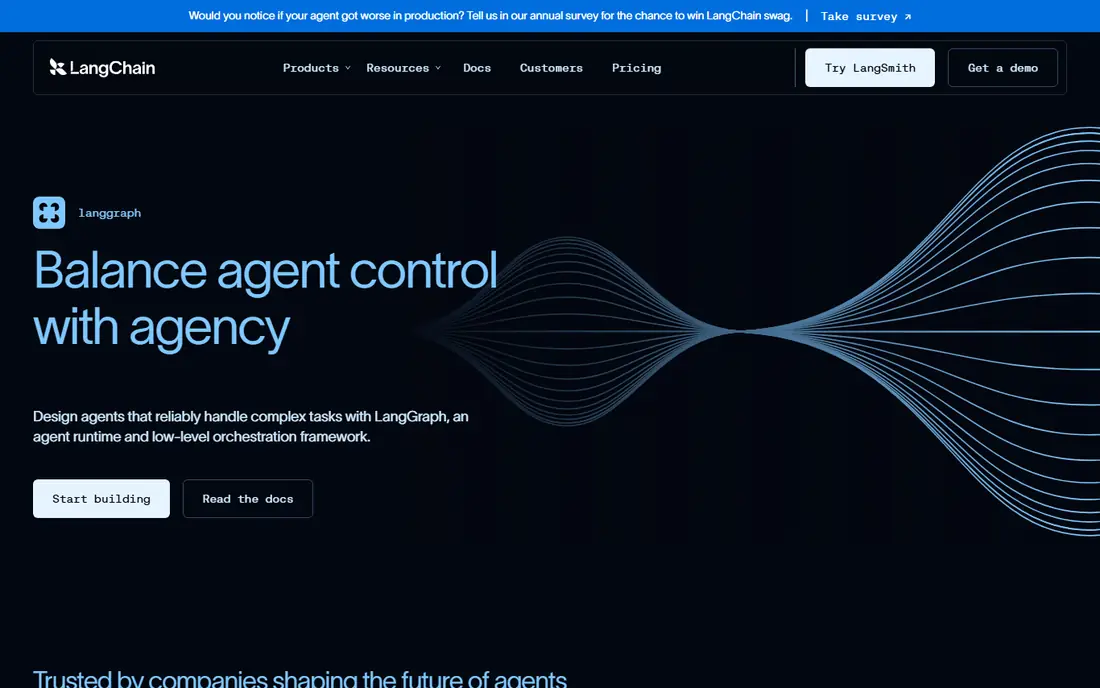
LangGraph models an agent workflow as a graph, where nodes do work and edges decide the next step. That structure makes branching, loops, retries, and human approval explicit, rather than hidden inside a prompt. State persists across steps, so a workflow can pause, wait for input, and resume without losing context. The cost is engineering effort. Teams need Python or JavaScript skills, and they need to understand LangChain concepts to build and debug graphs well. LangSmith adds tracing and managed deployment, with a free developer tier and a Plus plan listed at $39 per seat per month in recent comparisons. LangGraph fits best when reliability and debuggability matter more than speed of first prototype.
- Graph-based control, state persistence, and human approval steps
- Steeper learning curve, and full observability needs a paid LangSmith tier
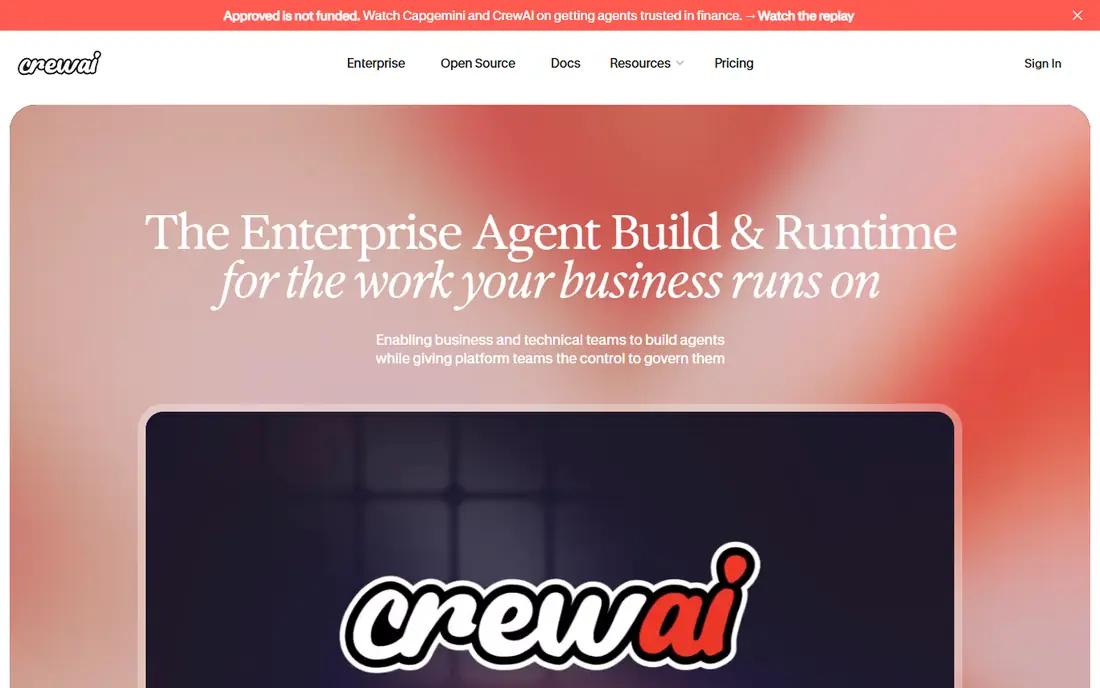
CrewAI frames agents as roles in a crew, each with a goal, tools, and backstory. That framing helps a team describe a workflow in business terms, such as researcher, writer, and reviewer, and then map each role to an agent. For research, content, and analysis tasks, that model can produce a working prototype faster than a hand-built graph. The risk is hidden complexity. Role-based crews still need guardrails, output checks, and failure handling, especially when agents pass work to each other. Recent comparisons note a free basic tier with limited executions per month. Use CrewAI when the workflow is naturally a team of roles, and test edge cases before putting a crew in front of customers.
- Role-based agents that are quick to describe and prototype
- Complex crews still need careful testing, and hosted pricing is quote-based at higher tiers
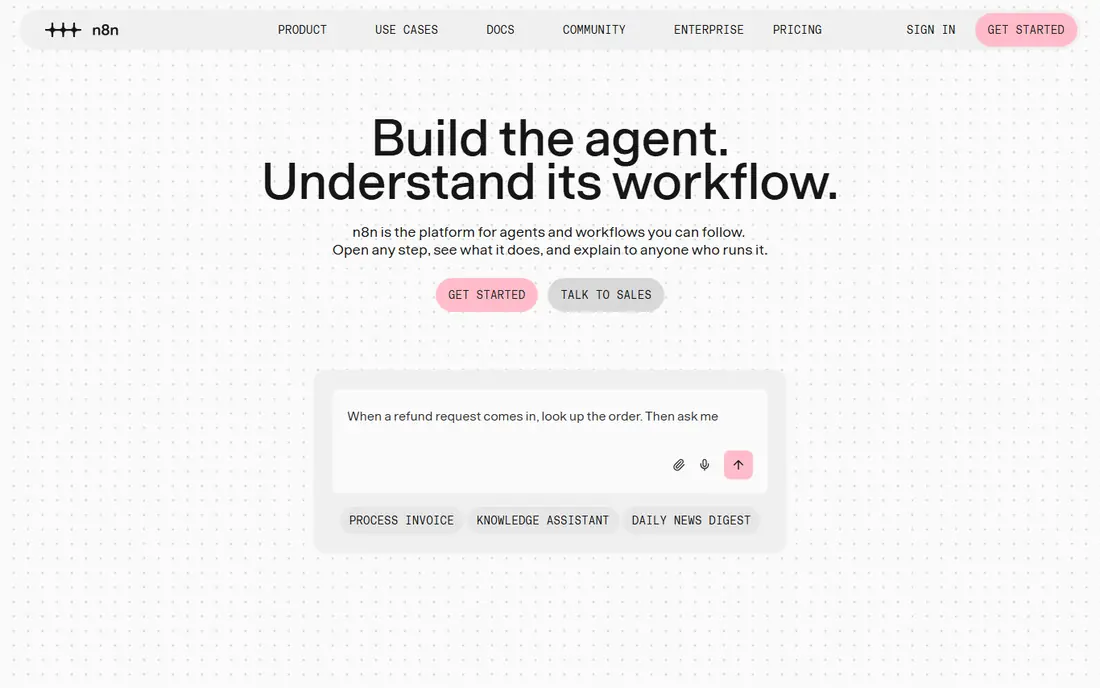
n8n started as general automation and has grown into a useful AI orchestration canvas. You can mix AI nodes with webhooks, databases, email, and business apps on one visual workflow, which suits teams that already automate operations and want to add AI steps without a separate platform. The community edition can be self-hosted at no licence cost. Cloud pricing is listed in euros in some comparisons, so check the current page for your region and currency. Execution limits decide the real cost, because a workflow that runs often can hit its quota faster than expected. n8n fits best when AI is one part of a wider automation job, not the whole product.
- Visual canvas, many integrations, and a free self-hosted option
- Agent state and long-running reasoning are patterns you assemble, not a packaged runtime
Dify gives product teams a faster path from idea to AI app. A visual editor covers prompts, retrieval over documents, tool calls, and simple agent flows, and the open-source core can be self-hosted for teams that prefer to run their own infrastructure. That mix suits internal tools, support assistants, and prototype apps. Cloud pricing in recent comparisons lists a Professional plan at $59 per workspace per month, with a free sandbox tier. Model API costs are separate, so budget for both the platform and the model calls. Dify fits best when the goal is a working app for internal users, rather than a deeply custom agent runtime.
- Visual app builder, retrieval features, and tool use in one platform
- Deep branching logic can push teams back to code, and model costs sit on top of the subscription
Flowise lets developers and technical product staff build agent flows on a canvas, connecting models, memory, tools, and document loaders without writing every integration by hand. The open-source version can be self-hosted, which helps teams that need to keep data inside their own infrastructure or want to test without a cloud subscription. Cloud pricing in recent comparisons lists a Starter plan at $35 per month, with a free cloud tier limited by predictions. That model suits small apps and prototypes. For production use, check prediction limits, model costs, and how flows are versioned and monitored, since visual tools can become hard to maintain as flow counts grow.
- Drag-and-drop agent building and a free self-hosted option
- Cloud prediction limits need checking, and larger flows need careful organisation
Temporal takes a different angle from agent frameworks. It runs durable workflows that can wait for days, retry failed steps, and resume after a crash without losing progress. That matters for AI work that involves human approval, external systems, or long-running jobs, where a simple script would lose state on failure. Temporal is not an agent builder by itself. Developers write workflow code in a supported language and add model calls and tools as activities. Teams that already run reliable backend systems will find the model familiar, while non-technical teams will need engineering help. Choose Temporal when durability is the main risk, not prompt design.
- Workflows that survive failures and long waits, with clear execution history
- Needs developer skills, and it is not a low-code agent builder
Microsoft Agent Framework
Who it suits: Enterprise multi-agent systems
Microsoft Agent Framework grew from AutoGen and Semantic Kernel, and it targets teams building conversational multi-agent systems inside Microsoft environments. Agents can collaborate, share context, and call tools, while enterprise features cover identity, governance, and integration with Microsoft services. That fit matters for organisations already standardised on Microsoft cloud tools. The history creates confusion, because older AutoGen guides and newer framework guides describe similar ideas with different names. Check the current Microsoft documentation for the version you plan to use, and confirm pricing through the relevant Azure or Microsoft service page, since orchestration costs often sit beside model and hosting costs.
- Multi-agent patterns with enterprise identity and Microsoft ecosystem links
- Documentation and naming changed after AutoGen merged with Semantic Kernel, so guides vary
Apache Airflow is the established choice for scheduled pipelines. It defines tasks as a directed graph, handles dependencies, retries, and scheduling, and gives operators a clear view of runs and failures. That makes it useful when AI steps are part of a data pipeline, such as nightly document processing, classification, or report generation. Airflow does not provide agent reasoning, memory, or tool frameworks by itself. Developers add those pieces with code and model calls inside tasks. Use Airflow when the orchestration problem is timing, dependencies, and reliability of a pipeline, and use an agent framework beside it when the workflow needs dynamic agent decisions.
- Mature scheduling, dependencies, and monitoring for task pipelines
- Not designed as an agent runtime, so agent logic must be built on top
How we picked these
We compared official feature pages, pricing pages, documentation, and public reviews for tools that orchestrate AI work, not just tools that call a single model. We looked for a clear orchestration job, such as state management, multi-agent coordination, visual workflow building, durable execution, or scheduled pipelines. We also checked whether the tool could be tried for free, self-hosted, or tested on a trial tier. We did not run hands-on tests for this guide, and we did not claim latency, cost per query, or success rates for any tool. Those figures vary by model, prompt, and workload, and vendor pages do not always publish them on a comparable basis. Where pricing sources disagreed, we used See website and described the pricing unit, so readers can compare on their own usage.
Choosing an orchestration approach
Start with the failure mode you fear most. If a workflow must survive a crash or a long wait, durability comes first. If agents must make branching decisions and recover from bad tool calls, state and graph control come first. If the team needs a working app this month, a low-code builder comes first. Naming that priority narrows the list faster than comparing feature tables. Next, count the pricing units that will actually grow. Seats, workspaces, executions, traces, and predictions all scale differently, and a tool that looks cheap at prototype scale can become costly in production. Run a small pilot with realistic volume, log the usage units, and project the cost at ten times that volume before you commit to a platform.
Frequently asked questions
What is the best AI orchestration software?
The best software depends on the workflow shape. LangGraph fits stateful code-first workflows, CrewAI fits role-based teams, and n8n fits mixed automation. Start from the failure mode and the team skills, then shortlist two tools and pilot both on the same workflow.
Which AI orchestration platform is best for beginners?
Dify and Flowise suit beginners better than code-first frameworks, because visual builders and templates reduce the setup work. Both offer free tiers for testing, though model costs remain separate. A beginner should still plan checks for outputs, since a visual flow does not remove the need to test agent behaviour.
What are the top AI orchestration software options for enterprises?
Enterprises often shortlist Microsoft Agent Framework, Temporal, and LangGraph, because they offer stronger control, durability, and integration with existing systems. Enterprise choice also depends on identity, data residency, and support needs, which should be confirmed with the vendor before a rollout.
Which AI orchestration platforms are best for multi-agent work?
CrewAI and Microsoft Agent Framework are built around multi-agent collaboration, while LangGraph supports multi-agent graphs with explicit state. The right choice depends on whether agents work as roles, as a conversation, or as nodes in a graph. Test handoffs between agents, since that is where multi-agent workflows most often break.
How do AI orchestration tools charge?
Tools charge in different units, including seats, workspaces, executions, traces, predictions, and hosted compute. Some open-source cores are free to self-host, with paid cloud hosting and observability on top. Always project cost at production volume, and include model API costs, which are usually billed separately.
Sources we checked (8)

Online Jobs is an independent blog about careers, online work, learning new skills and the tools that help people earn. More about us.
Keep reading
All posts
Sora Alternatives
Compare the best sora alternatives now that Sora is discontinued, from Google Veo to Runway and Kling, with strengths and limits for video makers today.
OpenClaw Alternatives
Looking for openclaw alternatives? We compare 9 self-hosted and hosted AI agent tools, from Open WebUI and LibreChat to Manus, on setup, control, and price.
Best Grok AI Alternatives
Looking for the best grok ai alternatives? We compare 8 chatbots on writing, coding, research, and price, so you can find a strong replacement for daily work.