Best AI Note Taking App in 2026: 8 Apps Compared


Live meeting transcripts · Starting price: $8.33 per user per month
How we put this together: we compare official feature and pricing pages, app store listings, privacy policies and public user reviews. Prices change, so check the provider's site before you pay.
Key takeaways
- Our pick for most people is Otter.ai, because it balances price, ease of use, and the core features most users need.
- The cheapest useful starting point is Fireflies.ai at $10 per seat per month, while NotebookLM suits a narrower, more specific need.
- Free plans vary widely, so check limits on routines, minutes, prompts, or seats before you rely on a free tier for daily work.
- Prices change often, and the best choice depends on how you actually work, not on the longest feature list.
Quick comparison
| Name | Who it suits | Starting price | Free option | |
|---|---|---|---|---|
| Otter.ai | Live meeting transcripts | $8.33 per user per month | Yes | Visit |
 Fireflies.ai Fireflies.ai | Team meeting intelligence | $10 per seat per month | Yes | Visit |
 Granola Granola | Bot-free meeting notes | $14 per user per month | Yes | Visit |
 Notion AI Notion AI | AI notes inside Notion | $20 per member per month | Free trial | Visit |
 Fathom Fathom | Free meeting recording | $16 per user per month | Yes | Visit |
 Mem Mem | Auto-organised personal notes | $9 per month | Yes | Visit |
 tl;dv tl;dv | Clips and multilingual meetings | $18 per seat per month | Yes | Visit |
 NotebookLM NotebookLM | Research notes from your sources | Free | Yes | Visit |
The best AI note taking apps
We compared 8 options for this guide, looking at what each one does well, what it costs, and where it falls short. The list below covers a mix of free, low-cost, and paid options, so you can start small and upgrade only when a limit gets in your way.
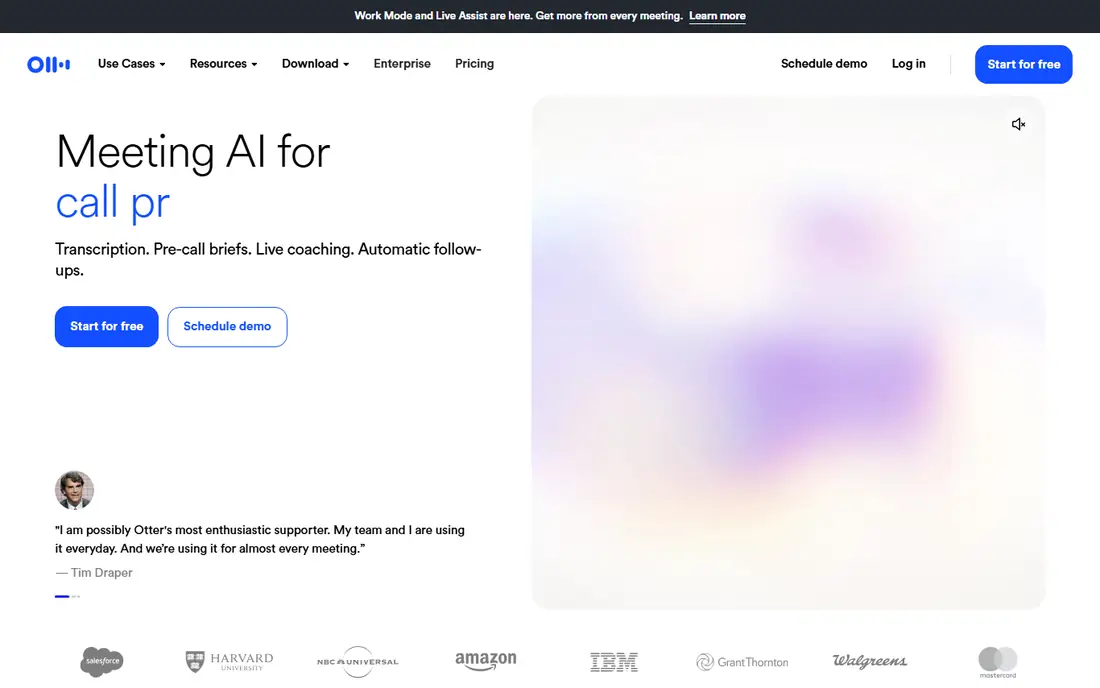
Otter.ai is the live transcript pick for meetings, lectures, and interviews. It fits live meeting transcripts best, and that focus shapes both its strengths and its limits. It transcribes as people speak, labels speakers, and produces searchable transcripts with summaries on paid plans. That live view helps participants follow along and catch points they missed. The catch is audio, because poor microphones and overlapping speech still reduce accuracy, so review key decisions before sharing notes. Check the current pricing page before you subscribe, because plans and limits change.
- Live transcription with speaker labels
- 300 free minutes a month
- Searchable transcripts
- Free plan caps conversations at 30 minutes
- Accuracy varies with audio quality
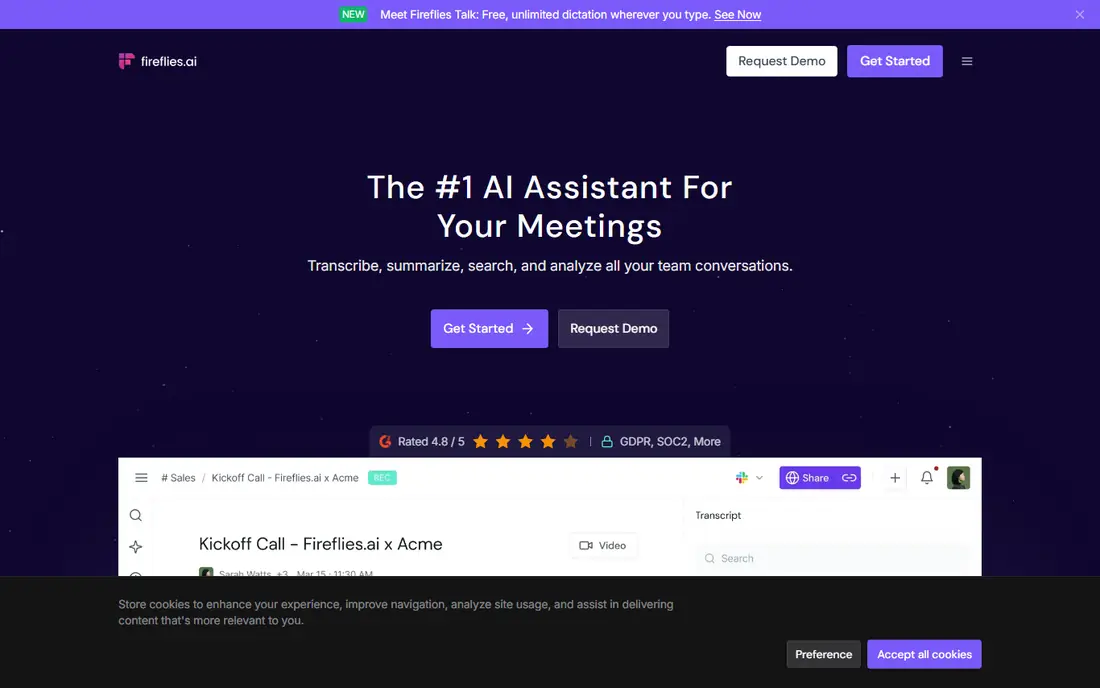
Fireflies.ai suits sales and operations teams that need searchable meeting history. It fits team meeting intelligence best, and that focus shapes both its strengths and its limits. It records meetings, transcribes them, and lets teams search past conversations for decisions, objections, and follow-ups. CRM integrations push notes and tasks to the systems teams already use. The catch is the bot, because some guests prefer not to have an extra participant in the call, so tell attendees in advance and follow local consent rules. Check the current pricing page before you subscribe, because plans and limits change.
- Unlimited transcription on free plan with limits
- CRM integrations
- Conversation search
- AI summaries are limited on free plan
- Meeting bot joins calls, which some guests dislike
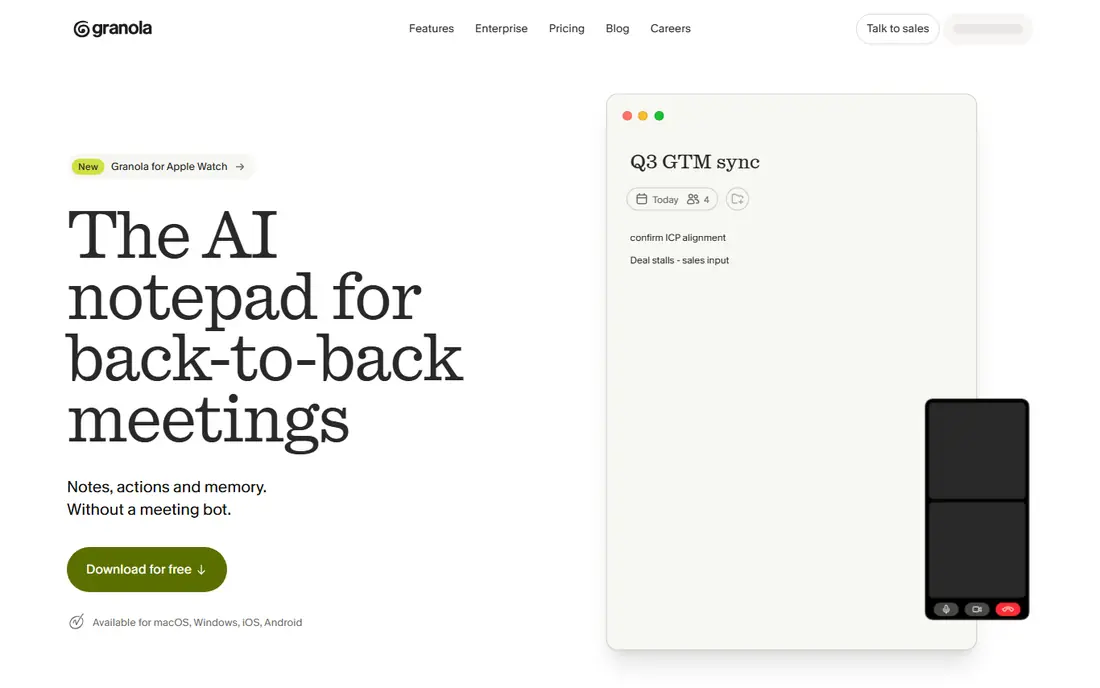
Granola is the privacy-conscious pick for people who dislike a recording bot in every meeting. It fits bot-free meeting notes best, and that focus shapes both its strengths and its limits. It captures audio from your own device, merges it with notes you type during the call, and produces a clean summary afterwards. That approach feels less intrusive for one-to-one and sensitive meetings. The catch is history, because the free plan limit means older meetings disappear unless you export or upgrade. Check the current pricing page before you subscribe, because plans and limits change.
- No bot joins the call
- Notes combine device audio with your own typed notes
- Clean design
- Free plan keeps only 30 days of history
- Paid plan is per user
Notion AI fits teams that already run their wiki and projects in Notion. It fits ai notes inside notion best, and that focus shapes both its strengths and its limits. AI can summarise pages, draft notes, and answer questions across connected docs, which keeps meeting output inside the workspace where tasks live. That reduces copying between a recorder and a wiki. The catch is capture, because dedicated meeting recorders still offer stronger transcription workflows. Check the current pricing page before you subscribe, because plans and limits change.
- AI summaries, drafting, and Q and A across your workspace
- Notes land where work happens
- Full AI needs a Business plan
- Meeting capture is newer than dedicated recorders
Fathom is the free-plan pick for people who record many meetings. It fits free meeting recording best, and that focus shapes both its strengths and its limits. The free plan covers unlimited recordings and transcripts, with instant summaries that give a quick recap after each call. That generosity makes it easy to start without a paid plan, then upgrade for advanced features. The catch is summary limits, because the free plan only includes a small number of advanced summaries each month. Check the current pricing page before you subscribe, because plans and limits change.
- Unlimited free recordings and transcripts
- Instant summaries
- Bot-free option in beta
- Advanced summaries are limited on free plan
- Bot joins calls by default
Mem suits individuals who want notes captured fast and resurfaced without folders. It fits auto-organised personal notes best, and that focus shapes both its strengths and its limits. You capture a note, and Mem organises and links it, then surfaces related notes when a topic comes up again. Voice mode adds meeting-style capture for personal use, though it is not a full team recorder. The catch is structure, because users who like strict folders may find the auto-organised approach unfamiliar. Check the current pricing page before you subscribe, because plans and limits change.
- Folderless notes that organise themselves
- Voice mode and follow-ups
- Fast capture
- Less suited to formal meeting transcription
- Higher tiers rise steeply in price
tl;dv, written as tldv, fits teams that share short meeting clips rather than full transcripts. It fits clips and multilingual meetings best, and that focus shapes both its strengths and its limits. Clips let you send a key moment to a colleague without asking them to watch a full call, and AI notes summarise the meetings that matter most. Multilingual support helps distributed teams work from the same record. The catch is the free AI limit, because only a set number of meetings get full AI notes each month. Check the current pricing page before you subscribe, because plans and limits change.
- Unlimited recordings on free plan
- AI notes on selected meetings
- Shareable clips
- Full AI notes need a paid plan
- Bot joins calls
NotebookLM is the research pick for students and analysts who take notes from documents, not calls. It fits research notes from your sources best, and that focus shapes both its strengths and its limits. You upload sources, ask questions, and get answers grounded in those sources, with notes that link back to the material. That grounding reduces the risk of a summary inventing detail that was never in a document. The catch is purpose, because it does not replace a live meeting recorder for calls. Check the current pricing page before you subscribe, because plans and limits change.
- Free tier for research notes
- Grounded summaries from uploaded sources
- Audio overviews on some plans
- Built for research, not live meeting capture
- Google account and source limits apply
How we picked these
We started from official feature pages, pricing pages, and app store listings, then compared each product on the same points: core features, starting price, free plan limits, and the honest trade-offs. We also read privacy policies and public reviews where they helped explain a limit, such as data use, device needs, or export options. We did not claim hands-on testing that did not happen, and we did not invent awards, scores, or feature counts. Where a vendor did not publish a clear price, we wrote See website rather than guessing. That approach keeps the comparison useful even when pricing changes after publication.
How to choose an AI note taking app
Start with the job you do most often, not the product with the most features. A tool that matches your daily workflow will get used, while a powerful tool that adds friction will sit unused after the first week. List the three tasks you will do every week, then check that your shortlist handles all three without a workaround.
Check the free plan first
Free plans are a good trial, but limits matter. Look for caps on items, minutes, seats, history, or exports, and ask whether the limit will hit you in a normal month. If it will, price the paid plan you would actually need, not the cheapest plan on the page.
Check the total cost and the exit route
Add any extra fees for add-ons, seats, or currency conversion, and check renewal prices as well as first-year prices. Also check whether you can export your data, because a tool that locks your history in makes switching costly later. A clear export option is a sign of a product that respects your work.
Match the tool to your team size
Solo users need speed and low cost, small teams need sharing and permissions, and larger teams need reporting and admin controls. Buying a team platform for solo use adds cost and complexity, while buying a solo tool for a team creates workarounds. Choose for the size you are now, with room to grow by one step, not five.
Frequently asked questions
What is the best ai note taking app?
The best ai note taking app depends on your main task, budget, and team size. Start with the free or low-cost options in this guide, test them with real work for a week, and upgrade only when a limit blocks you.
Is there a free AI note taking apps option?
Yes, several products in this guide offer a free plan or a free trial, but limits differ. Check caps on usage, history, and seats, because a free plan that covers occasional use may not cover daily work.
How much should I expect to pay?
Prices range from free to a monthly subscription, and the right amount depends on how often you use the tool and how many people need access. Price the plan you would actually use, including add-ons, rather than the headline price.
Can I switch later if I choose the wrong one?
In most cases, yes, but switching is easier when you can export your data. Before you commit, check export options and whether your history, notes, or contacts move cleanly to another product.
What should I check before paying?
Check the current pricing page, the free plan limits, the renewal price, and the cancellation terms. Also check device support and integrations, because a tool that does not work with your phone, computer, or main apps will add friction.
Do I need the most expensive plan?
Usually not. Most users do well on a free plan or an entry paid plan, and only need a higher tier for team features, higher limits, or admin controls. Upgrade when a specific limit, not a feature list, tells you to.
Sources we checked (8)

Online Jobs is an independent blog about careers, online work, learning new skills and the tools that help people earn. More about us.
Keep reading
All posts
Best Writing Software
Looking for the best writing software in 2026? We compared 9 writing apps for books, articles and screenplays on price, features and fit. All verified.

Best Weather Apps
Searching for the best weather app? We compared eight top weather apps for accurate forecasts, radar, severe alerts, and daily planning near you today.

Best Video Editing Software
We compared the best video editing software for beginners and pros, checking official pricing, free plans and honest limits before ranking all nine editors.