Best AI Music Generation Tools in 2026: 8 Tools Compared

How we put this together: we compare official feature and pricing pages, app store listings, privacy policies and public user reviews. Prices change, so check the provider's site before you pay.
Key takeaways
- Suno is our pick for complete songs with vocals from a simple text prompt.
- Soundraw and Beatoven.ai suit video creators who need licensed background music without vocals.
- AIVA suits cinematic and orchestral scores, with clearer ownership on its higher plan.
- Boomy suits beginners who want to release songs to streaming platforms.
- Licensing matters more than price: check commercial use, ownership and streaming rules on your exact plan before you publish.
Quick comparison
| Name | Who it suits | Starting price | Free option | |
|---|---|---|---|---|
 Suno Suno | Complete songs with vocals | $10 per month | Yes | Visit |
 Udio Udio | Polished vocal songs built section by section | $10 per month | Yes | Visit |
 Soundraw Soundraw | Licensed background music for video | $16.99 per month | Yes | Visit |
 Mubert Mubert | Ambient, stream and app music | See website | Yes | Visit |
 AIVA AIVA | Cinematic and orchestral scores | See website | Yes | Visit |
 Boomy Boomy | Beginners who want to release songs | $9.99 per month | Yes | Visit |
 Beatoven.ai Beatoven.ai | Mood-based scoring for video and podcasts | See website | Yes | Visit |
 Loudly Loudly | Short-form and social music | See website | Yes | Visit |
The best AI music generation tools
AI music tools split into two groups: song makers that produce vocals and full tracks, and scoring tools that produce instrumental beds for video, games and apps. Licensing also splits the field, since a free plan rarely allows commercial use. This list covers both groups, with a clear note on licensing for each tool.
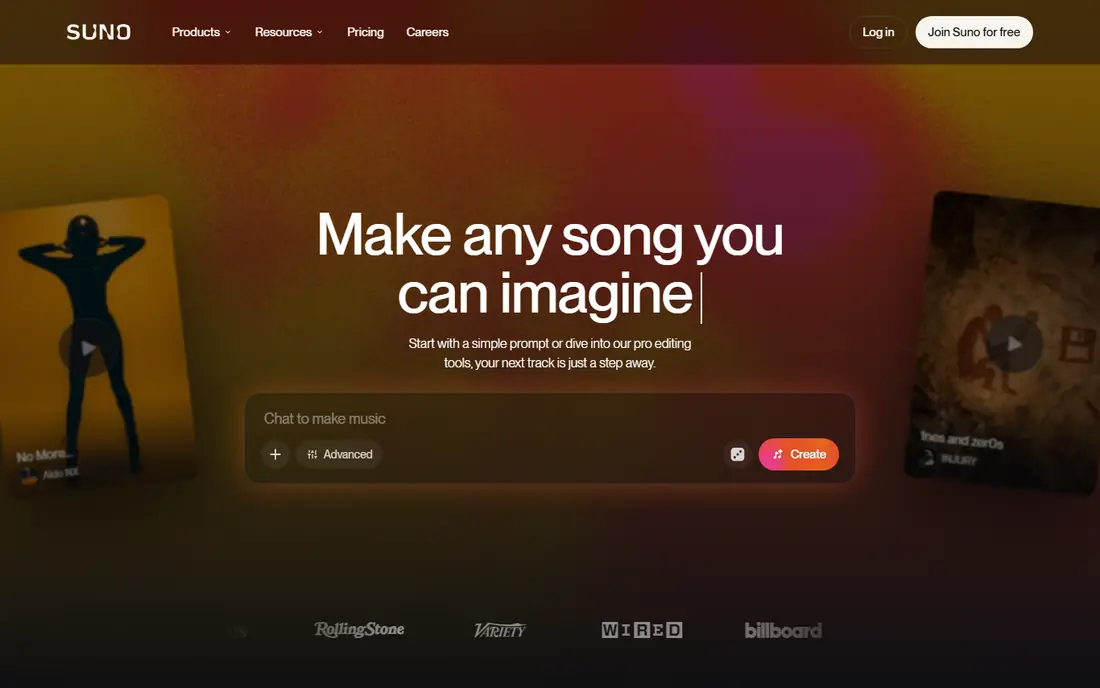
Suno is the easiest way to turn an idea into a finished song. Type a prompt, add lyrics or let the tool write them, and you get a complete track with vocals, instruments and structure. That speed makes it popular for songwriters, content creators and hobbyists who want to hear an idea quickly.
Licensing is the part to read closely. Free generations are generally non-commercial, and commercial rights apply to work made while on a paid plan, so do not assume a free song can be sold later. Download caps also apply by plan. For personal songwriting and paid commercial projects made on a paid plan, Suno is still the strongest all-round pick.
- Full songs from text prompts
- Strong vocals
- Editing tools on higher plans
- Free plan is non-commercial
- Download caps apply
- Copyright terms need a careful read
Udio appeals to producers who like to build a song in sections rather than accepting a single generation. You can refine clips, extend parts and shape a track more like a studio session. Vocal quality is a particular strength, which suits pop, electronic and singer-songwriter styles.
Check current export and licensing terms before you plan a release, since Udio terms have changed over time and some periods have limited exports. That caution applies to every AI music tool, but it matters more here because distribution plans depend on it. For polished vocal songs made for personal use or on a suitable paid plan, Udio remains a strong rival to Suno.
- High-quality vocals
- Clip-by-clip song building
- Good for producers who refine tracks
- Commercial use needs a paid plan
- Export and distribution terms have changed in the past
- Check current terms
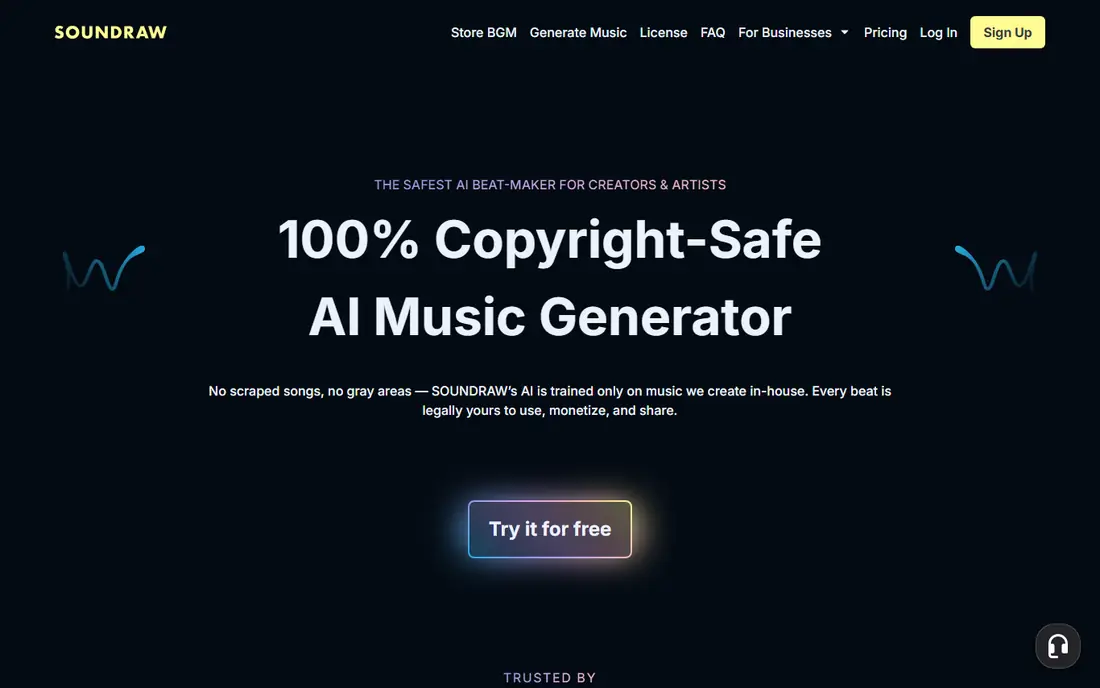
Soundraw is built for video creators who need music that fits a scene. You pick a mood, genre and length, generate options, then edit sections, swap instruments and adjust energy to match cuts. Tracks are royalty-free for licensed use on paid plans, which removes much of the worry around claims on video platforms.
It does not make vocal songs, so songwriters should look at Suno or Udio instead. A paid plan is also needed to download tracks, although you can preview generations for free. For YouTube, client video and social content, Soundraw offers one of the clearest licences in this list.
- Royalty-free tracks for video
- Section-by-section editing
- Stems on some plans
- Instrumental only
- No vocals
- Paid plan needed to download
Mubert suits apps, streams, focus playlists and background music where a track should run without a clear start and end. Its generative engine can produce continuous music, and developers can use its API to add music to products. Commercial certificates vary by plan, which helps businesses document licensed use.
The style range is narrower than Suno or Soundraw, leaning toward electronic and ambient music, and there are no vocal songs. For a podcast bed, a stream or an app soundtrack, Mubert is practical. For a pop song with lyrics, it is the wrong tool.
- Generative streams and tracks
- API for apps
- Plan-tier commercial certificates
- Electronic and ambient focus
- No vocals
- Commercial rights depend on plan tier
AIVA composes instrumental music in a wide range of styles, with a strength in cinematic, classical and game scores. You can generate a piece, edit it, and export MIDI for further work in a digital audio workstation. That workflow suits composers and media creators who want to shape a score rather than accept a fixed audio file.
Licensing needs attention. Lower plans allow limited commercial use, while full copyright transfer sits on the Pro plan, so check which plan matches your project. AIVA is not a vocal song tool, but for film, games and trailers, it offers more compositional control than most rivals.
- Composed instrumental scores
- MIDI export
- Full copyright on the Pro plan
- No vocals
- Full ownership needs the higher plan
- Learning curve for score editing
Boomy is the simplest path from idea to a released song. Pick a style, generate a track with vocals, then distribute it to streaming platforms through Boomy itself. That built-in distribution helps beginners who do not want to learn a separate distributor.
Editing depth is limited compared with Suno or Udio, and free plan saves and releases are capped. Paid plans raise those limits and add commercial use. For a first release or a fun project, Boomy is friendly and fast. For serious production work, a deeper tool will serve you better.
- Very simple song creation
- Built-in distribution to streaming platforms
- Vocal options
- Limited editing depth
- Free plan limits saves and downloads
- Royalty share applies
Beatoven.ai suits creators who think in mood rather than genre. Tell it the feeling, length and video type you need, and it generates an instrumental bed you can trim to fit. That approach works well for explainers, vlogs and podcasts where music should support, not dominate, the voice.
It is instrumental only, and commercial downloads are tied to minutes or credits by plan, so check the current plan details before a large project. For quick, licensed video scoring without learning music theory, Beatoven.ai is an affordable and easy option.
- Mood and emotion-based generation
- Licence for video use
- Simple editing
- Instrumental only
- Download minutes are capped
- Pricing page details vary
Loudly suits social creators who need short tracks fast. You can generate music, use samples and stems, and create tracks sized for reels, ads and short videos. Distribution options on some plans help creators who want to release work beyond social posts.
It does not match Suno or Udio for full vocal songs, and commercial terms depend on the plan you choose. For social content, ads and quick background music, Loudly is a handy, low-friction tool. For a full song release, start with Suno, Udio or Boomy instead.
- Fast generation for social clips
- Samples and stems
- Distribution options on some plans
- Vocal depth lags song makers
- Commercial terms vary by plan
- Pricing details vary
How we picked these
We compared official product pages, pricing pages and licensing pages for AI music tools, focusing on whether each tool makes vocal songs or instrumental scores, and what its plans allow for commercial use. We favoured tools that are still actively sold and that state licensing terms clearly. We did not claim hands-on testing, and we used See website where pricing varied by currency, plan or region, rather than guessing a figure.
What to check before you publish
Read the licence for your exact plan, not just the marketing page. Check whether commercial use is allowed, whether you own the track or only hold a licence, whether streaming and Content ID are allowed, and whether work made on a free plan gains commercial rights if you upgrade later. Save a copy of the licence terms for any track you publish, since terms can change.
Match the tool to the job
Songwriters need vocals and editing, video makers need licensed beds and stems, and app makers need API access and certificates. A tool that excels at one job may fail at another, so test with a real project: a full song, a 60-second video bed, or an app loop. Check output quality at full length, not just a 15-second preview.
Watch credits, downloads and stems
Check how many generations, downloads and minutes each plan allows, and whether stems or MIDI are included. A cheap plan with tight download caps can cost more than a higher plan once you factor in re-generations. For client work, confirm that the licence covers the client use case, including ads and broadcast if relevant.
Frequently asked questions
What is the best AI music generation app for songs with vocals?
Suno is our top pick for complete vocal songs, with Udio as a strong alternative for producers who build songs section by section. Both need a paid plan for commercial use in most cases.
What is the best AI music generation tool for video background music?
Soundraw and Beatoven.ai suit video work best, since both offer licensed instrumental tracks and editing to fit video length. Soundraw offers stems on some plans, while Beatoven.ai leans on mood-based generation.
Can I use AI music commercially?
Sometimes, depending on the tool and plan. Many free plans are non-commercial, while paid plans allow commercial use with limits on ownership, streaming or Content ID. Always check the licence for your exact plan before you publish or sell a track.
Do I own the copyright to AI music I generate?
It depends on the tool and plan. Some tools grant a licence rather than copyright, while AIVA Pro transfers copyright to you. Read the terms for your plan and keep a record for any commercial release.
Is Suno free?
Suno offers a free plan with daily credits, but free generations are generally non-commercial. Paid plans from $10 per month add credits, downloads and commercial rights for work made while subscribed.
Sources we checked (8)

Online Jobs is an independent blog about careers, online work, learning new skills and the tools that help people earn. More about us.
Keep reading
All posts
Zoom Alternatives
Zoom alternatives compared for 2026: Google Meet, Microsoft Teams, Webex, Jitsi and more for free calls, large meetings and webinars for teams and classrooms.

What Is the Best Free Tool to Rotate a PDF
What is the best free tool to rotate a PDF? We compare eight free rotation tools on per-page control, limits, privacy and saved output quality in detail.

What Is the Best AI Dubbing Tool
We compared the best AI dubbing tools in 2026, from ElevenLabs and HeyGen to Rask AI, Dubverse and Veed, for videos and creators in many languages worldwide.