Best AI Lip Sync Video Tools in 2026: 8 Tools Compared


Realistic marketing and translation video · Starting price: $29 per month
How we put this together: we compare official feature and pricing pages, app store listings, privacy policies and public user reviews. Prices change, so check the provider's site before you pay.
Key takeaways
- Use lip sync tools only with your own footage, licensed material, or clear permission from the person shown.
- HeyGen leads on realism and language coverage, while Synthesia suits governed training programs.
- D-ID offers the lowest entry price, and Hedra suits expressive character work from a photo and audio.
- Credits and minutes matter more than headline price, so compare finished minutes per month before buying.
- Label synthetic video clearly when you publish it, and never use these tools to impersonate a real person.
Quick comparison
| Name | Who it suits | Starting price | Free option | |
|---|---|---|---|---|
| HeyGen | Realistic marketing and translation video | $29 per month | Yes | Visit |
 Synthesia | Governed corporate training | $18 per month | Yes | Visit |
 Hedra | Expressive character video | $20 per month | Yes | Visit |
 D-ID | Low cost photo to talking video | $5.90 per month | Free trial | Visit |
 Colossyan | Interactive training with quizzes | $59 per month | Yes | Visit |
 Elai.io | Slide decks turned into video | $23 per month | Yes | Visit |
 Vidnoz | Low cost talking avatars | See website | Yes | Visit |
 DeepBrain AI Studios | Corporate presenter video | See website | Yes | Visit |
The best ai lip sync video tools comparison
Lip sync tools match mouth movement to speech, turning a photo, avatar or recorded presenter into a talking video. This guide covers consent based uses only: your own likeness, a licensed avatar, a fictional character, or material where you hold clear permission. Do not use these tools to create a video that makes a real person appear to say something they did not say, and do not publish synthetic video without a clear label where viewers could mistake it for real footage.
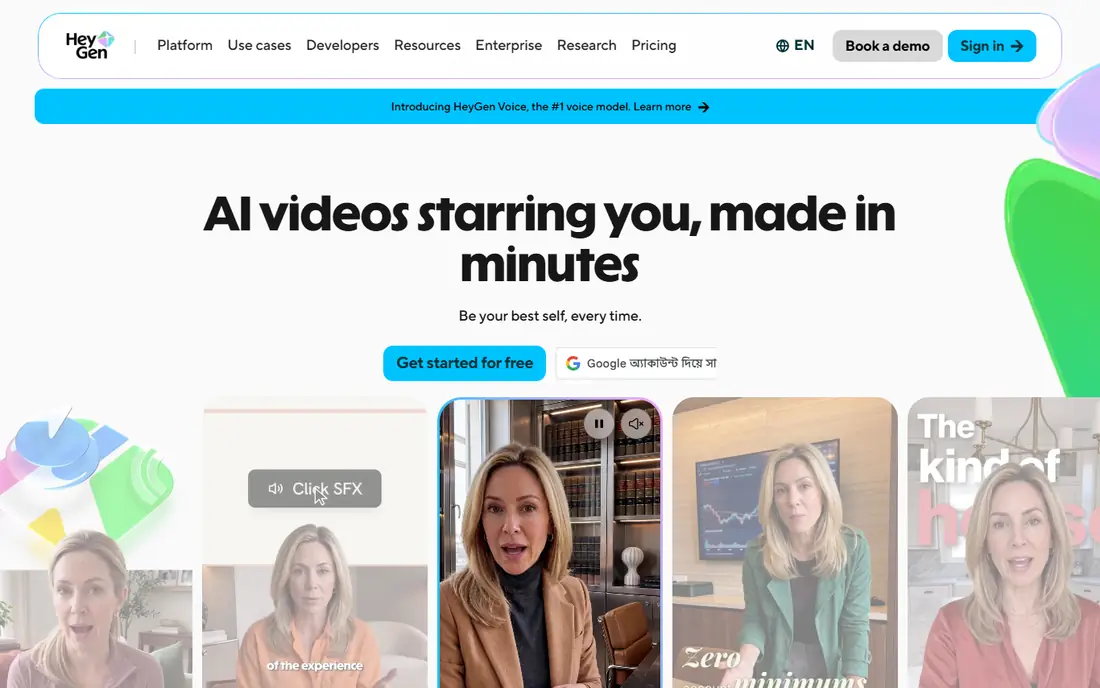
HeyGen is a strong default for creators and teams who need a presenter video from text or audio. Avatar movement and lip sync look natural in short clips, and translation tools help reuse one script across languages. For marketing, product explainers and onboarding videos made with your own avatar or a licensed stock avatar, the workflow is fast. Credits are the catch. Different avatar models use credits at different rates, so a plan that looks generous may produce fewer finished minutes than expected. Check the credit cost for the model you plan to use, and test with the free plan before buying. HeyGen also asks for consent checks for personal avatars, which you should complete honestly.
- Strong lip sync and avatar realism
- Broad language support
- Useful video translation tools
- Credit system makes cost per minute harder to compare
- Free videos carry a watermark
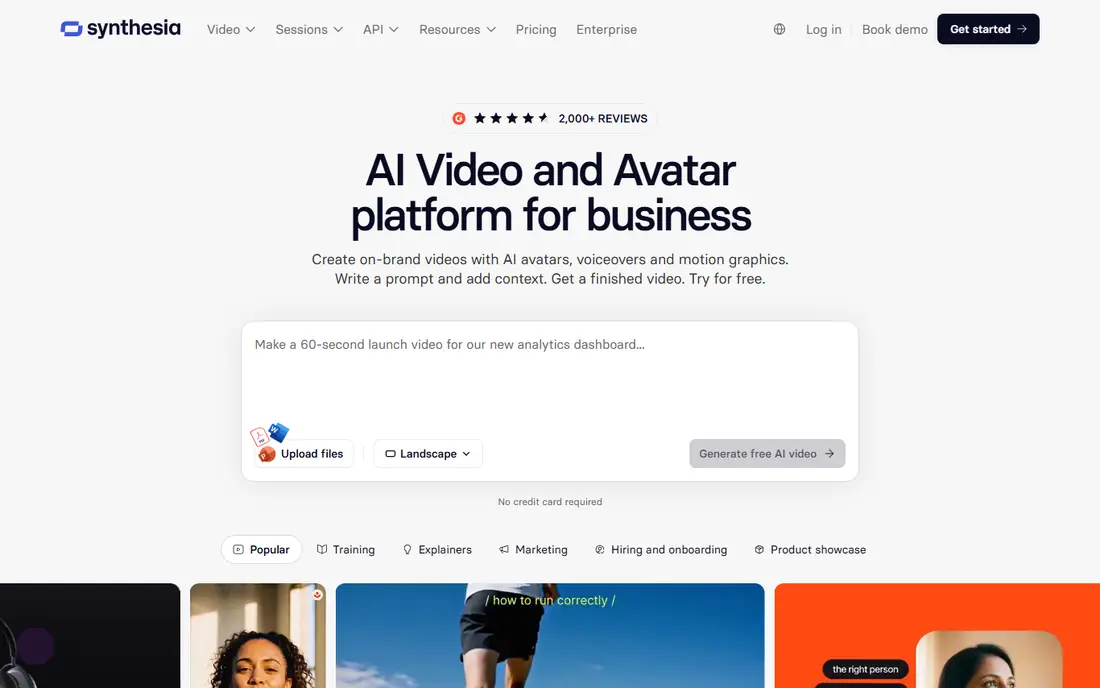
Synthesia suits organizations that need consistent training videos at scale. Avatars present scripts clearly, templates keep branding steady, and admin controls help teams manage who can create personal avatars. For safety, compliance and product training made with approved avatars, that governance matters. Creative users may find Synthesia more restrained than Hedra or HeyGen, since the style favors a professional presenter over a dramatic character. Minute allowances also shape cost, so map your monthly training output before choosing a plan. For internal learning content with proper consent and review, Synthesia is a steady choice.
- Large avatar and language library
- Strong controls for large teams
- Useful for training and compliance content
- Less suited to expressive character work
- Higher plans needed for larger minute allowances
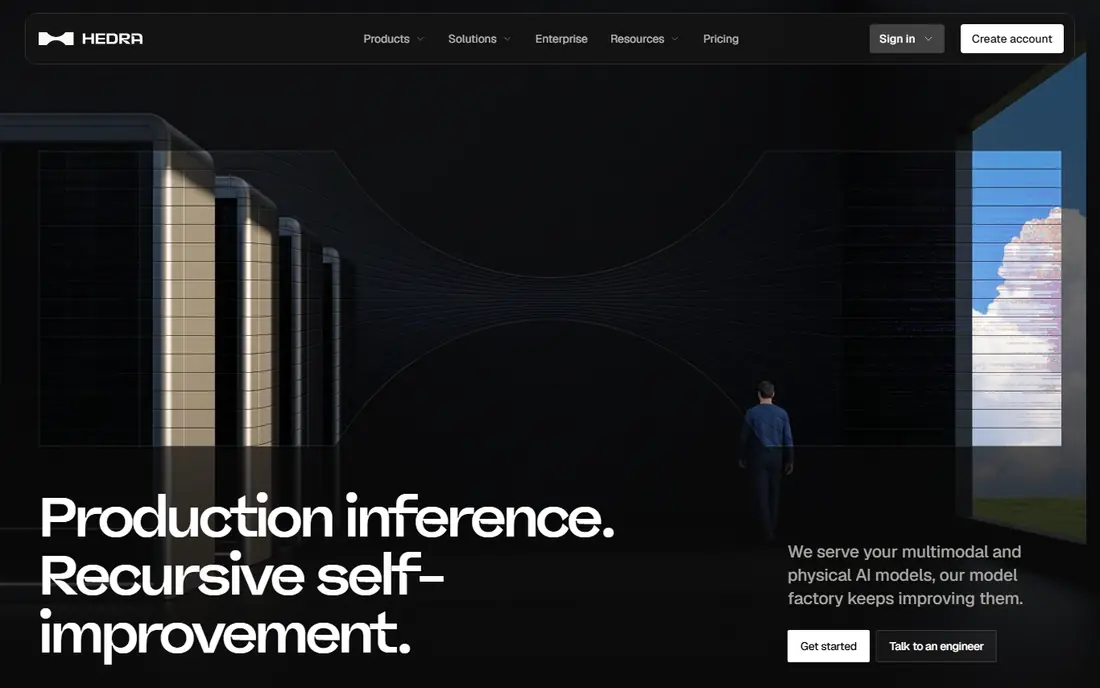
Hedra stands out for character work. Upload a character image you own or have rights to use, add audio you recorded or generated with permission, and Hedra animates speech with more expression than a standard presenter avatar. That makes it useful for storytelling, animation tests and fictional presenters. Hedra is not the right tool for impersonating a real person, and you should not upload photos of people without their clear permission. The free tier limits audio length, so longer scenes need a paid plan. For original characters and licensed art, Hedra offers a creative middle ground between a simple talking photo and a full animation pipeline.
- Expressive lip sync from a photo and audio
- Good for fictional characters
- Fast creative iteration
- Free tier has short audio limits
- Paid plans needed for longer, watermark free work
D-ID turns a single photo into a talking video with a short setup. That simplicity suits small projects, such as an intro video using your own photo, a licensed historical image used with proper rights, or a prototype for an app avatar. The low entry price also makes it easy to test lip sync quality before committing. Read the plan terms carefully. Free and low plans may limit minutes, resolution or commercial use, and you should not use a photo of another person without permission. For budget tests and short clips with your own likeness, D-ID gives the cheapest route into lip sync video.
- Lowest entry price here
- Simple photo to video workflow
- API for live agents and apps
- Trial is time limited
- Commercial rights and watermark rules vary by plan
Colossyan is built for learning teams that need more than a talking head. Quizzes, branching paths and SCORM export let you build training that checks understanding, not just plays a video. Avatars can present different sections, and text to speech voices support many languages for global teams. The price reflects that learning focus, so casual creators will find cheaper options. Colossyan also works best with scripted, approved content rather than spontaneous social video. If your lip sync project is really a course, with assessments and tracking, Colossyan earns its place on this list.
- Interactive training features including quizzes and branching
- SCORM export for learning platforms
- Avatar variety
- Higher entry price than general tools
- Less suited to short social clips
Elai.io helps teams turn existing slides into video without filming. Upload a deck, write or paste a script, choose an avatar you have rights to use, and generate a presenter version of the material. For internal updates, course previews and product walkthroughs, that reuse saves recording time. Avatar movement is less lifelike than the top tools here, so long videos can feel flat if the script is dense. Keep sections short, add visuals from your slides, and review the full video before sharing. For slide heavy training made with your own content, Elai.io is a practical, mid priced option.
- Converts slides and text into presenter video
- Simple editor for training and explainers
- Useful voice options
- Avatar realism is more basic than HeyGen
- Free plan is limited to a short total
Vidnoz appeals to creators who want to try talking avatars without an upfront payment. The browser workflow is simple, templates cover common video types, and a free tier lets you test lip sync on your own script. For short promos, greetings and test projects, that low barrier helps. Free outputs often carry a watermark, and paid plans change the limits, so confirm the current pricing page before planning a series. As with every tool here, use only your own image, a licensed avatar or a fictional character. For low cost experiments with consent based material, Vidnoz is worth a test.
- Free tier with daily access
- Large avatar and template library
- Browser based workflow
- Free videos may carry a watermark
- Paid terms and limits vary, so check the pricing page
DeepBrain AI Studios focuses on polished presenter videos for corporate, education and media style content. Scripts become avatar led videos with steady pacing, which suits announcements, explainers and training intros. Language support helps teams reuse a script across regions. Pricing details require checking the vendor site, since plans and limits are not always shown as a single headline figure. The style is also more formal than Hedra, so it suits scripted presenters over expressive characters. For consent based corporate video with approved avatars, DeepBrain is a solid, if less transparent, option.
- Professional presenter avatars
- Useful for news style and corporate scripts
- Broad language support
- Pricing is less transparent on the main page
- Less creative control than character tools
How we picked these
We compared official feature pages, pricing pages, avatar libraries and public documentation, and kept only tools that offer lip sync or talking avatar video in October 2026. We favored tools with clear consent steps for personal avatars, published pricing or trial access, and a real use case beyond a demo. Where a vendor does not publish a simple entry price, we wrote See website and pointed readers to the pricing page. We did not include tools whose main appeal is impersonating real people.
Using lip sync safely and honestly
Get consent in writing when a real person appears
If the video shows a real person, get clear permission from that person for the exact use, script and distribution. A casual message is not enough for commercial work. Keep a record of consent, and do not reuse an approved video for a new script or platform without checking again.
Label synthetic video
When viewers could mistake a synthetic presenter for a real recording, add a label in the video and in the caption. Labels protect your audience and your reputation, and they are required or expected in many contexts, including advertising and news style content. Clear labeling also helps platforms handle your video correctly.
Check audio rights too
Lip sync needs audio, and that audio must be lawful as well. Use your own voice, a voice you have licensed, or text to speech voices covered by your plan. Do not clone a real voice without permission, and do not use a commercial song as background audio unless you hold the rights or a platform license covers that use.
Frequently asked questions
What is the best AI lip sync tool for beginners?
HeyGen and Vidnoz are easy starts, since both offer free tiers and simple avatar workflows. HeyGen gives more polished results, while Vidnoz lowers the cost of a first test. Start with your own photo or a licensed avatar, keep the first video short, and check lip sync on a phone screen before publishing.
Can I lip sync a photo of someone else?
Only with that person's clear permission for that specific use. Uploading a photo of a colleague, celebrity or stranger to make them appear to speak can harm them and may break platform rules and the law. Use your own likeness, a licensed avatar or a fictional character instead.
How much does AI lip sync video cost per minute?
It depends on credits, avatar model and plan, not just the monthly price. Some tools charge more credits for high realism models, so the same plan can produce different finished minutes. Compare the credit cost for your chosen model, test a one minute clip, and calculate cost per finished minute before buying a larger plan.
Does lip sync work well for long videos?
Short and medium videos work best, since small errors in mouth movement and expression become more noticeable over time. For long training, split scripts into sections, vary visuals, and review each section. If a video runs for many minutes, a real recording or a mix of avatar and screen footage often feels more natural.
Should I disclose that a video uses an AI avatar?
Yes, when viewers could think the presenter is a real recording. Add a clear on screen or caption note such as AI avatar video, and keep that note when the video is shared. Disclosure is good practice for marketing, training and social content, and it reduces the risk of misleading viewers.
What audio works best for lip sync?
Clean, single speaker audio with clear pronunciation gives the best lip movement. Record in a quiet room, avoid overlapping voices and background music during speech, and keep sentences at a natural pace. Noisy or fast audio often produces less accurate mouth shapes, even on strong tools.
Sources we checked (8)

Online Jobs is an independent blog about careers, online work, learning new skills and the tools that help people earn. More about us.
Keep reading
All posts
Zoom Alternatives
Zoom alternatives compared for 2026: Google Meet, Microsoft Teams, Webex, Jitsi and more for free calls, large meetings and webinars for teams and classrooms.

What Is the Best Free Tool to Rotate a PDF
What is the best free tool to rotate a PDF? We compare eight free rotation tools on per-page control, limits, privacy and saved output quality in detail.

What Is the Best AI Dubbing Tool
We compared the best AI dubbing tools in 2026, from ElevenLabs and HeyGen to Rask AI, Dubverse and Veed, for videos and creators in many languages worldwide.