Best AI Lip Sync Tools in 2026: 8 Tools Compared

How we put this together: we compare official feature and pricing pages, app store listings, privacy policies and public user reviews. Prices change, so check the provider's site before you pay.
Key takeaways
- HeyGen is the best all-round pick for realistic avatars with lip-synced dubbing across many languages.
- Hedra is the best pick for lip sync from a single photo, especially for character and social clips.
- Synthesia suits business and training video, with governance and avatar controls that larger teams need.
- D-ID is the cheapest entry point for talking photos and live agents, with a low monthly starting price.
- Always get consent before animating a real person, and check each tool's identity verification rules, because most reputable tools require it.
Quick comparison
| Name | Who it suits | Starting price | Free option | |
|---|---|---|---|---|
 HeyGen | Realistic avatars and dubbing | $29 per month | Yes | Visit |
 Hedra | Lip sync from a single photo | $20 per month | Yes | Visit |
 Synthesia | Business and training video | $18 per month | Yes | Visit |
 D-ID | Cheap talking photos and agents | $4.70 per month | Free trial | Visit |
 Captions | Social clips with synced captions | See website | Free trial | Visit |
 Veed | Editing plus lip-synced dubbing | See website | Yes | Visit |
 Colossyan | Training video with avatars | $59 per month | Yes | Visit |
 Runway | Creative video with lip-synced scenes | See website | Yes | Visit |
The best AI lip sync tools
Lip sync tools match mouth movement to speech, whether the face is an avatar, a photo, or a character in a generated scene. These eight cover avatars, dubbing, social clips, and training video, with a range of free and paid options.
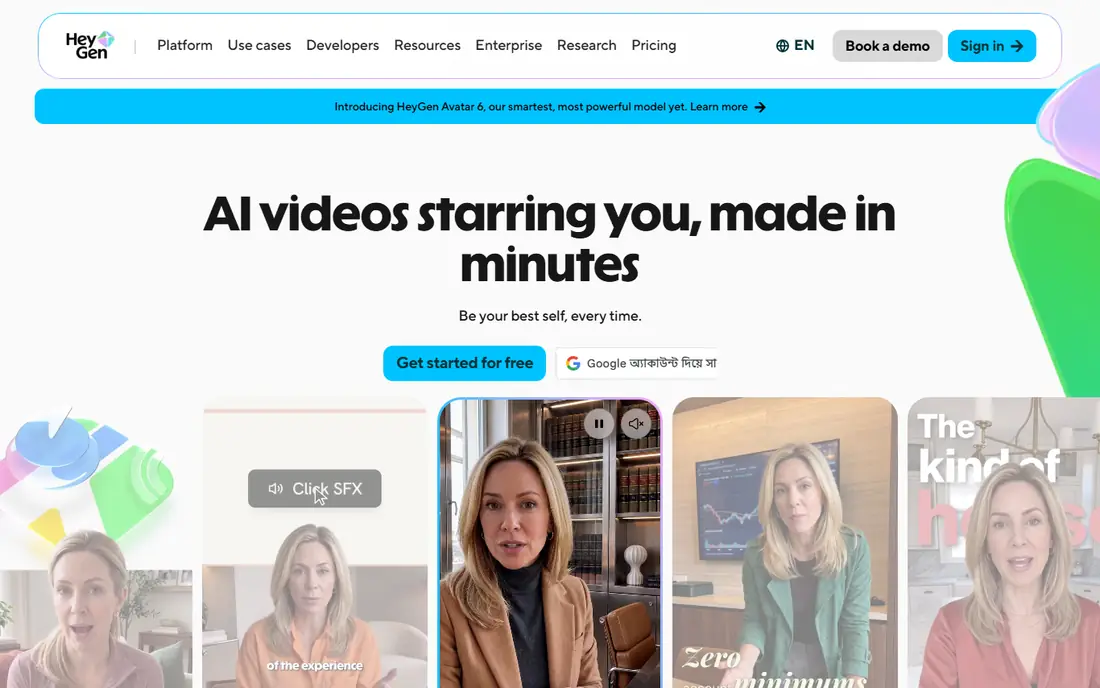
HeyGen is the all-round leader for lip-synced video. You can type a script, pick an avatar, and get a talking video, or you can translate an existing video into another language while the lips follow the new audio. That dubbing feature is the reason many marketing and training teams pick HeyGen over a simple avatar tool.
Pricing uses credits, so budgeting needs care. The Creator plan is $29 per month, or $24 per month on annual billing in recent listings, with 600 credits, and premium avatar engines use more credits per minute than older engines. The free plan gives a few short videos per month, watermarked, which is enough to test realism on your own script.
- Lifelike avatars
- Video translation with lip sync across many languages
- Fast generation
- Credit system needs careful budgeting
- Premium engines burn credits faster
- Free plan is watermarked
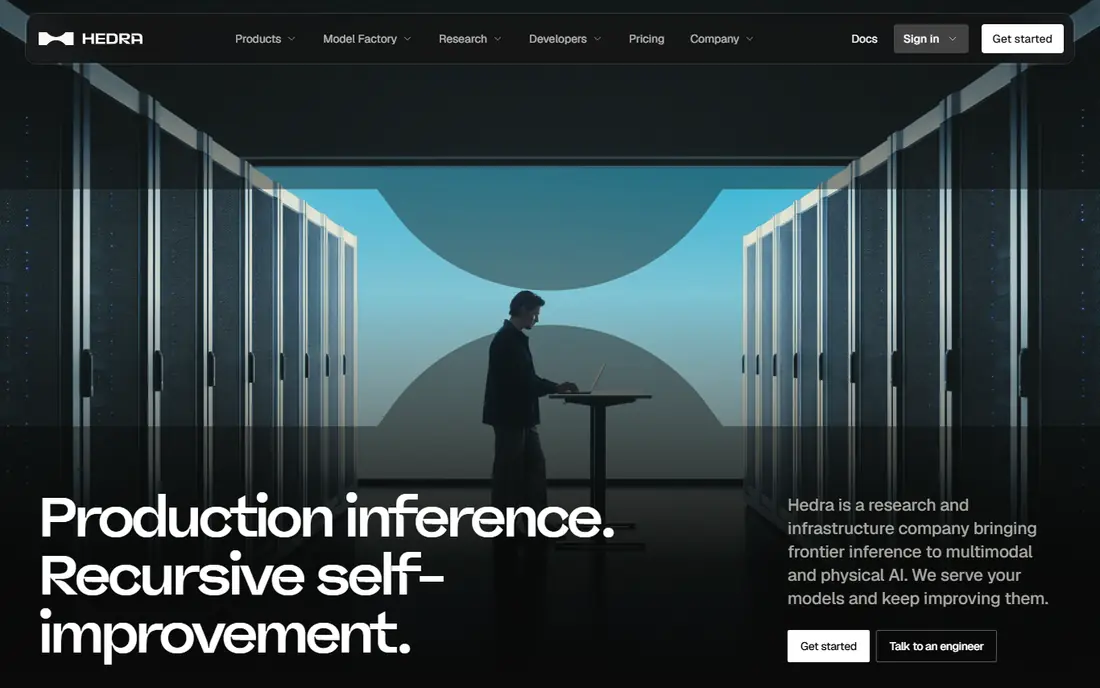
Hedra turns a single photo into a talking character, with lip movement, expression, and motion that suit social clips, storytelling, and character work. It is the tool many creators reach for when they have an image and an audio track, rather than a full script and a corporate avatar library.
The Basic plan is $20 per month in recent listings, with a credit allowance that covers shorter clips well but runs out faster on longer projects. A small free credit grant lets you test a photo and a voice before paying. For character clips and creative work, Hedra is a strong, focused pick.
- Strong lip sync from one image
- Character-focused workflow
- Good for social and creative clips
- Credit limits on lower tiers
- Longer videos need higher plans
- Less suited to formal training video
Synthesia is built for business video, training, and learning teams that need control as much as realism. You get a large avatar library, collaboration tools, and governance features that suit larger organisations, plus a free Basic tier with watermarked video. The Starter plan is $18 per month on annual billing in recent listings.
The trade is realism versus control. Synthesia avatars are polished and professional, but some creators find HeyGen more lifelike for marketing clips. Moderation and review steps can also slow renders compared with faster creative tools. For training at scale, with brand and compliance needs, Synthesia remains a top choice.
- Large avatar library
- Strong governance and collaboration
- Credit-based pricing with a free tier
- Avatars can feel less lifelike than HeyGen for marketing use
- Higher tiers cost more
- Moderation can slow renders
D-ID is the cheapest way into lip-synced video. The Lite plan is $4.70 per month on annual billing in recent listings, with a set number of minutes, and a 14-day trial lets you test before paying. It turns a photo into a talking head, and its API supports live agents that respond with synced speech.
Realism depends heavily on the source photo and the voice you use, and longer or higher-quality video needs a higher tier. For a low-cost test, a talking photo for a website, or a prototype agent, D-ID is hard to beat on price. For polished marketing video, compare it with HeyGen or Synthesia first.
- Lowest entry price here
- Talking photos from a single image
- API for live agents
- Free access is a trial, not a permanent free plan
- Realism varies by photo
- Higher minutes cost more
Captions is built for creators who publish short social video daily. It combines captioning, editing, and lip-synced dubbing in a mobile-first workflow, so a clip can go from recording to published post quickly. That speed suits TikTok, Reels, and Shorts creators who need synced speech and readable captions together.
Pricing is not a single published figure across all regions, so check the current plan in your app store or on the vendor site before you budget. Desktop editing is also thinner than a full editor like Veed. If your main output is short social video, Captions is a fast, focused pick.
- Social-first editing
- Synced captions and lip-synced dubbing features
- Fast mobile workflow
- Pricing varies by plan and region
- Desktop editing is thinner than Veed
- Free access is trial based
Veed is a browser-based video editor that adds lip-synced dubbing and translation to a full editing workflow. You can cut a video, add subtitles, translate the audio, and keep lips in sync, without installing desktop software. That combination suits small teams that edit and localise in the same tool.
Lip sync quality depends on the source footage, with clean, front-facing speech working better than noisy or side-angle clips. The free plan is useful for testing, but exports are watermarked and premium features need a paid plan. If editing matters as much as lip sync, Veed is a practical all-in-one choice.
- Full video editor plus dubbing and translation
- Subtitles and templates
- Browser based, no install needed
- Lip sync quality varies by source video
- Premium features need a paid plan
- Free plan includes watermark
Colossyan suits learning teams that need training video with avatars, quizzes, and SCORM export for a learning management system. Templates for onboarding, compliance, and product training help a team produce consistent video without a studio, and the free Starter tier lets you test the workflow.
The entry price is higher, at $59 per month on annual billing in recent listings, with a set minute allowance that depends on avatar type. Creative character work is thinner than Hedra, and marketing teams may prefer HeyGen. For training video that must plug into an LMS, Colossyan is a strong, purpose-built pick.
- Training-focused avatars and templates
- SCORM export for learning systems
- Quiz features
- Higher entry price than HeyGen or Synthesia Starter
- Fewer creative character options
- Minutes are limited by plan
Runway is a creative video platform, not a dedicated avatar tool, but its acting and lip sync features let creators put synced speech into generated scenes. That suits filmmakers, advertisers, and social creators who want a character in a scene, rather than a presenter reading a script to camera.
Because lip sync is one feature in a broad tool, it takes more learning than HeyGen or Hedra, and credit costs rise for longer or higher-quality clips. The free tier is enough to test a short scene. If your goal is a presenter video, pick a dedicated avatar tool. If your goal is a creative scene with synced dialogue, Runway is worth a trial.
- Creative generative video plus lip-synced acting features
- Strong visual quality
- Free tier for testing
- Lip sync is part of a broader creative tool, not a dedicated avatar system
- Credit costs rise for long clips
- Learning curve for new users
How we picked these
We compared official pricing pages, feature pages, and documentation for tools that offer lip sync as a core feature in 2026, from avatars to talking photos to dubbing. We favoured tools with a free plan or trial, clear credit or minute limits, and a distinct use case. We did not claim hands-on testing, and we flagged consent and verification rules, because lip sync of real people carries real ethical and legal risks.
How to choose a lip sync tool
Start with the input you have. A photo plus audio points to Hedra or D-ID. A script plus a need for a presenter points to HeyGen, Synthesia, or Colossyan. An existing video that needs translation points to HeyGen or Veed. A creative scene points to Runway. That input-first filter removes most of the list at once.
Next, test realism on your own material, not on a vendor demo. Use your face, your voice, or your character, and watch for mouth drift, odd expressions, and audio timing on longer clips. Check credit or minute maths for a typical month, because a plan that covers a demo clip may not cover a weekly series. Finally, get consent in writing before animating any real person, and use the tool's verification steps, even when they slow you down. A realistic fake of a person without permission is a serious misuse, and reputable tools are right to block it.
Frequently asked questions
What is the best free AI lip sync tool?
HeyGen, Synthesia, and Hedra all offer free tiers or credit grants, while D-ID offers a trial. Free tiers are watermarked or limited in minutes, so they suit testing, not regular publishing.
Can AI lip sync translate a video into another language?
Yes. HeyGen and Veed offer video translation with lip sync, so the speaker's mouth follows the translated audio. Quality varies by language, audio clarity, and face angle, so test with your own footage before a full rollout.
Is it legal to lip sync a real person's photo?
Only with that person's consent, and many tools require identity verification before you can create a custom avatar of a real person. Do not animate a real person without permission, and check local laws on likeness and synthetic media.
How much does AI lip sync cost per month?
Entry prices in this list range from $4.70 per month for D-ID Lite on annual billing to $59 per month for Colossyan Professional. Most tools use credits or minutes, so the real cost depends on how much video you generate each month.
Which tool is best for talking photos?
Hedra is best for character-style talking photos, while D-ID is the cheapest entry point for simple talking heads. Test both with the same photo and audio, because realism varies by image quality and lighting.
Do lip sync tools work for long videos?
Yes, but cost and quality need checking. Longer videos use more credits or minutes, and mouth accuracy can drift over time. Split long scripts into scenes, review each scene, and budget credits for re-renders.
Sources we checked (8)

Online Jobs is an independent blog about careers, online work, learning new skills and the tools that help people earn. More about us.
Keep reading
All posts
Zoom Alternatives
Zoom alternatives compared for 2026: Google Meet, Microsoft Teams, Webex, Jitsi and more for free calls, large meetings and webinars for teams and classrooms.

Which Software Is Best for PDF Page Removal
Which software is best for PDF page removal? We compare free and paid tools for deleting pages quickly, safely, and without harming your file in this guide.

Which Software Is Best for Data Entry
Compare the best data entry software for forms, OCR scanning, and spreadsheets, with free plans, pricing, and honest limits for each tool before you commit.