Best AI Image to Video Tools in 2026: 8 Tools Compared

How we put this together: we compare official feature and pricing pages, app store listings, privacy policies and public user reviews. Prices change, so check the provider's site before you pay.
Key takeaways
- Kling offers the most useful free route for regular testing, with daily credits and image-to-video controls that suit short clips.
- Runway is the strongest choice for polished, cinematic clips, but its free allowance is a one-time credit balance, not a monthly refill.
- Pika and Luma are the easiest starting points for social clips, while Veo and Firefly fit creators already inside Google or Adobe tools.
- Free outputs are often watermarked and limited to personal use, so budget for a paid plan before using clips for client work.
- Check clip length, start and end frame controls, and commercial rights before you pay, because those limits shape what you can actually publish.
Quick comparison
| Name | Who it suits | Starting price | Free option | |
|---|---|---|---|---|
 Runway | Cinematic image-to-video clips | $15 per month | Yes | Visit |
 Kling | Realistic motion on a free tier | $10 per month | Yes | Visit |
 Hailuo AI | Fast and affordable animation | See website | Yes | Visit |
 Luma Dream Machine | Fast visual experimentation | $9.99 per month | Yes | Visit |
 Pika | Short social clips and effects | $10 per month | Yes | Visit |
 Google Veo | Google ecosystem video | See website | Free trial | Visit |
 Adobe Firefly | Adobe workflow video | See website | Yes | Visit |
 Vidu | Longer clips from stills | $8 per month | Yes | Visit |
The best AI image to video tools
Image-to-video tools turn a still photo or illustration into a moving clip, usually a few seconds long, guided by a short text prompt. The best tools keep the subject recognizable, move the camera in a natural way, and let you set a start frame and sometimes an end frame. Our pick for most creators is Kling for its free daily credits and realistic motion, with Runway as the upgrade when polish matters more than price.
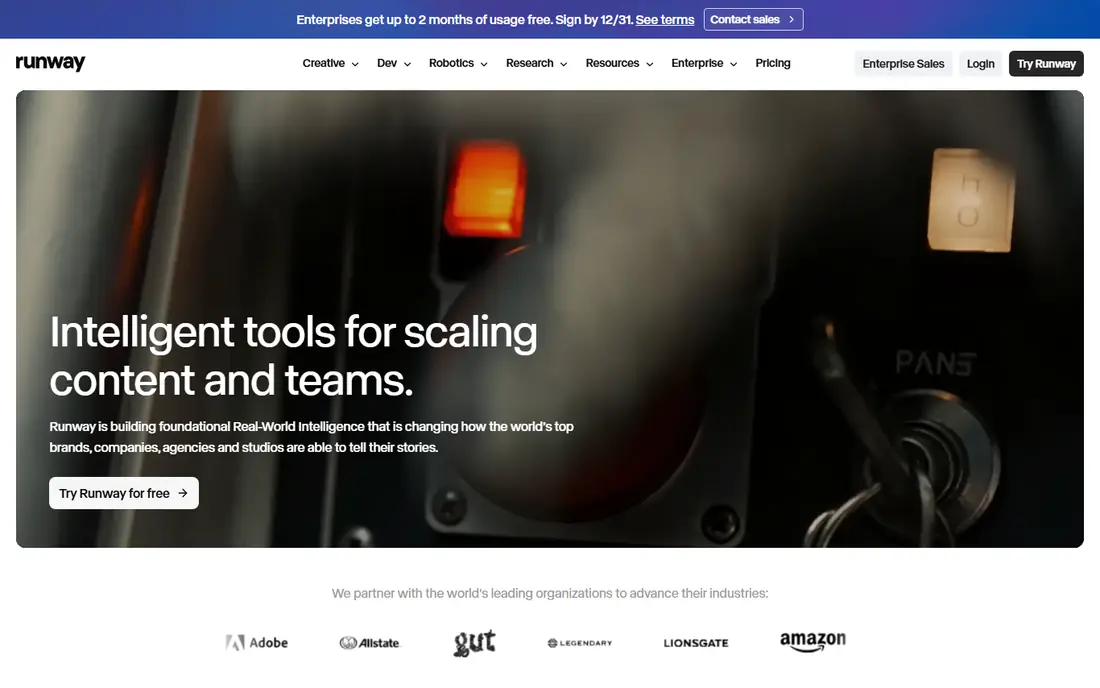
Runway is the tool most professional creators name first, and the output explains why. Clips from a still image tend to hold the subject together better than cheaper tools manage, and camera moves feel deliberate rather than random. The platform also pairs generation with editing, so a clip can move toward a finished video without exporting to another app at every step.
The free plan is the limit to understand. New accounts get 125 credits once, and free exports carry a watermark, so it works for evaluation rather than ongoing production. The Standard plan is listed at $15 per month, with a lower monthly rate on annual billing, and it removes watermarks and adds a monthly credit balance.
- Strong motion quality and camera control
- Image-to-video from a first frame
- Editing tools in the same platform
- Free plan is a one-time 125-credit allowance
- Paid credits can run out fast on longer clips
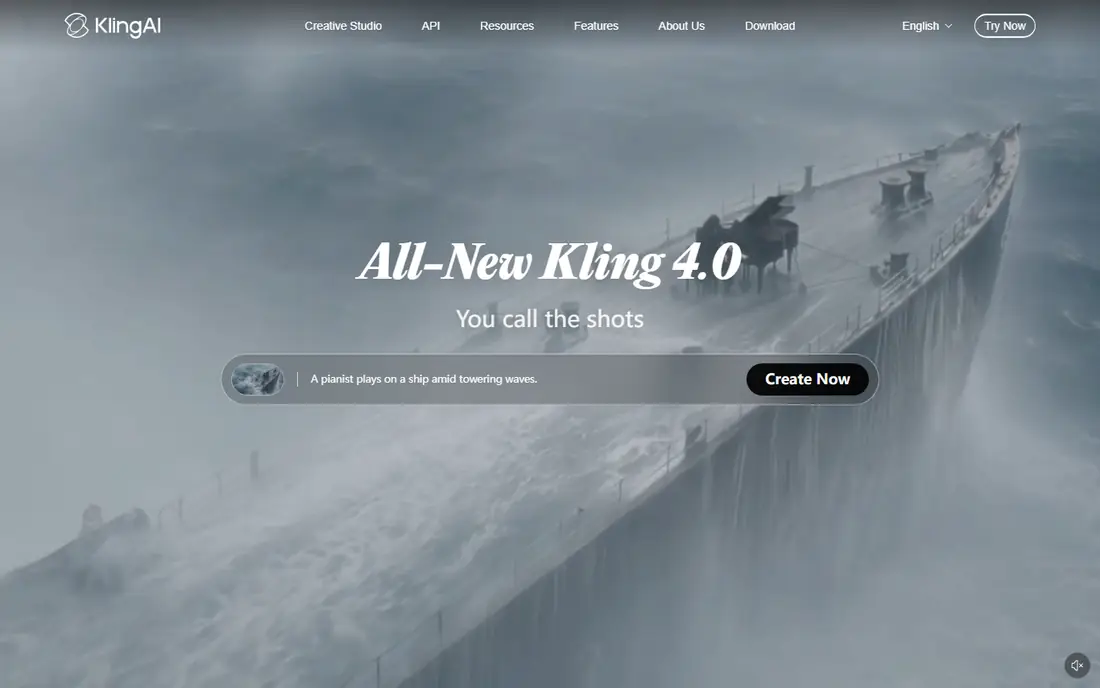
Kling is our pick for creators who want to test image-to-video ideas every day without paying first. The free tier offers daily login credits, and the tool supports start and end frames, which helps when you need a clip to land on a specific final image. Motion tends to look natural, especially for people, animals, and camera moves through a scene.
Free use has clear limits. Exports carry a watermark, commercial use is not included on the free tier, and each second of video costs credits, so longer or higher quality clips drain the balance fast. The Standard plan is listed at $10 per month and adds a monthly credit balance for steadier production.
- Daily free credits for regular testing
- Start and end frame controls
- Realistic motion and camera movement
- Free exports are watermarked and not for commercial use
- Higher quality clips cost more credits
Hailuo AI, from MiniMax, is a good choice when speed matters more than fine control. Upload an image, add a short prompt, and you get a moving clip quickly, which suits social posts and quick concept tests. Daily bonus credits let free users keep trying ideas, and the interface stays simple enough for beginners.
Pricing is the reason we list this one as See website. Plan names and credit amounts have shifted during 2026, and the cheapest paid route varies by region and promotion. Check the current pricing page and the commercial use terms before you use Hailuo clips in paid work.
- Fast generation from images
- Daily bonus credits on the free tier
- Simple interface for quick clips
- Pricing and plan names change often
- Free outputs are limited and watermarked
Luma Dream Machine is built for fast visual tries. You can start from a still image, add a prompt, and get a short clip with natural motion in a few minutes. Keyframe support lets you guide a sequence through several images, which helps when a single clip needs to change direction or focus partway through.
The free tier is best treated as a sketch pad. Lower paid tiers still restrict commercial use and watermark some outputs, so client work needs a higher plan. The Lite plan is listed at $9.99 per month, and Plus and higher plans add credits, resolution, and commercial rights.
- Quick generation from text or images
- Keyframe controls for longer sequences
- Simple workflow for visual ideas
- Lower tiers restrict commercial use
- Higher resolution clips cost more credits
Pika suits creators who make short clips for social feeds and want effects without a learning curve. You can feed in still images, pick an effect or prompt, and get a five or ten second clip that is ready to post. The tool is at its best for playful, stylized, and product-style clips rather than long cinematic sequences.
Free access is limited, and the commercial license sits on the Creator tier and above, so check the plan terms before posting clips for a brand. Paid plans start at $10 per month on the Starter tier, with higher tiers adding credits and commercial rights.
- Easy effects and short-form clips
- Supports multiple stills as input
- Friendly interface for social creators
- No monthly free credit refill on some plans
- Commercial license needs a higher tier
Google Veo, including Veo 3.1, is the video model behind Google Flow and video features in Gemini tools. Clips tend to show coherent motion and sound-aware generation in supported workflows, and creators already using Google tools will find the setup familiar. First and last frame controls in Flow help when a clip must start and end on specific images.
Access is the complication. Veo is not sold as a simple standalone subscription in the same way as Runway or Kling, and availability, credits, and pricing depend on the Google plan and region. Check the current Google AI plan page before you count on Veo for a project, and confirm commercial terms for your use.
- High-quality motion from Google models
- Works inside Flow and Gemini tools
- Strong text and image guidance
- Access depends on Google plans and region
- No standalone free tier for video in many cases
Adobe Firefly is the sensible pick for designers and editors who already live in Adobe apps. Image-to-video generation sits alongside Firefly image tools, and the workflow favors brand-safe, commercially oriented use. Free daily generations let you test ideas before paying, which is useful for small teams.
Clip length is short, usually up to eight seconds, and the best experience needs a paid Adobe plan. If you do not use Adobe tools elsewhere, a standalone tool such as Kling or Runway will give you more video for the money. If you do, Firefly keeps your assets and edits in one place.
- Fits Adobe Creative Cloud workflows
- Free daily generations for trying ideas
- Clear commercial safety focus
- Video clips are short
- Full use needs a paid Adobe plan
Vidu stands out when a clip needs to run longer than the usual five seconds. Some modes support clips up to 16 seconds from a still, and start and end frame controls help shape the movement. The paid entry price, listed at $8 per month on annual billing, is lower than several rivals, which makes it worth a look for regular short-form production.
Free use is thin, with a small monthly credit balance, and high-resolution output consumes credits quickly. Test Vidu on your own images during the free tier, and check how many seconds of finished video a paid plan really buys before you switch from a tool you already know.
- Supports longer clips up to 16 seconds in some modes
- Start and end frame controls
- Low paid entry price
- Free monthly credits are small
- High-resolution output costs more credits per second
How we picked these
We compared official product pages, pricing pages, and current pricing roundups checked in October 2026, and we kept only tools that accept a still image as input and return a moving clip. Free credit amounts, watermark rules, and commercial use terms mattered as much as motion quality, because those rules decide whether a clip can be published. Tools that only generate video from text, or that had stopped working, did not make the list.
What to check before you pay for credits
Start with the output rules, not the demo clips. A watermark, a personal-use-only license, or a five-second cap can make a cheap plan useless for client work, while a higher plan may be the only route to clean, commercial clips. Count credits per second too, because a plan that looks cheap can buy very little finished video once resolution and length are factored in.
Next, test the same image in two or three tools. The same still can hold together well in one tool and distort in another, especially for faces, hands, and text in the image. A short side-by-side test on your own photos tells you more than any demo reel, and it shows which tool respects your subject best.
Plan for short clips and edits
Most image-to-video clips run five to ten seconds, so plan your edit around short shots rather than long scenes. Use start and end frames when you need a clip to connect cleanly to the next shot, and keep prompts short and specific about movement. A prompt that names one camera move and one subject action usually beats a long paragraph of wishes.
Keep rights and consent in mind
Only animate images you own or have permission to use, and be careful with photos of real people. AI video can make a still person appear to move or speak in ways they never did, so get consent for identifiable people and label AI-generated clips where a platform or client asks for it. When in doubt, use your own photos, illustrations, or licensed stock.
Frequently asked questions
What is the best free AI image to video tool?
Kling is the best free starting point for regular use, because daily credits let you keep testing without paying. Runway gives a one-time credit balance that suits a careful evaluation, while Pika and Luma offer free entry tiers with limits. Free clips are usually watermarked and for personal use only.
How long can AI image to video clips be?
Most tools produce clips of five to ten seconds from a single image, with some modes reaching 15 or 16 seconds. Vidu supports longer clips in some modes, and Luma supports keyframe sequences that extend a scene. Longer clips cost more credits and are more likely to show distortion, so short shots edited together usually look better.
Can I use free AI video clips for commercial work?
Usually not on a free tier, because free outputs are often watermarked and limited to personal use. Runway, Kling, Pika, and Luma all require a paid tier for commercial rights, and the exact tier varies by tool. Check the license on the pricing page before you publish a clip for a client or a paid campaign.
What is the best AI image to video tool for March 2026?
For March 2026 searches, the same current leaders apply: Kling for free testing, Runway for polished clips, and Pika for fast social videos. Tool pricing and models change quickly, so confirm the current model version and credit price on the vendor site before you buy. A tool that led in March may have a new model or plan by the time you read this.
Do I need a text prompt as well as an image?
Yes, most tools use a short text prompt alongside the image to guide movement, camera motion, and mood. Keep the prompt focused on one action and one camera move, and mention what should stay still. If the result distorts your subject, shorten the prompt and try again before switching tools.
Sources we checked (8)

Online Jobs is an independent blog about careers, online work, learning new skills and the tools that help people earn. More about us.
Keep reading
All posts
Zoom Alternatives
Zoom alternatives compared for 2026: Google Meet, Microsoft Teams, Webex, Jitsi and more for free calls, large meetings and webinars for teams and classrooms.

Which Software Is Best for Data Entry
Compare the best data entry software for forms, OCR scanning, and spreadsheets, with free plans, pricing, and honest limits for each tool before you commit.

What's the Best App to Read PDFs
Find what's the best app to read PDFs in 2026, from Adobe Acrobat Reader and Foxit to PDF Expert and Xodo, with free options and honest limits for every device.