Best AI Image to Video Tools in 2026: 9 Tools Compared


creators who want control and editing · Starting price: $12 per user per month
How we put this together: we compare official feature and pricing pages, app store listings, privacy policies and public user reviews. Prices change, so check the provider's site before you pay.
Key takeaways
- Credit pricing decides the real cost in February 2026, not the headline monthly price, since clip length, model, and resolution change the cost per clip.
- Runway suits creators who want control and editing in one workspace, while Kling suits realistic motion from a single photo.
- Talking photos are a separate job: D-ID and Hedra handle faces and lip sync better than general motion models.
- Free plans suit testing motion style and face stability, but watermarks and short limits usually rule them out for client work.
Quick comparison
| Name | Who it suits | Starting price | Free option | |
|---|---|---|---|---|
| Runway | creators who want control and editing | $12 per user per month | Yes | Visit |
 Kling AI | realistic motion from a single photo | See website | Yes | Visit |
 Luma Dream Machine | smooth camera movement | See website | Yes | Visit |
 Pika | quick social clips and effects | $8 per month | Yes | Visit |
 Hailuo AI | budget motion with audio options | $14.99 per month | Yes | Visit |
 PixVerse | varied styles and quick tests | See website | Yes | Visit |
 D-ID | talking photos for explainers | $5.90 per user per month | Free trial | Visit |
 Hedra | expressive talking characters | See website | Yes | Visit |
 Vidu | free plan that resets and low paid step | $8 per month | Yes | Visit |
The best AI image to video tools
Image to video tools turn a single still into a short moving clip, guided by a text prompt and, on some tools, a start and end frame. The market moves fast, and February 2026 pricing is mostly credit-based, so two tools with similar monthly prices can buy very different numbers of clips. The list below compares tools that accept an image as the starting point, with attention to motion quality, talking-photo strength, free tiers, and credit costs.
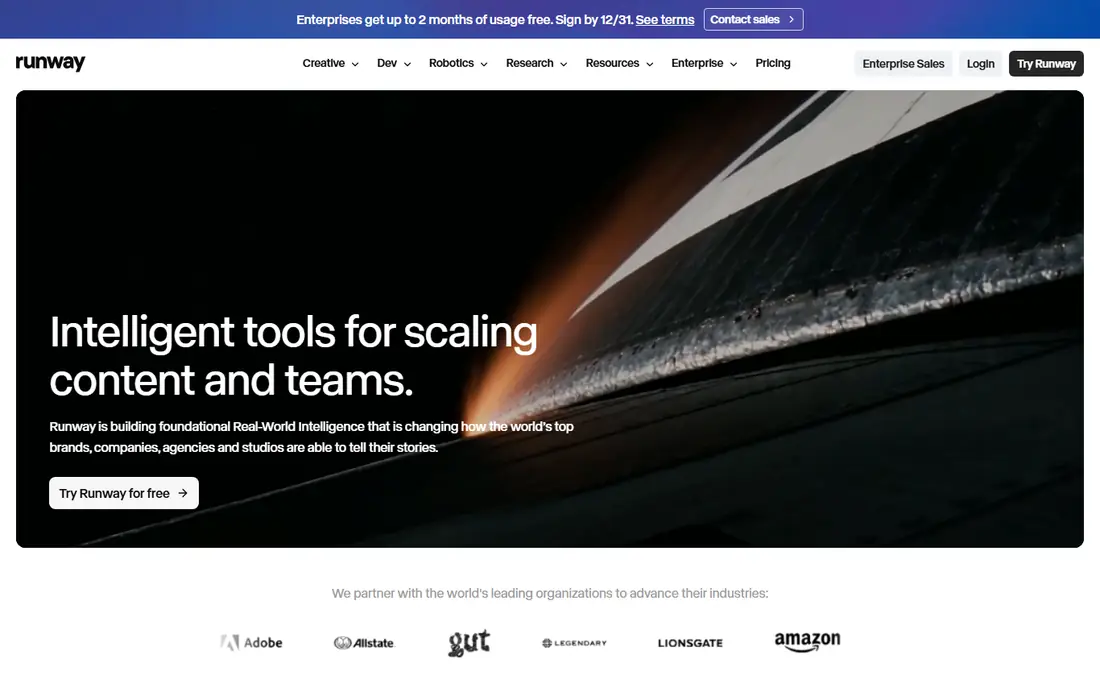
Runway gives creators a full workspace, not just a single model, with generation, editing, and export in one place. Its image to video tools accept a still plus a prompt, and the editor lets creators trim, extend, and refine clips without switching apps. We would pair it with a clear weekly routine rather than relying on the tool alone to carry progress.
The catch is credits: longer clips and stronger models cost more, so a low monthly price can still run out quickly on a busy project. Pricing also deserves a careful check before you commit, because the headline price and the price for the features you actually need can differ. We suggest starting on the free option or the shortest paid term where one exists, testing it with real work for two weeks, and only then deciding whether a longer plan makes sense.
- Several video models in one workspace
- Built-in editor
- Image to video plus text to video
- Credit costs vary by model and length
- Free credits do not refill monthly
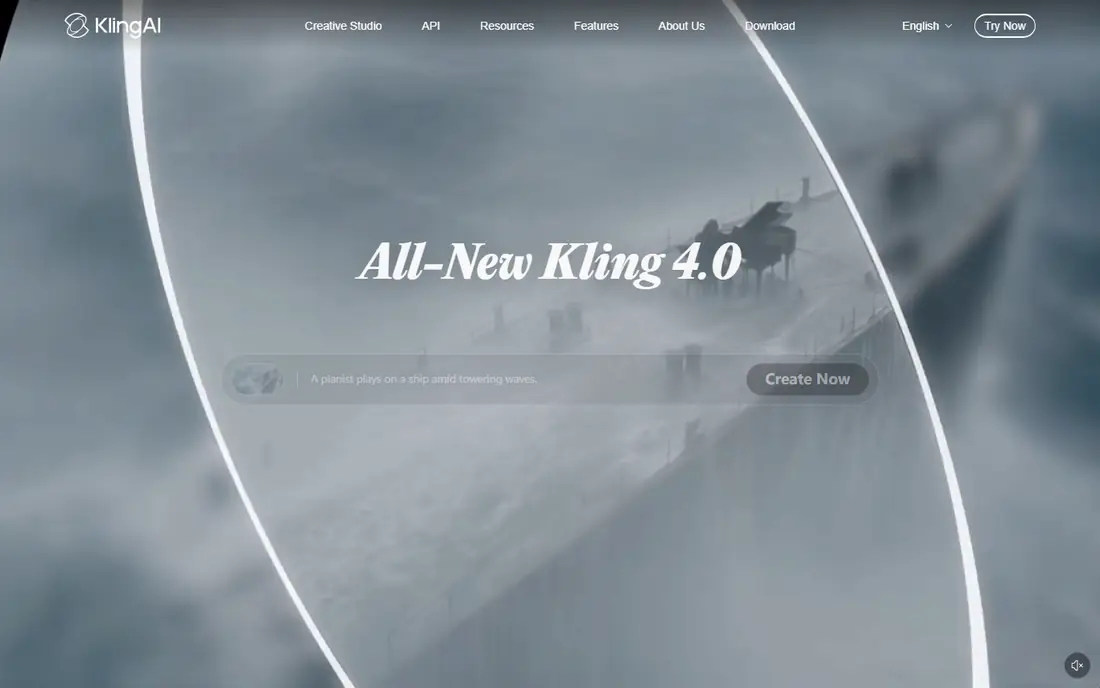
If your main goal is realistic motion from a single photo, Kling AI deserves a close look. Kling AI is known for motion that looks natural, especially when a still needs a gentle camera move or a clear start and end frame. Creators can guide a clip with two frames, which helps for product shots and short story scenes where the ending matters. We would pair it with a clear weekly routine rather than relying on the tool alone to carry progress.
The catch is credit math: professional quality and longer clips use more credits, so check the cost per clip before planning a series. Pricing also deserves a careful check before you commit, because the headline price and the price for the features you actually need can differ. We suggest starting on the free option or the shortest paid term where one exists, testing it with real work for two weeks, and only then deciding whether a longer plan makes sense.
- Strong realism for camera moves
- Start and end frame control
- Daily free credits on some plans
- Interface and pricing pages change often
- Professional mode costs more credits
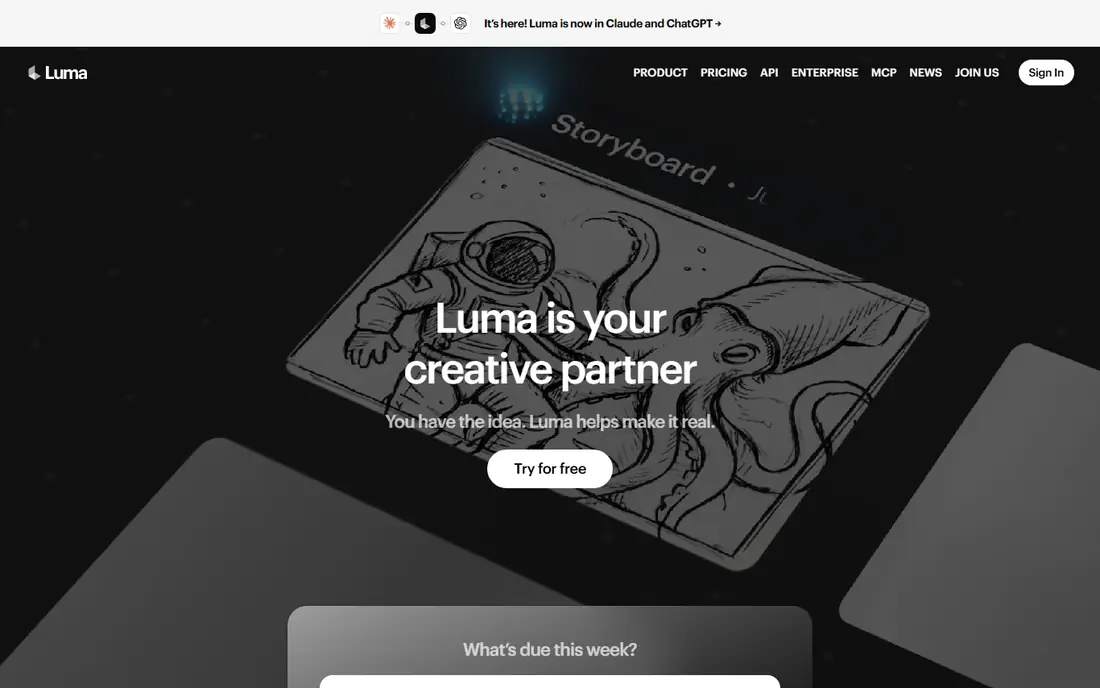
Luma Dream Machine stands out for learners and teams who want smooth camera movement. Luma Dream Machine suits creators who care most about camera feel, with smooth moves that suit product, travel, and scene-setting clips. Its models handle light, depth, and motion in a way that often looks closer to filmed footage than to animated stills. We would pair it with a clear weekly routine rather than relying on the tool alone to carry progress.
The catch is resolution cost: 1080p clips can cost several times more credits than 720p, so budget by final resolution, not by clip count alone. Pricing also deserves a careful check before you commit, because the headline price and the price for the features you actually need can differ. We suggest starting on the free option or the shortest paid term where one exists, testing it with real work for two weeks, and only then deciding whether a longer plan makes sense.
- Gimbal-like camera motion
- Strong detail on short clips
- Text and image to video
- Higher resolution costs far more credits
- Free allowance is limited
For many people, Pika is the practical choice for quick social clips and effects. Pika is built for speed, with quick generations, playful effects, and transitions that suit short social posts. Creators can test an idea in minutes and iterate on motion style without a long render wait. We would pair it with a clear weekly routine rather than relying on the tool alone to carry progress.
The catch is scale: frequent creators will need to watch credit packs and plan tiers, since the cheapest plan covers only a limited number of clips. Pricing also deserves a careful check before you commit, because the headline price and the price for the features you actually need can differ. We suggest starting on the free option or the shortest paid term where one exists, testing it with real work for two weeks, and only then deciding whether a longer plan makes sense.
- Fast social-ready clips
- Effects and transitions
- No watermark on any tier in recent plans
- Credit packs and model costs vary
- Longer clips need higher plans
Start with what Hailuo AI does well. Hailuo AI, from MiniMax, offers a budget-friendly route into image to video, with daily free use for testing motion style. Its models handle human motion and simple scene moves well for the price, and audio options add polish to short clips. We would pair it with a clear weekly routine rather than relying on the tool alone to carry progress.
The catch is the free tier: output carries a watermark, so client or published work usually needs a paid plan. Pricing also deserves a careful check before you commit, because the headline price and the price for the features you actually need can differ. We suggest starting on the free option or the shortest paid term where one exists, testing it with real work for two weeks, and only then deciding whether a longer plan makes sense.
- Low-cost step up from free
- Audio options on some clips
- Watermarked free output
- Free output carries a watermark
- Paid list price varies with offers
PixVerse suits creators who want to test many styles fast, from realistic to animated, without committing to one model. Its quick generation loop helps for storyboards, social tests, and concept clips where variety matters more than perfect realism. We would pair it with a clear weekly routine rather than relying on the tool alone to carry progress.
The catch is consistency: quality can vary by prompt and style, so save successful prompts and settings for repeat work. Pricing also deserves a careful check before you commit, because the headline price and the price for the features you actually need can differ. We suggest starting on the free option or the shortest paid term where one exists, testing it with real work for two weeks, and only then deciding whether a longer plan makes sense.
- Wide style range
- Quick generations
- Free tier for testing
- Credit costs and limits change often
- Output quality varies by style
There is a clear reason D-ID keeps appearing on shortlists for talking photos for explainers. D-ID focuses on talking photos, turning a portrait and a script into a speaking presenter for explainers and training. That narrow focus makes it stronger for face and lip sync than a general image to video model, especially for corporate learning content. We would pair it with a clear weekly routine rather than relying on the tool alone to carry progress.
The catch is scope: it is not the best choice for full scene motion, camera moves, or action clips, so use it for presenter-led work. Pricing also deserves a careful check before you commit, because the headline price and the price for the features you actually need can differ. We suggest starting on the free option or the shortest paid term where one exists, testing it with real work for two weeks, and only then deciding whether a longer plan makes sense.
- Lip sync for talking photos
- Avatar creation from a photo
- API for training content
- General motion is weaker than specialist video models
- Free trial is limited
Consider Hedra first if expressive talking characters matters most to you. Hedra suits creators building talking characters for social posts, stories, and short explainers, with expressive faces and voice sync. Its character-first workflow helps keep a persona consistent across clips, which matters for series and recurring presenters. We would pair it with a clear weekly routine rather than relying on the tool alone to carry progress.
The catch is limits: free clips are short, and creators who need longer or higher-quality output should confirm paid plan details first. Pricing also deserves a careful check before you commit, because the headline price and the price for the features you actually need can differ. We suggest starting on the free option or the shortest paid term where one exists, testing it with real work for two weeks, and only then deciding whether a longer plan makes sense.
- Expressive character animation
- Voice and lip sync
- Storytelling and social formats
- Free tier limits length and quality
- Pricing is not fully public on all pages
Vidu takes a different angle on free plan that resets and low paid step. Vidu offers a free plan that resets, which makes it a practical testing ground for creators who generate clips often. Its reference upload feature helps keep a subject or style steadier across generations, a useful trait for product and character work. We would pair it with a clear weekly routine rather than relying on the tool alone to carry progress.
The catch is tiering: the cheapest paid plan still limits credits, so creators with daily output should model monthly clip counts before subscribing. Pricing also deserves a careful check before you commit, because the headline price and the price for the features you actually need can differ. We suggest starting on the free option or the shortest paid term where one exists, testing it with real work for two weeks, and only then deciding whether a longer plan makes sense.
- Free plan with regular allowance
- Reference uploads
- Image to video plus text to video
- Output quality varies by prompt
- Higher quality costs more credits
How we picked these
We compared official feature pages, pricing pages, and product documentation for each tool, and we checked public reviews where they clarified credit costs, watermarks, and clip limits. We gave weight to image to video quality, control over motion and camera, free tier usefulness, and honest credit pricing, and we used See website where a vendor does not publish a simple starting price. Because models and credit rates change often, confirm the cost per clip on the vendor page before budgeting a project.
How to budget for AI image to video in February
Start by defining the clip you need: length, resolution, and whether it needs a talking face, a camera move, or full scene motion. That choice narrows the list fast, since talking-photo tools and general motion models are built for different jobs. Next, calculate clips per month, not just the monthly price, by dividing the plan allowance by the credit cost of your typical clip at your chosen resolution. Test the free tier with your own images, and watch for face stability, hand detail, and background warping, which are common weak points. Check commercial use terms, watermark rules, and whether credits roll over, then start on the shortest paid term and track how many clips you actually finish each month.
Frequently asked questions
What are the best image to video AI tools for February 2026?
Runway, Kling AI, Luma Dream Machine, Pika, and Hailuo AI lead for general image to video in February 2026, with different strengths in control, realism, camera motion, and price. Talking-photo work suits D-ID or Hedra better. The best pick depends on clip length and resolution, not just the monthly price.
What are the best free AI image to video tools for February 2026?
Pika, Kling AI, Hailuo AI, Runway, and Vidu all offer free tiers for testing, though most add watermarks, short limits, or one-time credits. Free tiers suit style tests and personal clips, but client work usually needs a paid plan. Compare free allowance and watermark rules before choosing.
What is the best free image to video AI tool without a watermark?
Pika has offered no watermark on any tier in recent plans, which makes it a useful free test option, though credit limits still apply. Other free tiers often watermark output, so check the current plan page before publishing. Paid plans remove watermarks on most tools in this list.
How many clips does a monthly plan actually buy?
It depends on model, length, and resolution, so divide the monthly credit allowance by the credit cost of your typical clip. A 10 second clip can cost several times more than a 5 second clip, and 1080p can cost far more than 720p. Vendor help pages usually list the cost per clip.
Can I use AI image to video clips for client work?
Yes, on paid plans that include commercial use, but check the terms for each tool and plan, since free tiers often limit commercial use. Also check rights for the starting image: you should own it or have permission to use it. Keep a record of the plan terms for client projects.
Sources we checked (9)

Online Jobs is an independent blog about careers, online work, learning new skills and the tools that help people earn. More about us.
Keep reading
All posts
Sora Alternatives
Compare the best sora alternatives now that Sora is discontinued, from Google Veo to Runway and Kling, with strengths and limits for video makers today.
OpenClaw Alternatives
Looking for openclaw alternatives? We compare 9 self-hosted and hosted AI agent tools, from Open WebUI and LibreChat to Manus, on setup, control, and price.
Best Text to Video AI Tools
Compare the best text to video AI tools in 2026 for cinematic clips, avatar videos, and script-to-video workflows, with pricing and free plans explained.