Best AI Image-to-Video Generation Tools in 2026: 8 Tools Compared


Filmmakers and pro creators · Starting price: $12 per month billed annually
How we put this together: we compare official feature and pricing pages, app store listings, privacy policies and public user reviews. Prices change, so check the provider's site before you pay.
Key takeaways
- Image-to-video tools turn a still photo into a moving clip, with a text prompt steering the motion, camera move and style.
- Entry prices cluster between $8 and $12 per month, except Google Veo through Google AI Pro at $19.99 and Luma Plus at $30.
- Credit systems decide the real cost: a monthly credit allowance buys a fixed number of clips, and longer or higher-quality clips cost more credits.
- Free options exist on most tools here, but they are credit-limited, and free clips often carry watermarks or usage limits.
- For realistic motion with sound, Google Veo 3.1 stands out, while Kling and Hailuo are strong picks for social and short-form clips.
Quick comparison
| Name | Who it suits | Starting price | Free option | |
|---|---|---|---|---|
| Runway | Filmmakers and pro creators | $12 per month billed annually | Free credits (125, one-time) | Visit |
 Kling Kling | Cinematic short clips and ads | $8.80 per month | Free daily credits | Visit |
 Pika Pika | Social creators and quick clips | $8 per month billed annually | Free plan | Visit |
 Google Veo 3.1 Google Veo 3.1 | Realistic motion with native audio | $19.99 per month (Google AI Pro) | See website | Visit |
 Luma Dream Machine Luma Dream Machine | Directing shots with camera control | $30 per month | See website | Visit |
 Adobe Firefly Adobe Firefly | Adobe users and brand-safe work | $9.99 per month | Free plan | Visit |
 Hailuo Hailuo | Fun photo-to-video effects | $10.50 per month billed monthly | Free daily credits | Visit |
 PixVerse PixVerse | Low-cost clips at scale | $8 per month billed yearly | Free plan | Visit |
The best AI image-to-video generation tools in 2026
Upload a photo, describe the motion, and get a video back. That is the core promise of image-to-video generation, and it has moved from novelty to a practical tool for marketers, creators and small studios. Product photos become demo clips, old portraits become animated keepsakes, and storyboards become moving previews before a shoot.
We compared official feature pages, pricing pages and pages quoting vendor pricing. We did not run hands-on generation tests, and we have not claimed results we did not measure. Prices are current as of October 2026. Where a price or trial could not be verified, we wrote See website rather than guessing.
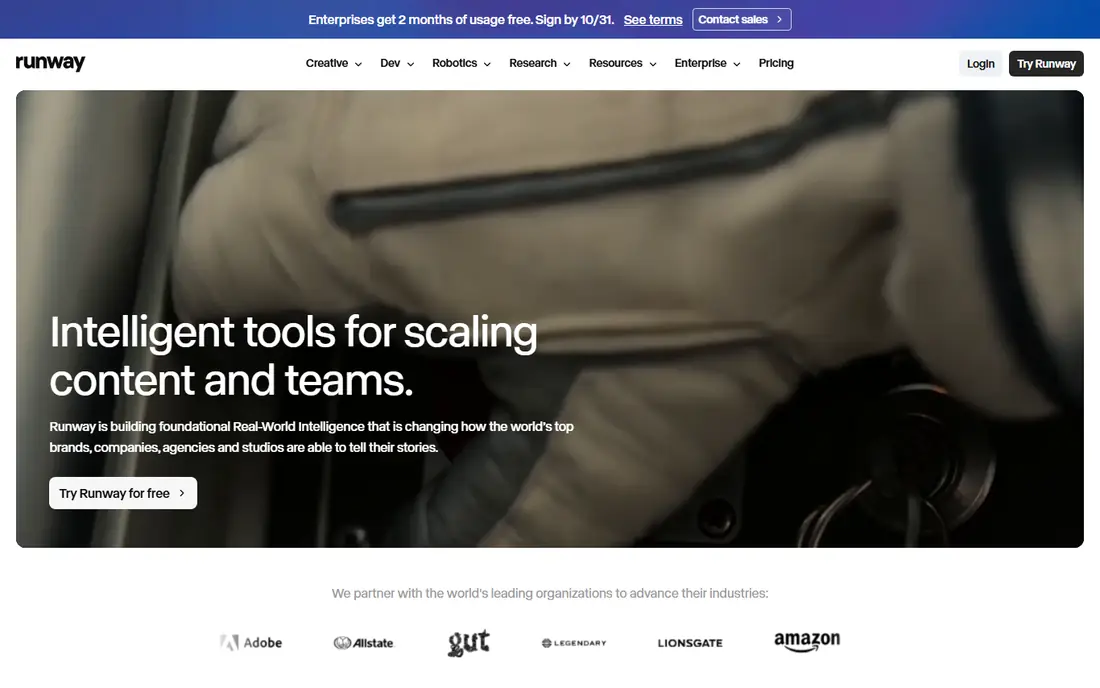
Runway is the pro pick in this list. Its Creative Suite brings video, image and audio generation and editing into one cloud workspace, built for individuals and teams of all sizes. The Standard plan costs $12 per month billed annually with 625 credits, and Pro costs $28 per month for larger allowances. That credit model suits creators who plan shoots in batches rather than generating clips all day.
The free tier is a one-time grant of 125 credits, enough to test the tool but not to run a channel on. Runway suits filmmakers, agencies and creators who want model quality and editing depth in one place. Casual users who only animate a photo now and then will get more from a daily-credit tool such as Kling or Hailuo.
- Full creative suite for video, image and audio in one workspace
- Strong model quality
- Used by a large creator community
- Free credits are one-time only, not a rolling allowance
- Higher tiers needed for heavy production use
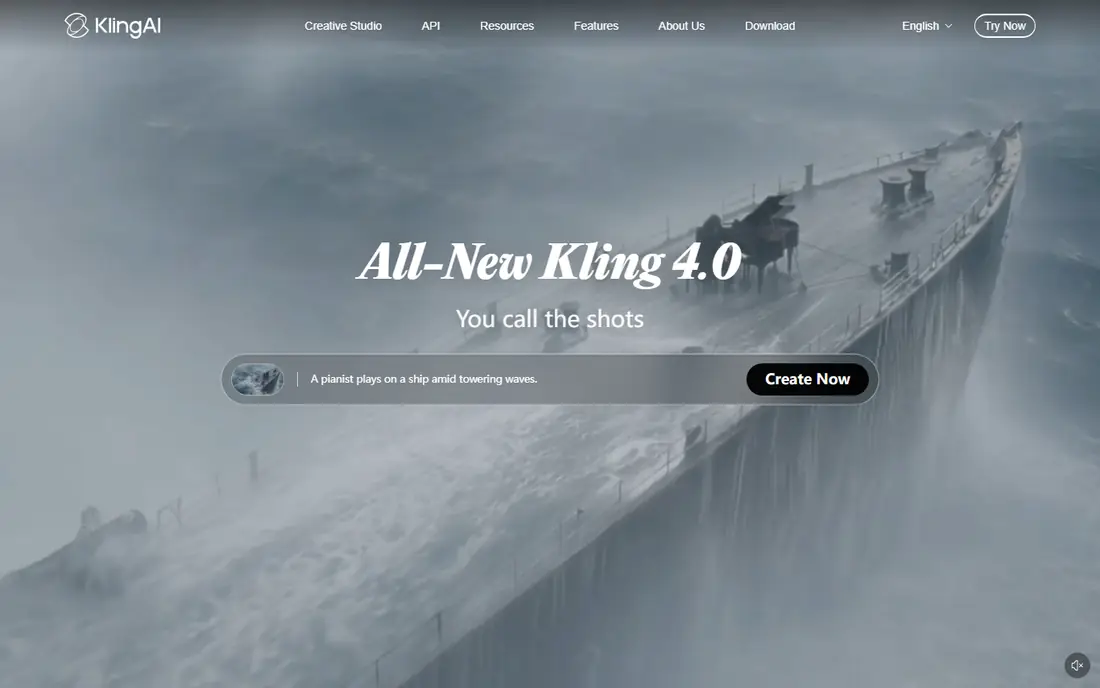
Kling has built a reputation on cinematic output, with AI short films and brand work made entirely in the tool winning festival recognition. Its image-to-video workflow takes a still, a prompt and optional reference material, then produces clips with coherent motion and detail that hold up on larger screens. For product ads, fashion showcases and short narratives, that quality gap is visible.
Standard costs $8.80 per month after a $6.99 first month, and free daily credits let you test regularly without paying. The drawback is credit math: newer and higher-quality models consume credits faster, so a month of heavy use costs more than the entry plan alone. Kling fits creators who care about how a clip looks at full size. Budget buyers should track credit use in the first month before committing.
- Strong prompt adherence and high-quality output
- Free daily credits for regular testing
- Proven in ads and short films
- Standard price follows a cheaper first month, so the ongoing rate is higher than the headline offer
- Advanced models cost more credits
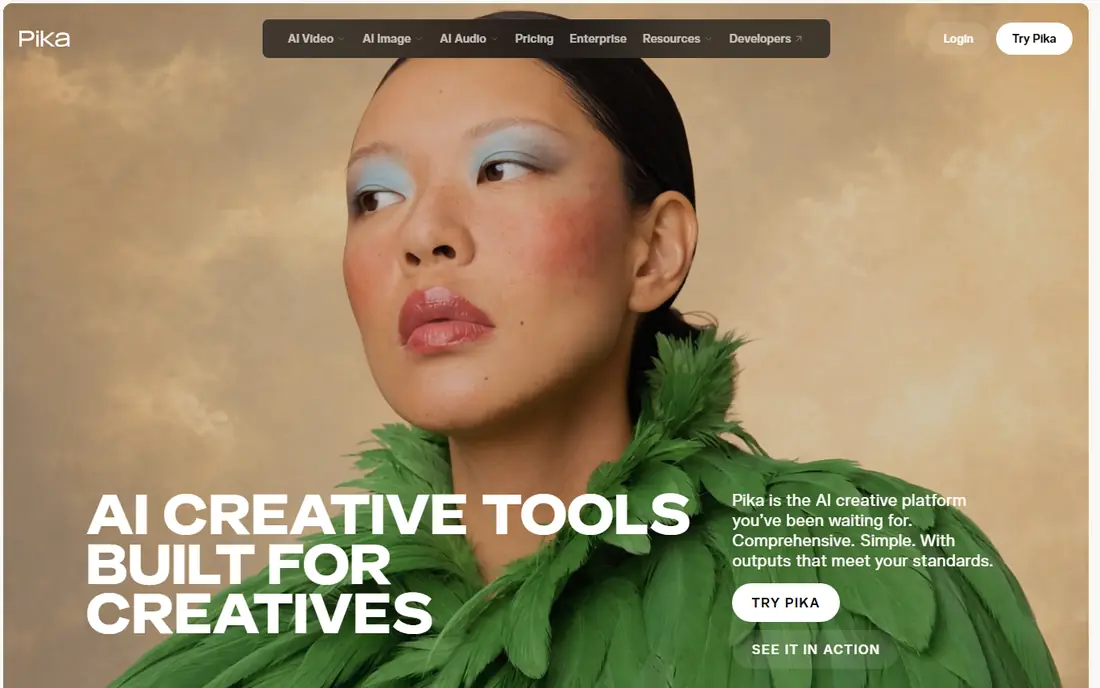
Pika rebuilt itself in 2026 as a creative platform that puts video, image and sound creation together, with many generation models underneath and focused creative apps on top. That design suits social creators who want a quick clip from a photo without learning a full editing suite. Starter costs $8 per month billed annually, or $10 month to month, and a free plan covers occasional use through limited packs.
The limit is scale. Free packs run out fast for daily posters, and teams shipping client work will need paid tiers or API access. Pika also now plugs into ChatGPT, which may matter for creators already working there. Choose Pika for fast, simple clips. Choose Runway or Veo when a project needs deeper control and longer production runs.
- Simple creative platform with video, image and sound in one place
- Low entry price
- Wide model choice underneath
- Free plan uses limited packs rather than a generous allowance
- Pro workflows may need higher tiers or API access
Veo 3.1 is Google DeepMind video generation model, and it leads this list on realism. It generates sound effects, ambient noise and dialogue natively with the video, rather than bolting audio on afterwards, and its physics and prompt adherence rated well in benchmark comparisons published in October 2025. Image-to-video is a core strength: give it a start image, and optionally an end image, and it builds the motion between them.
Access comes through Google AI Pro at $19.99 per month, inside Gemini and the Flow filmmaking tool, rather than a standalone Veo app. That makes Veo the priciest mainstream option here, but the price also buys the wider Google AI subscription. Choose Veo when audio and realism matter most, such as dialogue scenes or product stories. Choose a cheaper specialist when you only need silent social clips.
- Native audio including sound effects, ambient noise and dialogue
- Strong prompt adherence and realistic physics
- Ingredients-to-video and scene extension features
- Highest mainstream price here through Google AI Pro
- Accessed via Gemini and Flow rather than a standalone video app
Luma Dream Machine is built for creators who think like directors. Its Ray models let you direct a shot the way you would direct a shoot, holding continuity across cuts and finishing in cinematic quality, while brand and character references stay steady across many assets. That control suits teams producing a series of clips that must look like they belong together, such as a campaign or a short film.
Plus costs $30 per month, the highest price in this list, and the homepage does not publish a free plan, so budget for a paid start. Luma has also moved toward agent-based creative work, with agents researching, generating and refining across video, image, audio and text. That breadth adds power but also complexity. Choose Luma when shot control and consistency justify the premium. Choose Kling or PixVerse when price matters more than direction.
- Ray models built for directed shots and continuity across cuts
- Brand and character references held steady across assets
- Cinematic finish
- $30 Plus price is the highest in this list
- Free access details are not published on the homepage
Adobe Firefly is the safe choice for teams already inside Adobe. Its studio generates images, video, audio and more with more than 30 AI models in one place, and Standard costs $9.99 per month. For a marketing team that already uses Adobe tools, keeping generation inside the same account, with the same billing and governance, is worth more than a slightly lower price elsewhere.
The trade-off is focus. Firefly is a wide creative studio, not a video-only tool, so a buyer who only animates photos pays for breadth they may not use. Credit allowances also vary by plan and model, so check how many video generations a plan actually buys. Firefly fits brand and enterprise teams that value workflow fit and commercial safety. Pure video creators will find sharper video-first tools above.
- More than 30 AI models in one studio, including Adobe and partner models
- Fits Adobe workflows
- Commercially oriented design
- Video is one part of a wide studio, so video-only buyers pay for breadth
- Credit allowances vary by plan and model
Hailuo, from MiniMax, is the fun pick in this list. Its homepage is built around templates: turn a photo into a dance video, a transformation, a skydive, a race scene or a shopping showcase, with new effects added regularly. That template approach removes the prompt-writing barrier, which is why it works well for social creators, small shops and anyone animating photos for entertainment rather than production.
Standard costs $10.50 per month billed monthly, and free daily credits cover casual use. The weakness is seriousness: templates are great for social clips but less useful for a directed brand film, where Kling, Veo or Luma offer more control. Hailuo also leans on monthly billing at Standard, so there is no annual discount at that tier. Choose Hailuo for playful, fast photo effects. Choose a director-style tool for client work.
- Huge template library for photo effects, from dances to transformations
- Easy photo-to-video flow
- MiniMax H3 model live now
- Template-heavy design suits social fun more than serious filmmaking
- Monthly billing only at the Standard tier
PixVerse is the value pick for volume. Standard costs $8 per month billed yearly, and the platform pairs clip generation with a large template ecosystem and an API for teams building video workflows. Its own comparison data positions its V6 model well on blind preference voting and cost per minute against rivals, which matters for teams generating many clips rather than a few hero pieces.
The drawback is polish for solo creators. PixVerse leans toward enterprise and API use, so its consumer experience is less guided than Pika or Hailuo. Free access covers testing, but regular use needs a paid plan. Choose PixVerse when you need many affordable clips or an API behind a product. Choose Kling or Veo when a small number of clips must look their best.
- Low entry price
- Template ecosystem for fast production
- API for teams shipping video workflows at scale
- Enterprise and API positioning means the consumer experience is thinner than rivals
- Model quality varies by tier
How we picked these
We kept tools with a live image-to-video product and a confirmed homepage in October 2026, covering pro creators, social creators, brand teams and volume buyers. Each tool had to accept an uploaded image as the starting point for a generated clip, not only text-to-video. We left out tools whose image-to-video status could not be verified, and we left out Sora, since its current availability could not be confirmed independently.
We checked official feature pages and pricing pages, plus pages quoting vendor pricing where the vendor page did not show the figure. Where a price or free option could not be verified, we wrote See website. Prices for credit-based tools reflect entry plans; heavier use costs more on every tool here.
What to check before paying for image-to-video
Credits, clip length and usage rights decide whether a tool fits your work. These four checks matter more than demo reels.
Credits and clip length
Work out how many clips your entry credits actually buy. A plan advertising hundreds of credits may only cover a handful of long or high-quality clips, since cost rises with length, resolution and model tier. Generate your typical clip during a trial and count the credit cost before committing.
Motion control
Test camera moves, subject motion and consistency with your own photos, not the vendor gallery. Some tools hold a face or product steady across a clip, while others drift. If your work needs a character or product to stay recognizable, continuity matters more than raw clip quality.
Watermarks and commercial use
Check whether free or low-tier clips carry watermarks, and whether paid clips can be used commercially. Social fun needs neither check, but client work needs both. Read the license terms for your plan, since they vary by tier even within one tool.
Audio
Decide whether you need sound. Veo generates audio natively, Pika covers sound in its platform, and other tools are video-first. Adding music or voiceover afterwards is easy, but dialogue and synced sound effects are much harder to fake, so match the tool to the soundtrack your clips need.
Frequently asked questions
Sources we checked (8)

Online Jobs is an independent blog about careers, online work, learning new skills and the tools that help people earn. More about us.
Keep reading
All posts
OpenClaw Alternatives
Looking for openclaw alternatives? We compare 9 self-hosted and hosted AI agent tools, from Open WebUI and LibreChat to Manus, on setup, control, and price.

Best AI Chatbot App
Compare the best ai chatbot app options for writing, research, coding and daily help, with prices, free plans and honest trade-offs for 2026, for buyers

Zoom Alternatives
Zoom alternatives compared for 2026: Google Meet, Microsoft Teams, Webex, Jitsi and more for free calls, large meetings and webinars for teams and classrooms.