Best AI Image to Video Animation Tools in 2026: 8 Tools Compared

How we put this together: we compare official feature and pricing pages, app store listings, privacy policies and public user reviews. Prices change, so check the provider's site before you pay.
Key takeaways
- Runway and Luma Dream Machine lead for creators who want polished, realistic motion from a single photo, with editing tools around the clip.
- Kling and Pika offer lower entry prices and daily or monthly free credits, which suit social creators testing image-to-video often.
- Kaiber and Genmo suit stylised animation and music-led clips, where the look matters more than strict realism.
- Credit systems make pricing hard to compare, so test each tool with the same photo and prompt before buying a monthly plan.
- Check commercial use terms before using a clip for client work or ads, because free plans often limit commercial rights.
Quick comparison
| Name | Who it suits | Starting price | Free option | |
|---|---|---|---|---|
 Runway | Polished image-to-video with editing | $12 per month | Yes | Visit |
 Luma Dream Machine | Realistic motion from photos | $6.99 per month | Yes | Visit |
 Kling | Longer clips and motion control | $5.99 per month | Yes | Visit |
 Pika | Fast social clips | $10 per month | Yes | Visit |
 Kaiber | Stylised animation and music videos | See website | Free trial | Visit |
 Genmo | Quick animated clips and loops | See website | Free trial | Visit |
 PixVerse | Affordable AI video from images | See website | Yes | Visit |
 Hailuo AI | Natural motion and character clips | See website | Yes | Visit |
The best AI image to video animation tools
Image-to-video tools take a still photo and add motion: a portrait turns its head, a still scene gains moving clouds, a product shot rotates gently. The tools below differ in realism, clip length, motion control, and price, so the best pick depends on whether you make ads, social clips, music videos, or product demos.
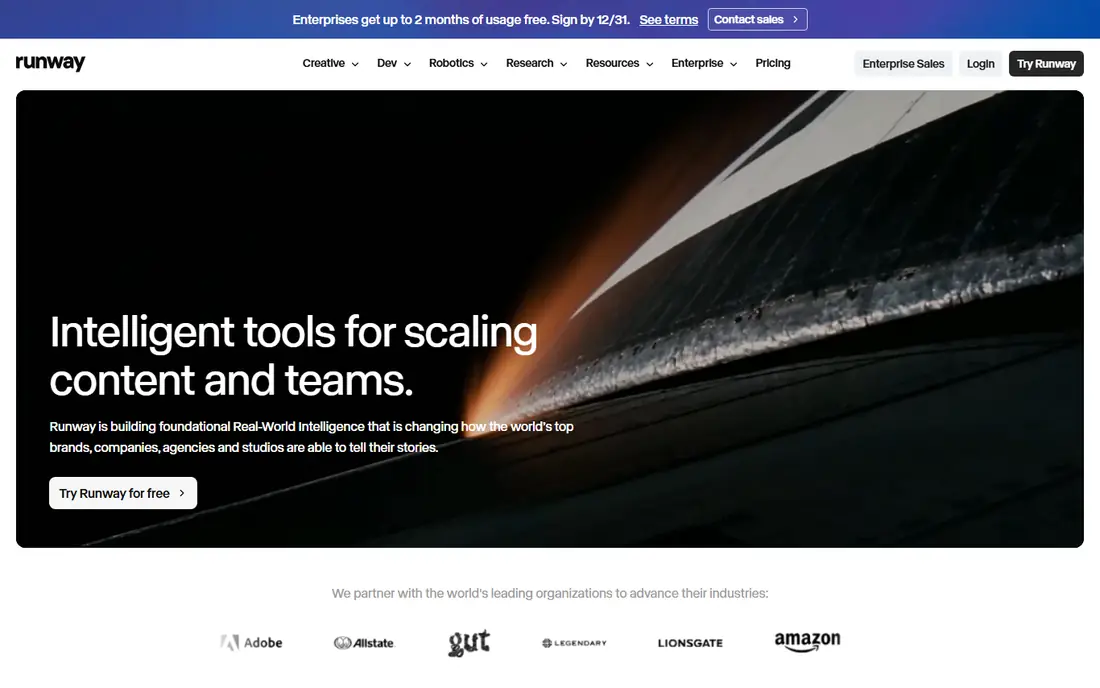
Runway is the most complete platform here for creators who want more than a single clip. Its image-to-video models turn a photo into a moving shot, and the surrounding editor lets you trim, extend, and combine clips into a finished piece. Paid plans from $12 per month on annual billing include credits, asset storage, and editor projects, with higher tiers for heavier use.
The catch is credit burn. Longer clips, higher resolution, and repeated generations use credits quickly, so a monthly plan that looks generous can run short in a busy week. Test Runway with your real photos and prompts on the free credits first, and check which model each generation uses, because credit cost varies by model.
- Strong image-to-video models plus editing tools
- No watermark on paid plans
- API and team options
- Credits run out fast on longer or higher-resolution clips
- Pricing is complex across models

Luma Dream Machine is known for smooth, realistic motion from a photo, with a simple workflow: upload an image, describe the motion, and generate. The Lite plan from $6.99 per month is one of the cheapest paid entries in this category, which makes it easy to try for a month without a large commitment. Higher plans add credits, resolution, and commercial use.
Free plan limits matter for client work. Free generations may carry watermarks, lower resolution, and non-commercial terms, so check the plan details before publishing a free clip for a brand. For personal projects, social tests, and short realistic clips, Luma is one of the easiest tools to start with.
- Low paid entry price
- Smooth, realistic motion
- Simple prompt workflow
- Free plan limits resolution and commercial use
- Heavier plans cost much more for unlimited use

Kling stands out for motion control and clip length. Its motion brush lets you steer how parts of an image move, which helps for product shots and character clips where random motion would ruin the shot. Daily free credits let regular users test often without paying, and paid plans from $5.99 per month keep entry costs low.
Kling has gone through several model versions, and results can differ between them, so note which model you used for a good clip and reuse it. The site and pricing pages are also less clear than Runway or Luma, so confirm your plan, credit balance, and renewal terms inside your account before a large project.
- Low entry price
- Daily free credits
- Motion brush and control tools
- Longer clip options
- Interface and pricing pages can be hard to navigate
- Results vary by model version
Pika is built for speed. Upload a photo, pick a style or effect, and get a short clip suited to social feeds, with templates that help beginners get a usable result quickly. The free tier lets you test the workflow, and paid plans from $10 per month add credits, remove watermarks, and raise limits for regular creators.
Clip length is the main limit. Pika clips are short, which suits social posts and teasers but not longer storytelling. Commercial use also sits on higher plans, so creators making client work should check the licence for their tier. For fast social content, though, Pika is one of the quickest tools to learn.
- Fast, simple workflow for social video
- Free tier for testing
- Effects and templates
- Clips are short
- Commercial licence sits on higher plans
- Credit limits bite on busy days
Kaiber takes a different angle from Runway and Luma: it leans into stylised animation, where a photo becomes a painterly, animated, or music-led sequence rather than a realistic camera move. That makes it a favourite for music videos, lyric visuals, and art projects, with storyboard tools that help plan a sequence across several clips.
If you need a product photo to move realistically, Kaiber may not be your first pick, because its strength is style over strict realism. Pricing is listed as See website here because Kaiber plans and credit packs change, so confirm the current plan inside the product before a paid project. For stylised work, the extra control is worth that check.
- Strong stylised looks for music and art videos
- Storyboard and camera controls
- Audio-reactive options
- Less suited to strict photorealism
- Pricing and credits need checking inside the product
Genmo suits creators who want quick animated loops from an image or a short prompt, without learning a full video editor. The workflow is simple, iteration is fast, and loops work well for social backgrounds, stickers, and short teasers. It is a good second tool for creators who already use a main platform but want fast variations.
Genmo is not the best choice for long, polished, realistic sequences, where Runway, Luma, or Kling give more control and length. Treat it as a fast sketch tool: generate several loops, pick the best, and finish it elsewhere if you need a longer or higher-resolution result.
- Simple text and image prompts
- Good for loops and short animations
- Fast iteration
- Shorter clips and simpler controls than Runway
- Free trial limits are tight for regular use
PixVerse is a budget-friendly image-to-video tool with a free tier and social-friendly effects. It suits creators who want to test image-to-video often without paying for a premium platform first, and its effects library helps beginners get a fun result from a portrait or product photo quickly.
Quality is less consistent than the leaders, especially for complex scenes or faces, so expect to regenerate a clip a few times to get a good one. Check commercial terms for your plan before using a clip for a client or an ad. For personal projects, experiments, and social posts, PixVerse gives good value.
- Free tier for testing
- Affordable paid options
- Effects for social clips
- Quality varies by prompt and image
- Commercial terms need checking by plan
Hailuo AI, from MiniMax, is known for natural motion and character clips from a photo, with tools that help keep a character looking consistent across generations. That matters for storytelling, where the same person or character must appear in several clips without changing face or clothes too much.
Paid pricing is credit-based and varies, so we list it as See website and advise checking your account plan before a large batch. Free credits let you test motion quality with your own photos first. For character-led clips and natural movement, Hailuo deserves a place in your shortlist alongside Kling and Luma.
- Natural-looking motion
- Character consistency tools
- Free tier for testing
- Paid credit pricing varies by region and plan
- Longer clips use credits quickly
How we picked these
We compared official product pages, pricing pages, and app listings for tools that accept an image as a starting point and output a moving video clip. We favoured tools with a free tier or trial, a published paid entry price or a clear credit system, and a track record in 2026. Where pricing varied by region or was only shown inside an account, we list it as See website rather than repeating a figure we could not verify. We did not claim hands-on testing; our comparison rests on vendor pages, pricing, and public documentation.
How to get better clips from a still photo
Start with a sharp, well-lit photo with a clear subject and some space around it. Crowded, blurry, or heavily filtered photos give the model less to work with and produce stranger motion. Describe motion simply and specifically: say what should move, how fast, and in which direction, rather than writing a long paragraph about mood.
Generate several versions of the same clip and pick the best, because image-to-video results vary even with the same prompt. Small changes to the prompt, such as adding a camera move or naming the subject, often fix a clip that drifts or warps. For client work, generate early, leave time for regenerations, and check faces, hands, and text in the frame, since those areas show errors first.
Free tools and commercial use
Free AI image to video animation tools are useful for learning, but free plans often limit resolution, add watermarks, or restrict commercial use. If a clip will appear in an ad, a client project, or a monetised channel, use a paid plan that includes commercial rights and keep a record of the plan terms. Also respect photo rights: only animate photos you own or have permission to use, and avoid animating photos of real people without consent.
Frequently asked questions
What are the best free AI image to video animation tools?
Runway, Luma Dream Machine, Kling, Pika, PixVerse, and Hailuo AI all offer free tiers or free credits for testing image-to-video. Free plans usually limit credits, resolution, or commercial use, so they suit learning and personal projects best. For regular or commercial work, a paid plan is usually needed.
What is the best AI tool for image to video animation for social media?
Pika and Kling are strong for social clips, because both are fast, affordable, and built around short formats. Runway and Luma give more polish for hero clips, while PixVerse and Genmo suit quick loops and effects. Pick based on clip length and whether you need a commercial licence.
Can AI image to video tools make realistic videos from a photo?
Yes, for short clips, especially with Runway, Luma Dream Machine, and Kling, which produce smooth camera moves and natural motion from a good photo. Realism falls off in longer clips, complex scenes, and close-ups of faces and hands, where warping and drift appear. Keep clips short and regenerate when a result looks off.
How much do AI image to video tools cost?
Entry paid plans for the leaders range from around $5.99 to $12 per month on the plans we could verify, with higher tiers for more credits and commercial use. Credit-based tools vary by model, length, and resolution, so compare the cost of your typical clip, not just the monthly headline price.
Do I own the video I generate from my photo?
Ownership and commercial rights depend on the tool and plan, and on your rights to the source photo. Paid plans usually grant broader commercial use than free plans, but terms differ by vendor. Read the terms for your plan before using a clip commercially, and keep your source photo rights in order.
Sources we checked (8)

Online Jobs is an independent blog about careers, online work, learning new skills and the tools that help people earn. More about us.
Keep reading
All posts
ZoomInfo Alternatives
The best ZoomInfo alternatives in 2026, compared on price, free plans, data coverage, and which tool fits small teams or large sales teams best in detail.

Workday Alternatives
We compared the best workday alternatives for HR, payroll, and global hiring, from BambooHR and Gusto to Rippling, Deel, and HiBob for growing teams in 2026.

Which SaaS Tools Have the Best Customer Support
Which SaaS tools have the best customer support? Compare eight popular tools on help centres, live help, response options and overall support quality.