Best AI Image Enhancement Tools in 2026: 9 Tools Compared


Professional upscaling for print and photo work · Starting price: See website
How we put this together: we compare official feature and pricing pages, app store listings, privacy policies and public user reviews. Prices change, so check the provider's site before you pay.
Key takeaways
- LetsEnhance is the best all-around browser upscaler for photos, art, and print.
- Topaz Gigapixel leads for faithful, print-quality upscaling on desktop.
- Upscayl is the best free option, running locally with no watermark.
- Remini leads for mobile face restoration, but it is weak on other subjects.
- Magnific AI suits creative AI art, not faithful photo restoration.
Quick comparison
| Name | Who it suits | Starting price | Free option | |
|---|---|---|---|---|
| Topaz Gigapixel | Professional upscaling for print and photo work | See website | Free trial | Visit |
 LetsEnhance | Browser upscaling with batch processing | $9 per month | Yes | Visit |
 VanceAI | Flexible credits for photos, anime, and art | $4.95 per 100 credits | Yes | Visit |
 Upscayl | Free open-source upscaling on your own machine | Free | Yes | Visit |
 HitPaw FotorPea | Desktop upscaling plus restoration and colorization | $21.99 per month | Free trial | Visit |
 ON1 Resize AI | Print-focused resizing with paper presets | See website | Free trial (30 days) | Visit |
 Remini | Mobile restoration of old face photos | $6.99 per week | Yes | Visit |
 Magnific AI | Creative upscaling that reimagines AI art | $39 per month | Free trial | Visit |
 PhotoRoom | Product photos with background and enhancement | $7.50 per month | Yes | Visit |
The best AI image enhancement tools
Image enhancement is not one job. Upscaling adds resolution, restoration repairs old photos, and creative tools reimagine art. The nine tools below cover each job, so you can pick a faithful upscaler for print, a restorer for family photos, or a creative tool for AI art.
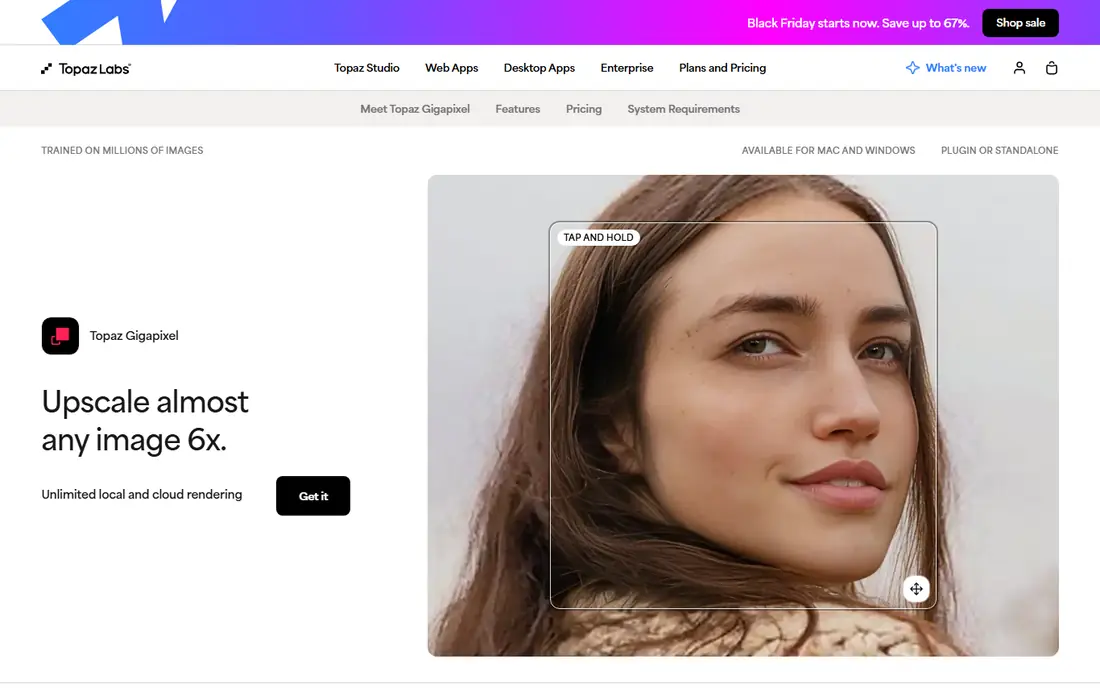
Topaz Gigapixel is the print specialist in this list. It enlarges images while preserving texture, edges, and fine detail, which matters for large prints and professional photo work. Its models are tuned for photos, and it works as a plugin inside Lightroom and Photoshop.
The catch is hardware and scope. It runs on desktop with a decent GPU, and it focuses on upscaling, not full retouching. If print quality is the goal, it is the tool to beat.
- Up to 6x upscaling
- Detail-preserving models
- Plugin for Lightroom and Photoshop
- Desktop only
- Needs a capable GPU for large batches
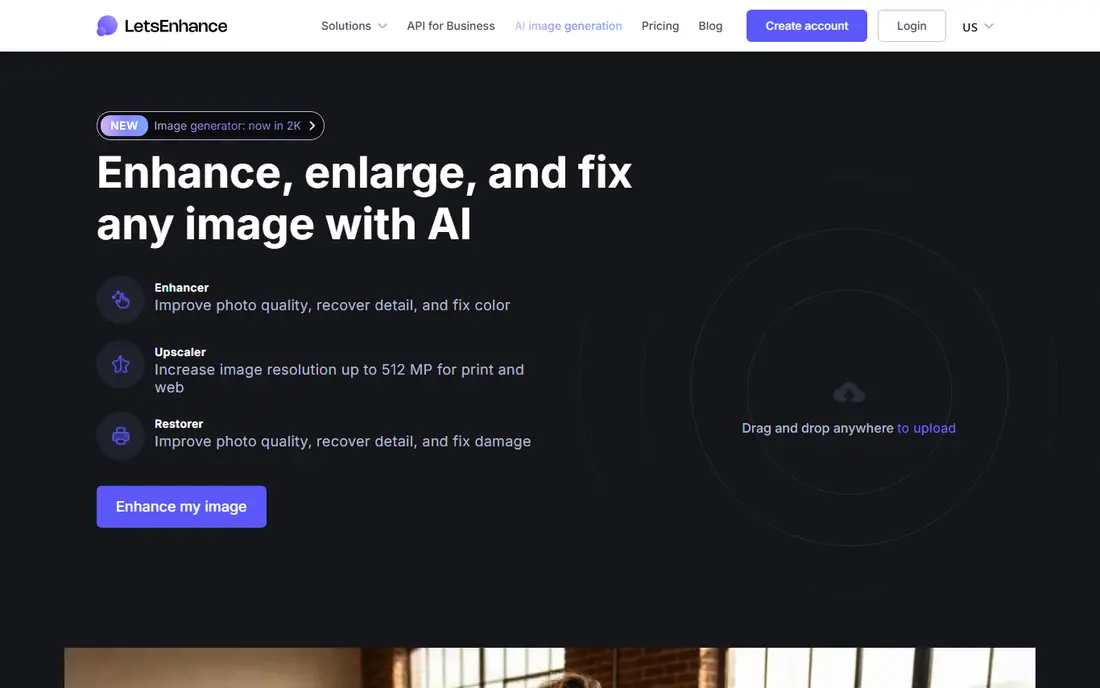
LetsEnhance is the best all-around browser upscaler for most people. It handles photos, art, and product images in a browser, with batch processing for up to 20 images and several specialized models. Credits roll over on paid plans, which helps occasional users.
The catch is credits. You need to track how many images each job uses, and very poor sources still produce soft results. For regular web and print work, its balance of quality and price is strong.
- Batch processing
- Up to 16x on some plans
- Credit rollover on paid plans
- Credit system needs tracking
- Quality varies by source image
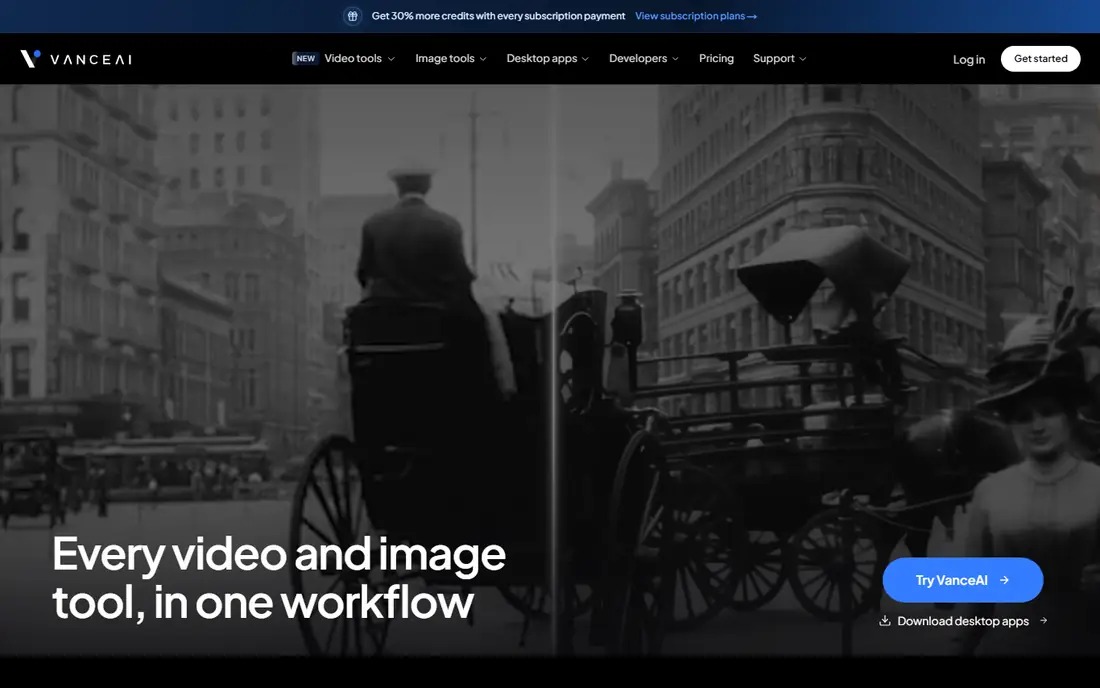
VanceAI suits casual users who want flexibility without a subscription. Its pay-per-credit model lets you buy only what you need, and specialized models cover photos, anime, and art. That makes it a good second tool for jobs your main editor handles poorly.
The catch is texture. On fine detail, VanceAI can smooth too much, so check results at full zoom. For quick web fixes, that smoothing is often acceptable.
- Pay-per-credit pricing
- Specialized models
- Desktop and web options
- Results can look over-smoothed on fine texture
- Credit math varies by tool
Upscayl is the best free option, full stop. It runs on your own computer, needs no uploads, and produces clean output with no watermark. That privacy and price combination is rare in AI tools, and it suits students and hobbyists.
The catch is hardware and polish. You need a decent machine, and the interface is plain next to paid rivals. If you have the hardware, Upscayl is hard to argue against.
- Completely free
- Open source
- No uploads needed
- Needs a capable machine
- Interface is basic
- No cloud option
HitPaw FotorPea
Who it suits: Desktop upscaling plus restoration and colorization
HitPaw FotorPea bundles upscaling with restoration in one desktop app. Beyond enlarging images, it restores old photos and colorizes black-and-white images, which suits family archives and small studios. Batch tools help when you have many files to process.
The catch is price. Monthly billing is high compared with LetsEnhance, so check lifetime or annual options. If you only need upscaling, a cheaper specialist may be better.
- Upscaling plus restoration and colorization
- Batch tools
- Desktop app
- Monthly price is high
- Free tier watermarks exports
ON1 Resize AI is the tool for photographers whose end goal is a physical print. Its presets cover paper sizes, margins, tiling, and gallery wrap, which saves time when preparing files for a lab. That print focus sets it apart from general upscalers.
The catch is narrow scope. It will not retouch portraits or fix color, so pair it with a full editor. For print shops and serious photographers, that focus is a strength.
- Print presets and margins
- Tiling and gallery wrap options
- One-time purchase options
- Narrow focus on resizing
- Less useful for general enhancement
Remini is the mobile pick for old family photos. It excels at faces, turning soft, old portraits into clearer images in seconds on a phone. That makes it popular for restoring family archives without a desktop workflow.
The catch is scope and price. It is weak on outdoor scenes and products, and weekly billing adds up if you leave it running. Use it for a focused restoration project, then cancel.
- Strong face restoration on mobile
- Quick results
- Web and mobile access
- Weak on non-portrait content
- Weekly pricing adds up fast
Magnific AI suits artists who want to reimagine AI art at high resolution. Its models add detail and style to AI-generated images, producing results that look intentionally crafted rather than merely enlarged. That creative control appeals to illustrators and designers.
The catch is fidelity. Magnific can change content, so it is wrong for faithful photo restoration or evidence. Use it when creative reinterpretation is the goal, not accuracy.
- High-detail creative upscaling
- Style controls
- Strong for AI-generated art
- Can alter content significantly
- Higher price
- Not for faithful photo work
PhotoRoom is the ecommerce pick for listing-ready product photos. It combines enhancement with background removal, shadows, and templates, so a seller can go from a phone photo to a listing image in one pass. Batch tools help shops with many products.
The catch is the free plan, which watermarks exports and blocks commercial use. Paid plans allow commercial use from a low monthly price, which most sellers will need.
- Background removal plus enhancement
- Ecommerce templates
- Batch tools
- Free plan watermarks exports and blocks commercial use
How we picked these
We compared official feature pages, pricing pages, and app store listings, and we checked that each vendor homepage loads and matches the product named. We favored tools that are still offered in October 2026, that fit the topic without stretching the definition, and that publish clear pricing or a clear route to a quote. Where a price was not published on the vendor site, we wrote See website instead of guessing. We did not claim hands-on testing we did not do, and we treated public reviews as background only, not as proof of a feature.
How to choose an image enhancement tool
First, decide whether you need faithful or creative results. Faithful tools such as Topaz and LetsEnhance aim to preserve the original, while Magnific intentionally adds detail. Using a creative tool on a family photo can change faces in ways you do not want.
Second, check resolution and output limits. Some tools cap output size on lower plans, and print work needs higher limits than social posts. Test with your largest intended print size, not just a screen preview.
Third, watch the billing model. Subscriptions, credits, and weekly plans all look cheap at first glance, but they add up differently. For a one-off project, credits or a free tool may beat a monthly plan you forget to cancel.
Before you pay, test with your own files. Run the same five images through two finalists, one portrait, one outdoor scene, one product shot, one old scan, and one low-resolution screenshot. Compare detail, skin, text, and color at full zoom, since a tool that shines on portraits can fail on text. Keep the original files, and export at the size you actually need, so you judge real output rather than a small preview.
Frequently asked questions
What is the best AI image enhancement tool?
LetsEnhance is the best all-around pick for browser upscaling. Topaz Gigapixel is better for print-quality desktop work, while Upscayl is best if you want it free.
What is the best AI tool for image enhancement for free?
Upscayl is completely free and open source, with no watermark. LetsEnhance and VanceAI also offer free credits for occasional use.
What is the best AI image enhancement software for old photos?
Remini is best for old face photos on mobile, while HitPaw FotorPea suits desktop restoration and colorization. For faithful work, check faces at full zoom before you trust any result.
Can AI upscale an image without losing quality?
AI upscaling can add plausible detail and sharpen edges, but it cannot recover detail that was never in the file. Expect a cleaner, larger image, not a perfect original.
Is Topaz Gigapixel worth it?
For photographers who print or deliver high-resolution files, yes. For occasional social images, LetsEnhance or Upscayl give good results at lower cost.
Sources we checked (9)

Online Jobs is an independent blog about careers, online work, learning new skills and the tools that help people earn. More about us.
Keep reading
All posts
Best Tools to Unblur Photos for Free
We compared the best tool to unblur photos for free, covering face repair, web tools, desktop apps, free limits, watermarks, and what blur cannot fix.

Best Photo Storage App
Looking for the best photo storage app? We compared 9 photo storage and backup apps on free space, price, search, sharing and privacy, to help you choose.
Best Photo Editor App
Best photo editor app guide: we compare 8 photo editors on editing control, presets, free plans, and pricing so you can pick the right app for photos.