Best AI Humanizer Tool in 2026: 8 Tools Compared


All round humanizing with detector checks · Starting price: See website
How we put this together: we compare official feature and pricing pages, app store listings, privacy policies and public user reviews. Prices change, so check the provider's site before you pay.
Key takeaways
- No humanizer can promise that a detector will always pass a piece of text, because detectors change and many check style, structure and context, not just wording.
- Free limits are small on most tools, so a tool that looks free can become a paid subscription after a few short passages.
- The best use for these tools is editing a draft you wrote or generated openly, improving flow and clarity, not hiding authorship where disclosure is required.
- Tone controls, word limits and plagiarism checks matter more in daily use than a headline claim about bypassing a detector.
- Always check the rules of your school, employer or publisher before using a humanizer, because some settings ban this kind of rewriting outright.
Quick comparison
| Name | Who it suits | Starting price | Free option | |
|---|---|---|---|---|
| Undetectable AI | All round humanizing with detector checks | See website | Free trial | Visit |
 StealthWriter StealthWriter | Adjustable humanizing levels | See website | Yes | Visit |
 WriteHuman WriteHuman | Simple rewrites for short passages | See website | Yes | Visit |
 BypassGPT BypassGPT | Quick checks across detectors | See website | Yes | Visit |
 QuillBot QuillBot | Paraphrasing and general editing | See website | Yes | Visit |
 Humbot Humbot | Low cost humanizing for students | See website | Yes | Visit |
 HIX Bypass HIX Bypass | Humanizing plus other writing tools | See website | No | Visit |
 Smodin Smodin | Multilingual rewriting and study help | See website | Yes | Visit |
The best ai humanizer tools
These tools rewrite AI generated text so it reads more like ordinary human writing. We compared their free limits, tone options, extra checks and pricing pages, and we kept the focus on fair uses such as editing your own draft, improving clarity and learning how sentence patterns affect readability.
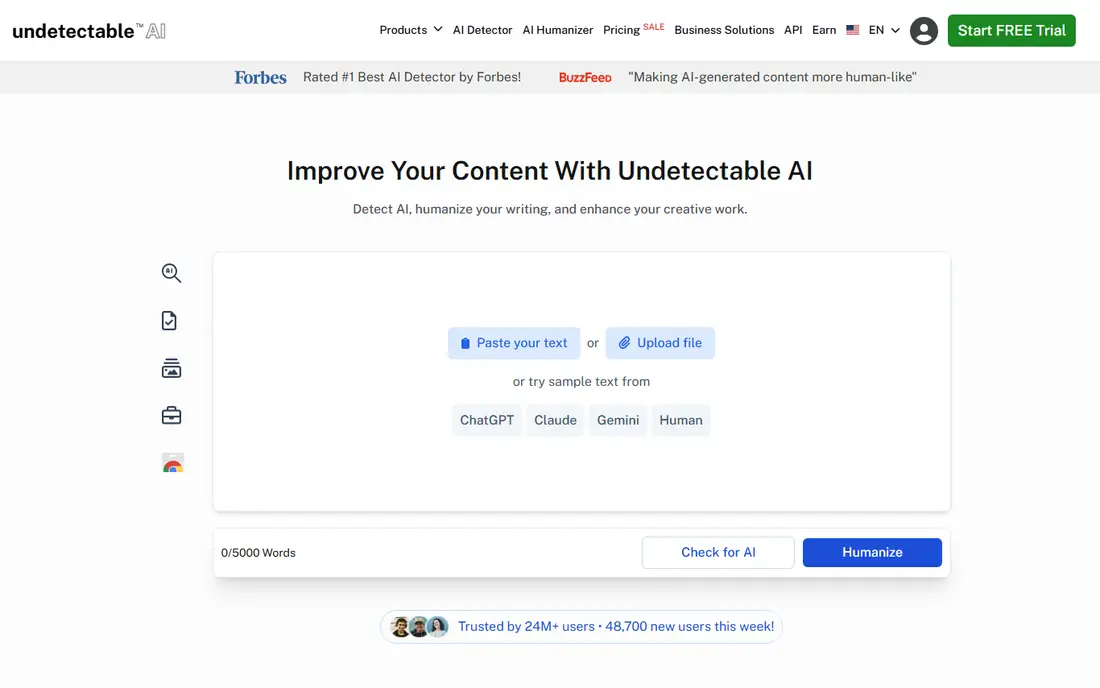
Undetectable AI is the best known name in this group, and that familiarity is part of its appeal. You paste text, choose a readability level and purpose, and the tool returns a rewritten version alongside detector style feedback. For a blog draft or a marketing paragraph, that feedback can help you spot the stiff, repetitive patterns that make AI text easy to spot.
The catch is that detector feedback is a guide, not a verdict. A passage can pass one checker and fail another, and a later update to a detector can change the result for the same text. Use Undetectable AI to improve a draft you are open about, and edit the output yourself. If the rewrite changes a fact, a quote or a technical term, fix it before you publish.
- Built in AI detection checks
- Several readability and tone settings
- Works in a browser with no install
- Free use is limited
- Detector results vary by text type
- Paid plans are needed for longer work
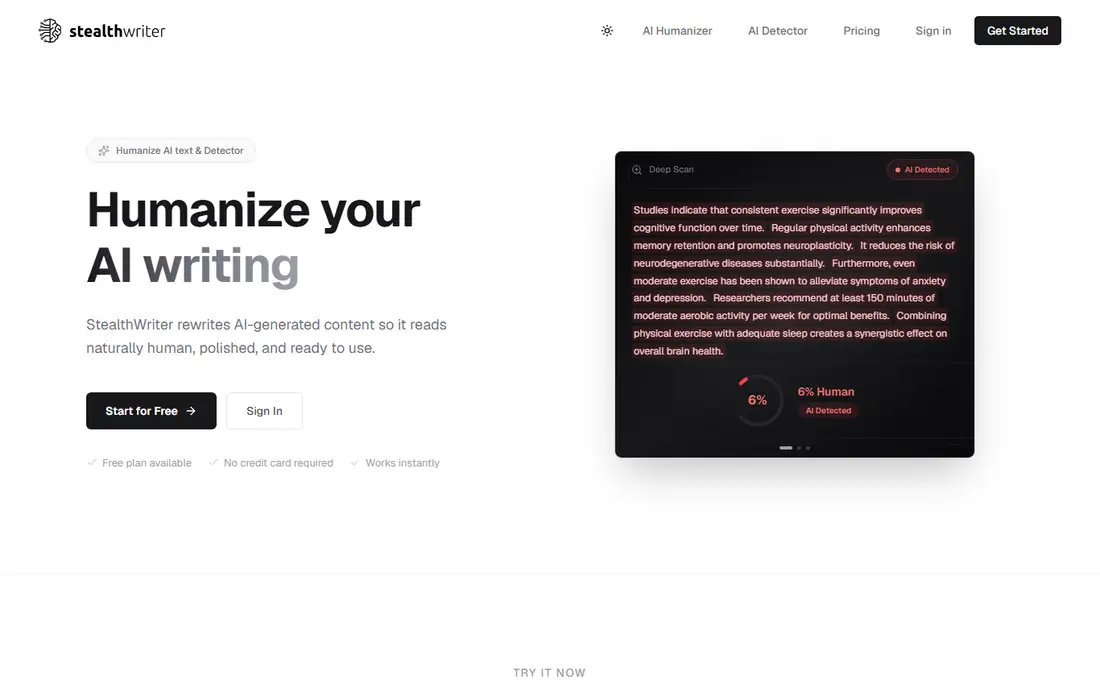
StealthWriter gives you more control than a one button rewrite. Its modes let you choose a lighter touch for a nearly finished draft or a deeper rewrite for text that sounds flat and mechanical. That choice matters, because a deep rewrite can drift from your original point if you are not watching for it.
We would pick this one for writers who already have a solid draft and want to vary sentence length and word choice. Check each paragraph after rewriting, especially names, numbers and claims. The tool is good at changing rhythm, but it cannot know which details in your draft must stay exact.
- Two humanizing modes for different levels of change
- Built in detector feedback
- Keeps most of the original meaning
- Free daily limit is small
- Longer documents need a paid plan
- Output can need a polish pass
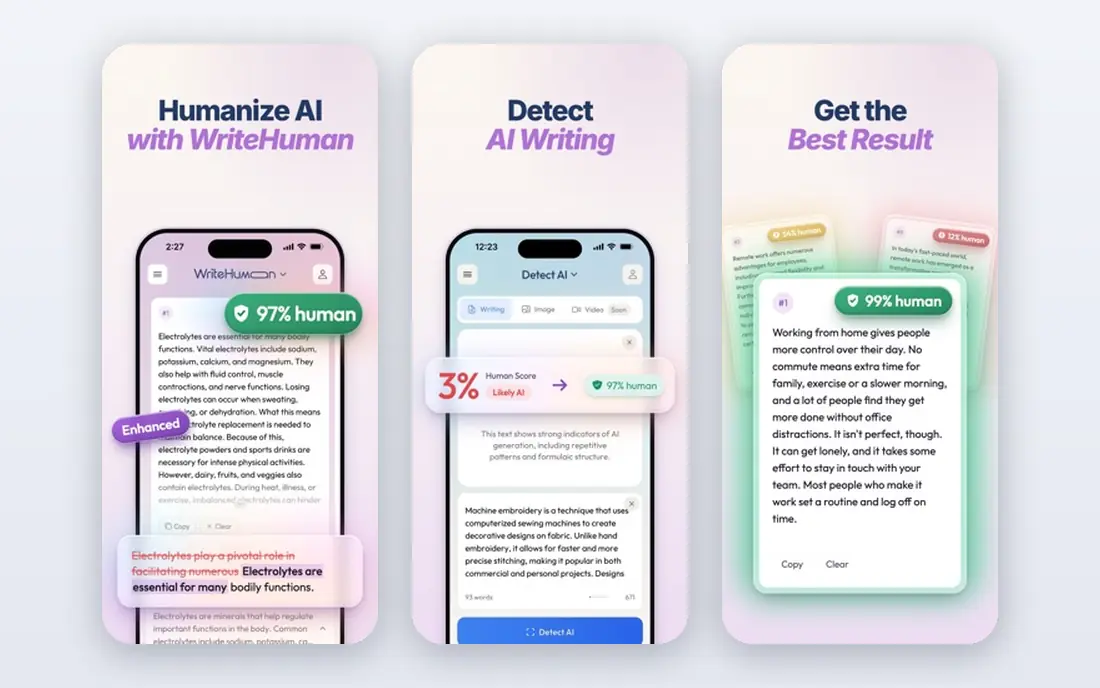
WriteHuman suits people who want a fast result without a long setup. Paste a paragraph, run the humanizer, and read the new version next to the original. For social posts, product descriptions and short emails, that simple flow is enough, and the lack of clutter helps you focus on the words.
The limit is scope. Long essays and reports will hit free limits quickly, and you will need to work in sections. That can actually help quality, because editing section by section makes it easier to catch changes in meaning. Do not paste sensitive or confidential text into any web humanizer unless you have checked its privacy policy and your own workplace rules.
- Clean and simple workflow
- Useful for emails and short posts
- Built in detector check
- Free checks are limited in length
- Fewer advanced settings than larger tools
- Not built for long reports
BypassGPT stands out for showing results from several detectors in one place, which saves you from copying the same passage into tool after tool. For a writer who wants a quick sense of how a paragraph might be read, that combined view is handy. It also offers different modes, so you can try a lighter or stronger rewrite and compare them side by side.
Treat the detector scores as rough signals. Detectors disagree, and a high score on one does not prove a text was written by a person. The honest way to use BypassGPT is to rewrite, then read aloud, fix awkward phrasing, and keep any disclosure your reader or institution requires. A tool that helps you polish is useful. A tool used to mislead a teacher, editor or client is a different matter.
- Several rewriting modes
- Detector results shown together
- No install needed
- Free trial is short
- Results differ across detectors
- Some outputs need grammar fixes
QuillBot is the most useful general editor on this list, even though it is not sold mainly as a humanizer. Its paraphraser lets you adjust tone and formality, and the same account gives you a grammar checker, a summarizer and a citation helper. For students and office writers, that bundle covers far more daily work than a single purpose humanizer.
That breadth is also its limit for this topic. QuillBot rewrites for clarity, not to defeat a detector, so do not expect it to behave like a dedicated bypass tool. We include it because many readers want a tool they can use openly for editing, and QuillBot fits that need without pushing claims about undetectability. If your main goal is honest editing, start here.
- Strong paraphraser with tone modes
- Grammar and summarizer tools in the same account
- Useful beyond humanizing
- Free paraphrasing has word limits
- It is not a dedicated bypass tool
- Premium is needed for full features
Humbot is a straightforward option for short passages, especially for students and bloggers who only need a humanizer now and then. The interface is plain, the rewrite is fast, and you can see detector style feedback without learning a complex dashboard. For a paragraph or two, that is all most people need.
For longer work, the free allowance runs out fast, and you will need to decide whether a paid plan is worth it for your volume. Technical writing, legal text and scientific terms need extra care here, because a rewrite can swap a precise word for a vaguer one. Read the result as an editor, not as a finished draft, and restore any term the rewrite softened too much.
- Simple paste and rewrite flow
- Detector feedback included
- Lower priced paid plans in past listings
- Free allowance is small
- Fewer tone controls than top tools
- Output quality varies by topic
HIX Bypass makes sense if you already use the wider HIX writing suite, because humanizing sits next to its paraphraser, essay tools and chat features. That keeps your editing in one place, and the detector check helps you see which passages still read as mechanical. For content teams that use several AI writing tools, one account can be simpler than five separate logins.
On its own, HIX Bypass is harder to recommend over cheaper single purpose tools, because there is no lasting free tier to test it properly. Word based pricing also means long documents cost more than a flat monthly plan might. Check the current pricing page for your expected monthly word count before you commit, and keep a copy of your original draft so you can compare meaning.
- Part of a larger writing suite
- Detector checks included
- Useful if you already use HIX tools
- No permanent free plan in past listings
- Pricing is by word volume
- Bypass results are not guaranteed
Smodin is a study and writing platform first, and its humanizer is one part of a larger set that includes a plagiarism checker, a citation tool and a paraphraser. That mix suits multilingual writers, because you can check a draft, rewrite a passage and review sources without moving between apps. For non native English writers, the extra language support is a real plus.
The downside is focus. A platform that does many things rarely does one thing as cleanly as a specialist, and Smodin is no exception. Its humanizer output still needs a careful read, and its free limits mean regular users will need a paid plan. Use it for learning and editing, and do not use it to submit work as your own when your course or workplace requires original writing.
- Supports many languages
- Includes plagiarism and citation helpers
- Good for study notes and drafts
- Humanizer is one feature among many
- Free daily limits apply
- Interface can feel busy
How we picked these
We compared official feature pages, pricing pages, app store listings and privacy notes, and we gave weight to tools that are still operating, that state their limits plainly, and that offer a way to test them before paying. We did not claim hands on testing, and we did not treat a vendor claim about bypass rates as proof, because detectors update often and results depend on the text, the topic and the checker used.
We also left out tools that are marketed mainly for cheating or for creating misleading content. A humanizer can be a legitimate editing aid, but only when the writer stays responsible for the final text and follows the rules of the setting where it will be used. That line shaped this list as much as price or features did.
What to check before you pay
Start with the free limit
Count the words you actually rewrite in a normal week, then compare that number with the free allowance. A tool with a small free limit can still be good value if you only rewrite short posts, but it is a poor pick for long reports. Paid plans are usually priced by words per month, so check whether unused words carry over.
Read the output, do not just trust a score
A detector score tells you how one system classified a passage at one moment. It does not tell you whether the passage is accurate, clear or honest. Read the rewrite for changed facts, lost nuance and awkward sentences, and keep your original draft for comparison. If a sentence now says something you did not mean, change it back.
Check privacy and rules first
Web humanizers process your text on their servers, so avoid pasting unpublished work, client data, medical details or anything confidential unless you have permission and have read the privacy policy. Schools, publishers and employers often have their own rules about AI edited text, and those rules override anything a tool promises on its sales page.
Pick for your real job
Choose a specialist humanizer if you rewrite AI drafts every day, and choose a general editor such as QuillBot if you mostly need paraphrasing and grammar help. A larger suite makes sense only if you will use several of its tools. Paying for a bundle you barely open is the most common waste in this category.
Frequently asked questions
What is the best ai humanizer tool for free use?
QuillBot and Smodin offer usable free tiers for short editing, while StealthWriter, WriteHuman and BypassGPT offer limited free checks. For longer work, expect to pay, because free allowances are designed for trials, not for full documents. Compare the word limit with your weekly volume before you pick.
Can a humanizer make AI text undetectable?
No tool can guarantee that result. Detectors differ, they are updated often, and they look at patterns that go beyond single words. A rewrite can lower a detection score, but it can also be flagged again later, so do not rely on a humanizer to hide authorship where disclosure is required.
Is it cheating to use a humanizer for school work?
It depends on your school and the assignment. Some courses allow AI help for editing and brainstorming, while others require fully original writing and ban rewriting tools. Read the course policy and ask your teacher if you are unsure, because submitting rewritten AI text as your own work can breach academic rules.
Do humanizers keep my text private?
That depends on the vendor. Some tools state that pasted text is processed and not stored for training, while others keep logs for service improvement. Read the privacy policy, avoid sensitive text, and delete drafts from your account when you are done if the tool allows it.
What is the difference between a humanizer and a paraphraser?
A paraphraser rewrites for clarity and variety, while a humanizer also tries to change the patterns detectors look for, such as uniform sentence length and predictable word choice. In practice the two overlap, and a good paraphraser can make a draft read more naturally without making claims about detectors.
Should I edit the output after humanizing?
Yes, always. Humanizers can change meaning, drop a qualifier, or introduce a grammar slip, especially in technical or legal passages. Read the final text as the author, fix anything that is wrong, and take responsibility for every sentence you publish or submit.
Sources we checked (8)

Online Jobs is an independent blog about careers, online work, learning new skills and the tools that help people earn. More about us.
Keep reading
All posts
Zoom Alternatives
Zoom alternatives compared for 2026: Google Meet, Microsoft Teams, Webex, Jitsi and more for free calls, large meetings and webinars for teams and classrooms.

What Is the Best Free Tool to Rotate a PDF
What is the best free tool to rotate a PDF? We compare eight free rotation tools on per-page control, limits, privacy and saved output quality in detail.

What Is the Best AI Dubbing Tool
We compared the best AI dubbing tools in 2026, from ElevenLabs and HeyGen to Rask AI, Dubverse and Veed, for videos and creators in many languages worldwide.