Best AI Headshot App in 2026: 8 Tools Compared


LinkedIn and corporate headshots · Starting price: See website
How we put this together: we compare official feature and pricing pages, app store listings, privacy policies and public user reviews. Prices change, so check the provider's site before you pay.
Key takeaways
- HeadshotPro and Aragon AI are our top picks for professional LinkedIn headshots, with HeadshotPro strong for teams and Aragon strong for realism.
- BetterPic offers 4K output on every tier, which helps for print and large team pages.
- Secta AI suits users who want a very large gallery to choose from, at the cost of more curation time.
- Try It On AI is the budget route, with a single-photo workflow and slower turnaround.
- AI headshots can look polished, but check likeness, hands, and backgrounds closely before using one for a formal application.
Quick comparison
| Name | Who it suits | Starting price | Free option | |
|---|---|---|---|---|
| HeadshotPro | LinkedIn and corporate headshots | See website | No | Visit |
 Aragon AI Aragon AI | Realistic executive headshots | See website | No | Visit |
 BetterPic BetterPic | 4K headshots at good value | See website | No | Visit |
 Secta AI Secta AI | Large headshot galleries | See website | No | Visit |
 Try It On AI Try It On AI | Budget headshots | See website | Yes | Visit |
 Remini Remini | Quick mobile headshots | See website | Yes | Visit |
 PhotoAI PhotoAI | Ongoing headshot content | See website | No | Visit |
 StudioShot StudioShot | Varied backgrounds and styles | See website | No | Visit |
The best AI headshot apps
An AI headshot tool should give you a believable, professional photo that still looks like you, without a studio booking. Most tools work in one of two ways: trained-model tools learn your face from several selfies and generate many looks, while single-photo tools restyle one photo quickly. Trained-model tools usually look more realistic but take longer and cost more. We compared official pricing and feature pages, plus public reviews, for tools active in 2026. Prices here are mostly one-time packages, not monthly subscriptions, so check the package that matches the photo count and resolution you need.
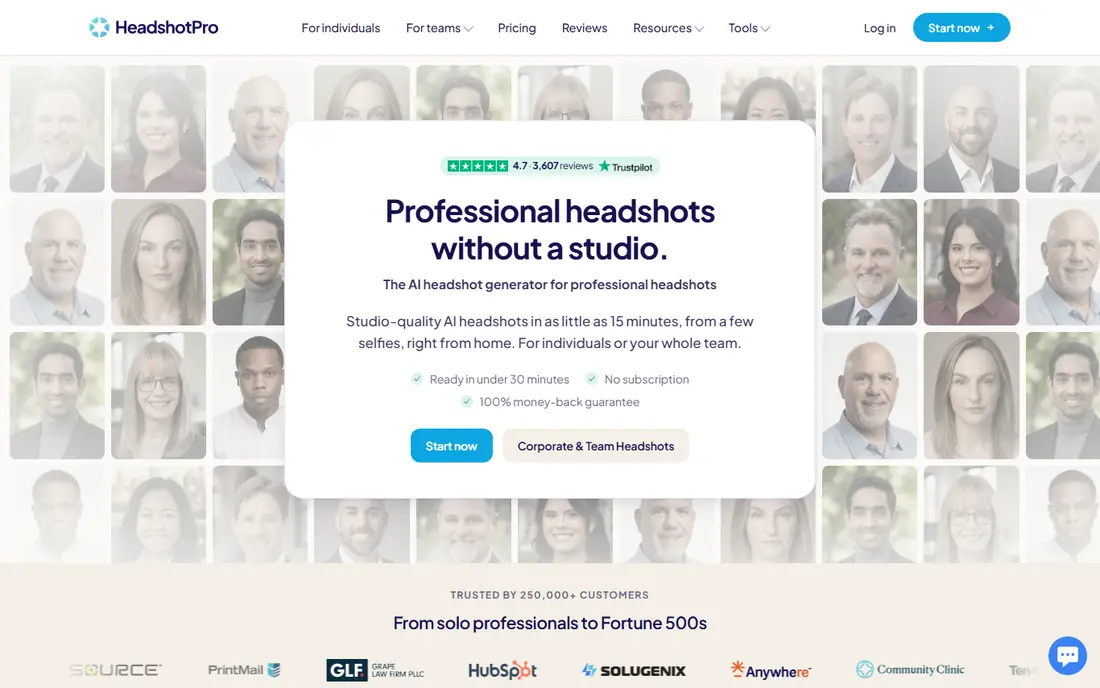
HeadshotPro is a trained-model tool that asks for a set of selfies, then generates a gallery of professional headshots in different outfits, backgrounds, and lighting. Individual packages are reported from $29, with a Professional tier at $39 offering 50 headshots and edit credits, and an Executive tier at $59 adding 4K downloads. Turnaround is commonly about two hours, though some comparisons list faster times for smaller packages.
Team tools are a strength, with an admin able to invite staff, pick styles, and download a consistent set for a company page. That consistency matters for a staff directory, where mixed styles look messy. The main limit is input quality: blurry, filtered, or group photos give weaker results, so upload clear, varied selfies and check likeness before paying for extra edits.
- Consistent quality across styles
- Strong team tools
- Free redo window on some plans
- One-time package, not a subscription
- Realism varies by input photo quality
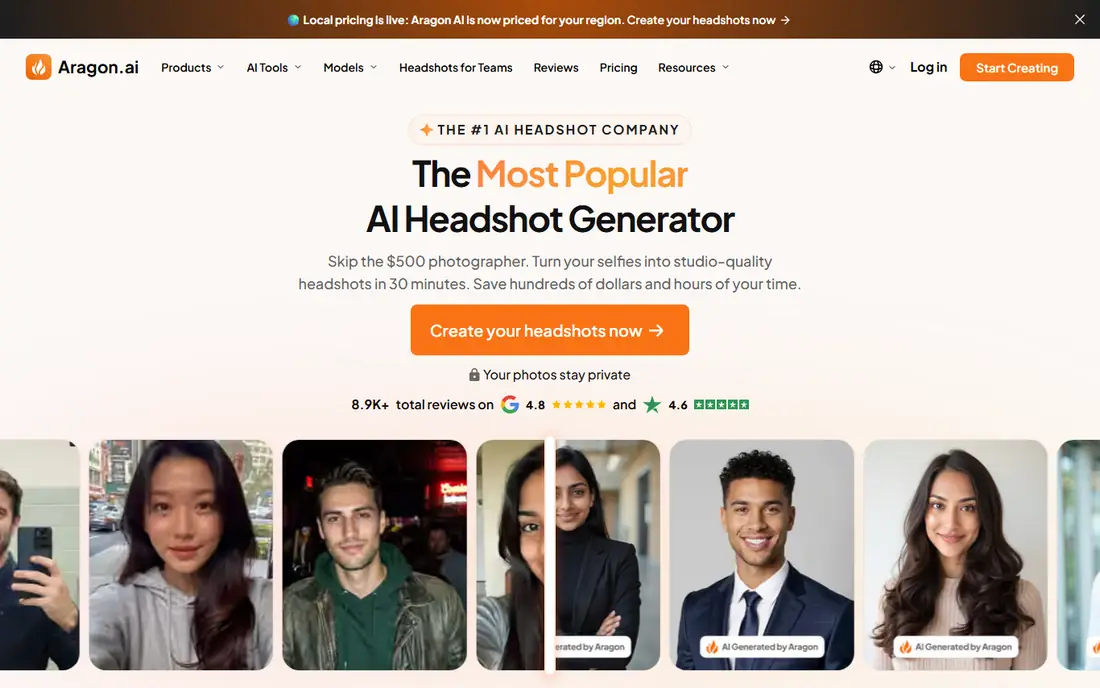
Aragon AI is often rated the most realistic of the trained-model tools, with a Basic package reported from $35 for 40 headshots, Standard at $45 for 60, and Executive at $75 for 100. Turnaround is listed at about 45 minutes on Basic, 30 minutes on Standard, and 15 minutes on Executive, though actual times vary with demand. It asks for at least six selfies from different angles, with clear lighting and minimal filtering.
The catch is resolution. Only the Executive tier delivers the highest-resolution files in some comparisons, so check pixel dimensions at checkout if you need print quality. For LinkedIn, a resume, or a company bio, Aragon gives a polished result that is hard to tell from a studio photo, provided the input selfies are good.
- Very realistic faces in comparisons
- Fast turnaround
- Clear tier structure
- Highest resolution only on top tier
- One-time package pricing
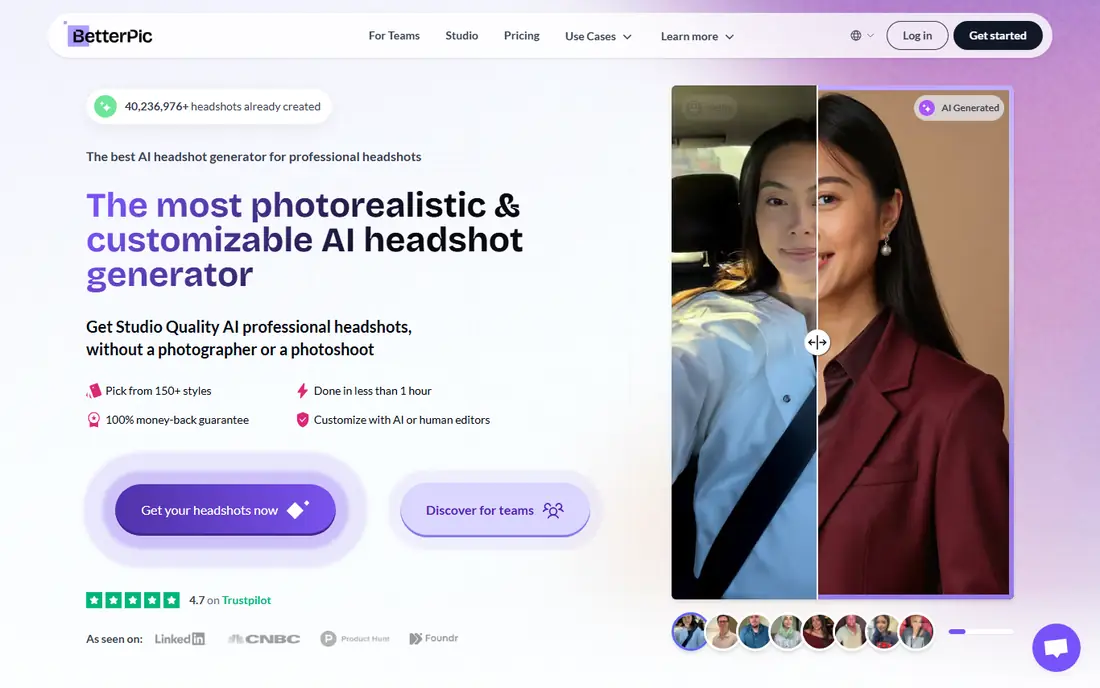
BetterPic stands out for 4K output on every tier, including the cheapest, which helps when a headshot will appear large on a website, a conference banner, or a printed program. Packages are reported from $35, with Pro at $39 offering 60 headshots and a commercial license. Extra human edits are listed at $8 each and a full redo beyond the free one at $10, which makes the total cost predictable.
The Basic tier covers only one style, so most buyers should start at Pro for variety. Turnaround and style range are competitive, though not as team-focused as HeadshotPro. For a single professional who wants high resolution without paying for the top tier elsewhere, BetterPic is strong value.
- 4K output on every tier
- Clear prices for extra edits
- Commercial license on Pro
- Basic tier covers only one style
- Full redo beyond the free one costs extra
Secta AI, also listed as Secta Labs, is the volume pick. Packages are reported from about $49 and deliver 300 or more portraits per session, with a remix mode that restyles a photo you like without starting over. That volume helps when you want to test many outfits, backgrounds, and moods before choosing one or two favorites.
The downside is time. Sorting 300 portraits to find the few that truly look like you takes longer than sorting 40, and some looks will feel generic. It also asks for more input photos, reported at about 15, to train the model well. For users who enjoy browsing options, Secta is fun and thorough. For users who want a quick pick, a smaller gallery from HeadshotPro or Aragon is faster.
- Very large gallery, 300 or more portraits
- Remix mode for restyling a favorite
- Varied looks
- Curation takes time
- Price is higher than budget tools
- Needs many input photos
Try It On AI is the budget route for a professional-looking headshot without uploading a full selfie set. Packages are reported from about $17 for 40 headshots, with a free preview in some offers, and the workflow starts from a single photo. That simplicity suits job seekers who need a usable LinkedIn photo quickly and cheaply.
Turnaround is slower, at 12 to 24 hours in several comparisons, and likeness can vary more than with trained-model tools, since the model has less face data to work from. Check the preview closely for face shape, skin tone, and background errors before using the result for a formal application. For a low-cost first try, Try It On AI is a fair starting point.
- Low price
- Single-photo workflow
- Free preview in some offers
- Slower turnaround, 12 to 24 hours in comparisons
- Likeness is less consistent than trained-model tools
Remini started as a photo enhancer that sharpens blurry or old photos, and its AI headshot features build on that mobile workflow. It is fast, with results in minutes rather than hours, and a subscription also covers general photo enhancement, which suits users who edit phone photos often. Pricing is reported from about $9.99 per month, with weekly options in some stores.
The limit is realism for formal use. Remini enhances and restyles photos well, but it does not train a dedicated face model in the same way as HeadshotPro or Aragon, so results can look less like a studio portrait. Commercial license terms are also limited on some plans, so check them for business use. For quick social profile photos, Remini is convenient. For a corporate headshot, a trained-model tool is safer.
- Fast mobile editing
- Photo enhancement plus AI headshots
- Subscription covers other edits
- More an enhancer than a trained-model headshot studio
- Commercial license is limited on some plans
PhotoAI suits creators and professionals who need new headshots regularly, not just once. A subscription, reported at about $29 per month in several comparisons, gives repeated generations and a large photo count, with team plans for companies that refresh staff pages often. That model beats buying a new one-time package every few months.
For a one-off LinkedIn photo, a subscription is poor value compared with a $29 to $39 one-time package from HeadshotPro or Aragon. Cancel terms and generation limits also matter, so check how many photos the plan includes per month. If you post content often and want fresh profile photos for different platforms, PhotoAI earns its subscription. If not, buy once elsewhere.
- Subscription model for repeated generations
- Large photo counts
- Team options
- Monthly cost adds up if you only need one headshot
- Realism depends on training photos
StudioShot offers a trained-model workflow with a focus on varied backgrounds, outfits, and settings, which helps when a team page or a personal brand needs more than a plain studio backdrop. Packages are reported from about $19 to $25 depending on the offer, with 50 headshots in some listings and turnaround of two to four hours.
The main caution is price variation. Different comparisons list different starting prices and photo counts, so check the exact package at checkout, including resolution and license terms. StudioShot is a solid alternative if HeadshotPro or Aragon styles feel too uniform, but it does not clearly beat them on realism, so compare sample galleries before paying.
- Wide background and style variety
- Quick turnaround
- Good for team pages
- Pricing varies by package and offer
- Less well known than HeadshotPro or Aragon
How we picked these
We compared official pricing and feature pages, plus public reviews, for AI headshot tools active in 2026 that generate professional portraits from selfies or a single photo. We favored tools with clear package pricing, stated photo counts, and a commercial license where relevant, and we noted where pricing varies by offer. We did not claim hands-on testing we did not do. AI results vary by input photo quality, so upload clear, unfiltered selfies and review likeness carefully before using a result professionally.
How to get a headshot that still looks like you
Start with good input photos. Use clear, well-lit selfies from different angles, with a neutral expression and no heavy filters, sunglasses, or group shots. Most trained-model tools ask for six to fifteen photos, and that variety helps the model learn your face rather than copy one expression. Avoid uploading old photos where your hair, glasses, or weight differ a lot from today, since the result will match the old look, not the current one.
Next, review with a critical eye. Check face shape, ears, teeth, hands if visible, background edges, and clothing details for AI errors, and ask a friend whether the photo looks like you at a glance. A headshot that looks polished but not like you can hurt more than a plain phone photo, especially for a job application or a client-facing role. If the likeness is off, use a free redo where offered, or try a different tool, rather than forcing a favorite style to work.
For LinkedIn and resumes
Choose a simple background, a natural expression, and clothing that matches the role you want, rather than the most dramatic style in the gallery. Crop to a head-and-shoulders frame, export at the highest resolution offered, and test how the photo looks at small size, since LinkedIn thumbnails are tiny. Keep the original file, so you can re-crop for different platforms without regenerating.
For teams and company pages
Pick one tool and one style guide for the whole team, so the staff page looks consistent. HeadshotPro and PhotoAI both offer team workflows, with admin invites and shared billing, which beats asking each person to buy separately. Set a deadline, a photo upload guide, and a review step, since a team page with mixed quality looks worse than a page with no photos at all.
Frequently asked questions
What is the best AI headshot app for LinkedIn?
HeadshotPro and Aragon AI are our top picks for LinkedIn, with HeadshotPro strong for consistency and teams and Aragon strong for realism. BetterPic is a good alternative for 4K output. Whichever tool you choose, check likeness at small size, since that is how most people will see the photo.
How much does an AI headshot cost?
Most one-time packages cost from about $17 to $49, with HeadshotPro from $29, Aragon from $35, BetterPic from $35, and Secta from about $49 in recent comparisons. Subscription tools like Remini and PhotoAI charge monthly instead, which suits repeated use but costs more for a single photo. Check photo count, resolution, and license at checkout.
Do AI headshots look real?
Often yes, especially from trained-model tools with good input selfies, but results vary and small errors can appear in ears, teeth, backgrounds, and clothing. Review the gallery closely and ask someone else whether it looks like you. For a formal application, a real photographer remains the safest choice when likeness must be exact.
How many selfies do I need for an AI headshot?
Most trained-model tools ask for six to fifteen clear selfies from different angles, with good lighting and no heavy filters. Single-photo tools like Try It On AI need only one photo, but likeness is less consistent. More varied, recent selfies usually give a better result than many similar photos.
Can I use an AI headshot for work?
Yes, for LinkedIn, resumes, company bios, and social profiles, provided the license allows it and the photo truly looks like you. Check the commercial license terms, especially for Remini and other subscription tools, and avoid using an AI headshot for identity documents, where a real photo is required. When in doubt, disclose that the photo is AI-generated if a platform asks.
What is the best app for AI headshots for a team?
HeadshotPro is our pick for teams, thanks to admin tools, style consistency, and bulk downloads for a staff page. PhotoAI also offers team plans for ongoing refreshes, while Aragon offers business plans for smaller teams. Agree on a style guide first, so the whole team page matches.
Sources we checked (8)

Online Jobs is an independent blog about careers, online work, learning new skills and the tools that help people earn. More about us.
Keep reading
All posts
Best Tools to Unblur Photos for Free
We compared the best tool to unblur photos for free, covering face repair, web tools, desktop apps, free limits, watermarks, and what blur cannot fix.
Best Photo Editor App
Best photo editor app guide: we compare 8 photo editors on editing control, presets, free plans, and pricing so you can pick the right app for photos.
Best Photo Editing Software for Beginners
The best photo editing software for beginners in 2026, compared on price, ease of use, and free plans, so you can start editing without confusion from day one.