Best AI for Building Apps in 2026: 9 Tools Compared

How we put this together: we compare official feature and pricing pages, app store listings, privacy policies and public user reviews. Prices change, so check the provider's site before you pay.
Key takeaways
- Prompt builders are fastest for prototypes, but code ownership matters if you plan to maintain an app long term.
- Credit and token pricing can raise costs fast, so check what a plan includes before you build a large app.
- Developers and non coders need different tools, and the best tool depends on your skills, not just its headline features.
- Hosting, database and user login support vary widely, so check those before you start.
Quick comparison
| Name | Who it suits | Starting price | Free option | |
|---|---|---|---|---|
 Lovable | Non coders building real apps | $25 per month | Yes | Visit |
 Bolt | Fast browser prototypes | $25 per month | Yes | Visit |
 Replit | Build and host in one place | $20 per month | Yes | Visit |
 v0 | UI and front end generation | $30 per month | Yes | Visit |
 Cursor | Developers who code with AI | $20 per month | Yes | Visit |
 Bubble | Visual no code SaaS apps | $32 per month | Yes | Visit |
 Base44 | Non technical app builders | $20 per month | Yes | Visit |
 Softr | Portals on your data | $25 per month | Yes | Visit |
 Glide | Mobile first apps from data | $25 per month | Yes | Visit |
The best AI for building apps
We compared AI app builders by who they suit, what kind of app they produce, how much code you can own, and what the monthly cost looks like in practice.
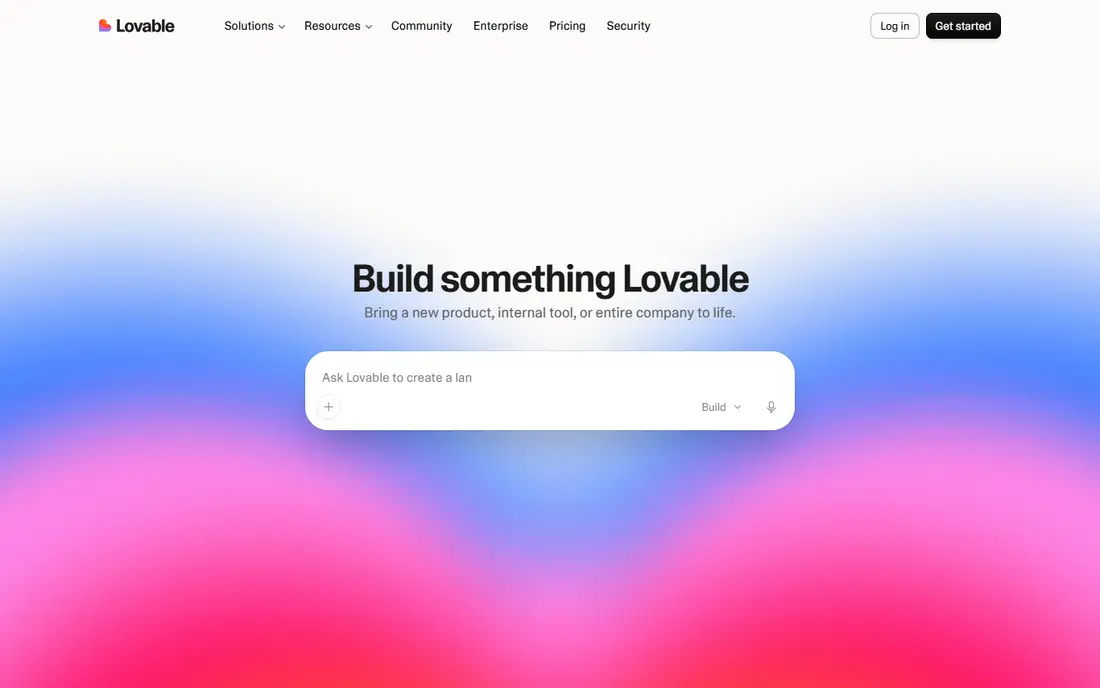
Lovable suits founders and non technical builders who want a working app from a written description. Describe the app, refine it in chat, and Lovable builds the interface, logic and database connections, with hosting included. That speed helps when you need a demo, a landing product or a first version to share with users.
The catch is credits. Each plan includes a monthly credit pool, and large or complex builds can use it quickly. Keep prompts focused, review changes in small steps, and use GitHub sync if you want code outside Lovable. For a first product, Lovable remains one of the easiest routes from idea to a shareable app.
- Prompt to full stack app
- Built in hosting
- GitHub sync
- Credit limits can bind
- Complex apps need care
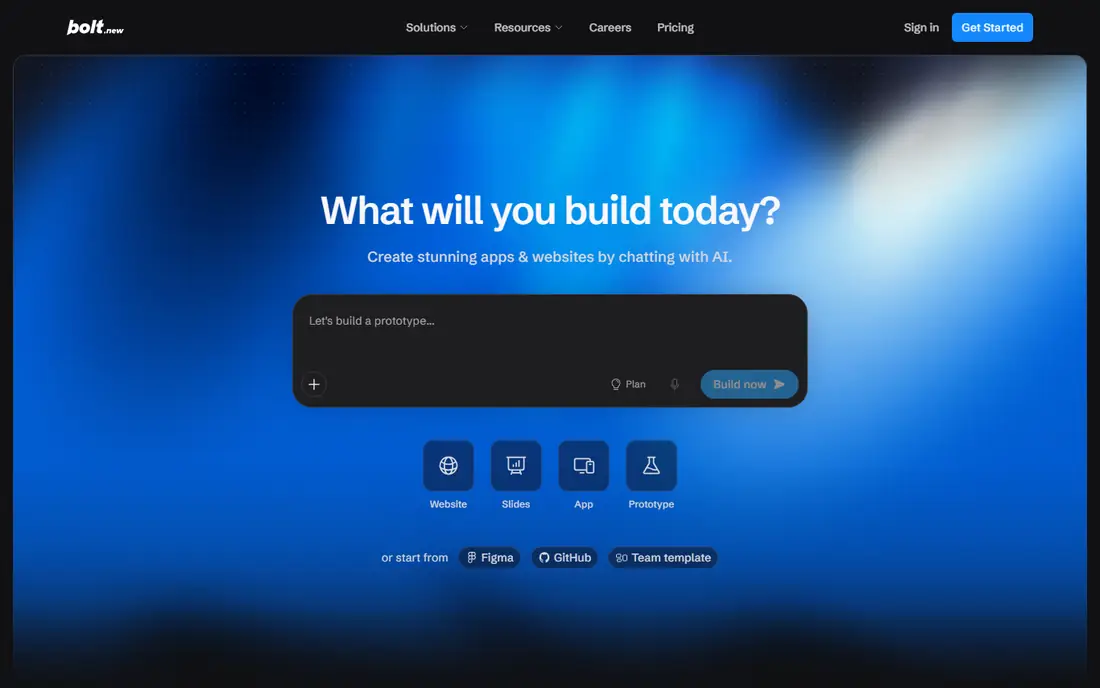
Bolt suits rapid prototyping. Open it in a browser, describe an app, and get a working version you can share and refine in minutes. That speed makes it ideal for pitch demos, hackathons and testing an idea before committing to a larger build. Export to GitHub helps you move a promising prototype elsewhere.
The catch is token pricing. As a project grows, each prompt can use more tokens, so costs can rise faster than a flat subscription suggests. Use Bolt for fast validation, then decide whether to rebuild or continue with a tool suited to long term maintenance.
- Prompt to app in the browser
- Quick sharing
- GitHub export
- Token use grows with project size
- Not ideal for large apps
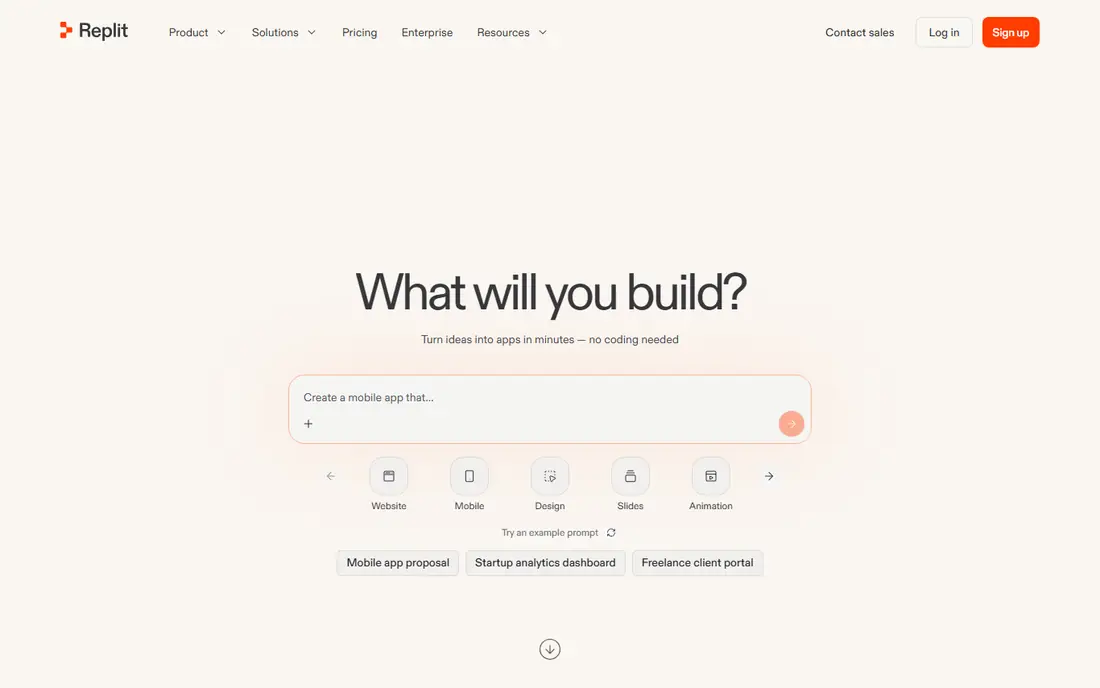
Replit suits solo builders who want to build and host in one place. Its agent writes code in a cloud workspace, and you can publish the result without setting up separate hosting. That combination helps for full stack apps, internal tools and learning projects where setup friction usually slows progress.
The catch is usage credits and code review. Agent output still needs checking, especially for security and data handling, and heavy use can add cost beyond the base plan. If you are comfortable reviewing code and want an all in one workspace, Replit is a strong choice.
- Cloud IDE and agent
- Built in hosting
- Database support
- Credit use can rise
- Agent output needs review
v0 by Vercel suits teams that need strong user interfaces fast. Describe a screen or flow, refine it in chat, and get React code you can deploy on Vercel or sync to GitHub. That focus on front end quality makes it useful for marketing sites, dashboards and product interfaces where design matters.
The catch is scope. v0 is strongest for interface work, and full app logic, databases and user accounts often need additional tools or code. Use it when UI speed matters most, and pair it with a backend you already trust for a complete product.
- High quality UI generation
- Vercel deployment
- GitHub sync
- Front end focus
- Backend needs extra work
Cursor suits developers who already code and want AI help inside their editor. It can explain code, write features, fix errors and work across a codebase, while you keep full ownership of the code and choose your own hosting. That control matters for production apps and long term maintenance.
The catch is skill and pricing detail. You need to review agent changes, test thoroughly and understand the code you ship. Premium model use draws on a credit pool, so heavy use costs more than the base plan. For professional developers, Cursor is the most flexible tool on this list.
- AI agent inside an editor
- You own the code
- Model choice
- Needs coding skill
- Usage credits for premium models
Bubble suits non coders building complex multi user apps, such as marketplaces, booking platforms and internal SaaS tools. Its visual editor covers data, logic, payments and user accounts, and the plugin range extends it further. That depth goes beyond simple prompt builders for apps that need real workflows.
The catch is learning time and hosting. Bubble apps run on Bubble, and you cannot export runnable code, so you are tied to the platform. Expect weeks, not hours, to learn it well. If you need a complex app without coding, that trade off is often worth it.
- Visual logic and database
- Payments and user accounts
- Large plugin range
- Learning curve
- Hosted only, no code export
Base44 suits non technical builders who want a complete app, including backend and data, from prompts. It handles much of the setup behind the scenes, so you can focus on describing features and refining the result. That simplicity helps for internal tools, small customer apps and prototypes that need real data.
The catch is message based pricing and control. Plans limit messages and integrations, and custom logic is less flexible than coded or visual tools. If your app is straightforward and speed matters, Base44 is easy to start with. If you need deep custom logic, consider Bubble or Cursor.
- Prompt built app with backend
- Message based pricing
- Easy sharing
- Message limits
- Less control than coded tools
Softr suits operations teams that already keep data in Airtable or Google Sheets and need a portal, directory or internal tool on top of it. Build pages, set user permissions and publish quickly, without rebuilding your data. That fit makes it strong for client portals, team directories and membership sites.
The catch is dependence on your data source and hosting. Apps live on Softr, and complex logic beyond your data may need other tools. If your data already lives in a supported source, Softr turns it into a usable app faster than most builders.
- Apps on Airtable or Google Sheets
- User permissions
- Fast portals
- Data source limits
- No code export
Glide suits teams that want a mobile friendly app from a spreadsheet. Turn rows into lists, forms and directories, add user sign in, and share the app as a link. That simplicity helps for field teams, small businesses and community apps where a native app would be overkill.
The catch is scale and logic depth. Large data sets and complex workflows can strain a spreadsheet based app, and hosting stays with Glide. For a focused, data driven app that people use on phones, Glide is one of the fastest ways to ship.
- Spreadsheet to mobile app
- Templates
- User friendly editor
- Scale and custom logic limits
- Hosted apps
How we picked these
We checked official pricing pages and product documentation for each tool, including free plans, credit or token models and what each plan includes. We compared output type, hosting, database support and code ownership, because those factors decide whether an app is a prototype or a product you can maintain. We also weighed who each tool suits, from non coders to professional developers.
We did not claim hands on testing we did not do. AI tool pricing changes often, especially for credit based plans, so confirm current limits on the vendor page before building a large app. Test with a small project first to learn how quickly credits are used.
How to choose an AI app builder without wasting credits
Start with your skills and your end goal. If you cannot code and need a demo, a prompt builder is right. If you can code and need a production app, an AI editor gives you control. If you need complex workflows without code, a visual builder may last longer than a prompt builder, even if it takes longer to learn.
Next, test credit use on a small project. Build one core feature, refine it twice, and see how much of your monthly pool it uses. That simple test tells you more than a pricing page, because prompt size, project size and model choice all affect cost. Set a monthly budget before you scale.
Finally, check ownership and hosting before you build the full app. Ask whether you can export code, where data lives, how user login works, and what happens if you stop paying. A prototype can live anywhere, but a product you plan to maintain needs a clear exit and a hosting plan you trust.
Frequently asked questions
Which AI tool is best for building an app without coding?
Lovable and Bolt are strong for non coders, with Lovable better for fuller apps and Bolt better for fast prototypes. Bubble suits complex multi user apps if you have time to learn it, while Base44 and Glide suit simpler data driven apps.
Can AI build a complete app by itself?
AI can build a working first version, but it still needs human review for logic, security, design and data handling. Treat AI output as a draft: test it, check edge cases, and review any code that handles user data or payments before launch.
How much does an AI app builder cost?
Entry paid plans in this list range from about $20 to $32 per month, but credit and token use can add cost. Free plans are useful for testing, yet they limit builds, messages or tokens, so budget for a paid plan for a real project.
Do I own the code from an AI app builder?
It depends. Tools like Cursor and v0 give you code you can host elsewhere, while hosted builders like Bubble, Softr and Glide keep apps on their platform. Check export options before you build a product you plan to maintain long term.
Is AI generated code safe to launch?
Only after review. Check authentication, data permissions, input handling and payment logic carefully, and test with real user flows. For apps handling sensitive data, get a developer review before launch, even if the app was built with prompts.
What is the difference between Bolt and Lovable?
Both build apps from prompts, but Bolt is often faster for quick prototypes in the browser, while Lovable is geared toward fuller apps with hosting and GitHub sync. Try both with the same small project to see which workflow fits you.
Sources we checked (9)

Online Jobs is an independent blog about careers, online work, learning new skills and the tools that help people earn. More about us.
Keep reading
All posts
n8n Alternatives
n8n alternatives compared for 2026, with Zapier, Make, Activepieces, and more, covering visual builders, code steps, self-hosting, and pricing models.

ZoomInfo Alternatives
The best ZoomInfo alternatives in 2026, compared on price, free plans, data coverage, and which tool fits small teams or large sales teams best in detail.

Workday Alternatives
We compared the best workday alternatives for HR, payroll, and global hiring, from BambooHR and Gusto to Rippling, Deel, and HiBob for growing teams in 2026.