Best AI Face Swap Tools in 2026: 8 Tools Compared

How we put this together: we compare official feature and pricing pages, app store listings, privacy policies and public user reviews. Prices change, so check the provider's site before you pay.
Key takeaways
- DeepSwap is the strongest choice for video face swaps in a browser, while Reface is the easiest option for quick mobile swaps.
- FaceSwapper.ai and Remaker AI suit fast photo swaps, with batch and multi-face options that save time on larger sets.
- FaceFusion is the best free desktop option for users who want control, since it is open source and runs on your own computer.
- Free plans often add watermarks or limit exports, so check export quality and watermark rules before you start a project.
- Only swap faces with clear permission, ideally your own face or faces you have explicit consent to use, since non-consensual face swaps can cause real harm and may be illegal.
Quick comparison
| Name | Who it suits | Starting price | Free option | |
|---|---|---|---|---|
 DeepSwap DeepSwap | Video face swaps in a browser | See website | No | Visit |
 Reface Reface | Quick mobile face swaps | Free | Yes | Visit |
 FaceSwapper.ai FaceSwapper.ai | Fast photo swaps | Free | Yes | Visit |
 Remaker AI Remaker AI | Batch and multi-face photo swaps | Free | Yes | Visit |
 Magic Hour Magic Hour | All-round creator workflow | Free | Yes | Visit |
 Akool Akool | Professional and studio-quality swaps | See website | Free trial | Visit |
 FaceFusion FaceFusion | Free desktop control | Free | Yes | Visit |
 Vidnoz AI Vidnoz AI | Face swaps inside video editing | Free | Yes | Visit |
The best AI face swap tools
AI face swap tools can put your face into a photo or video scene in seconds, which makes them popular for social content, marketing and creative projects. Quality varies a lot, and so do prices, export rules and safety practices. We compared official feature pages, pricing information and public reviews for the tools below. A safety note that matters for this whole category: use these tools only with faces you have permission to use, and never create non-consensual or misleading content of real people.
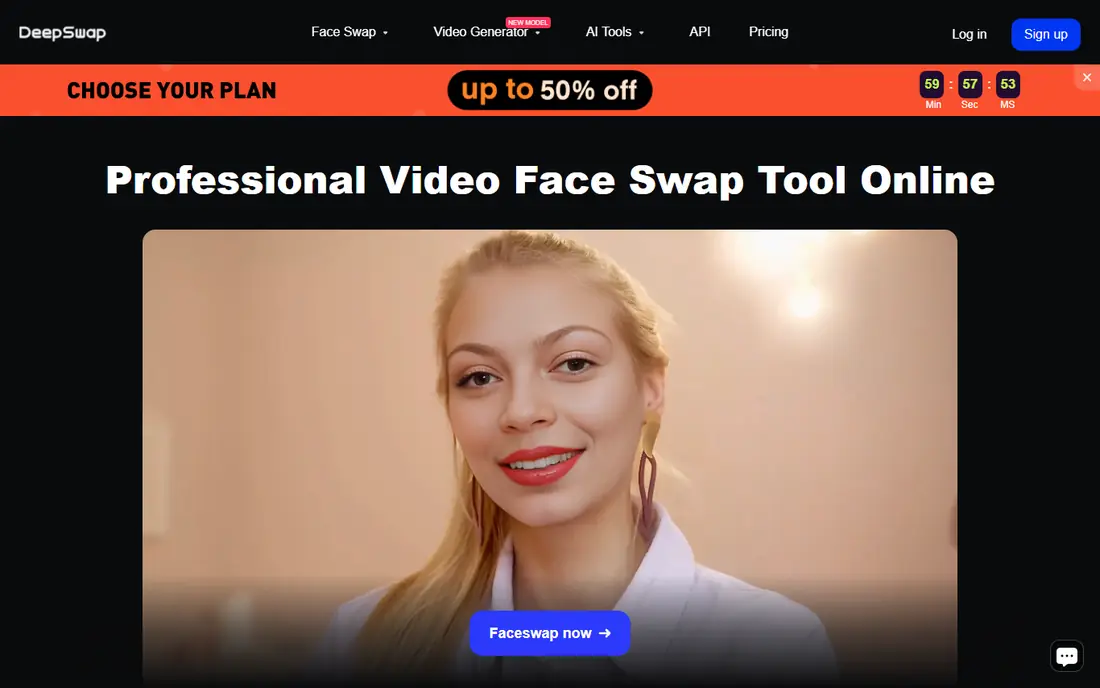
DeepSwap is our pick for creators who mainly swap faces in video and want to work in a browser. You upload a video and a face photo, and the tool produces a swapped video without installing desktop software, which suits teams that work across computers. Batch processing helps when a project needs several clips or images done in the same style.
The catch is cost and credits. DeepSwap runs on paid plans with credit allowances, so heavy video work can use credits faster than expected. Results also depend on the source material: clear, well-lit faces swap more cleanly than blurry or partly hidden ones. Test with a short clip before committing to a larger plan, and check export resolution against what your project needs.
- Browser-based video and photo swaps
- Batch processing for multiple files
- No software to install
- Paid plans with no free tier
- Credit limits shape how much you can process
- Video results vary with source quality
Reface is the easiest face swap app here, and the best choice for quick mobile content. Open the app, pick a template or upload a photo, and you get a swapped clip or image in seconds. Its template library is built for social sharing, which makes it popular for memes, greetings and light creative posts rather than serious video production.
The limits are quality and watermark rules. Free exports carry a watermark, and the tool is tuned for short, fun clips rather than long or detailed video work. Paid plans remove the watermark and add features, but pricing varies between app stores and subscription lengths, so check the price in your own app store before subscribing. For fast phone content, though, nothing here is quicker.
- Very fast mobile swaps
- Huge template library for social content
- Simple interface anyone can use in seconds
- Free results carry a watermark
- Best for short clips and memes rather than long professional video
- Subscription pricing varies by platform
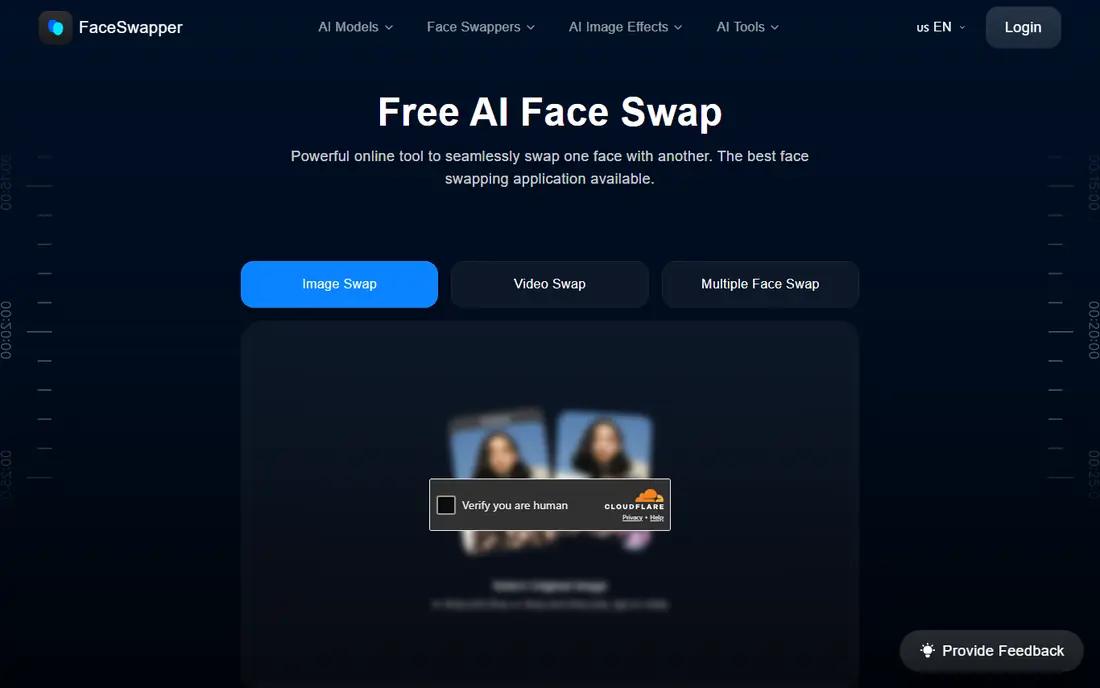
FaceSwapper.ai is the pick for a quick photo swap without installing anything. The flow is simple: upload a source face and a target photo, run the swap, and download the result. That simplicity suits social posts, profile pictures and one-off creative images, and the browser-based design means it works on any computer.
Free exports carry a watermark, and paid plans are needed for watermark-free results and higher limits. As with every tool here, matching lighting, angle and expression between source and target photos gives a cleaner result than forcing a swap between very different shots. For single photos done quickly, FaceSwapper.ai is one of the most direct options.
- Very fast photo swaps in a browser
- Simple upload-and-swap flow
- Supports photos and short video
- Free plan adds a watermark
- Advanced features require a paid plan
- Results depend on matching lighting and angles
Remaker AI stands out when you have many photos to process rather than one. Its batch tools let you swap faces across a set of images in one run, and it handles multi-face swaps in group photos, which saves a lot of manual work for event photos, team pictures or content sets. The free plan lets you test the quality before paying.
Group photos are also where its limits show. Multi-face swaps need clear, front-facing faces to look natural, and crowded or partly hidden faces can produce artifacts. Video support is narrower than dedicated video tools such as DeepSwap, so choose Remaker AI for photo-heavy work and a video specialist for moving footage.
- Batch processing for many images at once
- Multi-face swaps in group photos
- Free plan available for trying it out
- Free plan has limits and may add a watermark
- Video support is narrower than DeepSwap
- Quality varies on group photos
Magic Hour suits creators who want face swaps inside a wider video toolkit rather than a single-purpose app. Alongside face swapping, it offers talking photos, animation and other video tools, so a creator can swap a face, animate a still image and edit a clip without switching platforms. Free credits let you try the workflow before paying.
The breadth is also the trade-off. Free credits are limited, so a larger project will need a paid plan, and a specialist tool may beat Magic Hour on pure face swap quality for a demanding video job. For creators who make varied short-form content and want one subscription to cover several jobs, though, Magic Hour is a practical all-round choice.
- Face swap plus talking photos and video tools in one platform
- Free credits to start
- Useful for creators who make varied content
- Free credits run out quickly on larger projects
- Paid plans needed for higher limits
- Face swap is one feature among many, not a specialist tool
Akool is the pick for professional work where quality and scale matter more than low cost. It offers high-quality face swaps for photos and video, batch processing and multi-face support, and it is built for marketing teams and studios that need consistent results across campaigns. Trial credits let a team test output quality before committing.
Prices are higher than consumer apps, and the full studio feature set sits on pricier plans, so casual users will find better value elsewhere. If your project involves client work, advertising or a large volume of swaps where a visible artifact would hurt, Akool's quality and workflow justify the cost. For a single meme or profile picture, it is more tool than you need.
- High-quality face swaps for professional use
- Batch and multi-face options
- Built for marketing and studio workflows
- Higher prices than consumer tools
- Enterprise features cost more
- Overkill for casual social content
FaceFusion is the best free option for users who are comfortable installing desktop software. As an open source tool, it costs nothing, runs locally on your computer, and gives you detailed control over photo and video swaps, including high-resolution output. Running locally also keeps your photos and videos on your own machine rather than uploading them to a web service, which matters for private projects.
Setup is the barrier. You need to install the software and its dependencies, and video work needs a reasonably capable computer to run at a useful speed. There is no hosted support team to call, though community documentation is available. For technical users and production teams who want control and privacy without a subscription, FaceFusion is the strongest free choice here.
- Free and open source
- Runs on your own computer for privacy
- Strong control over photos and video, including high-resolution output
- Requires installation and some technical setup
- Needs a capable computer for video work
- No hosted support team
Vidnoz AI suits creators who want face swaps as part of making a video, not as a standalone trick. Its platform combines face swapping with AI avatars, talking photos and video editing tools, which helps when a project needs a swapped face inside a finished marketing or training video. The free plan lets you test the workflow, and paid plans raise resolution and length limits.
Free exports carry a watermark, and face swap quality depends on the clip, with clear, steady footage working best. For a creator already making videos on Vidnoz, adding a face swap inside the same editor saves time. For a pure face swap job with no other editing, a specialist tool such as DeepSwap or FaceFusion may give a cleaner result.
- Face swap plus avatars, talking photos and video editing in one platform
- Free plan for trying it out
- Useful for marketing videos
- Free plan adds a watermark
- Face swap quality varies by clip
- Paid plans needed for higher resolution and longer videos
How we picked these
We compared official feature pages, pricing information and public reviews, focusing on tools that genuinely offer face swapping for photos, video or both, rather than general photo editors with a minor swap feature. We included mobile apps, browser tools, a desktop open source option and professional platforms, so the list covers casual creators and studio teams. We favored tools with clear free or trial options and honest export rules, and we excluded tools whose main use is non-consensual content. We did not claim hands-on testing of every tool, since we compared published information. Where a price could not be confirmed on the vendor's own site, we marked it as See website.
How to get a clean face swap and stay on the right side of consent
Use clear, well-matched source photos
The single biggest factor in quality is the source material. Use a clear, front-facing photo with similar lighting and a similar angle to the target photo or video. A blurry selfie swapped onto a studio portrait will look wrong no matter which tool you use, so spend a minute picking a good source before you run the swap.
Check exports before you commit to a plan
Free plans often add watermarks, limit resolution or cap the number of swaps, and those limits only become obvious at export time. Run a test swap, download it, and check the watermark, resolution and file format against what your project needs. That test saves paying for a plan that cannot deliver the export you need.
Only use faces you have permission to use
This rule matters more than any feature comparison. Swap your own face, or faces where you have explicit permission, and avoid creating misleading content that makes a real person appear to say or do something they did not. Many platforms ban non-consensual face swaps, and some uses may be illegal, so when in doubt, do not publish the result.
Treat AI swaps as a starting point, not a finished product
Even good swaps can show artifacts around hair, glasses, shadows and fast movement. Review the result at full size, check edges and skin tone under the scene's lighting, and use an editor to fix small problems rather than publishing the first output. A short review pass is what separates a convincing swap from an obvious one.
Frequently asked questions
What is the best AI face swap app for mobile?
Reface is the best AI face swap app for quick mobile swaps, thanks to its speed and template library. For more control on a phone, browser tools such as FaceSwapper.ai work well in a mobile browser, though a desktop tool gives better results for longer or higher-quality video.
What is the best face swap AI tool for video?
DeepSwap is the best browser-based face swap tool for video, while FaceFusion is the best free desktop option for video swaps with more control. Akool suits professional video work where quality and batch processing matter more than low cost.
What is the best free AI face swap software?
FaceFusion is the best free AI face swap software for desktop users, since it is open source and runs locally without a subscription. For a quick free photo swap in a browser, FaceSwapper.ai and Remaker AI both offer free plans, though free exports may carry a watermark.
Are AI face swap tools safe to use?
AI face swap tools are safe to use when you swap your own face or faces you have permission to use, and when you keep uploads on trusted platforms or local software such as FaceFusion. Avoid uploading sensitive photos to services you do not trust, and never create non-consensual content of real people.
Why does my face swap look unnatural?
Unnatural swaps usually come from mismatched lighting, angles or expressions between the source and target, or from low-quality source photos. Use a clear, front-facing source photo with similar lighting, pick target footage where the face is steady and visible, and review the result at full size before publishing.
Sources we checked (8)

Online Jobs is an independent blog about careers, online work, learning new skills and the tools that help people earn. More about us.
Keep reading
All posts
Zoom Alternatives
Zoom alternatives compared for 2026: Google Meet, Microsoft Teams, Webex, Jitsi and more for free calls, large meetings and webinars for teams and classrooms.

PowerPoint Alternatives
Compare the best PowerPoint alternatives, from free Google Slides and Canva to Prezi and Gamma, with prices, collaboration and export options covered.
Gmail Alternatives
Gmail alternatives compared for 2026: Proton Mail, Outlook, Tuta, Fastmail, Zoho Mail and more for privacy, business and cross-platform use for US readers.