Best AI Drawing Apps in 2026: 8 Tools Compared

How we put this together: we compare official feature and pricing pages, app store listings, privacy policies and public user reviews. Prices change, so check the provider's site before you pay.
Key takeaways
- Midjourney leads on artistic quality, while Adobe Firefly is the safer pick for commercial work that needs clear licensing terms.
- Leonardo AI, Ideogram, and Recraft-style control matter more than raw image count when a project needs a consistent look.
- Free plans differ widely: some give daily credits, some give a small one-time allowance, and some limit resolution or commercial use.
- A good AI drawing app still needs a human editor for hands, text, and brand details, so check export options before you commit.
Quick comparison
| Name | Who it suits | Starting price | Free option | |
|---|---|---|---|---|
 Midjourney | High-end artistic images | $10 per month | No | Visit |
 Adobe Firefly | Commercially safe design images | $9.99 per month | Yes | Visit |
 Leonardo AI | Game art and character work | Free | Yes | Visit |
 Ideogram | Images where text must read correctly | See website | Yes | Visit |
 Dream by WOMBO | Quick abstract art on mobile | Free | Yes | Visit |
 NightCafe | Casual art with daily credits | Free | Yes | Visit |
 Canva AI | Fast design with AI images built in | Free | Yes | Visit |
 Microsoft Designer | Free everyday image generation | Free | Yes | Visit |
The best AI drawing apps
We focused on apps that turn a prompt, a sketch, or a reference image into a finished picture, rather than tools that only edit photos. The best choice depends on whether you need art for a client, a game, a social post, or a personal project, because quality, licensing, and control do not move together.
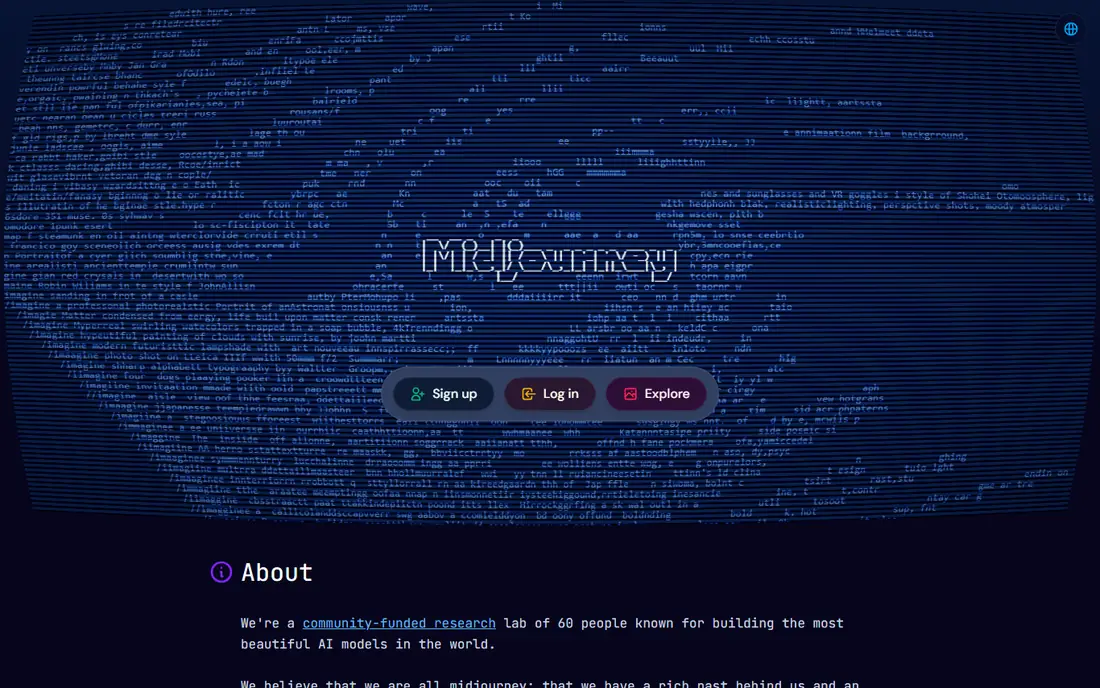
Midjourney remains the quality benchmark for many illustrators. Skin texture, light, and composition hold up better than most rivals in a single prompt, and style controls help a series of images stay consistent. The community gallery also teaches prompting faster than a manual, because you can see how other creators shaped a result. The entry cost is the main barrier. There is no free plan, so the $10 monthly plan is the starting point for a real test. New users also need time to learn its commands and settings. For artists whose images are the product, the quality gap often justifies the cost, while casual users should start with a free tool below.
- Strong lighting, texture, and composition
- Useful style controls
- Large community gallery for learning prompts
- No free plan
- Workflow takes time to learn
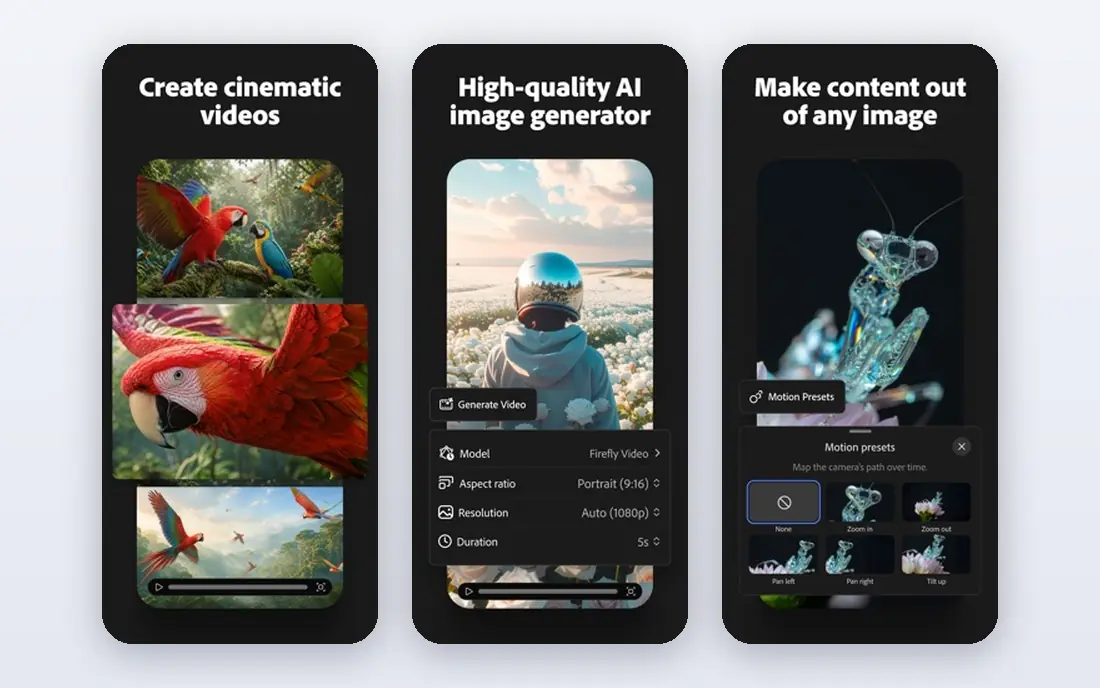
Adobe Firefly suits designers who need images they can use at work without a long rights discussion. It connects to Photoshop, Illustrator, and Express workflows, so an image can move from generation to layout without a new export chain. For marketing teams, that fit matters as much as the picture itself. The trade-off is character. Firefly often produces clean, usable results rather than strange or highly stylized art. Heavy users also need to watch credit limits on each plan. When commercial safety and Adobe integration matter most, Firefly is our pick for professional design work.
- Trained with attention to licensed content
- Fits Adobe design workflows
- Useful for marketing and brand work
- Artistic range can feel safer and less wild than Midjourney
- Credits control heavy use
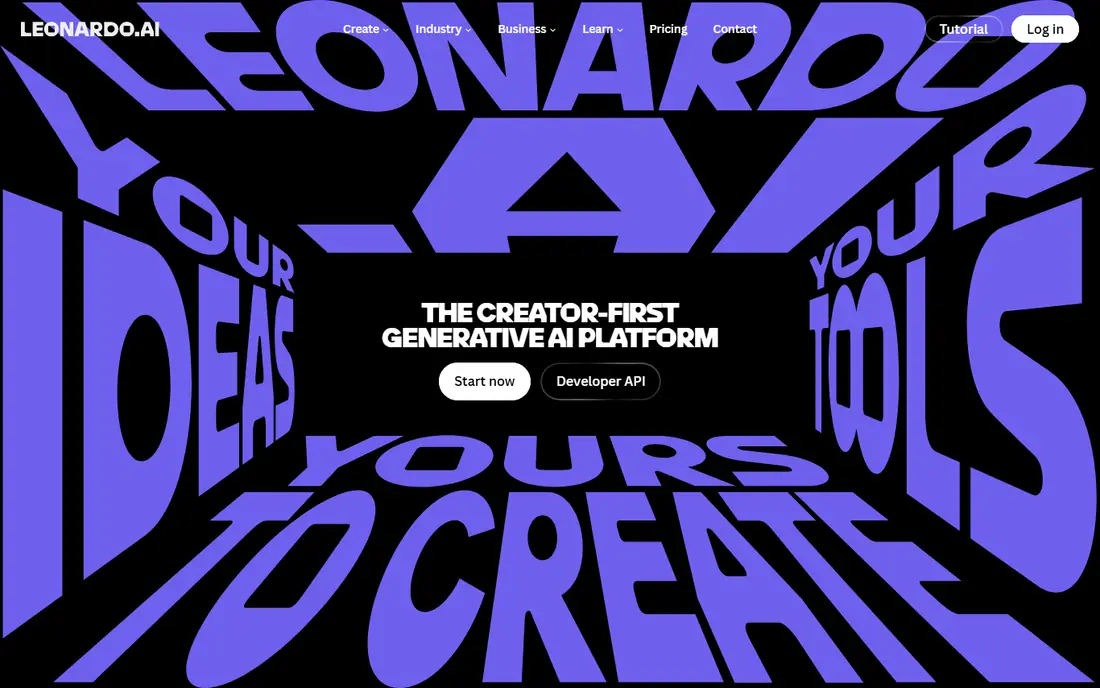
Leonardo AI is a strong choice for game assets, concept art, and character-led illustration. Its tuned models handle armor, creatures, and stylized portraits well, and consistency tools help a character keep the same face and outfit across images. That control is hard to get from a general image tool. The breadth can confuse a beginner, because model choice changes results a lot. A new user should start with one model, learn its strengths, and only then branch out. For game and fantasy work, that learning time pays off in more usable output per prompt.
- Models tuned for game and fantasy art
- Character consistency tools
- Daily free tokens on the free tier in many cases
- Interface has many models and settings
- Paid plans are needed for heavy use
Ideogram earns its place on one practical strength: words in the image often read correctly. Posters, book covers, product labels, and social graphics fail when a letter is wrong, and Ideogram reduces that failure rate more than most general tools. Designers who need a headline inside the picture should test it first. It is less of a full illustration studio than Midjourney or Leonardo AI, and it works best when the brief is clear and short. Keep prompts focused on the text, the layout, and the style, and check the spelling at full size before you export.
- Better text rendering than most rivals
- Good for posters, logos, and social graphics
- Clean image quality
- Less suited to long artistic series
- Pricing and limits change by plan
Dream by WOMBO is the app to open when you want a picture in a minute, not a project. Pick a style, type a short prompt, and the app returns a colorful result that suits a phone wallpaper, a social post, or a quick idea. The mobile-first design keeps friction low. Control is limited compared with desktop tools. Fine detail, exact composition, and consistent characters are harder to hold across images. For casual art and fast experiments, that simplicity is a feature, while a client project will need a stronger tool.
- Fast mobile creation
- Simple prompt and style choices
- Fun for casual art and social posts
- Less control over fine detail
- Premium features sit behind a paid plan
NightCafe suits hobbyists who create a little each day. Daily credits let a user test styles without paying, and the choice of models means one account can cover realistic, painterly, and anime looks. Community challenges also give beginners a reason to try new prompts and learn from others. The credit system needs attention. Larger images and stronger models cost more, so a free user can run out fast on a big project. Plan the prompt before you spend, and save paid credits for the final version rather than early tests.
- Daily free credits for regular creators
- Several models in one place
- Community challenges and galleries
- Credit costs vary by model and settings
- Top quality often needs a paid plan
Canva AI makes sense when the image is only part of the job. A social post, a flyer, or a slide needs text, layout, and branding as well as a picture, and Canva keeps those steps in one place. A small business owner can generate an image, drop it into a template, and export a finished post without learning a separate design app. Specialist art tools give more control over style, detail, and consistency. Canva is the faster route for everyday design, not the best route for a complex illustration series. Use it when speed and a finished layout matter more than fine artistic control.
- AI images inside a full design tool
- Templates for social, print, and presentations
- Easy editing and export
- Image control is thinner than specialist tools
- Best AI allowances sit on paid plans
Microsoft Designer is a practical free starting point. With a Microsoft account, a user can generate images for social posts, invitations, and simple graphics without a subscription. The interface stays simple, and results are often good enough for everyday use. It does not match Midjourney on artistic depth or Leonardo AI on game art control. Prompts need to be clear, and results may need several tries. For a free tool that covers casual needs, though, Designer is hard to beat, and it pairs well with a paid tool for serious projects.
- Free generation with a Microsoft account
- Simple interface
- Useful for social posts and quick ideas
- Less artistic depth than paid rivals
- Output quality varies by prompt
How we picked these
We compared official feature pages, pricing pages, and app store listings, and we reviewed public user feedback on quality, credit systems, and commercial terms. We weighed image quality, style control, text rendering, free access, pricing clarity, and export options. Where a price or free tier could not be confirmed on the vendor site, we wrote "See website" rather than guessing. We did not claim hands-on testing, and we treated vendor claims about quality as claims, not facts.
Choosing an AI drawing app for your kind of work
Start with the end use. A client project needs licensing clarity and consistent style, so Firefly or a paid specialist tool fits better than a free casual app. A game project needs character consistency and tuned models, so Leonardo AI deserves a first test. A poster needs readable text, so Ideogram should lead the shortlist. Next, check the credit math. Compare how many usable images each plan gives at the size and quality you need, not just the headline credit count. Test the same prompt in two tools, check hands, faces, and text at full size, and confirm the export format works in your design app. Finally, read the commercial-use terms for the plan you will actually use, because free tiers often limit business use.
A short buying checklist
Confirm whether the plan allows commercial use, what resolution it exports, and whether credits roll over. Check if the tool keeps a private mode, how it handles reference images, and whether it stores prompts or images by default. A tool that fits your privacy and licensing needs will save trouble later, even if another tool looks slightly better on a single test image.
Frequently asked questions
What is the best AI drawing app?
Midjourney is the best AI drawing app for artistic quality in our comparison, while Adobe Firefly is the better pick for commercial design work. Leonardo AI leads for game art, and Ideogram leads when text must read correctly. The best app depends on the job, the budget, and the licensing terms you need.
What is the best free AI drawing app?
Microsoft Designer, Canva AI, Dream by WOMBO, and NightCafe all offer useful free access, but their limits differ. Designer and Canva suit everyday design, Dream suits quick mobile art, and NightCafe suits daily hobby creation. Check daily credits, resolution, and commercial-use terms before you rely on a free plan for business work.
Which AI drawing tool is best for beginners?
Dream by WOMBO and Microsoft Designer are the easiest starting points, because prompts and styles stay simple. Canva AI is also friendly when the goal is a finished social post rather than a standalone artwork. Start with short prompts, one style at a time, and learn from the results before moving to a tool with more settings.
What are the best AI drawing tools for game art?
Leonardo AI is our pick for game art, thanks to tuned models and character consistency tools. Midjourney also works well for concept art and mood images. For a game project, test character sheets, armor, and environment prompts in both tools, and judge consistency across ten images, not just one strong result.
Can I use AI drawing apps for commercial work?
It depends on the tool and the plan. Adobe Firefly is designed with commercial use in mind, while many free tiers limit business use or add watermarks. Read the terms for the exact plan you will use, keep a record of the tool and settings for client work, and check client contracts for any rule about AI-generated images.
How do AI drawing apps handle text in images?
Text rendering has improved, but it is still a common failure point. Ideogram handles short, clear text better than most tools in this list. Keep text short, spell it exactly in the prompt, and check the result at full size. For a logo or a long headline, a human designer should still set the final type in a design app.
Sources we checked (8)

Online Jobs is an independent blog about careers, online work, learning new skills and the tools that help people earn. More about us.
Keep reading
All posts
Zoom Alternatives
Zoom alternatives compared for 2026: Google Meet, Microsoft Teams, Webex, Jitsi and more for free calls, large meetings and webinars for teams and classrooms.

Which Software Is Best for Data Entry
Compare the best data entry software for forms, OCR scanning, and spreadsheets, with free plans, pricing, and honest limits for each tool before you commit.

What Is the Best Free Tool to Rotate a PDF
What is the best free tool to rotate a PDF? We compare eight free rotation tools on per-page control, limits, privacy and saved output quality in detail.