Best AI Detection Tool in 2026: 9 Tools Compared


teachers and students needing a generous free tier · Starting price: $14.99 per month
How we put this together: we compare official feature and pricing pages, app store listings, privacy policies and public user reviews. Prices change, so check the provider's site before you pay.
Key takeaways
- No AI detector is reliable enough to use alone for a high stakes decision, so pair any score with human review and a second check.
- GPTZero offers the most generous free tier here at 10,000 words per month, which suits teachers and students checking routine work.
- Originality.ai and Copyleaks suit publishers and teams that need plagiarism checks, site scans, and reporting alongside detection.
- Winston AI and Pangram add useful options for PDFs, images, and multilingual text, but their free access is limited.
Quick comparison
| Name | Who it suits | Starting price | Free option | |
|---|---|---|---|---|
| GPTZero | teachers and students needing a generous free tier | $14.99 per month | Yes | Visit |
 Originality.ai Originality.ai | publishers and content teams | $14.95 per month | Yes | Visit |
 Copyleaks Copyleaks | enterprise and multilingual screening | $16.99 per month | Free trial | Visit |
 Winston AI Winston AI | PDF, image, and handwriting checks | $18 per month | Free trial | Visit |
 ZeroGPT ZeroGPT | quick free checks with no account | Free | Yes | Visit |
 Sapling Sapling | detection inside writing apps | $25 per month | Yes | Visit |
 QuillBot QuillBot | students already using QuillBot tools | $19.95 per month | Yes | Visit |
 Scribbr Scribbr | students wanting a quick no account check | Free | Yes | Visit |
 Pangram Pangram | teams needing multilingual detection | $20 per month | Yes | Visit |
The best ai detection tool
AI detectors estimate whether text looks machine generated, but they do not prove authorship. Independent studies have found they misclassify some human writing, especially formal or second language writing, and that paraphrasing can change scores. Use the tools below as a screening aid, not as a verdict.
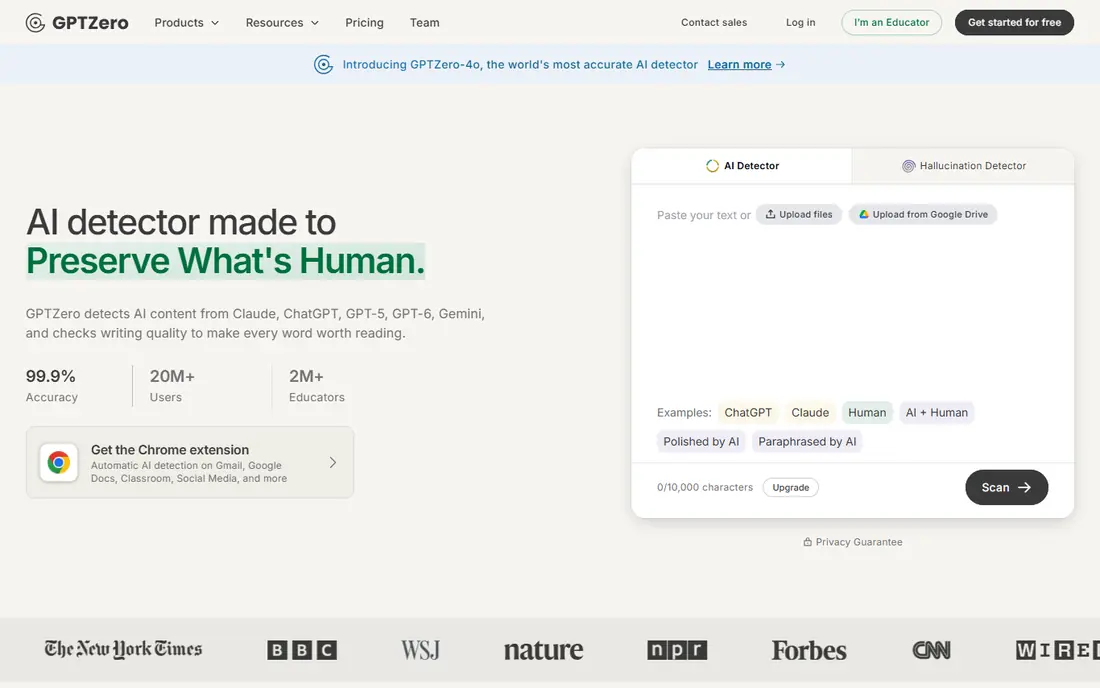
GPTZero is the best known detector in education, and its free tier is the main reason to start here. It highlights sentences that look machine generated, checks documents, and offers a writing replay feature that shows how a document was composed in supported editors. That detail helps a teacher start a conversation with a student rather than relying on a single percentage.
The limits still apply. Edited text, paraphrasing, and formal writing can shift scores, so a GPTZero result should never be the only evidence for an academic decision. Paid plans add word allowances, plagiarism checking, and classroom tools. For routine screening, GPTZero is our first pick to try.
- Free tier with 10,000 words per month
- Sentence level highlighting
- Writing replay for supported editors
- Scores can vary with edited or paraphrased text
- Higher tiers needed for plagiarism checks and batch scanning
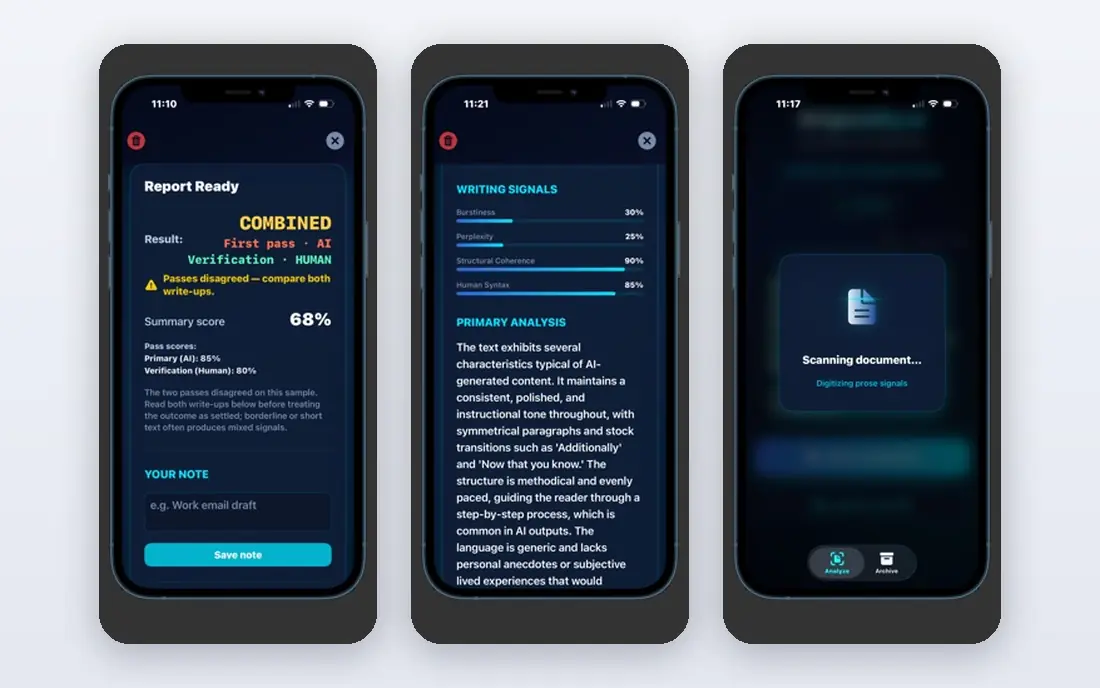
Originality.ai is built for publishers, agencies, and content teams that need to screen a steady flow of articles. Its reports combine AI detection with plagiarism, readability, and fact checks, and it can scan a full site rather than one document at a time. Team management tools suit editors who share the workload.
Credit billing is the catch. Plans are priced by credits, with 100 words per credit on standard plans, and combined checks use credits faster. Track your monthly word volume before you pick a tier. Choose Originality.ai when you need a publisher grade report, not just a quick paste and check.
- AI detection plus plagiarism, readability, and fact checks in one report
- Full site scans
- Team management
- Credit based billing can be confusing
- AI plus plagiarism checks use more credits
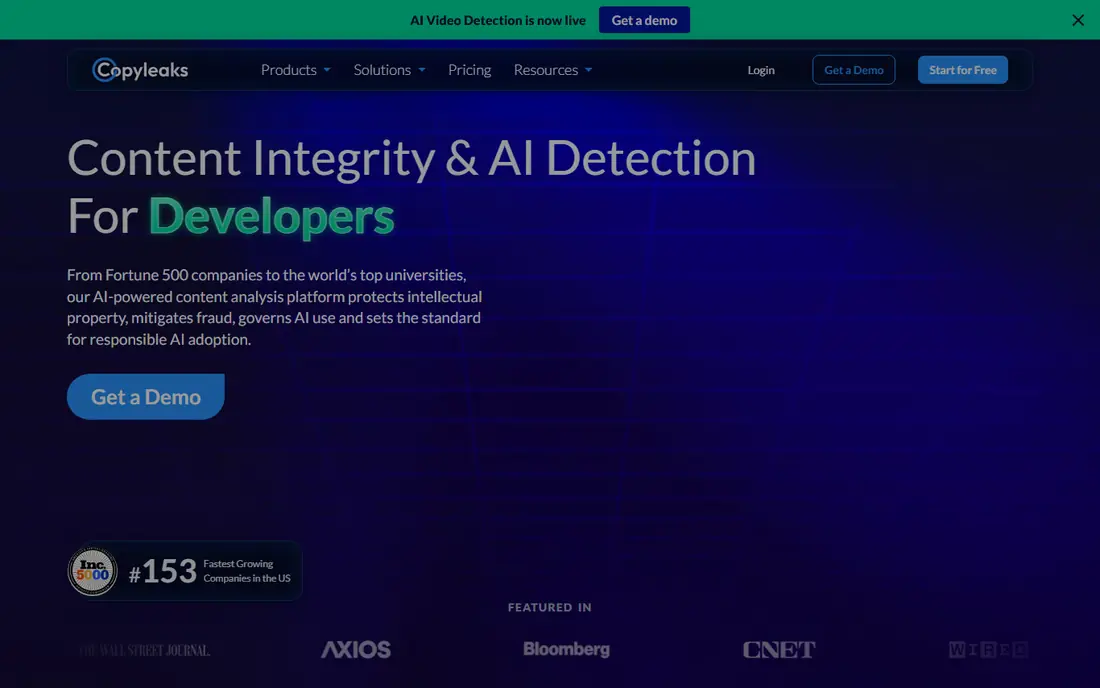
Copyleaks suits organizations that screen content in more than one language or need to plug detection into existing systems. It lists AI detection in more than 30 languages and plagiarism checking in many more, with a Google Docs add on and API access for larger workflows. That breadth matters for schools and companies with international content.
The personal plan allowance is modest, so heavy users will need a higher tier. API and enterprise features also require a conversation for larger use. Pick Copyleaks when multilingual coverage and system integration matter more than a low entry price.
- AI detection in many languages
- Plagiarism checking in many languages
- Google Docs add on and API options
- Personal plan word allowance is limited
- Fuller features sit on higher tiers
Winston AI covers formats that text only detectors miss. It handles PDF uploads, offers optical character recognition for handwriting, and includes AI image checks alongside text detection. Shareable PDF reports help teachers and editors pass a result to a colleague without sharing login access.
The trial lasts 14 days with a credit limit, so evaluate it promptly if you trial it. Plagiarism checking and team seats require higher tiers. Choose Winston AI when your checks involve PDFs, images, or handwritten work rather than pasted text alone.
- PDF uploads and shareable reports
- AI image and handwriting checks
- Plagiarism tools on higher tiers
- Free trial limited to 14 days
- Plagiarism and team seats start on higher tiers
ZeroGPT is the quick second opinion tool in this list. You can paste text and get document, paragraph, and sentence level results without creating an account, which makes it handy when you want to cross check a result from another detector. That low friction is valuable, since no single detector should decide a case alone.
The trade off is depth. Free use includes ads, public accuracy data is thinner than for the larger detectors, and reporting tools are basic. Paid plans add more words and features. Use ZeroGPT as a fast cross check, not as your only detector for important work.
- Easy to use with no account for basic checks
- Document, paragraph, and sentence level results
- Low barrier to a second opinion
- Ads on the free tier
- Limited public accuracy data
- Fewer reporting tools than paid detectors
Sapling takes a different route by putting detection inside the apps where people already write. Its browser and document integrations let support teams and writers check text without copying it to a separate site. That workflow suits teams that screen customer messages, support replies, or drafts as part of daily work.
Reporting is narrower than a dedicated platform such as Originality.ai or Copyleaks, and the paid price is higher than several rivals. Free checks are limited by characters per check. Pick Sapling when in app detection matters more than a full integrity report.
- Detector plus writing assistant in browsers and documents
- Works in Chrome, Docs, Outlook, and Word
- Free checks up to a character limit
- Higher paid price than some rivals
- Narrower reporting than dedicated integrity platforms
QuillBot is best judged as a bundle. Students who already use its paraphraser, grammar tools, and plagiarism checker get an AI detector in the same place, with free checks up to a word limit per check. That convenience beats juggling several separate tools for routine writing work.
Detection alone is not QuillBot's main strength, and full access requires a premium plan. Users who only need detection will find GPTZero or Originality.ai more focused. Choose QuillBot when you already use its writing tools and want detection alongside them.
- AI detector bundled with paraphraser and plagiarism checker
- Free checks up to a word limit
- Familiar student workflow
- Detection is one feature in a broader suite
- Premium needed for full access
Scribbr offers one of the simplest starting points: a free AI detector you can use without an account for a quick check. That suits a student who wants to screen a draft before submission and does not want another subscription. Its site also gives clear guidance on how to interpret results, which helps first time users avoid overreading a score.
The detector itself is basic compared with paid platforms, and plagiarism checking is priced per document rather than as a monthly allowance. Use Scribbr for quick checks and guidance, and move to a paid detector if you need batch scanning, team tools, or detailed reporting.
- Free detector with no account needed for a quick check
- Clear student focused guidance
- Plagiarism checks available per document
- Detector is basic next to paid platforms
- Plagiarism checks are priced per document
Pangram rounds out this list with a focus on multilingual detection and a free daily allowance for text checks. That suits teams and teachers who screen writing in more than one language and want a second detector to cross check results. Paid plans add file upload, OCR, and higher limits.
The free allowance covers text checks, not file uploads, so users with PDFs will need a paid plan or another tool such as Winston AI. Pangram is also less widely documented than GPTZero or Originality.ai, so trial it on your own sample texts before relying on it. Pick it when multilingual checks and a free daily allowance fit your workflow.
- Multilingual text checks
- Free daily allowance
- File upload and OCR on paid plans
- File upload and OCR require a paid plan
- Smaller public profile than the largest detectors
How we picked these
We compared official pricing pages, feature pages, and public documentation for AI detectors available today to US users. We kept tools that offer a usable free tier or trial, sentence or document level results, and a clear use case in education, publishing, or team screening. We excluded institution only tools such as Turnitin from the main list because individual readers cannot buy them directly, though we note them in the FAQ. Prices are starting monthly prices from vendor pages or recent pricing checks, and we marked trial only access clearly.
How to use an AI detector responsibly
Treat every score as a signal, not a verdict. Run the same text through two detectors, look at sentence level detail rather than a single percentage, and ask for drafts, notes, or version history before drawing a conclusion. That process protects students and writers from a false positive, which independent research shows is a real risk.
What lowers a score's value
Paraphrasing, heavy editing, and formal or formulaic writing can all shift detection scores. Mixed human and AI text is harder to classify than a purely generated passage. If a result surprises you, check whether the text was edited after generation, and consider whether the writing style itself could explain the score.
When not to rely on a detector
Do not use a detector alone to accuse a student, reject a freelancer, or dismiss a job applicant. High stakes decisions need human review, supporting evidence, and a fair chance to respond. Detectors are useful for screening and for starting a conversation, not for final judgments.
Frequently asked questions
What is the best AI detection tool for teachers?
GPTZero is a strong starting point for teachers because its free tier covers 10,000 words per month and it offers sentence level highlighting. Pair it with a second detector and human review before acting on any result, since scores can vary with edited or formal writing.
Can AI detectors be wrong?
Yes. Independent research has found detectors can misclassify human writing, especially formal, formulaic, or second language writing, and that paraphrasing can lower detection scores. Treat any result as an estimate and check it with a second tool and human judgment.
What is the best free AI detection tool?
GPTZero offers the most generous free tier in this list at 10,000 words per month. ZeroGPT and Scribbr offer quick free checks with no account, while Pangram offers a free daily allowance for text checks. Free tiers suit routine screening, not large scale batch work.
Is Turnitin a good AI detector?
Turnitin offers AI detection for institutions, but individual readers cannot buy it directly. If your school or university already provides Turnitin, use it alongside your own judgment and institutional policy. For individual use, GPTZero, Originality.ai, or Copyleaks are the practical options.
How do I check AI content in a PDF?
Winston AI supports PDF uploads and shareable reports, and several other detectors accept document uploads on paid plans. Check whether file upload is included in the free tier or trial before you upload, since some tools limit file handling to paid plans.
Sources we checked (9)

Online Jobs is an independent blog about careers, online work, learning new skills and the tools that help people earn. More about us.
Keep reading
All posts
Zoom Alternatives
Zoom alternatives compared for 2026: Google Meet, Microsoft Teams, Webex, Jitsi and more for free calls, large meetings and webinars for teams and classrooms.

What Is the Best Free Tool to Rotate a PDF
What is the best free tool to rotate a PDF? We compare eight free rotation tools on per-page control, limits, privacy and saved output quality in detail.

What Is the Best AI Dubbing Tool
We compared the best AI dubbing tools in 2026, from ElevenLabs and HeyGen to Rask AI, Dubverse and Veed, for videos and creators in many languages worldwide.