Best AI Design to Code Tools in 2026: 8 Tools Compared

How we put this together: we compare official feature and pricing pages, app store listings, privacy policies and public user reviews. Prices change, so check the provider's site before you pay.
Key takeaways
- Anima is our pick for true Figma to code work, since it converts a Figma design into editable HTML or React.
- v0 is the best choice for React web apps, with GitHub sync and one-click deployment to Vercel.
- Lovable and Bolt are best for turning a plain-language idea into a working app quickly, even without a design file.
- Framer and Webflow are design tools first, with AI help inside a visual canvas, rather than code export tools.
- AI-generated code still needs review for accessibility, performance, and security before it goes live.
Quick comparison
| Name | Who it suits | Starting price | Free option | |
|---|---|---|---|---|
 Anima Anima | Figma to code | Free | Yes | Visit |
 v0 v0 | React web apps | Free | Yes | Visit |
 Lovable Lovable | Idea to working app | Free | Yes | Visit |
 Bolt Bolt | Full-stack prototypes | Free | Yes | Visit |
 Cursor Cursor | AI coding in your editor | Free | Yes | Visit |
 Locofy Locofy | Figma to production code | See website | Free trial | Visit |
 Framer Framer | Visual sites with AI help | Free | Yes | Visit |
 Webflow Webflow | Visual sites at scale | Free | Yes | Visit |
The best AI design to code tools
We compared official feature pages and pricing pages for the best ai tools for coding, the best ai coding tools for developers, and the best design to code ai tools. Design to code means different things here: some tools convert a Figma file, some turn a screenshot into code, and some turn a prompt into a working app. We note which job each tool does.
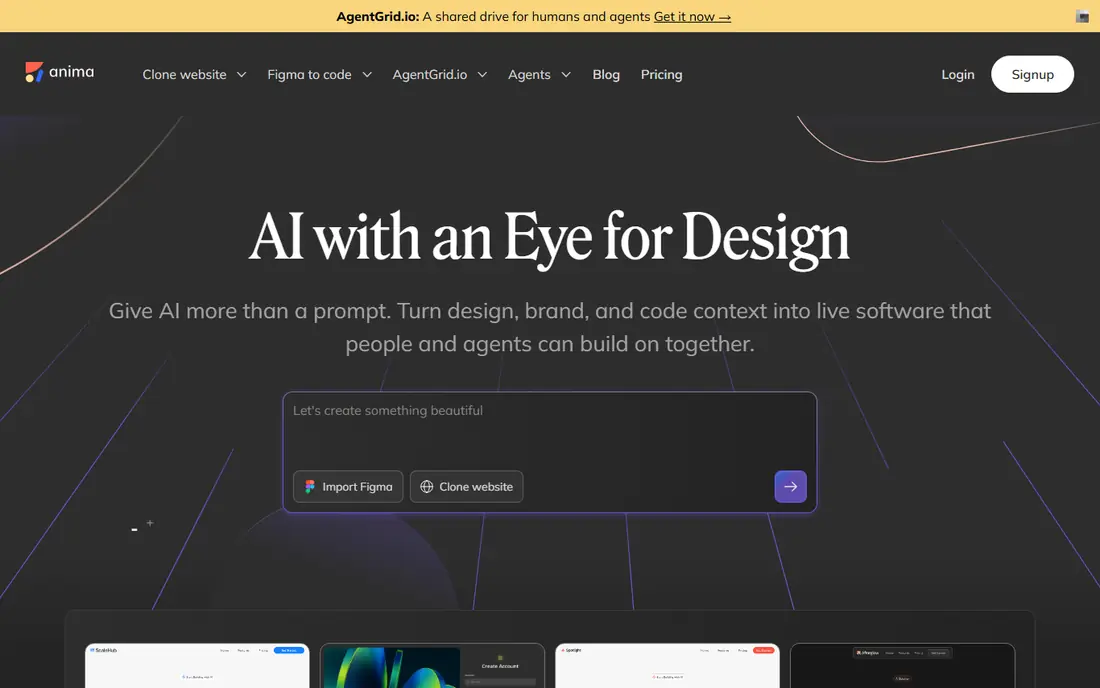
Anima is the closest tool in this list to a true design to code workflow. You start with a Figma file, a screenshot, a mockup, or a prompt, and Anima generates responsive HTML or React, with a choice of clean CSS, Tailwind, or inline styles. It also lets you copy code back into Figma as you iterate, which helps a designer and developer stay in sync instead of handing off a static image.
Anima is also the engine inside Bolt and other tools, which says something about its Figma handling. The free tier is a good way to test one design, but larger projects and team features need a paid plan, so check current pricing before building a whole product on it. Even with a good conversion, expect to review spacing, responsive behaviour, and accessibility before shipping.
- Converts Figma designs into HTML or React
- Keeps structure and visual details
- Also works from screenshots and prompts
- Complex designs still need cleanup
- Paid tiers needed for larger team workflows
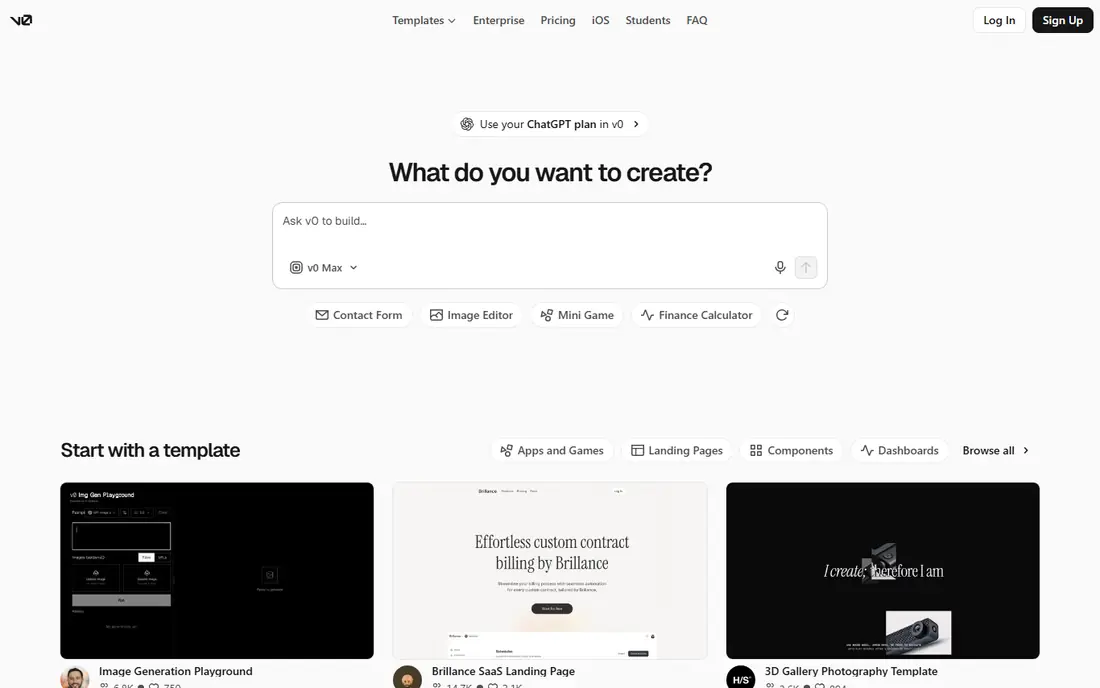
v0 by Vercel turns a prompt, a screenshot, or a template into a working full-stack web app, with a live preview and a design mode for visual edits. You can sync with GitHub and push code to your repository, and deploy to Vercel in one click. That loop, from prompt to preview to deployed site, is fast for landing pages, dashboards, and internal tools.
v0 has a free tier, with paid plans from $20 per month for more usage, based on earlier listings. The main limit is ecosystem fit: v0 works best for React apps deployed on Vercel, so a team on a different stack may prefer a tool with more export freedom. For a React team that already uses Vercel, v0 is a strong design to code starting point.
- Prompt to working React app
- GitHub sync
- One-click deployment to Vercel
- Design mode for visual edits
- Paid plan at $20 per month for heavier use
- Best inside the Vercel ecosystem
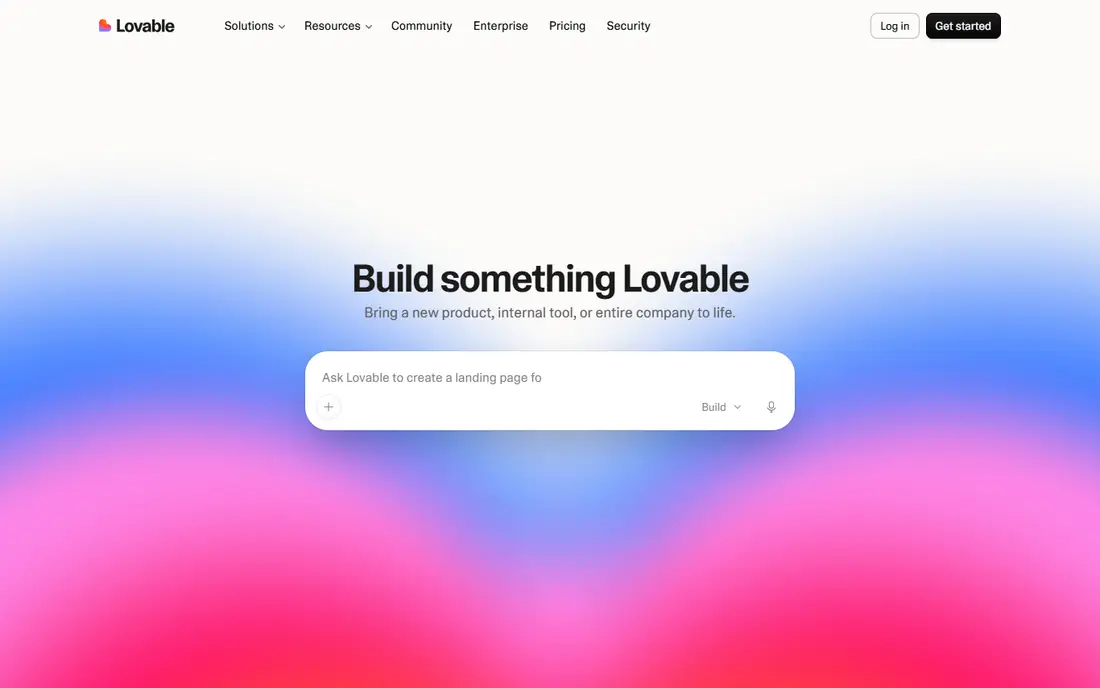
Lovable builds software from a plain-language description, handling hosting, authentication, payments, and integrations in the same platform. You describe what you want, watch it build in real time, iterate in chat, and ship when you are happy. That makes it a good fit for a founder, a small team, or an internal tool owner who does not want to set up infrastructure first.
The Starter plan is listed at $20 per month in earlier comparisons, with a free tier for trying it out. Lovable is not a Figma converter, so if you already have a polished Figma design, Anima will respect that design more closely. Use Lovable when the idea matters more than a pixel-perfect design file, and review the generated database rules and auth settings before inviting real users.
- Plain-language prompts build full apps
- Hosting, auth, and payments handled
- Real-time iteration
- Starter plan at $20 per month for serious use
- Generated apps need review for security and scale
Bolt lets you build websites and apps by chatting with AI in the browser, with hosting, databases, and integrations built in. Its Figma to code integration, powered by Anima, means a Figma design can become a starting point rather than a reference image. Bolt also routes to different models per task and tests and refactors code to reduce errors, which helps when a prototype grows beyond a single page.
Bolt starts free, with paid usage from $20 per month in earlier listings and a price range shown on its homepage from $0 to $30. The cost model is usage-based, so a long session with many iterations can cost more than a flat monthly plan. Use Bolt for prototypes and small products, and export the code to your own repository when a project becomes serious.
- Chat to build websites and apps in the browser
- Built-in hosting and databases
- Anima Figma to code integration
- Usage-based costs can grow quickly
- Large projects need careful prompt and context management
Cursor is an AI coding tool rather than a design to code converter, and we include it because many developers use it to turn a design into code inside their editor. It is a VS Code-based editor with agents that can edit multiple files, run tasks in parallel, and work across a codebase. That makes it useful after Anima or v0 has produced a first version, when you need to refactor, fix, and extend real code.
Cursor has a free Hobby tier with limited agent and tab completions, and Pro at $20 per month with extended limits, based on October 2026 listings. Agent usage is metered, so heavy agent work can cost more than the seat price suggests. Choose Cursor if you already code and want AI help inside your editor, not if you want a no-code design converter.
- AI-native editor with agents
- Multi-file edits
- Works with your existing codebase and models
- Pro at $20 per month
- Not a Figma converter on its own
- Agent usage is metered
Locofy focuses on converting design files into production-ready code for React, Next.js, and other frameworks, with handling for components, styles, and responsive layouts. It suits a team that already designs in Figma or Adobe XD and wants code that a developer can maintain, rather than a one-off prototype. That focus on maintainable output is its main selling point.
We list pricing as See website because Locofy pricing pages and plan names have changed, and a quoted figure from an older guide could mislead. Try the trial with a real design file from your project, not a demo, and check how it handles your components, tokens, and responsive breakpoints. If the output needs heavy cleanup on your file, another tool may fit better.
- Converts Figma and Adobe XD designs into React, Next.js, and other frameworks
- Component and style handling
- Pricing is not as clearly published as rivals
- Output still needs developer review
Framer is a website builder with AI agents native to its canvas, rather than a Figma to code exporter. Its design agent generates and refines pages in place, its CMS agent manages content, and its code agent adds custom effects, all with changes visible and editable on the canvas. You can publish directly from Framer, which suits marketing sites, portfolios, and landing pages.
Framer starts free, with paid site plans for custom domains and larger sites. If your goal is to hand clean React code to a developer, Framer is the wrong tool, since its strength is a live site in Framer, not exported code. Choose Framer when the finished website matters more than the code behind it, and when a designer will own the site after launch.
- Visual canvas with AI design agents
- CMS built in
- Code agents for custom effects
- Publish directly
- Code export is not the main job
- Paid site plans needed for custom domains and higher traffic
Webflow is a visual web platform for building, managing, and growing websites without writing code for every page. It offers precise layout control, a CMS, hosting, and AI tools for content, components, and experiments, plus page branching for safe design changes. Marketing and design teams use it to launch sites without waiting for developer tickets.
Webflow starts free for building, with paid site plans for publishing to a custom domain and workspace plans for teams. Like Framer, Webflow is not a code export tool first, so a team that needs React code should pick Anima, v0, or Locofy instead. Choose Webflow when a polished, scalable website is the deliverable, and when marketing will update content after launch.
- Visual canvas with precise layout control
- CMS and hosting built in
- AI tools for content and components
- Learning curve for advanced layouts
- Site plans and workspace plans are separate costs
How we picked these
We compared official feature pages and pricing pages, and we checked that each vendor homepage loads and belongs to the product named. We separated three kinds of tool: Figma converters, prompt-to-app builders, and visual site builders with AI help, because comparing them as if they did the same job would mislead. We favoured tools that are live in October 2026, with a free or trial path, and we marked pricing as See website where a current vendor figure could not be pinned down.
We did not claim hands-on testing that did not happen, and we did not treat a demo conversion as proof that a tool will handle your design file. Design files vary widely in structure, naming, and component use, so the only reliable test is your own file, on a trial, with a developer reviewing the output.
How to choose a design to code tool
Start with your input, not the tool's marketing. If you have a Figma file, shortlist Anima and Locofy first. If you have only an idea or a screenshot, shortlist v0, Lovable, and Bolt. If you need a live marketing site, shortlist Framer and Webflow. That single choice narrows the field faster than any feature table.
Prepare your design before converting
Clean design files convert better. Name layers and components clearly, use consistent spacing and text styles, and define colours and typography as tokens or styles. A messy Figma file with unnamed layers and one-off styles will produce messy code, no matter which tool you use. Spend an hour tidying the file before you convert, and you will save many hours cleaning code after.
Review code for accessibility and performance
AI-generated code can look right and still fail accessibility checks, such as missing labels, poor contrast, or keyboard navigation problems. Check colour contrast, heading order, alt text, and keyboard focus, and test the result on a phone and a small laptop, not just a large monitor. Also check page weight, image sizes, and loading speed, since generated pages can include large assets and unused styles.
Plan the handoff to a developer
Decide who owns the code after generation. If a developer will maintain it, export to GitHub early, agree on a framework, and set coding standards before you generate a large app. If a designer will own a live site, choose a visual builder such as Framer or Webflow instead of exported code. A clear owner prevents the common problem of an AI prototype that no one wants to maintain.
Frequently asked questions
What is the best AI design to code tool?
Anima is our pick for true Figma to code work, since it converts Figma designs into editable HTML or React. v0 is best for React web apps from a prompt, while Lovable and Bolt are best for turning an idea into a working app quickly. The best tool depends on if your starting point is a Figma file, a screenshot, or a plain-language idea.
What is the best AI coding tool for developers?
Cursor and GitHub Copilot are the leading AI coding tools for developers, with Cursor offering an AI-native editor and agents for multi-file work. For design to code specifically, Anima and Locofy handle Figma conversion better than a general coding assistant. Many teams use both: a converter for the first version, and Cursor for ongoing development.
Can AI turn a Figma design into code accurately?
It can produce a good starting point, especially for landing pages and dashboards, but accuracy depends on how clean the Figma file is. Well-named components, consistent styles, and clear spacing convert better than messy files. Expect to review responsive behaviour, accessibility, and code structure, and treat the output as a draft for a developer, not a finished product.
Is there a free design to code tool?
Yes. Anima, v0, Lovable, Bolt, Framer, and Webflow all offer free tiers or trials, though free usage is limited. Locofy offers a trial rather than an ongoing free plan. Start free with your own design file or idea, and pay only when the tool proves it handles your project well.
What is the difference between v0 and Lovable?
v0 is built around React web apps with GitHub sync and Vercel deployment, which suits developers already in that ecosystem. Lovable is built around turning a plain-language idea into a full product, with hosting, auth, and payments handled in one platform. Choose v0 for a React app you will maintain in code, and Lovable for a product you want to ship quickly without infrastructure setup.
Do I still need a developer if I use a design to code tool?
For a simple landing page or prototype, often not. For a production app with real users, payments, and data, yes, at least for review. A developer should check security, accessibility, performance, and data handling before launch, and someone needs to maintain the code after launch. AI tools speed up the first version, but they do not remove the need for ownership.
Sources we checked (8)

Online Jobs is an independent blog about careers, online work, learning new skills and the tools that help people earn. More about us.
Keep reading
All posts
Zoom Alternatives
Zoom alternatives compared for 2026: Google Meet, Microsoft Teams, Webex, Jitsi and more for free calls, large meetings and webinars for teams and classrooms.
PowerPoint Alternatives
Compare the best PowerPoint alternatives, from free Google Slides and Canva to Prezi and Gamma, with prices, collaboration and export options covered.
Gmail Alternatives
Gmail alternatives compared for 2026: Proton Mail, Outlook, Tuta, Fastmail, Zoho Mail and more for privacy, business and cross-platform use for US readers.