Best AI Code Review Tools in 2026: 8 Tools Compared

How we put this together: we compare official feature and pricing pages, app store listings, privacy policies and public user reviews. Prices change, so check the provider's site before you pay.
Key takeaways
- CodeRabbit suits teams that want low-noise PR reviews across GitHub, GitLab, Bitbucket and Azure DevOps.
- Greptile suits large codebases where cross-file bugs matter more than comment volume.
- GitHub Copilot suits teams already paying for Copilot, since review is part of that workflow.
- Qodo suits teams that want review plus test generation in the same PR flow.
- No AI reviewer should merge high-risk changes alone, since a human still needs to sign off.
Quick comparison
| Name | Who it suits | Starting price | Free option | |
|---|---|---|---|---|
 CodeRabbit | Low-noise reviews everywhere | $24 per month | Yes | Visit |
 Qodo | Review plus test generation | See website | Free trial | Visit |
 GitHub Copilot | GitHub-native review | $10 per month | No | Visit |
 Greptile | Whole-codebase context | $30 per month | Yes | Visit |
 Graphite | Stacked PR workflow | $40 per month | Yes | Visit |
 Codacy | Standards and quality gates | $18 per month | Yes | Visit |
 Snyk Code | Security-focused review | See website | Yes | Visit |
 Sourcery | Python review and refactoring | Free | Yes | Visit |
The best ai code review tools
AI code review tools read a pull request, flag bugs, suggest fixes and summarise changes before a human reviewer starts. The best tools reduce review time without flooding developers with low-value comments. The list below covers precision, depth, security and workflow, so you can match the tool to your repo size and Git host.
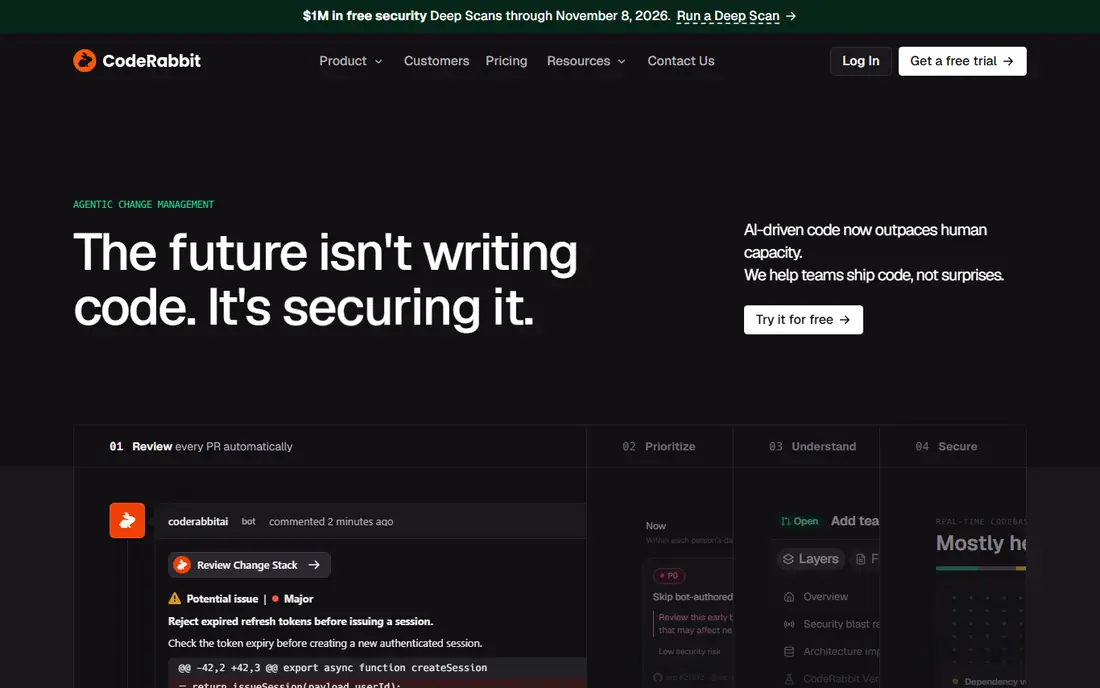
CodeRabbit is the most balanced AI reviewer for many teams. It posts line-by-line comments, a PR summary and a walkthrough, and it supports GitHub, GitLab, Bitbucket and Azure DevOps from one setup. That breadth helps teams that do not all use the same host. Noise control is the main selling point. CodeRabbit lets you set review rules, focus areas and comment depth, so reviewers see fewer trivial notes and more useful findings. The tool also learns from resolved comments, which can reduce repeat noise over time. The catch is cost at scale. Per-developer pricing grows with team size, and very large PRs still need human care. Use CodeRabbit as a first pass, keep PRs small, and let humans decide on architecture and product trade-offs.
- Works across major Git hosts
- PR summaries
- Custom review rules
- Per-developer pricing adds up
- Review depth varies by repo size
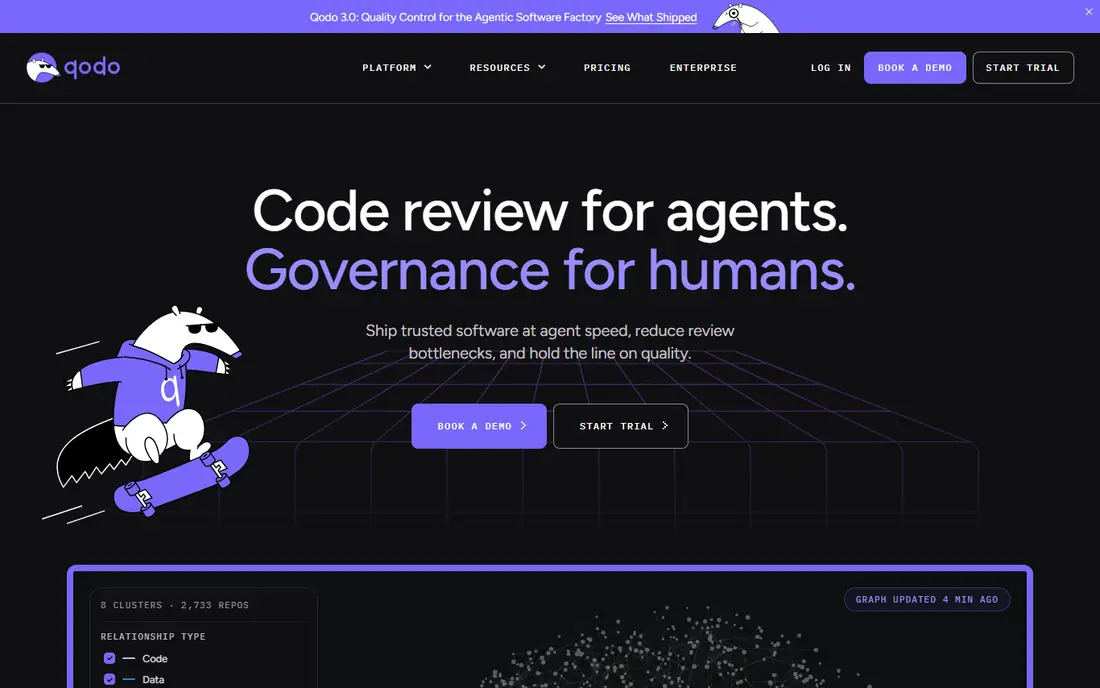
Qodo, formerly Codium, covers more than a basic review. Its Merge product reviews pull requests, writes descriptions, and can generate tests for changed code. That extra test step helps teams that struggle with coverage on new features. Severity ranking is useful, because it pushes the most important issues to the top of the PR. Developers can focus on security, logic and performance risks first, rather than sorting through style notes. The tool also supports GitHub, GitLab, Bitbucket and Azure DevOps. The downside is pricing complexity. Qodo uses a base fee plus credits in some plans, so the monthly cost depends on review volume. Check the current pricing page and estimate your PR count before you compare it with a simple per-seat tool.
- Review, descriptions and test generation
- Works across Git hosts
- Severity ranking
- Credit-based pricing needs care
- Cross-repo features need higher plans
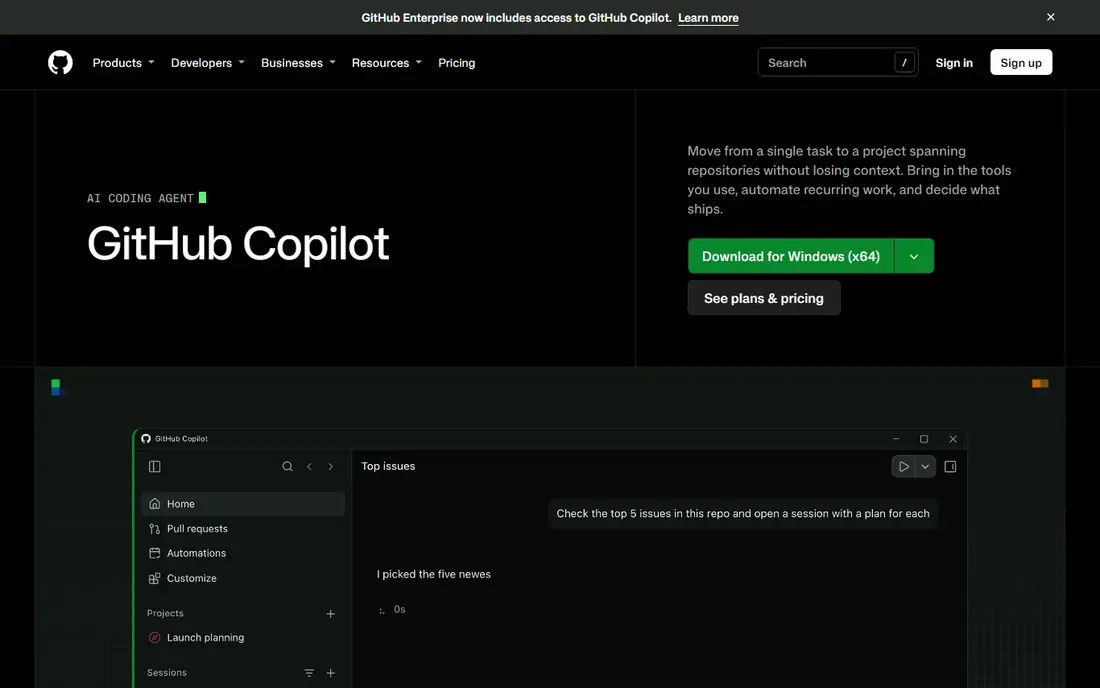
GitHub Copilot Code Review fits teams that already live in GitHub. Reviews appear in the pull request flow, with comments, summaries and suggested fixes that developers can apply without leaving GitHub. If your team already pays for Copilot, adding review is a natural next step. The tool also benefits from the wider Copilot workflow, including code completion and chat in the editor. A developer can ask about a review comment in the IDE, fix the code, and push again without switching contexts. That tight loop saves time on small and medium PRs. The limit is host lock-in. Full review is GitHub native, so teams on GitLab or Bitbucket need a different tool. Review on some plans also uses AI credits, so check how credits are counted for your plan before you roll it out to a large team.
- Native GitHub workflow
- Code suggestions plus review
- Familiar to Copilot users
- GitHub only for full review
- Review uses AI credits on some plans
Greptile takes a different approach by indexing the whole codebase, not just the diff. That context helps it catch bugs that span files, such as a changed function that breaks a caller elsewhere in the repo. For large or legacy codebases, that depth can catch issues a diff-only reviewer misses. The starter plan gives a small team a way to test the tool, and the Pro plan includes credits for reviews. Greptile supports GitHub and GitLab, and it can also work with self-hosted setups in some plans. For monorepos, that codebase view is a real advantage. The trade-off is noise. Whole-codebase reviews can surface more false positives than a precision-focused tool like CodeRabbit. Teams need to tune settings and review the signal rate on their own code before they judge the tool on a vendor benchmark.
- Full codebase index
- Cross-file bug detection
- Strong for large repos
- More false positives than precision tools
- Credit costs on top of seat price
Graphite is best known for stacked pull requests, and its AI review, called Diamond, sits inside that workflow. Developers can break a large change into a stack of smaller PRs, review each one in order, and merge them with a queue. That structure alone improves review quality, since smaller PRs are easier to check. AI review in Graphite looks for logic and edge-case issues, and it tracks comment metrics so teams can see which reviews actually help. For teams that already struggle with large PRs, the workflow benefit may matter as much as the AI itself. The catch is focus and price. Graphite is GitHub centred, and the Team plan price reflects the full workflow, not just review. If you only want a standalone reviewer and you do not use stacked PRs, a cheaper specialist may be a better fit.
- Stacked PRs and merge queue
- AI review built in
- Fast GitHub workflow
- GitHub focused
- Higher price for review alone
Codacy suits teams that need consistent standards across many repos. It checks pull requests against code quality, security and style rules, and it can block merges that fail a quality gate. That control helps teams that must show a clear review trail for audits or client work. The platform also gives dashboards for code quality over time, so managers can see which repos improve and which ones need attention. IDE support helps developers fix issues before they open a PR, which reduces review cycles. The limit is AI depth. Codacy is stronger on standards enforcement than on deep logic reasoning, so it may miss subtle bugs that CodeRabbit or Greptile catch. Use Codacy for governance and consistency, and pair it with a deeper reviewer if logic bugs are your main risk.
- Quality gates and standards
- PR checks
- Compliance-friendly reporting
- Less deep on logic bugs than specialist AI reviewers
- Setup needs tuning
Snyk Code fits teams where security is the main review risk. It scans code in pull requests and in the IDE for vulnerabilities, insecure patterns and risky dependencies, and it explains fixes in context. That security lens complements a general AI reviewer, which may focus more on style and logic. Snyk also covers dependencies, containers and infrastructure code, so a PR that adds a new package or changes a deployment file gets checked in the same flow. For teams shipping to production often, that breadth reduces the chance of a security issue slipping through review. The downside is scope and pricing. Snyk is a security platform first, so general review features are part of a wider suite, and pricing depends on contributor counts and plan type. Check the vendor pricing page for your team size, and trial it on a real repo before you replace a general reviewer.
- Security and vulnerability focus
- Dependency and container checks
- IDE and PR integration
- Code review is part of a wider security suite
- Pricing varies by contributor count
Sourcery is a focused pick for Python teams. It reviews pull requests, suggests refactoring, and helps clean up code in the IDE, with a free tier that is genuinely useful for solo developers. For Python-heavy projects, that focus means suggestions feel relevant rather than generic. The tool explains its refactoring ideas in plain terms, which helps junior developers learn better patterns while they fix code. That teaching effect is a plus for small teams that want review to improve skills, not just catch bugs. The limit is language scope. Sourcery is Python centred, so a team working across many languages will need a broader reviewer alongside it. If Python is your main stack, however, Sourcery is a low-cost way to add AI review without a large contract.
- Strong Python refactoring
- Free tier for solo use
- IDE and PR review
- Python focused
- Less suited to large multi-language teams
How we picked these
We reviewed official feature pages, pricing pages, Git host support, documentation and public reviews for each tool. We focused on review quality, noise control, codebase context, security coverage and workflow fit, rather than only marketing claims. Where pricing used credits, tokens or contributor counts, we used See website instead of a single figure that could mislead. We did not claim hands-on testing of every tool, and we did not repeat vendor benchmark scores as proven results. Benchmarks from a vendor tend to favour that vendor, so the only reliable test is a trial on your own pull requests. Check the vendor page for current pricing and Git host support before you buy, since this category changes fast.
How to trial an AI reviewer fairly
Pick a fixed set of recent pull requests, including small fixes, feature work and one tricky bug fix. Run each candidate tool on the same PRs, and score comments by whether they were correct, useful and actionable. Count false positives separately, since a tool that finds more bugs but floods reviewers may still slow the team down. Next, measure time, not just comment count. Track time to first review, time to merge, and how many review rounds each PR needed. A good tool should cut review cycles without adding a new approval bottleneck. Ask reviewers which comments they actually acted on, since that is the signal that matters. Finally, set rules before you roll out. Decide which findings block a merge, which ones are advisory, and who can dismiss an AI comment. Without those rules, teams either ignore the tool or argue about every comment, and both outcomes waste the subscription.
Keep PRs small for better AI reviews
AI reviewers work best on small, focused diffs with a clear description and passing tests. Split large changes into smaller PRs, write a short note on why the change exists, and make sure tests pass locally first. Clean PRs give any reviewer, human or AI, a better chance of finding real issues.
Frequently asked questions
Can AI code review replace human reviewers?
No, AI review works best as a first pass that catches common bugs, style issues and security patterns. Humans still need to judge architecture, product trade-offs and business logic. The strongest setup pairs an AI reviewer with a human who makes the final call on high-risk changes.
Which AI code review tool is best for small teams?
CodeRabbit and GitHub Copilot are strong starting points for small teams, since they fit common workflows and have clear pricing. Sourcery is a good low-cost option for Python teams, and Greptile offers a free starter plan for testing. Trial two tools on the same PRs and pick the one with the best signal rate.
Is CodeRabbit better than Greptile?
CodeRabbit tends to produce fewer, more precise comments, while Greptile tends to catch more cross-file issues with more false positives. Choose CodeRabbit if comment fatigue is your main problem, and Greptile if hidden bugs in a large codebase cost you more. Trial both on your own code to decide.
How much do AI code review tools cost?
Most per-seat tools start around $10 to $40 per developer per month, while some use credits or usage-based pricing on top of a base fee. Public repos are often free on several tools. Estimate your PR volume and team size, then check the vendor pricing page for the total monthly cost.
Do these tools work with GitLab and Bitbucket?
CodeRabbit and Qodo support GitHub, GitLab, Bitbucket and Azure DevOps. Greptile supports GitHub and GitLab, while GitHub Copilot review and Graphite are GitHub centred. Check the vendor support page for your host before you start a trial, since support changes over time.
Are AI code reviews safe for private code?
That depends on the vendor data policy and your plan. Business and enterprise plans often offer stronger data controls, retention settings and self-hosting options. Read the privacy policy and data processing terms before you connect a private repo, and use a business plan for sensitive code.
Sources we checked (8)

Online Jobs is an independent blog about careers, online work, learning new skills and the tools that help people earn. More about us.
Keep reading
All posts
ZoomInfo Alternatives
The best ZoomInfo alternatives in 2026, compared on price, free plans, data coverage, and which tool fits small teams or large sales teams best in detail.

Workday Alternatives
We compared the best workday alternatives for HR, payroll, and global hiring, from BambooHR and Gusto to Rippling, Deel, and HiBob for growing teams in 2026.

Which SaaS Tools Have the Best Customer Support
Which SaaS tools have the best customer support? Compare eight popular tools on help centres, live help, response options and overall support quality.