Best AI Chatbot App in 2026: 9 Apps Compared

How we put this together: we compare official feature and pricing pages, app store listings, privacy policies and public user reviews. Prices change, so check the provider's site before you pay.
Key takeaways
- ChatGPT is our pick for most people because it covers writing, brainstorming, images and everyday questions in one app.
- Claude stands out for long documents, careful writing and code, while Gemini fits best for people who already live in Google apps.
- Perplexity is the strongest choice when you want sources shown with an answer, and DeepSeek is a useful free option for maths and coding.
- Free plans differ a lot, so check message limits and model access before you pay for a subscription.
Quick comparison
| Name | Who it suits | Starting price | Free option | |
|---|---|---|---|---|
 ChatGPT ChatGPT | Everyday help and writing | $20 per month | Yes | Visit |
 Claude Claude | Long writing and coding | $20 per month | Yes | Visit |
 Gemini Gemini | Google Workspace users | $19.99 per month | Yes | Visit |
 Microsoft Copilot Microsoft Copilot | Microsoft 365 users | See website | Yes | Visit |
 Perplexity Perplexity | Research with sources | $20 per month | Yes | Visit |
 Meta AI Meta AI | Social and casual chat | Free | Yes | Visit |
 DeepSeek DeepSeek | Free reasoning and coding | Free | Yes | Visit |
 Grok Grok | Current events and X users | See website | Yes | Visit |
 Poe Poe | Trying many models in one place | See website | Yes | Visit |
The best AI chatbot apps
Choosing a chatbot app is less about finding one perfect model and more about matching the app to how you work. Some apps are built for long writing, others for fast answers with links, and others for life inside Google or Microsoft tools. The nine apps below cover those needs, with a mix of large providers and smaller, focused options.
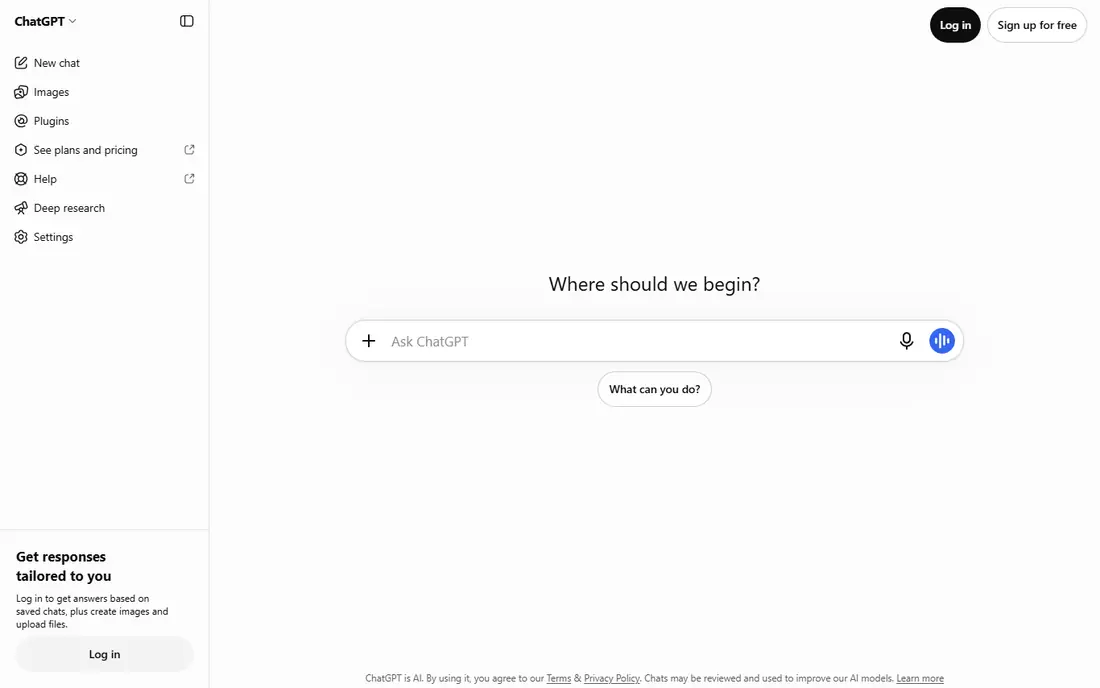
ChatGPT works well as a default choice because it handles such a wide range of jobs without forcing you to learn a new tool for each one. You can draft an email, plan a trip, explain a difficult topic, brainstorm ideas and get help with code in the same chat. The mobile app is polished, voice chat feels natural for hands-free questions, and image generation is built in for visual ideas and drafts. The catch is that breadth can hide limits. Free users get less access to the newest models and to heavier features, and the app can sound confident even when a detail is wrong. We suggest using it for drafting, planning and explaining, then checking dates, prices, quotes and other facts against a primary source before you publish or act on them.
- Broad range of tasks in one app
- Strong voice and image tools
- Large library of custom assistants and integrations
- Free plan has usage limits
- Answers still need checking for facts and figures
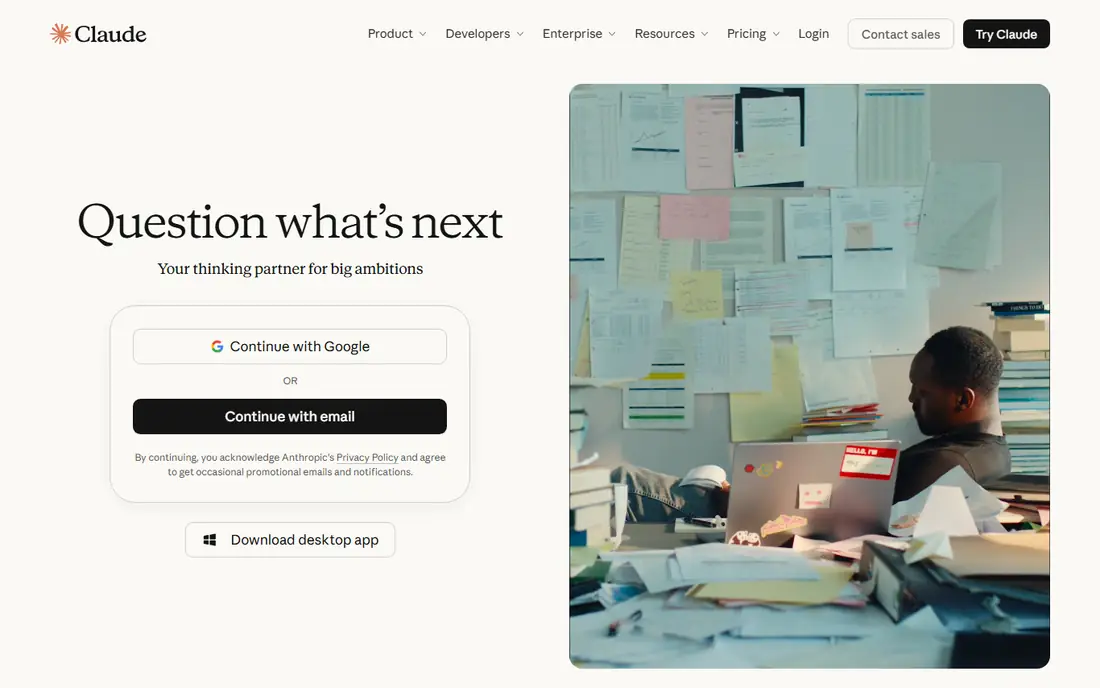
Claude earns its place for people who write or code for a living. Its answers tend to be well organised, with clear structure and a calmer tone, which helps when you are turning rough notes into a report, a proposal or a long email. It also handles long documents well, so you can ask questions about a contract, a paper or a codebase without splitting the material into small pieces. For coding, Claude is a practical pair for reviewing code, explaining errors and drafting functions, though you should still test everything it produces. The main drawback is the free tier, which can run out quickly if you use it all day. Paid access makes more sense for regular writing and development work than for occasional questions.
- Careful, structured long-form writing
- Strong handling of long documents
- Useful tools for working with code
- Free plan is limited for heavy daily use
- Fewer consumer integrations than ChatGPT
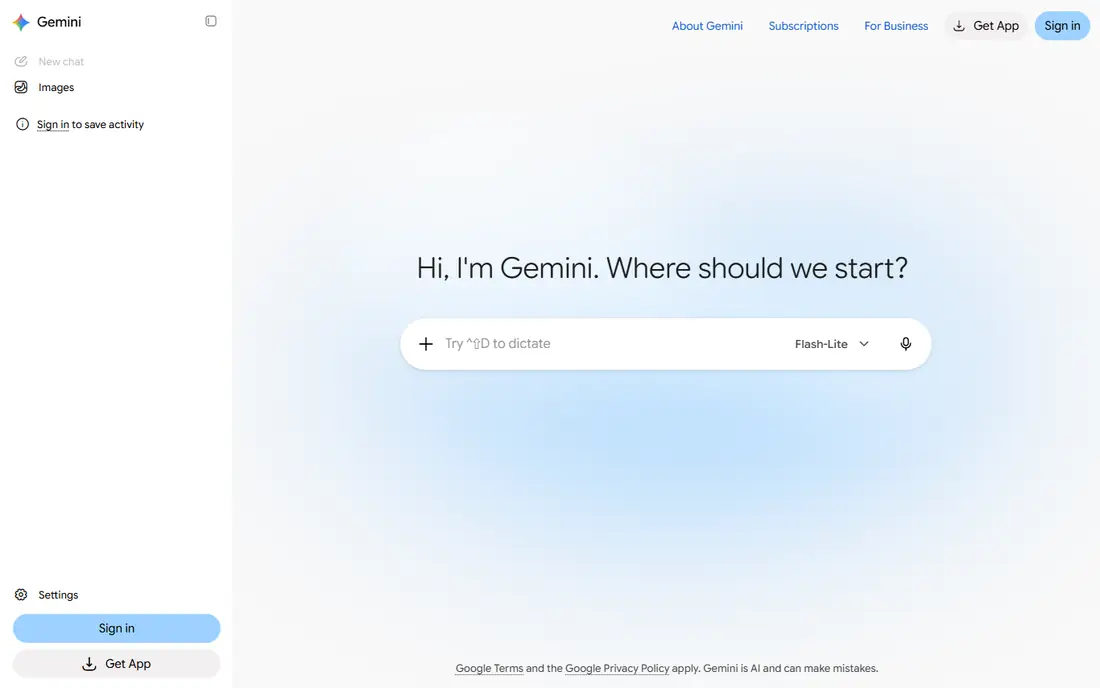
Gemini makes most sense if your work already lives in Google apps. It can summarise a document in Drive, help draft in Docs and pull context from Gmail, which saves the copy and paste work that other chatbots require. For students and researchers, the ability to work with long documents is a real benefit, especially when you need to compare sections or pull out key points. Outside Google tools, Gemini is a capable general chatbot, but it does not always feel as focused as Claude for writing or as broad as ChatGPT for third-party apps. Check the current Google AI plan names and prices before you subscribe, because Google has renamed and rebundled these plans more than once. If you mainly need a free chatbot, the free tier is worth trying first.
- Deep links to Gmail, Docs and Drive
- Strong handling of long documents
- Useful free tier
- Paid features are tied to Google plans that change often
- Quality varies by task
Copilot is the natural pick for offices that run on Microsoft 365. On the right plan, it can draft emails in Outlook, summarise meetings in Teams, help build a presentation and explain a spreadsheet without leaving the app you are already using. That context is the point, because the assistant can work with your files and meetings rather than starting from a blank prompt every time. The free web chat is more limited, and the value drops sharply if your team uses Google Workspace or a mix of tools. Before you pay per user, test it on one real workflow, such as meeting summaries or inbox triage, and check whether the time saved is worth the monthly cost for your team size.
- Works inside Word, Excel, Outlook and Teams on paid plans
- Helpful for summaries and drafts
- Familiar Microsoft sign-in
- Best features require a Microsoft 365 subscription
- Less useful if you do not use Microsoft apps
Perplexity fills a different job from the general chatbots above. It is built around search, so answers usually come with links you can open and check. That makes it useful when you are learning a new topic, comparing products or checking a news story, because you can follow the source rather than trusting the summary alone. It is less satisfying as a writing partner. Drafts can feel flat, and it does not replace a dedicated writing tool for long reports. Use Perplexity at the research stage, save the sources that matter, and then move to ChatGPT or Claude when you need to turn that research into polished prose.
- Citations shown with most answers
- Good for checking current topics
- Search, research and lab modes for deeper work
- Weaker for creative writing and long-form drafting
- Paid plan needed for unlimited deeper searches
Meta AI is best viewed as a convenient assistant inside apps many people already open every day. You can ask a question in WhatsApp, get an idea for a post, or generate an image without installing another app or paying a subscription. For casual questions, travel ideas and social content, that convenience is hard to beat. For work that needs careful reasoning, citations or code review, it is not our first choice. The app also sits inside a social platform, so read the privacy settings and decide what you are comfortable sharing in chat before you paste sensitive work documents or personal details into it.
- Free to use
- Built into WhatsApp, Instagram and Facebook apps
- Can generate images and short video ideas
- Less suited to professional writing and coding
- Privacy controls need careful review
DeepSeek deserves attention because it gives free access to models that handle reasoning, maths and coding well. If you are a student, a hobbyist coder or someone who wants a second opinion on a logic problem, it is a low-cost way to test ideas without a subscription. The interface stays simple, which helps when you just want an answer rather than a long workflow. The trade-off is polish and breadth. You will not get the same range of integrations, voice tools or office connections as ChatGPT, Gemini or Copilot. Treat DeepSeek as a strong free companion, especially for technical questions, and keep a general chatbot handy for writing, images and app integrations.
- Free access to strong reasoning models
- Useful for maths, logic and coding help
- Simple chat interface
- Fewer integrations and app features than larger rivals
- Availability and limits can change
Grok is built for people who follow news and social discussion closely. Its link to X gives it a different view of what people are talking about right now, which can help when you want a quick read on a trending story or a public debate. Image and video tools add a creative side for social posts and ideas. That focus is also its limit. For careful writing, document work or office tasks, Claude, ChatGPT and Gemini are stronger defaults. Grok also changes its pricing and tiers often, so check the current plan on the official site before you commit, and compare what the free tier actually includes for your daily use.
- Access to current discussion on X
- Image and video generation tools
- Direct chat app
- Best features sit behind higher-priced plans
- Tone and filtering differ from other chatbots
Poe solves a common problem for curious users, which is wanting to compare models without paying for five separate subscriptions. You can ask the same question to different models, try a bot built for a specific task, and learn which style you prefer for writing, coding or research. That comparison is valuable before you commit to one paid plan elsewhere. The pricing model takes a little learning, because some models use more points than others. If you already know you want ChatGPT or Claude every day, a direct subscription is usually simpler. Poe is best for exploration, comparison and occasional use across many models.
- Access to many models under one subscription
- Easy side-by-side comparison
- Bots for specific tasks
- Costs depend on compute points and model choice
- Not a single-model specialist
How we picked these
We compared official feature pages, pricing pages and app store listings for each app, and read public reviews and privacy pages to check what free plans actually include. We looked for breadth of tasks, quality of writing and coding help, integration with Google or Microsoft tools, source handling for research, and the real cost of moving from free to paid. We did not run hands-on trials for this guide, and we did not invent test scores, so the picks reflect published features, pricing and documented strengths rather than a lab test.
What to check before you pay
Price is only part of the decision, because free tiers, message limits and model access change how useful an app feels day to day. Start with the free plan for a week of real work, not just a few test prompts, and note where you hit a limit. If you write long documents, test that task directly. If you research news, test whether citations open to useful sources. If you work in Google or Microsoft apps, test the integration in the app itself, because a chatbot that works well on the web can feel weaker inside an office suite. Privacy matters too, especially for work documents. Check whether your chats are used for training, whether you can turn that off, and whether a business plan offers stronger controls. For teams, check admin controls, data retention and single sign-on before you buy seats. A cheaper personal plan can become expensive in time and risk if it lacks the controls your work requires.
Match the app to the job
Use one general app for daily questions and a second app for research or writing if needed. Many people do their best work with a general chatbot plus Perplexity for sources, or Claude for drafts plus Gemini for Google documents. Paying for two apps only makes sense if each one saves real time every week. Otherwise, pick the strongest single app and use free tiers for the rest.
Watch the limits that matter
Message caps, file size limits, image generation limits and voice minutes are the limits that cause frustration. A plan that looks cheap can feel expensive if you hit a cap mid-project. Read the plan page for those limits, and keep a free backup app for busy days.
Frequently asked questions
What is the best ai chatbot app for most people?
ChatGPT is our default pick because it covers writing, planning, images and everyday questions in one polished app. If you live in Google apps, Gemini may feel more useful, and if you write or code daily, Claude is worth testing first.
Are there good free best ai chat apps?
Yes. ChatGPT, Gemini, Claude, Perplexity, Meta AI and DeepSeek all offer free tiers, but limits differ. DeepSeek and Meta AI are the most generous for casual use, while the others limit messages or access to newer models on free plans.
Which app is best for research?
Perplexity is the strongest research choice in this list because it shows sources with answers and offers deeper research modes. Use it to find and check sources, then use another app if you need long, polished writing.
Which chatbot app is best for coding?
Claude and ChatGPT are both strong for coding help, with Claude often preferred for careful review and long code, and ChatGPT preferred for a wider range of coding tasks and integrations. DeepSeek is a useful free option for maths and coding questions.
Do I need to pay for more than one chatbot app?
Most people do not. Start with one paid app if you use a chatbot daily, and use free tiers for comparison. Pay for a second app only when it handles a distinct job, such as research with citations or work inside Microsoft 365, that your main app handles poorly.
Is my chat data private?
It depends on the app and plan. Consumer free plans often allow some data use for improvement unless you change a setting, while business and enterprise plans usually offer stronger controls. Read the privacy page for the exact plan you buy, and avoid pasting passwords, medical details or confidential work into any consumer chatbot.
Sources we checked (9)

Online Jobs is an independent blog about careers, online work, learning new skills and the tools that help people earn. More about us.
Keep reading
All posts
Zoom Alternatives
Zoom alternatives compared for 2026: Google Meet, Microsoft Teams, Webex, Jitsi and more for free calls, large meetings and webinars for teams and classrooms.

Top Rated Poster Maker Software
Top rated poster maker software compared for 2026: Canva, Adobe Express, VistaCreate, PosterMyWall and more for events, sales and classrooms for US users.

Surfshark Alternatives
Looking for Surfshark alternatives? We compare 8 VPN services on price, privacy, streaming, and device limits to help you find a VPN that fits your needs.