Best AI Chat Apps With No Filter in 2026: 8 Apps Compared

How we put this together: we compare official feature and pricing pages, app store listings, privacy policies and public user reviews. Prices change, so check the provider's site before you pay.
Key takeaways
- LM Studio, Jan and GPT4All are the easiest local chat apps for everyday conversation, creative writing and productivity on your own computer.
- Ollama and Open WebUI suit users who want a flexible local setup, with Ollama running models and Open WebUI providing the chat interface.
- Local models give you more control over which model you use, but smaller local models are usually less capable than large cloud assistants.
- Privacy note: chats may be stored or used for training unless the app says otherwise, so check each app's privacy policy and local-only settings before pasting sensitive text.
Quick comparison
| Name | Who it suits | Starting price | Free option | |
|---|---|---|---|---|
 LM Studio | Easy local model chat | Free | Yes | Visit |
 Ollama | Flexible local model runner | Free | Yes | Visit |
 Jan | Open source offline chat | Free | Yes | Visit |
 Open WebUI | Self-hosted chat interface | Free | Yes | Visit |
 AnythingLLM | Chatting with your documents | Free | Yes | Visit |
 GPT4All | Simple private desktop chat | Free | Yes | Visit |
 Msty | Local chat with model switching | Free | Yes | Visit |
 Text Generation WebUI | Custom local chat setup | Free | Yes | Visit |
The best ai chat apps with no filter
This article covers only general-purpose open and local-model chat apps with fewer built-in content restrictions, for everyday conversation, creative writing and productivity. It does not list, describe or recommend any adult, pornographic or erotic roleplay service. All apps below are for adults aged 18 and over when used with open models that may produce adult language, and users should follow the licence and safety terms of each model they download.
We compared official product pages, documentation and app listings for the apps below. “Fewer built-in limits” here means you choose an open-weight model and run it locally or through your own setup, so a cloud provider's chat filter is not sitting between you and the model. That control also means responsibility: check model licences, keep sensitive data local where possible, and do not use these tools to produce harmful content.
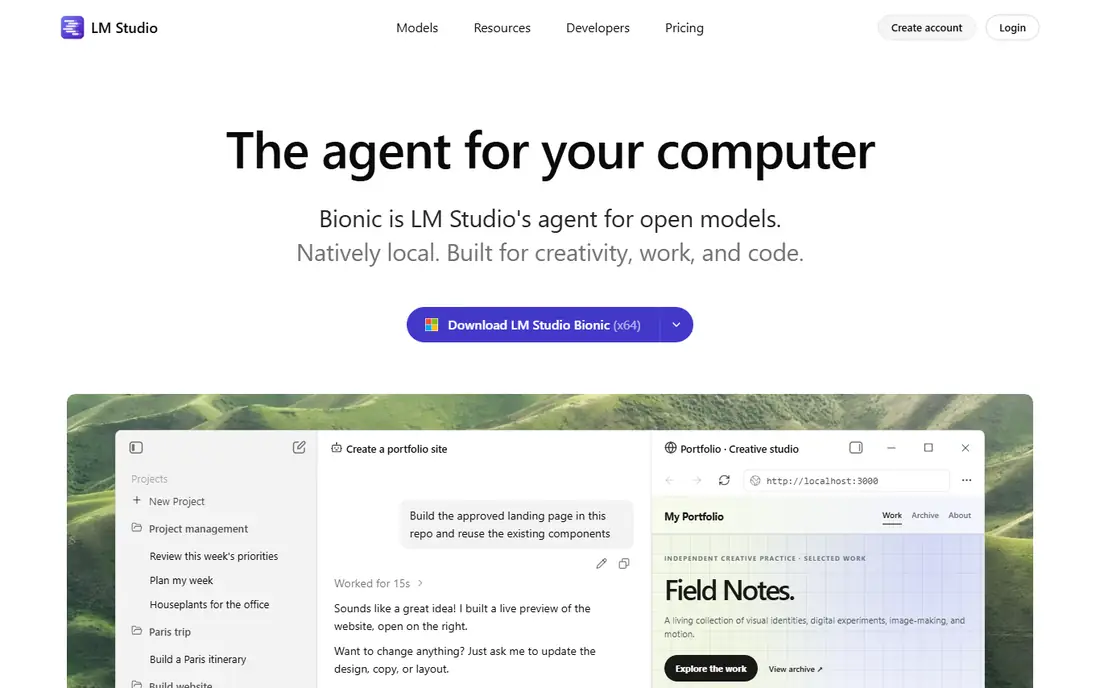
LM Studio is our first pick for most people who want to try local chat without command-line work. You can search a catalogue of open-weight models, download one, and start chatting in a clean desktop interface. A local server option also lets other apps connect to the model running on your machine.
The main limit is hardware. Small models run well on a typical computer, while larger, more capable models need more memory or a strong graphics card. LM Studio is free for home and work use, with a paid Enterprise plan for organisations that need extra controls, so start with a small model and upgrade your model choice as you learn what your computer handles well.
- Point-and-click model downloads
- Chat interface included
- Local server option for other apps
- Desktop app is free but not open source
- Larger models need strong hardware
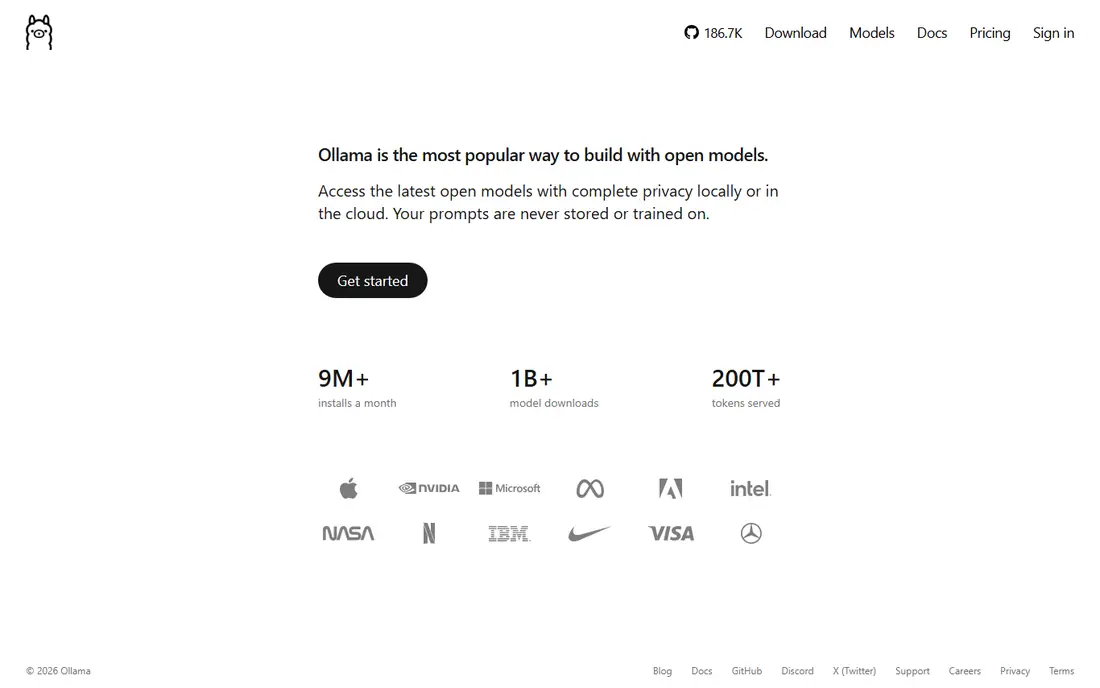
Ollama is the engine many other local chat tools build on. It downloads and runs open-weight models on Windows, macOS and Linux, and it keeps chats on your machine by default when bound to localhost. That makes it a strong foundation for a private setup, especially for users comfortable with a terminal.
Ollama itself is not a polished chat app, so most users pair it with Open WebUI, Jan or another interface. If you want one install and one window, LM Studio or Jan will feel simpler. If you want a standard, scriptable local model runner that other tools can share, Ollama is the best base.
- Free and open source
- Simple model downloads
- Widely supported by other chat apps
- Command-line first
- Needs a separate chat interface for a polished chat experience
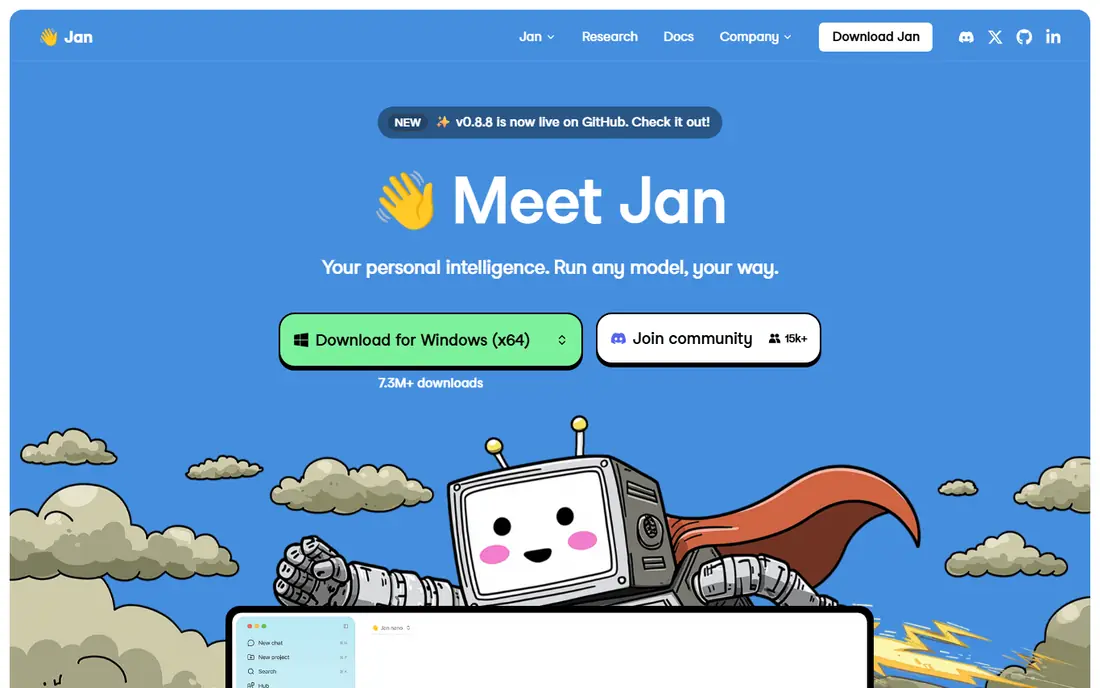
Jan suits privacy-minded users who want an open source chat app that works offline. The interface feels familiar to anyone who has used a cloud chatbot, but models run on your device when you choose a local model. You can also connect to cloud APIs for a hybrid setup, though that choice means chats leave your device under that provider's terms.
Jan's ecosystem is younger than LM Studio's, so model browsing and advanced settings can feel less polished. For a straightforward, auditable, offline-first chat app, Jan is still a strong pick, and its open source code lets technically minded users check how it handles data.
- Fully open source desktop app
- Offline-first design
- Can also connect to cloud models if you choose
- Smaller model catalogue experience than LM Studio
- Some features are still maturing
Open WebUI is the best chat front end for a self-hosted local setup, most often paired with Ollama. It offers conversations, model switching, document chat and user management in a web interface you control. That makes it useful for a household, a small team or a home server where more than one person needs access.
Self-hosting brings responsibility. Do not expose Open WebUI or Ollama to the public internet without authentication and proper network controls, since an open local API can be reached by anyone who finds it. Keep it on localhost or behind a trusted private network unless you have set up secure access deliberately.
- Full chat interface for local models
- User accounts and roles
- Works well with Ollama
- Self-hosting setup needed
- Needs care with network access and authentication
AnythingLLM suits users whose main job is chatting with their own files. Upload documents, notes or manuals, and ask questions grounded in that material, using a local model for privacy or a cloud model when you need more capability. Workspaces help separate projects, clients or topics.
For plain everyday chat, AnythingLLM is heavier than LM Studio or Jan. Choose it when documents are the point: study notes, manuals, contracts you own, or a personal knowledge base. Check document handling and storage settings before uploading sensitive files, even in a local setup.
- No account needed for local use
- Document chat built in
- Supports local and cloud models
- Setup is heavier than a simple chat app
- Best value needs documents to work with
GPT4All is a simple route to private desktop chat. Install the app, download a model, and chat without an account for local use. That simplicity suits users who want a private alternative to a cloud chatbot for drafting, summarising and everyday questions, without learning server setup.
Model choice is narrower than LM Studio, and small local models are best for short, clear tasks rather than long reasoning or complex coding. Start with summaries, rewrites and brainstorming, and use a larger model or a cloud assistant for harder work when privacy allows it.
- Simple desktop chat
- Local models by default
- No account needed for local use
- Model choice is narrower than LM Studio
- Smaller models suit short tasks best
Msty suits users who want one tidy chat app for both local and cloud models. Switch models per conversation, save prompts, and use knowledge features to ground chats in your own material. That flexibility helps when some chats are private and local, while others need a larger cloud model.
The privacy story depends on the model you pick for each chat. Local chats stay on your device, while cloud chats are governed by that provider's policy and may be stored or used for training unless the provider says otherwise. Check the model source for every conversation that contains personal or work-sensitive text.
- Clean chat interface
- Easy switching between local and cloud models
- Prompt and knowledge features
- Cloud models follow their provider's terms
- Local use still needs enough hardware
Text Generation WebUI, from the oobabooga project, suits technically minded users who want full control over a local chat setup. It supports many open-weight models, extensions, presets and sampling settings, which helps writers and developers tune how a model responds. As open source software, it can be inspected and run on your own hardware.
Beginners should start elsewhere. Installation and settings assume comfort with Python, model files and hardware choices, and the interface can feel busy at first. For a user who wants to experiment deeply with local models, that control is the point. For everyday chat, LM Studio, Jan or GPT4All will be faster to start.
- Highly customisable
- Supports many local models and extensions
- Open source
- Setup needs technical comfort
- Interface can feel complex for beginners
How we picked these
We compared official product pages, documentation and app listings, and we favoured general-purpose chat apps that run open-weight models locally or through a self-hosted setup, with a clear chat interface and a stated privacy position. We did not claim hands-on testing, and we did not invent model capabilities, hardware claims or prices. Where an app also supports cloud models, we said so plainly, because cloud use changes the privacy story.
What to check before you choose
Start with hardware and purpose. A computer with 8 GB of memory can run small models for summaries and rewrites, while 16 GB or more, or a graphics card with ample memory, runs larger models more usefully. Match the model to the job: short writing and study help suit small models, while long reasoning and complex code may still need a larger model or a cloud assistant.
Then check privacy for each chat, not just each app. Local-only chats stay on your device when the app is set up that way, but cloud models, update checks, analytics and document uploads can send data elsewhere. Read the privacy policy, disable analytics where offered, keep local APIs on localhost, and never paste passwords, medical details, financial records or other sensitive text into a chat unless you have confirmed where that chat goes. For adults using open models, remember that fewer built-in limits also means you must judge output yourself and avoid using these tools for harmful purposes.
Frequently asked questions
What is the best ai chat app with no filter for everyday writing?
LM Studio is our pick for most users, with easy model downloads and a clean local chat interface. Jan and GPT4All are good alternatives when you want an open source or especially simple desktop chat app.
What is the best ai chat app no filter for privacy?
Jan and Ollama paired with Open WebUI are strong privacy-first setups, because chats can stay on your own computer when you use local models and keep the setup on localhost. Always check analytics, update and cloud settings, since “local model” does not guarantee “no network traffic at all”.
Can I run an ai chat app with no filter on my own computer?
Yes, with LM Studio, Jan, GPT4All or Ollama plus a chat interface, you can download an open-weight model and chat locally. Small models run on typical computers, while larger models need more memory or graphics memory for good speed.
Do local AI chat apps store my chats?
Local chats can stay on your device, but cloud models, analytics, update checks and document features may send data elsewhere. Check each app's privacy policy and settings, and assume a chat may be stored or used for training unless the app clearly says otherwise for that model and mode.
Are open and local-model chat apps safe for creative writing?
They are useful for everyday conversation, creative writing and productivity, and they give you control over model choice. They are for adults aged 18 and over when open models may produce adult language, and output still needs your judgment for accuracy, copyright and safety before you publish or share it.
Sources we checked (8)

Online Jobs is an independent blog about careers, online work, learning new skills and the tools that help people earn. More about us.
Keep reading
All posts
Best Phone Company
Looking for the best phone company in 2026? We compared 9 US carriers on price, coverage, data and perks so you can pick the right plan for your line.
Best Online Tools to Measure Ping Time
Looking for the best online tools to measure ping time? We compare 9 free tools for latency, jitter, and global reach, so you can find slow connections fast.

Best Machine Learning Platform
Compare the best machine learning platform options for teams and learners, with cloud, AutoML, open source and pricing trade-offs explained in full detail.