Best AI Apps for Photos in 2026: 8 Apps Compared

How we put this together: we compare official feature and pricing pages, app store listings, privacy policies and public user reviews. Prices change, so check the provider's site before you pay.
Key takeaways
- The best AI photo app depends on the job, because restoration, portraits, social edits and product shots need different tools.
- Remini leads for sharpening old and blurry photos, while Lensa leads for stylised portraits and avatars.
- Free plans are useful for trying an app, but full-resolution exports and most AI features usually sit behind a subscription.
- Check privacy terms before uploading sensitive photos, since many AI apps process images on their servers.
- Keep the original photo before any AI edit, because AI can invent facial detail that was not in the source.
Quick comparison
| Name | Who it suits | Starting price | Free option | |
|---|---|---|---|---|
 Remini | Photo restoration and sharpening | See website | Yes | Visit |
 Lensa | Stylised portraits and avatars | See website | Yes | Visit |
 FaceApp | Fun face transformations | See website | Yes | Visit |
 Picsart | Social edits and creative effects | See website | Yes | Visit |
 Fotor | Quick AI edits for beginners | See website | Yes | Visit |
 Canva | Designs built around photos | Free | Yes | Visit |
 Google Photos | Everyday AI cleanup on your phone | Free | Yes | Visit |
 Adobe Photoshop Express | Polished mobile editing | Free | Yes | Visit |
The best AI apps for photos
We compared AI photo apps on output quality, the range of AI tools, ease of use, export quality and price, with a focus on what each app does best rather than which one does everything.
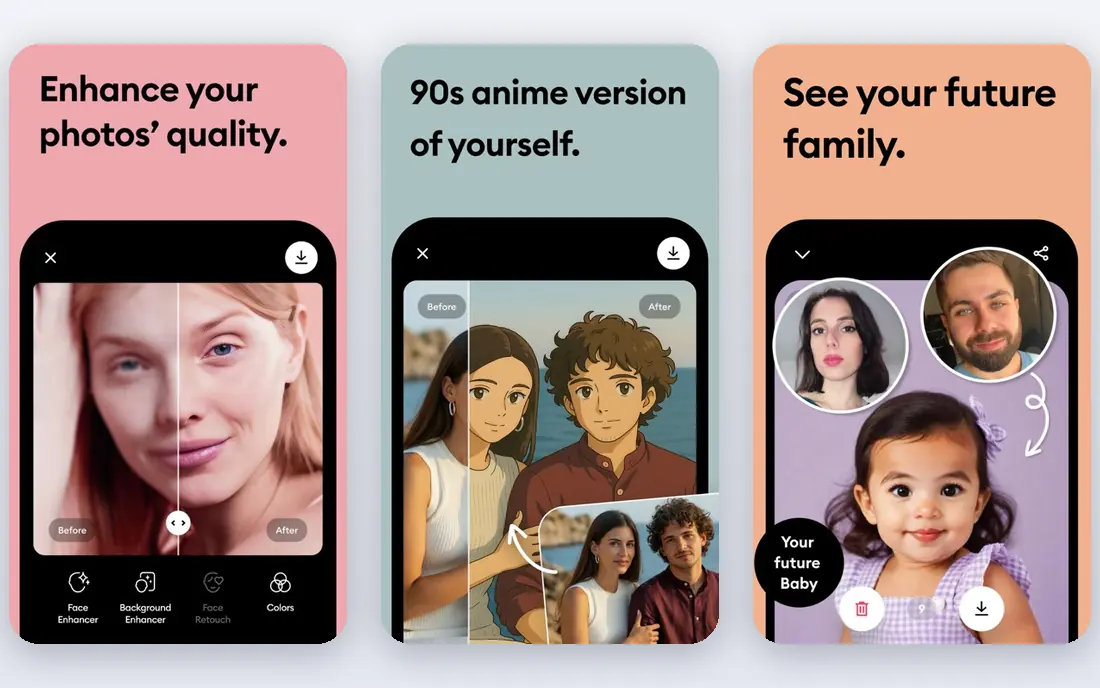
Remini is the app to try first when the problem is quality rather than creativity. Its AI enhancer sharpens faces, improves lighting and cleans up old scans with very little input, which makes it useful for family photos, scanned prints and phone shots taken in poor light. The process is close to one tap, so you do not need editing skill to get a visibly better image.
The honest limit is invention. When a face is badly blurred or damaged, the AI must guess at detail, and the result can look like a different person. Keep the original, compare the enhanced version at full size, and keep the strength low when the photo matters. A subscription is also needed for heavy use, so casual users should test the free enhances before paying.
- Strong face enhancement for soft and old photos
- Simple one-tap enhancement
- A clear strength in restoring faded portraits
- Subscription needed for unlimited full-resolution work
- AI can invent detail in badly damaged faces
- Fewer creative design tools than rivals
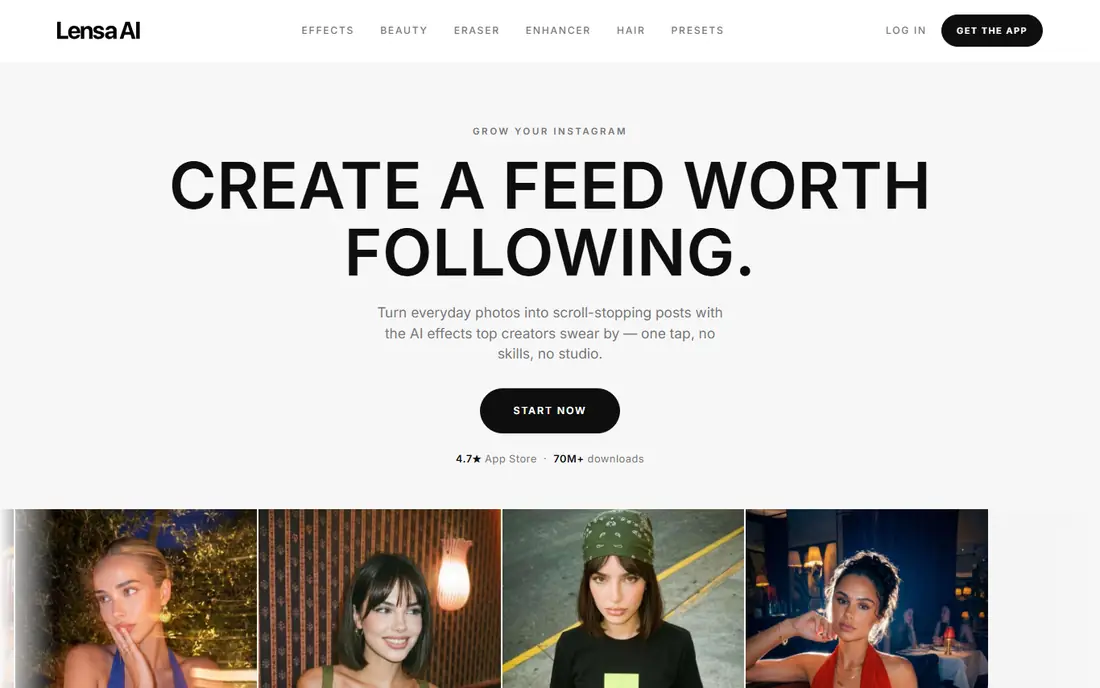
Lensa is best known for Magic Avatars, which turn a set of selfies into stylised portraits in fantasy, comic and painterly styles. The results are made for profile pictures and social posts, and the app guides you through uploading enough photos to get varied results. Its everyday portrait tools, including background blur and retouching, are also solid for quick social edits.
Buyers should know what they are getting. Avatar output is artistic by design, so it will not pass as a studio headshot, and the best packs need a good set of clear, varied selfies. Costs can also stack up if you buy several avatar packs, so decide whether you want one set or an ongoing subscription before you start.
- Eye-catching Magic Avatars in many styles
- Strong portrait retouching
- A polished mobile editing flow
- Avatar packs cost extra beyond the subscription in some cases
- Results lean artistic rather than photorealistic
- Needs many selfies for the best avatars
FaceApp remains the most fun app on this list, and its age and smile transformations still look convincing from a single photo. It is the pick for playful edits, party photos and social posts where the point is the transformation itself rather than a polished final image. The interface is simple, and most filters apply in seconds.
It is less suited to serious portrait work. Its artistic AI tools are thinner than Lensa or Picsart, and the best filters sit behind a subscription. As with any face app, read the privacy policy before uploading photos of other people, and avoid uploading images you would not want processed on a remote server.
- Realistic age, smile and hair transformations
- A long record of viral face filters
- Quick results from a single photo
- Creative AI portrait tools are weaker than dedicated avatar apps
- Many filters need a subscription
- Privacy questions deserve a read of its policy
Picsart suits creators who post often and want one app for filters, collages, stickers and AI effects. Its AI replace and background removal tools make it easy to change a scene or isolate a subject, and the template library speeds up social posts when you need a consistent look. For small businesses and creators, that breadth saves switching between three apps.
The breadth is also the drawback. New users can feel lost among menus, stickers and subscription prompts, and the free version shows ads. If you only need cleanups or restoration, a focused app such as Remini or Google Photos will feel calmer. Picsart earns its place when creativity and posting speed matter more than minimalism.
- A huge range of AI filters, stickers and collage tools
- Background removal and AI replace tools
- A strong community and template library
- The free version includes ads and limits
- The app can feel crowded with features
- Full-resolution exports need a paid plan
Fotor is a good middle ground for beginners who want AI help without learning a full editor. Its one-click enhancer, background remover and AI headshot tools cover the most common jobs, and batch editing helps when you have a folder of photos to fix rather than one image. The web version is handy for Chromebook and desktop users who do not want another mobile-only app.
The catch is control. Fotor trades depth for speed, so photographers who want fine colour and masking control will outgrow it. AI headshots also need a careful likeness check, since a generated headshot can smooth away the features that make a person recognisable. Use it for quick, good-looking results, and keep a desktop editor for work that must be exact.
- One-click AI enhancement and headshot tools
- Batch editing for many photos
- Works on web and mobile
- Free exports can carry limits
- Advanced controls are thinner than desktop editors
- AI headshots need careful checking for likeness
Canva is the pick when the photo is part of a larger design, such as a social post, flyer, presentation or product listing. Its Magic Eraser removes distractions, Magic Edit changes parts of an image with a prompt, and the template library means you rarely start from a blank page. For small businesses, that combination of photo tools and design tools in one place is a genuine time saver.
It is not a replacement for a dedicated photo editor. Colour grading, masking and retouching controls are simpler, and the best AI features sit on the paid plan. If your main job is fixing photos, start with Remini or Photoshop Express, and use Canva when the finished design matters as much as the photo itself.
- Magic Edit and Magic Eraser built into a full design tool
- Thousands of templates for social posts
- A generous free plan for basic work
- Photo editing depth is lower than dedicated editors
- AI features need a paid plan for heavy use
- Exports depend on template quality
Google Photos is the easiest AI photo app to recommend, because many readers already have it. Magic Eraser removes passers-by, Photo Unblur sharpens soft shots, and Magic Editor can reposition subjects and clean up a scene. Because it lives where your photos already live, cleanup becomes part of browsing rather than a separate chore.
The limit is the monthly save allowance for Magic Editor on most non-Pixel devices, unless you pay for a larger Google One storage plan. It also lacks the stylised avatar and heavy creative tools of Lensa and Picsart. For everyday fixes, though, it is the fastest path from a flawed photo to a shareable one.
- Magic Editor, Magic Eraser and Photo Unblur built into the gallery app
- Nothing extra to install for most Android users
- Easy sharing and backup
- Magic Editor saves are limited for most non-Pixel users without a paid storage plan
- Fewer stylised AI tools than Lensa or Picsart
- Features vary by device
Adobe Photoshop Express suits readers who want polished, natural-looking edits rather than cartoon effects. Its auto enhance, spot healing and object removal tools handle common flaws cleanly, and its colour controls give more precision than most social apps. For product photos and portfolio images, that restraint matters, because the photo still needs to look real.
The learning curve is steeper than Fotor or Google Photos, and the best features need a paid plan. AI generation also plays a smaller role here than in desktop Photoshop, so buyers looking for text-to-image creation should look elsewhere. For careful mobile editing with a professional finish, it remains a strong, dependable choice.
- Strong object removal and auto enhance tools
- Reliable colour and light controls
- A trusted name for print-ready exports
- Premium features need a subscription
- The app assumes some editing knowledge
- AI generation is more limited than in full Photoshop
How we picked these
We compared official feature pages, app store listings and privacy information for AI photo apps, and we kept only apps that were still available and working in October 2026. We favoured apps with a clear strength, honest free or trial access, and exports that hold up at full size, and we noted where AI output can invent detail. We did not claim hands-on testing, and prices we could not verify on a vendor site are shown as See website.
How to pick the right AI photo app
Start with the job, not the app store ranking. Restoration calls for Remini, stylised portraits call for Lensa, everyday cleanup calls for Google Photos, and social design calls for Canva or Picsart. Trying one app for every job usually leads to disappointment, because each tool is tuned for a different result.
Next, check three practical points before you subscribe. First, test export quality at full size, since a preview can hide softness and artefacts. Second, read the privacy policy, especially for photos of children or other people, and delete uploads you no longer need where the app allows it. Third, count how many photos you actually edit each month, because a subscription only pays for itself if you use the AI features often enough to beat the free allowance.
A quick word on AI portraits and likeness
AI portraits are fun, but they are interpretations, not photographs. A generated headshot may change facial shape, skin tone or age in ways that look polished yet untrue to the person. For a job application, dating profile or official document, use a real photo edited lightly, and keep AI portraits for social profiles where a stylised look is expected. Always ask permission before uploading someone else's photo to an AI app.
Frequently asked questions
What is the best AI app for photos?
It depends on the job. Remini is our pick for restoration and sharpening, Lensa for stylised avatars, Google Photos for everyday cleanup, and Picsart or Canva for social and design work. If you only install one app, pick the one that matches the photos you edit most often, and use the free plan to test export quality first.
What is the best AI photo tool for old photos?
Remini is the strongest choice for old, faded or blurry photos, because its enhancer is tuned for faces and scanned prints. Scan the original at high resolution, keep the untouched scan, and compare the enhanced version at full size before sharing. For badly damaged photos, expect the AI to guess at some detail, and keep the strength low.
Are AI photo apps free?
Most apps on this list offer a free plan or free features, but full-resolution exports, unlimited AI edits and premium filters usually need a subscription. Google Photos and Canva have generous free tiers for basic work, while Remini and Lensa limit free use more tightly. Check the current free allowance on the vendor site or app store listing before you rely on it.
Which AI photo app is best for social media?
Picsart and Canva lead for social media, because they combine AI photo tools with templates, stickers and design layouts made for each platform. Picsart is stronger for creative effects and collages, while Canva is stronger for branded posts and consistent layouts. Google Photos is better when you only need a quick cleanup before posting.
Do AI photo apps keep my photos private?
Policies vary, and many AI apps process images on their servers, which means your photos leave your device during editing. Read the privacy policy for each app, check how long uploads are kept, and avoid uploading sensitive photos to an app you have not vetted. When in doubt, use an on-device tool such as Google Photos or Apple Photos for private images.
Sources we checked (8)

Online Jobs is an independent blog about careers, online work, learning new skills and the tools that help people earn. More about us.
Keep reading
All posts
Zoom Alternatives
Zoom alternatives compared for 2026: Google Meet, Microsoft Teams, Webex, Jitsi and more for free calls, large meetings and webinars for teams and classrooms.

Which Software Is Best for PDF Page Removal
Which software is best for PDF page removal? We compare free and paid tools for deleting pages quickly, safely, and without harming your file in this guide.

Which Software Is Best for Data Entry
Compare the best data entry software for forms, OCR scanning, and spreadsheets, with free plans, pricing, and honest limits for each tool before you commit.