Best AI Apps for Images in 2026: 8 Tools Compared

How we put this together: we compare official feature and pricing pages, app store listings, privacy policies and public user reviews. Prices change, so check the provider's site before you pay.
Key takeaways
- Midjourney still leads on pure artistic quality, but it has no free plan and starts at $10 per month.
- ChatGPT and Gemini give most casual users image generation for free, with paid plans adding higher limits and extra features.
- Adobe Firefly is the safest pick for commercial work, since it is trained on licensed and public domain content.
- Ideogram is the strongest choice when readable text inside an image matters, such as posters and social graphics.
- Leonardo and Recraft offer generous free tiers and strong controls for people who want to experiment before paying.
Quick comparison
| Name | Who it suits | Starting price | Free option | |
|---|---|---|---|---|
 Midjourney | Artistic and cinematic images | $10 per month | No | Visit |
 ChatGPT | Easy image editing in chat | Free | Yes | Visit |
 Adobe Firefly | Commercially safe images | Free | Yes | Visit |
 Gemini | Photorealistic images for Google users | Free | Yes | Visit |
 Leonardo AI | Game art and design assets | Free | Yes | Visit |
 Ideogram | Text inside images | Free | Yes | Visit |
 Canva | Everyday social and marketing graphics | Free | Yes | Visit |
 Recraft | Logos, vectors and brand sets | Free | Yes | Visit |
The best ai apps for images
The best AI apps for images are no longer interchangeable. Some produce striking art, others render readable text, and a few are built for safe commercial use. We compared official feature pages, pricing pages and app store listings to sort out which tool fits which job, so you can pick one without paying for features you will never use.
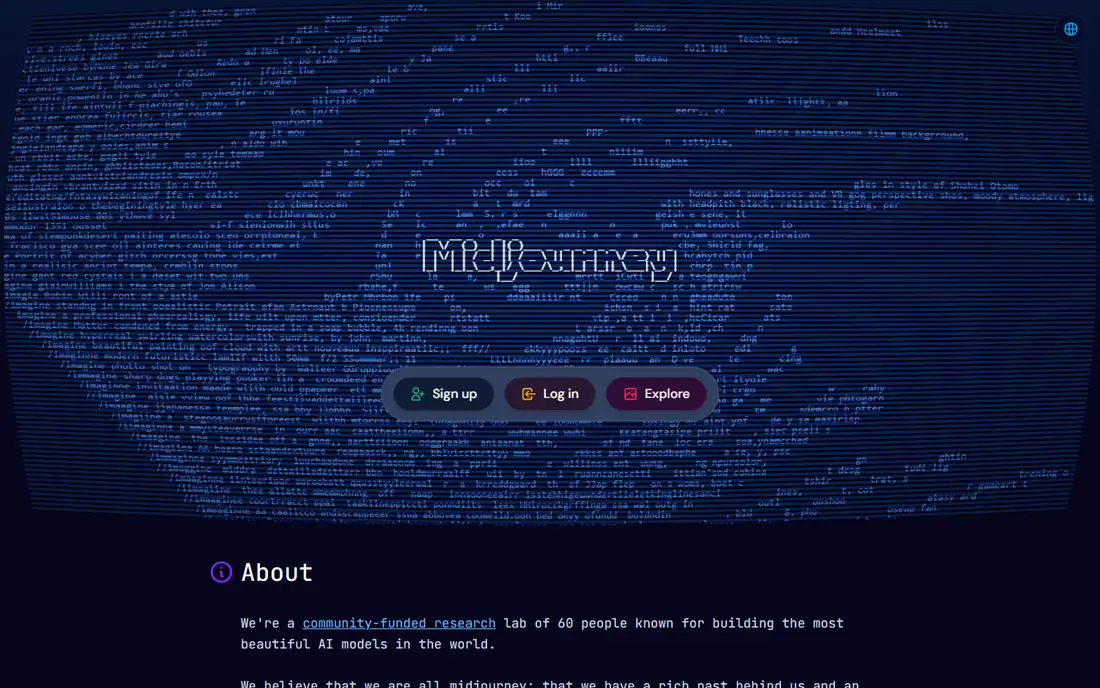
Midjourney remains the pick for people who care most about how an image looks. Its output has a polished, cinematic feel that suits illustration, concept art and mood boards, and its style controls make it easy to keep a consistent look across a set of images. The web editor means you no longer need to work through Discord, which removes the biggest barrier for new users.
The trade-off is price and literal accuracy. There is no free tier, so you pay from the first image, and Midjourney sometimes interprets a prompt loosely rather than following every detail. If you need exact text on a poster or a precise product shot, another tool on this list will serve you better. For pure visual impact, though, it is still hard to beat.
- Striking artistic quality
- Strong style control
- Large active community
- No free plan
- Less literal prompt following than some rivals
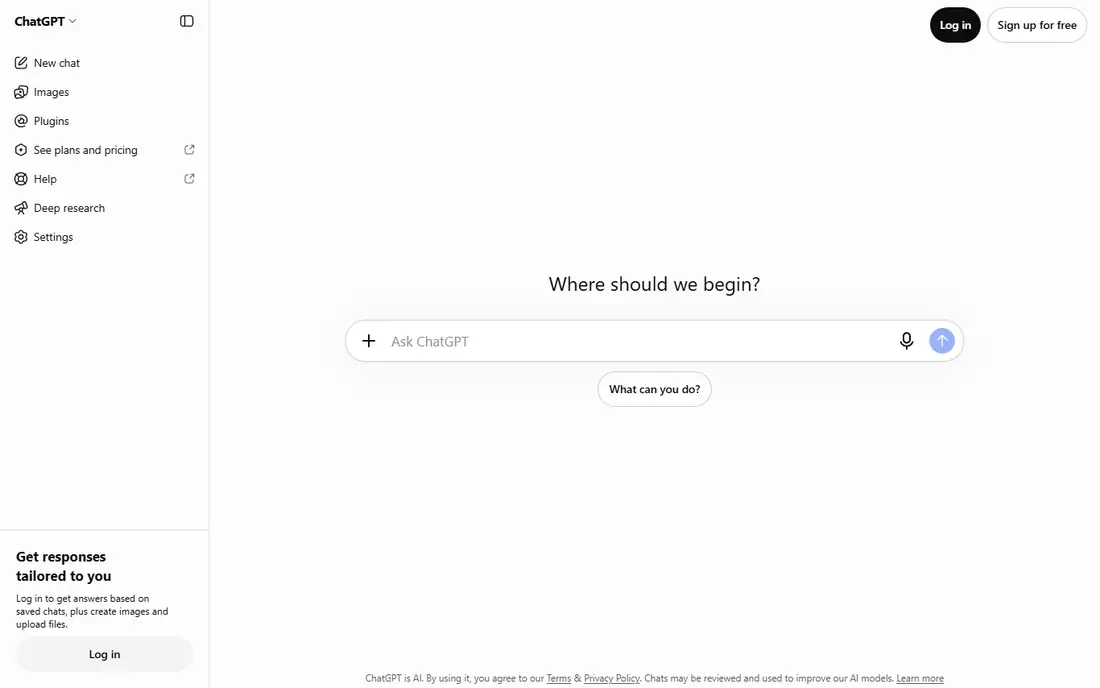
ChatGPT is the easiest way into AI images for most people, because generation happens inside a normal chat conversation. You can describe an image, ask for changes in plain language, and refine the result step by step without learning prompt syntax or sliders. Its image model is also notably good at rendering text correctly, which matters for signs, labels and simple graphics.
The free tier covers casual use, but daily limits apply, and heavy users will need the Plus plan at $20 per month. ChatGPT also offers fewer dedicated artistic controls than tools built only for images. Even so, for a first AI image app, or for someone who already uses ChatGPT for writing and research, it is the most practical starting point.
- Conversational editing
- Strong prompt and text accuracy
- Free tier included
- Free tier has daily limits
- Less fine style control than Midjourney
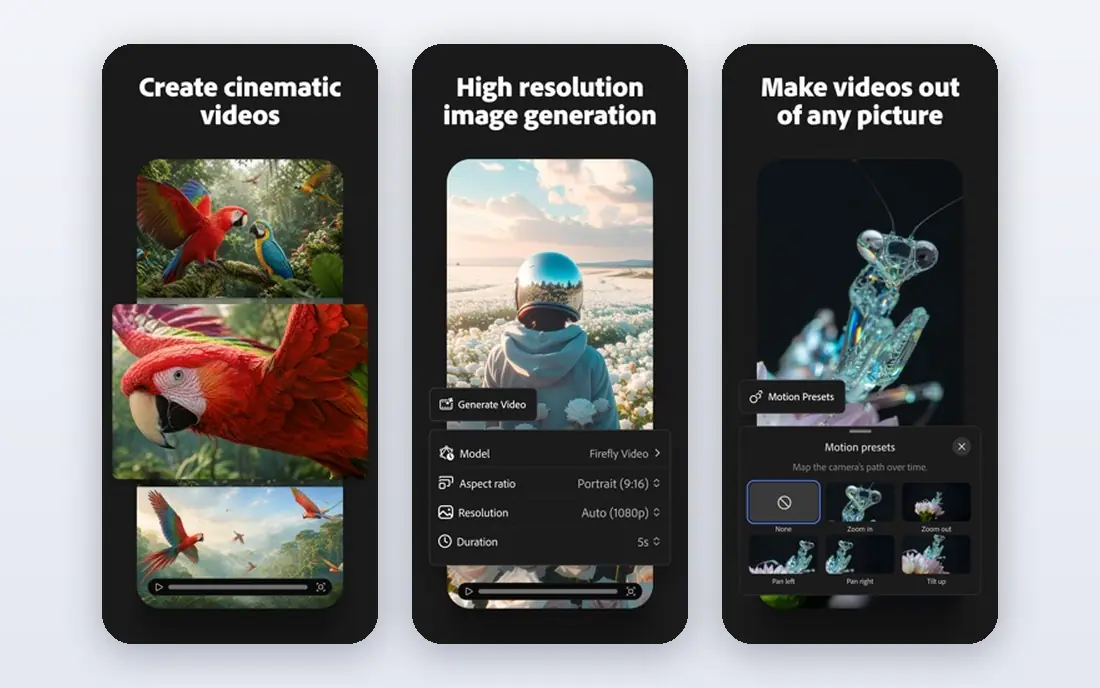
Adobe Firefly is the sensible choice for business use. Because it is trained on licensed stock and public domain material, the commercial risk around generated images is lower than with models trained on scraped web content, and Adobe backs that position for business customers. It also connects directly with Photoshop and Adobe Express, so generated images can move straight into an existing design workflow.
The catch is creative range. Firefly images can feel safer and less surprising than Midjourney output, and the free tier only goes so far before a paid plan is needed. If you publish client work or brand material, that safety is worth the trade. If you want wild, experimental art, look elsewhere on this list.
- Trained on licensed content
- Works with Photoshop and Express
- Free tier available
- Less adventurous artistic range
- Paid plans needed for higher volumes
Gemini, Google's AI app, includes image generation powered by its Imagen models, and it is a strong pick for realistic photos and everyday visuals. The free tier handles casual requests, and the paid Google AI Pro plan at $19.99 per month adds higher limits plus storage and other Google benefits. For people already paying for Google services, that bundle makes the paid tier easier to justify.
Gemini is less of a specialist art tool than Midjourney or Leonardo, and its editing controls are simpler. It also shines most when you stay inside Google's products. If photorealism and convenience matter more than deep artistic control, Gemini is a solid, low-friction choice.
- Strong photorealism
- Free tier
- Fits Google apps and storage bundles
- Paid features sit behind Google AI plans
- Style range is narrower than Midjourney
Leonardo AI packs a lot into one platform: several image models, video generation, image editing and upscaling, all under one account. That breadth makes it popular with game designers and content creators who need characters, environments and concept art in consistent styles. The free tier gives daily credits, so you can learn the tool properly before spending anything.
The downside is complexity. New users face many models and settings, and it takes time to learn which combination gives the best result for a given job. Paid plans start at $12 per month for more credits and faster generation. If you want one tool that covers many creative tasks, Leonardo is a strong value pick.
- Free tier with daily credits
- Many models in one place
- Good control tools
- Interface can feel busy for beginners
- Paid plans start at $12 per month
Ideogram built its reputation on one hard problem: putting readable, well-placed text inside generated images. Posters, logos, greeting cards and social graphics come out far cleaner here than with most rivals, and recent versions have improved prompt fidelity and editing as well. For anyone making graphics where the words matter as much as the picture, Ideogram is the first tool to try.
Its artistic range is narrower than Midjourney, and it is less of an all-purpose app than ChatGPT or Gemini. Paid plans start at around $8 per month for higher limits. If your work regularly includes typography, that specialism is worth paying for; if it does not, a general tool may cover you.
- Excellent readable text in images
- Good prompt fidelity
- Free tier available
- Narrower style range
- Paid plans needed for heavy use
Canva is less an AI image app than a complete design tool with image generation built in, and that is exactly its appeal. You can generate an image, drop it into a template, add text and export a finished social post without opening another app. For small business owners, teachers and social media managers, that end-to-end flow saves more time than a slightly better image from a specialist tool.
The image generator itself is good but not class-leading, and the most useful features sit behind Canva Pro at $15 per month. If you already design in Canva, its image tools are a natural add-on. If you only need raw images to use elsewhere, a dedicated generator will give you more control.
- Full design suite around image generation
- Easy templates
- Free tier
- Image quality lags specialist tools
- Best features need Pro at $15 per month
Recraft stands out for brand work: it generates vector graphics, logos and icon sets that can be scaled and edited cleanly, rather than only flat raster images. That makes it useful for designers who need matching sets of assets in a consistent style, such as a logo plus social icons plus illustrations. The free tier lets you test whether its style fits your brand before paying, with paid plans from around $12 per month.
Recraft is not the tool for photorealistic photography or painterly art, and its community is smaller than the big names here. For logos, vectors and repeatable brand assets, though, it fills a gap the general tools do not cover well.
- Vector and logo generation
- Brand-consistent sets
- Free tier available
- Smaller community
- Less suited to photorealistic scenes
How we picked these
We compared official feature pages, pricing pages and app store listings for each tool, and checked that every homepage loads and belongs to the product named. We favoured tools that exist and work today, cover different needs rather than repeating the same strength, and publish clear pricing or a usable free tier. Where a price could not be confirmed from the vendor, we said so rather than guessing.
What to check before you pay
Start with the free tier and a real task from your own work, not a demo prompt. Generate the kind of image you actually need, whether that is a product photo, a poster with text, or a set of social graphics, and judge the tool on that result. Check the commercial use terms before publishing client work, since they differ between tools, and confirm whether generated images can be used in paid advertising.
Watch the limits as well as the headline price. A cheap plan with a small credit allowance can cost more than a pricier plan with generous limits if you generate daily. If you only need images a few times a month, a free tier may be all you ever need, and paying for a subscription you rarely use is the most common waste in this category.
Frequently asked questions
What is the best ai app for images for beginners?
ChatGPT or Canva are the easiest starting points, because both work in plain language and have free tiers. Midjourney produces prettier art but asks more of a new user and has no free plan.
What is the best ai tool for images with text in them?
Ideogram is the strongest pick for readable text inside images, followed by ChatGPT, which also handles short text well. Midjourney and Firefly are less reliable for longer words and phrases.
Which is the best image ai tool for commercial work?
Adobe Firefly is the safest choice for commercial work because of its licensed training data, and Canva and Recraft also suit brand and marketing use. Always read the current licence terms before publishing client work.
What is the best ai images app that is free?
Leonardo, Ideogram, Firefly, Gemini and Canva all offer free tiers, and ChatGPT includes limited free image generation. Free tiers come with daily or monthly limits, so heavy users will eventually need a paid plan.
What are the best image to image ai tools?
ChatGPT, Gemini, Leonardo and Ideogram all accept a reference image and can edit or restyle it from a written instruction. Results vary with the model, so test with your own images before committing to one tool.
Is there a best app for ai images for social media?
Canva is the most practical pick for social media, since generation, templates, text and export live in one place. Ideogram is better when the graphic itself carries a lot of text.
Sources we checked (8)

Online Jobs is an independent blog about careers, online work, learning new skills and the tools that help people earn. More about us.
Keep reading
All posts
Zoom Alternatives
Zoom alternatives compared for 2026: Google Meet, Microsoft Teams, Webex, Jitsi and more for free calls, large meetings and webinars for teams and classrooms.

What Is the Best Free Tool to Rotate a PDF
What is the best free tool to rotate a PDF? We compare eight free rotation tools on per-page control, limits, privacy and saved output quality in detail.

What Is the Best AI Dubbing Tool
We compared the best AI dubbing tools in 2026, from ElevenLabs and HeyGen to Rask AI, Dubverse and Veed, for videos and creators in many languages worldwide.