Best AI Apps for Creating Images in 2026: 8 Apps Compared

How we put this together: we compare official feature and pricing pages, app store listings, privacy policies and public user reviews. Prices change, so check the provider's site before you pay.
Key takeaways
- Midjourney suits artistic and editorial images where visual style matters most.
- DALL-E through ChatGPT suits beginners who want to describe an image in plain language and refine it by chatting.
- Adobe Firefly suits brand and client work where training data and commercial use need careful handling.
- Ideogram suits posters, logos and social graphics where readable text inside the image matters.
- Stable Diffusion suits technical users who want local control and custom models, at the cost of setup time.
Quick comparison
| Name | Who it suits | Starting price | Free option | |
|---|---|---|---|---|
 Midjourney | Artistic images | See website | No | Visit |
 DALL-E via ChatGPT | Easy conversational images | See website | Yes | Visit |
 Adobe Firefly | Brand-safe commercial work | See website | Yes | Visit |
 Google Imagen | Photorealistic images | See website | Yes | Visit |
 Leonardo AI | Game and concept art | See website | Yes | Visit |
 Ideogram | Text inside images | See website | Yes | Visit |
 Stable Diffusion | Local control | See website | Yes | Visit |
 Canva Magic Media | Everyday content | See website | Yes | Visit |
The best ai apps for creating images
AI image tools now cover very different jobs. Some produce striking art, some produce clean product shots, and some produce graphics with readable words. The best ai app for creating images for you depends on whether you need beauty, accuracy, commercial safety, or speed. The tools below cover each of those needs.
Midjourney remains the reference point for artistic image quality. Its images tend to look polished and cinematic, with strong lighting, composition and mood. That makes it a natural pick for book covers, editorial illustrations, campaign visuals and concept art where the image must carry feeling as well as information.
The tool is less literal than DALL-E, so a prompt with many exact details may need several tries. There is also no free tier, so you pay before you can test it properly. For creators who judge images by look first, those trade-offs are worth it. Start with simple style prompts, study the community gallery for phrasing that works, and keep a note of settings that give you consistent results.
- Strong artistic quality and style control
- Web app plus community galleries
- Good for editorial and concept work
- No free tier
- Prompt control takes practice
- Less literal than some rivals
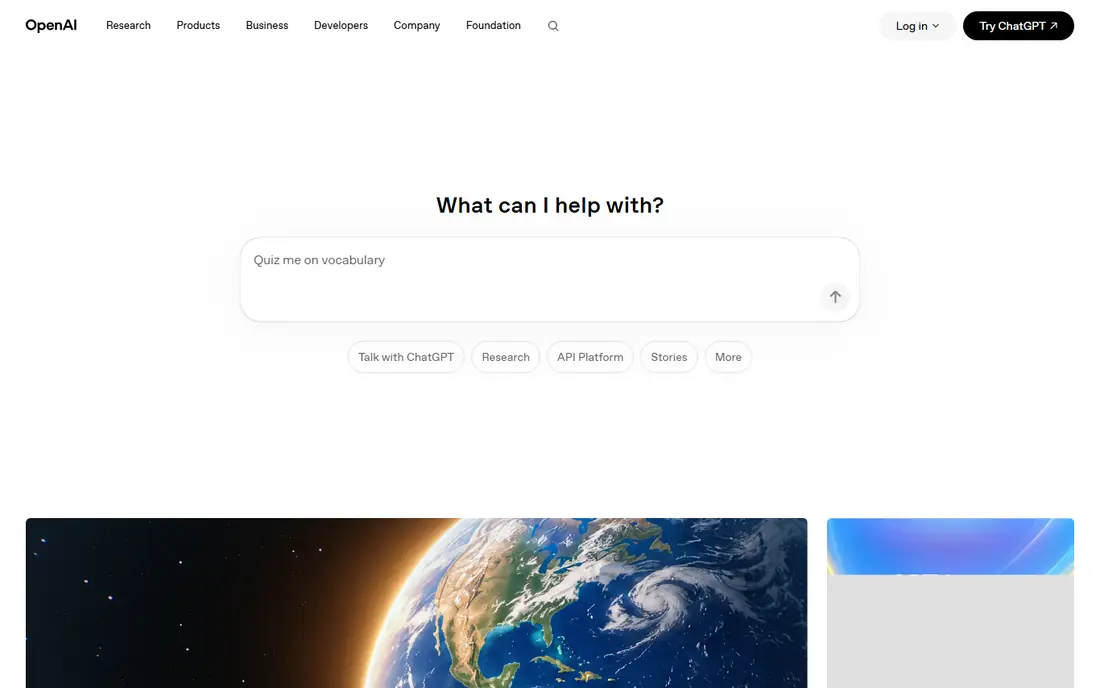
DALL-E, accessed through ChatGPT, is the easiest way for most people to start creating AI images. You describe what you want in plain language, see a result, and then ask for changes in the same conversation. That back-and-forth suits non-designers, teachers, and small business owners who need a quick visual without learning a new interface.
The images are clean and usually faithful to the prompt, but they rarely match Midjourney for dramatic artistic style. Free access is limited, and heavier use needs a paid ChatGPT plan. DALL-E is the best ai tool for creating images when ease matters more than gallery-grade art, and when the image will sit inside a document, post or presentation rather than lead a campaign.
- Works inside ChatGPT
- Conversational editing
- Strong prompt understanding
- Artistic range is narrower than Midjourney
- Free use is limited
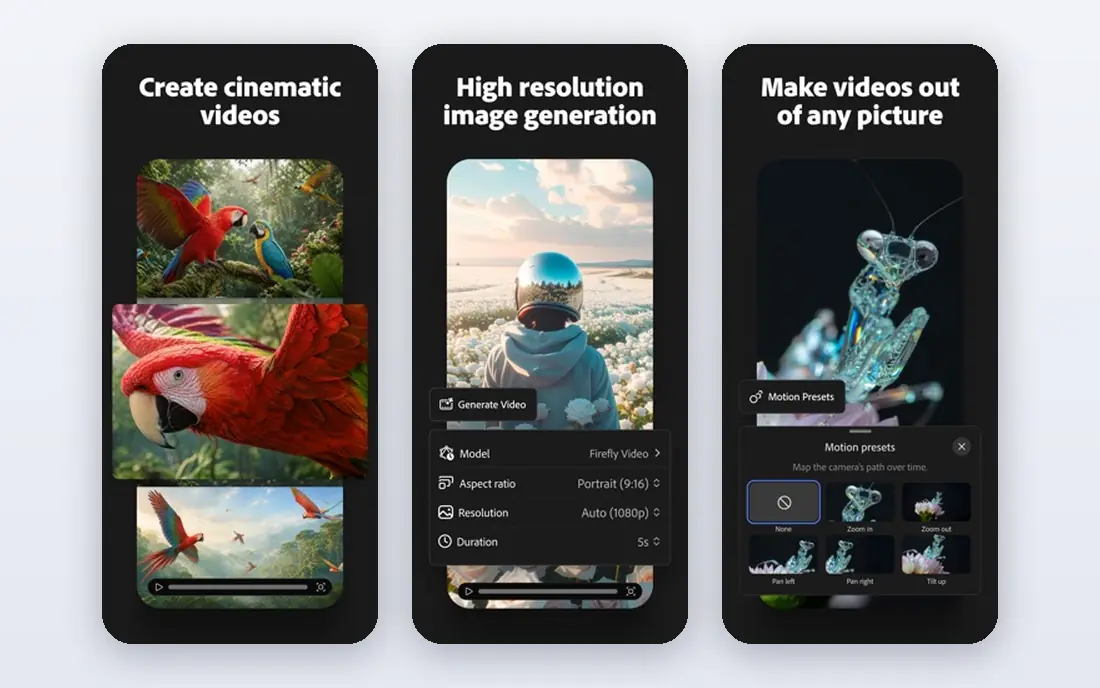
Adobe Firefly is built for people who must use images at work. Its training approach is aimed at commercial safety, which matters when an image will appear in client material, advertising or published content. Integration with Photoshop and Adobe Express also helps, since you can generate, edit and place an image without switching tools.
Firefly images can feel more restrained than Midjourney, which is the price of that safety focus. Credit limits on lower plans also mean heavy users need to watch usage. For marketing teams, designers and agencies, Firefly is a sensible default: it fits existing Adobe workflows, and its commercial positioning reduces the questions that can slow a project down.
- Designed with commercial use in mind
- Integrates with Photoshop and Express
- Useful editing tools
- Artistic range can feel safer and less striking
- Credits limit heavy use on lower plans
Google Imagen, available through Gemini and related Google products, is a strong choice for realistic images. Product shots, scenes and people tend to look natural, and generation is fast. Because it sits inside tools many people already use, it is easy to try for social posts, mockups and presentations.
The catch is that Imagen is not a single standalone app with one price and one feature set. What you can do depends on which Google product you open and where you live. For pure art or for deep style control, Midjourney or Leonardo may give you more range. For realistic, everyday images with minimal setup, Imagen is hard to beat.
- Strong photorealism
- Available through Gemini and other Google tools
- Fast generation
- Access and features vary by product and region
- Style control is less specialised than Midjourney
Leonardo AI is popular with game developers, illustrators and concept artists because it offers fine-tuned models for different styles. You can keep a character or a world looking consistent across many images, which matters for games, comics and storyboards. The canvas and editing tools also help you refine an image rather than starting over each time.
That range can overwhelm a first-time user. There are many models, settings and modes to learn, and the free daily credits run out fast if you generate in bulk. Leonardo suits creators who will use it often and who value consistency. Casual users who need one image a week may prefer DALL-E or Canva.
- Fine-tuned models for art styles
- Character and asset consistency tools
- Free daily credits
- Interface has many options for beginners
- Paid plans needed for heavy use
Most image generators still struggle with words. Letters blur, spellings slip, and a poster becomes unusable. Ideogram stands out because it renders readable text far more reliably, which makes it the best app for creating ai images that need a headline, a logo, or a label. Social graphics, event posters and product mockups all benefit.
Outside text-heavy work, Ideogram is a solid but not leading art tool. Its styles are clean rather than dramatic, and free use is limited. Use Ideogram when words are part of the design, and pair it with another generator when you need a purely artistic hero image. Checking spelling in the output before publishing is still wise, since no tool is perfect.
- Best readable text in images among major tools
- Good for posters and logos
- Simple interface
- Artistic range is narrower than Midjourney
- Free tier is limited
Stable Diffusion is the open option in this list. You can run models locally, use community models, fine-tune on a style, and generate without paying per image beyond your own hardware and power costs. That control appeals to developers, researchers and artists who want to build a specific workflow or keep generation private.
The cost is time and skill. Installation, model choice and settings take effort, and results vary a lot with the model you pick. Cloud versions remove the hardware problem but add a price. Stable Diffusion is the best ai software for creating images for technical users who want control. For everyone else, a hosted tool will be faster and simpler.
- Open models you can run locally
- Custom models and fine-tuning
- No per-image cost when run at home
- Setup needs technical skill and capable hardware
- Quality depends on model and settings
Canva Magic Media suits people who need an image as part of a finished design, not as a standalone artwork. You generate an image, drop it into a template, add text, and export a post or presentation in one place. That workflow saves time for small businesses, teachers and social media managers who produce content every week.
Dedicated generators give more control over style and detail, and Canva images can look generic if you accept the first result. Treat Magic Media as a fast starting point, then edit, crop and add your own text in Canva. For everyday content at volume, that combination is more useful than a beautiful image stuck in a separate app.
- Images inside a full design tool
- Templates for social and marketing
- Easy for non-designers
- Less artistic control than dedicated generators
- Best results need a paid plan for some features
How we picked these
We shortlisted tools that are available in 2026, cover art, realism, text, commercial use and local control, and have a clear official home or host product. We favoured tools with distinct strengths rather than near-identical generators, and we checked official sites for access routes and free options. Prices and credit limits change often, so we list starting prices as See website.
How to choose the best ai app for creating images
Start with the job. For art and editorial work, try Midjourney. For quick images in plain language, try DALL-E in ChatGPT. For client work, check Adobe Firefly first. For posters with words, try Ideogram. For games and consistent characters, try Leonardo. For full control, try Stable Diffusion. For finished social designs, try Canva.
Next, check rights and use. Read the terms for commercial use on the plan you actually buy, since free tiers often differ from paid tiers. Keep prompts and outputs for client work, and avoid generating images that copy a living artist's distinctive style or that use real people's likeness without permission. Test two tools with the same prompt and compare results side by side. The best ai platform for creating images is the one whose default style matches your taste with the least editing.
Frequently asked questions
Which ai app is best for creating images?
Midjourney leads for artistic quality, DALL-E leads for ease of use, and Adobe Firefly leads for brand-safe commercial work. The best ai app for creating images depends on whether you need art, realism, readable text, or a finished design.
Which ai platform is best for creating images with text?
Ideogram is the strongest choice for readable text in posters, logos and social graphics. DALL-E and newer versions of other tools have improved, but Ideogram remains the most reliable when words must be spelled correctly in the image itself.
Is there a good free ai image app?
Yes. Canva, Leonardo, Ideogram and Google Imagen all offer free tiers or free access through a host product, though credits and limits apply. Stable Diffusion is free to run locally if you have suitable hardware. Free tiers suit testing and light use, while regular use usually needs a paid plan.
Can I use AI images for commercial work?
It depends on the tool and plan. Adobe Firefly is positioned for commercial use, and paid plans from other tools generally allow commercial use under their terms. Read the terms for your exact plan, keep records of generation, and check rules for trademarks and real people before publishing.
What is the best ai tool for creating images for beginners?
DALL-E through ChatGPT is the simplest start, because you describe an image in conversation and refine it the same way. Canva Magic Media is also simple when the image is part of a social post or presentation. Try both free options before paying for a specialised tool.
Sources we checked (8)

Online Jobs is an independent blog about careers, online work, learning new skills and the tools that help people earn. More about us.
Keep reading
All posts
OpenClaw Alternatives
Looking for openclaw alternatives? We compare 9 self-hosted and hosted AI agent tools, from Open WebUI and LibreChat to Manus, on setup, control, and price.
Best Grok AI Alternatives
Looking for the best grok ai alternatives? We compare 8 chatbots on writing, coding, research, and price, so you can find a strong replacement for daily work.
Best Galaxy.ai Alternatives With Lifetime Access
Galaxy.ai alternatives with lifetime access compared, including one-time deals, free local tools, and subscription-only options stated plainly for you today.