Best AI Apps in 2026: 9 Apps Compared

How we put this together: we compare official feature and pricing pages, app store listings, privacy policies and public user reviews. Prices change, so check the provider's site before you pay.
Key takeaways
- ChatGPT is the best general AI assistant for most people, while Claude suits long documents and careful writing, and Gemini suits Google Workspace users.
- Perplexity is the best pick for research with sources, because answers link to pages you can open and check.
- Midjourney suits image creation, ElevenLabs suits voice, and GitHub Copilot suits coding, while general chatbots cover everyday tasks less well.
- Most leading AI tools offer a free tier, and paid plans cluster near $20 per month, so test free tiers before paying for several subscriptions.
- AI output can be wrong, outdated or biased, so verify facts, code and quotes before using them in work, and do not paste sensitive personal data into a public tool.
Quick comparison
| Name | Who it suits | Starting price | Free option | |
|---|---|---|---|---|
 ChatGPT ChatGPT | General assistant | Free | Yes | Visit |
 Claude Claude | Writing and long documents | Free | Yes | Visit |
 Gemini Gemini | Google Workspace users | Free | Yes | Visit |
 Perplexity Perplexity | Research with sources | Free | Yes | Visit |
 Microsoft 365 Copilot Microsoft 365 Copilot | Office work | See website | No | Visit |
 Midjourney Midjourney | Image generation | $10 per month | No | Visit |
 GitHub Copilot GitHub Copilot | Coding help | See website | Yes | Visit |
 Grammarly Grammarly | Writing correctness | Free | Yes | Visit |
 Otter.ai Otter.ai | Meeting notes | Free | Yes | Visit |
The best AI apps
We compared official feature pages, pricing pages, app store listings and public reviews for the tools below. Prices are US list prices reported in 2026 coverage and can change, so check the vendor site for the current plan. AI tools change quickly, with models and features updated often, so treat this list as a snapshot of strengths in October 2026, not as a permanent ranking.
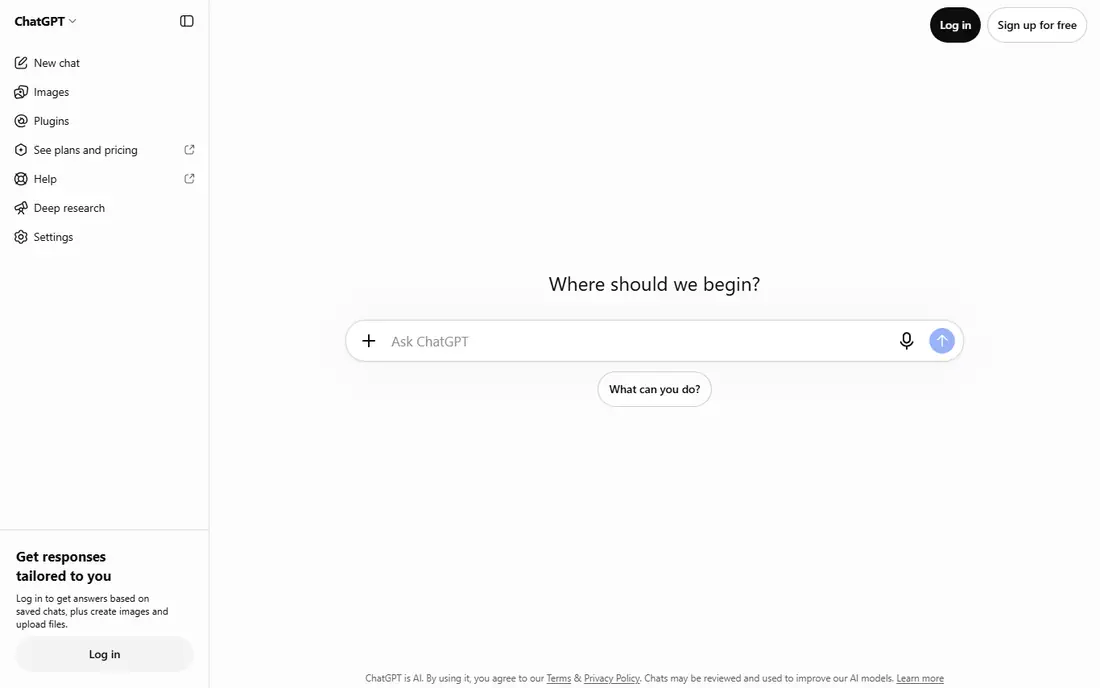
ChatGPT is our pick for a first AI app, because it handles the widest range of tasks reasonably well. It drafts emails, explains concepts, helps debug code, summarises documents and creates images, all in one chat interface. For most people, one general assistant covers daily needs better than several specialist tools used rarely.
The weakness is depth and accuracy. ChatGPT can produce fluent answers that are wrong, especially on recent events, citations and specialised topics, so verify important facts against primary sources. Paid Plus costs $20 per month in reported 2026 pricing, and it is worth paying only if you use advanced models, voice or higher limits daily.
- Broadest range of everyday uses, from writing to coding to image creation
- Voice and custom GPT features on paid plans
- Large ecosystem of integrations
- Free tier limits advanced models and features
- Output can be confidently wrong
- Privacy terms need checking for work data

Claude suits writers, analysts and developers who work with long documents. It handles multi page reports, contracts and codebases with more coherence than many rivals, and its prose tends to be cleaner and less repetitive for editing work. That makes it a strong second assistant for knowledge work, even if ChatGPT remains the general default.
Claude is less of an all in one media tool. Image generation and broad app integrations are thinner, so users who want images, video and voice in one place may prefer ChatGPT or Gemini. Choose Claude when writing quality and long document analysis matter more than media breadth.
- Strong writing quality and reasoning on long documents
- Large context window on paid plans
- Careful, structured answers
- Fewer built in integrations than ChatGPT in some areas
- Image and video tools are thinner
- Paid plan is $20 per month in reported pricing
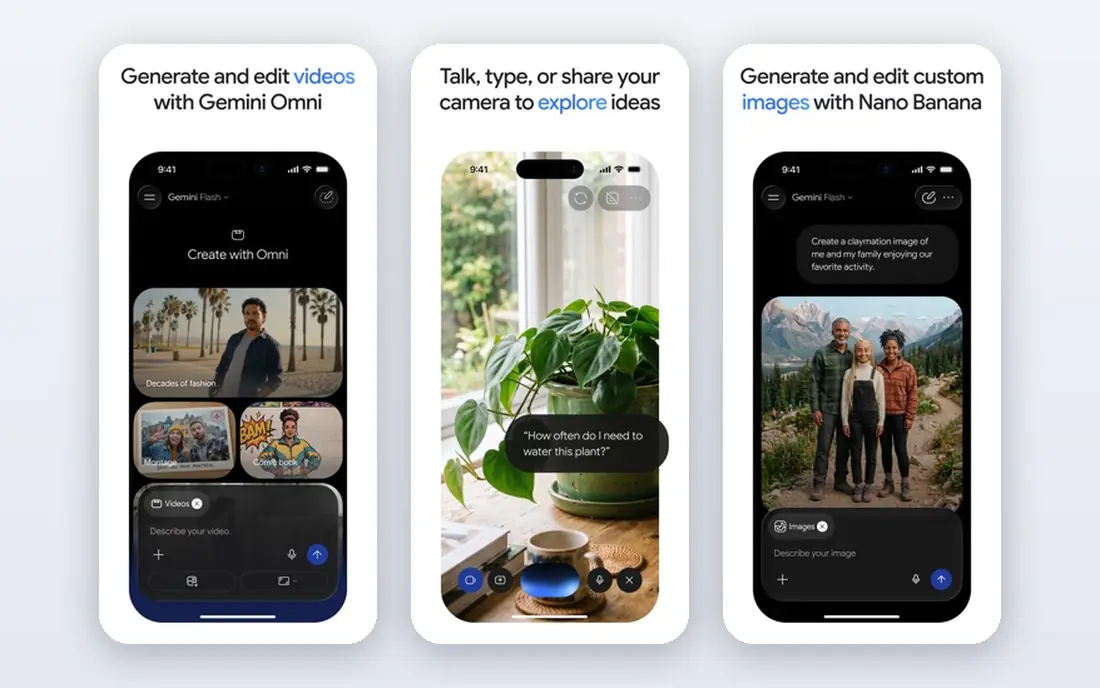
Gemini is the natural pick if your work already lives in Google Workspace. It can summarise emails, draft Docs, search Drive files and answer questions grounded in your documents, subject to permissions, without exporting everything to another app. That integration saves time for teams that already use Gmail and Docs daily.
Gemini is less distinctive outside Google tools. For pure writing, Claude often produces cleaner prose, and for cited web research, Perplexity is clearer. Paid AI Pro costs $19.99 per month in reported 2026 pricing. Choose Gemini for Google centred work, and pair it with a specialist for writing or research when needed.
- Deep integration with Gmail, Docs, Drive and Search
- Strong multimodal understanding
- Free tier is generous for everyday use
- Quality varies by task compared with Claude for writing
- Paid features are tied to Google plans
- Privacy settings need review for work data
Perplexity is our pick for research, because it behaves more like a search engine with synthesis than a chatbot that invents answers. Each answer links to sources, so you can open the underlying page, check the date and judge credibility yourself. That habit matters, since AI summaries can misread a source even when the link looks convincing.
Perplexity is weaker for creative writing, long editing and coding than ChatGPT or Claude. Use it to gather and check facts, then move drafting to a writing assistant. Free use covers many questions, while Pro adds advanced models and higher limits for heavy researchers.
- Answers link to sources you can open
- Good for current events and factual questions
- Follow up questions refine research quickly
- Source quality varies, and citations do not guarantee accuracy
- Paid Pro is $20 per month in reported pricing
- Less suited to long creative writing
Microsoft 365 Copilot suits workplaces that already run on Word, Excel, Outlook and Teams. It can draft documents from a brief, summarise long email threads, prepare meeting notes and analyse spreadsheet data, all without leaving the Office apps. For teams that live in Microsoft tools, that embedded help is more practical than copying text between apps.
Pricing is the complication. Personal and business Copilot plans differ, and the add on cost for business users is higher than a standalone chatbot subscription. Copilot is worth it only if your team uses Microsoft 365 heavily and will use Copilot features daily, not just occasionally.
- Works inside Word, Excel, Outlook and Teams
- Can summarise meetings and draft from your documents
- Enterprise controls on business plans
- Pricing varies by personal and business plans
- Value depends on how much you use Microsoft 365
- Output needs checking like any AI tool
Midjourney is the image specialist in this list, and its aesthetic quality is the reason creators choose it over general chatbots. It produces cohesive, stylised images for branding, book covers, concept art and social content, and its community galleries help new users learn prompting by example. For visual work, a specialist beats a general assistant that also makes images.
Midjourney is less convenient than ChatGPT image tools. There is no free tier, plans start at $10 per month in reported pricing, and the Discord workflow takes learning. Check commercial use terms for your plan before using images in client work, and disclose AI use where your client or publisher requires it.
- Distinctive, high quality image style
- Strong for branding, illustration and concept art
- Active community for learning prompts
- No free tier in reported terms
- Discord based workflow can confuse new users
- Commercial use terms need checking by plan
GitHub Copilot is the coding pick for developers who want AI help inside their editor, not in a separate chat window. It suggests code as you type, helps write tests and boilerplate, and understands project context in supported editors. That integration saves time on routine code, which is where AI coding help is most reliable.
Copilot does not replace code review. Suggestions can be wrong, insecure or based on outdated libraries, so test generated code and check security implications before shipping it. Free options exist for students, open source maintainers and some individual users in reported terms, while paid plans suit professional developers.
- Code suggestions inside popular editors
- Good for boilerplate and test writing
- Free tier for some users in reported terms
- Suggestions need review and testing
- Can repeat insecure or outdated patterns
- Value varies by language and codebase
Grammarly is different from a chatbot because it works where you already write. It checks grammar, spelling, clarity and tone in email, Docs and web forms, and its suggestions are usually easy to accept or reject one by one. For non native English writers and for professionals who send many emails, that inline help is more useful than drafting in a separate AI chat.
Grammarly AI features can over edit if you accept every suggestion, which can make writing sound generic. Use it for correctness and clarity, keep your own voice for important messages, and check privacy settings before pasting confidential documents. Paid Pro costs $12 per month in reported annual pricing.
- Works in browsers, Docs and many apps
- Catches grammar, spelling and tone issues
- Clear suggestions for non native writers
- AI rewriting can flatten personal voice if accepted blindly
- Premium costs more than a general chatbot
- Privacy settings need review for sensitive documents
Otter.ai suits people who spend much of their week in meetings and need reliable notes without typing during the call. It transcribes speech, identifies speakers in many cases, and produces summaries and action items you can search later. That searchable record helps teams that miss a meeting or need to check what was agreed.
Accuracy is the limit. Noisy rooms, strong accents and people talking over each other reduce quality, so review important summaries before sharing them. Recording laws and workplace policies also matter: get consent where required, and tell participants when a meeting is being transcribed. Paid Pro costs $16.99 per month in reported pricing.
- Joins meetings and transcribes in real time
- Searchable transcripts and summaries
- Integrations with Zoom, Teams and Google Meet
- Transcription accuracy falls with accents, noise and overlapping speech
- Free plan limits minutes
- Recording consent rules vary by state and workplace
How we picked these
We compared official feature pages, pricing pages, app store listings, privacy policies and public reviews, and we weighted everyday usefulness, specialist strength, free tier value, integration with common work tools, and safety and privacy controls. We mixed general assistants with specialists for research, images, coding, writing and meetings, so readers can build a small stack rather than paying for overlapping chatbots.
We did not claim hands on testing of every model version. AI models change often, so we focused on stable strengths, such as Perplexity for sources and Claude for long documents, rather than on benchmark scores that may be outdated within weeks.
How to use AI apps safely at work
Treat AI output as a draft, not as a finished product. Verify facts against primary sources, run and test code, and check quotes, dates and statistics before publishing or sending them. For research, open the sources Perplexity cites, and for writing, keep your own judgment on tone and claims, especially for legal, medical or financial topics.
Protect sensitive data
Do not paste passwords, client confidential information, unpublished business data or personal health details into a public AI tool unless your organisation has approved that tool and its data terms. Check whether the tool trains on your inputs, whether enterprise plans offer data controls, and whether your workplace policy allows AI use for that task at all. When in doubt, use a local or enterprise approved tool, or remove identifying details before asking.
Keep your AI stack small
One general assistant plus one or two specialists is enough for most people. Paying for ChatGPT, Claude, Gemini, Perplexity and Copilot at once duplicates cost without adding much value, since their general chat features overlap. Start free, track which tool you open daily, and cancel subscriptions you have not used in the past month.
Frequently asked questions
What is the best AI app overall?
ChatGPT is the best general AI app for most people because it covers writing, coding, images and voice in one place. Claude is better for long documents and careful writing, Gemini is better for Google Workspace users, and Perplexity is better for research with sources. Pick the general assistant that fits your daily tools, then add a specialist only for a clear need.
What are the best AI tools for business?
For business, Microsoft 365 Copilot suits Office heavy teams, Gemini suits Google Workspace teams, and Otter.ai suits meeting heavy teams. Perplexity helps research, GitHub Copilot helps developers, and Grammarly helps writing quality. Choose tools that integrate with your existing systems, and check data privacy and enterprise terms before rolling them out to staff.
Are AI apps free?
Many AI apps offer free tiers, including ChatGPT, Claude, Gemini, Perplexity, Grammarly and Otter.ai, with limits on advanced models, usage or features. Paid plans for leading chatbots cluster near $20 per month. Start free, and pay only for a tool you use daily or for a feature, such as higher limits or enterprise controls, that free tiers lack.
Can AI apps replace human writing or coding?
AI apps can draft, summarise and suggest, but they do not replace human judgment, especially for accuracy, originality and accountability. AI output can be wrong, biased or outdated, and it may repeat patterns from training data. Use AI as a starting point, then edit, test and verify the result before using it in work that matters.
How do I choose between ChatGPT, Claude and Gemini?
Choose ChatGPT for the broadest general use, Claude for long documents and writing quality, and Gemini if your work lives in Google Workspace. Test all three free tiers with the same task, such as summarising a document or drafting an email, and keep the one whose output needs the least editing for your work.
Is it safe to put personal data into AI apps?
Be cautious. Free consumer AI tools may use inputs under their terms, and even paid tools have data handling rules you should read. Avoid pasting sensitive personal, financial, health or client confidential data into a public tool, use enterprise or approved tools for work data, and check privacy settings and retention terms before uploading documents.
Sources we checked (9)

Online Jobs is an independent blog about careers, online work, learning new skills and the tools that help people earn. More about us.
Keep reading
All posts
Best Writing Software
Looking for the best writing software in 2026? We compared 9 writing apps for books, articles and screenplays on price, features and fit. All verified.

Best Weather Apps
Searching for the best weather app? We compared eight top weather apps for accurate forecasts, radar, severe alerts, and daily planning near you today.

Best Video Editing Software
We compared the best video editing software for beginners and pros, checking official pricing, free plans and honest limits before ranking all nine editors.