Best AI Animation Tool in 2026: 9 Tools Compared

How we put this together: we compare official feature and pricing pages, app store listings, privacy policies and public user reviews. Prices change, so check the provider's site before you pay.
Key takeaways
- Runway suits directed, cinematic work, while Pika and Kling suit fast short-form and social clips.
- Credit math matters more than headline price: check how many clips a monthly allowance actually buys at your resolution.
- Template tools like Animaker and Vyond are better for explainers, while generative tools are better for stylized motion from a prompt or image.
- Free tiers usually carry watermarks, resolution limits, or non-commercial terms, so read the license before publishing client work.
- Character consistency across shots remains the hardest problem, so plan for retries and post-production cleanup.
Quick comparison
| Name | Who it suits | Starting price | Free option | |
|---|---|---|---|---|
 Runway Runway | Directed generative video | $12 per month | Free trial | Visit |
 Pika Pika | Short playful social clips | $8 per month | Yes | Visit |
 Kling AI Kling AI | Longer prompt-led sequences | $10 per month | Yes | Visit |
 Luma Dream Machine Luma Dream Machine | Fast natural motion | $30 per month | No | Visit |
 Adobe Firefly Adobe Firefly | Brand-safe Creative Cloud work | $9.99 per month | Yes | Visit |
 Animaker Animaker | 2D explainer animation | Free | Yes | Visit |
 Vyond Vyond | Business storytelling at scale | See website | Free trial | Visit |
 HeyGen HeyGen | Avatar and presenter video | See website | Yes | Visit |
 Synthesia Synthesia | Corporate training with presenters | See website | Free trial | Visit |
The best AI animation tool
The phrase "AI animation tool" covers very different jobs. Some tools generate motion from a text prompt or a still image. Others build explainers from templates, characters, and scenes. A few create avatar presenters for training. The list below separates those jobs, so you can pick by what you actually need to make.
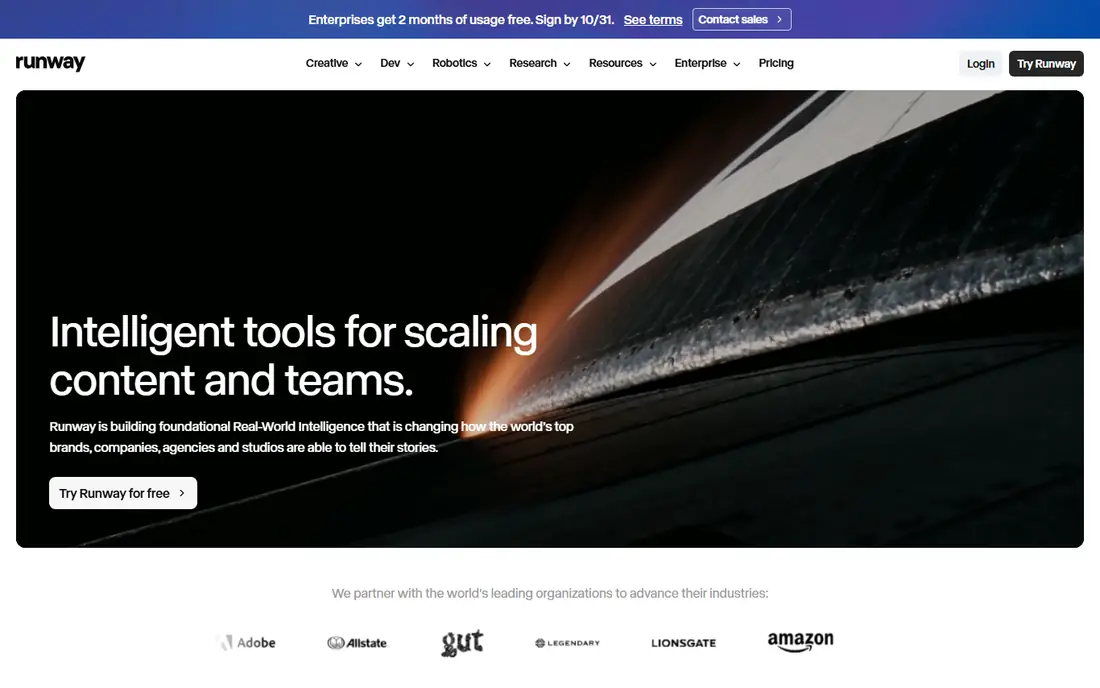
Runway is the strongest pick when you want to direct a shot, not only generate one. Its Gen models pair with tools for extending, restyling, and cleaning clips, so you can shape motion and camera movement rather than accepting the first output. That control matters for cinematic work and for concept passes that will be finished in editing.
The catch is credit math. Published conversions of credits into seconds vary, and different models and resolutions consume credits at different rates. Spend the free credits on a representative prompt, at your target resolution, before you commit to a monthly plan.
- Strong directed controls including camera direction and motion tools
- Editing workflow around generation
- Commercial use on paid plans
- Credit costs vary by model and job
- Learning curve is higher than template tools
- Free credits are limited and one-time
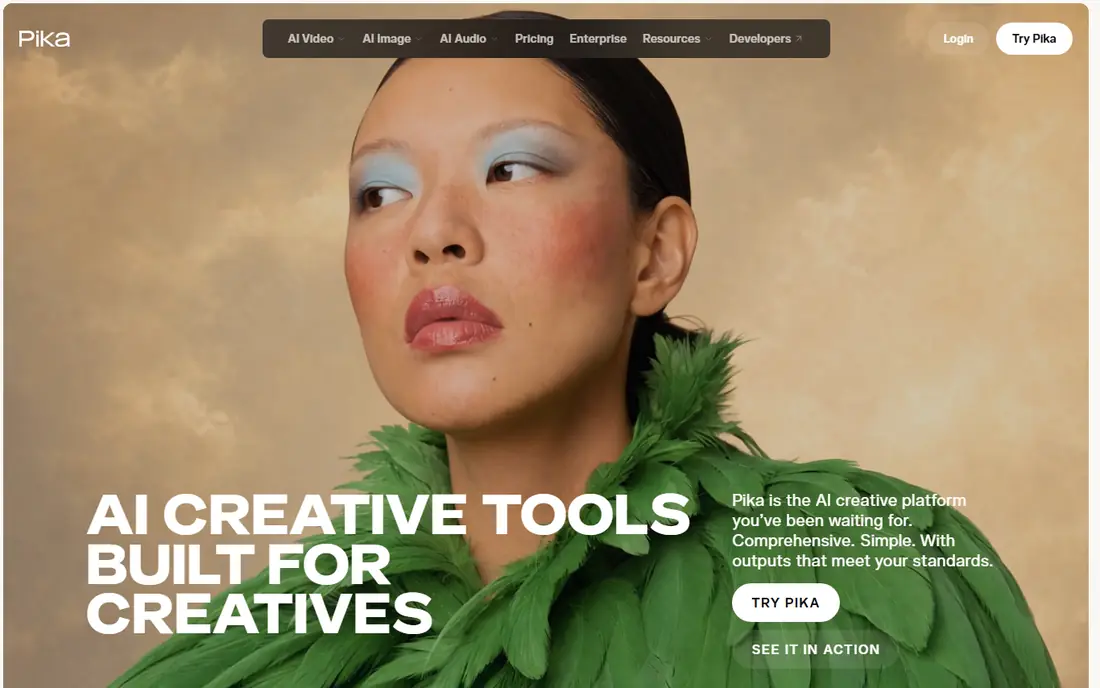
Pika suits creators who need quick, stylized clips for social feeds. Its effects and transformations are fun and fast, and the interface is simpler than a full production suite. For a TikTok, Reel, or Short that needs a striking visual hook, Pika can deliver in minutes.
The limitation is length and control. Pika is not built for long, tightly directed sequences, and you will need to check commercial terms on the plan you choose. Treat it as a short-form tool, and pair it with an editor for longer pieces.
- Fast, playful effects for short-form video
- Easy prompt and image-to-video flow
- Low entry price
- Best at short clips, not long sequences
- Commercial terms depend on plan
- Quality varies by prompt
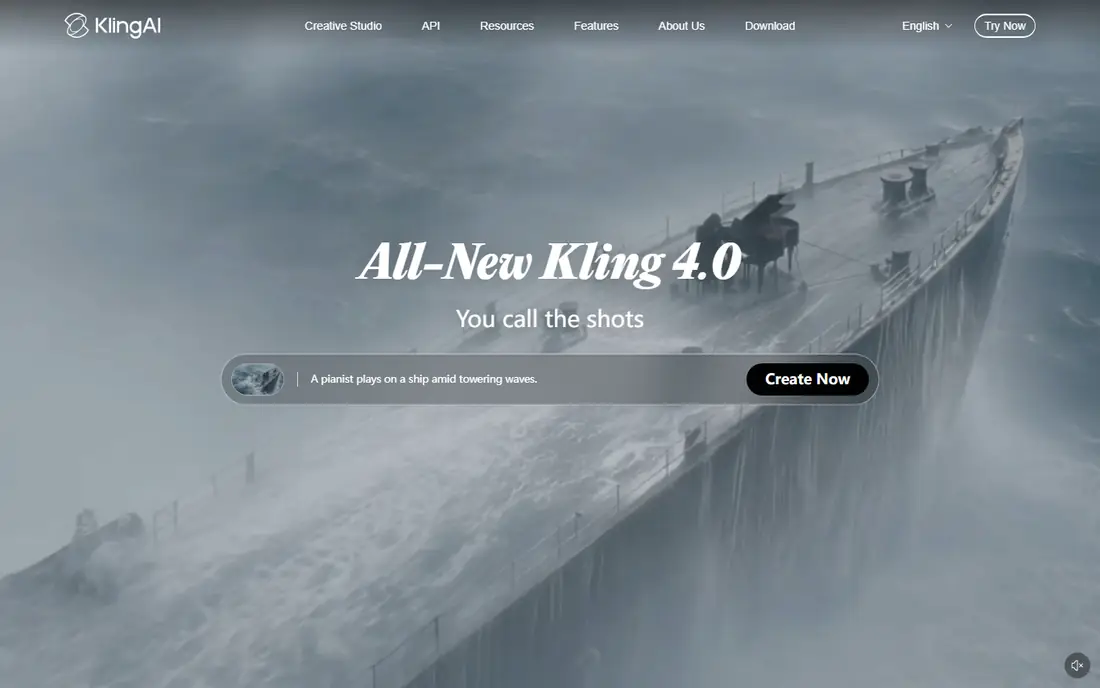
Kling AI is worth trying when you need sequences that hold together beyond a few seconds. Published comparisons credit it with prompt adherence and motion quality for longer clips, which helps for story-led social videos and concept work. The free tier lets you learn the tool without paying first.
The honest weakness is waiting. Generation queues can slow iteration, and free exports are watermarked and not for commercial use. Budget extra time for retries, and confirm the credit allowance at your chosen plan before promising a client a delivery date.
- Longer sequences than many rivals
- Strong prompt adherence in published comparisons
- Daily free credits on some tiers
- Queue times can be long on busy periods
- Free exports carry a watermark
- Interface and billing can confuse new users
Luma Dream Machine appeals to creators who iterate quickly and want natural motion without a long setup. Its newer plans bundle several outside models, including video and audio options, under one credit system, which can save separate subscriptions if you would otherwise pay for several tools. That bundling changes the value calculation.
The catch is price and credit expiry. The entry plan on newer pricing pages is $30 per month, and unused monthly credits do not roll over, so you need to use the allowance each month. Check whether you need the bundled models, or whether a cheaper single-model tool covers your work.
- Fast, natural-looking motion from prompts and images
- Access to several outside models under one credit pool on newer plans
- Strong for iteration
- Higher entry price than Runway or Kling on current plans
- No free individual plan on newer pricing pages
- Monthly credits do not roll over
Adobe Firefly fits teams already working in Creative Cloud who need brand-safe generation. Adobe positions its own video model for commercial use, which matters for client work where licensing clarity is part of the brief. Integration with Photoshop, Premiere, and Express also shortens the path from generation to finished edit.
The limitation is terms and control. Partner models inside Firefly may carry different licensing terms from Adobe's own model, so check the model you actually use. Firefly is also less of a directed shot tool than Runway, so it suits asset generation and motion graphics more than cinematic direction.
- Designed for commercial use with Adobe's own video model
- Fits Creative Cloud workflows
- Free daily generations on some plans
- Partner models in Firefly may have different terms
- Generative video controls are less directed than Runway
- Plan details change often
Animaker is the best pick when you need an explainer, not a generative film clip. Its character builder, asset library, and templates let a non-animator build a clear 2D video with voiceover, scenes, and text. The newer AI agent can draft a script and scenes from one prompt, which speeds a first version.
The honest catch is polish and limits. Free exports are watermarked, and long or complex projects can lag in the browser. Animaker is excellent for training, onboarding, and marketing explainers, but it will not replace a hand-animated or generative cinematic piece.
- Template-based 2D, whiteboard, and character animation
- AI agent for script and scenes
- Easy for non-animators
- Free exports are watermarked with limits
- Performance can lag on long projects
- Commercial rights start on paid plans
Vyond suits companies that need many consistent business videos, such as training, compliance, and internal updates. Characters, scenes, and props can be reused across videos, which keeps a consistent look and speeds production. For a learning team, that repeatability is worth more than photorealism.
The trade-off is style. Vyond videos look like Vyond videos unless you customize scenes, voices, and pacing carefully. Pricing also requires checking the current plan page, since business tiers are often quote-led. Test a full training video, not only a demo scene, before rolling it out.
- Drag-and-drop characters and scenes for business video
- Strong for training and internal communication
- Team and brand controls
- Quote-led pricing for many teams
- Stylized look will not suit cinematic work
- Template feel can show if scenes are not customized
HeyGen fits teams that need a presenter on screen without filming one. You can script a video, choose an avatar, and produce localized versions for different markets, which is valuable for training and product updates. That speed is hard to match with traditional filming.
The catch is realism and terms. Avatar quality varies, and free outputs are watermarked with monthly limits. For client-facing work, check the plan terms for commercial use and for avatar likeness, especially when using a custom avatar based on a real person.
- AI avatars and translated video for localized content
- Fast presenter videos without a camera or studio
- Useful for training and marketing
- Avatar realism varies by plan and avatar type
- Free videos are watermarked and limited
- Licensing and likeness terms need checking
Synthesia is built for corporate training at scale. A learning team can turn a script into a presenter-led video, update it by editing text, and publish in many languages without re-filming. That update speed is the core advantage over traditional video production.
The limitation is creative range. Synthesia presenters suit training, onboarding, and internal updates, but they will not deliver a stylized music video or a cinematic sequence. If your goal is creative animation, choose Runway, Kling, or Animaker instead.
- AI presenters for corporate training without filming
- Multilingual scripts and voices
- Team controls for large training libraries
- Presenter style suits training more than creative film
- Pricing is plan-based and needs checking
- Customization is narrower than a full animation suite
How we picked these
We compared official feature and pricing pages, app listings, and public reviews for AI animation tools, and we favored tools with a clear job: generative motion, explainer animation, or avatar presenters. We treated credit pricing as a key test, since a low monthly price can hide a small clip allowance. Where a vendor does not publish a clear starting price, we wrote "See website" rather than repeating a third-party estimate. We also weighed free tier limits, commercial terms, and character consistency, because those factors decide whether a tool is usable for published work.
How to choose the right AI animation tool
Define the output first
A 10-second social clip, a 3-minute explainer, and a training library are different jobs. Generative tools suit the first, template tools suit the second, and avatar tools suit the third. Picking by output avoids paying for a cinematic tool to make a simple explainer.
Test character consistency early
Generate the same character or scene three times with varied prompts, and check whether it holds together. If it drifts, plan for reference images, tighter prompts, and post-production fixes. Consistency work is part of the job, not a bonus feature.
Check the license before you publish
Free tiers often limit commercial use, add watermarks, or restrict resolution. Confirm the plan terms for client work, paid ads, and redistribution before you build a campaign around a free output.
Frequently asked questions
What is the best AI animation tool online?
Runway is the best AI animation tool online for directed generative work, while Animaker is best for template explainers and HeyGen is best for avatar video. The best AI animation app for you depends on whether you need generative motion, a character explainer, or a presenter.
What are the best AI animation tools for beginners?
Pika, Animaker, and Adobe Firefly are the friendliest starting points. Pika is fast for short clips, Animaker guides you through explainer scenes, and Firefly fits Creative Cloud users. All three let you test output before paying for a larger plan.
Which is the best AI app for animation on social media?
Pika and Kling AI suit social clips best, with Pika for playful short effects and Kling for longer prompt-led sequences. Both have free tiers, but free exports are watermarked, so check commercial terms before posting client work.
What is the best AI animation software for business training?
Vyond and Synthesia lead for business training. Vyond suits story-led scenes with reusable characters, while Synthesia suits presenter-led training that needs fast text updates and multilingual versions. Choose Vyond for scenes and Synthesia for presenters.
What is the best animation AI software for cinematic work?
Runway and Luma Dream Machine suit cinematic work best, with Runway offering more directed controls and Luma offering fast natural motion. Both need post-production for color, sound, and editing, since raw AI output rarely ships as a finished film.
Do the best AI software for animation tools offer free plans?
Many do, but with limits. Runway offers limited one-time credits, Pika and Kling offer free tiers with watermarks, Firefly offers free daily generations on some plans, and Animaker offers a free plan with watermarked exports. Luma's newer plans do not list a free individual plan, so check the current pricing page.
Sources we checked (9)

Online Jobs is an independent blog about careers, online work, learning new skills and the tools that help people earn. More about us.
Keep reading
All posts
Best White Label SEO Companies
We compare the best white label SEO companies and tools in 2026 for agencies, from fulfilment services to branded reporting platforms, margins and prices.

Best Webinar Software
We compared the best webinar software for 2026 on price, attendee limits, automation and ease of use, to help you host better live sessions with confidence.

Best Web Scraping Tools
Compare the best web scraping tools in 2026, from no-code Octoparse and Browse AI to Apify, Firecrawl, Bright Data, Zyte, ScraperAPI and free Scrapy, with prices.