Best AI agent platform in 2026: 9 platforms Compared

How we put this together: we compare official feature and pricing pages, app store listings, privacy policies and public user reviews. Prices change, so check the provider's site before you pay.
Key takeaways
- LangGraph plus LangSmith is the strongest code first choice for stateful, production agents, with a free Developer tier and Plus at $39 per seat per month.
- n8n is the best value visual builder, with a free self-hosted Community Edition and cloud Starter from about 24 euros per month.
- Microsoft Copilot Studio suits Microsoft 365 organisations, but it is priced by credits, at $200 per month for 25,000 credits in many comparisons.
- Open source frameworks are free to run, but you still pay for model API calls, hosting and monitoring, so the total is never zero.
- Dify and Flowise are the best low code middle ground, with open source cores you can self-host and cloud plans for teams that want managed hosting.
Quick comparison
| Name | Who it suits | Starting price | Free option | |
|---|---|---|---|---|
 LangGraph LangGraph | Code first production agents | Free | Yes | Visit |
 n8n n8n | Visual workflows with AI nodes | Free | Yes | Visit |
 CrewAI CrewAI | Role based multi-agent crews | Free | Yes | Visit |
 Microsoft Copilot Studio Microsoft Copilot Studio | Microsoft 365 organisations | $200 per month | No | Visit |
 Salesforce Agentforce Salesforce Agentforce | Salesforce service teams | See website | No | Visit |
 Google Vertex AI Google Vertex AI | Google Cloud teams | See website | No | Visit |
 Dify Dify | Low code agent apps | $59 per workspace per month | Yes | Visit |
 Flowise Flowise | Drag and drop LLM flows | $35 per month | Yes | Visit |
 Zapier Agents Zapier Agents | Cross app automation | $33 per month | Yes | Visit |
The best ai agent platforms
We compared official pricing pages, documentation and public reviews. Pricing units differ wildly in this category: seats, workspaces, executions, credits, conversations and tokens are all used, so compare the total for your workload, not just the headline figure. Prices are in US dollars unless stated, with n8n cloud pricing also listed in euros by the vendor.
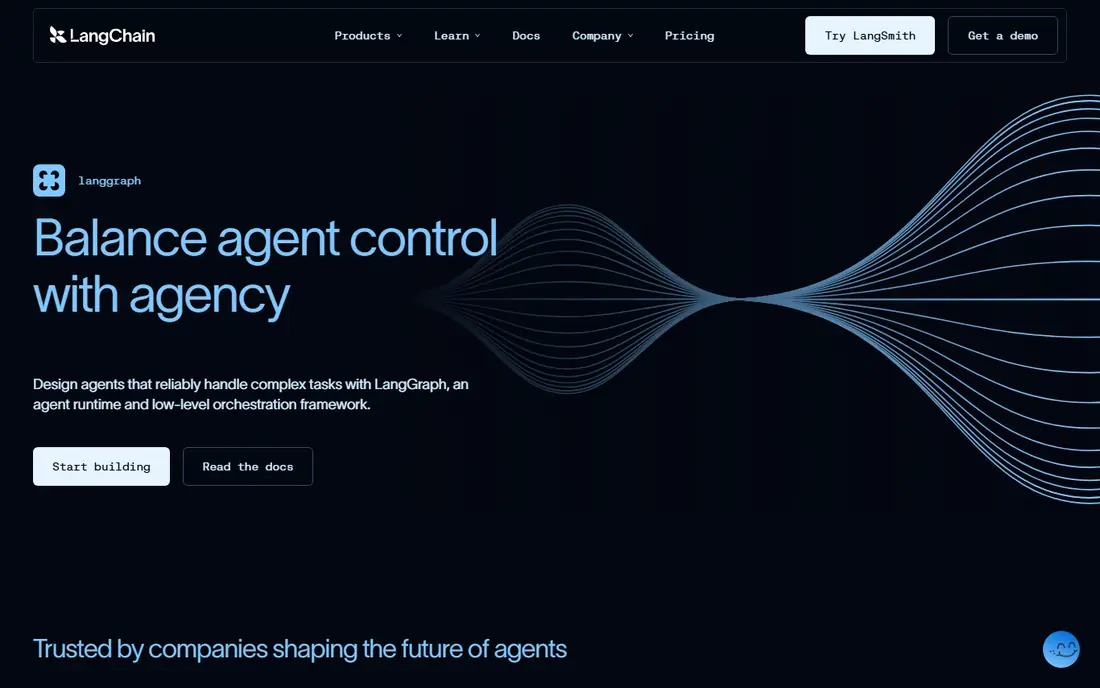
LangGraph is our pick for most engineering teams building production agents, because it treats state as a first class problem. You can control branching, retries, human approval steps and long running work in a graph, rather than hoping a prompt chain behaves. LangSmith adds tracing and evaluations, so you can see why an agent took a path and test changes before release.
The catch is skill. LangGraph is Python and JavaScript code, with no drag and drop builder for business users, and the managed costs stack up: LangSmith Plus, model tokens and compute units on top of the free framework. Choose LangGraph when reliability and control matter more than speed of building, and choose a low code platform when business users need to build agents themselves.
- Graph based state control, branching, retries and checkpointing for reliable agents
- LangSmith tracing, evaluations and deployments
- Open source core with managed hosting options
- Engineering work only, with no low code path for non developers
- LangSmith Plus at $39 per seat per month, plus model API and compute costs on top
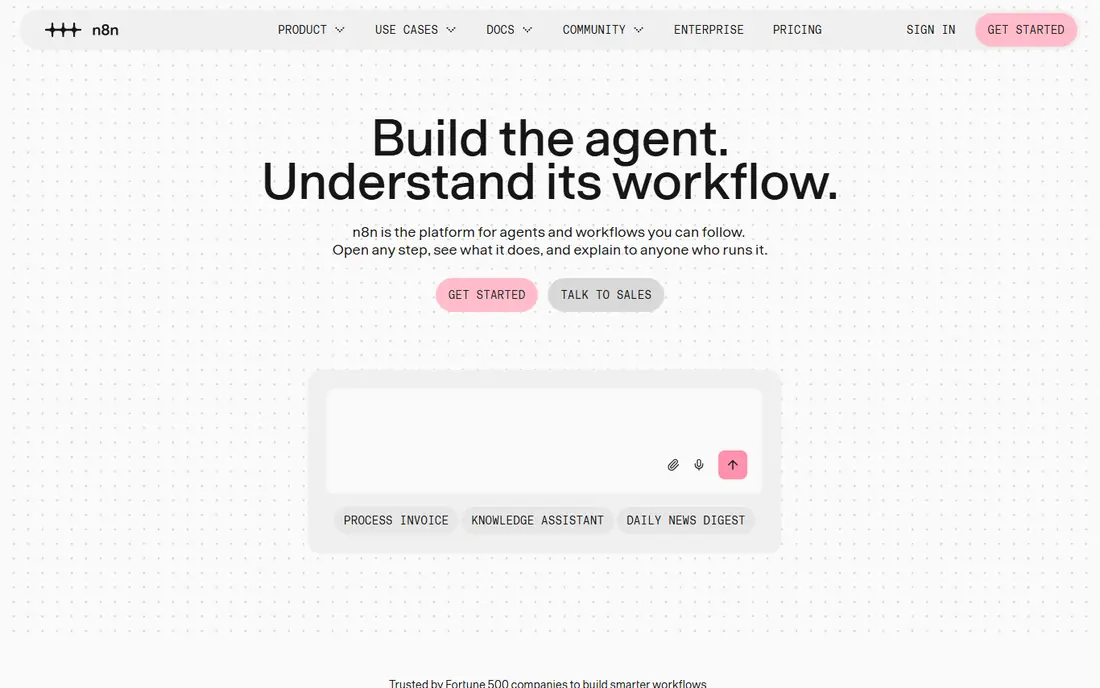
n8n is the best value builder for technical teams that want a canvas plus code. You can trigger workflows from webhooks, schedules and apps, add AI nodes, call tools, and drop into code when the visual graph runs out. The Community Edition is free to self-host, and cloud Starter at about 24 euros per month, or 20 euros billed annually, gives a managed starting point.
The honest catch is that n8n is workflow automation with AI, not a dedicated agent runtime. Stateful, long running agents need careful design, and execution based pricing means you should model volume before you scale. For cross app automation with AI steps, n8n is excellent. For a complex, stateful agent, LangGraph is the stronger core.
- Visual canvas with AI nodes, sub workflows, webhooks and code where needed
- Free self-hosted Community Edition
- Cloud Starter from about 24 euros per month
- Agent state and long running reasoning are patterns you assemble, not a packaged runtime
- Cloud pricing is per execution, so high volume workflows need modelling
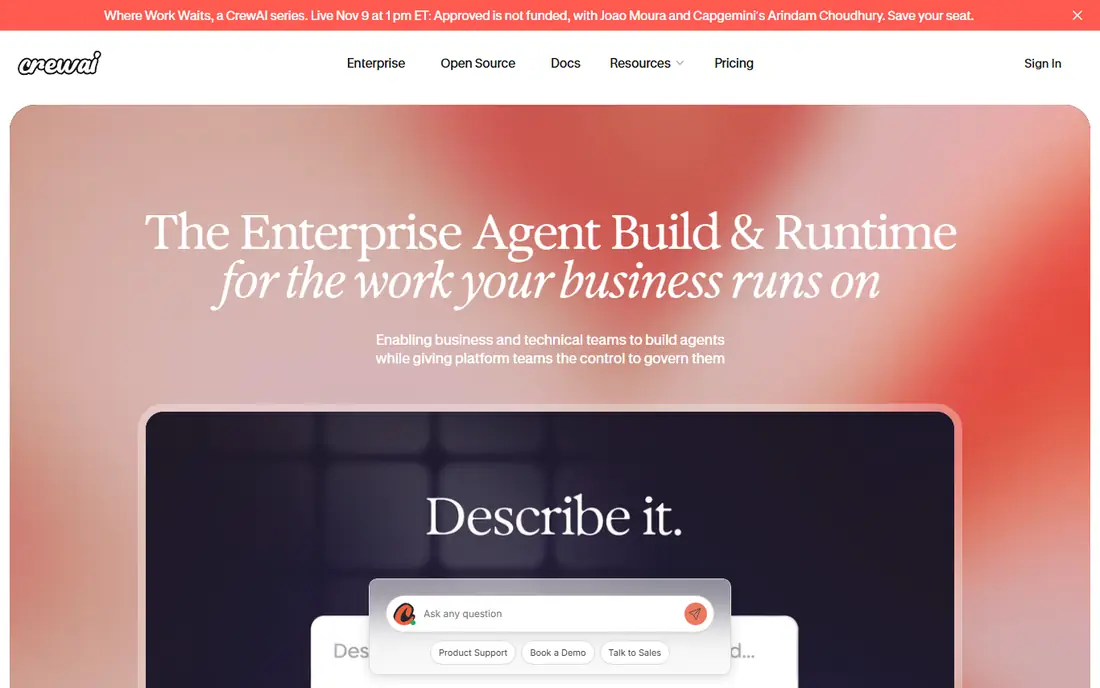
CrewAI suits teams that think in roles: a researcher agent, a writer agent, a reviewer agent, working as a crew on a task. That mental model makes prototyping fast, and the Python framework is easy for a developer to start with. The open source core is free, and a cloud Basic tier offers a small number of executions per month for testing.
For production, check the cloud story carefully. Paid tiers below enterprise are less clearly published than LangGraph Plus or n8n cloud, so get a written plan for your execution volume before committing. CrewAI is a great prototyping tool, and LangGraph is a better choice when you need strict state control and checkpointing for long running work.
- Fast prototyping of role based multi-agent crews in Python
- Open source framework you can self-host
- Cloud platform with tracing and guardrails on some plans
- Paid cloud pricing is less openly published than rivals, with enterprise quotes for larger use
- You still pay for model API calls and hosting
- Less state control than LangGraph for complex flows
Copilot Studio is the obvious pick for an organisation already on Microsoft 365. Business users can build agents without code, connect them to Teams, SharePoint and Outlook, and use Microsoft identity and governance controls. For internal helpdesk, HR and operations agents, that native integration saves a lot of integration work.
The pricing model needs modelling. Credits are consumed per action and model call, so a complex agent costs more than a simple one, and the $200 per month credit pack is a starting point, not a cap. If your organisation is not on Microsoft 365, the ecosystem benefit disappears, and a platform like Dify or n8n will be cheaper and more portable.
- No code agent building inside Microsoft 365
- Native connections to Teams, SharePoint, Outlook and other Microsoft apps
- Governance, identity and compliance tools for enterprises
- Priced by Copilot Credits, at $200 per month for 25,000 credits in many comparisons, so costs depend on agent complexity
- Some agents need a Microsoft 365 Copilot licence as well
- Lock-in to the Microsoft ecosystem
Agentforce suits Salesforce centric service teams that want agents inside the CRM, not alongside it. An agent can check an account, open a case, follow a workflow and draft a reply using Salesforce data, which is powerful for support and sales operations. Flex Credits let you buy actions in bulk, with $500 per 100,000 credits reported in many comparisons, and a per conversation model also exists.
The catch is dependency and complexity. Agentforce works best inside a mature Salesforce setup, and many use cases need Data Cloud, which adds cost and setup. If you are not already a Salesforce house, Agentforce is a poor first agent platform. If you are, it is the most integrated option on this list.
- CRM native agents for service, sales and support
- Actions priced in Flex Credits, with $500 per 100,000 credits in many comparisons
- Deep access to Salesforce data and workflows
- Pricing is complex, with per conversation and per action models
- Effectively needs Salesforce Data Cloud for many use cases
- Enterprise pricing for larger deployments
Google Vertex AI, including Agent Builder, suits teams already on Google Cloud that want to build agents on Gemini models with enterprise controls. Retrieval augmented generation, grounding, safety filters and Google Cloud identity tools are built in, and committed use discounts help large customers control token costs. For a data heavy agent that needs Google Cloud data, this is a natural home.
It is not a simple business user tool. Pricing is consumption based, with token usage and grounding costs on top of any platform fees, so you need to model a real workload before budgeting. Choose Vertex AI when your data, models and infrastructure already live on Google Cloud, and choose Dify or Copilot Studio when business users need a simpler builder.
- Agent Builder and Gemini models on Google Cloud
- Retrieval, grounding and enterprise controls
- Committed use discounts for large Google Cloud customers
- Usage based pricing with no fixed entry fee, so costs depend on tokens and grounding
- Setup needs Google Cloud skills
- Less of a business user builder than Copilot Studio
Dify is our pick for low code teams that want a real agent platform, not just a chatbot builder. You can build agent apps visually, add retrieval from documents, connect tools, manage prompts and monitor runs, all on an open source core you can self-host if you prefer. Cloud Professional at $59 per workspace per month, or $590 per year, gives a managed team starting point.
The trade-off is at the edges. Very deep branching and unusual tool calling still need code, and model API costs are separate from the workspace subscription, so the total is higher than the headline. For a team that wants to ship agent apps without a full engineering project, Dify is the best balance of control and ease on this list.
- Visual agent orchestration with retrieval, tools and prompt management
- Open source Community version you can self-host
- Cloud Sandbox free, Professional at $59 per workspace per month
- Deep branching logic can still push you toward code
- LLM API costs sit on top of the subscription
- Workspace pricing means multiple teams need multiple workspaces
Flowise suits developers and technical builders who want a visual way to assemble LLM chains and agents. You drag nodes for models, prompts, memory, tools and retrievers, test the flow, and deploy it, or self-host the open source version for free. Cloud Starter at $35 per month gives a managed path with a free tier for testing.
It is less of an enterprise platform than Copilot Studio or Agentforce, with thinner governance and support for very large deployments. For a prototype, an internal tool or a small team agent, Flowise is fast and cheap. For a regulated enterprise rollout, a larger platform with stronger governance will be safer.
- Drag and drop LLM agent flows with many integrations
- Open source core you can self-host for free
- Cloud free tier with 100 predictions, Starter at $35 per month
- Prediction based pricing on cloud, so high volume use needs modelling
- Less enterprise governance than Copilot Studio or Agentforce
- Smaller team than larger rivals
Zapier Agents suits teams that already automate with Zapier and want agents on top of that automation. An agent can read email, check a CRM, update a sheet and send a message across thousands of connected apps, without building integrations from scratch. The free tier with 400 activities per month is enough to test a simple agent, and Pro at $400 per year is a clear step up.
The limit is depth. Zapier Agents are excellent for cross app operations, but they are not built for complex, stateful reasoning or long running agent work in the way LangGraph is. Choose Zapier Agents when the job is connecting apps and acting on triggers, and choose a code first platform when the job is reasoning, planning and control.
- Agents that work across thousands of apps through Zapier
- Free tier with 400 activities per month
- Agents Pro at $400 per year, or about $33 per month
- Activity caps limit high volume use
- Less agent state control than LangGraph
- Best for cross app tasks, not deep reasoning or long running agents
How we picked these
We compared official pricing pages, documentation and public reviews, and we kept platforms operating in October 2026 that clearly build or run AI agents, not just chatbots or single model apps. We included open source frameworks, low code platforms and ecosystem products, because different teams have different skills, data locations and budgets. We used See website where pricing is consumption based or quote based, and we noted the billing unit for each platform, because a seat price and a credit price cannot be compared directly.
How to choose an agent platform
Start with who will build the agent. If engineers will build it, shortlist LangGraph, CrewAI and n8n. If business users will build it, shortlist Copilot Studio, Dify and Zapier Agents. Next, check where your data lives. A Microsoft 365 house should look at Copilot Studio first, a Salesforce house at Agentforce, and a Google Cloud house at Vertex AI, because integration will save more time than a cheaper standalone tool.
Then model a real workload. Count how many agent runs, actions, conversations or tokens a typical week will use, and price that workload on each platform, including model API costs. Finally, add safety from the start: human approval before expensive or external actions, logging and tracing for every run, limits on what the agent can access, and a kill switch for a bad run. A platform without tracing and approval controls is not ready for real work, however good its demo looks.
Safety and control checklist
Require approval before an agent sends email, changes data, spends money or contacts a customer. Log every tool call, model call and decision, so you can audit a run later. Limit data access to the minimum the agent needs, and test with edge cases, including bad input, missing data and conflicting instructions. Start with a small, internal agent, measure accuracy and cost for a month, and only then expand to customer facing work.
Frequently asked questions
What is the best ai agent platform?
LangGraph is best for code first production agents, n8n is best for visual automation with AI, Dify is best for low code agent apps, and Copilot Studio is best for Microsoft 365 organisations. The right choice depends on who builds the agent, where your data lives, and how much control you need over state and safety.
What is the best platform to build custom ai agents?
LangGraph gives the most control for custom, stateful agents in code, while Dify and Flowise give a faster low code path for custom apps. Copilot Studio and Agentforce are better when the agent must live inside Microsoft 365 or Salesforce, rather than as a standalone custom build.
Are AI agent platforms free?
Open source frameworks like LangGraph, CrewAI, self-hosted n8n, Dify Community and Flowise are free to run, but you still pay for model API calls, hosting and monitoring. Managed cloud plans start from free tiers up to $200 per month for Copilot Studio credits, so the total depends on your workload, not just the platform price.
How much does Microsoft Copilot Studio cost?
Copilot Studio is priced by Copilot Credits, with $200 per month for 25,000 credits reported in many comparisons, plus pay as you go options. Some agents also need a Microsoft 365 Copilot licence, and complex agents consume more credits, so model your workload before budgeting.
Do I need to code to build an AI agent?
Not always. Copilot Studio, Dify, Flowise and Zapier Agents offer visual or no code building for many agent types. LangGraph and CrewAI need code, and even low code platforms benefit from code for complex logic, integrations and safety controls, so a technical reviewer is still useful.
Which AI agent platform is best for enterprises?
Copilot Studio suits Microsoft 365 enterprises, Agentforce suits Salesforce enterprises, and Vertex AI suits Google Cloud enterprises, because each brings native identity, governance and data access. For a vendor neutral enterprise build, LangGraph with LangSmith gives the most control, provided you have engineering capacity to run it.
Sources we checked (9)
- https://www.langchain.com/langgraph
- https://n8n.io/pricing
- https://www.crewai.com/pricing
- https://www.microsoft.com/en-us/microsoft-copilot/microsoft-copilot-studio
- https://www.salesforce.com/agentforce/
- https://cloud.google.com/vertex-ai/pricing
- https://dify.ai/pricing
- https://flowiseai.com/pricing
- https://zapier.com/agents/pricing

Online Jobs is an independent blog about careers, online work, learning new skills and the tools that help people earn. More about us.
Keep reading
All posts
Workday Alternatives
We compared the best workday alternatives for HR, payroll, and global hiring, from BambooHR and Gusto to Rippling, Deel, and HiBob for growing teams in 2026.

Which SaaS Tools Have the Best Customer Support
Which SaaS tools have the best customer support? Compare eight popular tools on help centres, live help, response options and overall support quality.

Top AI Helpdesk Software
Searching for top AI helpdesk software in 2026? We compared 8 AI helpdesks on automation, pricing, channels and ease of setup for small and growing teams.