Best AI Agent Builder Platform in 2026: 8 Tools Compared

How we put this together: we compare official feature and pricing pages, app store listings, privacy policies and public user reviews. Prices change, so check the provider's site before you pay.
Key takeaways
- n8n and Dify are the best choices for teams that want self-hosting and control over their agent workflows.
- Botpress and Voiceflow suit chat and voice agents for customer support, with visual builders and channel integrations.
- Zapier and Lindy suit non-technical teams that want agents connected to everyday apps without writing code.
- Agent costs are usually usage based, so model conversations, credits, or runs before you pick a platform.
Quick comparison
| Name | Who it suits | Starting price | Free option | |
|---|---|---|---|---|
 n8n | Self-hosted workflow agents | Free | Yes | Visit |
 Botpress | Chat agents for support teams | Free | Yes | Visit |
 Voiceflow | Chat and voice agent design | See website | Free trial | Visit |
 Zapier | No-code agents across apps | Free | Yes | Visit |
 Dify | Open source LLM apps and agents | Free | Yes | Visit |
 Lindy | No-code business agents | See website | Yes | Visit |
 Relevance AI | Business agents with tools | See website | Free trial | Visit |
 CrewAI | Multi-agent systems for developers | See website | Yes | Visit |
The best AI agent builder platform
An AI agent builder lets you create a system that can reason, use tools, and complete multi-step tasks, rather than just answer one question. Some builders focus on chat, some on workflows, and some on code-first multi-agent systems. We compared official documentation, pricing pages, and feature pages for platforms that are still offered in 2026.
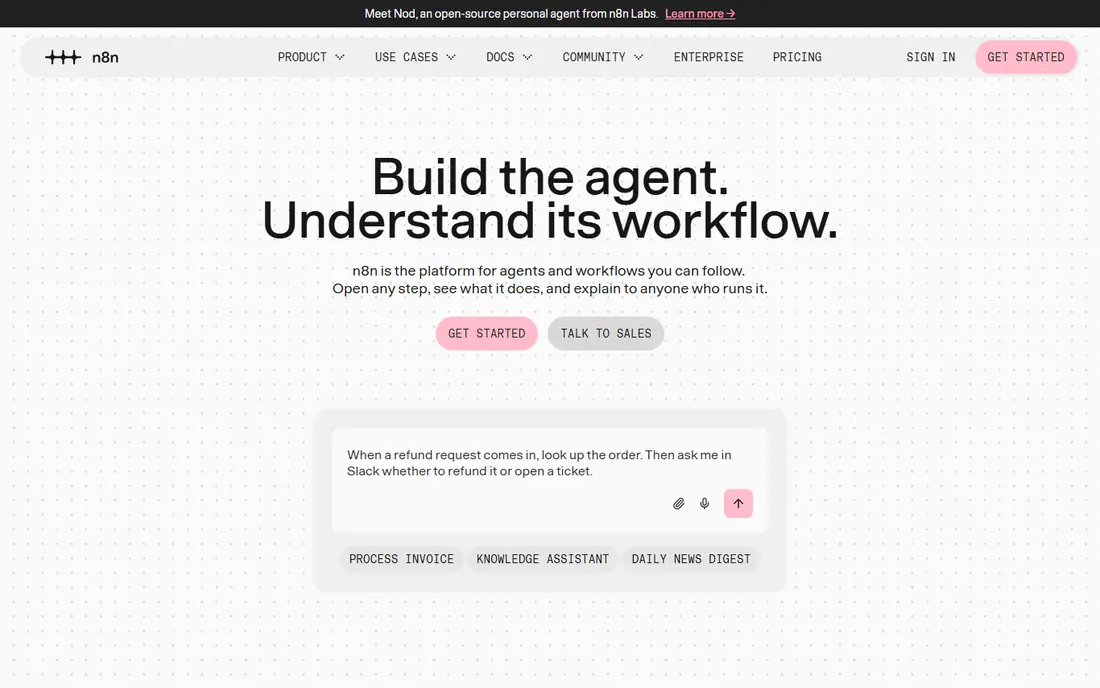
n8n is a workflow automation platform with AI agent nodes that can call language models, use tools, and run multi-step processes. Its Community Edition can be self-hosted for free, which appeals to teams that want control over data and hosting. The visual canvas makes it easier to see how an agent moves from a trigger to a tool call to a result.
The catch is ownership. Self-hosting means you handle updates, backups, and scaling, and the cloud version charges by executions. n8n suits technical teams that already run infrastructure and want to connect agents to many apps without being locked into one chat builder.
- Self-hosted Community Edition is free
- Large node and integration library
- AI agent nodes for LLM workflows
- Self-hosting needs maintenance
- Interface takes learning
- Cloud pricing is usage based
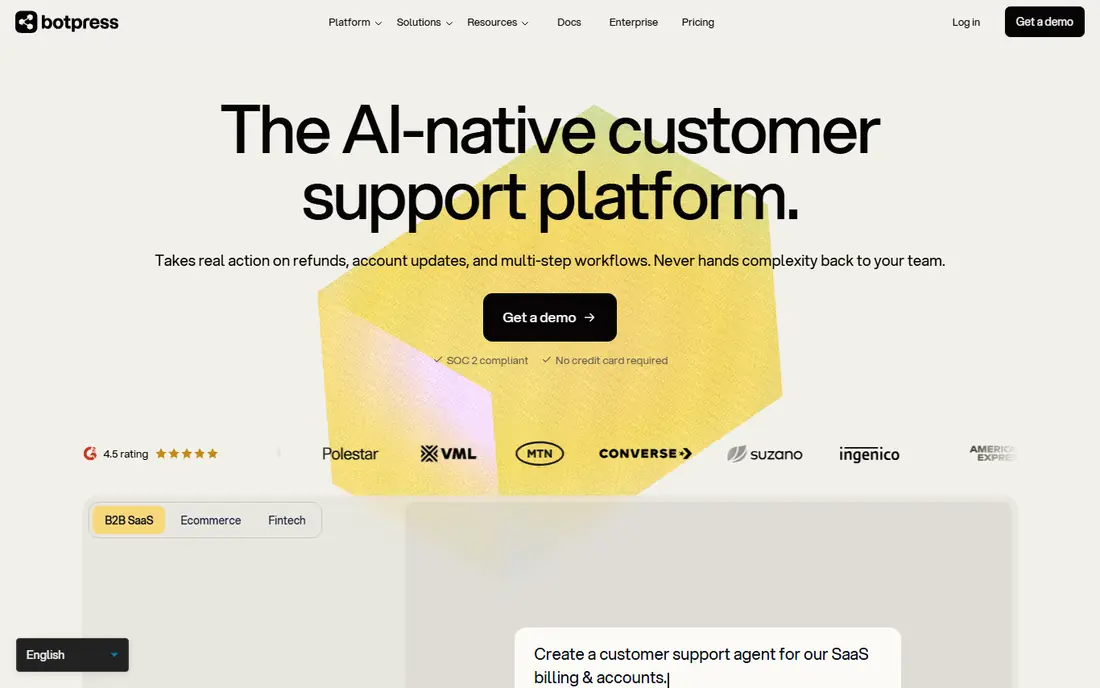
Botpress is built for production chat agents, especially in customer support. Its visual Studio lets teams design flows, connect knowledge sources, and add integrations, while its autonomous engine can handle multi-step logic with language model reasoning. The free plan gives a small conversation allowance for testing.
Pricing is the detail to model. Paid plans are based on conversations and included AI usage, so a busy support bot can move into higher tiers quickly. Check how Botpress counts a conversation, what happens when you exceed the allowance, and whether live chat handoff is included on your plan before you launch.
- Free plan for testing
- Visual Studio builder
- Many integrations and channels
- Conversation-based pricing can grow
- Voice features sit on higher plans
- Usage definitions need checking
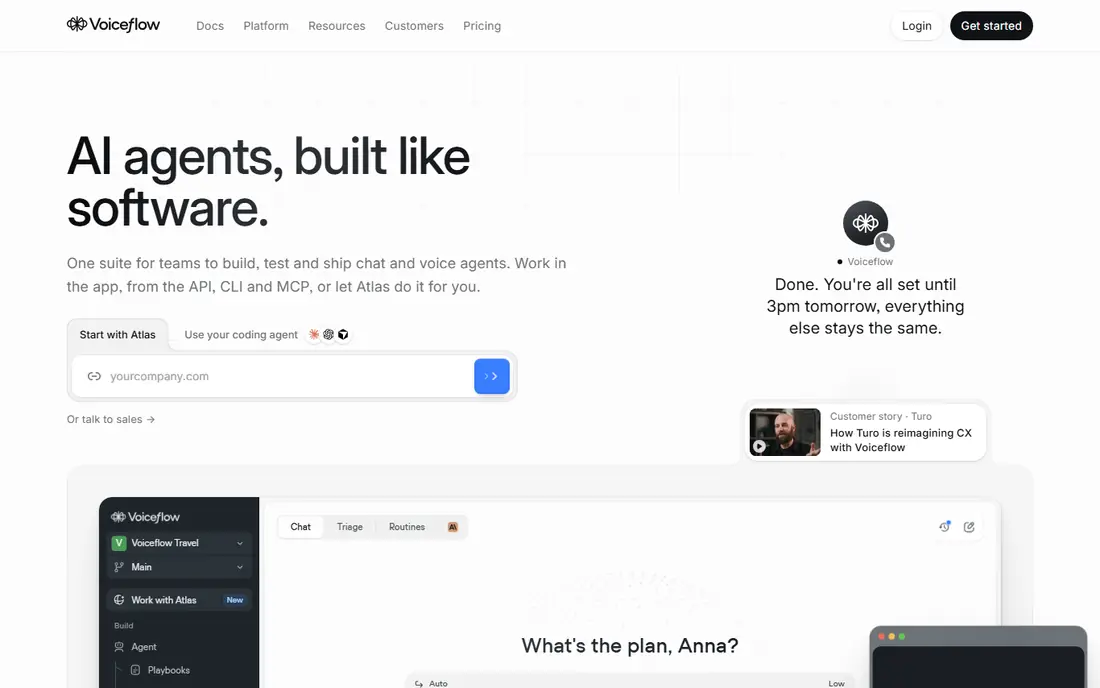
Voiceflow started as a design tool for conversational agents, and it still excels at prototyping chat and voice flows. Teams can map conversations visually, test them, and refine prompts and logic before launch. That design strength makes it popular with agencies that build agents for clients.
The trade-off is the path to production. Voiceflow uses credits and tiered plans, and voice usage adds per-minute and model costs on top of the plan. Use the trial to build a real flow, not just a demo, and price the full conversation volume before you commit a client or a support channel to it.
- Strong design tools for chat and voice
- Prototyping is fast
- Good for agencies and design teams
- No long-term free plan in many cases
- Pricing is usage based
- Production features need higher plans
Zapier is best known for automation, and its agent features build on that strength. An agent can read data, decide on a next step, and act across thousands of connected apps, from email to CRM to spreadsheets. For a non-technical team, that app coverage is the main reason to pick Zapier over a chat-only builder.
The limit is complexity and cost. Zapier charges by tasks, so an agent that runs often can use a large task allowance, and very complex branching logic is easier in a code-first tool. Start with one clear agent job, such as triaging inbox requests, and measure tasks for a month before you expand.
- Free plan for simple automations
- Thousands of app integrations
- Agents can act across tools
- Task-based pricing can grow
- Complex logic is harder than in code tools
- Agent features vary by plan
Dify is an open source platform for building LLM applications and agents with a visual workflow. It supports many model providers, lets you add knowledge bases for retrieval, and lets you publish apps as chat or API endpoints. The self-hosted Community Edition is free, which suits teams that want to own their data.
As with n8n, self-hosting is the trade-off. You handle deployment, updates, and model API costs, which are usually billed separately by your model provider. Dify suits teams that want a visual LLM builder without a chat-only focus, and that are comfortable running their own instance or paying for cloud credits.
- Open source and self-hostable
- Visual workflow for LLM apps
- Supports many model providers
- Self-hosting takes effort
- Cloud pricing is credit based
- Some advanced features need setup
Lindy is a no-code agent builder aimed at business tasks such as scheduling, inbox triage, sales follow-up, and research. Templates help a non-technical user start quickly, and agents can connect to common business apps. Starter credits let you test an agent before paying, which is useful for a first project.
Credit pricing needs care. Each agent run, tool call, or model use consumes credits, so a busy agent can use credits faster than expected. Test with a narrow task, watch credit use for a week, and set limits or alerts before you give an agent access to a busy inbox or CRM.
- No-code agent templates
- Starter credits without a card in many cases
- Good for business tasks
- Pricing is credit based
- Complex agents need careful testing
- Some features sit on paid plans
Relevance AI lets business teams build agents that use tools, query data, and complete workflows without writing code for every step. Its visual builder and templates cover sales, support, and operations tasks, and it supports multi-agent setups where one agent hands work to another. That makes it a good fit for a team that wants agents inside real business processes, not just a chatbot.
The catch is usage and scope. Pricing depends on credits and features, and a multi-agent workflow can consume more usage than a single chat bot. Start with one agent and one measurable outcome, such as faster lead qualification, and expand only after you see the cost and accuracy on real work.
- Visual agent builder for business workflows
- Tool integrations
- Multi-agent options
- Pricing is usage based
- Free access is trial based in many cases
- Learning curve for multi-agent setups
CrewAI is a developer framework for building teams of agents that work together. Each agent gets a role, a goal, and tools, and the crew coordinates tasks such as research, analysis, and reporting. That structure suits complex jobs where one agent alone would struggle, such as gathering data from several sources and turning it into a report.
It is not a no-code tool. You need coding skill to build and debug a crew, and you pay separately for model API use and hosting. For a developer team, CrewAI offers control and flexibility that visual builders cannot match. For a non-technical team, a visual builder such as Lindy or Zapier is a better first step.
- Code-first multi-agent framework
- Agents with roles and tools
- Good for complex research and automation
- Needs coding skill
- Not a no-code builder
- Hosting and model costs are separate
How we picked these
We compared official documentation, pricing pages, and release status for agent builders that are offered in 2026 and that cover chat, workflow, or multi-agent use. We kept a mix of no-code, low-code, and code-first tools, and we noted where pricing is credit, conversation, or task based. We did not claim hands-on testing, and we did not invent prices or limits. Where pricing varies by plan or usage, we wrote See website.
How to choose an AI agent builder
Start with the job, not the demo. A support chatbot, a workflow agent that updates a CRM, and a research crew are different products, even though all three are called agents. Pick the builder whose main strength matches your job, and test it on that job with real data.
Test accuracy before you scale
Agents can make confident mistakes, especially when they use tools or browse data. Run a pilot with a human review step, measure how often the agent gets the task right, and keep that review step until accuracy is stable. An agent that is fast but wrong will cost more in corrections than it saves in time.
Control cost and access from day one
Give an agent the smallest set of tools and data it needs, set usage limits, and log its actions. That control matters for cost, because credits and tasks add up, and for safety, because an agent with broad access can change data you did not intend it to touch.
Frequently asked questions
What is the best AI agent builder platform?
n8n is a strong pick for technical teams that want self-hosting, Botpress and Voiceflow suit chat and voice agents, and Zapier and Lindy suit non-technical teams. CrewAI is best for developers building multi-agent systems, while Dify suits teams that want an open source LLM platform.
Are there free AI agent builder platforms?
Yes. n8n and Dify offer free self-hosted editions, Botpress has a free plan, and Zapier has a free plan for simple automations. Most builders also offer trials, but usage limits apply, so check credits, conversations, or tasks before you build.
Do I need to code to build an AI agent?
No, for many tasks. Zapier, Lindy, and Relevance AI offer no-code builders, and Botpress and Voiceflow offer visual builders. Coding helps for complex logic and multi-agent systems, where CrewAI and similar frameworks give more control.
How much does an AI agent builder cost?
Costs range from free self-hosted editions to usage-based cloud plans. Most cloud builders charge by conversations, credits, tasks, or runs, plus model API costs in some cases. Model a month of real usage during a trial before you commit.
What is the difference between a chatbot and an AI agent?
A chatbot mainly answers questions in a conversation, while an agent can plan multi-step work, use tools, and act in other apps. Many builders cover both, but the best choice depends on whether you need answers, actions, or both.
Sources we checked (8)

Online Jobs is an independent blog about careers, online work, learning new skills and the tools that help people earn. More about us.
Keep reading
All posts
n8n Alternatives
n8n alternatives compared for 2026, with Zapier, Make, Activepieces, and more, covering visual builders, code steps, self-hosting, and pricing models.

ZoomInfo Alternatives
The best ZoomInfo alternatives in 2026, compared on price, free plans, data coverage, and which tool fits small teams or large sales teams best in detail.

Zoom Alternatives for Webinars
Compare Zoom alternatives for webinars in 2026, from browser-based rooms to enterprise events, with prices, attendee limits, features and honest trade-offs.