Best Agile Software in 2026: 9 Tools Compared

How we put this together: we compare official feature and pricing pages, app store listings, privacy policies and public user reviews. Prices change, so check the provider's site before you pay.
Key takeaways
- Jira remains the closest fit for software teams that live in sprints, backlogs and releases, while monday.com and Asana suit teams that want agile habits without a developer-first setup.
- Free plans are useful for small teams, but sprint reporting, advanced roadmaps and portfolio views usually sit behind paid plans.
- Linear is the fastest feeling option for product and engineering teams, and Trello is still the simplest way to run a Kanban board.
- Pricing is mostly per user per month, so test with a real sprint before you commit a whole department to one tool.
Quick comparison
| Name | Who it suits | Starting price | Free option | |
|---|---|---|---|---|
 Jira | Software teams running Scrum and Kanban | See website | Yes | Visit |
 monday.com | Visual boards and custom workflows | $9 per month | Yes | Visit |
 Asana | Cross-team work with clear owners | $10.99 per month | Yes | Visit |
 ClickUp | Many features for a lower price | $7 per month | Yes | Visit |
 Linear | Fast product and engineering delivery | See website | Yes | Visit |
 Trello | Simple Kanban boards | $5 per month | Yes | Visit |
 Azure Boards | Teams already using Microsoft tools | $6 per month | Yes | Visit |
 Zoho Sprints | Low-cost Scrum teams | See website | Yes | Visit |
 Wrike | Larger teams needing structure | $10 per month | Yes | Visit |
The best agile software, compared
Agile software should help a team plan a sprint, see what is in progress, and learn from what shipped. The tools below do that in different ways, from strict Scrum boards to flexible boards that a marketing or operations team can also use.
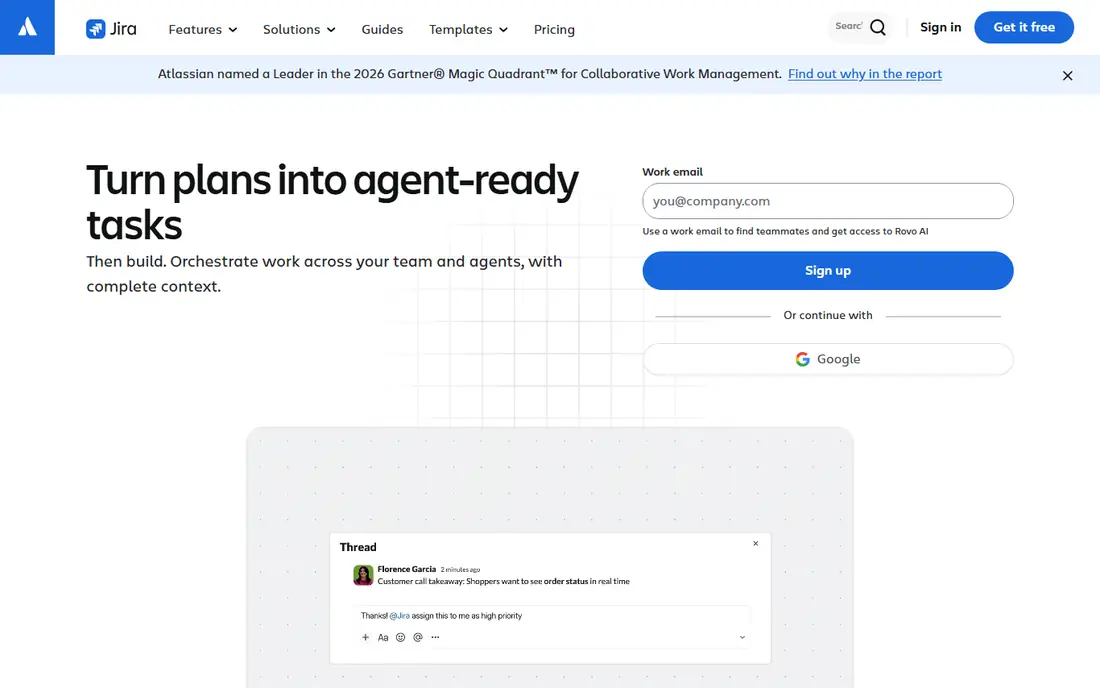
Jira starts with the language software teams already use. Backlogs, sprints, story points and releases are built in, rather than added through workarounds, and boards can switch between Scrum and Kanban as a team changes how it works. That makes it a natural choice when engineering, product and design need one shared view of delivery. The trade-off is setup time. Jira rewards teams that agree on issue types, workflows and permissions early, and it can feel slow to configure for a team that just wants a board this week. Smaller teams may also find that the admin side grows faster than the work itself. For a software team that plans in sprints every week, though, that structure pays off in clearer priorities and fewer lost requests.
- Strong Scrum and Kanban boards
- Detailed backlog and release planning
- Wide range of integrations
- Setup can feel heavy for small teams
- Some reporting sits on higher plans

monday.com suits teams that want agile methods without learning a developer tool first. Boards, timelines and dashboards are visual and easy to explain in a first meeting, and templates give a new team a sprint board, a backlog and a retrospective format in minutes. Columns, statuses and automations can then be shaped around how that team actually works. The weakness shows up when a software team needs strict release planning or detailed burndown reporting across many projects. monday.com can handle sprints well, but it is not built around code, branches and releases in the same way as Jira. For product, marketing and operations teams that run agile in cycles, that flexibility is often worth more than extra engineering detail.
- Easy to read boards and timelines
- Flexible columns and automations
- Many templates for agile work
- Costs rise with larger teams
- Agile reporting is less deep than Jira for complex releases
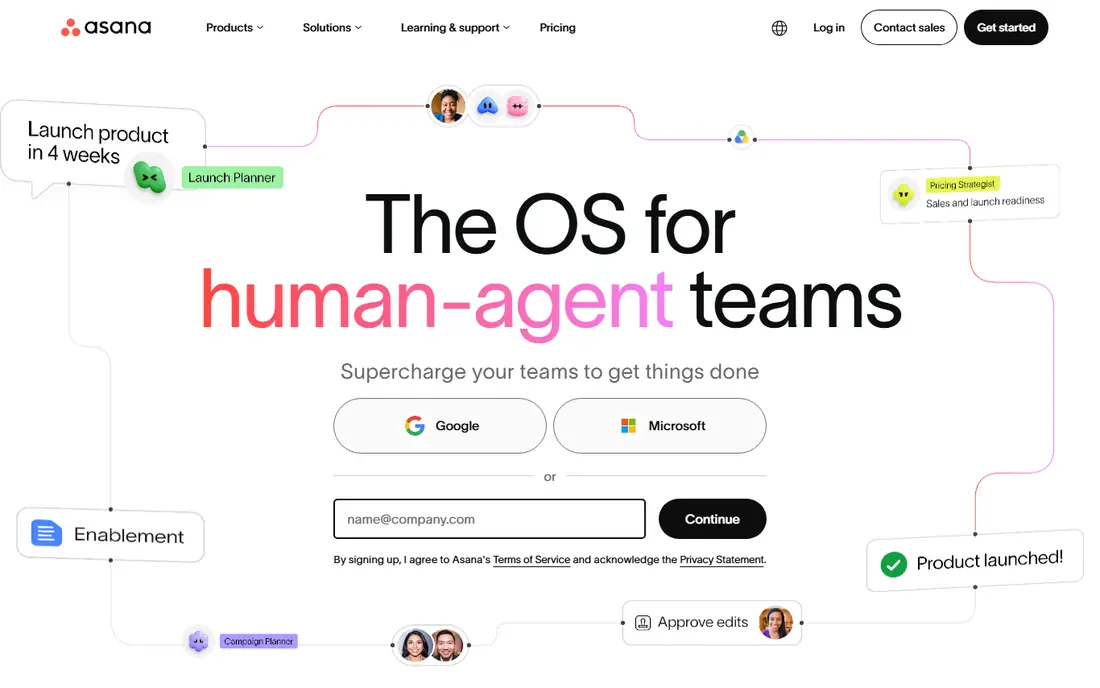
Asana works best when the problem is coordination, not just coding. Every task has an owner and a due date, projects can be viewed as lists, boards, timelines or calendars, and goals help a team connect daily tasks to larger plans. That clarity helps cross-functional teams that include people who do not write code but still take part in sprints. Agile purists may miss some of the depth found in Jira, especially around complex backlog management and release tracking. Asana also gets expensive once a large team needs timelines, dashboards and portfolios. If your main need is shared ownership across teams, with agile boards as one view among several, Asana is a strong and calm choice.
- Clear task ownership and due dates
- Timelines and portfolios on paid plans
- Strong automation rules
- Per-user pricing adds up at scale
- Advanced portfolios need higher plans
ClickUp appeals to teams that want one tool for tasks, documents, goals and sprint tracking, rather than paying for several separate apps. Sprints, Kanban boards, timelines and custom fields are all present, and the free plan covers more than many rivals offer without payment. For a small or growing team, that breadth is hard to ignore. The risk is clutter. ClickUp gives teams so many views and options that a workspace can grow messy if no one owns its structure. Teams that set naming rules, archive old projects and keep the number of views low tend to get the most from it. If you want value and breadth, and you are willing to tidy as you go, ClickUp is a practical pick.
- Tasks, docs, goals and whiteboards in one place
- Generous free plan
- Many views for sprints and Kanban
- So many features can overwhelm new users
- Setup needs care to stay tidy
Linear feels different the moment you open it. The interface is quick, keyboard-friendly and focused on issues, cycles and roadmaps, which suits product and engineering teams that move in short cycles and dislike waiting on a slow board. Cycles work like sprints, and the roadmap view helps a team explain what comes next without building a separate slide deck. That focus is also its limit. Linear is less inviting for marketing, sales or operations teams that want forms, broad templates and general project tracking in the same workspace. It is at its best when the core users are builders who want speed and clarity. For that audience, it is one of the most pleasant agile tools available.
- Fast interface built for product teams
- Clean issue tracking and cycles
- Good GitHub and GitLab links
- Less suited to non-technical teams
- Fewer general project templates than broader tools
Trello remains the easiest agile tool to start with. A board, a few lists and cards are enough to run a Kanban flow, move work from planned to done, and see blockers at a glance. Small teams, freelancers and new agile teams can be running in an afternoon, with no training session needed. The simplicity has a ceiling. Trello does not offer the same sprint planning, backlog depth or reporting as Jira or Linear, and a large program with many dependencies can feel stretched across too many boards. Power-Ups and paid plans help, but they do not turn Trello into a full delivery platform. For simple Kanban work, and for teams learning agile habits, it is still a very good place to begin.
- Very easy to learn
- Clear Kanban boards
- Useful Power-Ups for calendars and automation
- Limited native sprint reporting
- Large projects can outgrow simple boards
Azure Boards makes most sense for teams that already build, test and deploy with Microsoft tools. Backlogs, sprints, Kanban boards and dashboards sit beside code repositories and pipelines, so work can be traced from a user story through to a release. The first few users are free, which keeps early costs low for small development teams. Outside that ecosystem, the case is weaker. The interface is functional rather than polished, and teams that do not use Azure DevOps may find onboarding less smooth than with Jira or Linear. If your code and delivery already live with Microsoft, though, Azure Boards removes a lot of tool-switching and keeps planning close to the work itself.
- Strong Scrum and Kanban boards for developers
- Close links to Azure DevOps and Git repos
- Free for small teams
- Interface feels dated beside newer rivals
- Setup is easiest inside the Microsoft ecosystem
Zoho Sprints is a focused Scrum tool, not a general project platform with agile added later. Teams get backlogs, sprint planning, Kanban boards and timesheets in a layout that follows Scrum practice closely. That focus helps teams that want to run proper sprints without paying enterprise prices or learning a complex system. The compromise is breadth. Zoho Sprints has fewer third-party integrations than Jira, monday.com or Asana, and its reporting is simpler on lower plans. Teams already using Zoho for mail, CRM or accounting will get extra value from the shared login and data. For a small Scrum team watching its budget, it is a sensible and honest option.
- Built for Scrum with sprints and backlogs
- Low entry cost
- Works well with other Zoho apps
- Smaller integration range than larger rivals
- Reporting is basic on lower plans
Wrike suits teams that need agile work inside a larger, structured operation. Alongside boards and sprints, it offers Gantt charts, workload views, approvals and reporting that managers use to plan across departments. Permissions and folders help larger organisations keep client work, internal work and sensitive projects separate. New users may need time to learn where everything lives, and its boards can feel more formal than Trello or Linear. That formality is the point for teams with compliance needs, approval steps or many stakeholders. If your agile work must fit inside a wider project system, Wrike gives you that structure without forcing you to leave agile methods behind.
- Gantt charts, workloads and approvals in one place
- Strong permissions for larger teams
- Many templates
- Learning curve for new users
- Some agile views feel less fluid than rivals
How we picked these
We compared official feature pages, pricing pages and app store listings for tools that support Scrum, Kanban or both, and we checked that each product is still offered and maintained in October 2026. We favoured tools with a clear sprint or board workflow, a usable free plan or trial, and a track record with real teams, rather than tools that only mention agile in marketing copy. Prices shown are starting paid prices where the vendor publishes them, and we used See website where pricing depends on seats, usage or a quote.
Choosing the right agile tool for your team
Start with how your team actually plans work. A software team that estimates in points, manages a backlog and ships in releases needs different depth from a marketing team that runs two-week cycles and mostly needs clear ownership and deadlines.
Match the tool to your sprint style
Scrum teams should look for backlog grooming, sprint planning, burndown charts and retrospective support. Kanban teams should look for work-in-progress limits, clear board columns and fast card movement. If you switch between the two, pick a tool that handles both without forcing you to rebuild boards each time.
Count the real cost
Most of these tools charge per user per month, so a tool that looks cheap for five people can become a major line item at fifty. Check what sits on each plan, especially reporting, portfolios, automations and guest access. A free plan is a good trial, but test the paid features you will actually need during that trial.
Test with one real sprint
Run one sprint end to end before you roll a tool out widely. Plan it, hold the daily check-ins inside the tool, move cards, close the sprint and review the report. That single cycle will reveal more about fit than a feature checklist, including whether the team enjoys opening the tool each day.
Frequently asked questions
What is the best agile software for small teams?
Trello and ClickUp are good starting points for small teams, because both offer free plans and boards that are easy to learn. Zoho Sprints is also worth a look if your team follows Scrum closely and wants a low entry cost. Pick the one your team will actually update daily, since an unused board helps no one.
What is the best agile tool for software development teams?
Jira and Linear are the strongest fits for software teams, with Jira offering deeper backlog, release and reporting options and Linear offering a faster day-to-day experience. Azure Boards is a strong choice for teams already building with Microsoft tools. The right pick depends on team size, release complexity and how much admin work you want to take on.
Is there a best agile project management software with a free plan?
Yes, most tools on this list offer a free plan, including Jira, monday.com, Asana, ClickUp, Trello and Zoho Sprints. Free plans usually limit reporting, automations or team size, so check the limits against your sprint size before you rely on them. A free plan is best used as a trial with real work, not just a demo.
How do best agile tools differ from general project management software?
Agile tools are built around iterative cycles, backlogs and boards that move work through stages, while general project tools often focus on tasks, dates and Gantt charts. Many general tools now include agile views, but dedicated agile tools tend to offer stronger sprint planning, estimation and release tracking. If your team works in cycles, those differences matter week to week.
What should we look for in top agile software solutions?
Look for clear sprint and Kanban support, backlog management, reporting that shows progress and blockers, and integrations with the tools your team already uses. Also check permissions, mobile access and how easy it is to onboard a new team member. A tool that only one person understands will slow a team down, even if its feature list looks long.
Sources we checked (9)
- https://www.atlassian.com/software/jira/pricing
- https://monday.com/pricing
- https://asana.com/pricing
- https://clickup.com/pricing
- https://linear.app/pricing
- https://trello.com/pricing
- https://azure.microsoft.com/en-us/pricing/details/devops/azure-boards/
- https://www.zoho.com/sprints/pricing.html
- https://www.wrike.com/pricing/

Online Jobs is an independent blog about careers, online work, learning new skills and the tools that help people earn. More about us.
Keep reading
All posts
Trello Alternatives
We compared the best free and paid Trello alternatives for 2026, from Asana and monday.com to ClickUp, Notion and Zoho Projects, on price and kanban boards.

Smartsheet Alternatives
Smartsheet alternatives compared on price, views, automations, and free plans, so you can switch without losing your project workflow. Updated for 2026.
Best Project Portfolio Management Software
We compared the best project portfolio management software for planning, capacity, and reporting across many projects, with pricing and free plans included.