Best Project Portfolio Management Software in 2026: 8 Tools Compared

How we put this together: we compare official feature and pricing pages, app store listings, privacy policies and public user reviews. Prices change, so check the provider's site before you pay.
Key takeaways
- Asana and monday.com are the easiest portfolio starting points for teams that already use them for daily work.
- Smartsheet suits operations teams that think in sheets, rows, and roll-up reports.
- ClickUp and Wrike give the most breadth per seat, but both need setup discipline to stay tidy.
- Jira fits software portfolios where sprints, releases, and engineering work drive the plan.
- Portfolio features often sit on higher tiers, so check tier details before you compare headline prices.
Quick comparison
| Name | Who it suits | Starting price | Free option | |
|---|---|---|---|---|
 Asana | Cross-team portfolios and goals | $10.99 per month | Yes | Visit |
 monday.com | Visual portfolio boards and dashboards | $9 per month | Yes | Visit |
 Smartsheet | Sheet-based portfolio reporting | $9 per month | Free trial | Visit |
 ClickUp | Most features per seat | $7 per month | Yes | Visit |
 Wrike | High-volume project portfolios | $10 per month | Yes | Visit |
 Microsoft Project | Formal scheduling in Microsoft 365 | See website | Free trial | Visit |
 Jira | Software portfolios and releases | $9.05 per month | Yes | Visit |
 Zoho Projects | Budget portfolio tracking | $4 per month | Yes | Visit |
The best project portfolio management software
Portfolio tools must do more than track single tasks. They need to show many projects at once, surface overloaded teams, and give leaders a clear view of progress, risk, and spend.
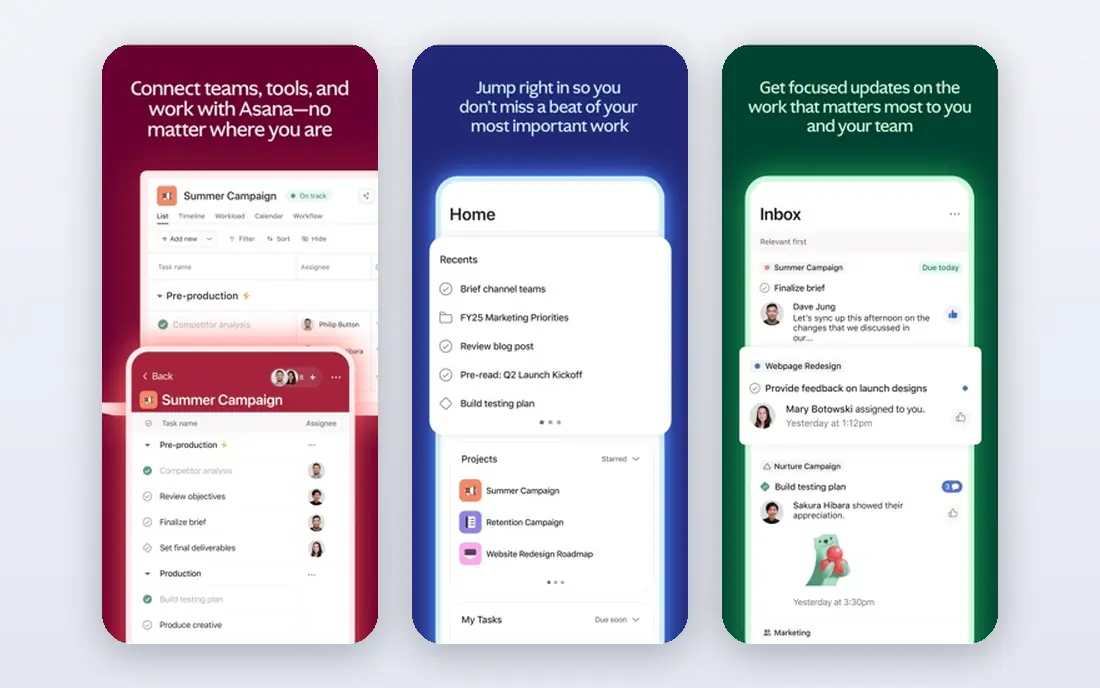
Asana fits teams that already plan daily work in Asana and want a leadership view on top. Portfolios group projects, show status and progress, and let managers spot stalled work without opening every project. Goals then link that work to outcomes, so a team can see whether project effort matches stated aims.
The catch is tiering. The free plan covers basic tasks, and portfolio features arrive on higher plans, so the real portfolio price is higher than the starter figure. If your team is large, model the cost for every user who needs portfolio access, not just project managers.
- Portfolios roll many projects into one view
- Goals link work to company aims
- Strong automation and integrations
- Portfolios need higher tiers
- Per-user cost rises with large teams
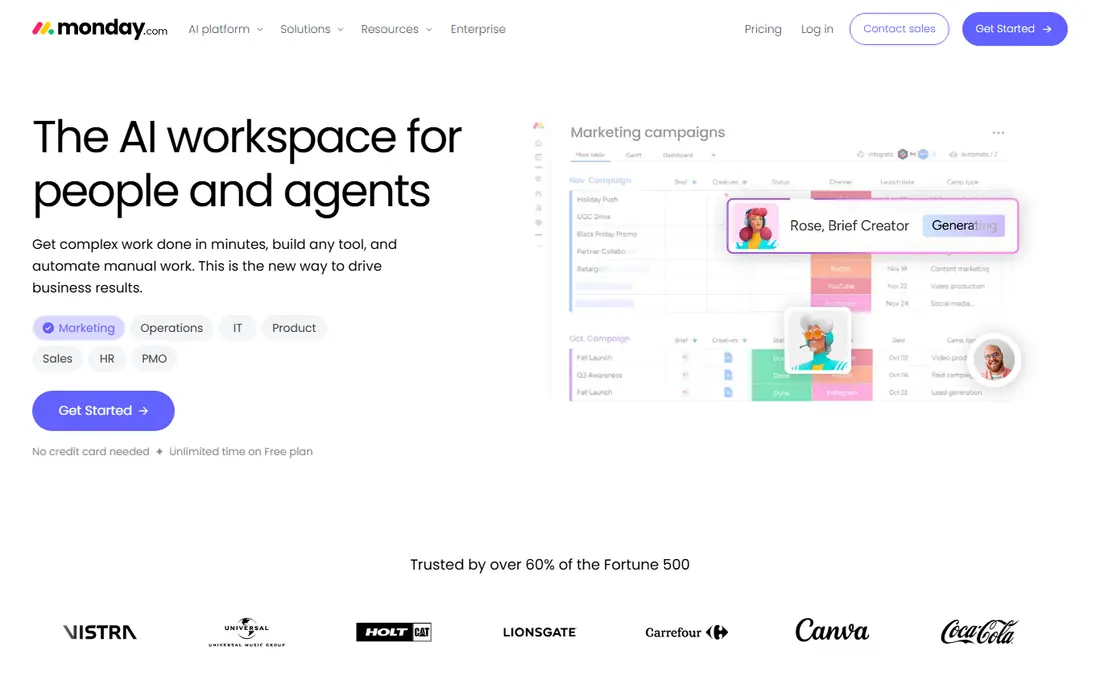
monday.com fits teams that want portfolio status they can read at a glance. Boards hold projects, dashboards roll them up, and workload views show who is overloaded across many projects. Custom columns and automations let a team track budget, stage, risk, and owner in the same place.
The catch is that a visual setup can hide weak discipline. If statuses are not updated, dashboards look neat while work slips, so assign an owner for each project update. Also check which portfolio widgets sit on each tier before you promise a leadership dashboard.
- Visual boards and dashboards
- Portfolio widgets for progress and workload
- Flexible workflows without code
- Portfolio depth needs higher tiers
- Costs rise with add-ons and users
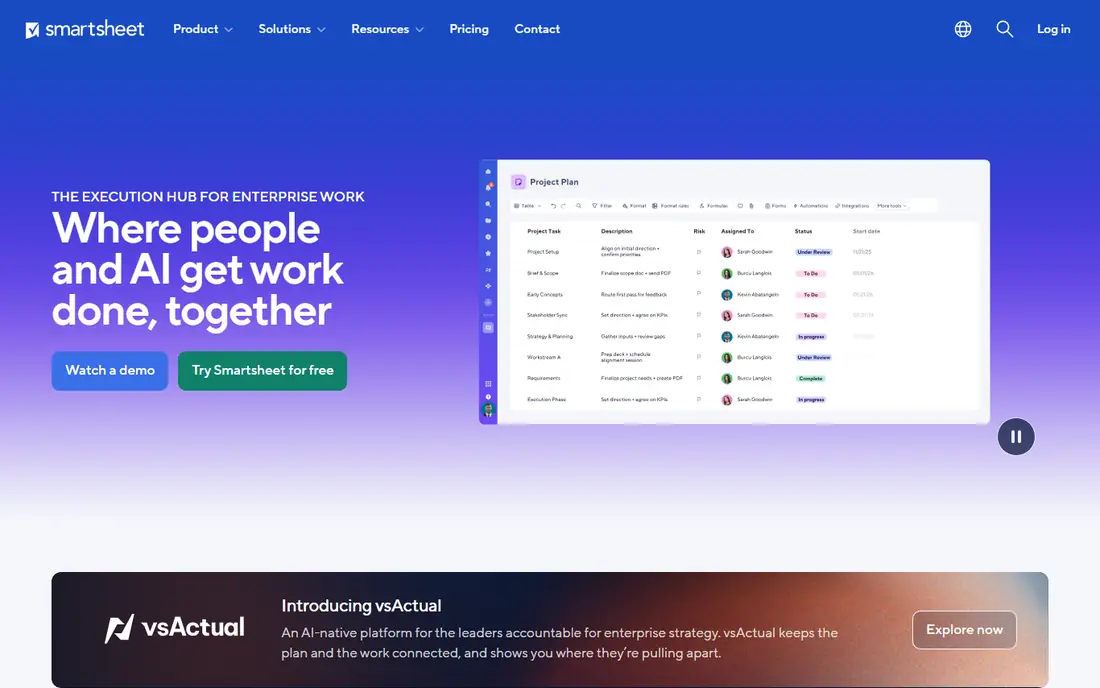
Smartsheet fits operations and programme teams that already plan in sheets. Each project can live in a sheet, and reports roll up status, dates, and owners across all of them. Dashboards then give leaders a single page for progress, risk, and key milestones without forcing a new way of working.
The catch is learning the report and dashboard logic. It is powerful once set up, but a rushed setup can produce reports that no one trusts. Start with one clean project sheet, prove the roll-up, then copy that pattern across the portfolio.
- Familiar sheet interface for planners
- Roll-up reports across many sheets
- Strong control views and dashboards
- Interface feels less modern than rivals
- Advanced portfolio features need higher tiers
ClickUp fits teams that want portfolio views, docs, goals, and time tracking without buying several tools. Portfolios group projects, goals track targets, and dashboards can show progress, workload, and overdue work in one place. That breadth makes it attractive for small and mid-sized teams on a tight budget.
The catch is sprawl. With so many views and options, teams can build different structures in every project and lose the portfolio view. Agree on a project template, a status set, and a weekly update rhythm before you scale, and ClickUp stays readable.
- Portfolios, goals, and dashboards in one app
- Many views including Gantt and workload
- Generous free plan for small teams
- Feature breadth can overwhelm new users
- Setup needs clear standards
Wrike fits teams that run many projects at once and need formal intake, approvals, and resource views. Portfolios show progress across projects, workload views reveal overloaded staff, and request forms turn new work into tracked projects instead of inbox tasks. That structure helps service and marketing teams with steady demand.
The catch is complexity. New users can find the interface dense, and the most useful portfolio reporting sits above the entry tier. Run a pilot with one department, prove the intake and reporting flow, then expand with training and templates.
- Portfolio and workload views for many projects
- Strong request and approval workflows
- Good for marketing and service teams
- Interface takes time to learn
- Best features sit on higher tiers
Microsoft Project fits programme teams that need formal schedules, dependencies, and baselines. It handles critical paths, resource levelling, and multi-project views in a way that lighter task tools do not. For organisations already on Microsoft 365, it also fits existing accounts, files, and governance.
The catch is fit for casual teams. It is built for planners, not for everyone who updates a task, so daily updates need training or a simpler front end. Check licensing carefully, because Project plans and Planner features differ, and the right plan depends on who plans versus who only updates tasks.
- Strong scheduling, dependencies, and baselines
- Portfolio views for programme managers
- Fits Microsoft 365 estates
- Learning curve for casual users
- Licensing varies by plan
Jira fits software organisations where the portfolio is really a set of products, releases, and engineering teams. Roadmaps show epics and initiatives over time, boards track sprints, and development tools link code and releases to planned work. That link gives leaders a view that is tied to actual delivery, not just status updates.
The catch is scope. For construction, marketing, or operations portfolios, Jira can feel forced, and its admin model needs care. If your portfolio is mostly software, it is a strong pick. If it is mixed, test whether non-software teams will actually update it every week.
- Strong agile planning for software teams
- Roadmaps for releases and programmes
- Deep development integrations
- Less natural for non-software portfolios
- Setup needs admin care
Zoho Projects fits small teams and Zoho users who need portfolio basics at a low price. Portfolios group projects, Gantt charts show timelines, and time tracking links effort to work. For a team that already uses Zoho CRM, Books, or Mail, shared accounts and data make adoption easier.
The catch is polish. Reports and portfolio views are solid but less refined than Asana or monday.com, and teams outside Zoho may find fewer native integrations. If price matters most and your needs are straightforward, Zoho Projects covers the core well.
- Low starting price for small teams
- Portfolios, Gantt, and time tracking
- Good fit inside Zoho suite
- Portfolio polish lags larger rivals
- Integrations are strongest with Zoho apps
How we picked these
We compared portfolio views, workload and capacity tools, reporting, integrations, and published pricing. We checked whether portfolio features are included at the entry price or only on higher tiers, because that detail changes the real cost. We favoured tools that are maintained, widely used, and able to show many projects in one view, rather than single-project task apps with a portfolio label.
We also considered update discipline. A portfolio tool only works if project owners update status, dates, and risks on a regular rhythm. Tools that make updates easy, with clear owners and simple status fields, scored better than tools with rich reports that no one feeds.
How to choose project portfolio management software
Start by naming the decisions the portfolio must support: which projects to fund, which teams are overloaded, and which deadlines are at risk. Then check whether the tool answers those questions in one view, without exporting to a sheet. If you need manual exports every week, the tool is not doing portfolio work for you.
Next, test capacity and reporting with real projects. Load a dozen projects, assign the same people across several of them, and see whether workload views expose the clash. Check tier limits for portfolios, dashboards, and guests, and confirm the price for everyone who will view or update the portfolio. A short pilot with two departments will reveal more than a long feature list.
Frequently asked questions
What is project portfolio management software?
It is software that manages many projects as one portfolio, rather than tracking each project alone. It shows progress, workload, risk, and priorities across projects, so leaders can decide where to invest time and money. Single-project tools track tasks, while portfolio tools track the whole set.
Is Asana good for portfolio management?
Yes, for teams that already use Asana, because portfolios, goals, and dashboards sit on top of normal project work. The key check is tier: portfolio features need a higher plan than basic task tracking. Confirm that tier price for all portfolio viewers before you buy.
What is the best free portfolio tool?
ClickUp, Asana, monday.com, Wrike, Jira, and Zoho Projects all offer free plans, but portfolio features are often limited on free tiers. For a small team, start free to test daily work, then pay for the tier that opens portfolios and workload views.
How is PPM different from normal project management?
Normal project management runs one project well. Portfolio management compares many projects, balances shared staff, and helps leaders choose, pause, or stop projects. It adds roll-up reporting, capacity views, and priority decisions across the whole portfolio.
Do I need PPM software for a small team?
Not always. If you run fewer than five projects with one team, a shared board and a weekly review may be enough. PPM software earns its cost when projects compete for the same people, leaders need roll-up reports, or project count grows past easy manual tracking.
Sources we checked (8)

Online Jobs is an independent blog about careers, online work, learning new skills and the tools that help people earn. More about us.
Keep reading
All posts
Trello Alternatives
We compared the best free and paid Trello alternatives for 2026, from Asana and monday.com to ClickUp, Notion and Zoho Projects, on price and kanban boards.

Best Jira Alternatives
Looking for Jira alternatives in 2026? We compare 9 tools for issue tracking, sprints, projects and cross-team work, without heavy Jira administration.

eBay Alternatives
Looking for ebay alternatives? We compared 9 marketplaces for sellers on fees, buyer reach, categories and ease of listing, to help you sell with confidence.