Best Agile Project Management Software in 2026: 10 Tools Compared

How we put this together: we compare official feature and pricing pages, app store listings, privacy policies and public user reviews. Prices change, so check the provider's site before you pay.
Key takeaways
- Jira remains the deepest option for software teams that run Scrum properly, with backlogs, sprints and release tracking built in from the start.
- ClickUp, monday.com and Asana suit mixed teams better, because non-developers can follow the same boards without learning developer terminology.
- Zoho Sprints is the cheapest serious agile tool we found, with a paid plan from $1 per user per month, while Linear is the fastest feeling option for product teams.
- Every tool here offers a free plan or trial, so run a real two-week sprint in two of them before you commit the whole team.
Quick comparison
| Name | Who it suits | Starting price | Free option | |
|---|---|---|---|---|
 Jira | Software teams running Scrum | $7.91 per user per month | Yes | Visit |
 Asana | Cross-functional agile teams | $10.99 per user per month | Yes | Visit |
 monday.com | Visual boards and workflows | $9 per seat per month | Yes | Visit |
 ClickUp | All-in-one work management | $7 per user per month | Yes | Visit |
 Linear | Fast product and engineering teams | $10 per user per month | Yes | Visit |
 Trello | Simple Kanban boards | $5 per user per month | Yes | Visit |
 Wrike | Structured cross-team delivery | $10 per user per month | Yes | Visit |
 Zoho Sprints | Budget agile teams | $1 per user per month | Yes | Visit |
 Azure DevOps | Microsoft-centred engineering teams | $6 per user per month | Yes | Visit |
 Notion | Docs plus agile tracking in one place | $10 per member per month | Yes | Visit |
The best agile project management software
Agile tools fail when they are picked for a feature list rather than for how a team actually plans. The ten tools below cover the full range, from pure Scrum boards to all-in-one workspaces, and each one earns its place for a different kind of team.
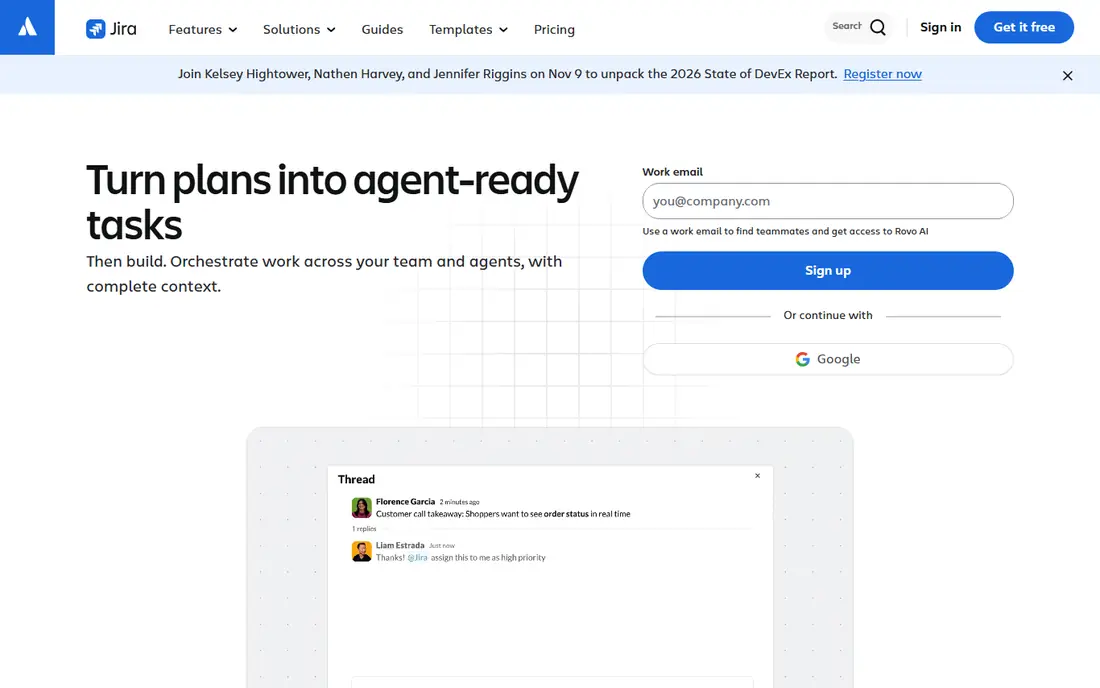
Jira is the default choice for software teams for a reason. Backlogs, sprint boards, story points, burndown charts and release tracking all work together, and the workflow engine lets a team model its real process instead of bending to a generic task list. If your team already uses Bitbucket or GitHub, the links between code, pull requests and issues save a lot of status chasing.
The catch is weight. Jira rewards teams that invest in configuration, and it punishes teams that just want a board today. Small teams and non-technical users often find the settings maze frustrating, and the interface can feel busy on a small project. For a dedicated software team, though, that depth is the point, and the free plan for up to 10 users makes it easy to try properly.
- Deep Scrum and Kanban support
- Strong backlog and sprint planning
- Large integration library
- Setup takes time
- Can feel heavy for small teams

Asana works best when agile work involves people outside engineering, such as marketing, design and operations. Tasks, milestones and dependencies are easy to follow, and the timeline view gives managers a clear picture of what lands when. Teams can run sprint-style cycles with sections and custom fields, even though Asana does not ship a dedicated sprint board.
That missing sprint tooling matters for strict Scrum teams. Velocity tracking and sprint reporting need workarounds, and the free Personal plan is limited to small teams. For a mixed team that values adoption speed over Scrum purity, Asana is often the tool people actually keep using after the first month.
- Easy to learn
- Timeline and portfolio views
- Strong automations
- No native sprints
- Per-seat pricing adds up
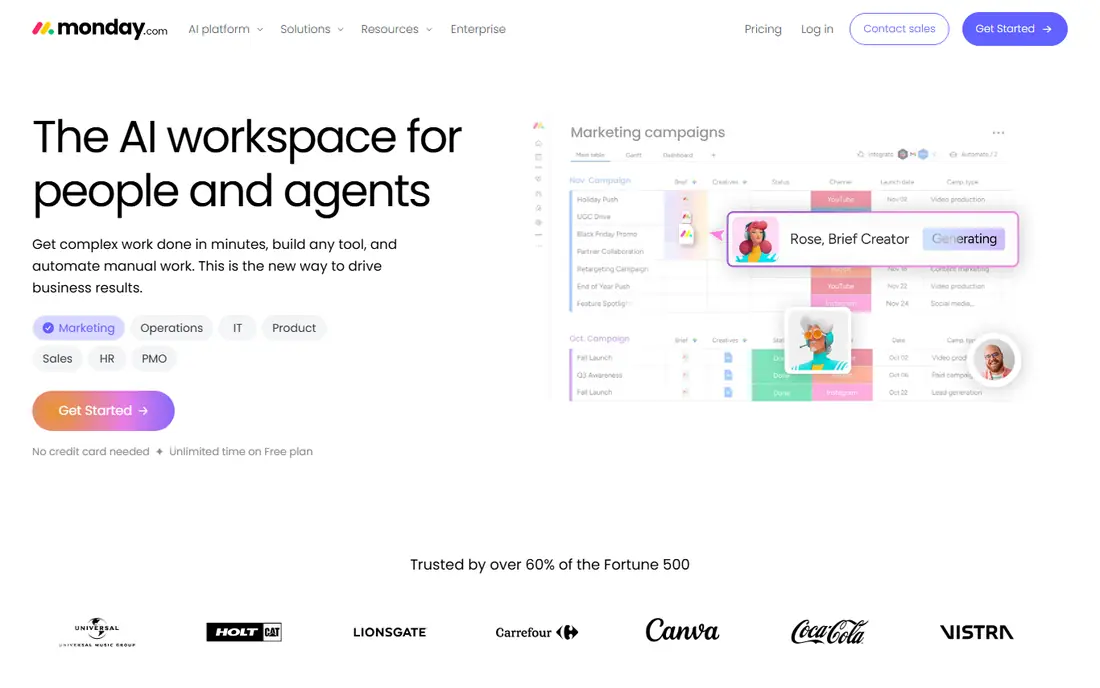
monday.com suits teams that think in boards and colour. Work is easy to scan at a glance, automations handle routine status changes, and dashboards pull several boards into one view for stakeholders. It is a strong pick for agencies and operations teams that run agile-inspired workflows rather than textbook Scrum.
The pricing shape deserves a second look. Paid plans carry a three-seat minimum, so a tiny team pays more than the headline rate suggests, and dedicated sprint planning lives in monday dev rather than the core product. If your team is visual, cross-functional and at least a few people strong, those limits rarely bite.
- Very visual boards
- Flexible automations
- Good dashboards
- Three-seat minimum on paid plans
- Sprint features sit in a separate product area
ClickUp is the value pick in this list. Sprints, custom statuses, docs, goals, time tracking and automations all sit in one workspace, and the free plan covers unlimited tasks and members. Teams that want to replace two or three separate tools often land here, and the $7 per user per month Unlimited plan is hard to beat on paper.
The trade-off is complexity. ClickUp can do almost anything, which means a new workspace can quickly become a maze of views and custom fields. Teams that appoint one person to own the setup, and resist turning on every feature at once, get the most from it. Teams that do not will blame the tool for a mess they built themselves.
- Huge feature set for the price
- Sprints, docs and goals in one place
- Generous free plan
- So many options it can overwhelm new users
- Setup needs discipline
Linear feels like it was built by people who were tired of slow project tools. Issues open instantly, keyboard shortcuts cover almost everything, and cycles give product teams a clean rhythm without the ceremony of classic sprint setup. Triage, labels and project updates are genuinely pleasant to use, which matters when a team lives in the tool all day.
The focus is also the limit. Linear is aimed squarely at product and engineering teams, so marketing or operations colleagues may find it sparse compared with Asana or monday.com. Reporting is lighter than Jira, and the free plan caps issues at 250. For a software team that values speed, it is our pick for most people in that niche.
- Very fast interface
- Excellent issue triage
- Cycles replace sprints cleanly
- Less suited to non-technical teams
- Fewer built-in reporting options
Trello is where many teams meet agile for the first time, and plenty never need to leave. Boards, lists and cards map directly to a physical whiteboard, so a new team can start a Kanban flow in minutes. Power-Ups add calendars, custom fields and integrations, and the $5 per user per month Standard plan is the cheapest paid option here.
The ceiling arrives with scale. Sprint planning, velocity and capacity views are not Trello strengths, and a growing team will eventually bolt on enough Power-Ups to wonder why it did not pick a fuller tool. For a small team running Kanban, or a personal agile board, Trello remains hard to fault.
- Instant to learn
- Clean Kanban boards
- Cheap paid plan
- No real sprint reporting
- Thin workload and timeline views
Wrike fits organisations that need control around agile work, not just a board. Request forms, approvals, custom workflows and portfolio dashboards help product, design and go-to-market teams share one view of delivery. It is the tool in this list most likely to satisfy a programme manager who needs reporting across many teams.
It is not a pure Scrum tool, though. Sprint boards need to be modelled with custom item types and workflows, which takes effort and never feels quite native. Smaller teams may also find Wrike heavier than they need. For mid-size and larger companies coordinating agile work across departments, that structure is a feature, not a flaw.
- Strong dashboards and reporting
- Request forms and approvals
- Scales to large teams
- No native sprints
- Learning curve is real
Zoho Sprints is the budget surprise of this list. For $1 per user per month on the Starter plan, a team gets backlog management, Scrum boards, epics, timesheets and agile reports, which is a serious toolkit at a price most rivals charge for coffee. It is a natural fit for small software teams, especially those already using other Zoho apps.
The compromise is polish. The interface is functional rather than beautiful, and the integration library is smaller than Jira or ClickUp. Teams that need deep third-party connections may hit limits. Teams that need honest Scrum tooling on a tight budget will struggle to find better value anywhere in this guide.
- Real Scrum boards at a tiny price
- Backlog and epic management
- Zoho integration
- Interface feels dated
- Smaller integration library
Azure DevOps is a full engineering platform, not just a board. Boards handle backlogs and sprints, Repos host code, and Pipelines run builds and releases, all tied together with work items. For a team already on Azure and Microsoft tooling, that joined-up flow is a genuine advantage, and the Basic plan starts at $6 per user per month with the first five users free.
Outside the Microsoft world, the appeal drops. The interface packs a lot into every screen, and teams using GitHub or other clouds may prefer a lighter board plus separate CI tooling. For enterprise engineering teams that want one governed platform, Azure DevOps is the safe, capable choice.
- Boards, repos and pipelines in one suite
- Strong for enterprise scale
- First five users free
- Interface is dense
- Best value only inside the Microsoft stack
Notion suits teams that want their agile board to live next to their docs. Sprint boards, backlogs and roadmaps can be built from databases, and the same workspace holds specs, meeting notes and a wiki. That closeness helps small product teams, where context matters more than formal Scrum reporting.
The honest catch is that agile features are assembled from general building blocks, not delivered as a finished Scrum system. Velocity, burndown and sprint automation need manual setup or templates, and very large databases can feel slow. For docs-driven teams that run a light agile process, Notion is a fine single home. For strict Scrum, Jira or Linear will serve better.
- Docs, wiki and tasks together
- Flexible databases
- Easy to customise
- Sprint tooling is built, not built in
- Can slow down on very large workspaces
How we picked these
We compared official feature pages, pricing pages and app store listings for tools that support Scrum boards, Kanban boards, backlogs or sprint cycles, and we kept only tools that are actively sold and supported in October 2026. Prices are the lowest published paid plan we could confirm at the time of writing, and free plan details come from each vendor's own pricing page. We favoured tools that cover a distinct team shape, from solo developers to enterprise engineering groups, rather than listing near-identical boards. Where pricing varies by billing term or seat minimum, we say so in the write-up, and readers should check the vendor page before buying, since plans change.
What to check before you pay
Match the tool to your ceremony
A team that runs daily standups, sprint planning and retrospectives needs native sprint support, which points to Jira, Linear, Zoho Sprints or Azure DevOps. A team that works in a steady Kanban flow can save money and hassle with Trello or a board view inside Asana or monday.com. Paying for Scrum depth you never use is the most common waste in this category.
Count the real seats
Headline prices hide minimums and limits. monday.com needs three seats on paid plans, Asana sells seats in blocks for larger teams, and Linear's free plan caps issues. Model the cost at your actual team size, including the product managers and designers who need access but may not need a full licence on every tool.
Run a real sprint first
A demo board tells you nothing about week two. Pick two finalists, run one genuine sprint in each, and judge them on the retro: could everyone find their work, did the board stay current without nagging, and did the reports answer the questions your manager actually asked. The tool that survives a real sprint is the right one, whatever the feature list says.
Frequently asked questions
What is the best agile project management software for small teams?
For small software teams, Linear and Zoho Sprints are the strongest starting points. Linear wins on speed and daily feel, while Zoho Sprints wins on price, with paid plans from $1 per user per month. Small mixed teams that include non-developers may prefer Trello or Asana, which are easier for everyone to adopt.
What is the best free agile project management software?
ClickUp, Trello and Jira all offer genuinely useful free plans. ClickUp covers unlimited tasks and members, Trello covers simple Kanban boards, and Jira covers up to 10 users with full Scrum tooling. The best free option depends on whether your team needs sprints, docs or simple boards, so test the free plan on a real project rather than judging it from a features page.
Which agile tool is best for Scrum?
Jira is the strongest Scrum tool here, with backlog grooming, sprint planning, story points and burndown reporting built in. Linear is a close alternative for product teams that prefer cycles to classic sprints, and Zoho Sprints covers the Scrum basics at a much lower price. Asana and monday.com can support Scrum-style work, but they need custom setup to match a dedicated Scrum board.
Do agile tools work for non-software teams?
Yes, with the right pick. Asana, monday.com, ClickUp and Trello all work well for marketing, operations and agency teams running agile-inspired workflows, even if they never ship code. Pure engineering tools like Linear and Azure DevOps are less welcoming to non-technical users, so mixed teams should favour the broader tools in this list.
How much does agile project management software cost?
Prices in this guide run from $1 per user per month for Zoho Sprints to around $10 to $11 per user per month for most mid-range tools, with free plans available on every product listed. Enterprise features, larger seat counts and add-ons raise the bill, so check the vendor pricing page for your team size before budgeting.
Sources we checked (10)

Online Jobs is an independent blog about careers, online work, learning new skills and the tools that help people earn. More about us.
Keep reading
All posts
Zoom Alternatives
Zoom alternatives compared for 2026: Google Meet, Microsoft Teams, Webex, Jitsi and more for free calls, large meetings and webinars for teams and classrooms.

What Is the Best Free Tool to Rotate a PDF
What is the best free tool to rotate a PDF? We compare eight free rotation tools on per-page control, limits, privacy and saved output quality in detail.

What Is the Best AI Dubbing Tool
We compared the best AI dubbing tools in 2026, from ElevenLabs and HeyGen to Rask AI, Dubverse and Veed, for videos and creators in many languages worldwide.