Best Accounts Receivable Software in 2026: 9 Tools Compared

How we put this together: we compare official feature and pricing pages, app store listings, privacy policies and public user reviews. Prices change, so check the provider's site before you pay.
Key takeaways
- BILL and Melio lead for small businesses that want invoicing plus payment collection without a long setup.
- QuickBooks, Xero, and Zoho Books suit teams that want AR inside the accounting system they already use.
- Automated reminders and customer payment links do more for cash flow than a pretty invoice template alone.
- Stripe and Square suit businesses that already take card payments and want invoices tied to checkout.
- HighRadius fits larger teams with high invoice volumes and complex approval or dispute workflows.
Quick comparison
| Name | Who it suits | Starting price | Free option | |
|---|---|---|---|---|
 BILL | Small and midsize AR automation | $45 per user per month | No | Visit |
 Melio | Low-cost invoicing and payments | Free | Yes | Visit |
 QuickBooks | AR inside QuickBooks accounting | See website | No | Visit |
 Xero | AR inside Xero accounting | See website | No | Visit |
 FreshBooks | Small service businesses | See website | No | Visit |
 Zoho Books | Low-cost accounting with AR | See website | Yes | Visit |
 Stripe | Online invoicing and card collection | See website | No | Visit |
 Square Invoices | Small sellers on Square | Free | Yes | Visit |
 HighRadius | Larger teams with complex AR | See website | No | Visit |
The best accounts receivable software
Accounts receivable software should do one job well: turn sent invoices into paid invoices, faster and with less chasing. The tools below differ in scope, from simple invoicing to full automation with reminders, portals, and dispute handling, so the best pick depends on invoice volume and the accounting system already in place.
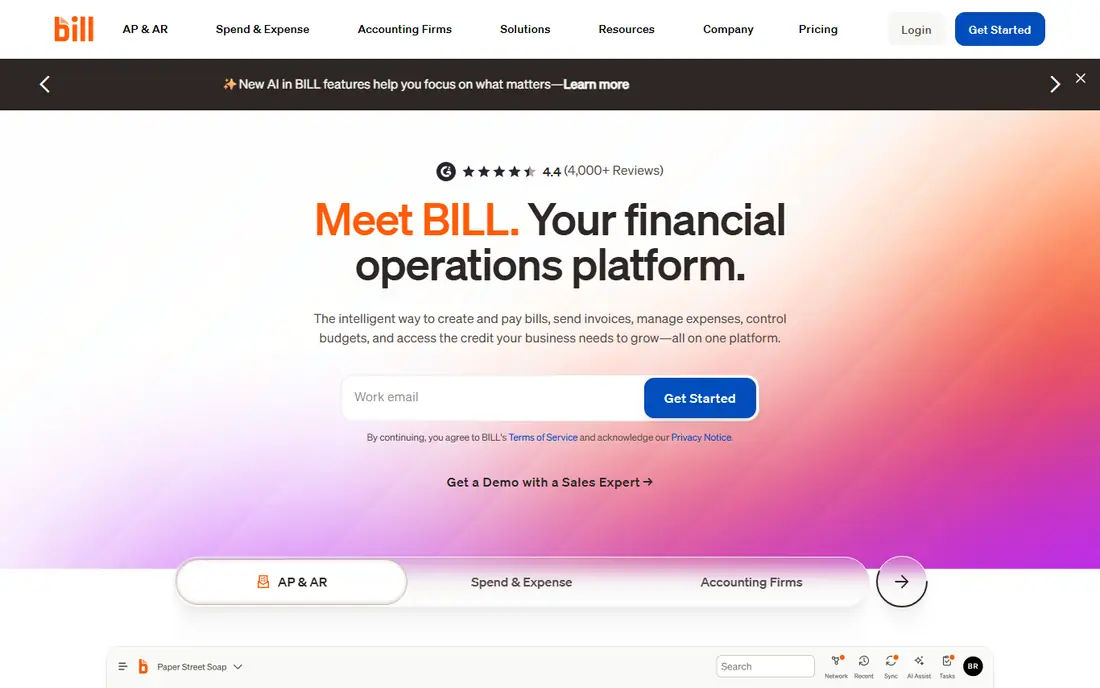
BILL suits businesses that send enough invoices for manual chasing to become a real time sink. It covers invoice capture, sending, reminders, and customer payments, with links to major accounting systems so paid invoices update the books without retyping. Approval workflows help teams where more than one person touches billing.
The price is the main check. At $45 per user per month for the entry AR and AP plan, a team with several billing users pays noticeably more than a single-user invoicing app. Smaller businesses with a handful of invoices a month may not need this depth. For steady invoice volume, BILL removes the most tedious parts of collection.
- Invoicing, reminders, and payment collection in one flow
- Accounting links for QuickBooks, Xero, and NetSuite
- Approval workflows
- Per-user pricing adds up for larger teams
- Setup takes longer than a simple invoicing app
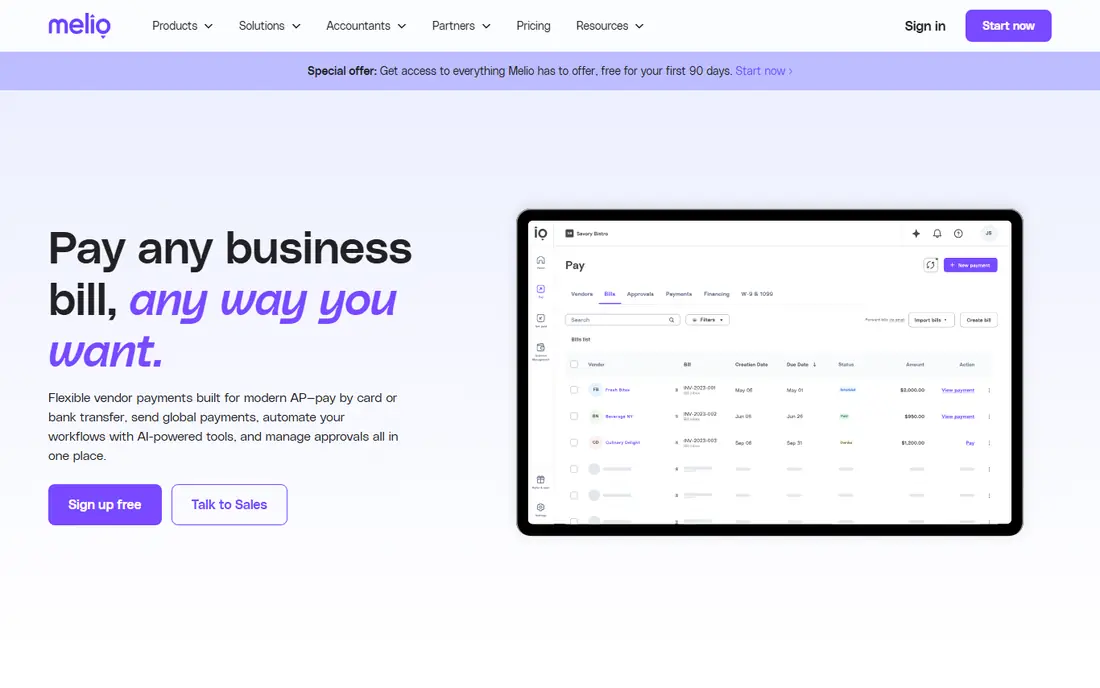
Melio is a good first AR tool for small businesses that want to look professional without a large subscription. The free plan covers basic invoicing and payments, and paid plans start at $25 per month for teams that need more users or features. Customers can pay through a link, which removes the back-and-forth of paper checks for many small firms.
Melio is less deep than BILL for complex workflows, and payment method fees still apply, so owners should check the cost for card payments in particular. For a small business sending regular invoices to a modest client list, Melio gives a low-risk starting point that can grow with the business.
- Free plan for basic use
- Simple invoice and payment links
- QuickBooks and Xero links
- Advanced features sit on paid plans
- Transaction fees apply to some payment methods
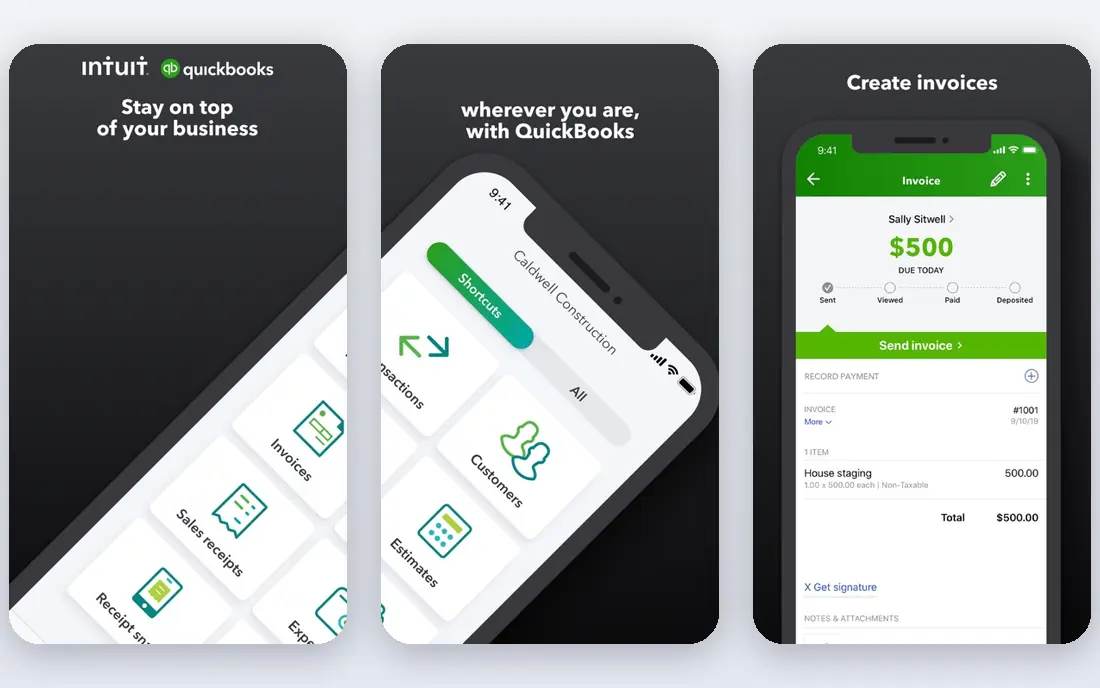
QuickBooks suits businesses that already run their accounts in QuickBooks Online. Invoices, payment links, reminders, and aging reports live where the books live, so there is no second system to reconcile. Estimates can turn into invoices, and progress invoicing helps project-based work bill in stages.
The limit is that AR features vary by QuickBooks plan, and the bundled price includes accounting, payroll, and other tools. A business that only needs invoicing may pay for more than it uses. For QuickBooks users, though, keeping AR in the same system is usually the simplest and most accurate choice.
- Invoices, reminders, and payments inside the books
- Progress invoicing and estimates
- Wide accountant familiarity
- AR depth depends on the QuickBooks plan
- Bundled pricing can be hard to compare alone
Xero works well for businesses that already use Xero for bookkeeping and want AR in the same place. Invoices can carry payment links, reminders can go out on a schedule, and paid invoices reconcile against bank feeds without manual matching. The interface stays clear even when invoice volume grows.
Xero is not a dedicated AR automation platform, so teams with complex dunning, dispute, or collections workflows may need an add-on. Plan limits on invoices and users also matter for growing teams. For Xero-based businesses with straightforward billing, Xero keeps AR close to the books with little extra cost.
- Clean invoicing and reminders in Xero
- Online payment links
- Strong bank reconciliation beside AR
- Advanced AR automation needs add-ons
- Plan limits affect invoice and user counts
FreshBooks fits freelancers and small service firms that bill for time and projects. Invoices and estimates are quick to create, payment links are built in, and late reminders help owners chase payment without awkward emails. Time tracking beside billing helps service businesses turn hours into invoices accurately.
FreshBooks is less strong for businesses with large inventories, complex pricing, or high-volume B2B billing. Client and feature limits rise with plan tier, so a growing firm should price the plan it will need in a year, not just today. For service billing, FreshBooks keeps the workflow short and friendly.
- Easy invoices and estimates for services
- Late payment reminders
- Time tracking beside billing
- Less suited to large product catalogs or complex AR
- Higher plans needed for more clients
Zoho Books is a strong low-cost option for small businesses that want accounting plus AR in one system. The free plan suits very small firms, while paid plans add users, invoices, and automation. A customer portal lets clients view invoices and pay online, which cuts down on status emails.
The free plan limits matter, so a business near those limits should price a paid plan from the start. Zoho Books also works best when the business is happy inside the Zoho family for other tools. For cost-conscious small firms, it gives a capable AR and accounting pair at a low entry price.
- Free plan for smaller businesses
- Invoicing, reminders, and customer portal
- Links to other Zoho apps
- Free plan has limits on invoices and users
- Support and setup vary by plan
Stripe suits businesses that collect most payments online and want invoices tied directly to card and bank payments. Hosted invoices, payment links, and subscriptions cover one-off and repeat billing, while reporting shows what is paid, pending, and overdue. For software, services, and online sellers, Stripe removes a lot of payment friction.
Stripe is less of a traditional accounting system, so businesses still need books beside it, often through an accounting link. Transaction fees also apply, which owners should factor into pricing. For online-first billing, Stripe is one of the most reliable collection tools available.
- Strong online payment collection
- Hosted invoices and payment links
- Detailed payment and revenue reporting
- More developer-friendly than bookkeeper-friendly
- Fees apply per transaction
Square Invoices fits small sellers, tradespeople, and service providers who already use Square. Invoices can be sent free, customers pay by card through a link, and paid invoices sit beside Square sales records. That simplicity helps owners who invoice from a phone between jobs.
Square Invoices is not built for complex B2B AR, with multi-step approvals or deep dunning rules. Card fees also apply to payments collected that way. For straightforward invoicing tied to Square sales, it is hard to beat for ease and low entry cost.
- Free invoicing to start
- Payment links and card payments
- Pairs with Square sales and point of sale
- AR automation is simpler than dedicated tools
- Fees apply to card payments
HighRadius is built for midsize and larger finance teams that process many invoices and need control over collections, disputes, and cash application. Automation can route work, flag at-risk accounts, and give leaders a clearer view of cash coming in. That depth matters when invoice volume or customer complexity grows beyond spreadsheet chasing.
HighRadius is not a small-business starter tool. Pricing is quote-based, and setup needs finance team involvement. Small firms with a modest client list will find BILL, Melio, or an accounting system simpler and cheaper. Larger teams with complex AR will get the most from HighRadius.
- Automation for high invoice volumes
- Dispute and deduction handling
- Cash forecasting tools
- Quote-based pricing
- More system than a small business needs
How we picked these
We compared official product and pricing pages, invoicing and payment features, reminder and portal options, and accounting links for AR tools that serve US businesses. We kept tools that send invoices and collect payments, not just accounting systems with no payment link, and we favoured tools with clear pricing where available. Where pricing is quote-based, we say so instead of estimating.
How to choose accounts receivable software
Start with invoice volume and payment habits. A business sending ten invoices a month to regular clients needs reminders and a payment link, not a full collections platform. A business sending hundreds of invoices needs automation, aging reports, and dispute handling, or staff time will grow with volume.
Put payment links first
The fastest way to get paid is to make payment easy. Choose a tool that lets customers pay from the invoice by card or bank transfer, and check the fee for each method. A low subscription with high card fees can cost more than a higher subscription with cheaper bank payments, depending on how customers pay.
Automate reminders, but keep them human
Scheduled reminders for invoices due soon, due today, and overdue will recover more cash than manual chasing alone. Set a polite tone for early reminders and a firmer tone for late ones, and make sure a real person reviews accounts before a final notice goes out. Automation should support relationships, not replace them for key clients.
Check the accounting link before you buy
AR software that does not update the books creates reconciliation work every month. Confirm a direct link to your accounting system, test how paid invoices, partial payments, and credit notes flow through, and check how refunds are handled. A clean link saves more time than any single invoicing feature.
Frequently asked questions
What is the best accounts receivable software?
For most small businesses, BILL or Melio are strong starting points, with BILL offering deeper automation and Melio offering a lower entry cost. Businesses already on QuickBooks, Xero, or Zoho Books may do best keeping AR inside that accounting system.
What is the best account receivable software for a small business?
Small businesses should pick a tool with easy invoicing, a customer payment link, and automatic reminders. Melio, Square Invoices, and Zoho Books all start free or low-cost, while FreshBooks suits service firms that bill for time. Test the payment flow as a customer before committing.
What is the top accounts receivable software for larger companies?
Larger teams with high volumes often need HighRadius or BILL at a higher tier, with workflows for approvals, disputes, and cash forecasting. The right pick depends on invoice count, customer complexity, and the ERP or accounting system already in use.
What is the best AR automation software?
AR automation means invoices, reminders, payment matching, and escalation happen with less manual work. BILL and HighRadius offer the deepest automation in this guide, while QuickBooks and Xero automate the basics inside accounting. Match automation depth to invoice volume, since deeper tools cost more to set up.
What are the best accounts receivable software solutions for getting paid faster?
Solutions that combine clear invoices, payment links, automatic reminders, and a customer portal tend to collect fastest. Send invoices promptly, offer bank payment beside card payment where fees allow, and follow up on schedule rather than waiting until month end.
Sources we checked (9)

Online Jobs is an independent blog about careers, online work, learning new skills and the tools that help people earn. More about us.
Keep reading
All posts
ZoomInfo Alternatives
The best ZoomInfo alternatives in 2026, compared on price, free plans, data coverage, and which tool fits small teams or large sales teams best in detail.

Workday Alternatives
We compared the best workday alternatives for HR, payroll, and global hiring, from BambooHR and Gusto to Rippling, Deel, and HiBob for growing teams in 2026.

Which SaaS Tools Have the Best Customer Support
Which SaaS tools have the best customer support? Compare eight popular tools on help centres, live help, response options and overall support quality.