Best Accounting Automation Software in 2026: 9 Tools Compared

Small US businesses · Starting price: See website
How we put this together: we compare official feature and pricing pages, app store listings, privacy policies and public user reviews. Prices change, so check the provider's site before you pay.
Key takeaways
- QuickBooks Online is our pick for small US businesses that want the widest accountant and add-on support.
- Xero suits teams with several users, since its plans do not charge per user in the same way.
- Ramp is the best value for card and expense automation, with bill pay included on a free tier.
- BILL suits finance teams that need dedicated accounts payable workflows and approvals.
- The best tool depends on whether invoicing, expenses, payables, or month-end close is the main bottleneck.
Quick comparison
| Name | Who it suits | Starting price | Free option | |
|---|---|---|---|---|
| QuickBooks Online | Small US businesses | See website | Free trial | Visit |
 Xero Xero | Multi-user small teams | See website | Free trial | Visit |
 Ramp Ramp | Cards, expenses, and bill pay | Free | Yes | Visit |
 BILL BILL | Dedicated payables | See website | No | Visit |
 Melio Melio | Small business bill payments | Free | Yes | Visit |
 Expensify Expensify | Expense reporting | See website | Yes | Visit |
 Dext Dext | Receipt and invoice capture | See website | Free trial | Visit |
 Stampli Stampli | Collaborative invoice approvals | See website | No | Visit |
 DocuClipper DocuClipper | Invoice data extraction | See website | Free trial | Visit |
The best accounting automation software
Accounting automation covers several jobs: recording transactions, invoicing, capturing receipts, approving bills, paying vendors, and closing the books. No single tool does every job best, so the list below mixes full accounting platforms with focused automation tools.
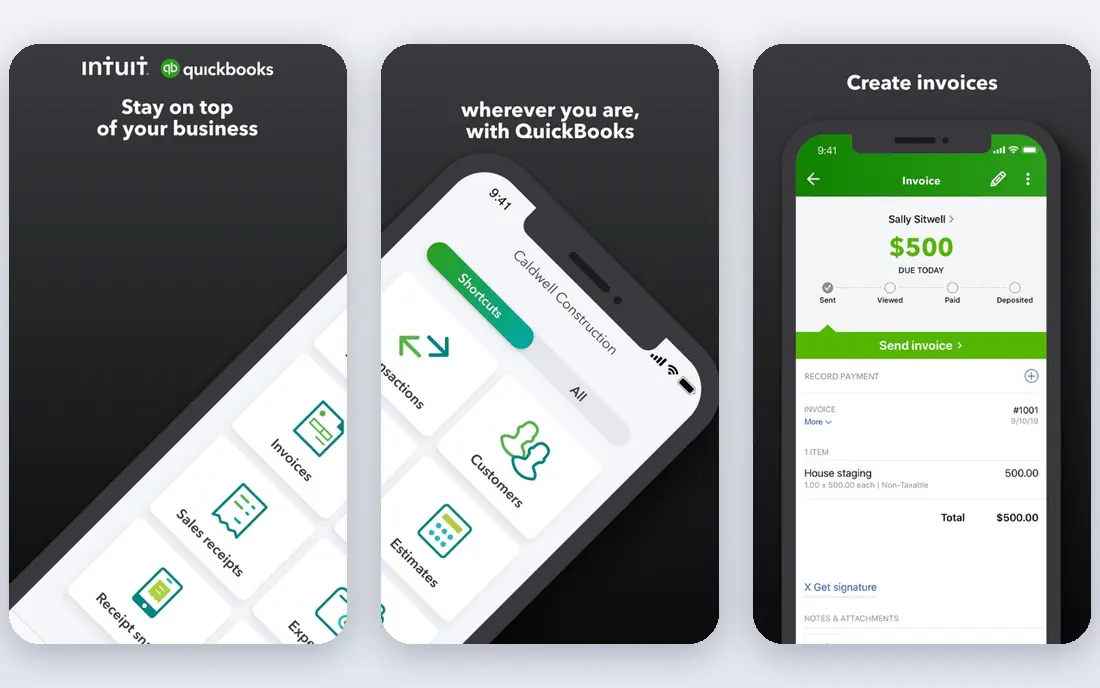
QuickBooks Online is the standard choice for many small US businesses, and that ecosystem is its main advantage. Accountants know it, banks connect to it, and add-ons for payroll, inventory, and reporting are widely available. Bank feed rules, recurring transactions, and invoice automation reduce manual entry for a typical service or retail business.
The pricing structure needs care. User counts are capped by plan, and higher tiers cost much more than entry plans. Businesses that grow past a plan limit should compare the next tier against Xero before upgrading automatically. For a US small business that wants a familiar, well-supported system, QuickBooks Online remains our top pick.
- Widest US accountant and add-on support
- Bank feed rules
- Invoicing and payroll options
- User limits vary by plan
- Price rises sharply on higher tiers
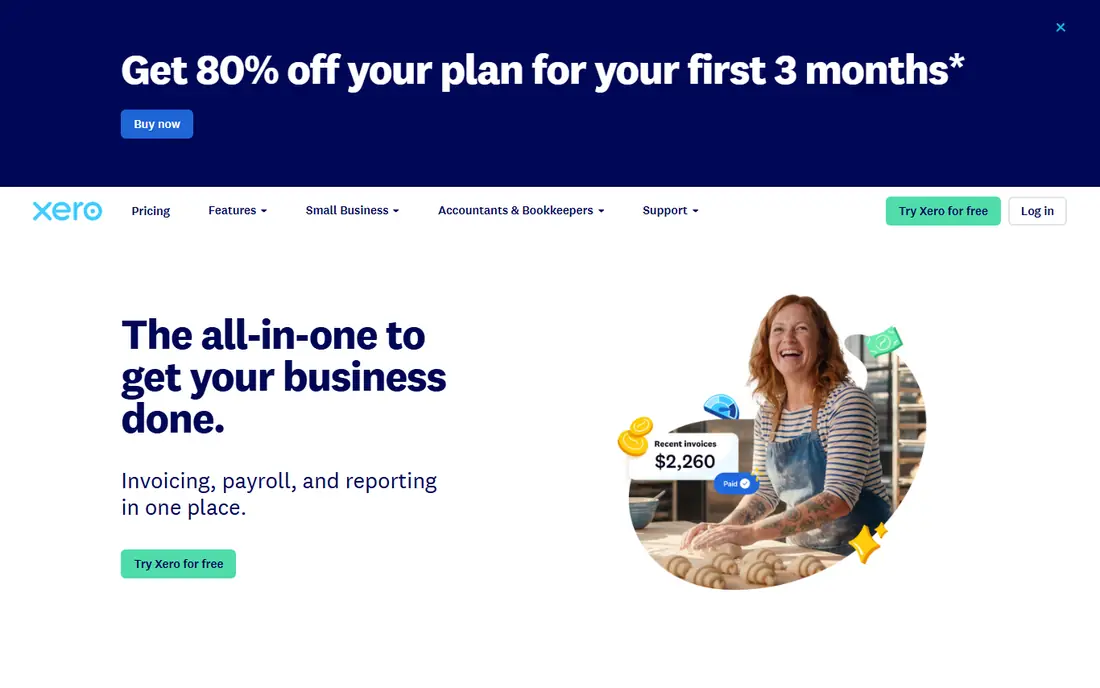
Xero suits small teams where several people need access without a per-user bill. Plans are priced by features and limits, not by seat count, which can make it cheaper than QuickBooks for a team of bookkeepers, managers, and advisers. Bank rules, automatic categorisation, and multi-currency handling cover much of the daily automation a small business needs.
US-specific features, especially payroll, are less complete than QuickBooks, and entry plans limit invoices and bills. Businesses with simple US payroll or heavy invoicing should test those limits on a trial. For multi-user teams and firms with international customers, Xero is a strong, clean alternative.
- Flat plan pricing without per-user fees
- Bank rules and multi-currency support
- Clean interface
- US payroll and some local features lag QuickBooks
- Invoice and bill limits on entry plan
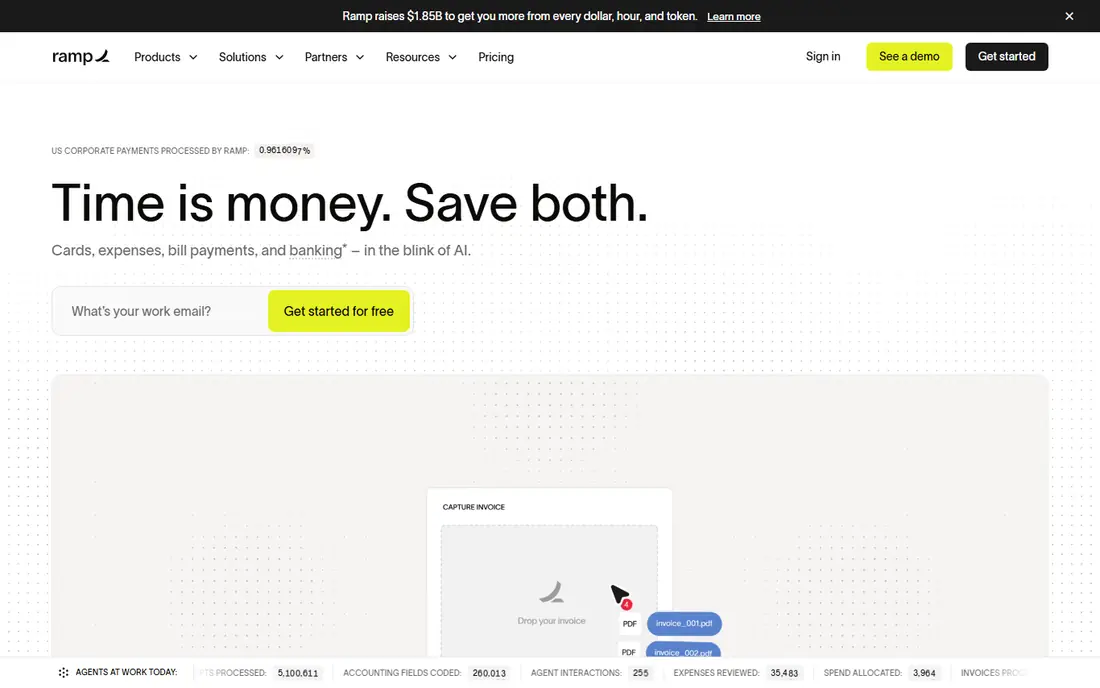
Ramp combines corporate cards, expense management, and bill pay in one platform, which is why it stands out for automation. Receipts can be captured and coded automatically, spending controls sit at card level, and approved bills and expenses sync to QuickBooks, Xero, or NetSuite. For a card-heavy business, that single flow replaces several manual steps.
The free tier is genuinely useful, but transaction fees and paid-plan limits still matter. Standard ACH and check fees apply when paying from an external bank, although paying from a Ramp account can waive some fees. Advanced approval routing and multi-entity features sit on paid plans. For startups and growing businesses that want automation without a software fee to start, Ramp is the best value pick.
- Free tier with cards, expenses, and bill pay
- AI receipt capture and coding
- QuickBooks, Xero, and NetSuite sync
- Transaction fees apply on some payments
- Advanced controls need paid plans
BILL is built for accounts payable as a complete workflow, from invoice capture through approval to payment and sync. That focus suits finance teams that process many invoices and need clear approval rules, an audit trail, and reliable sync to QuickBooks, Xero, NetSuite, or Sage Intacct. Payment options include ACH, check, card, and international wires, depending on the plan.
Cost is the main consideration. BILL is a paid product with per-user pricing, so a large approval team can make the bill grow quickly. Transaction fees also apply to some payments. For teams that treat payables as a core process, rather than an occasional chore, BILL is the most dedicated tool in this list.
- Dedicated invoice capture, approval, and payment workflow
- Strong accounting integrations
- Audit trail
- No free plan
- Per-user pricing adds up as teams grow
Melio suits very small businesses that pay a handful of bills each month and want a simple, low-cost tool. Bills can be entered, scheduled, and paid by ACH or check, with sync to QuickBooks or Xero. The free tier covers basic use, which makes it easy to start without a subscription decision.
Approval workflows are simpler than BILL or Ramp Plus, so larger finance teams may outgrow it. Card payments also carry a fee, which matters if vendors are paid by card regularly. For a solo owner or tiny team that mainly needs to pay bills on time, Melio is a practical, low-friction choice.
- Simple bill pay for small businesses
- Free ACH options
- QuickBooks and Xero sync
- Less advanced approval workflow than BILL
- Card payment fees apply
Expensify focuses on expenses: employees submit receipts, the app extracts amounts and categories, and managers approve reports that sync to accounting software. That flow suits businesses with travelling staff, field teams, or many card transactions, where receipt chasing is the bottleneck. Corporate card options and integrations with QuickBooks, Xero, and NetSuite support a fuller workflow.
Pricing depends on plan and card use, so the headline price alone can mislead. Bill pay and payables are available in some forms, but Expensify is not primarily a BILL replacement. For expense-heavy teams, it is the most focused tool here.
- Smart receipt scanning
- Expense reports and approvals
- Card and accounting integrations
- Pricing varies by card use and plan
- Bill pay is not its main strength
Dext, formerly Receipt Bank, specialises in turning paper and digital receipts and invoices into accounting data. Users can photograph, email, or upload documents, and Dext extracts supplier, amount, tax, and line details for review before publishing to QuickBooks or Xero. That capture step is where many small businesses lose time, and Dext handles it well.
It does not pay bills, so it pairs with a payment tool such as BILL, Ramp, or Melio for a complete payables flow. Pricing for accounting firms is based on clients and volume, which needs a direct quote. For bookkeepers and businesses drowning in receipts, Dext is a strong capture layer.
- Strong receipt and invoice extraction
- Supplier and client handling
- QuickBooks and Xero publishing
- No outbound payments
- Pricing is per client or volume for firms
Stampli is built around the conversation that happens during invoice approval. Approvers can discuss an invoice inside the tool, see the document and coding together, and approve without long email threads. AI capture extracts invoice data, and integrations cover major ERPs and accounting systems for mid-market teams.
Pricing is quoted rather than published as a simple self-serve plan, which makes budgeting harder before a sales conversation. Smaller businesses may also find it more than they need. For mid-market finance teams where approval delays and audit questions are the main problem, Stampli is a strong, collaboration-first choice.
- Invoice approval built around communication
- AI invoice capture
- ERP integrations
- No public free plan
- Pricing needs a sales quote
DocuClipper focuses on one job and does it thoroughly: extracting accurate data from supplier invoices, including line items, totals, and tax, without per-vendor templates. Batch uploads, email forwarding, and direct sync to QuickBooks and Xero help accountants and AP teams process volume quickly. Page-based pricing, rather than per-user pricing, can also suit firms with many staff.
It does not pay vendors, so a payment tool is still needed for a complete AP flow. Approval workflows sit on higher plans. For teams whose bottleneck is invoice data entry and validation, DocuClipper is a precise, focused tool.
- Template-free invoice extraction
- Line-item capture
- QuickBooks and Xero sync
- No outbound payments
- Approval features need higher plans
How we picked these
We compared official feature pages, pricing pages, and integration lists, and we favoured tools that automate a clear accounting job rather than only storing transactions. We included full accounting platforms and focused tools for capture, expenses, and payables, since most businesses combine a ledger with one or two automation layers.
We did not claim hands-on bookkeeping tests for every tool. Instead, we weighed automation depth, accounting integrations, approval controls, payment options, and pricing clarity. Prices, transaction fees, and plan limits change, so check the vendor pricing page and confirm payment fees before choosing.
How to choose the right accounting automation software
Start with the bottleneck. If invoicing and bank reconciliation are the problem, start with QuickBooks Online or Xero. If expenses are the problem, start with Ramp or Expensify. If payables approvals are the problem, start with BILL or Stampli. If data entry is the problem, start with Dext or DocuClipper. One tool that fixes the real bottleneck beats a suite that fixes none well.
Check integrations before features
Confirm that the tool syncs cleanly with your accounting system, bank, payroll, and ERP, and that the sync is two-way where it matters. A tool with great capture but poor sync creates a second manual job. Trial the sync with real invoices and receipts, not only demo data.
Price the second year, not the first month
Introductory offers, free tiers, and per-user pricing can hide the real cost. Count users, approvers, transactions, and payment fees for a typical month, then project them for a year. A tool that is cheap for five users can become expensive at twenty, while a flat or page-based price may scale better.
Keep controls as you automate
Automation should not remove approval for large or unusual payments. Set approval thresholds, vendor controls, and audit trails before turning on auto-coding or auto-payment. The goal is fewer manual steps, not fewer checks on money leaving the business.
Frequently asked questions
What is the best accounting automation software?
QuickBooks Online is best for small US businesses, Xero is best for multi-user teams, Ramp is best for card and expense automation, and BILL is best for dedicated payables. The best tool depends on whether invoicing, expenses, payables, or close is the main bottleneck.
What is the best accounting software for automation for small businesses?
QuickBooks Online and Xero cover core accounting automation for small businesses, with bank rules, invoicing, and reconciliation. Ramp and Melio add low-cost bill pay and expense automation on top of either ledger.
Which accounting automation software is best for payables?
BILL is the most dedicated payables tool here, with capture, approvals, payments, and an audit trail. Ramp is a strong alternative for card-heavy teams, and Stampli is best for mid-market teams that need collaborative approvals.
What is the best SaaS accounting software?
QuickBooks Online and Xero are the leading SaaS accounting platforms for small businesses, with cloud access, bank feeds, and app integrations. Larger companies may need NetSuite or Sage Intacct, which sit above the small-business tools in this list.
Can accounting software automate invoicing and expenses?
Yes. QuickBooks and Xero automate recurring invoices, bank categorisation, and payment reminders, while Ramp and Expensify automate receipt capture, expense coding, and approvals. Together, they can remove much of the manual entry from both jobs.
How much does accounting automation software cost?
Costs range from free tiers at Ramp and Melio to subscription plans at QuickBooks, Xero, and BILL, plus transaction fees for some payments. Check user counts, transaction fees, and plan limits for your volume, since the headline price is rarely the full cost.
Sources we checked (9)

Online Jobs is an independent blog about careers, online work, learning new skills and the tools that help people earn. More about us.
Keep reading
All posts
ZoomInfo Alternatives
The best ZoomInfo alternatives in 2026, compared on price, free plans, data coverage, and which tool fits small teams or large sales teams best in detail.

Workday Alternatives
We compared the best workday alternatives for HR, payroll, and global hiring, from BambooHR and Gusto to Rippling, Deel, and HiBob for growing teams in 2026.

Which SaaS Tools Have the Best Customer Support
Which SaaS tools have the best customer support? Compare eight popular tools on help centres, live help, response options and overall support quality.